Create Sticky Popup
Last updated: September 20, 2026
Made by Thomas Donley with Scribe
1. Navigate to the dashboard
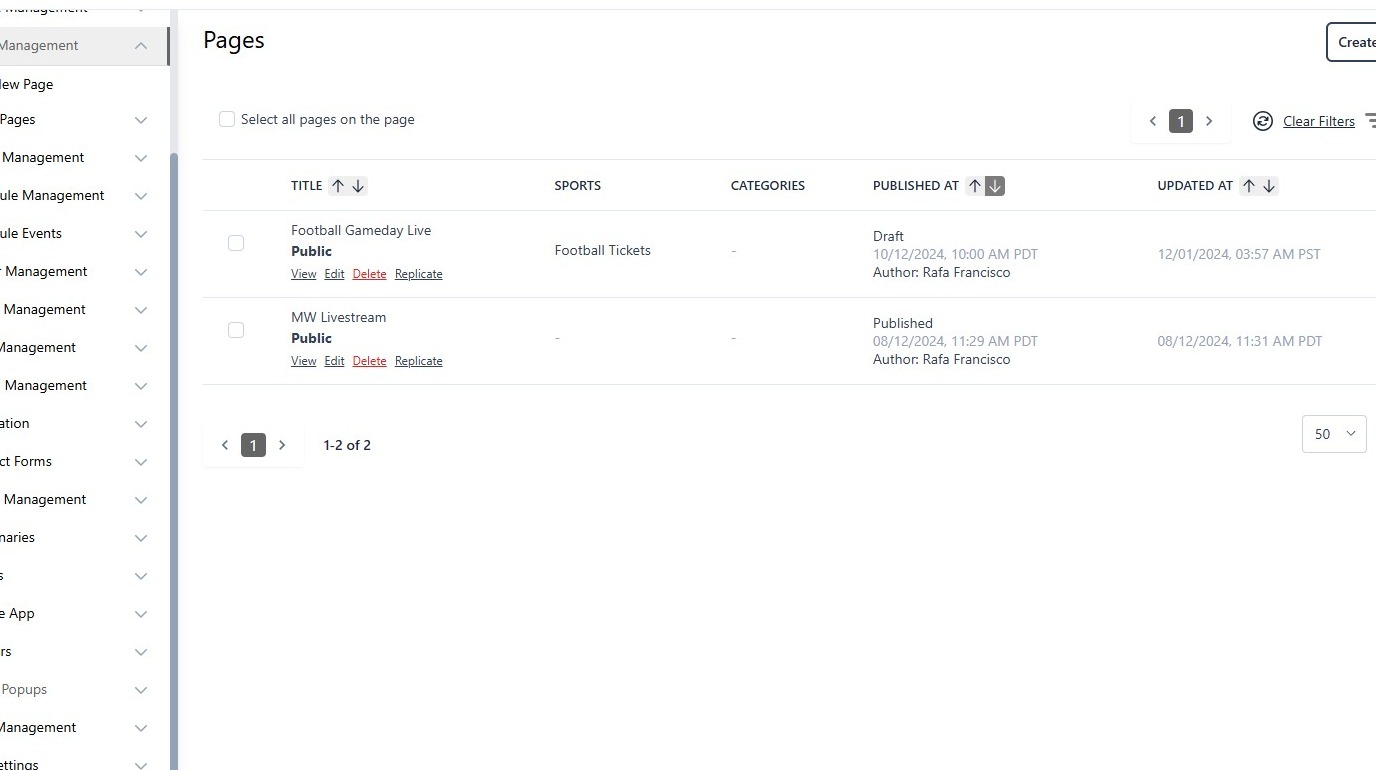
2. Click "Sticky Popups"
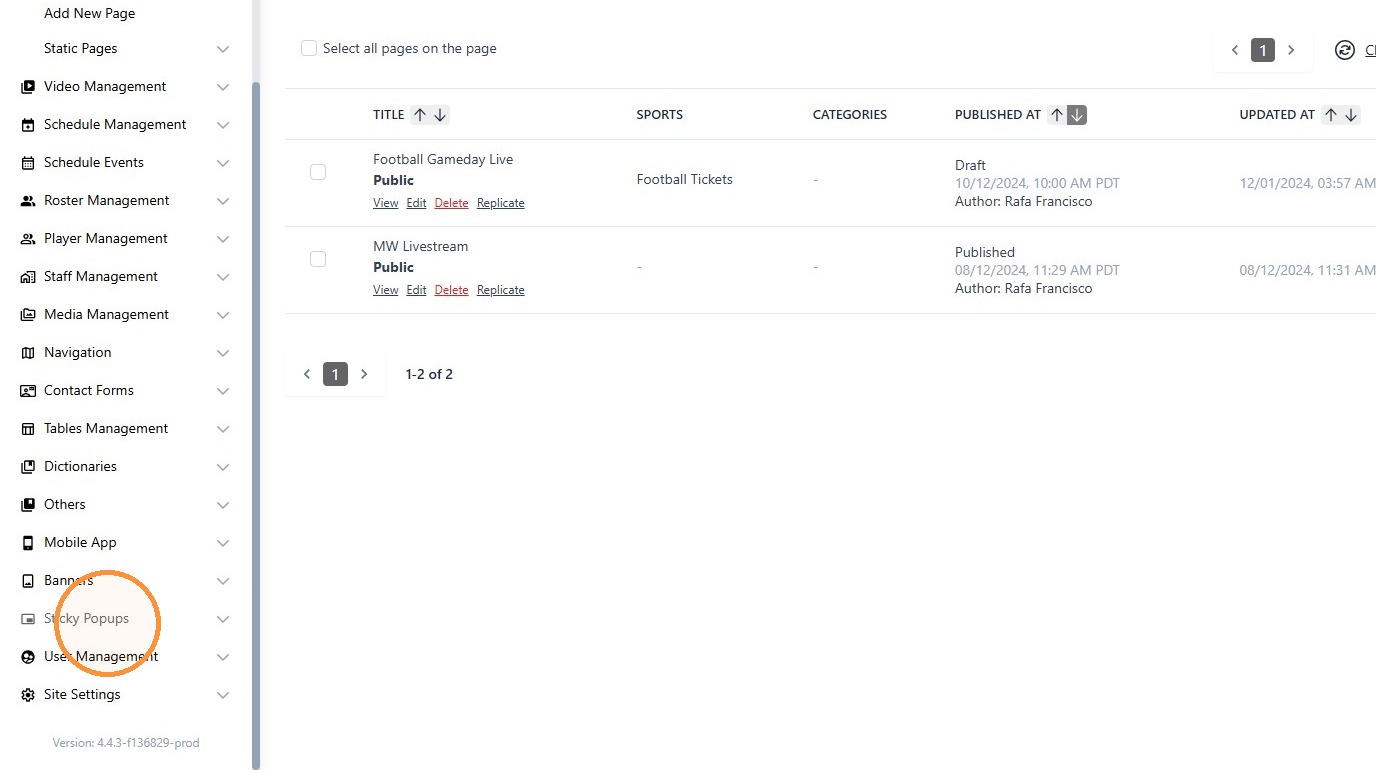
3. Click "Create Sticky Popup"
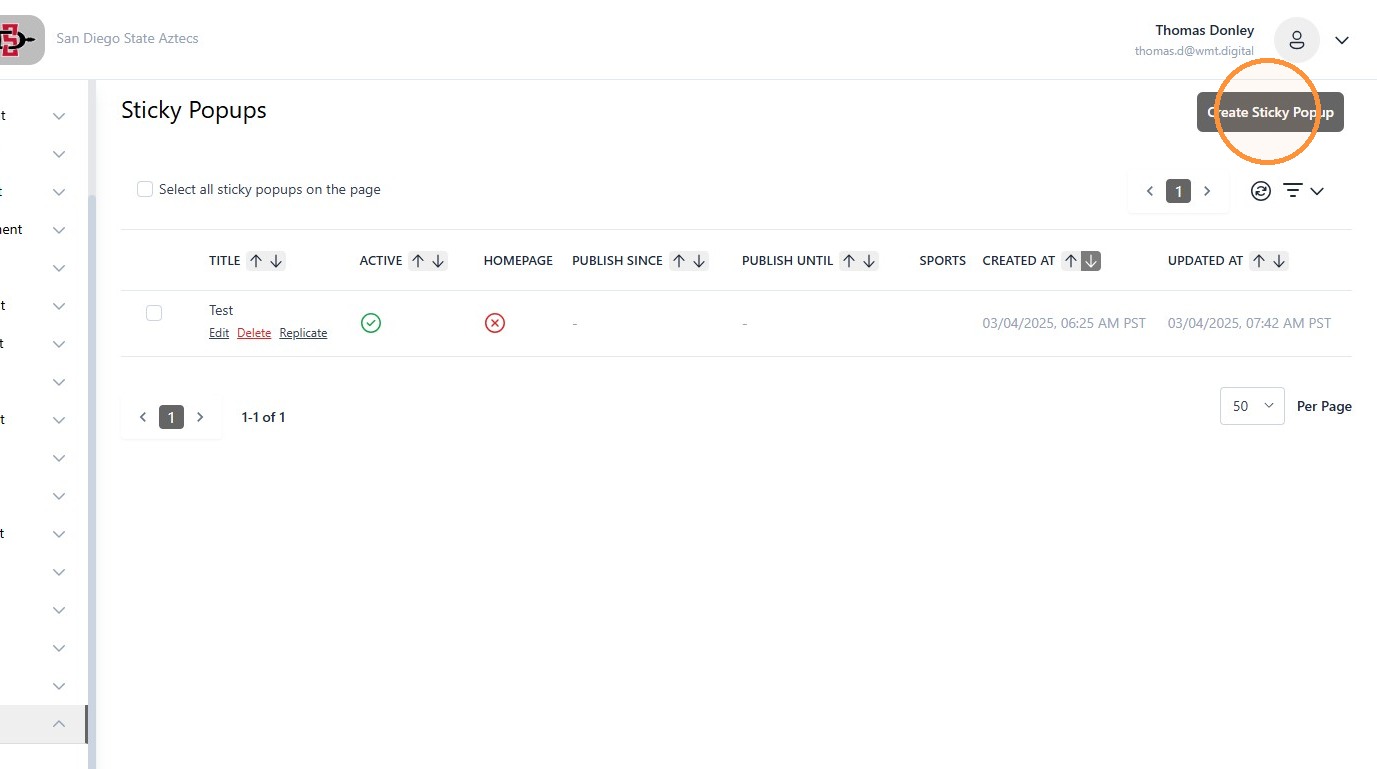
4. The title goes here
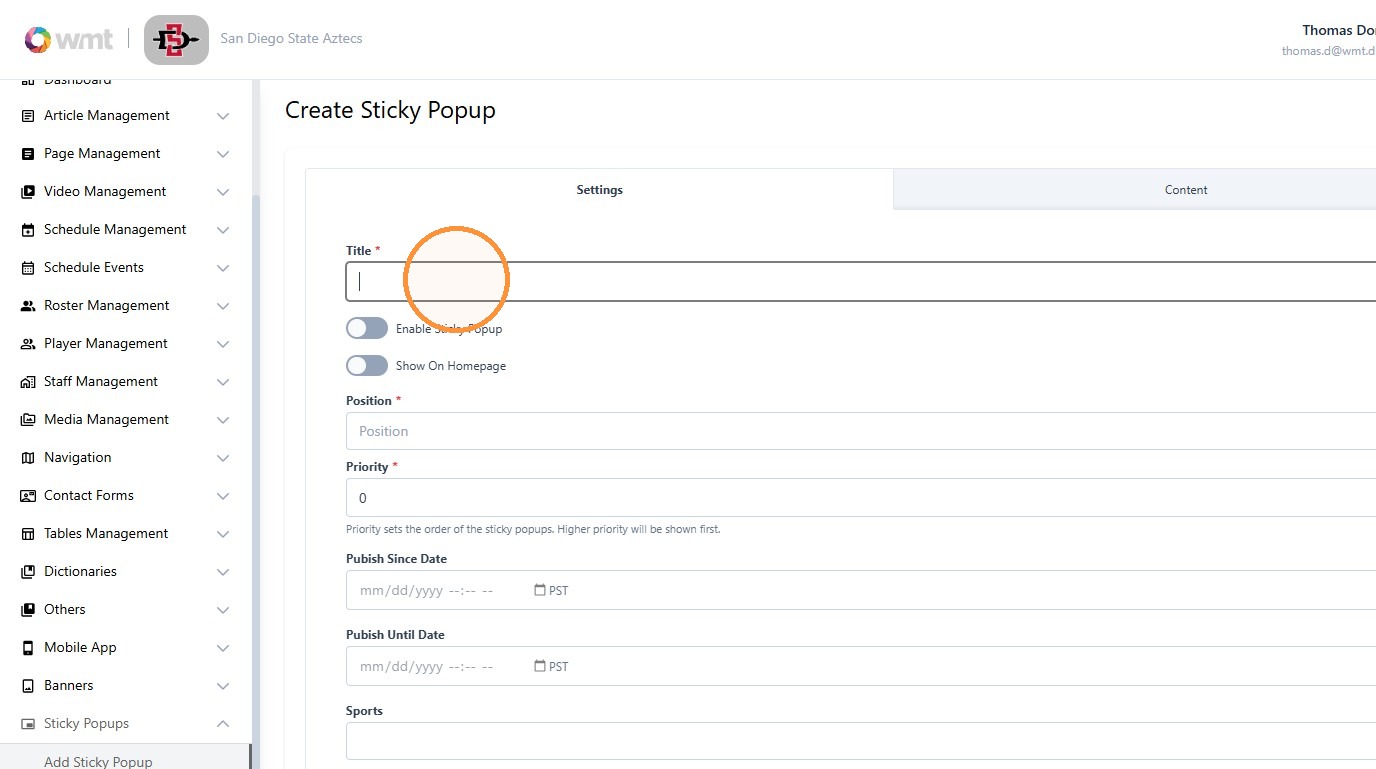
5. The following are options for positioning of the popup
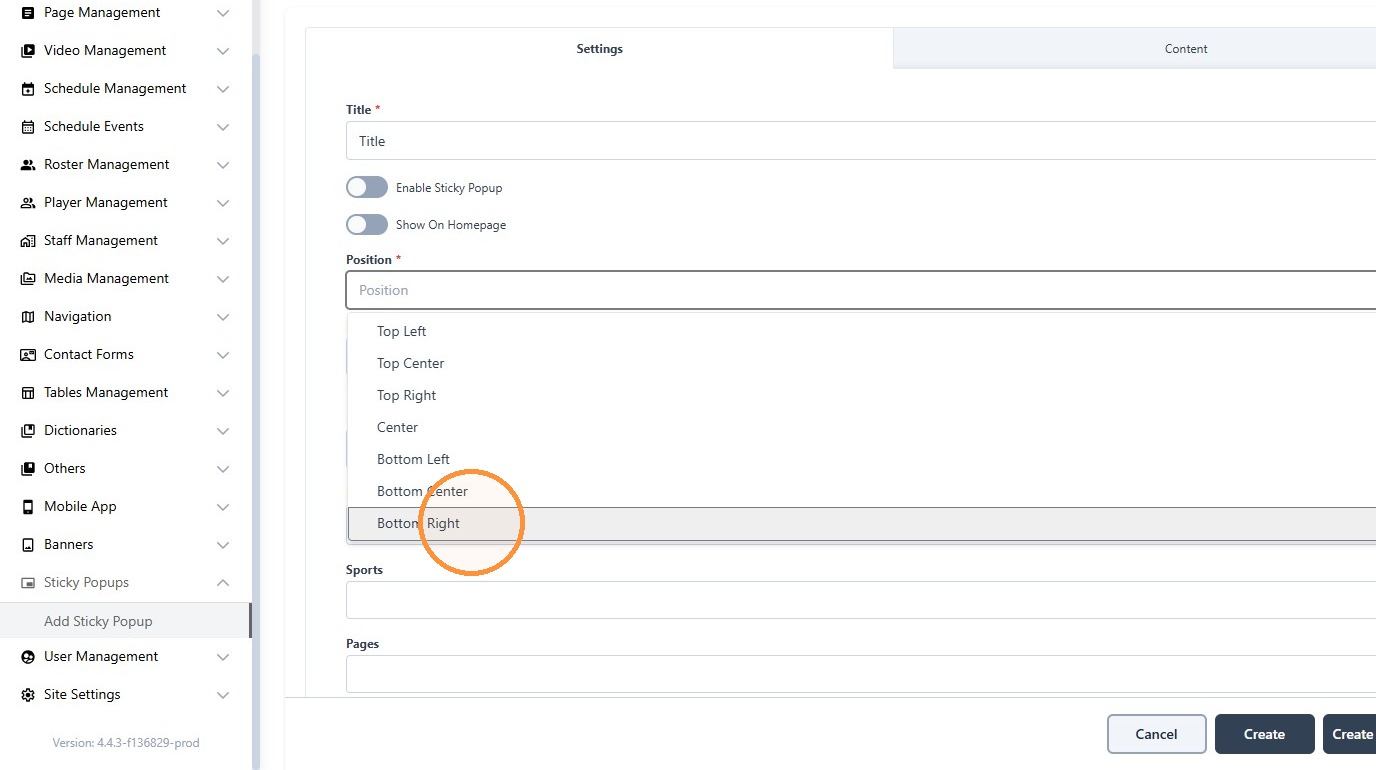
6. Priority can be used to determine the order when more than one popup is present

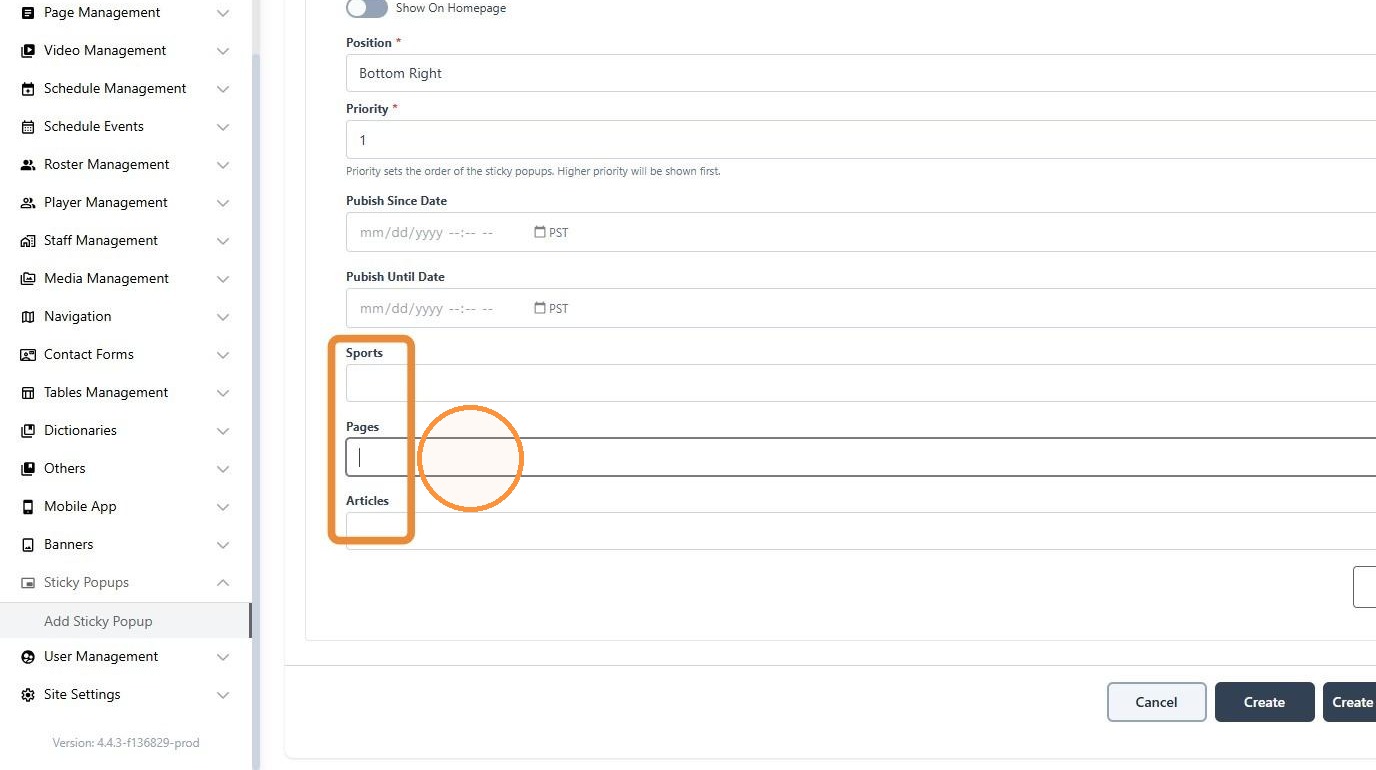
7. The popup can be designated to specific sports, individual pages or articles, which can be selected from these dropdowns
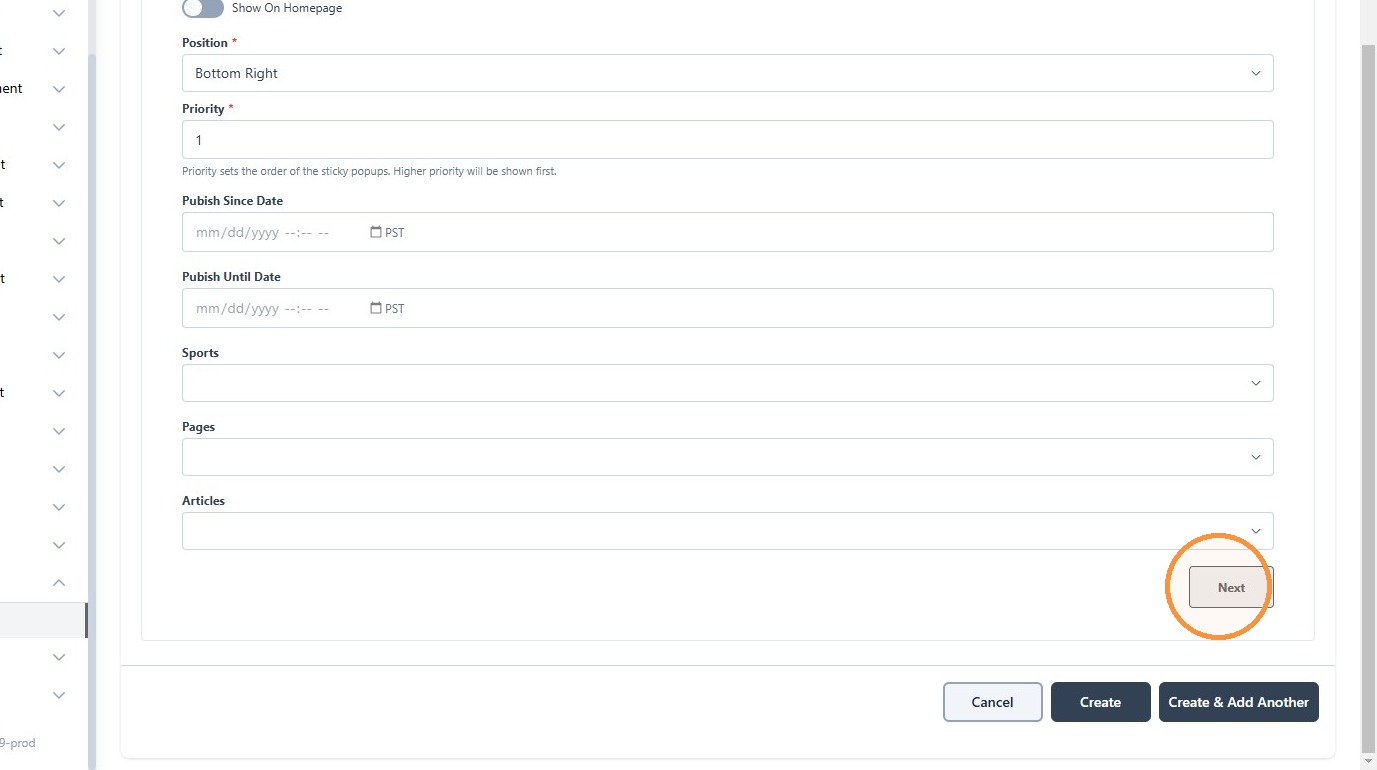
8. Click "Next" to add content to the popup
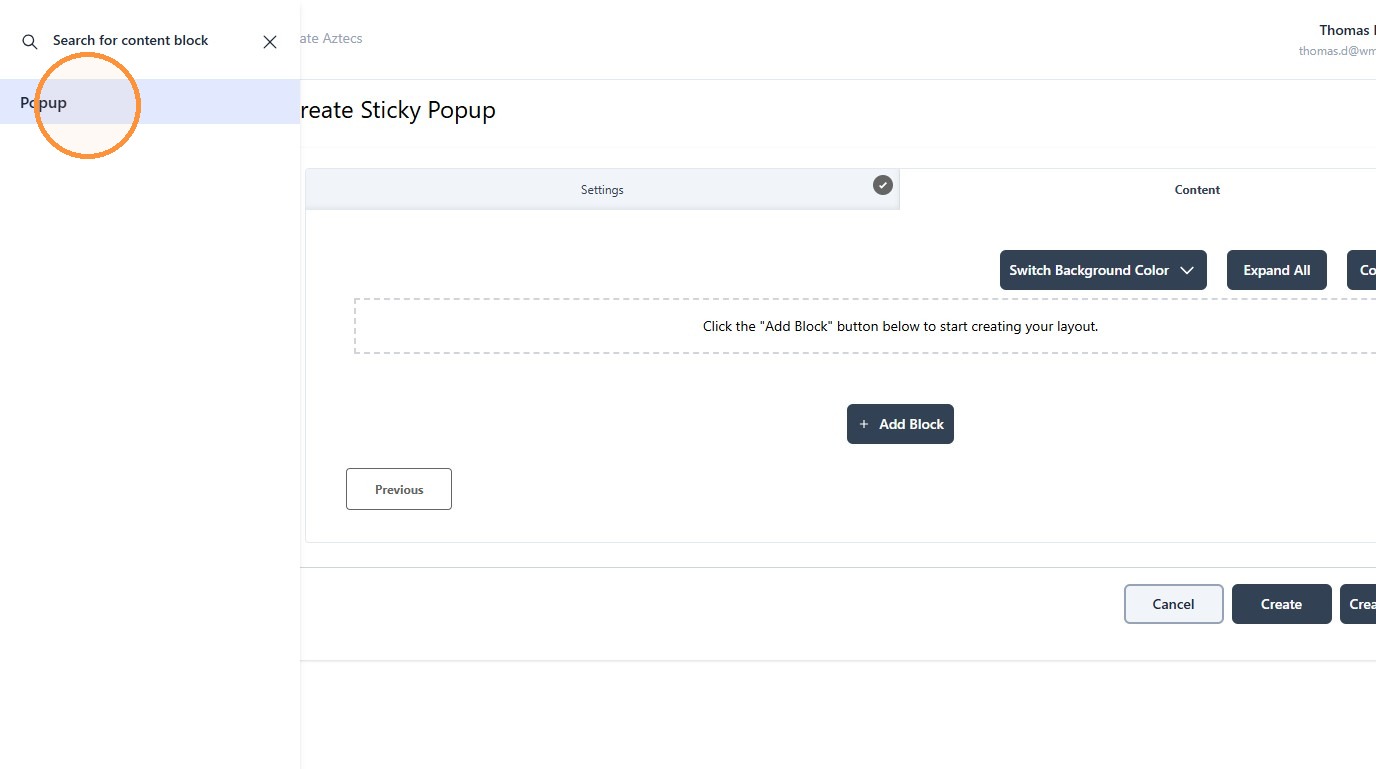
9. Click "Add Block"

10. Click "Popup"
11. Click "Simple Popup Block"
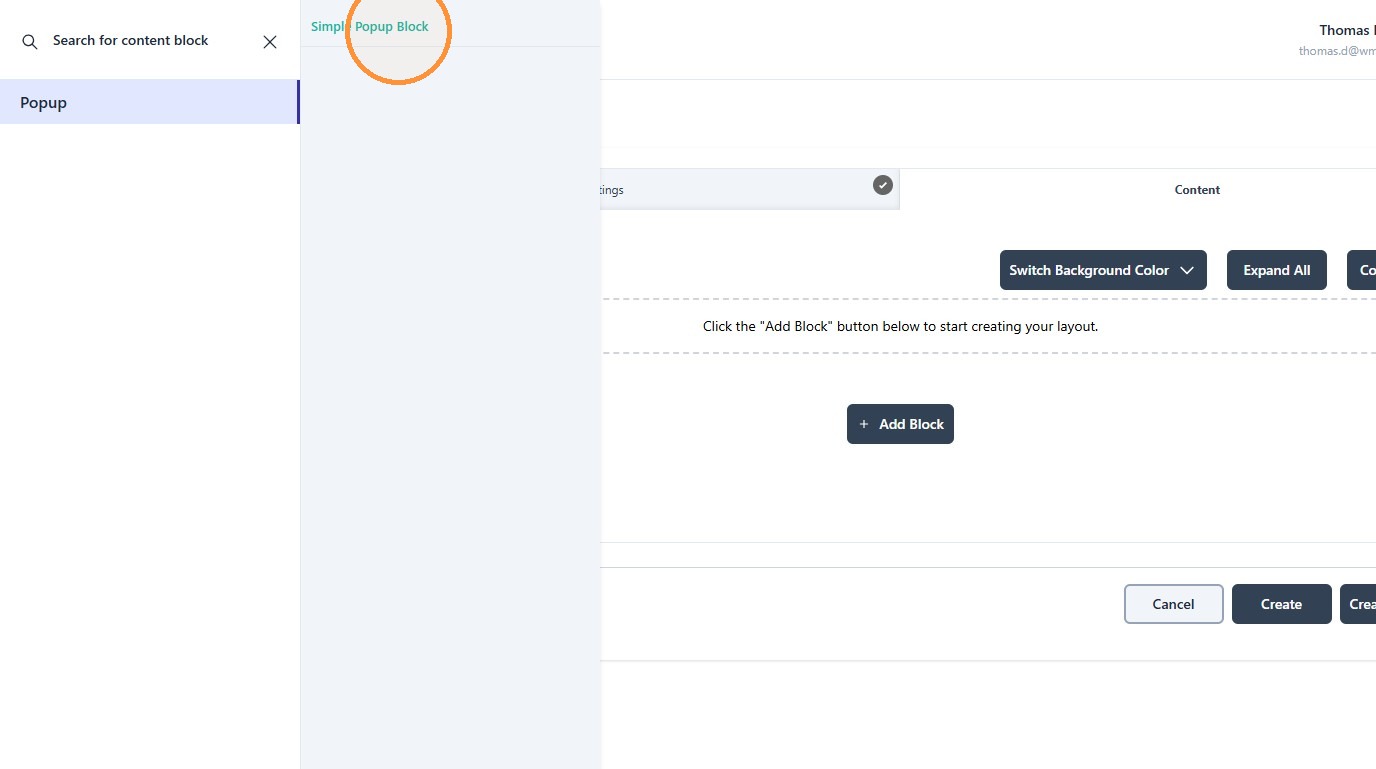
12. Set the title...
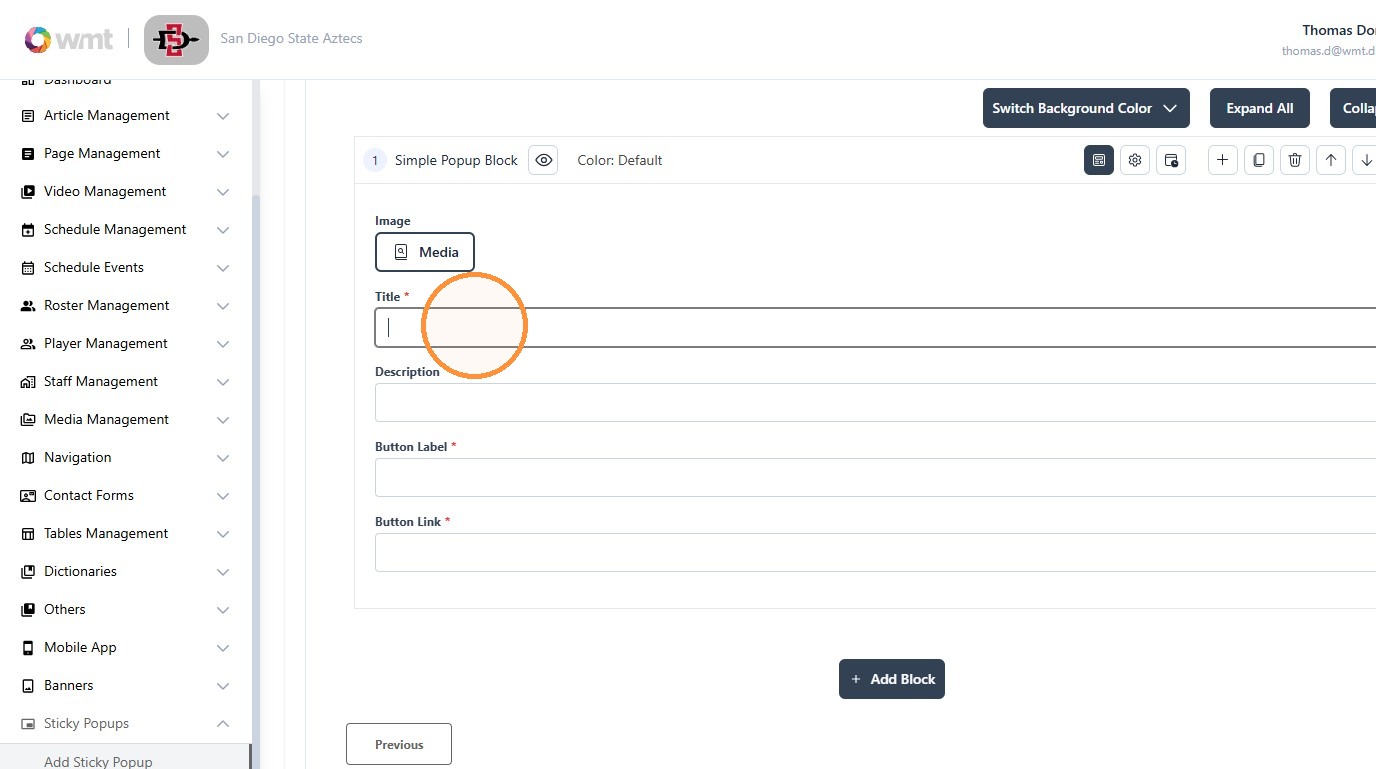
13. Button Label...
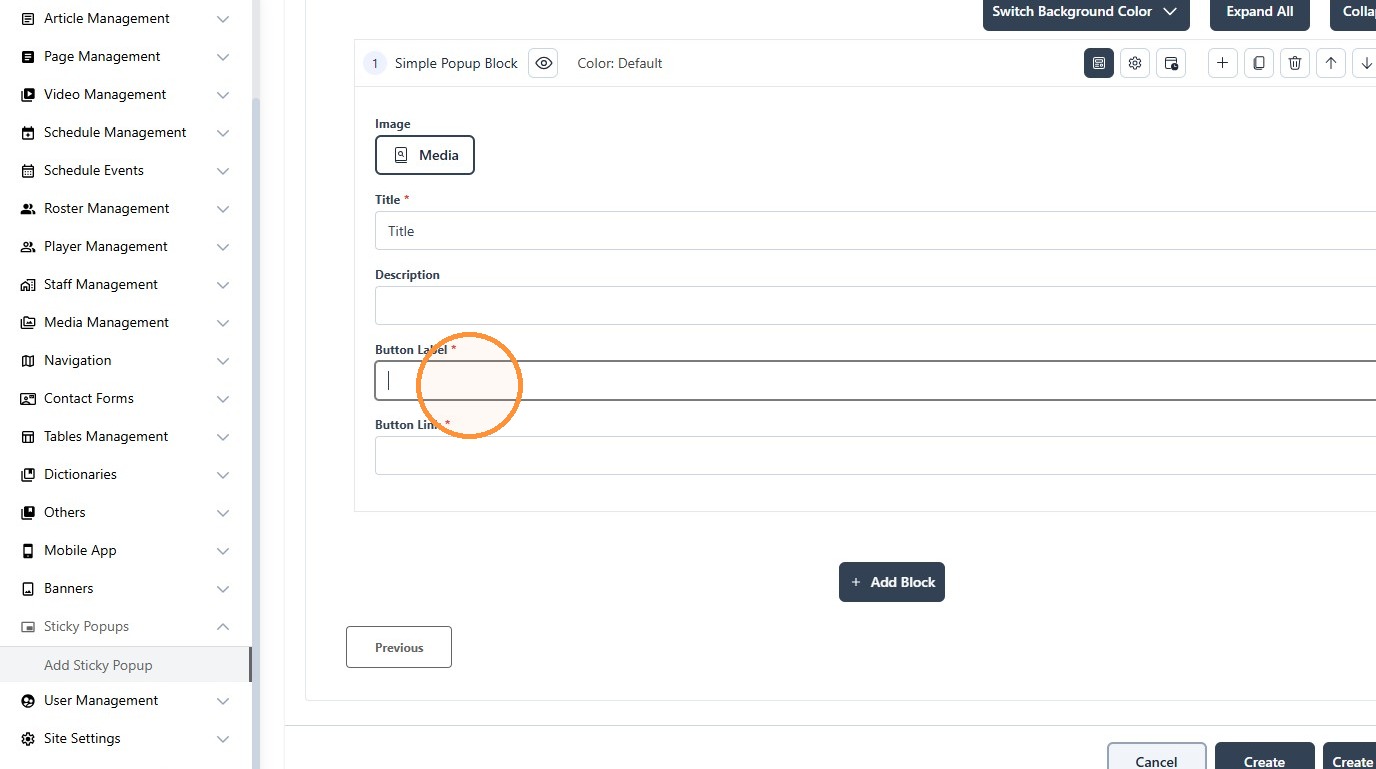
14. and Button Link
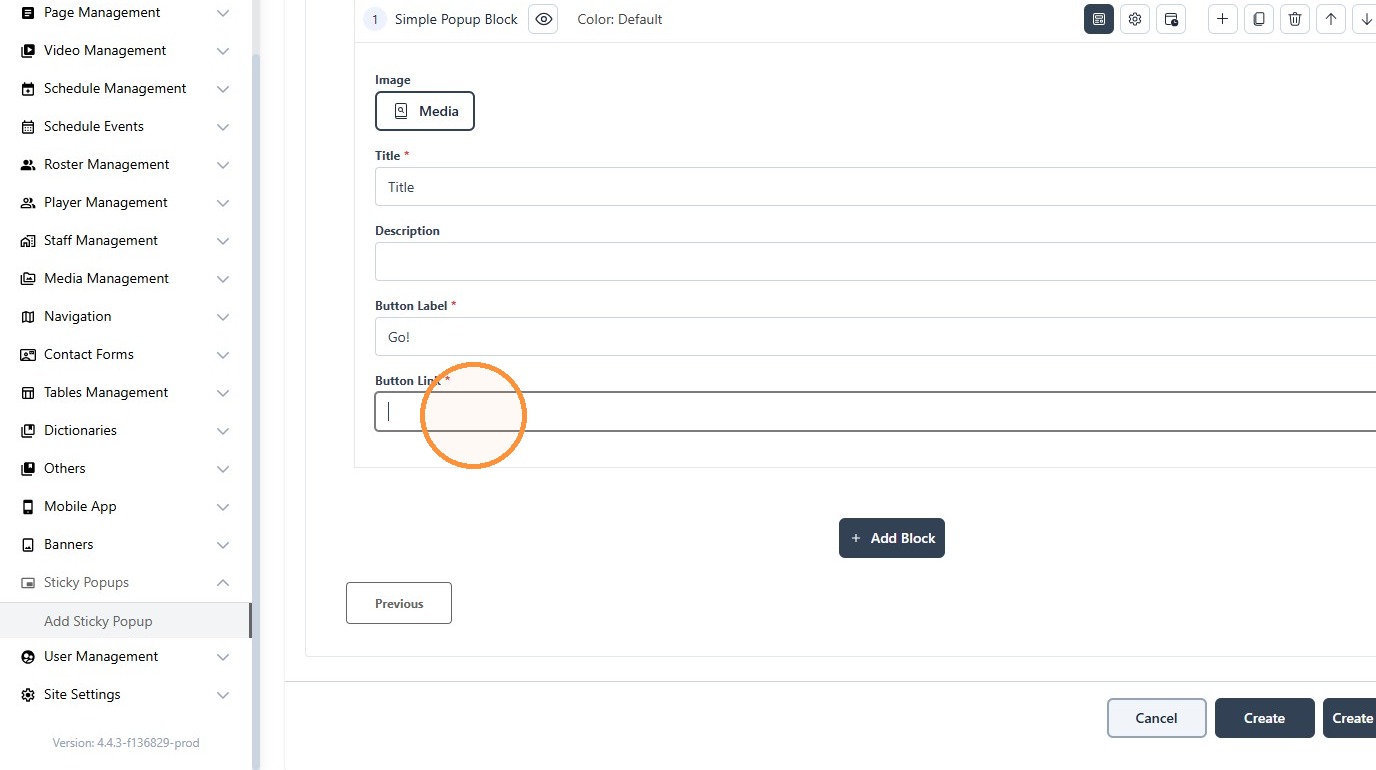
15. Click Create
