Add a Podcast Episode with Audio File
Last updated: September 20, 2026
Tip: First, the audio file must be uploaded in the CMS via Audio Management before it can be published as an episode within a Podcast show.
How to upload an audio file
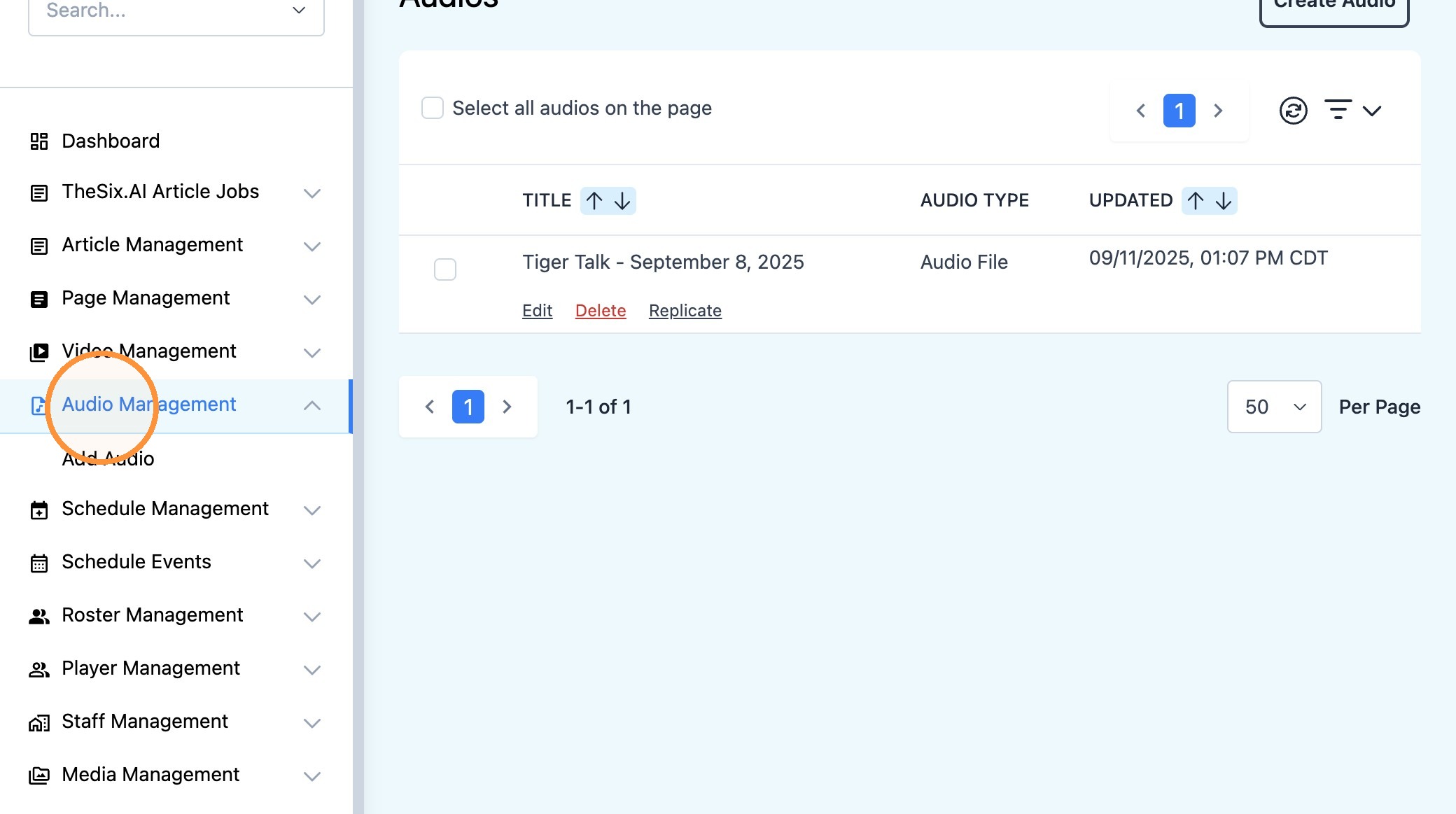
1. Navigate to 'Audio Management' in the CMS
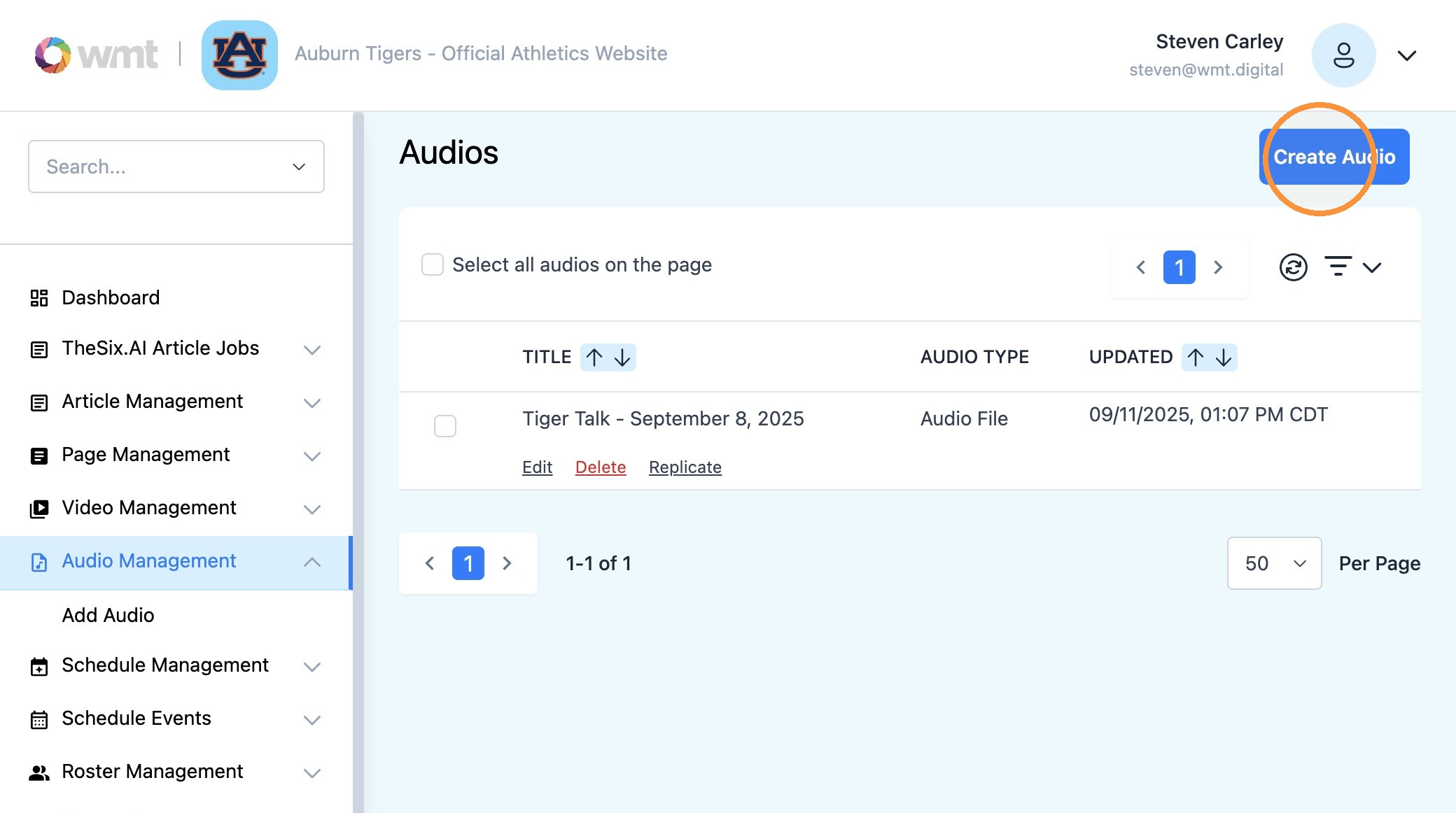
2. Select "Create Audio" to begin adding your audio file
3. Populate the fields in order from top to bottom.
Use the "Title*" field to name your audio file.
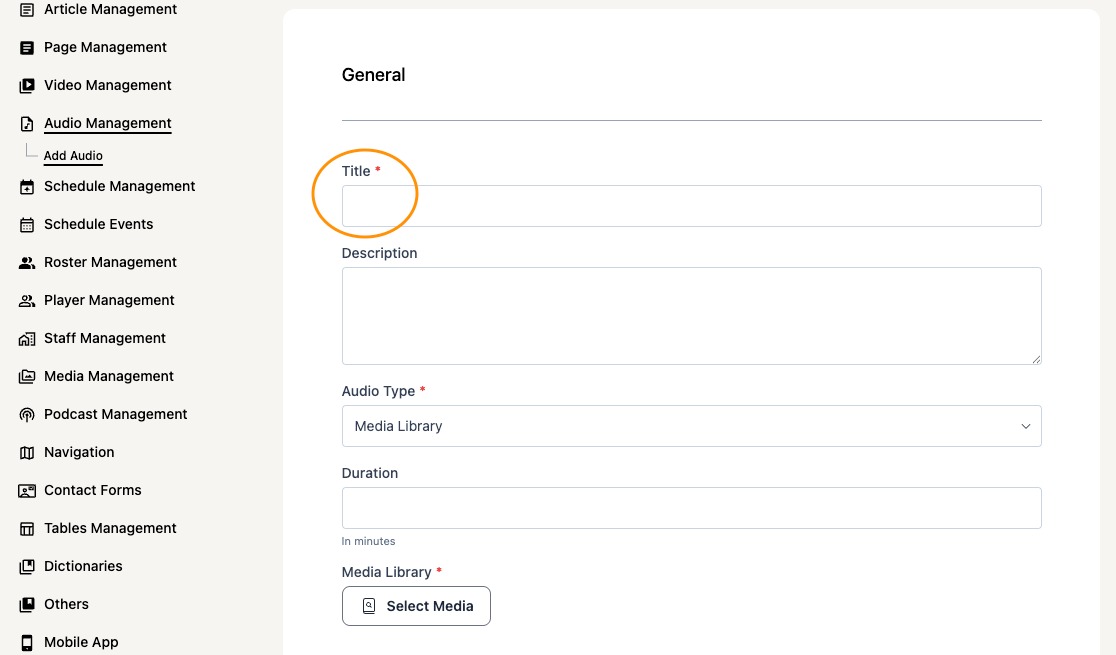
4. Select the "Description" field to type a short caption related to your file.
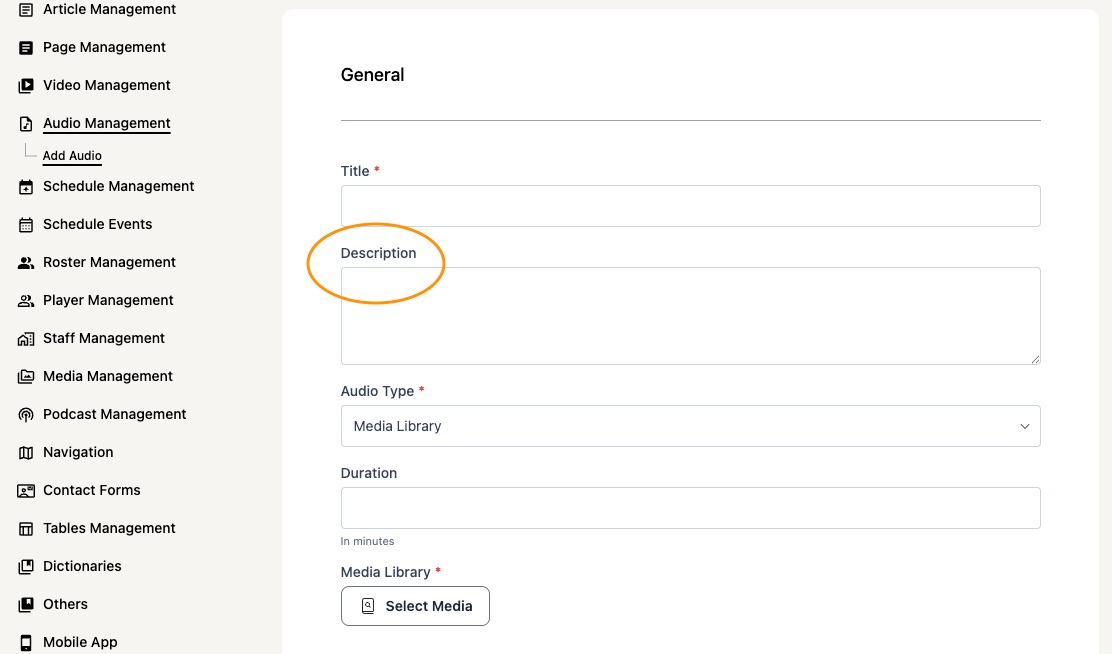
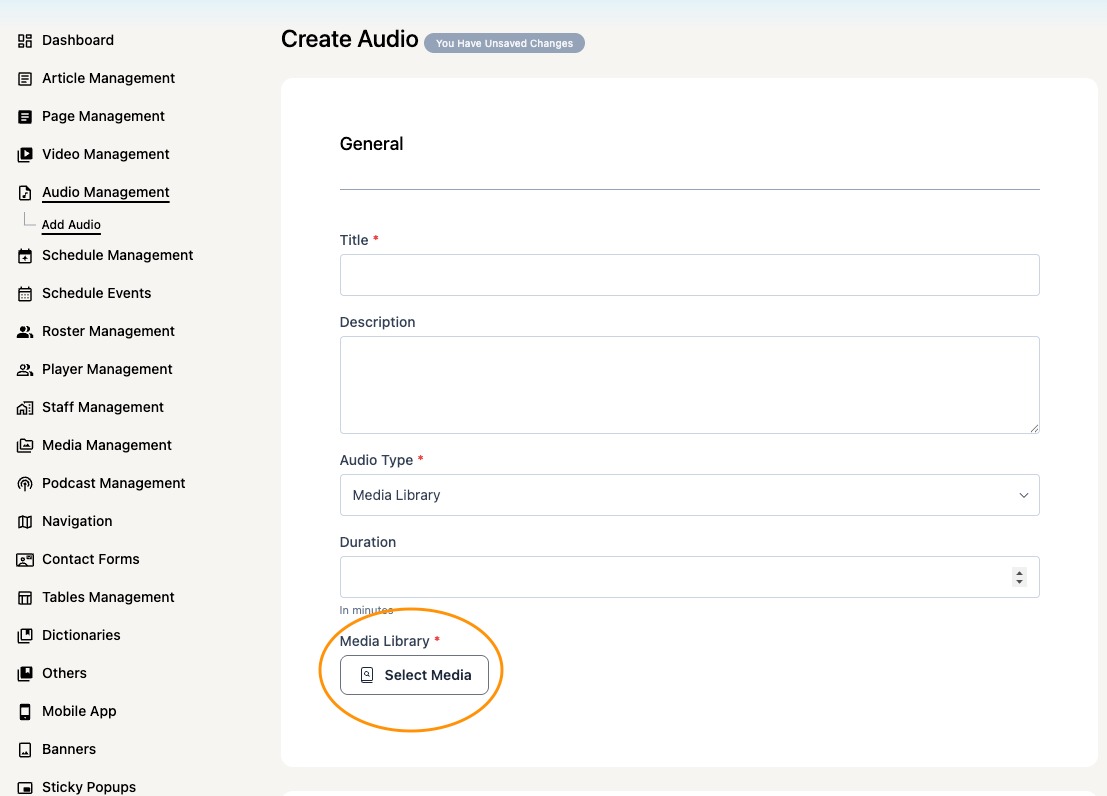
5. Using the Media Library type, select the 'Media' button to select/upload your .mp3 file.
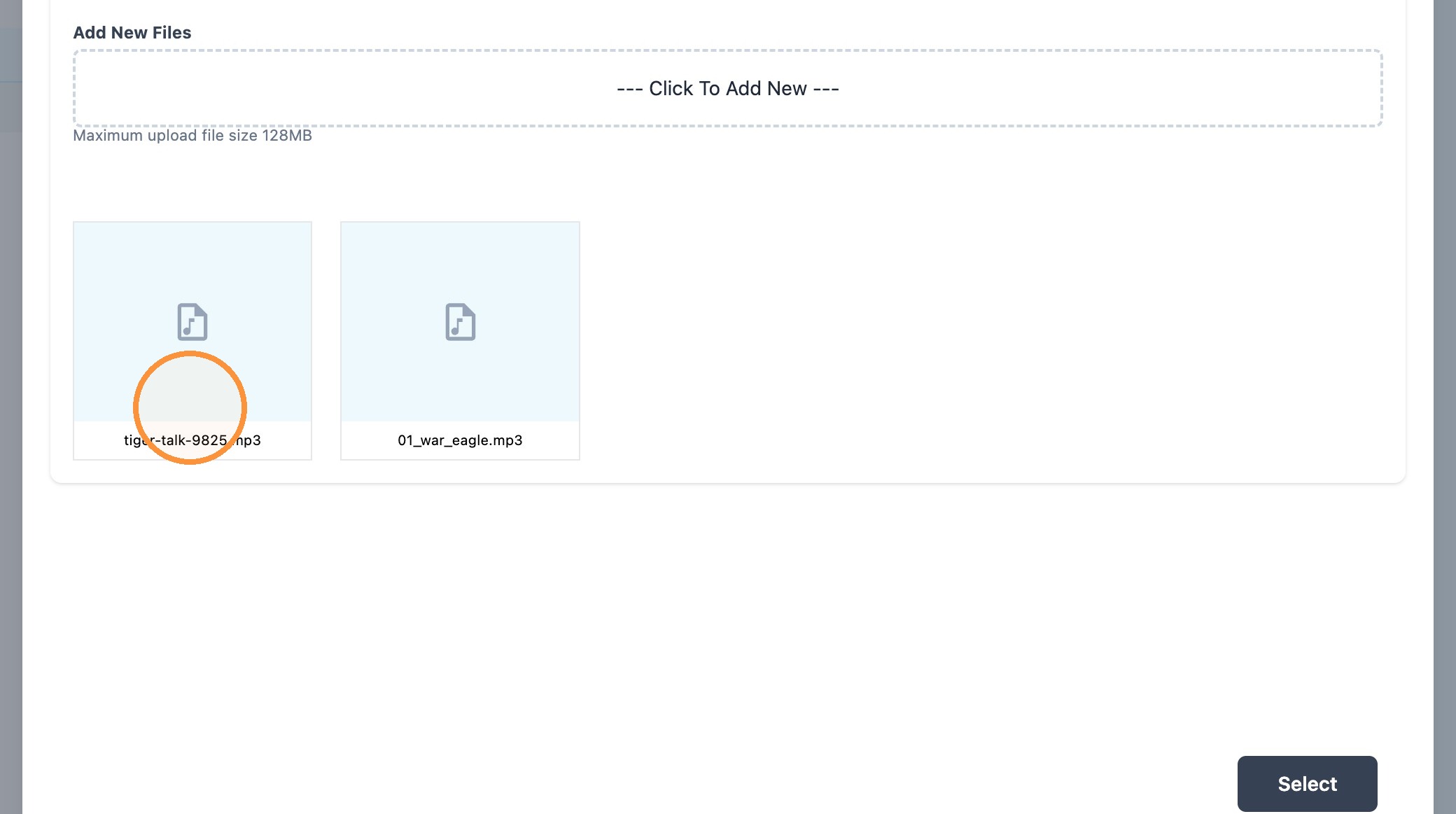
6. Locate your audio file and click on the file
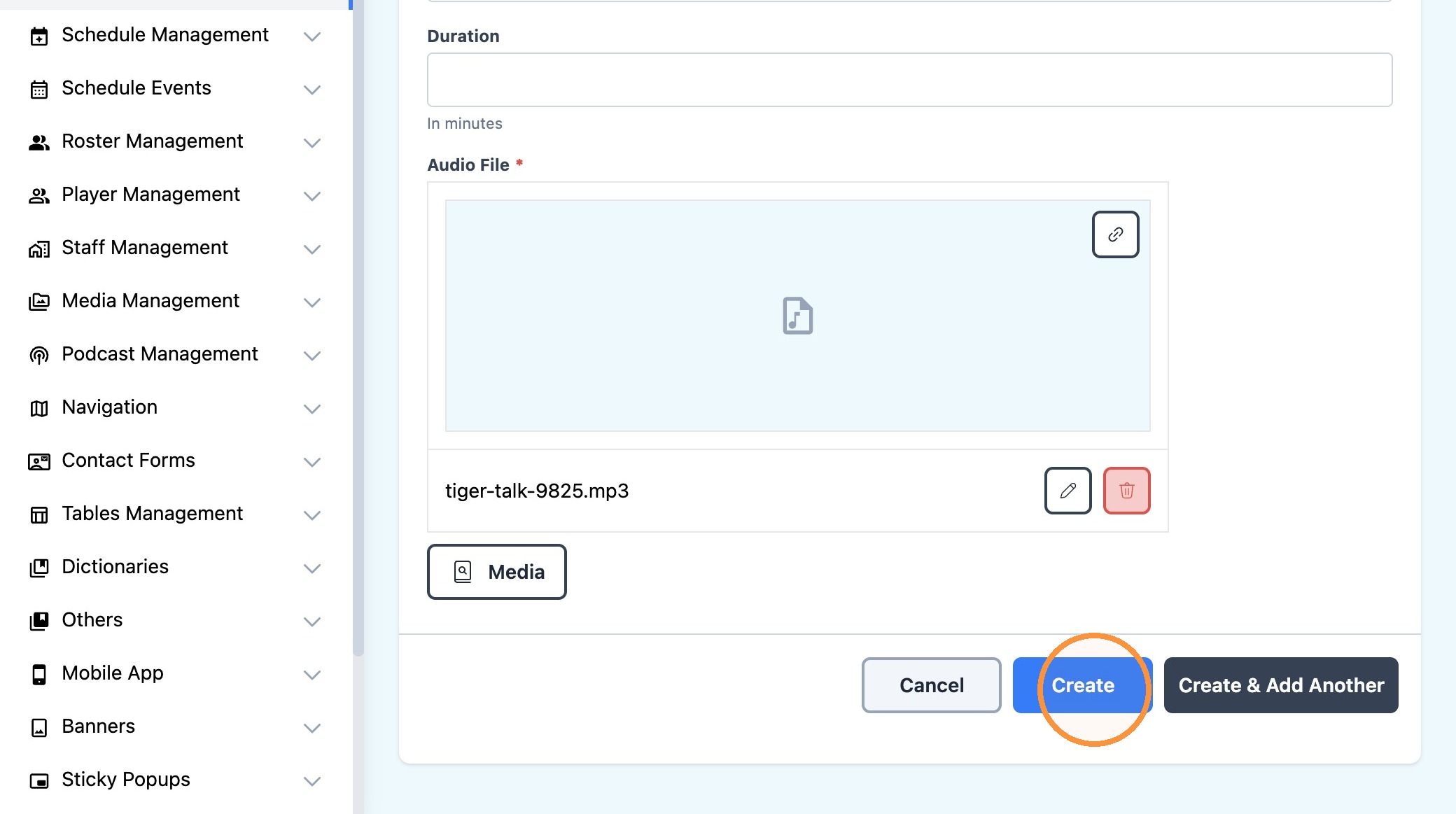
7. To finalize the upload of your audio file to the Astra CMS, select the "Create" button
Tip: Now that your audio file has been uploaded, it is ready to be added to a Podcast as an 'Episode'. Here is the process for adding an episode to a Podcast.
8. Click "Podcast Management" to navigate to the Podcast area of the Astra CMS
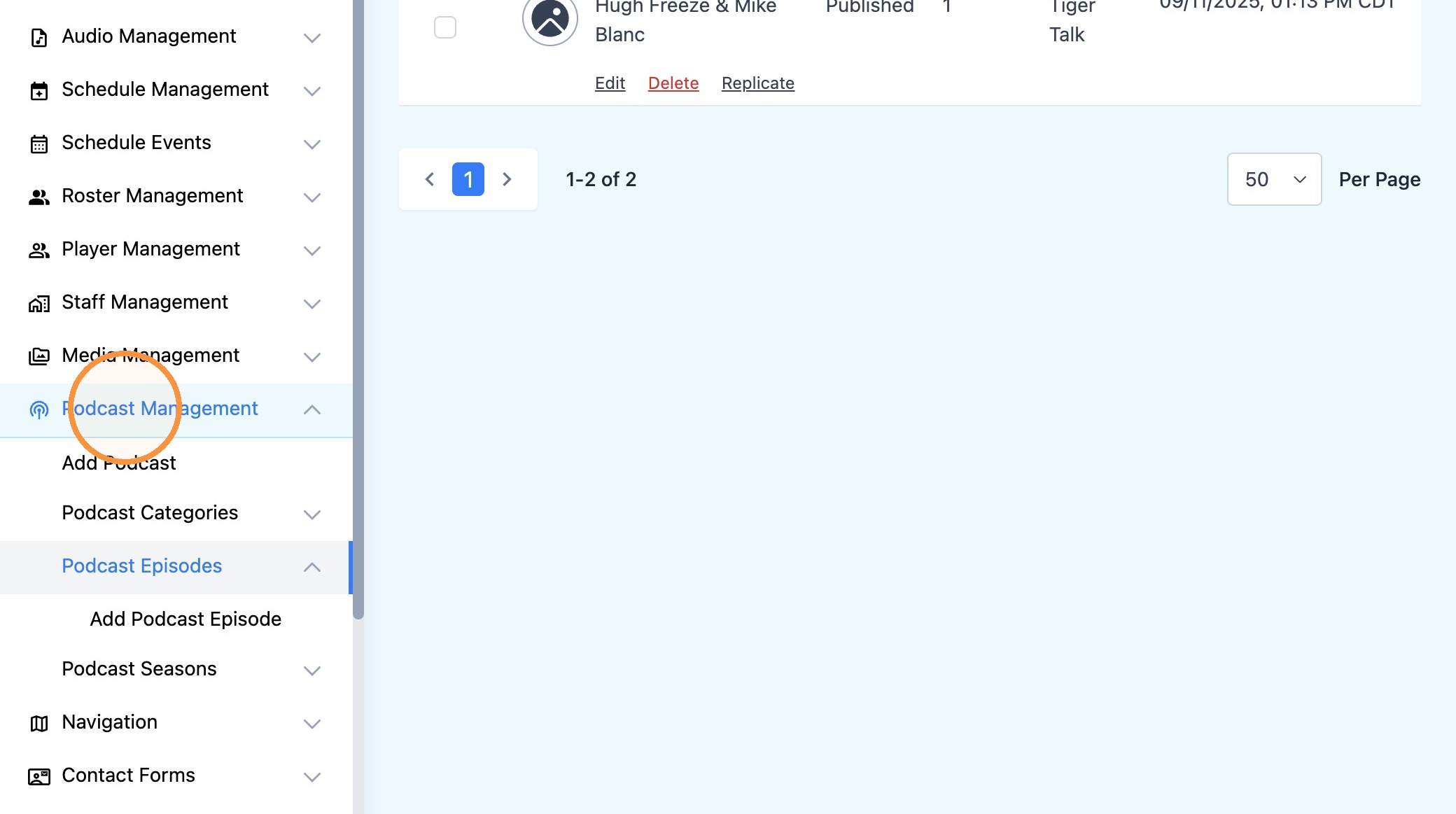
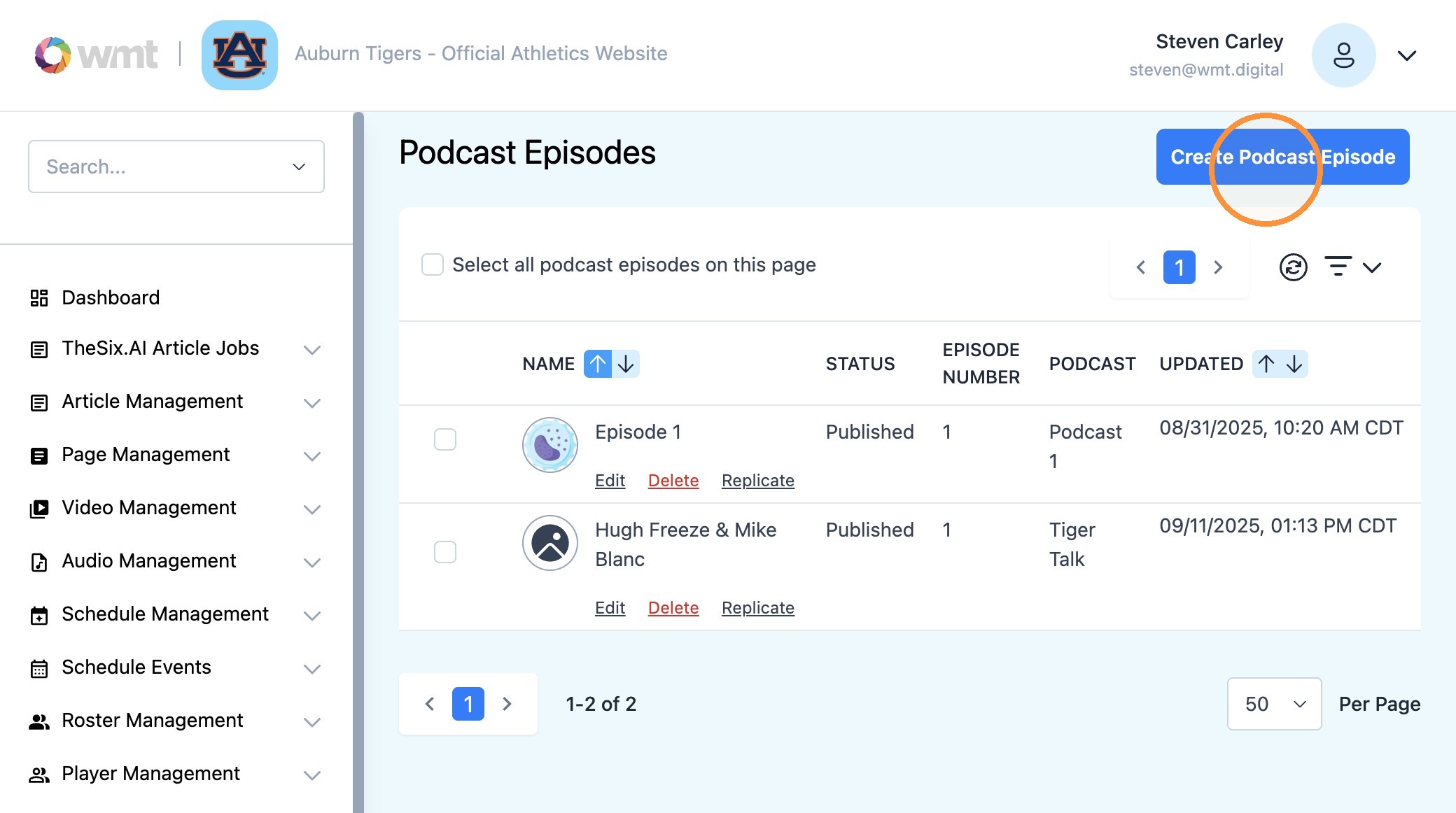
9. Select "Podcast Episodes" to view the full episode library.
Click "Create Podcast Episode" to begin.
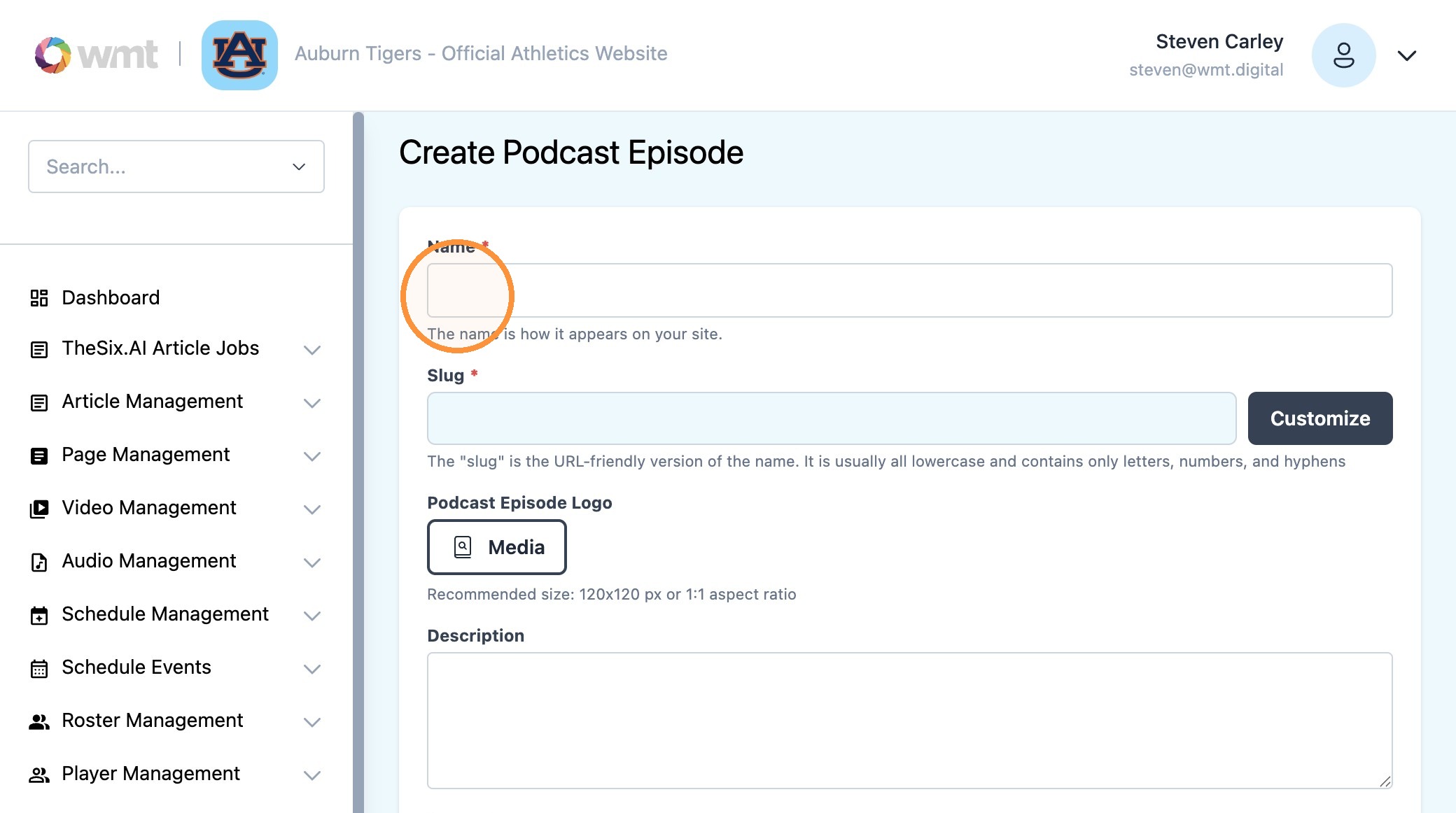
10. Populate the fields from top-to-bottom.
Click the "Name*" field and type in the name of this podcast episode.
This will be visible on the frontend of the website to visitors.
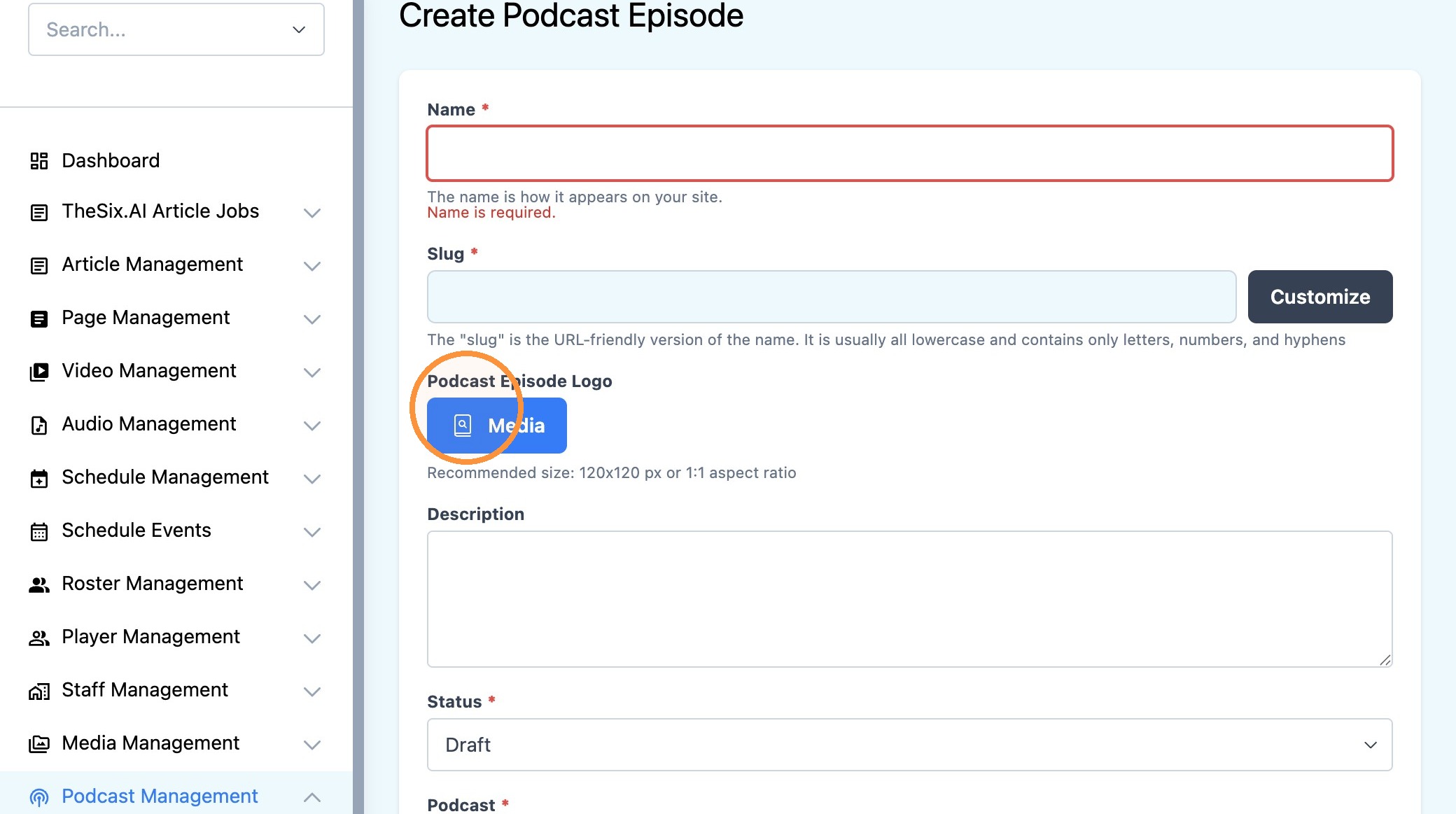
11. Click "Podcast Episode Logo" to add a logo for the show.
12. Use the 'Status' field to make the episode enabled or disabled.
"Draft" = Deactivated and hidden from external visitors
"Published" = Live and active website for visitors
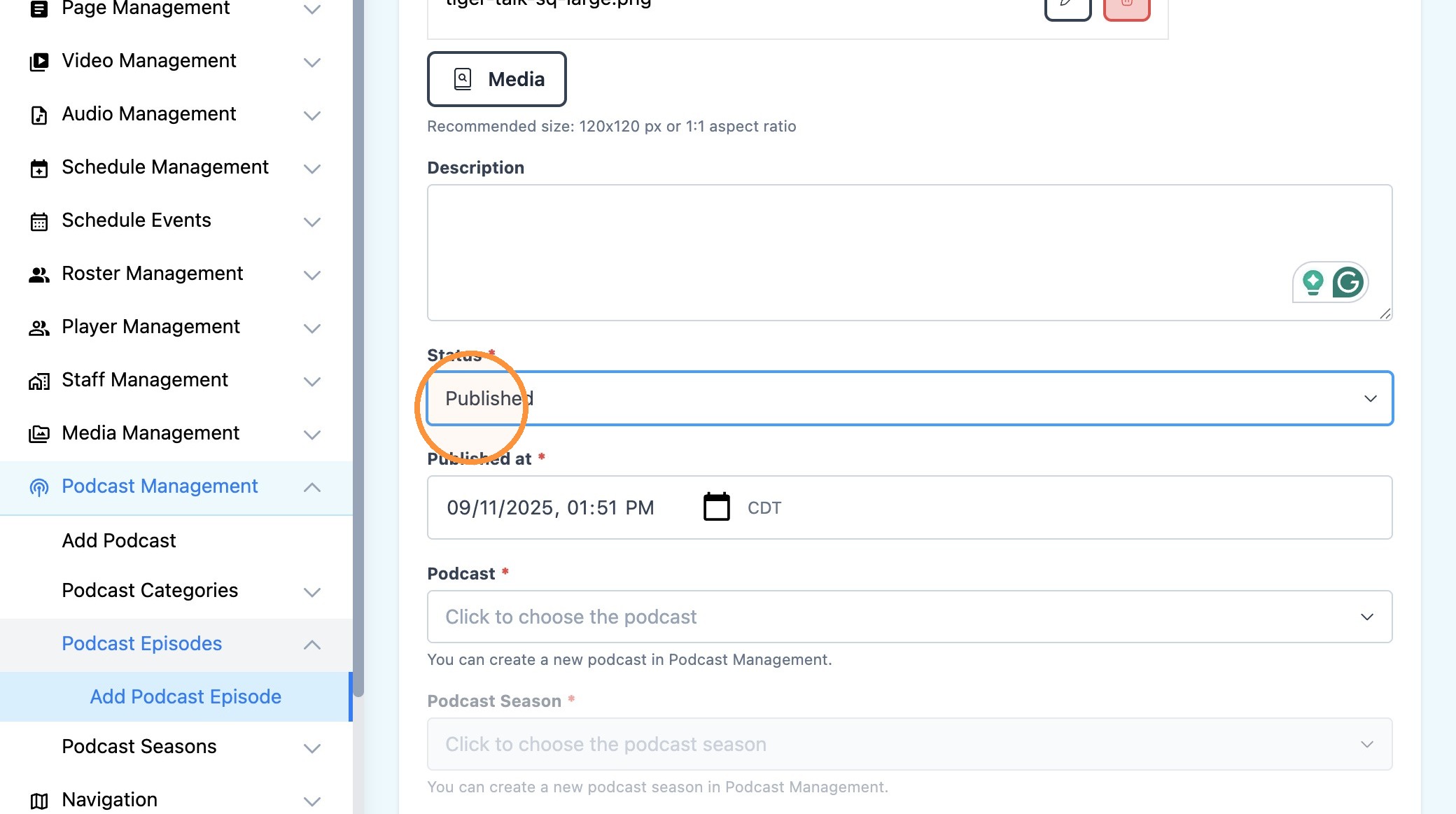
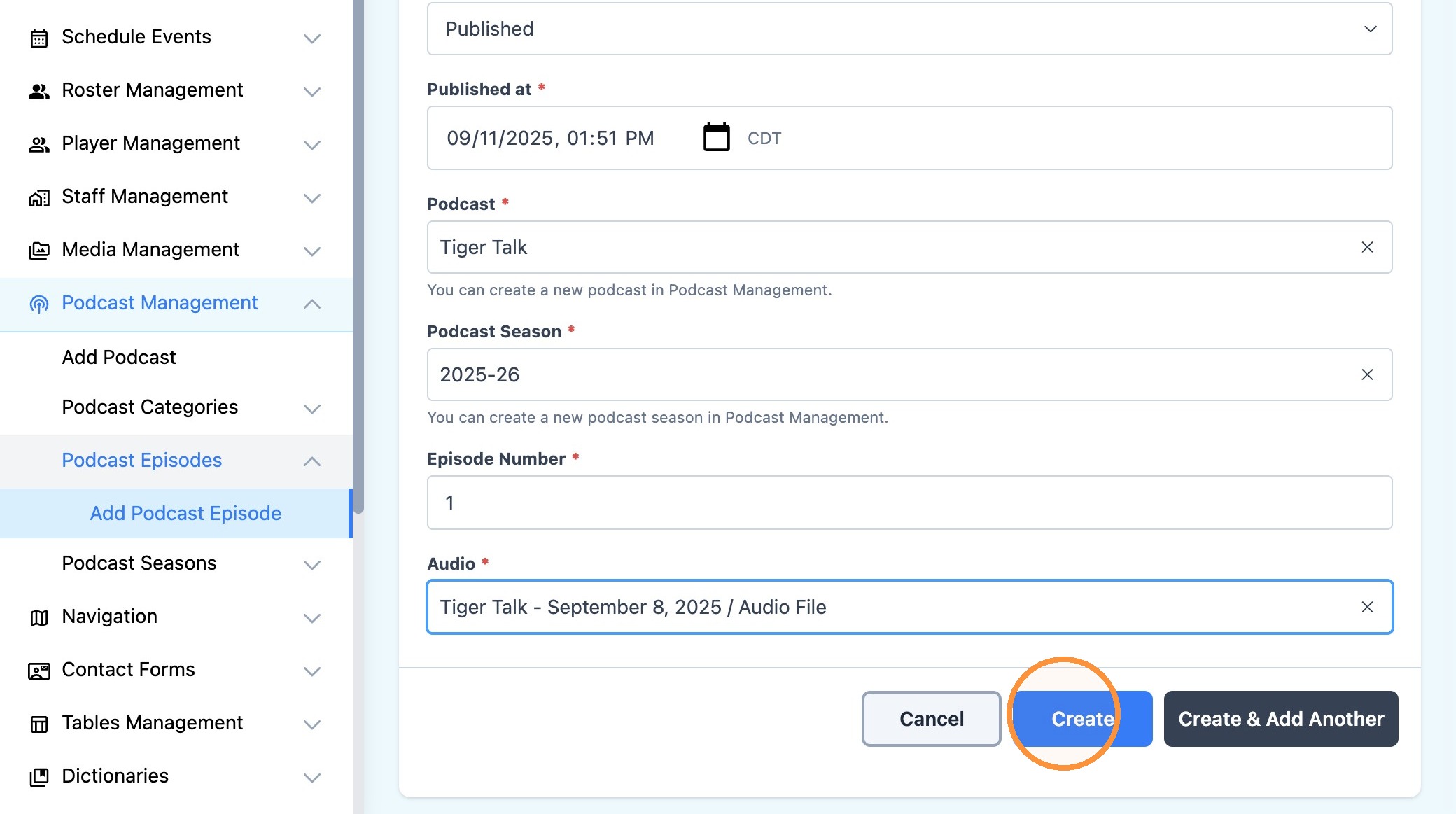
13. Click the date and time field to assign when this episode was released/broadcasted
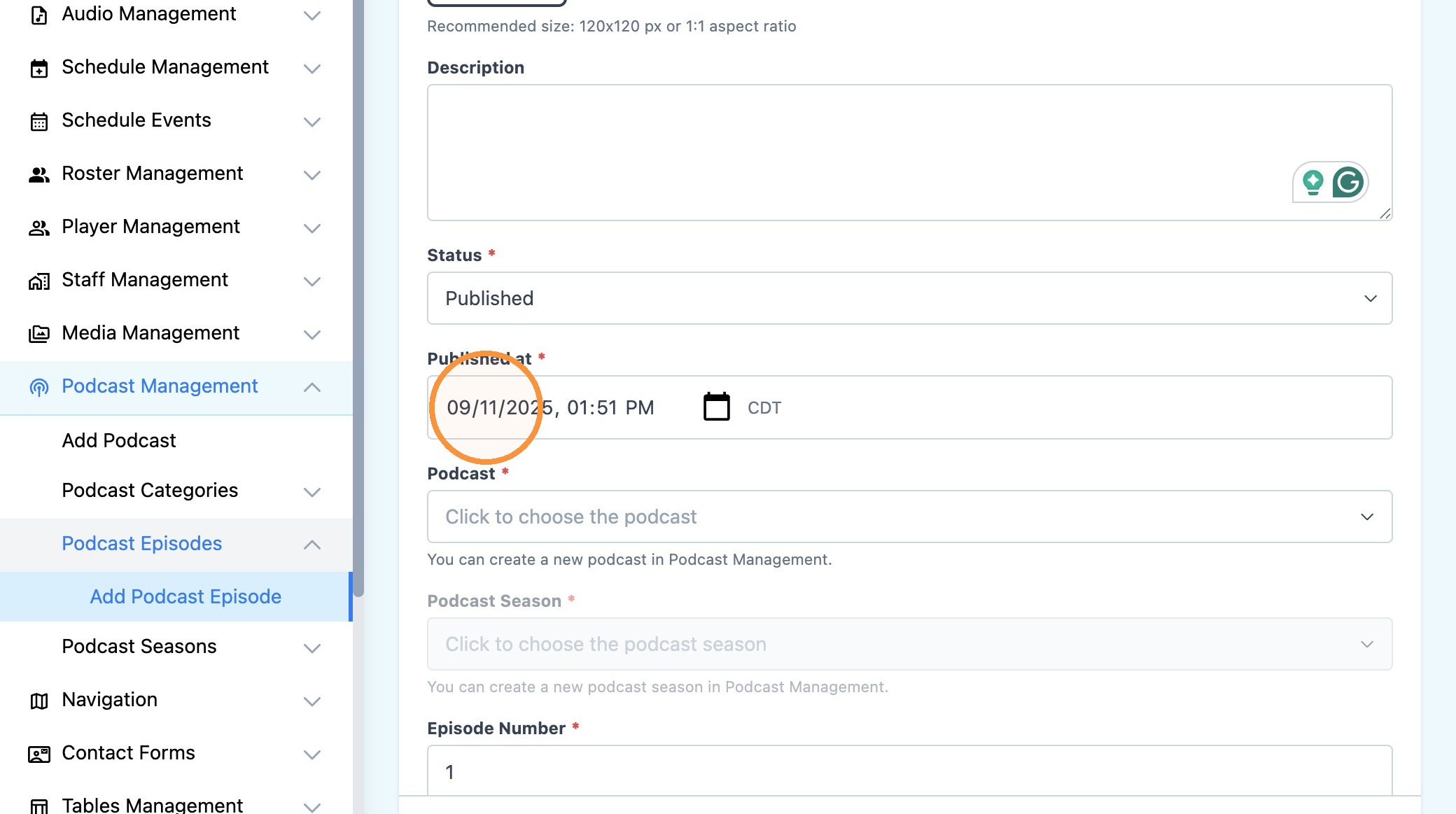
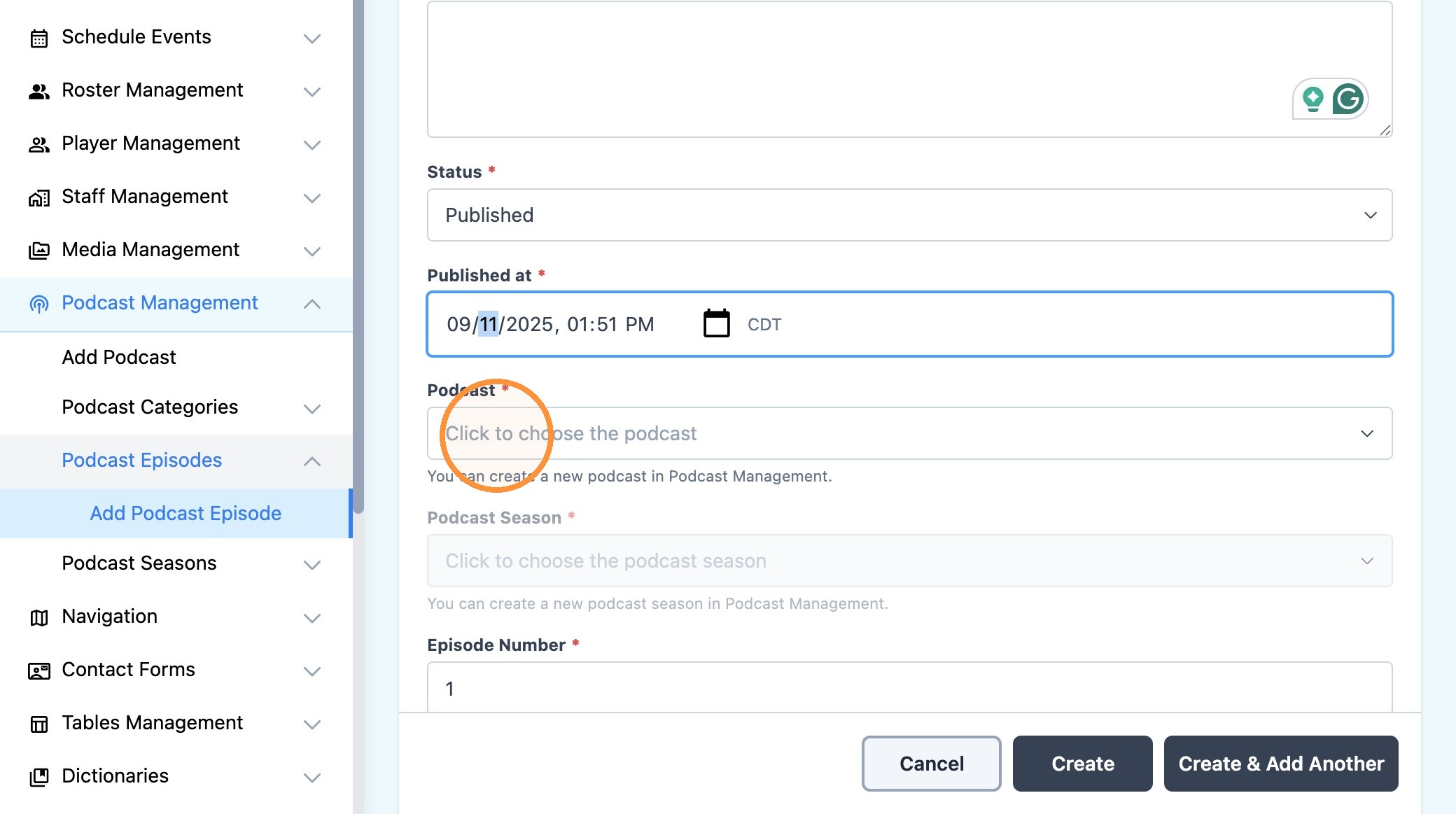
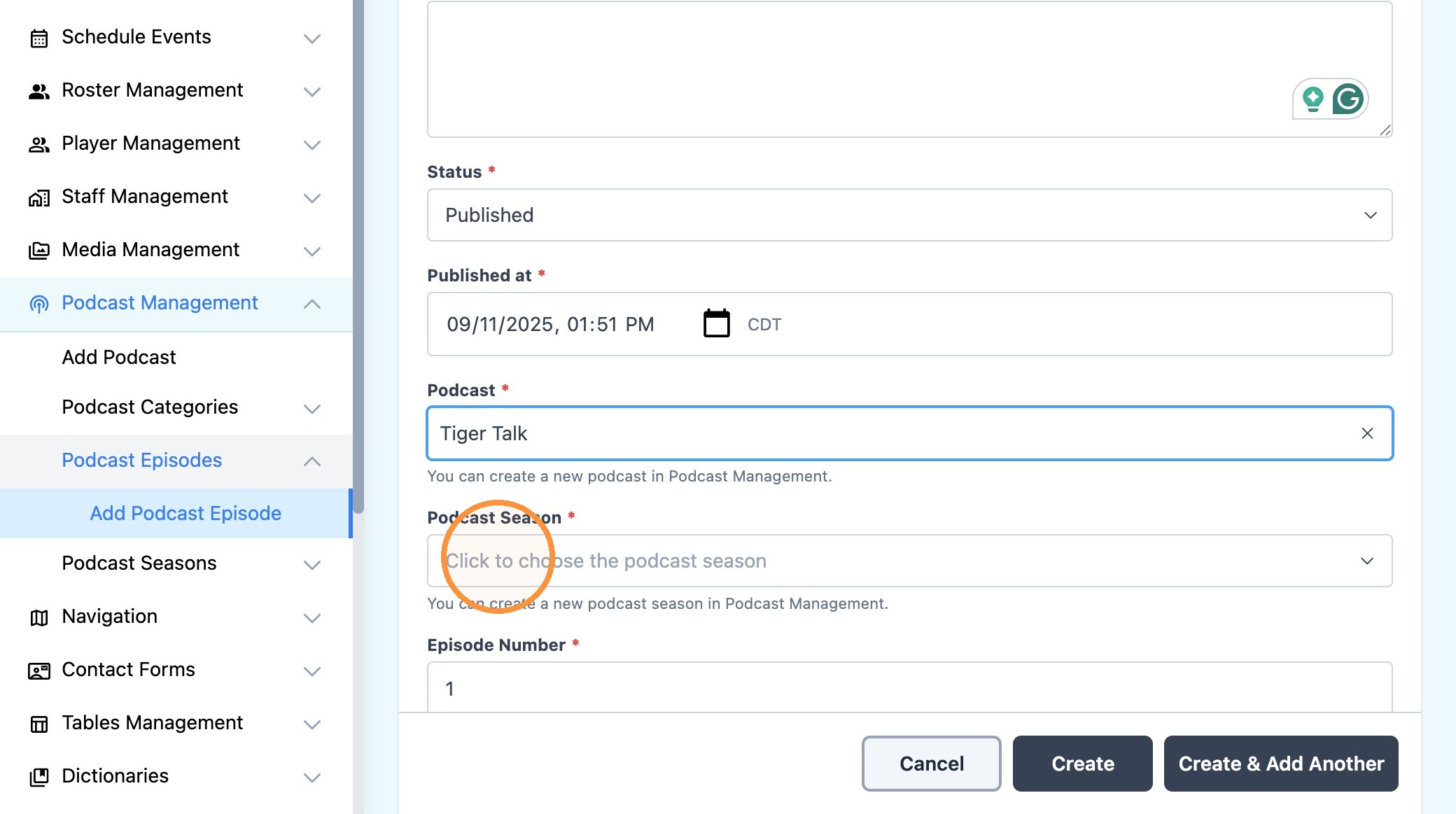
14. Click the "Podcast*" field to assign this episode to a specific show
15. Select the appropriate show via the dropdown menu (ie - "Tiger Talk")
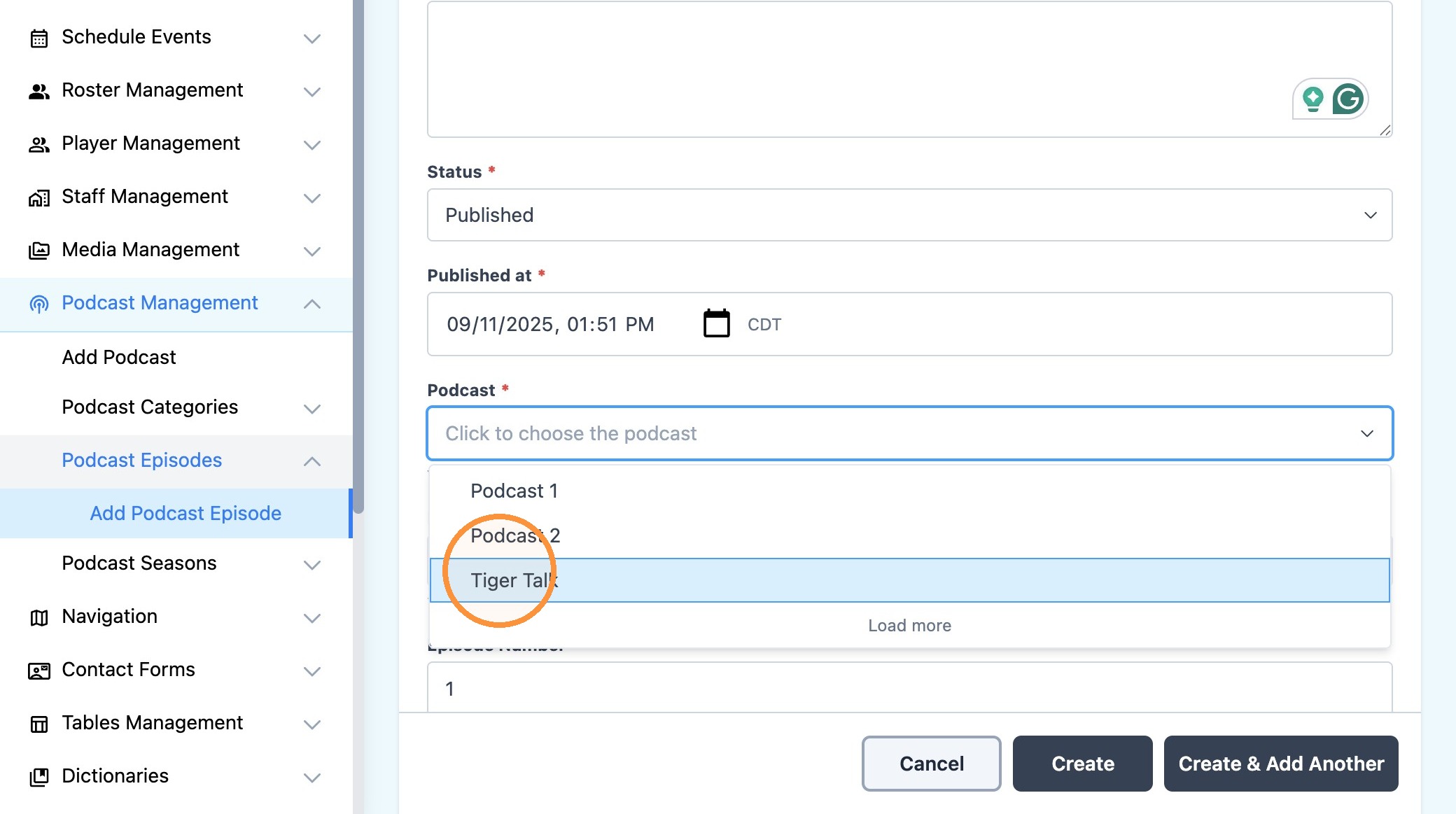
16. Use the "Podcast Season*" field to assign the episode to a specific season (ie - 2025-26, Season 1 etc)
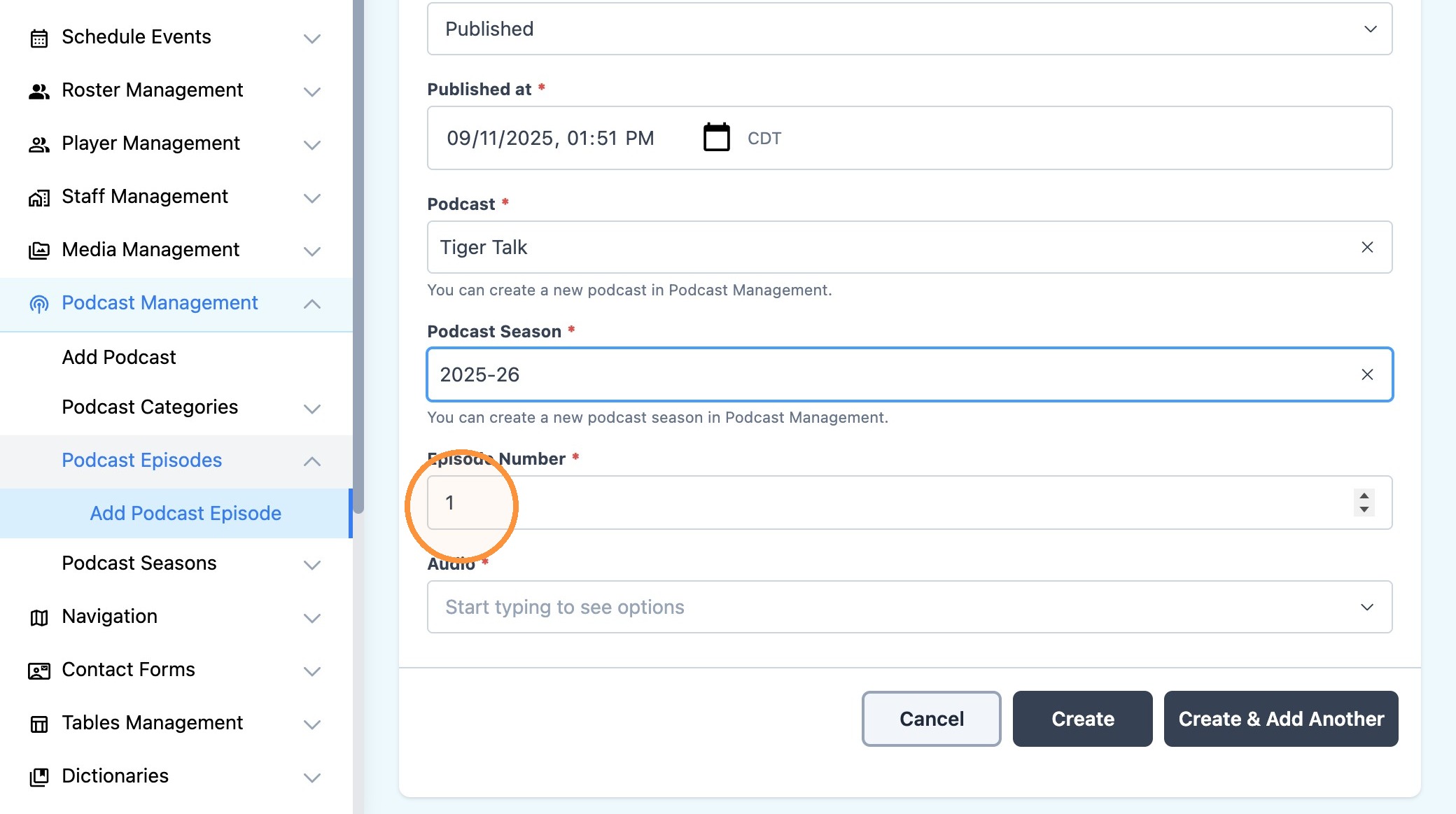
17. Use the "Episode Number*" field to help the system 'order' podcast episodes
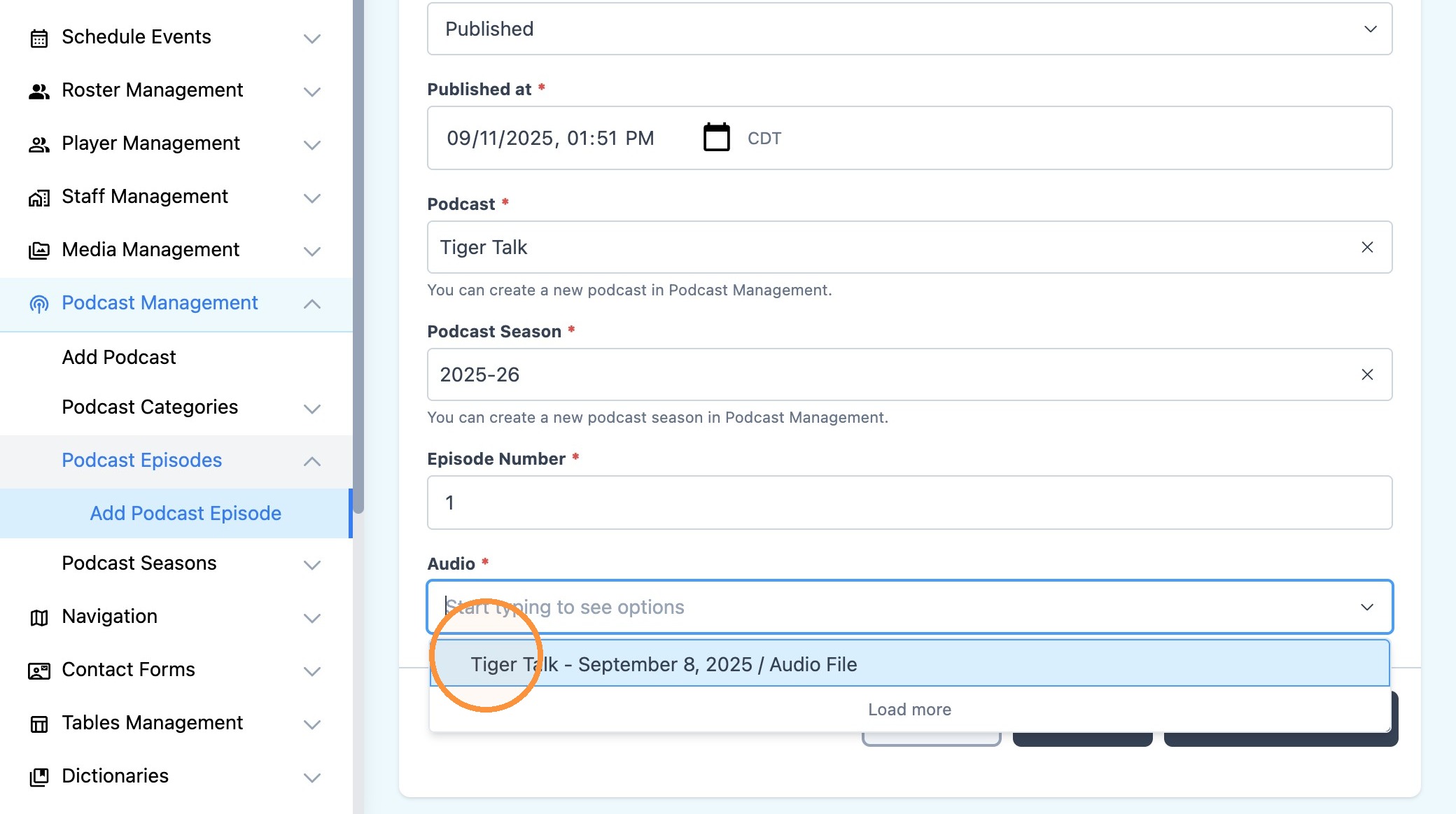
18. Click the "Audio*" field and select the audio file that you uploaded previously.
(ie - "Tiger Talk - September 8, 2025 / Audio File")
19. Click "Create" to finalize your work and publish the podcast episode.