Player Management: Create a New Player Position
Last updated: September 18, 2026
Made by Finance WMT Digital with Scribe
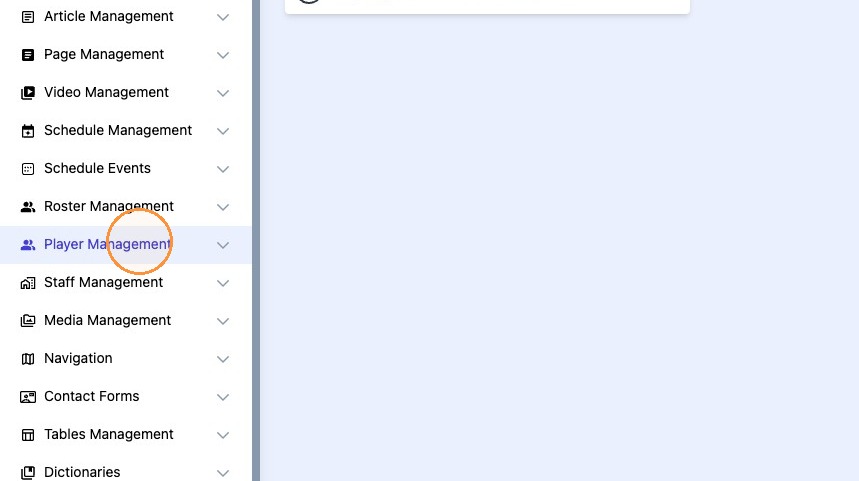
1. Click "Player Management"
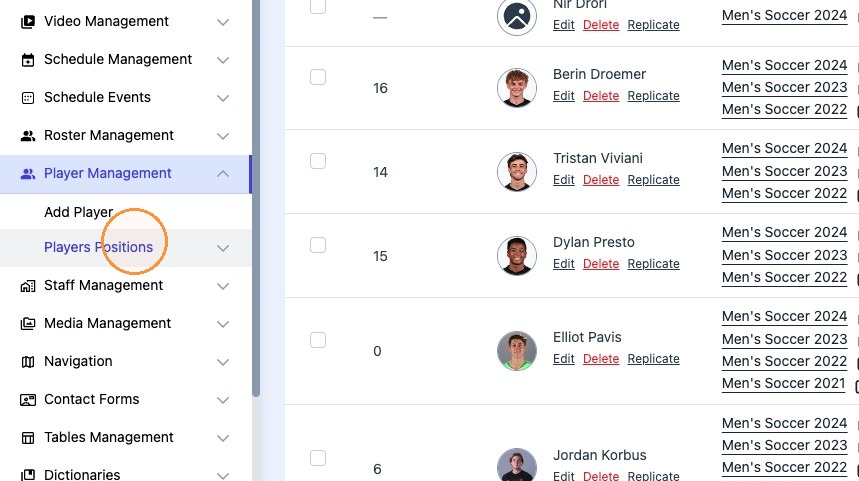
2. Click "Players Positions"
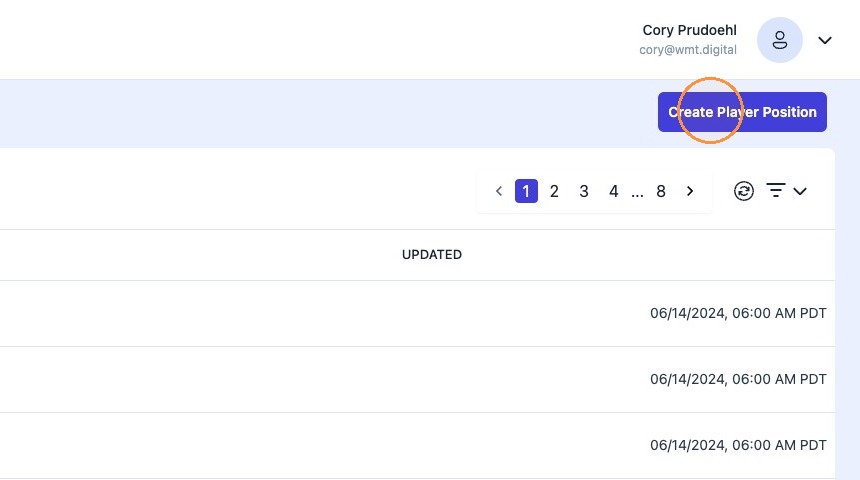
3. Click "Create Player Position"
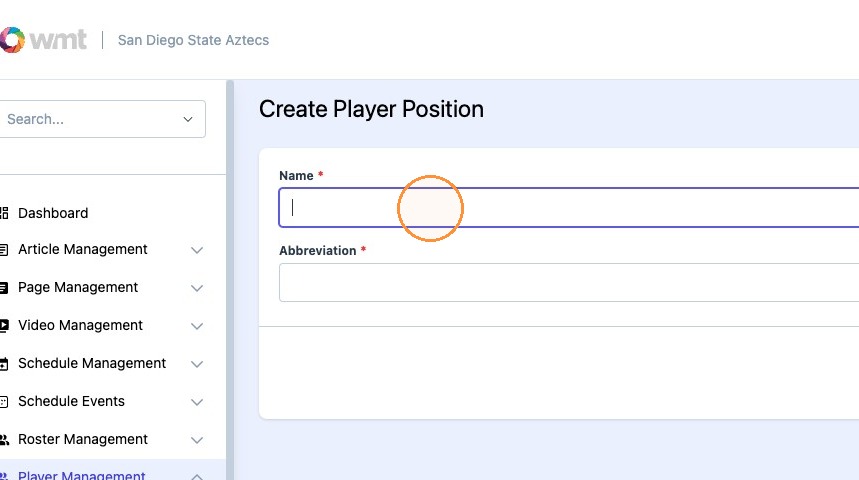
4. Type the desired position name.
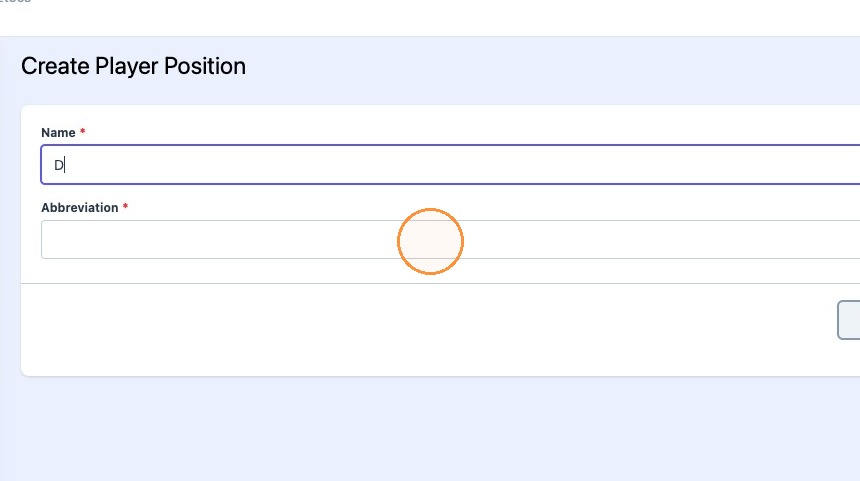
5. Type the desired position abbreviation.
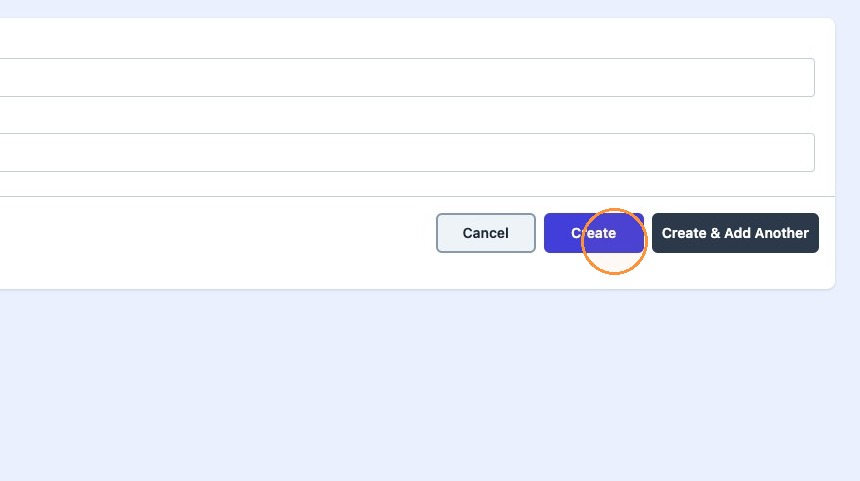
6. Click "Create"