Remove a Staff Member from the Directory Without Removing from Rosters
Last updated: September 20, 2026
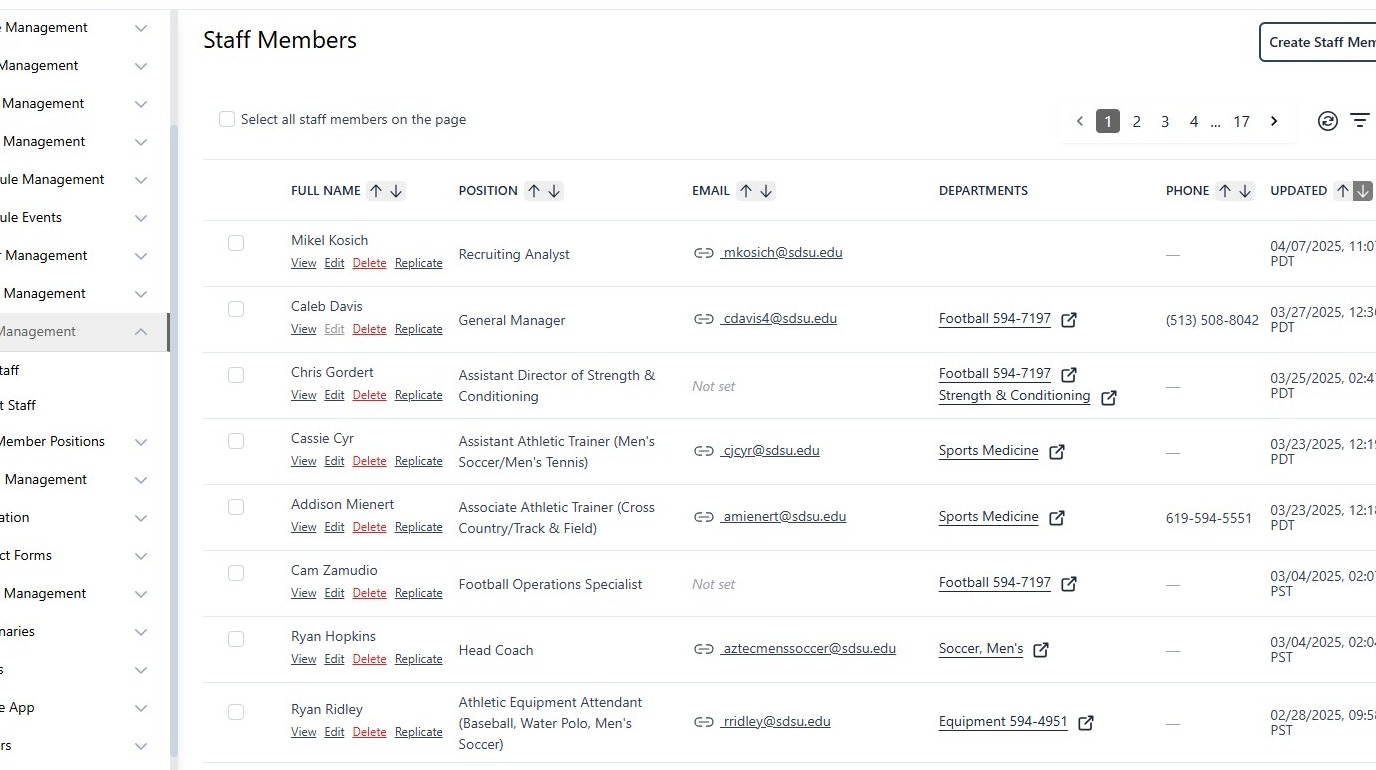
1. Navigate to Staff Members within the CMS
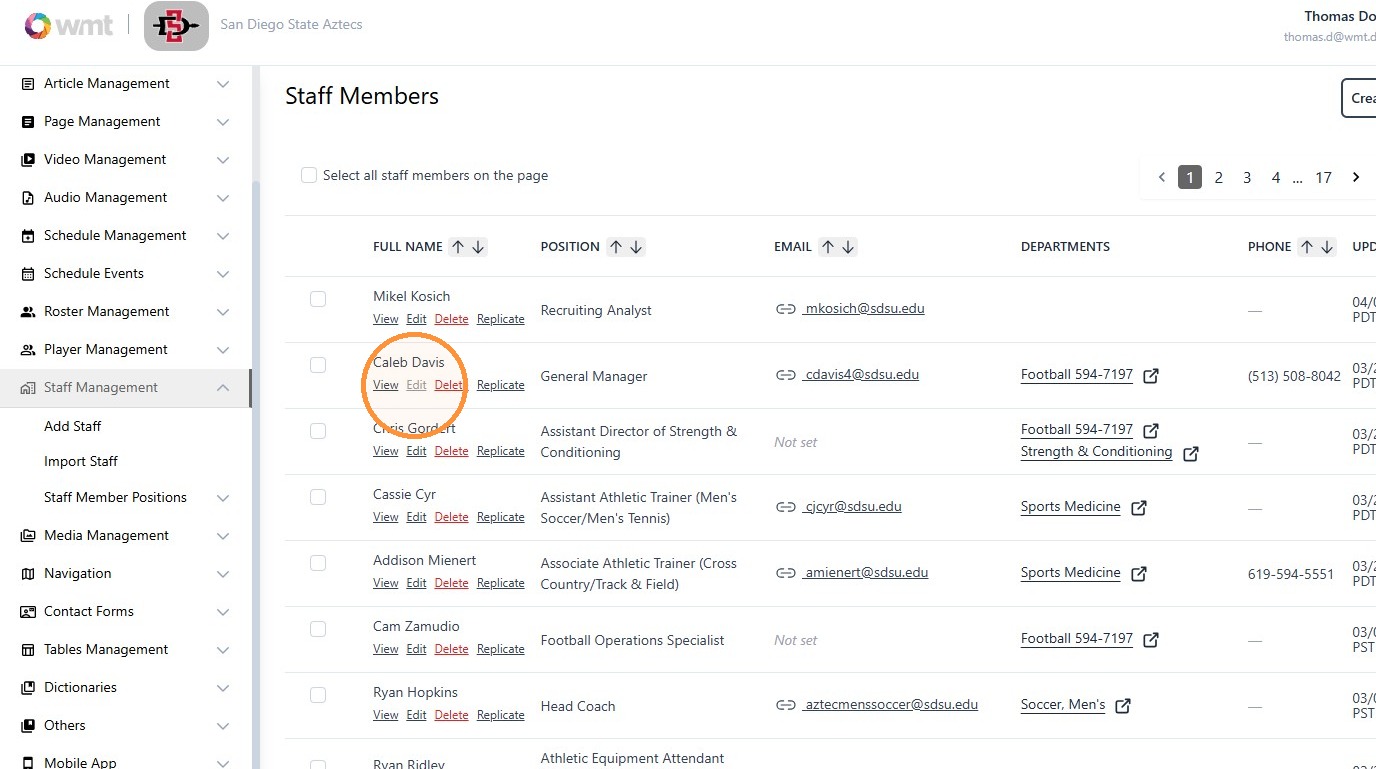
2. Click "Edit" on the desired staff member
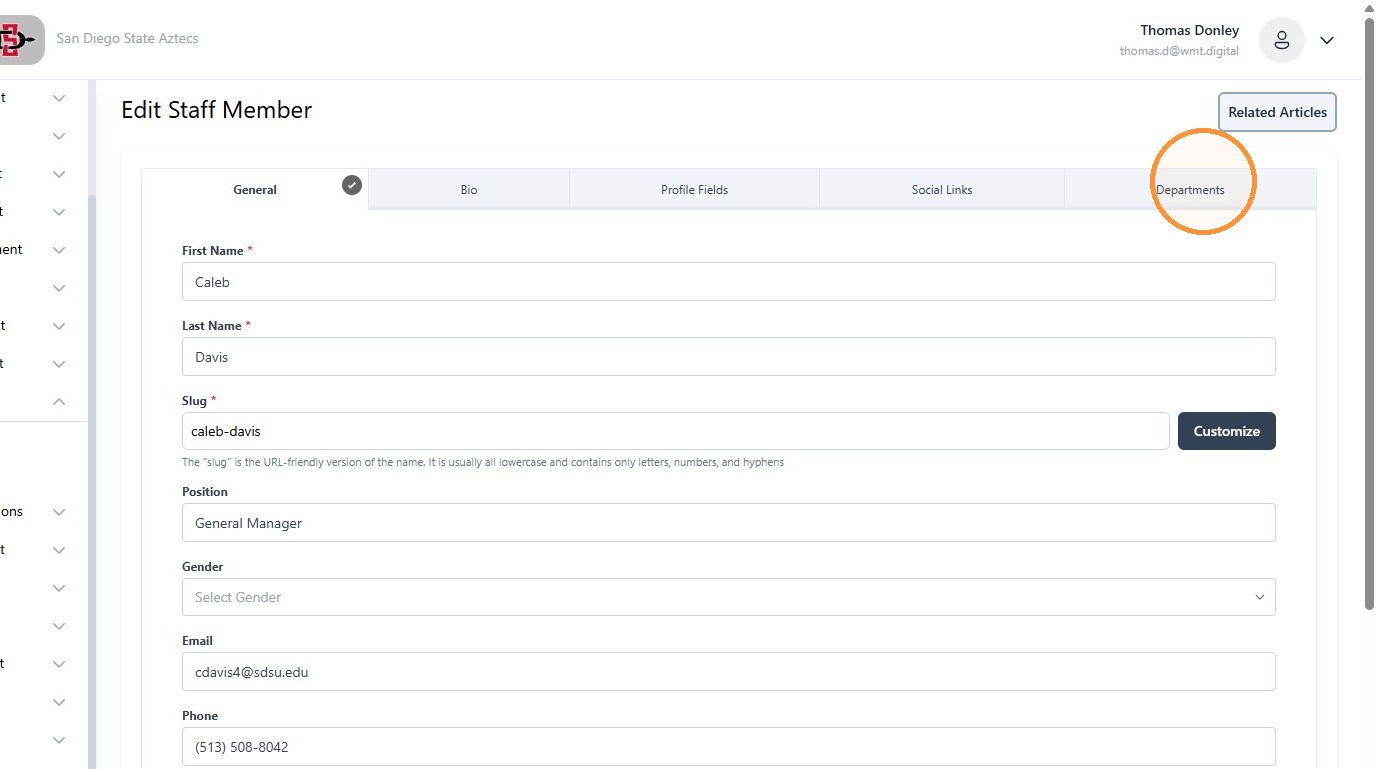
3. Click "Departments"
4. Click the trash can icon. This will remove the staff member from the directory. Adding a new department will add the staff member to the directory under that department.
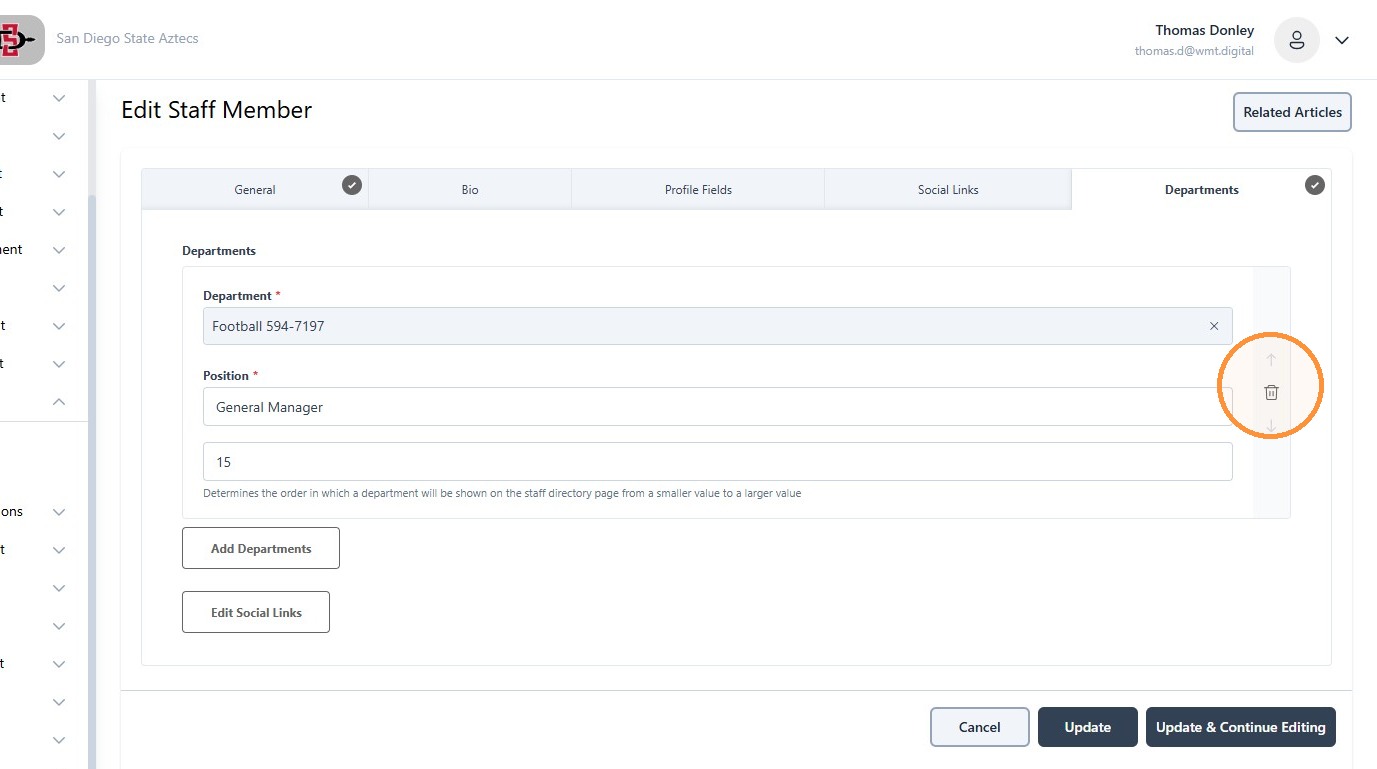
5. Click "Update"
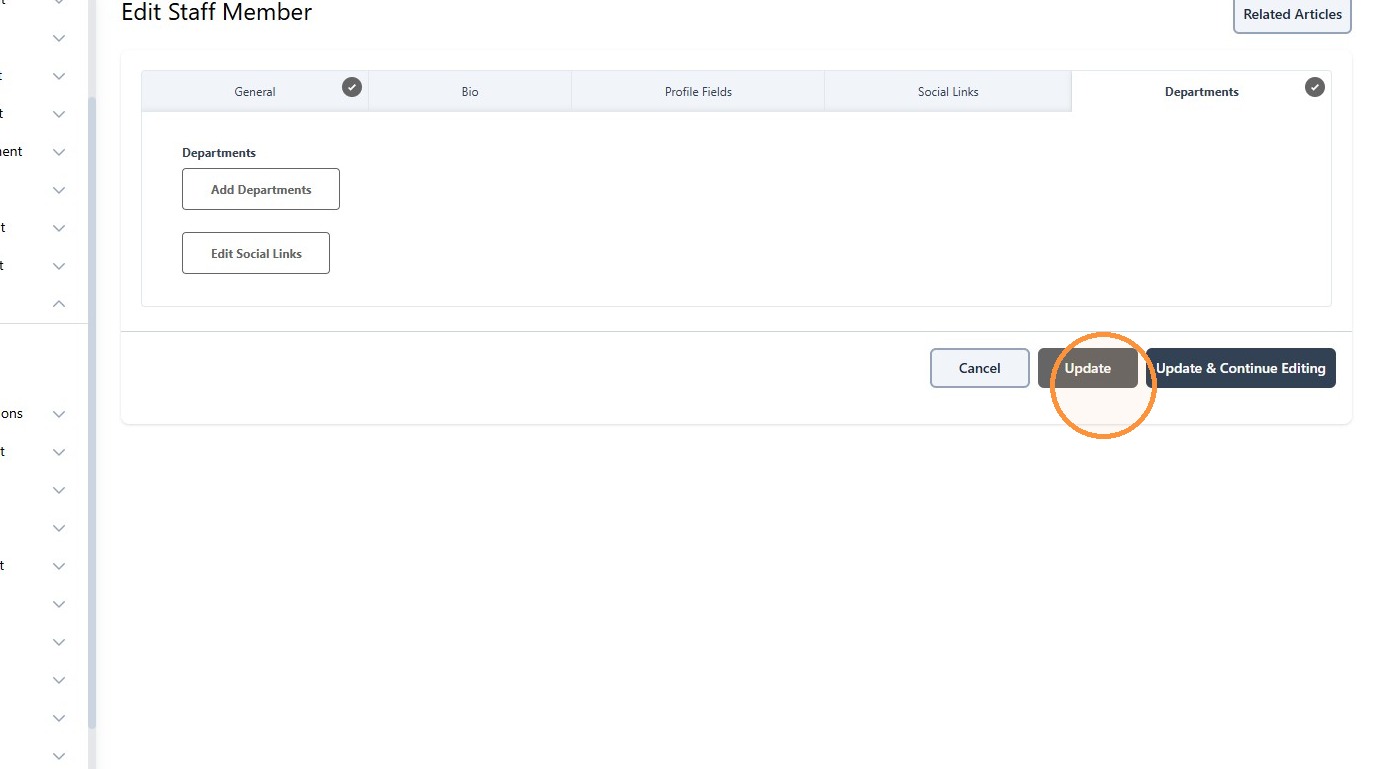
6. The staff member's bio will remain active and they will remain on any rosters and can still be added to future rosters if desired