Add User to your organization
Last updated: October 6, 2026
Users — users who can log in to the dashboard. These users can not use FanID and must be tied to your organization only.
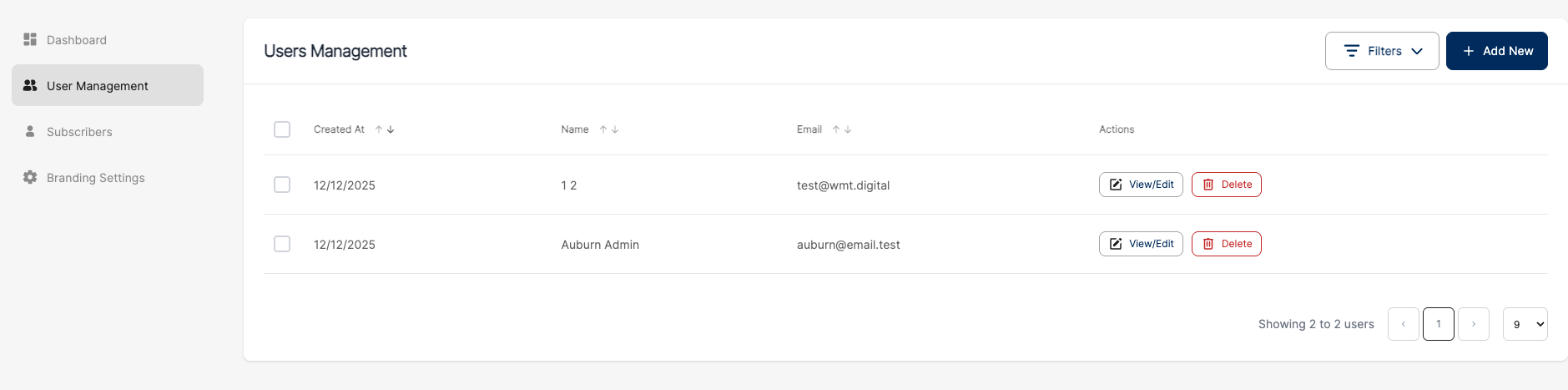
Open the “User Management“ page
Click on button “+ Add new“
Fill the required fields.

Note: You can auto-generate a password by clicking the “Generate password” button. To copy the generated password in the field “Password Confirmation“, click on the button “View password“ and copy the password.
Please don’t forget to save credentials in your preferred password manager and share credentials safely with your team
You can create several users in a row by clicking the “Create & Add Another” button.