How To Change Block Theme from Dark to Light
Last updated: September 18, 2026
Made by Finance WMT Digital with Scribe
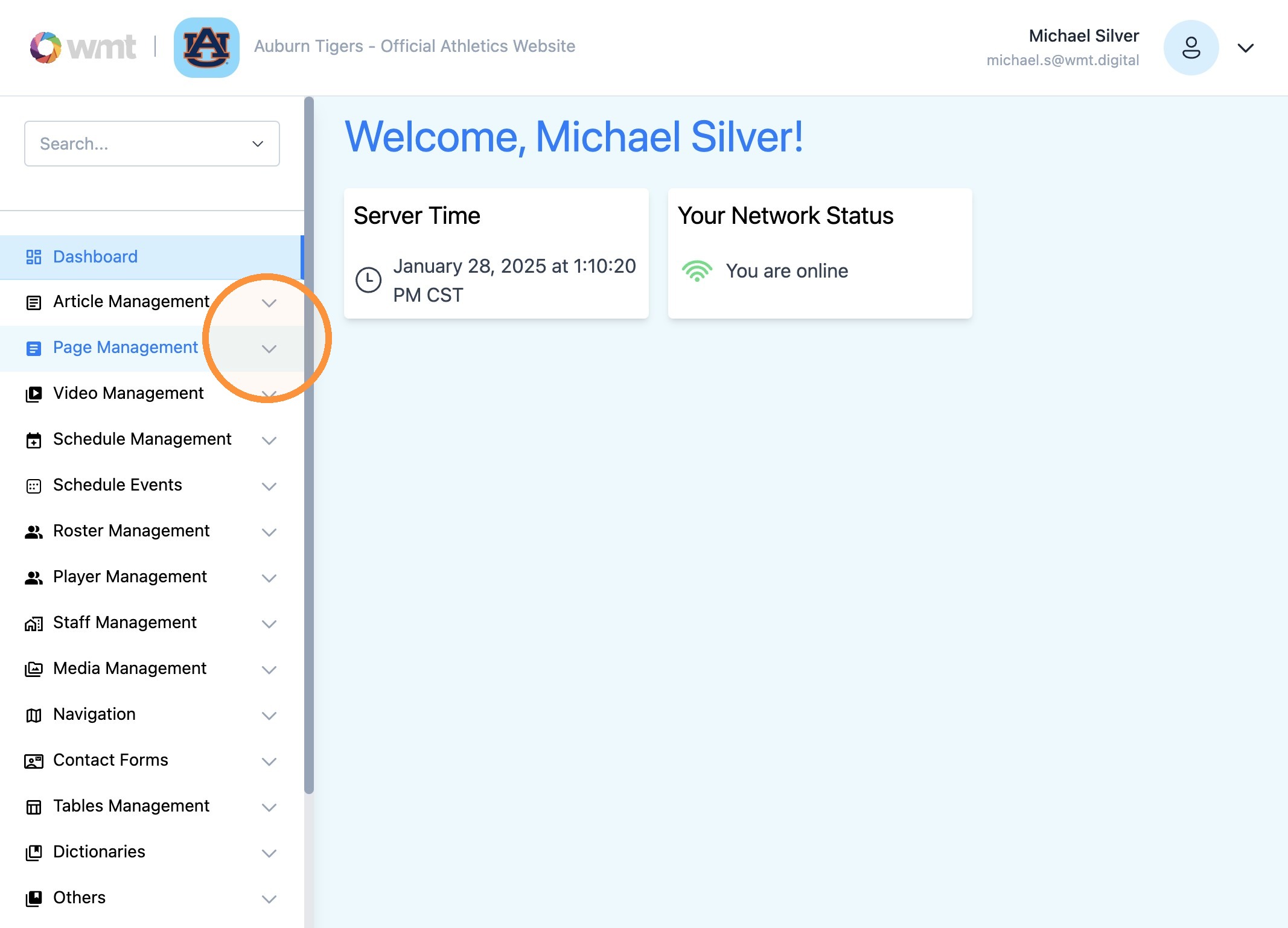
1. Click "Page Management"
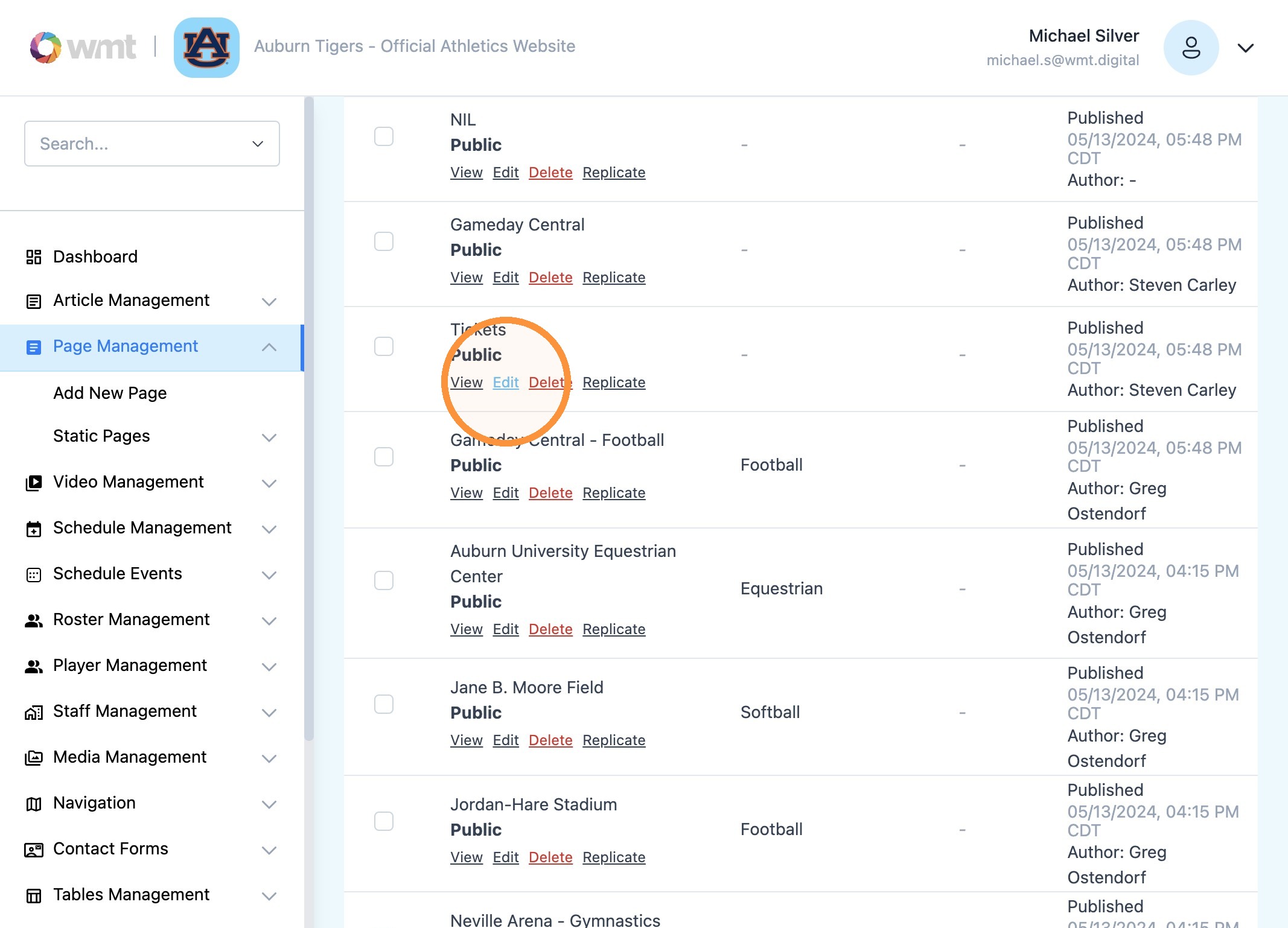
2. Find "Tickets" or desired page and select "Edit"
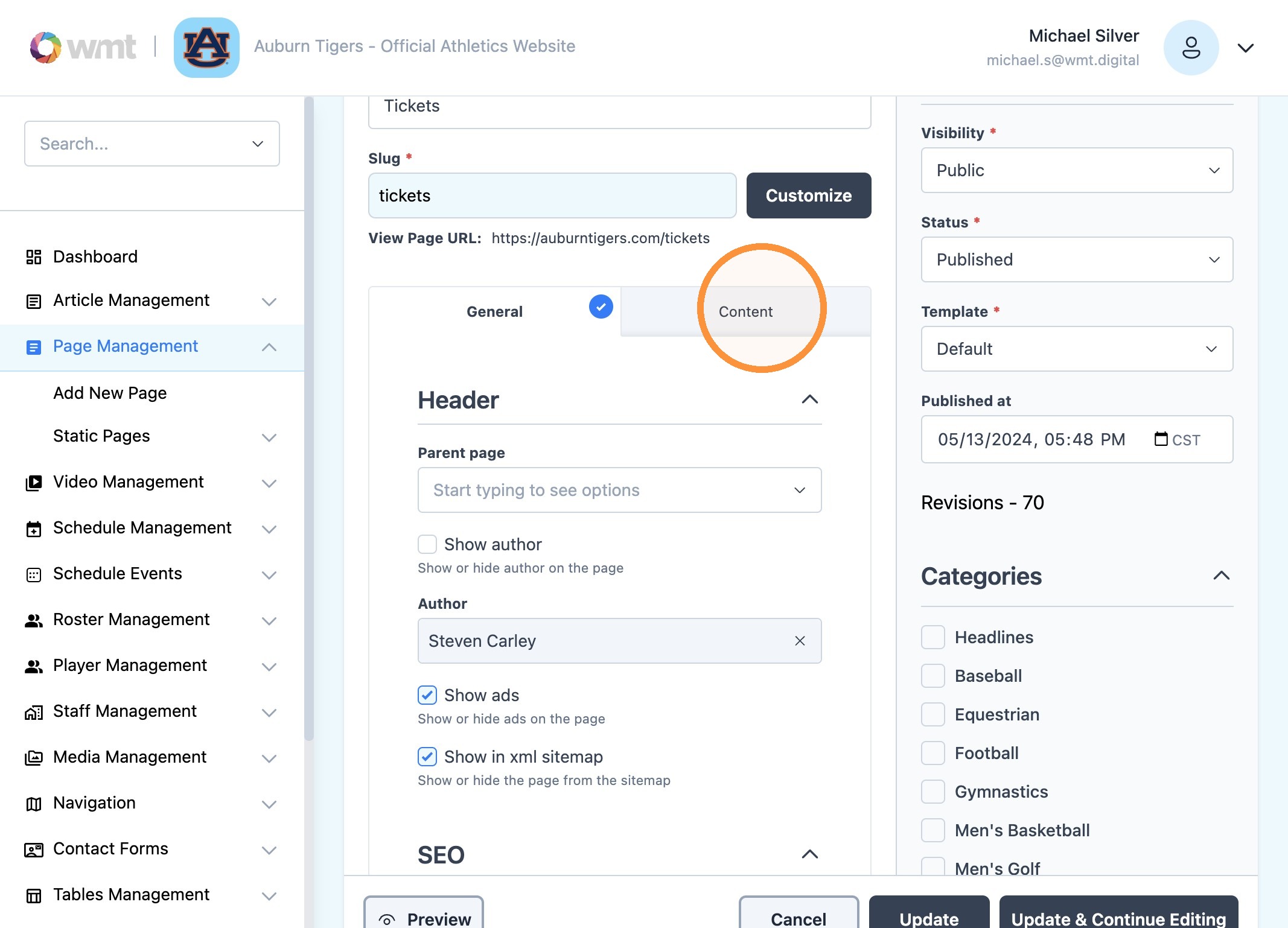
3. Click the "Content" tab
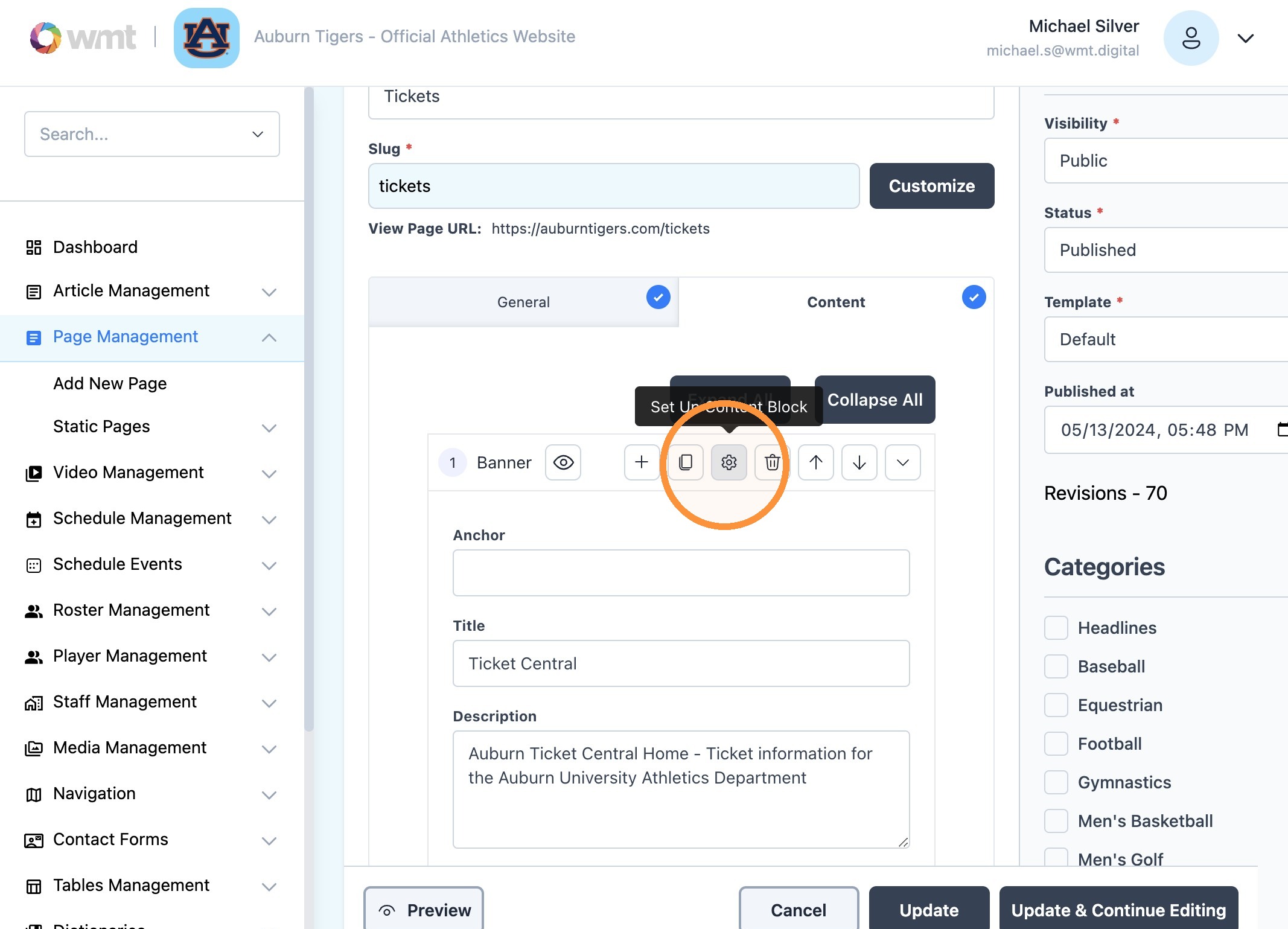
4. Click the "Gear" icon
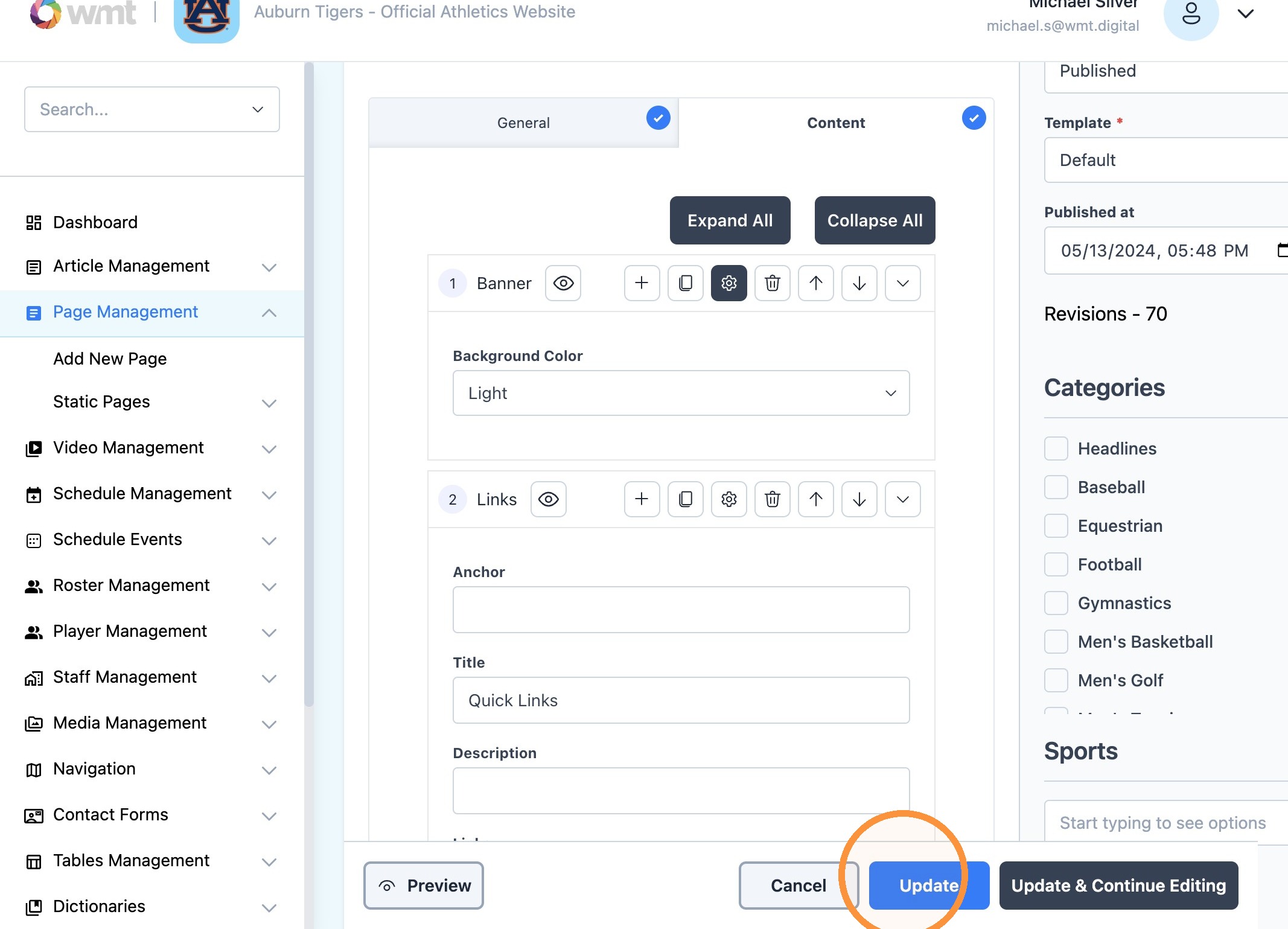
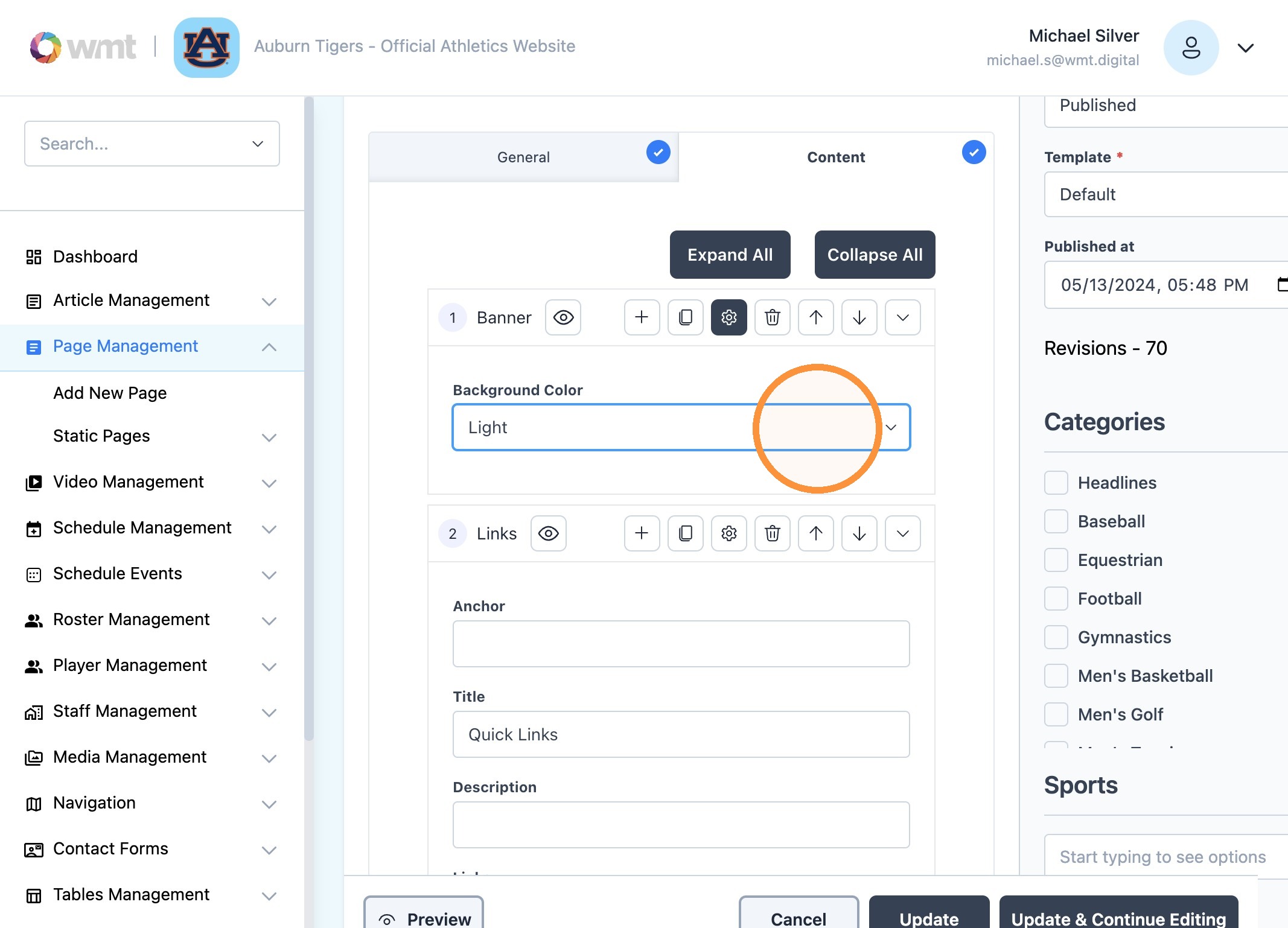
5. Under "Background Color" choose from 'Light' or 'Dark' options.
6. Click "Update" to finish