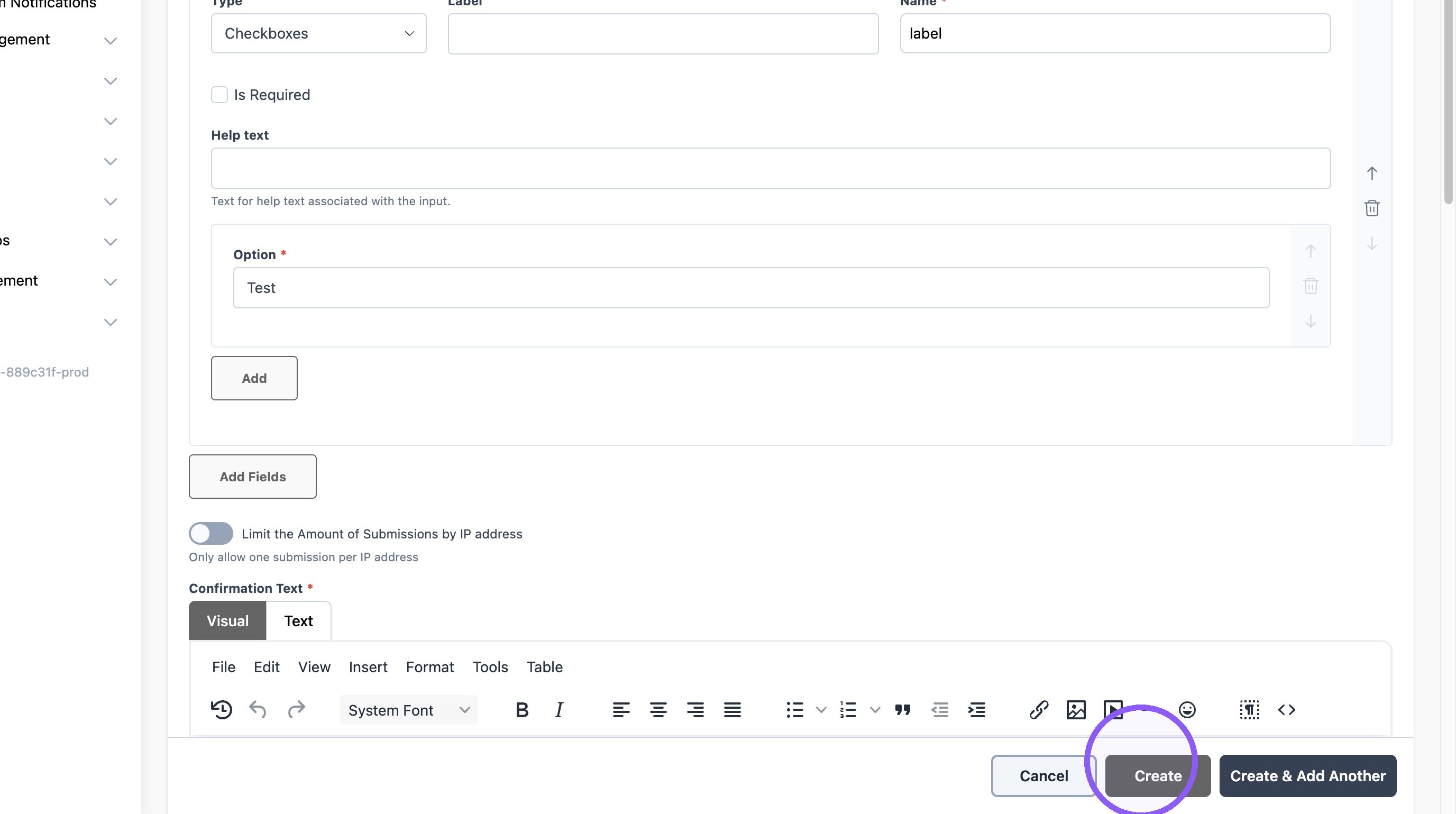
How to create a Contact Form
Last updated: September 18, 2026
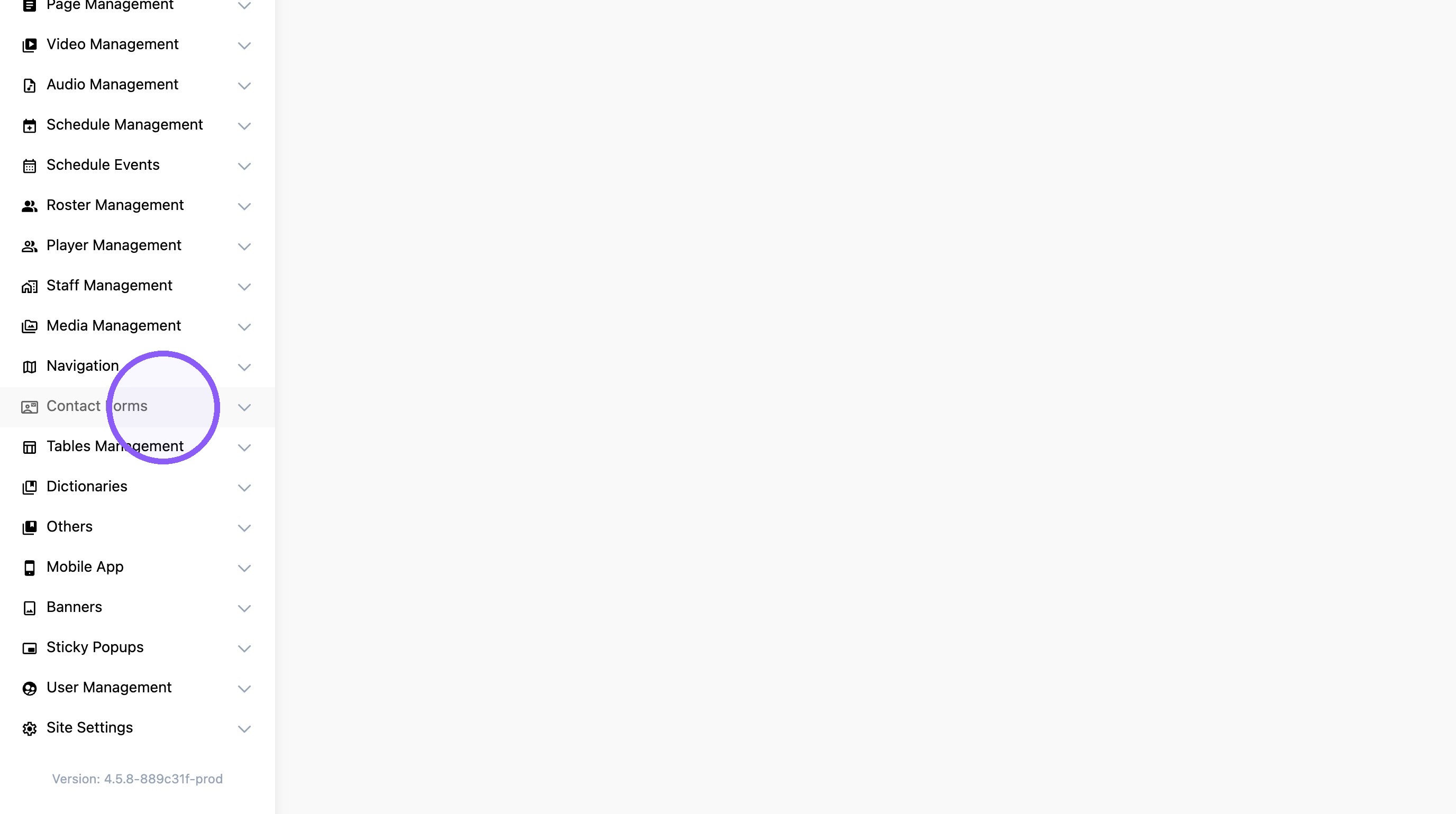
1. Click "Contact Forms"
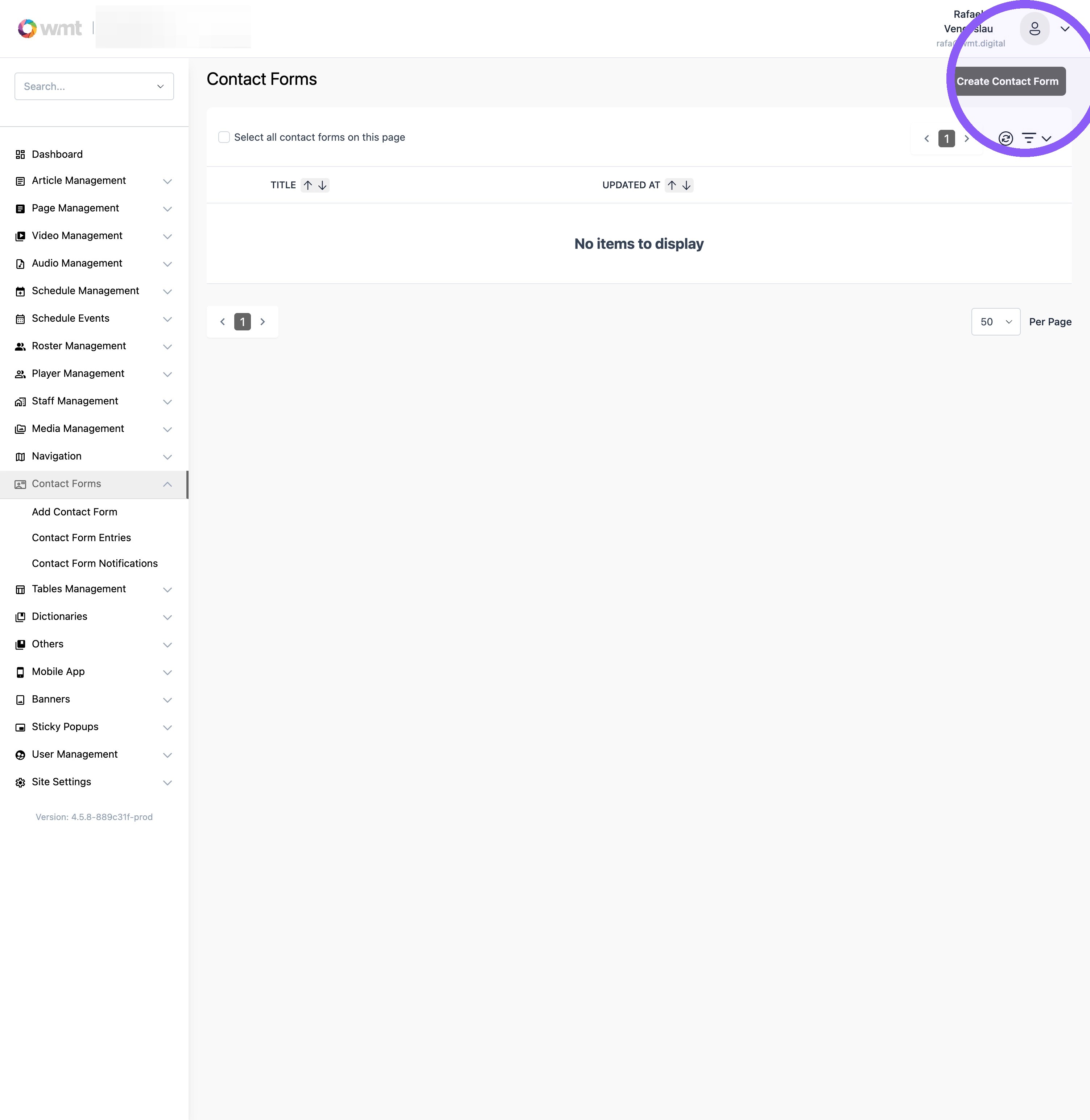
2. Click "Create Contact Form"
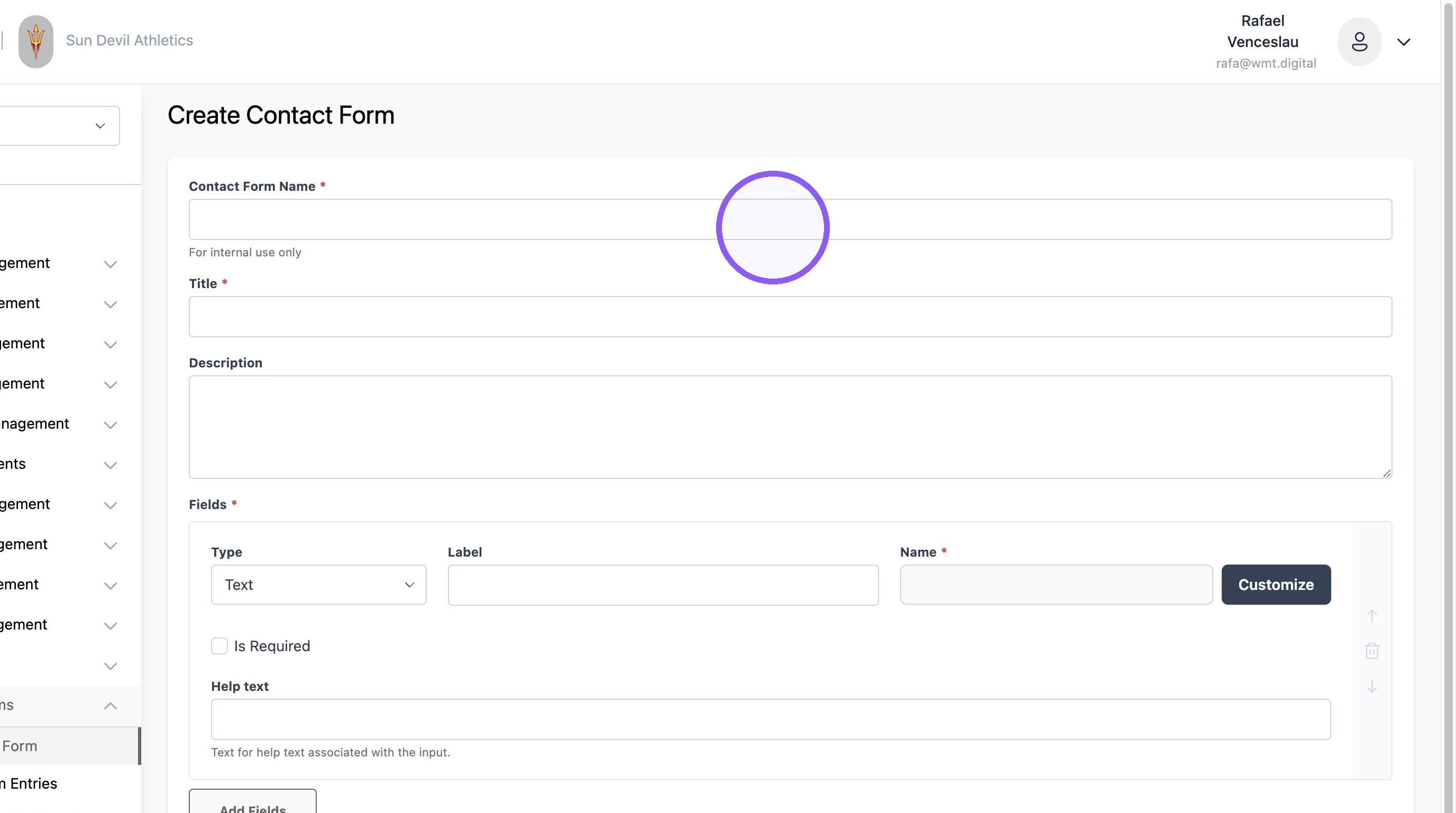
3. Add a form name and title
4. 1. Select Type of form field
2. Add question label and name - both can be the same value
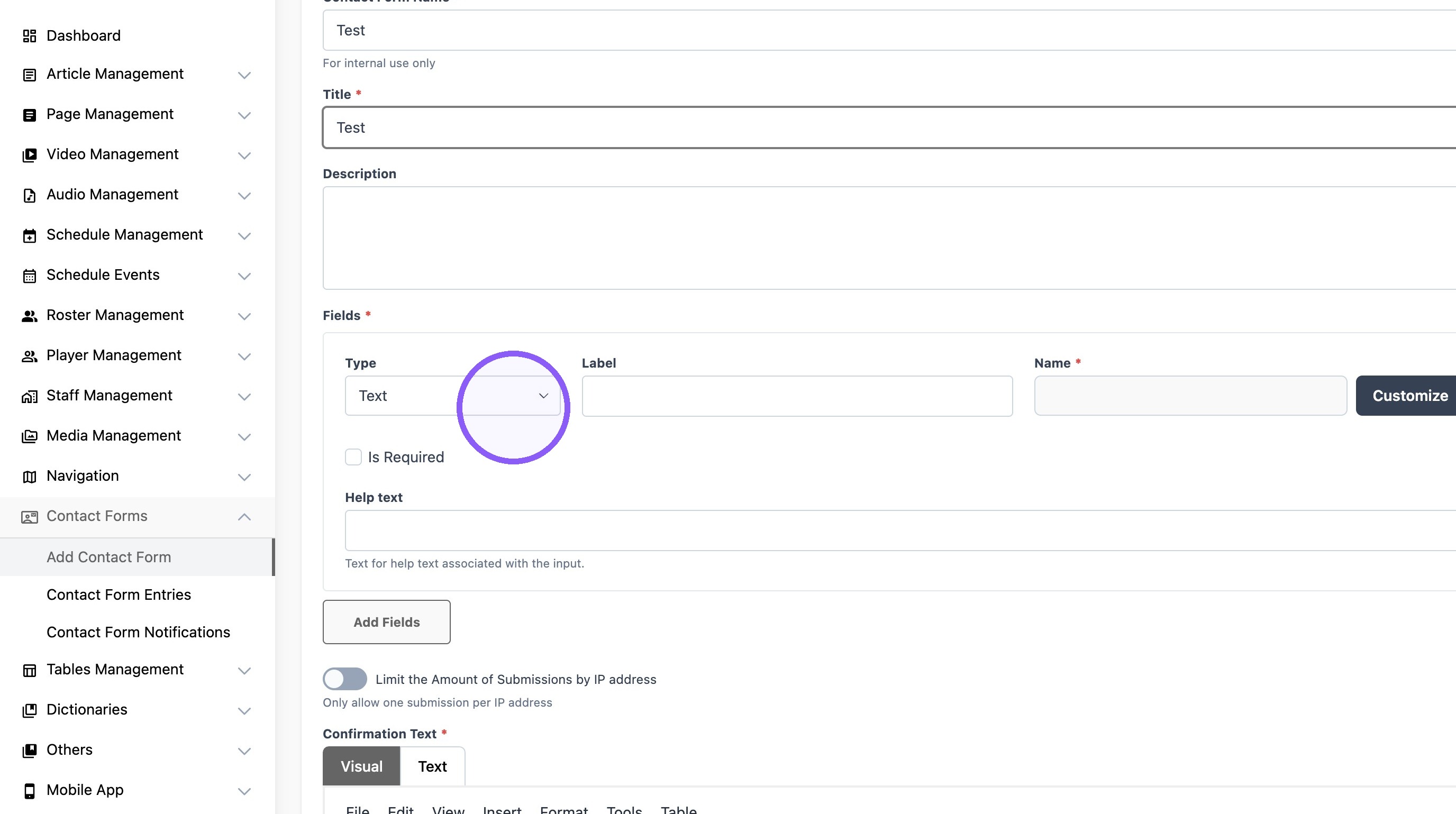
Tip: Types of form fields available:
Text
Email
File upload
Date/ Date Local
Text Area (Large paragraph format)
Select (Multiple choice)
Checkboxes
Paragraph (Text field for form descriptions)
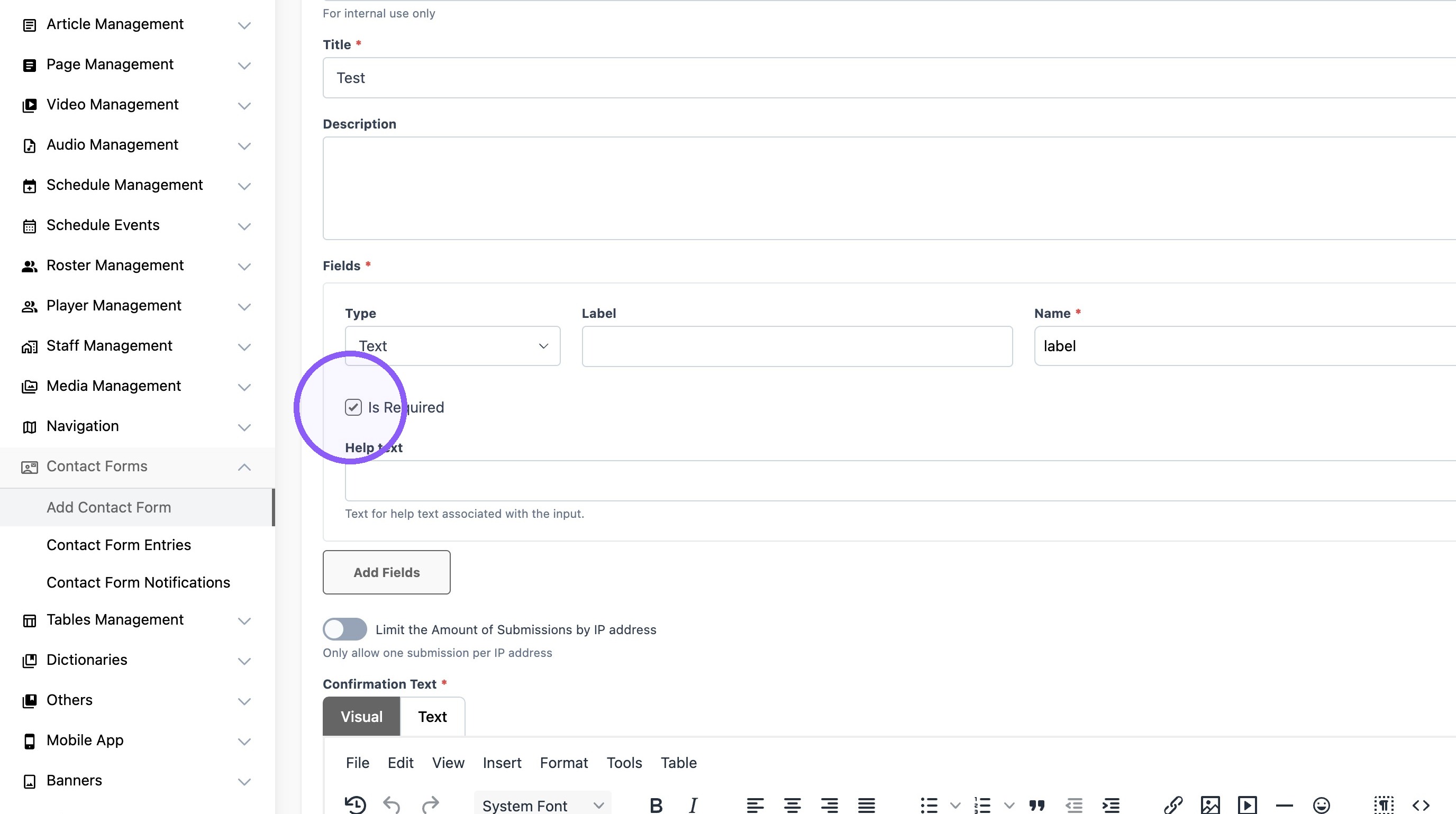
5. Check the box if the field is required for submission.
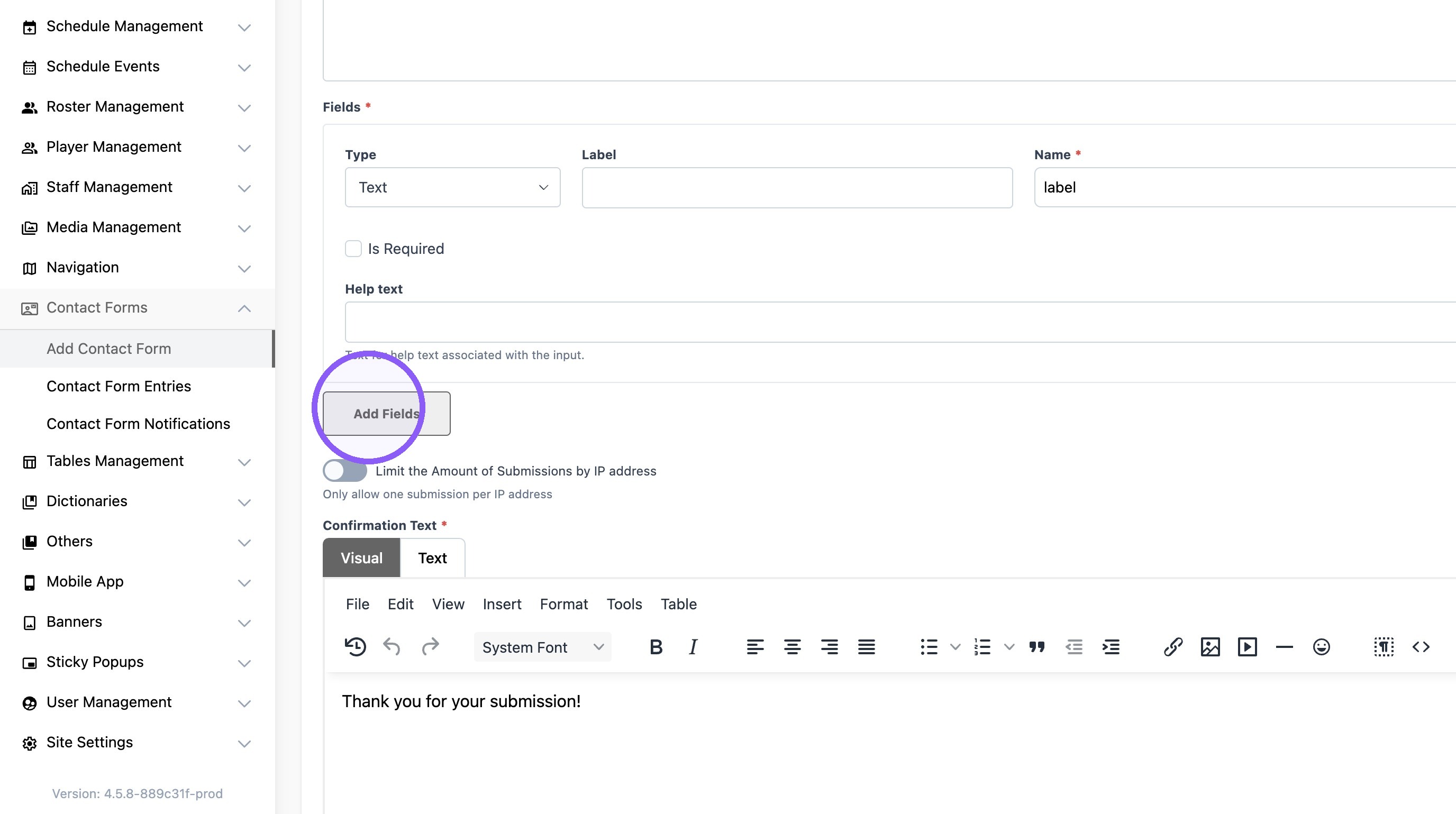
6. Click "Add Fields" to add more entries to the form.
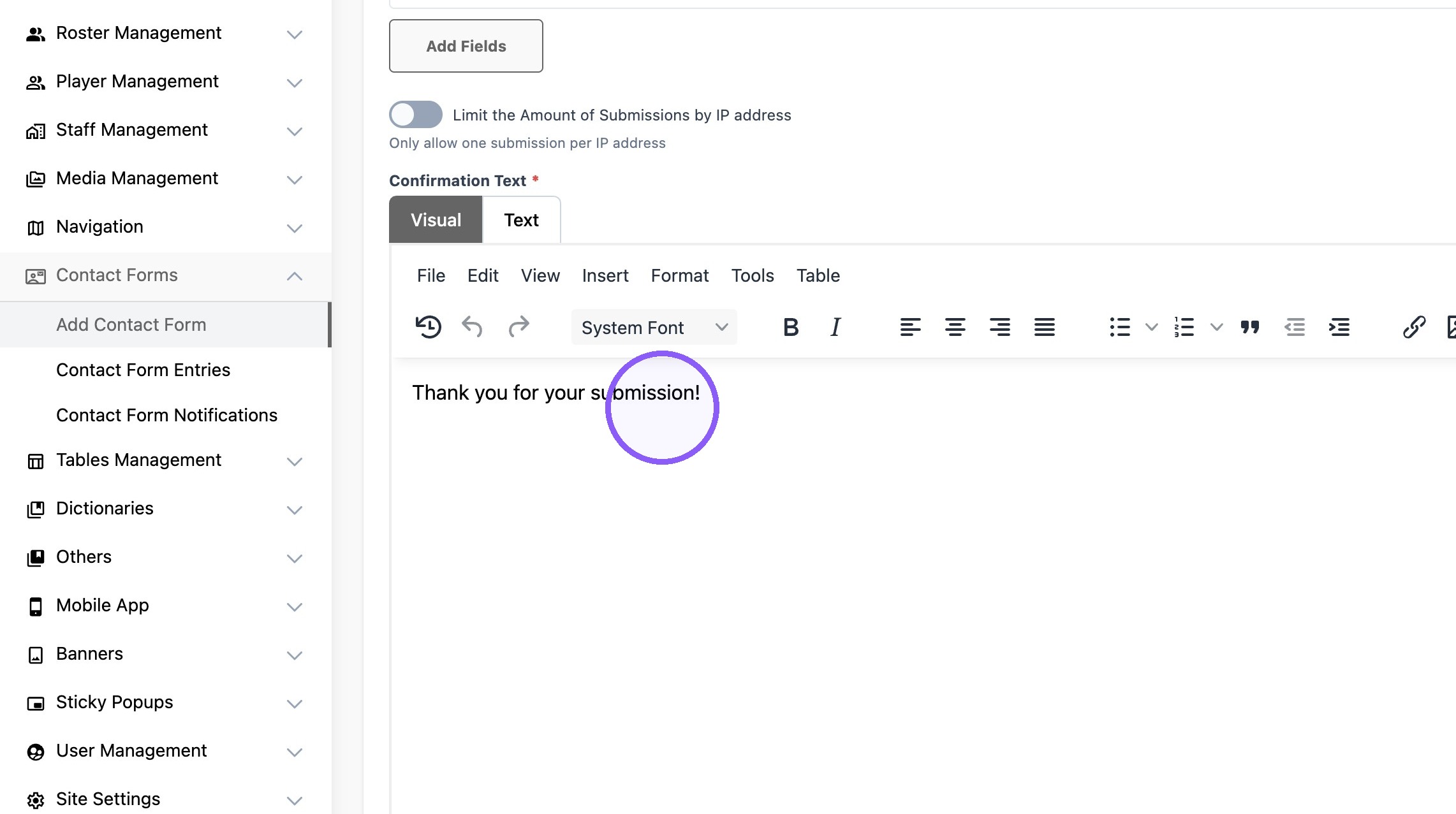
7. Customize the confirmation text as desired.
8. 1. Edit Submit Button text if necessary
2. Paste a link if the form should redirect the user to a new page
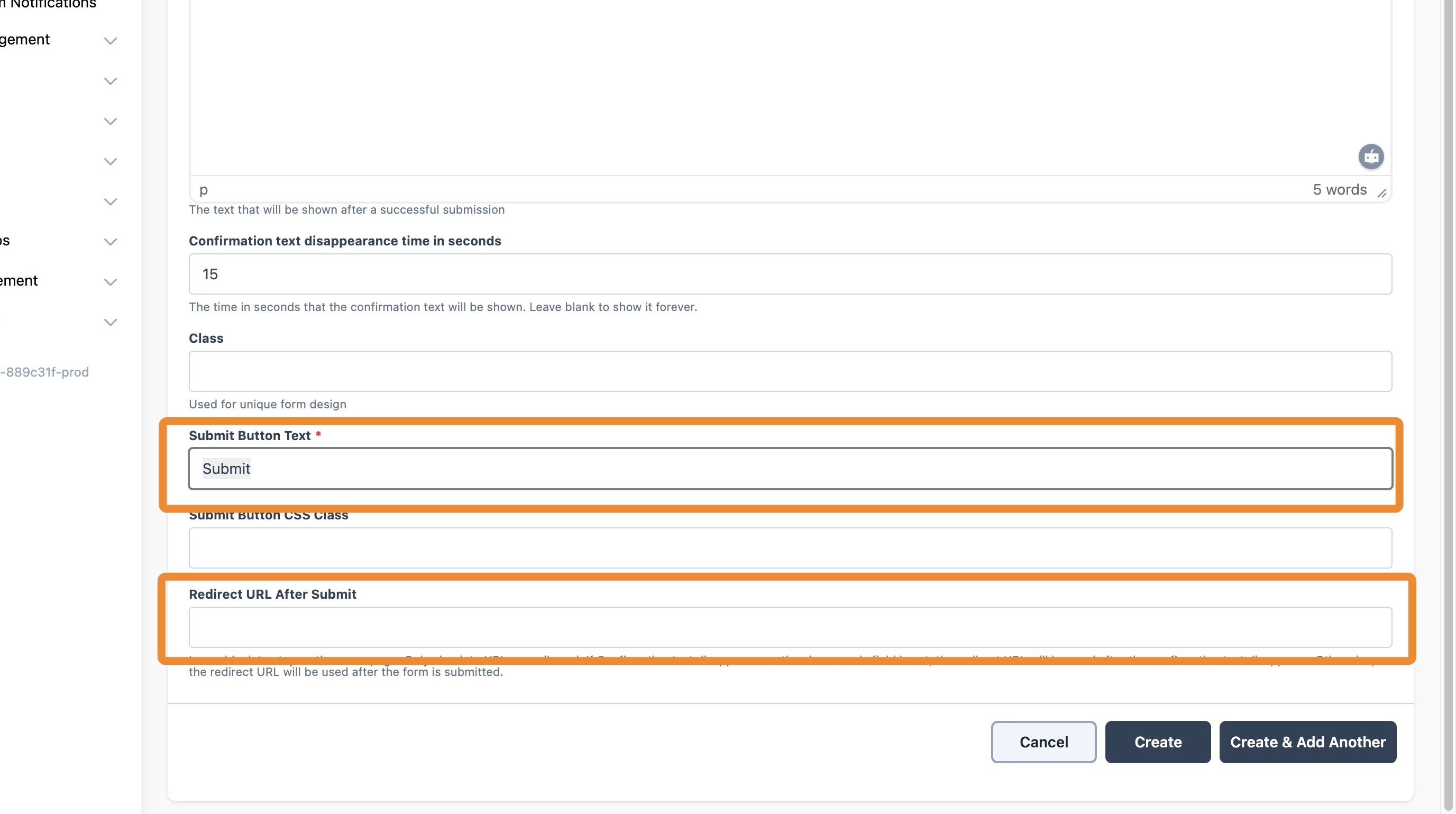
9. Click "Create"