Contact Forms - How to add form to a page
Last updated: September 18, 2026
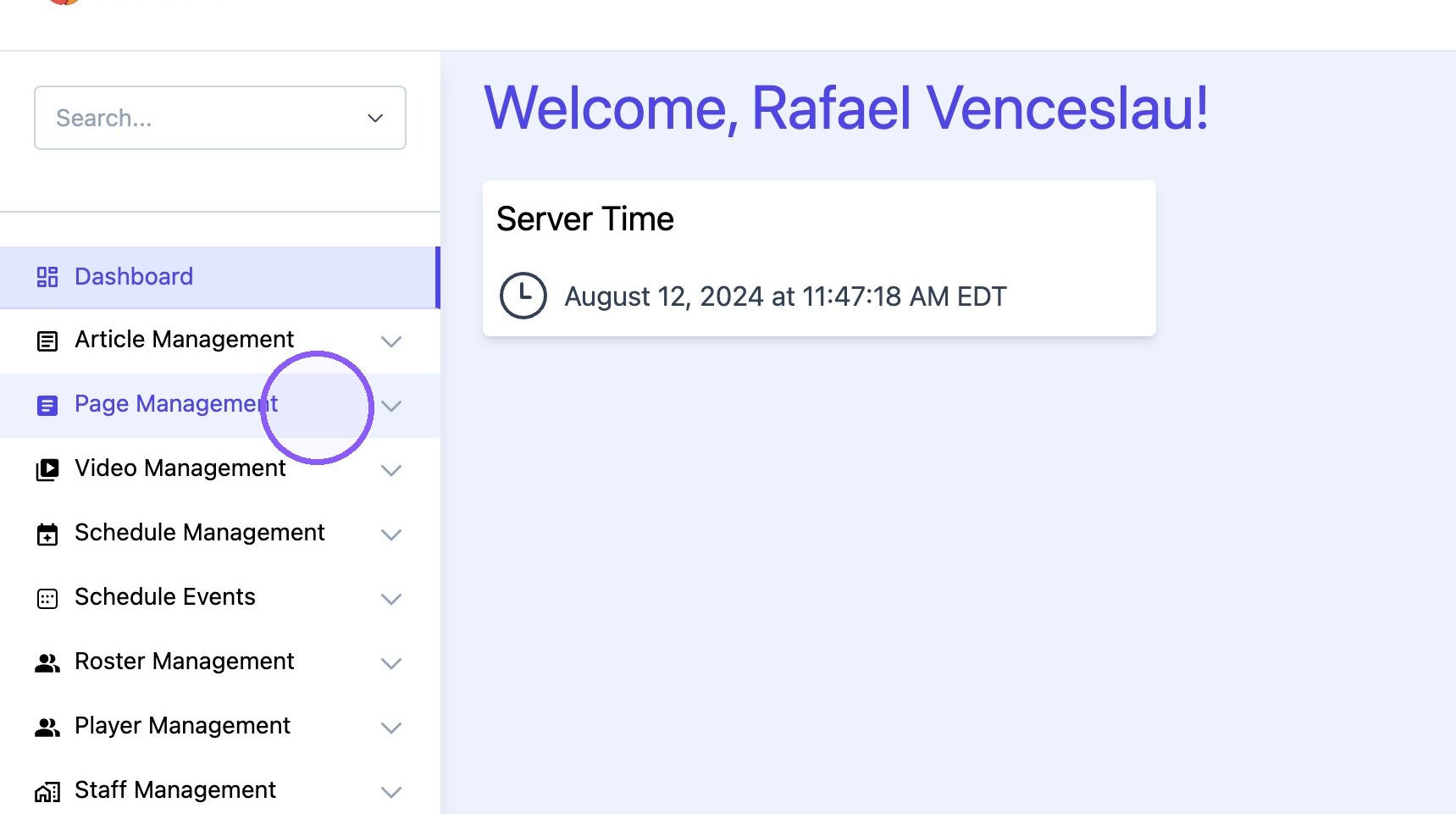
1. Click "Page Management"
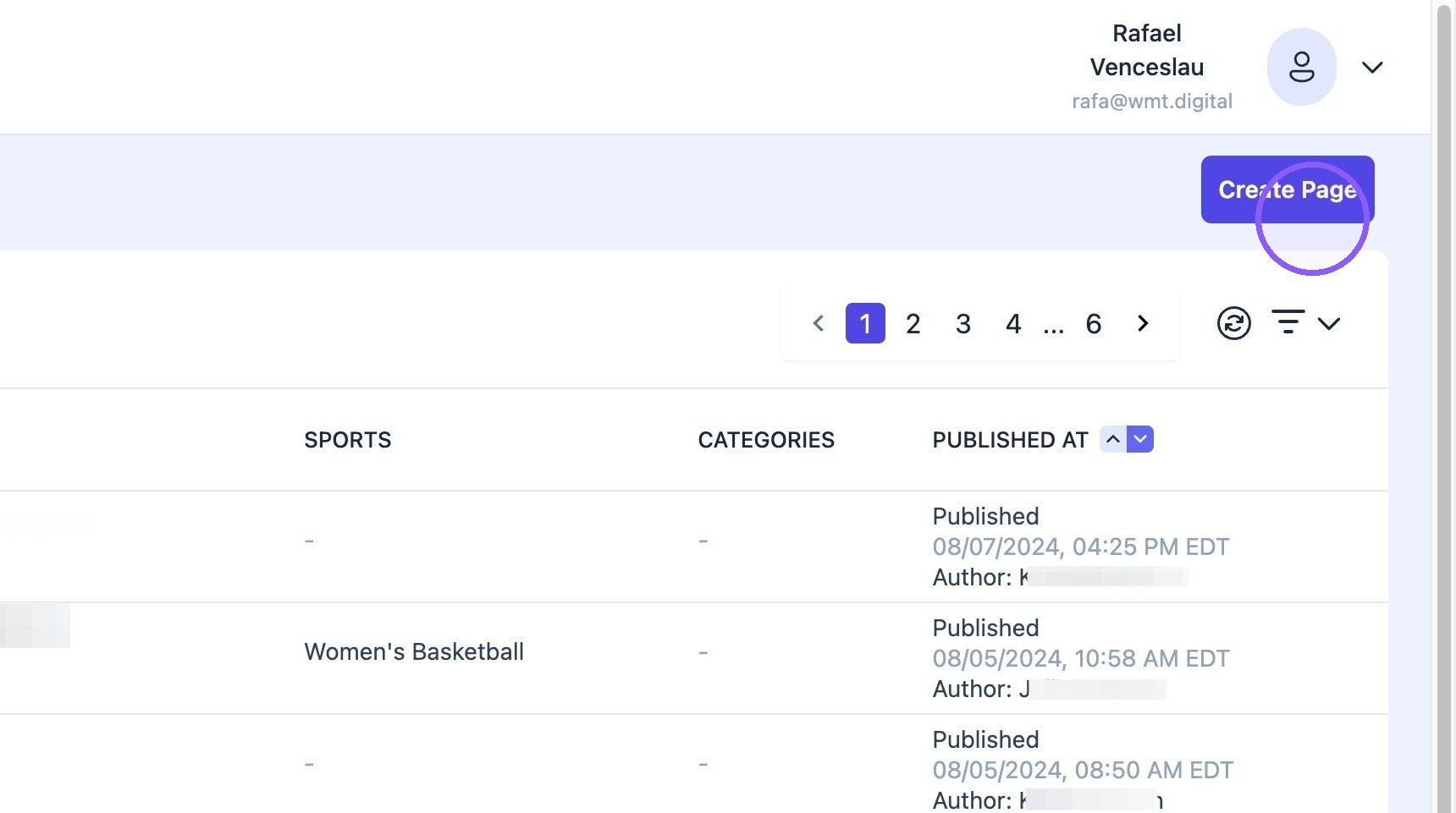
2. Click "Create Page"
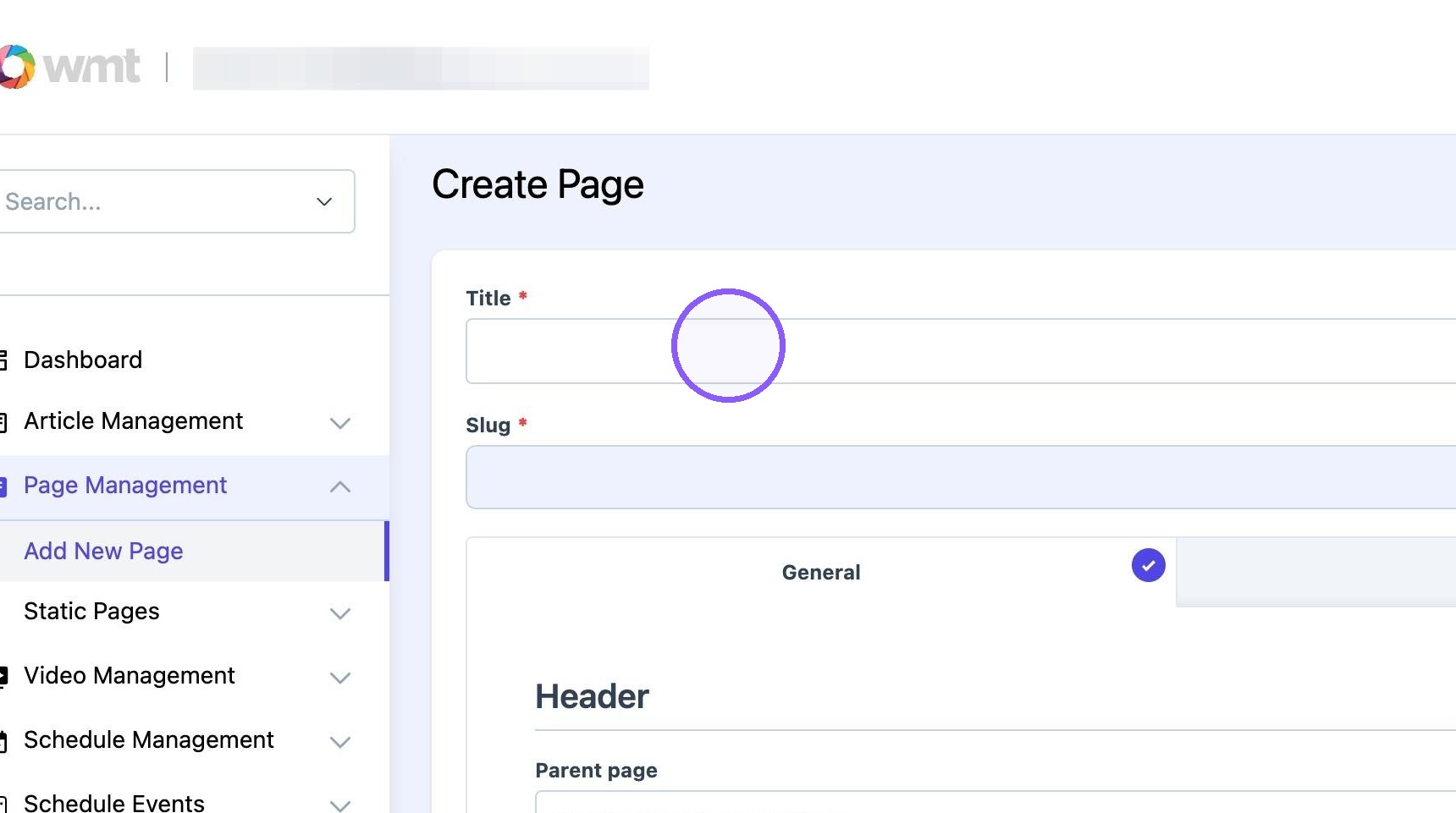
3. Add desired page title
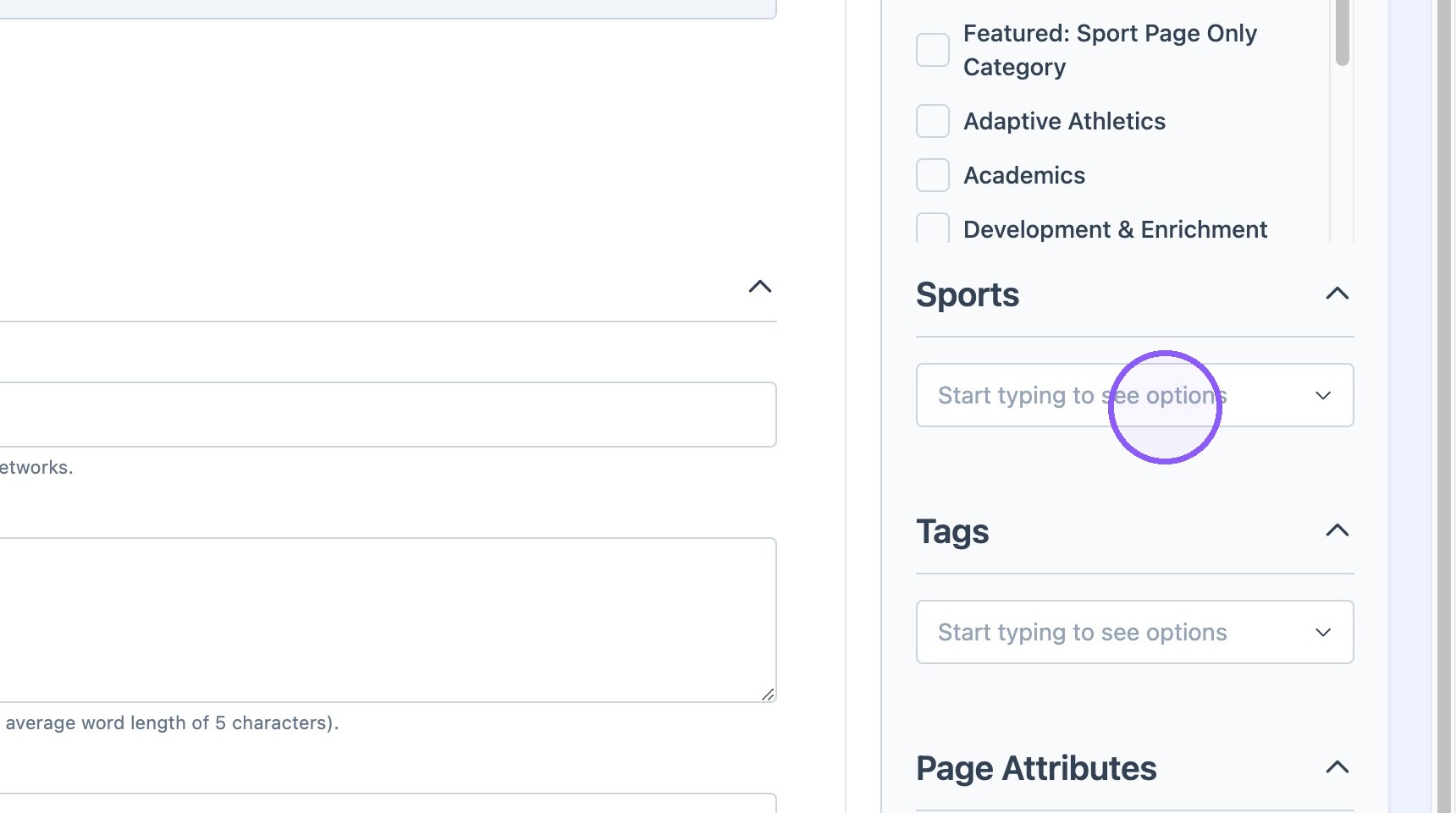
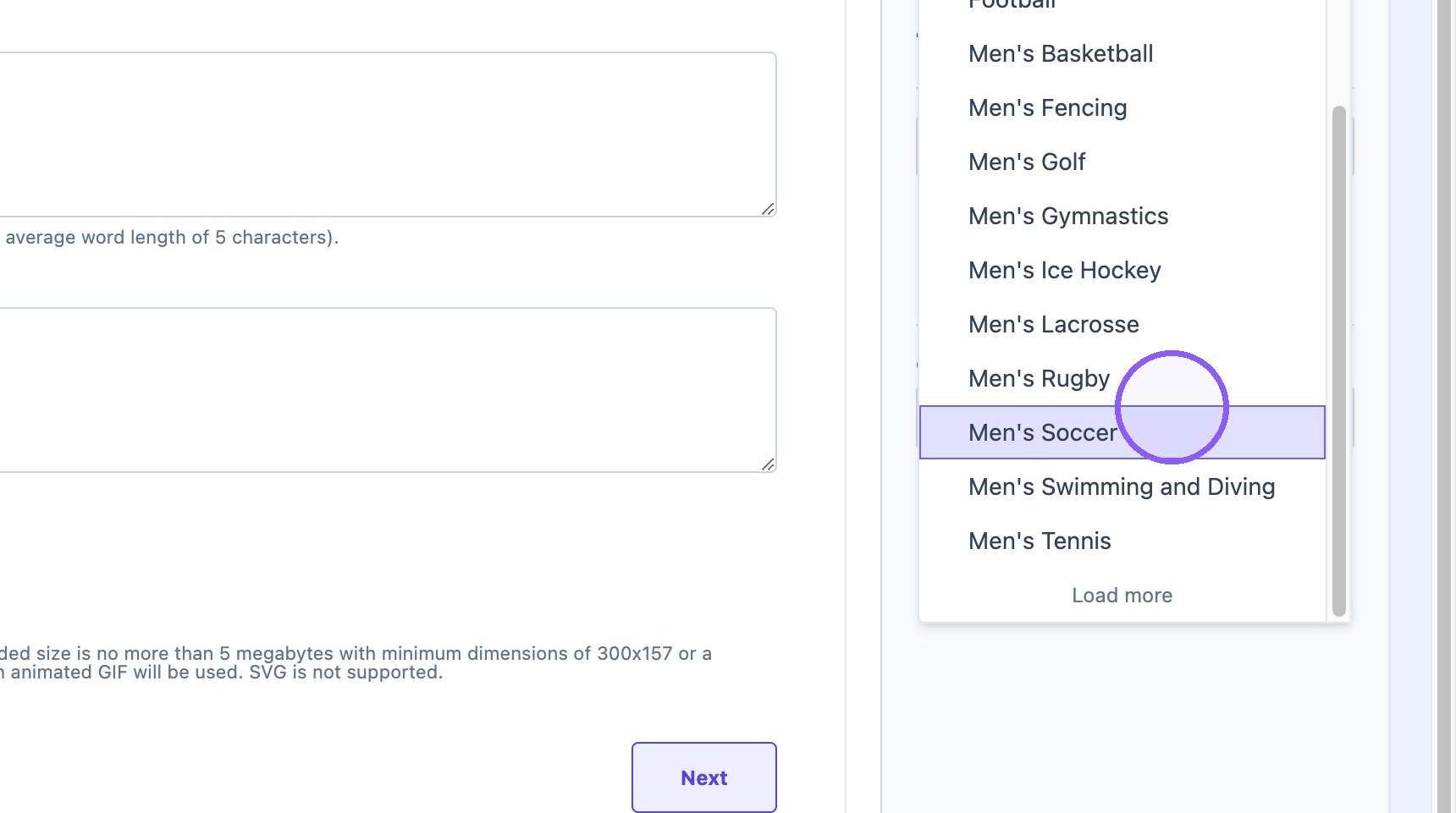
4. Select desired sport
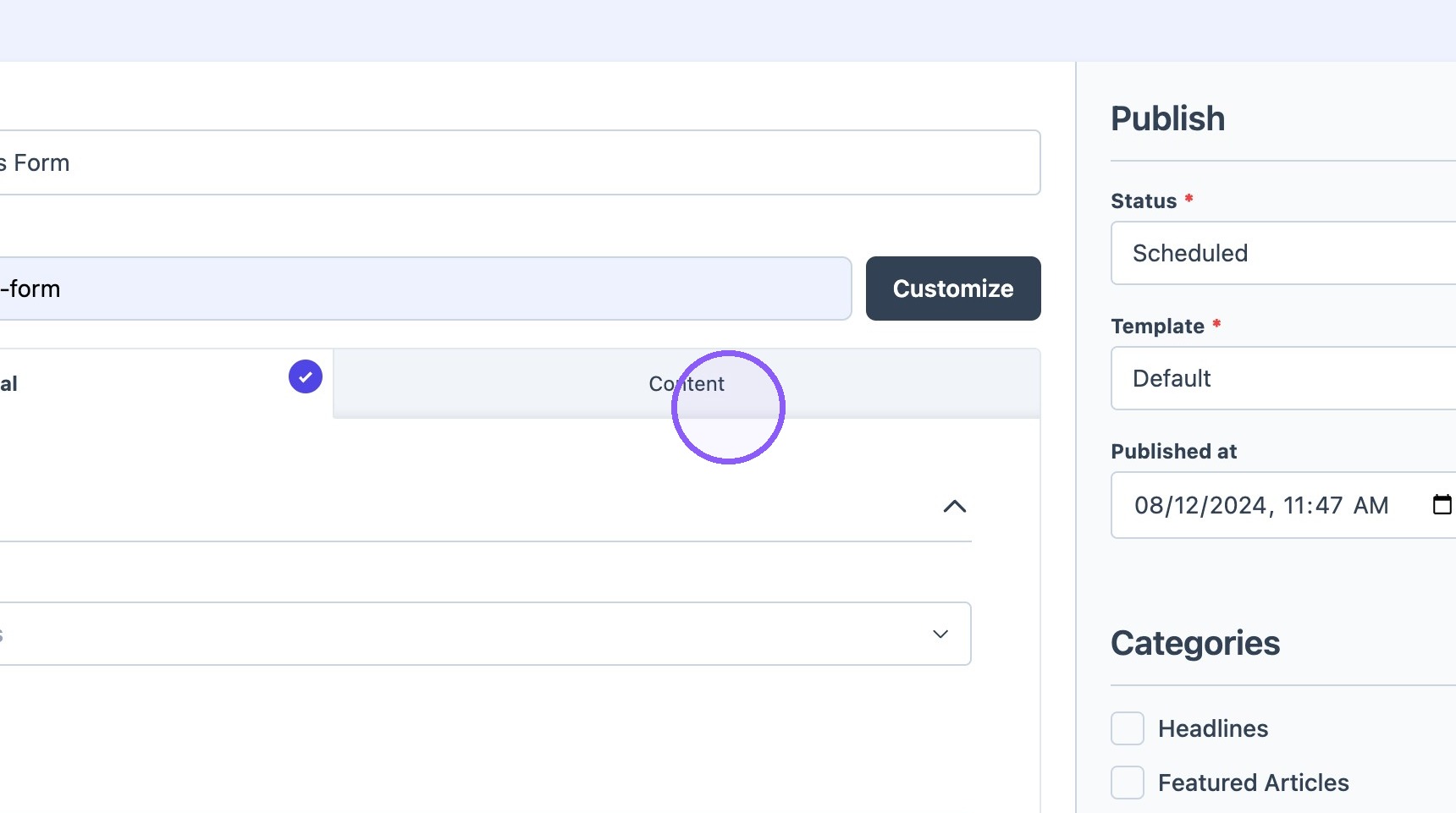
5. Click the "Content" tab
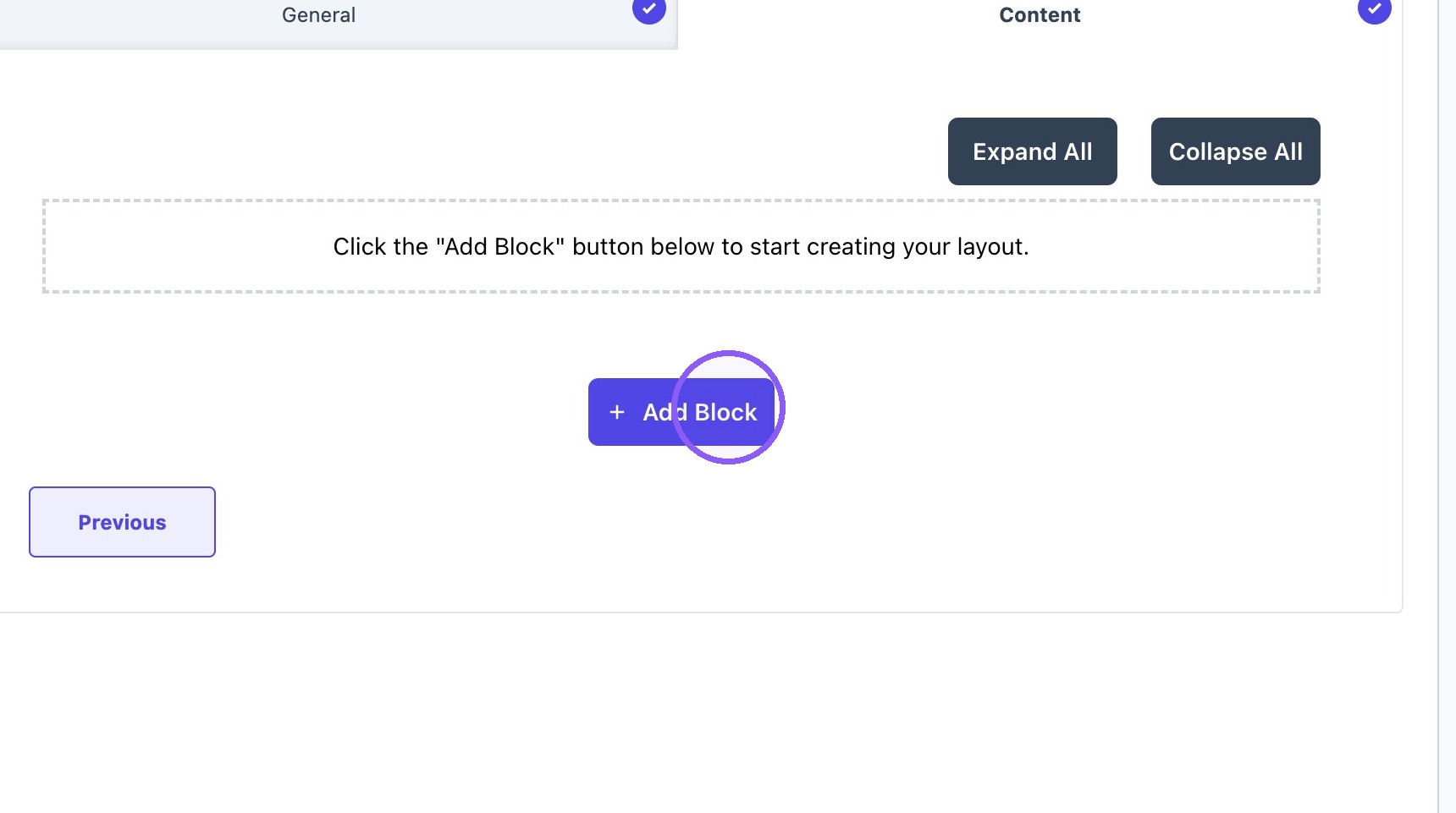
6. Click "Add Block"
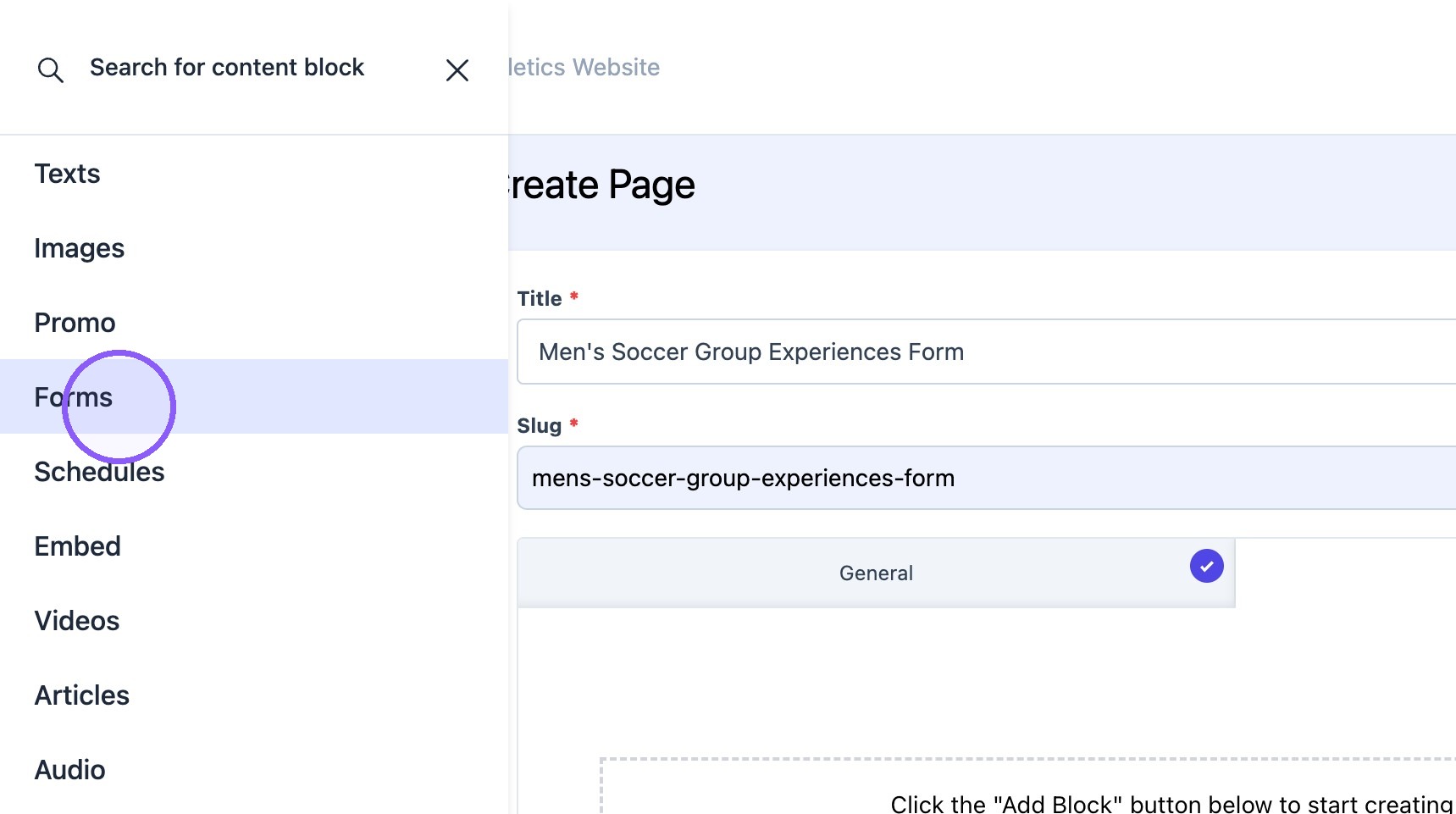
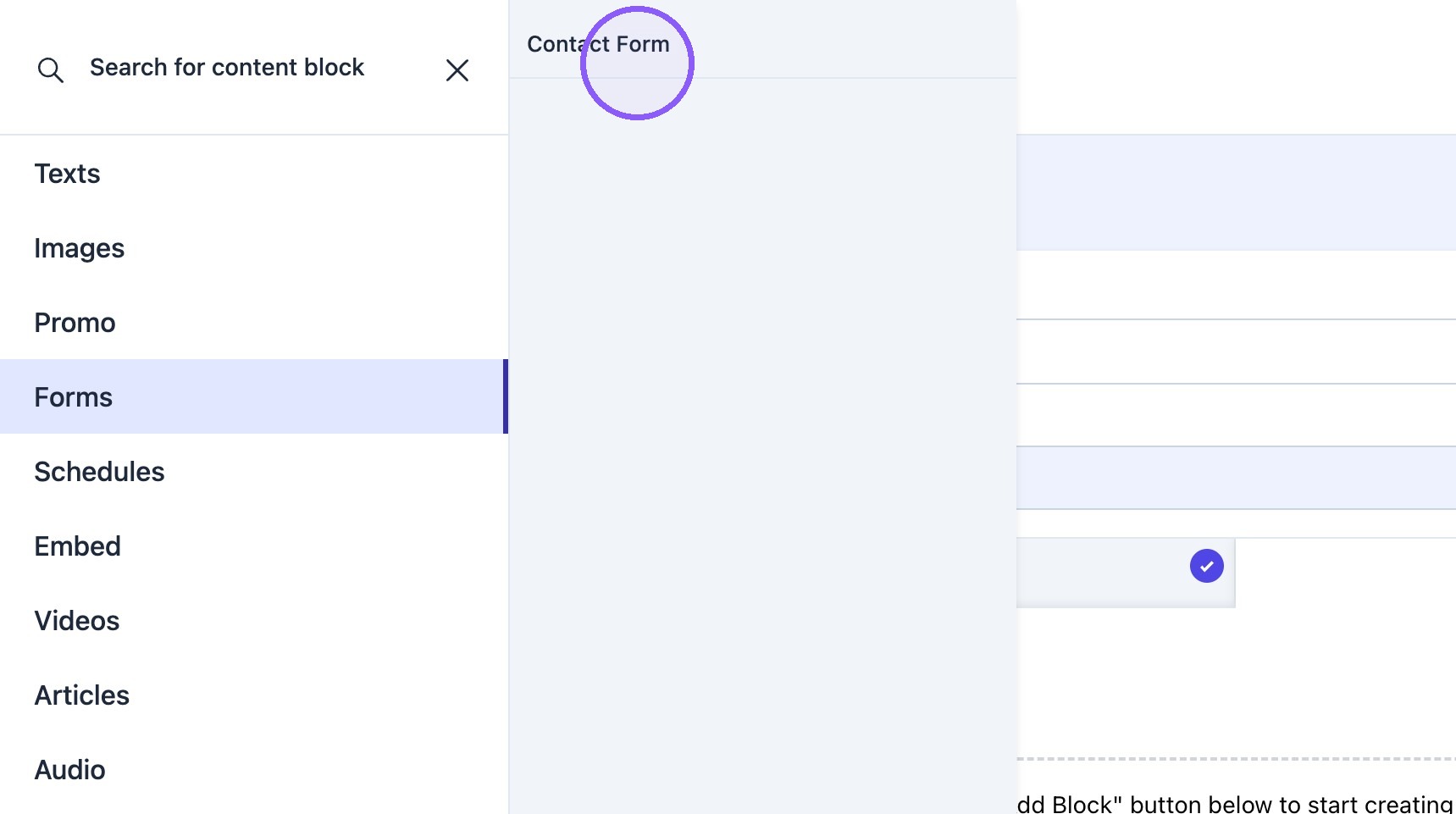
7. Click "Forms"
8. Select "contact Form" block
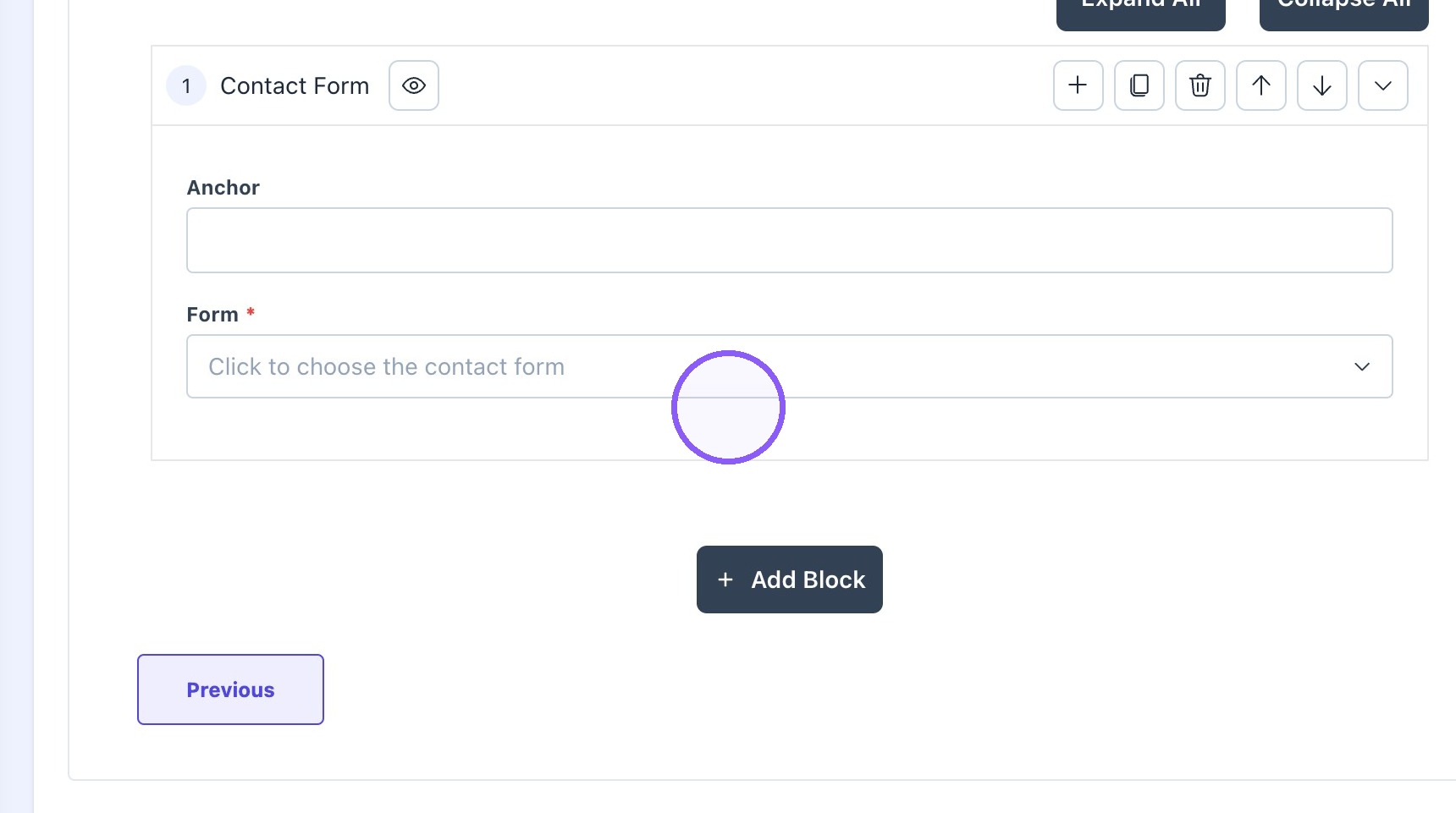
9. Choose desired form from Dropdown
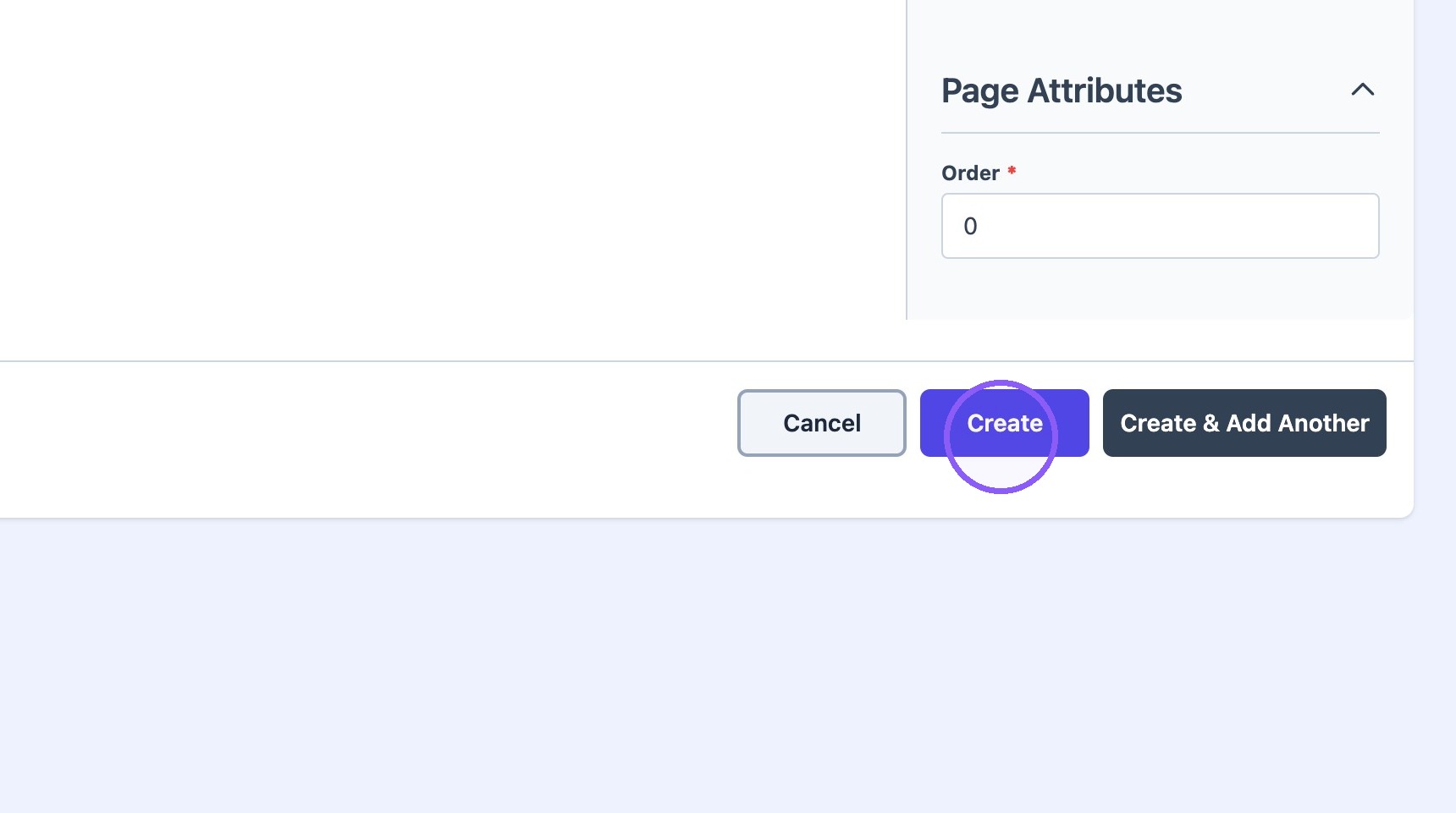
10. Click "Create"
Tip: Note! After the page is created, please use the new page "slug" to update the navigation menu.