How to Tag images in the Media Library
Last updated: September 18, 2026
Made by Rafael Venceslau with Scribe
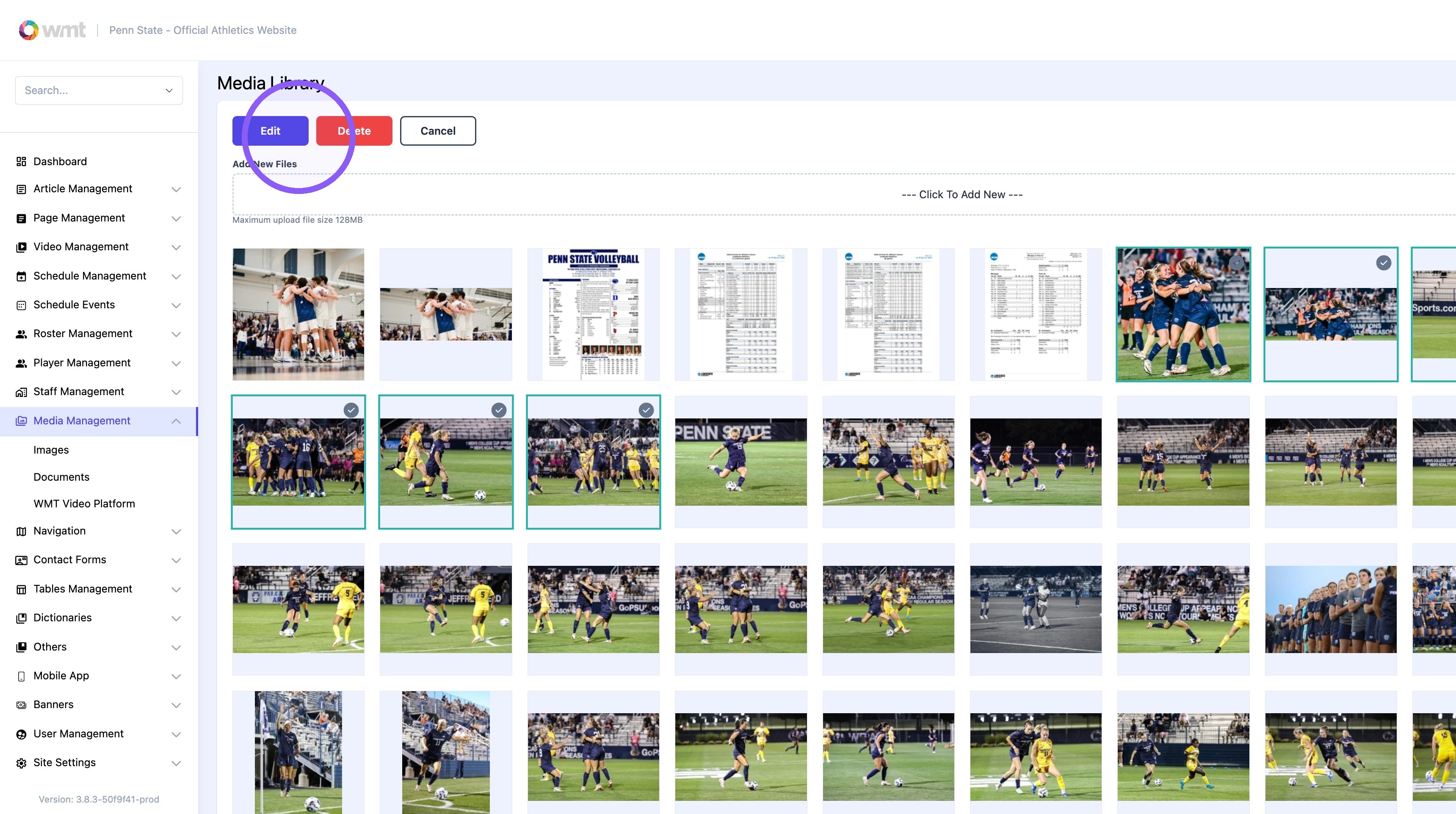
1. Click "Media Management"

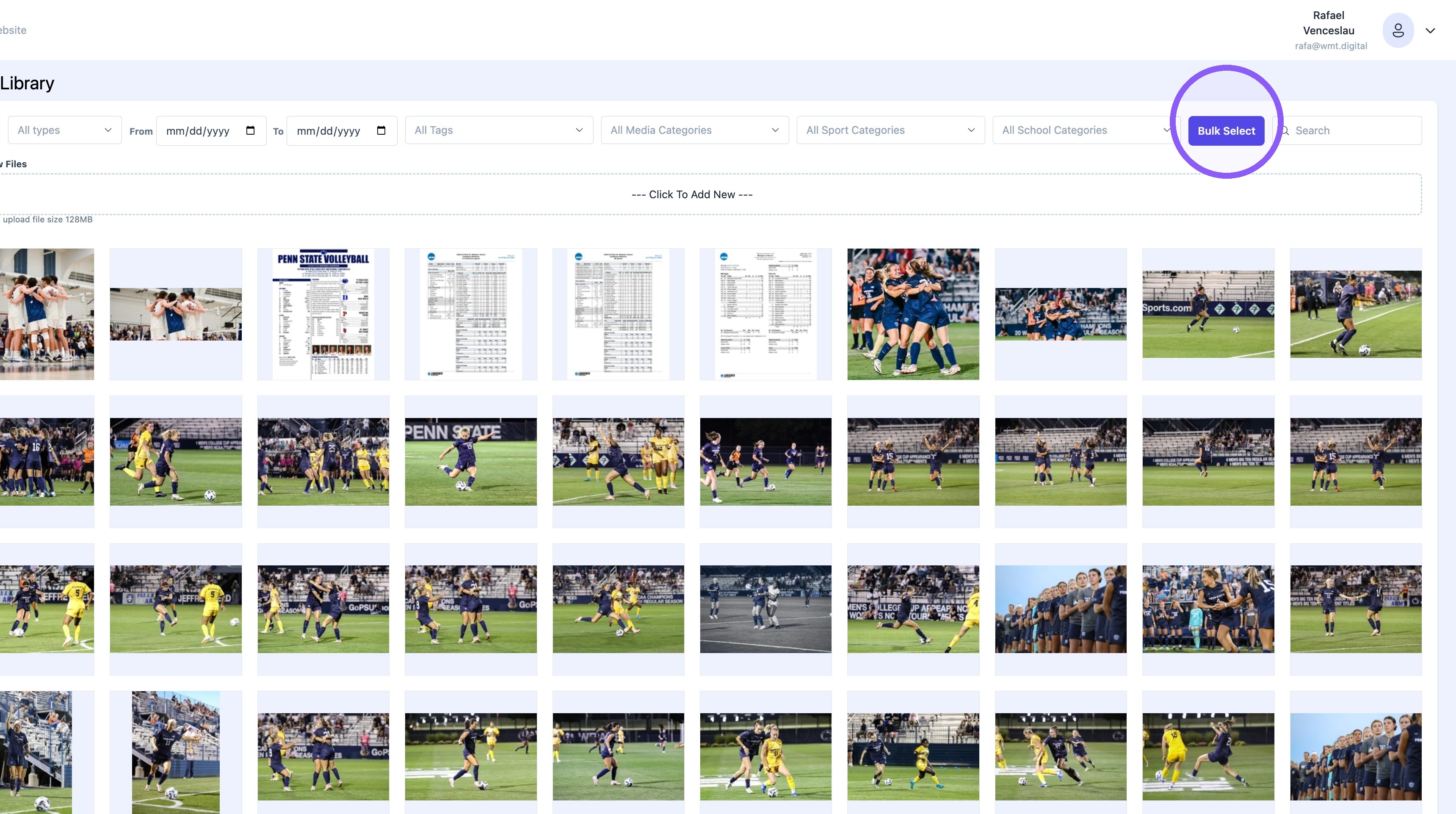
2. Click "Bulk Select"
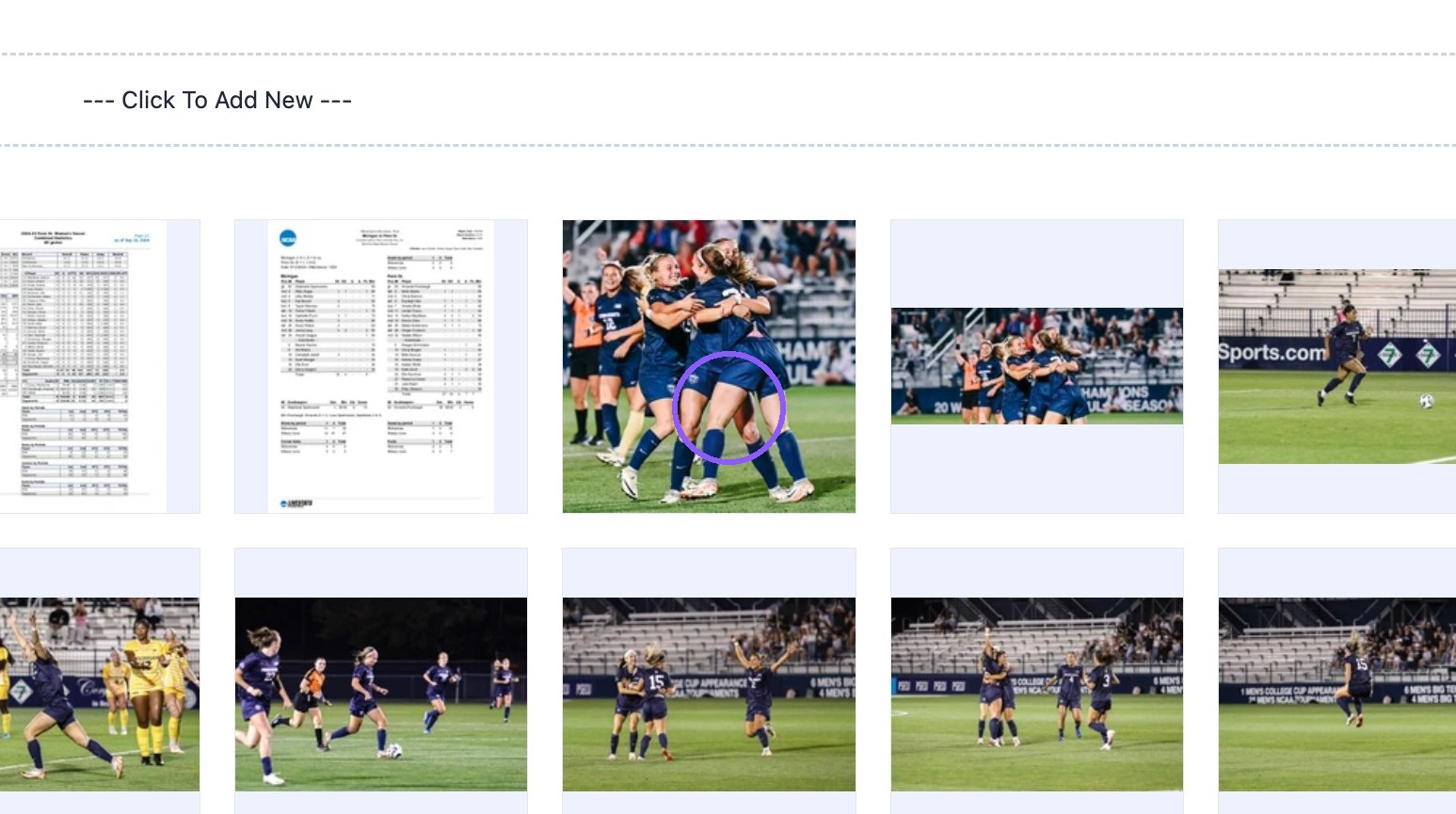
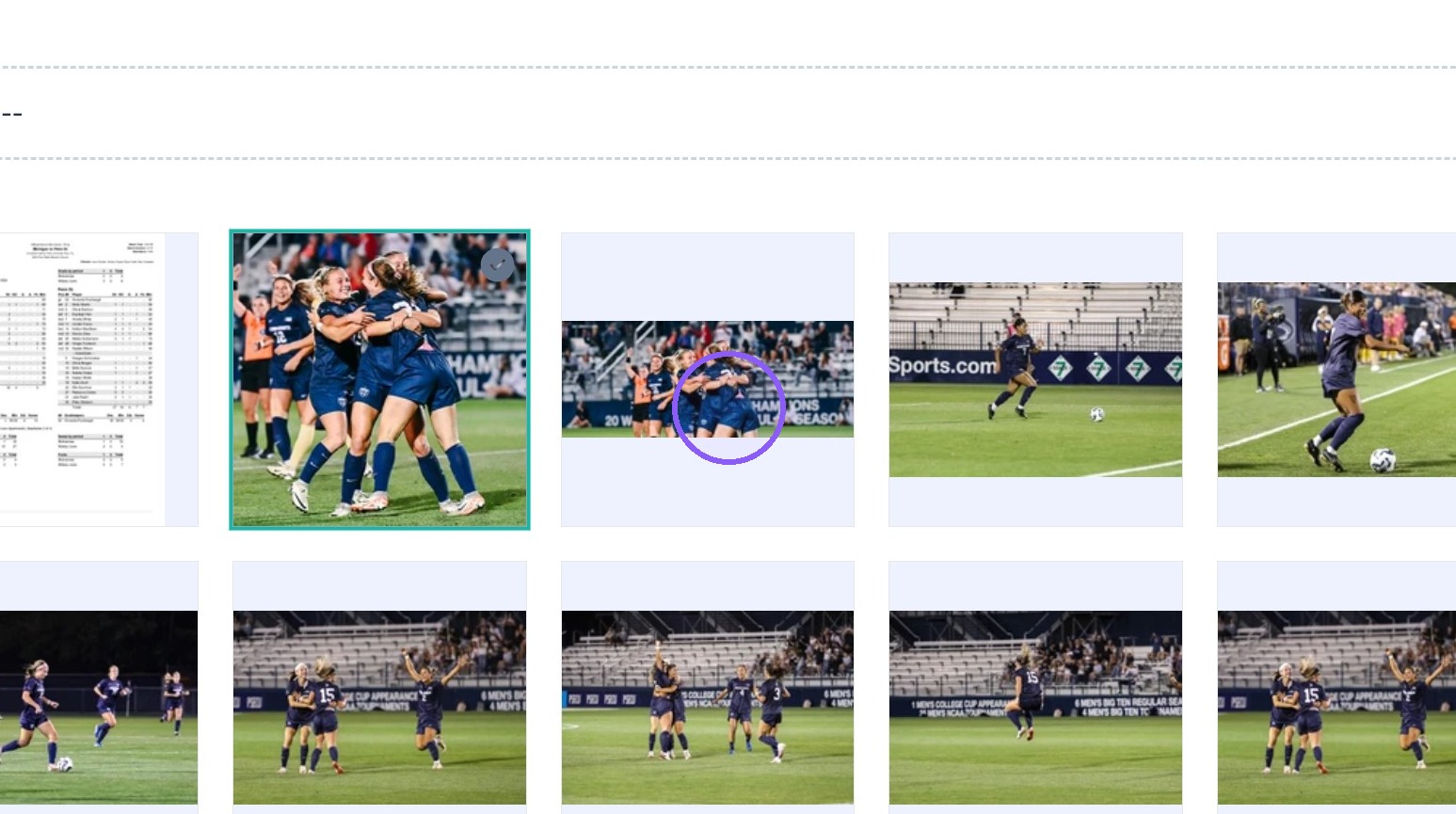
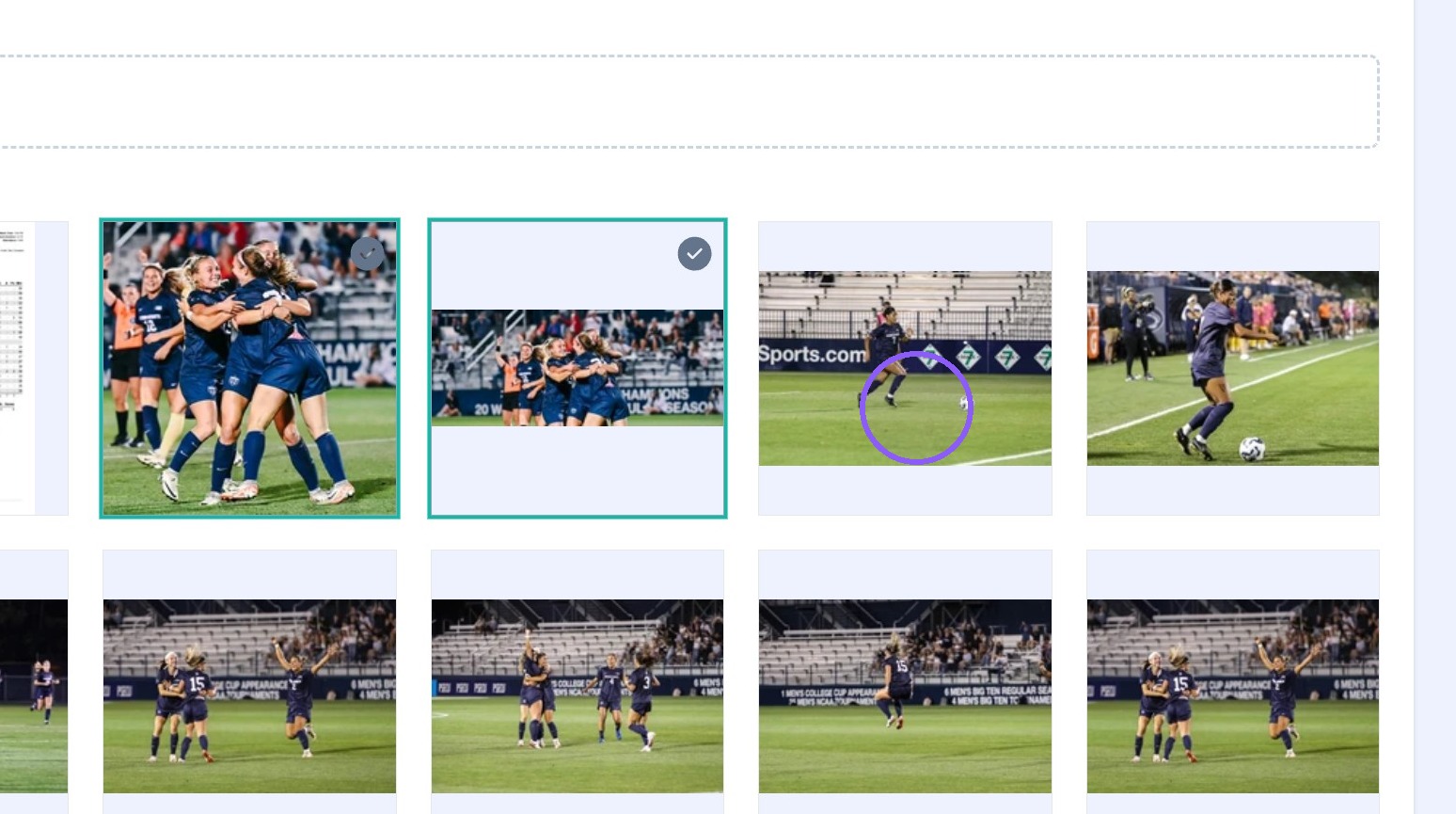
3. Select all images that need to be tagged.
4. Click "Edit" on top of the page.
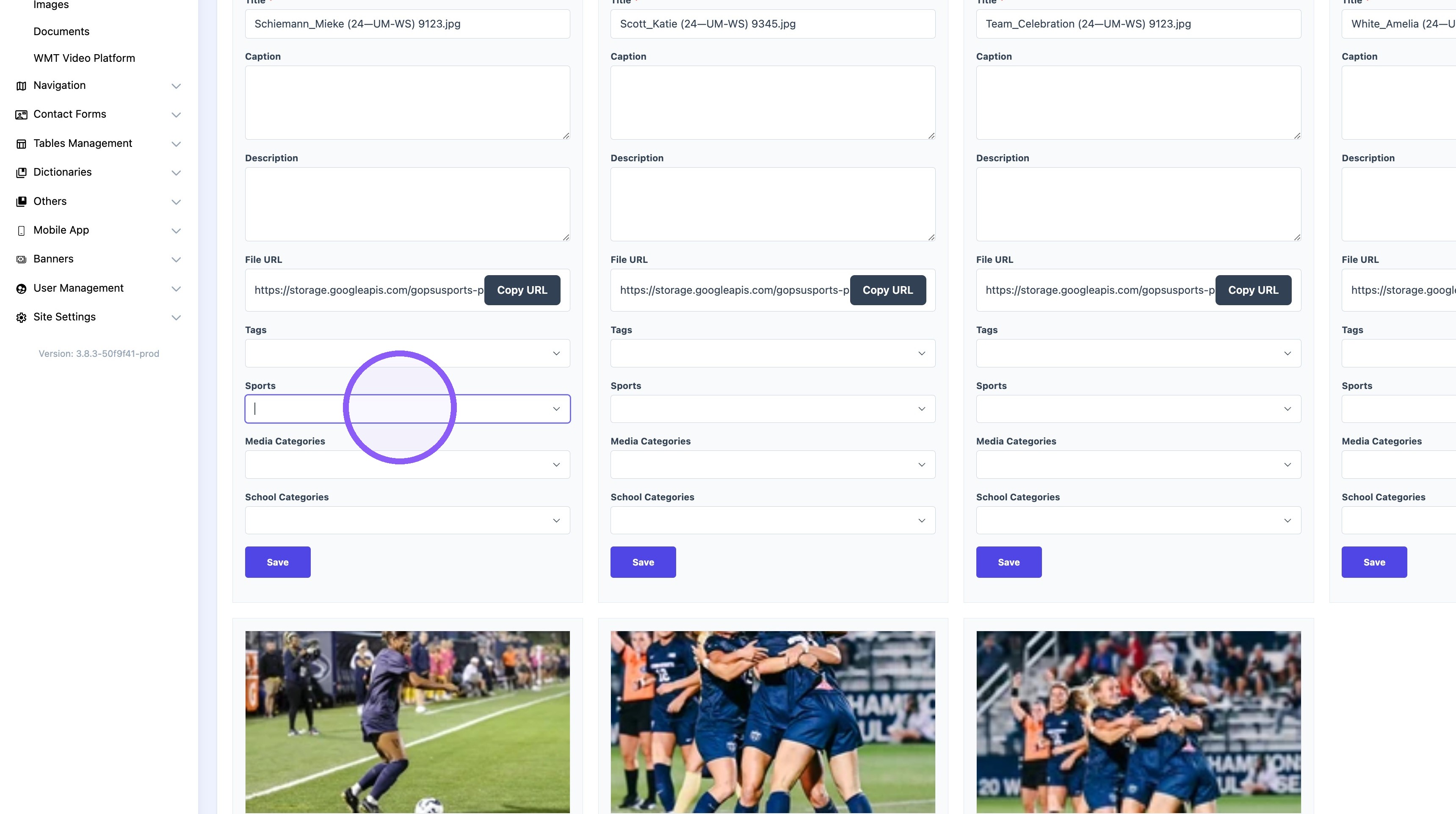
5. Click the "Sports" field.
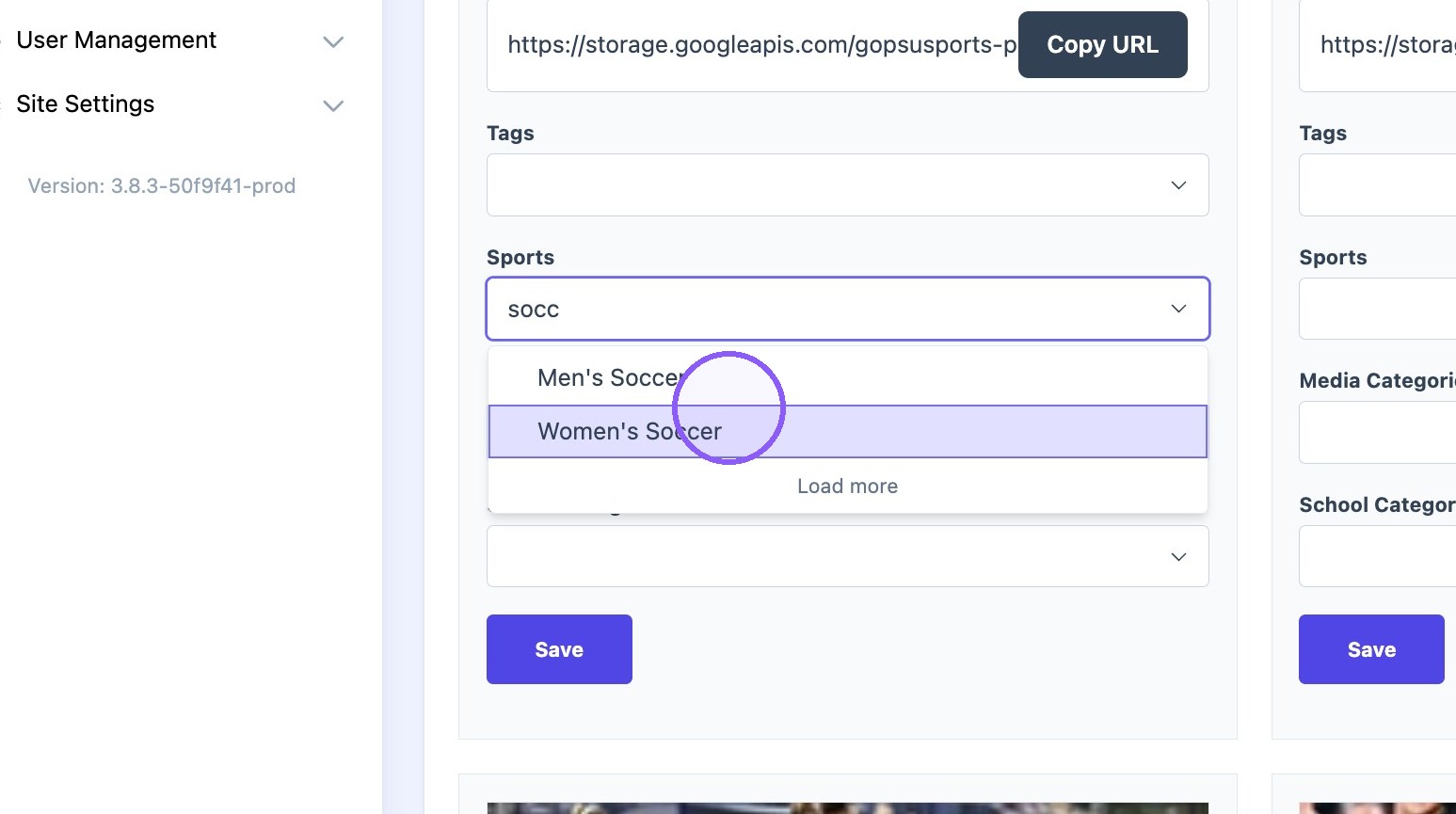
6. Search for the desired Sport.
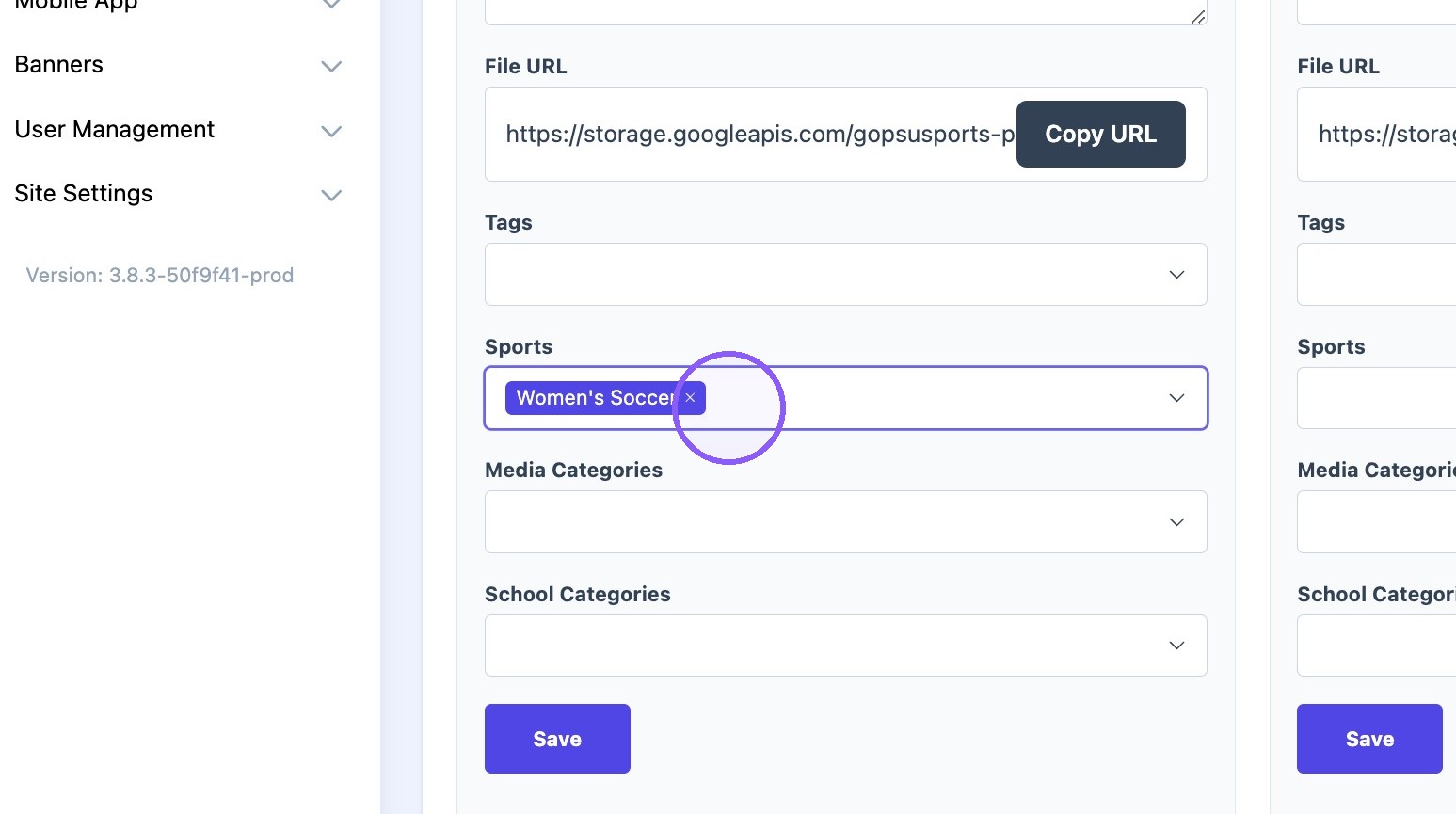
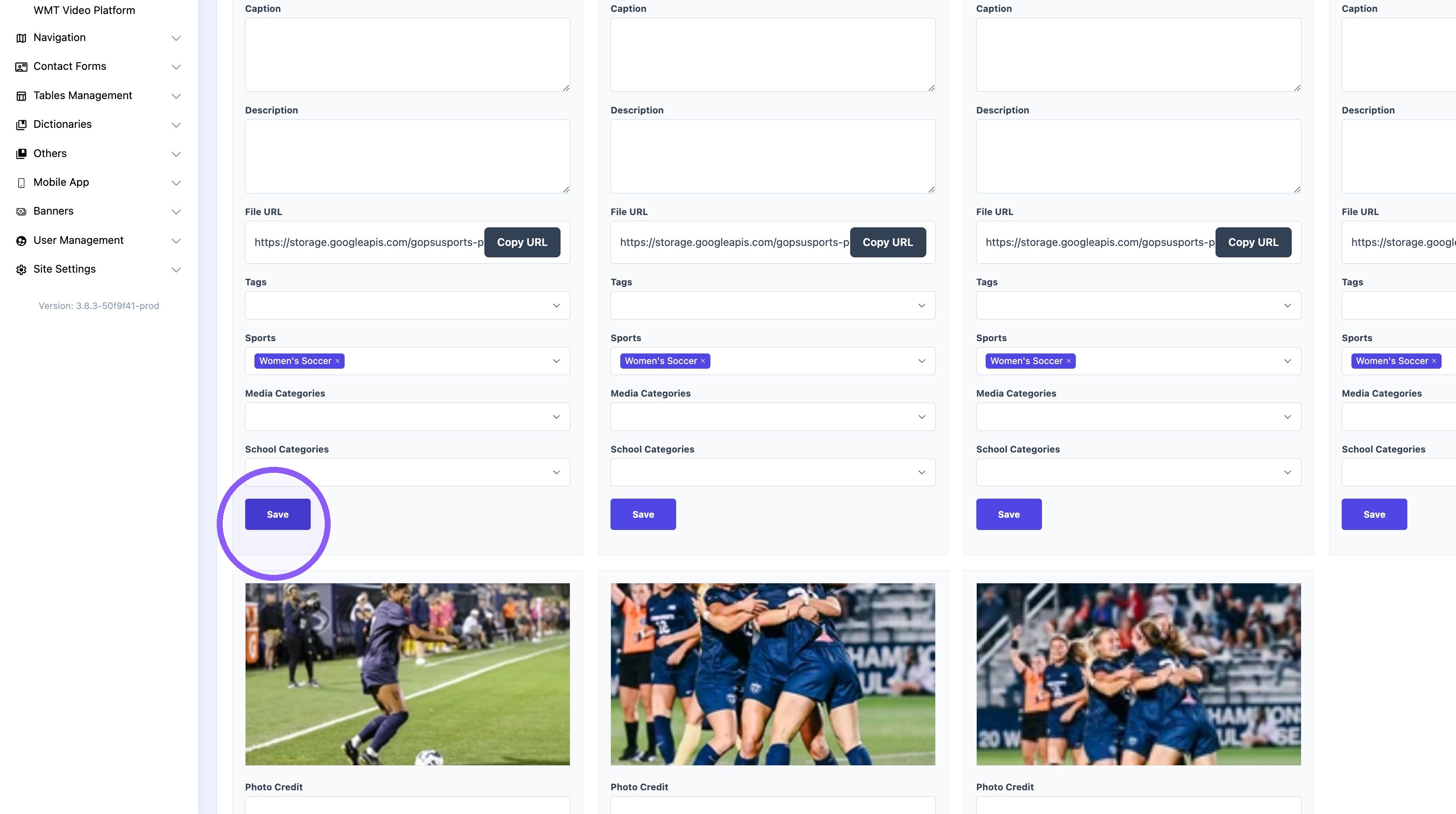
7. Click "Save"
Tip: Note! Repeat steps 5-7 for all the images.