Navigation - Edit menu items for website navigation
Last updated: September 18, 2026
Made by Rafael Venceslau with Scribe
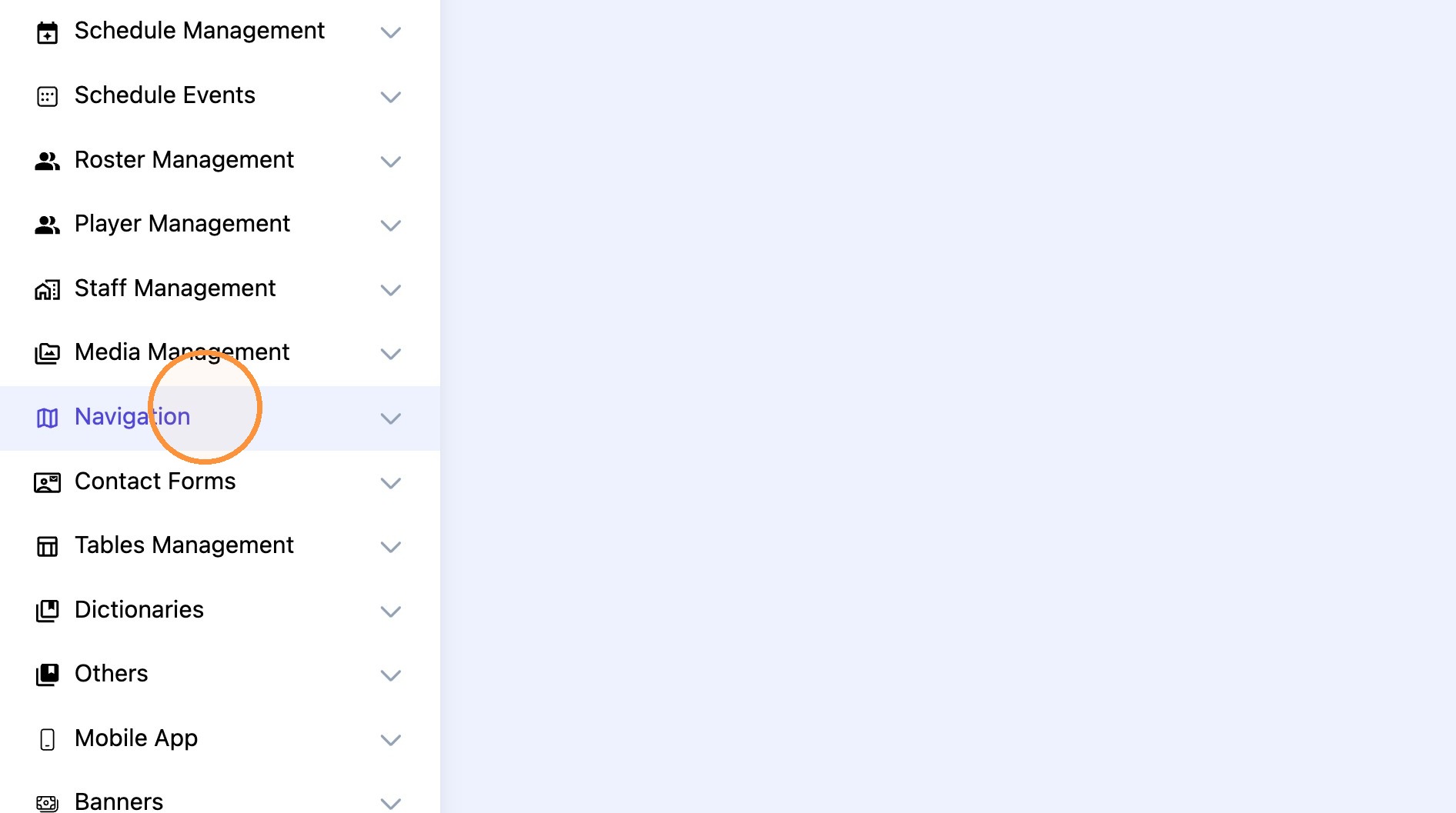
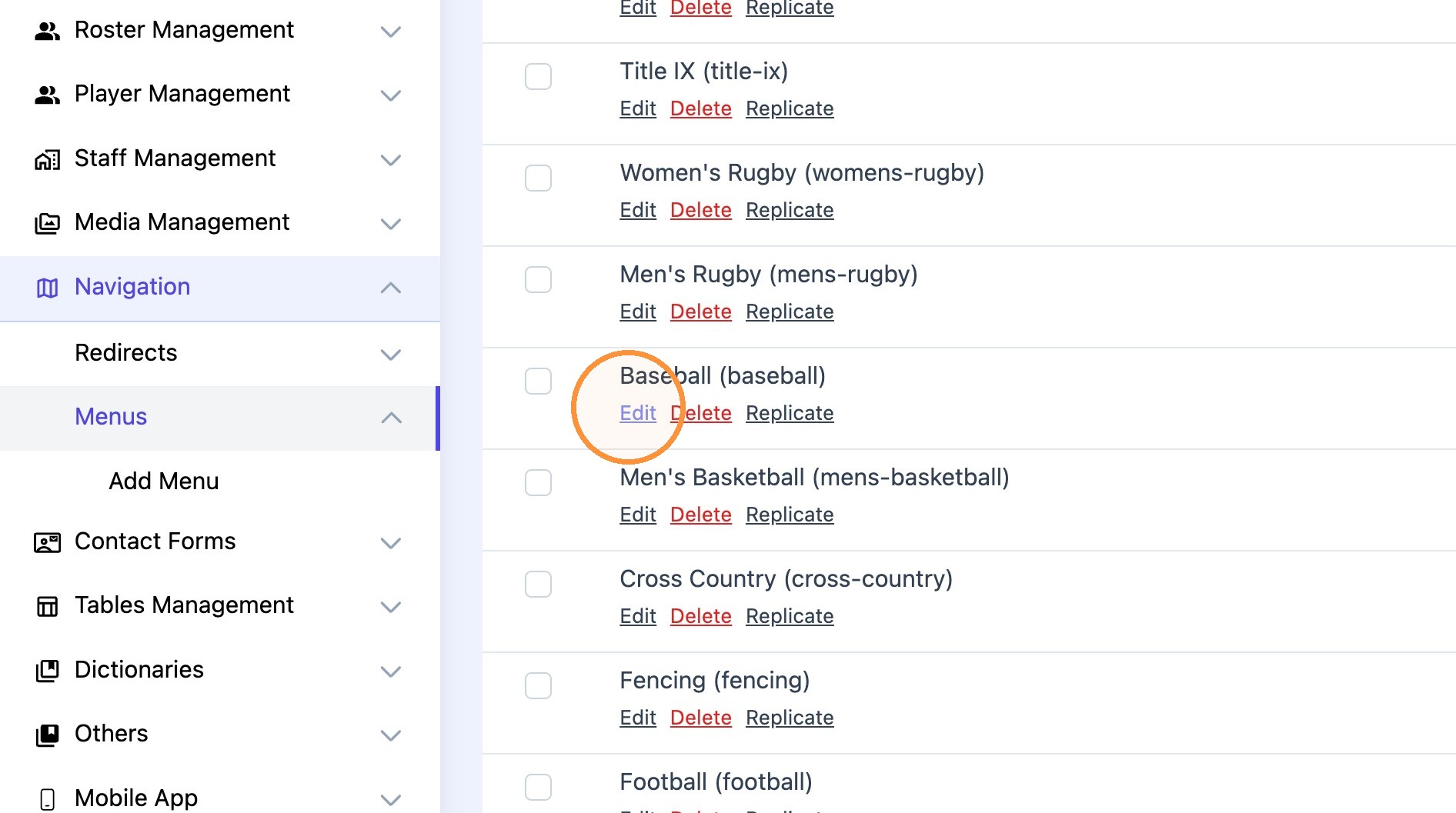
1. Click "Navigation" and select the desired menu to edit.
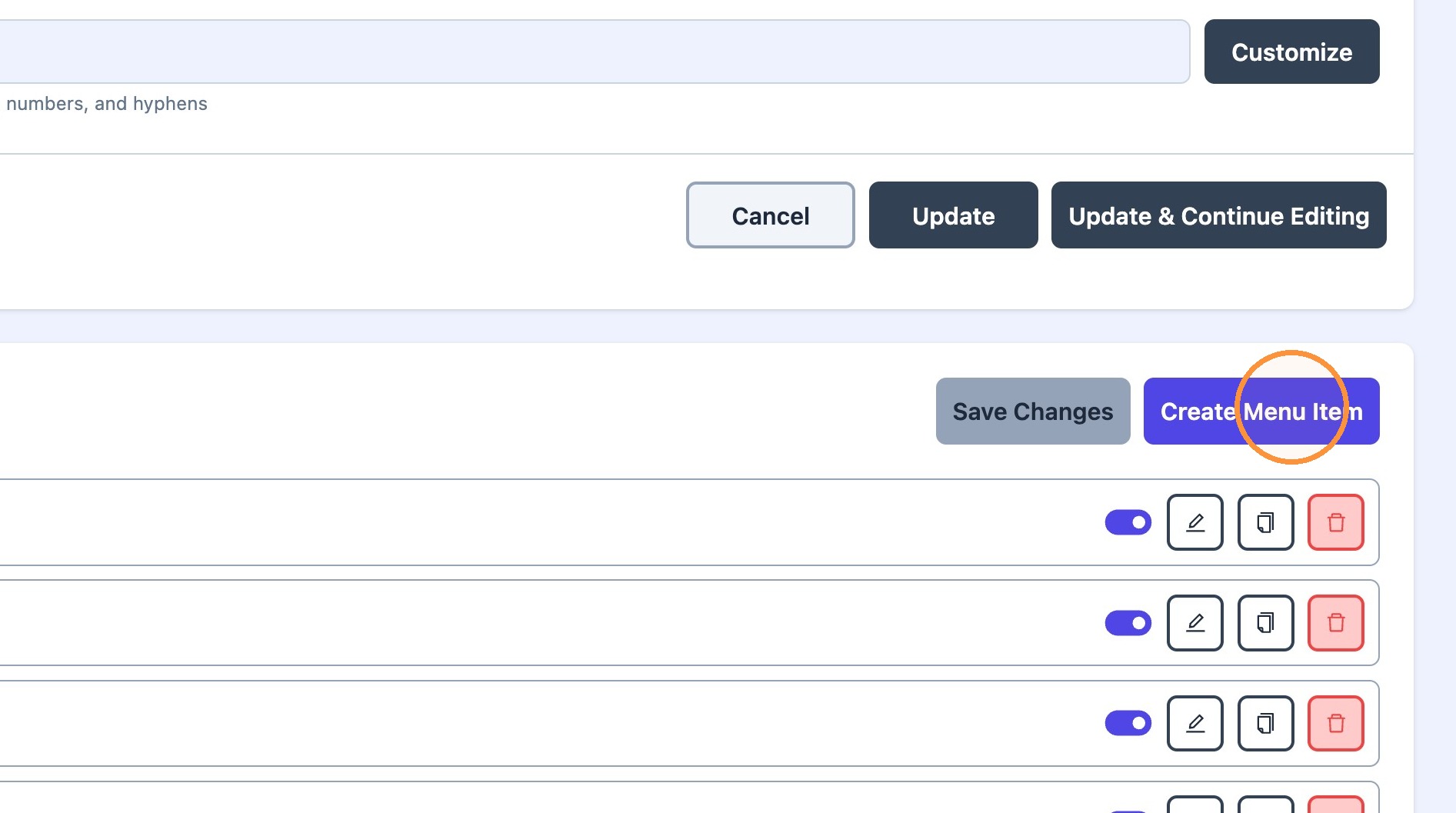
2. Click "Create Menu Item"
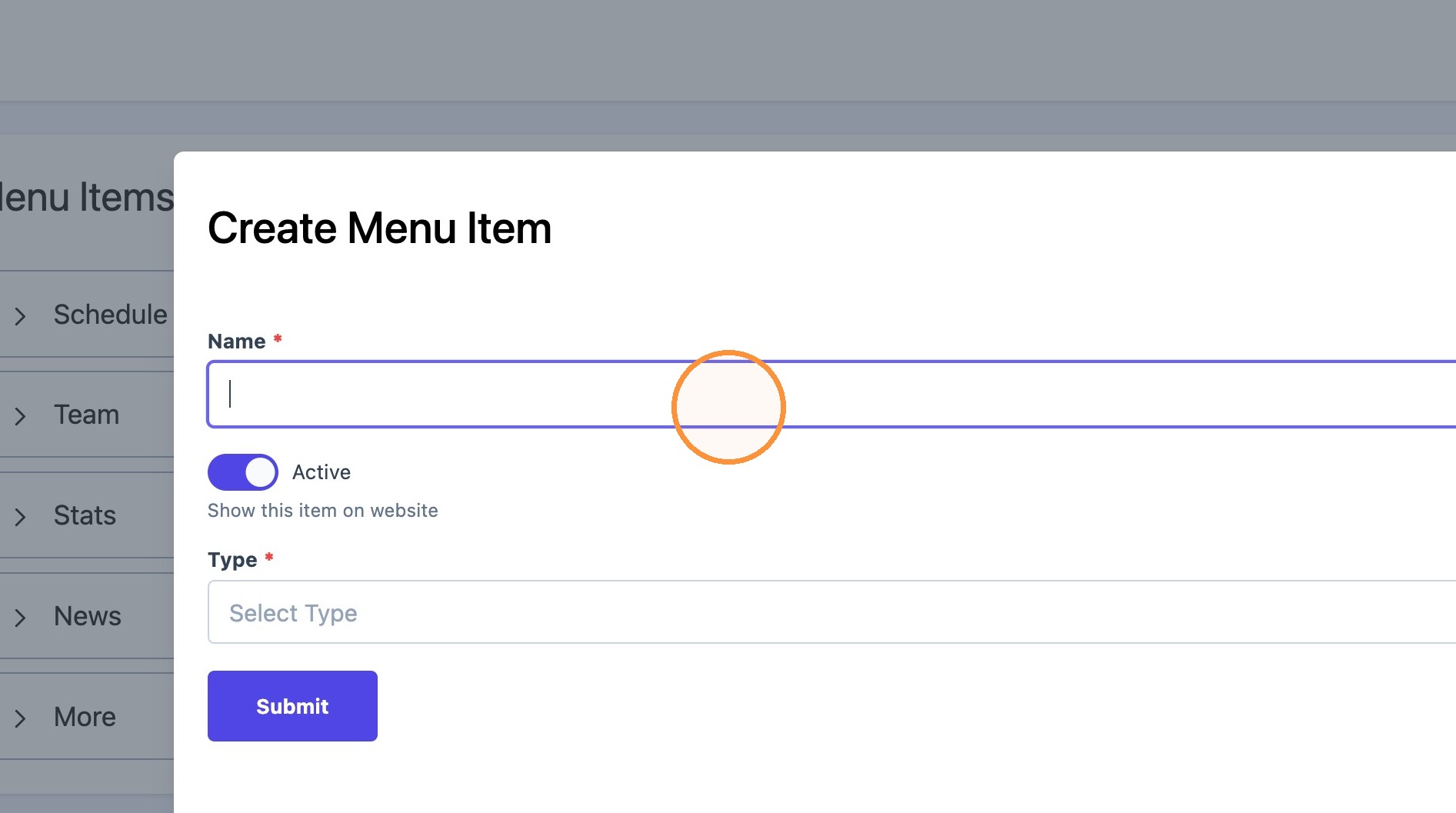
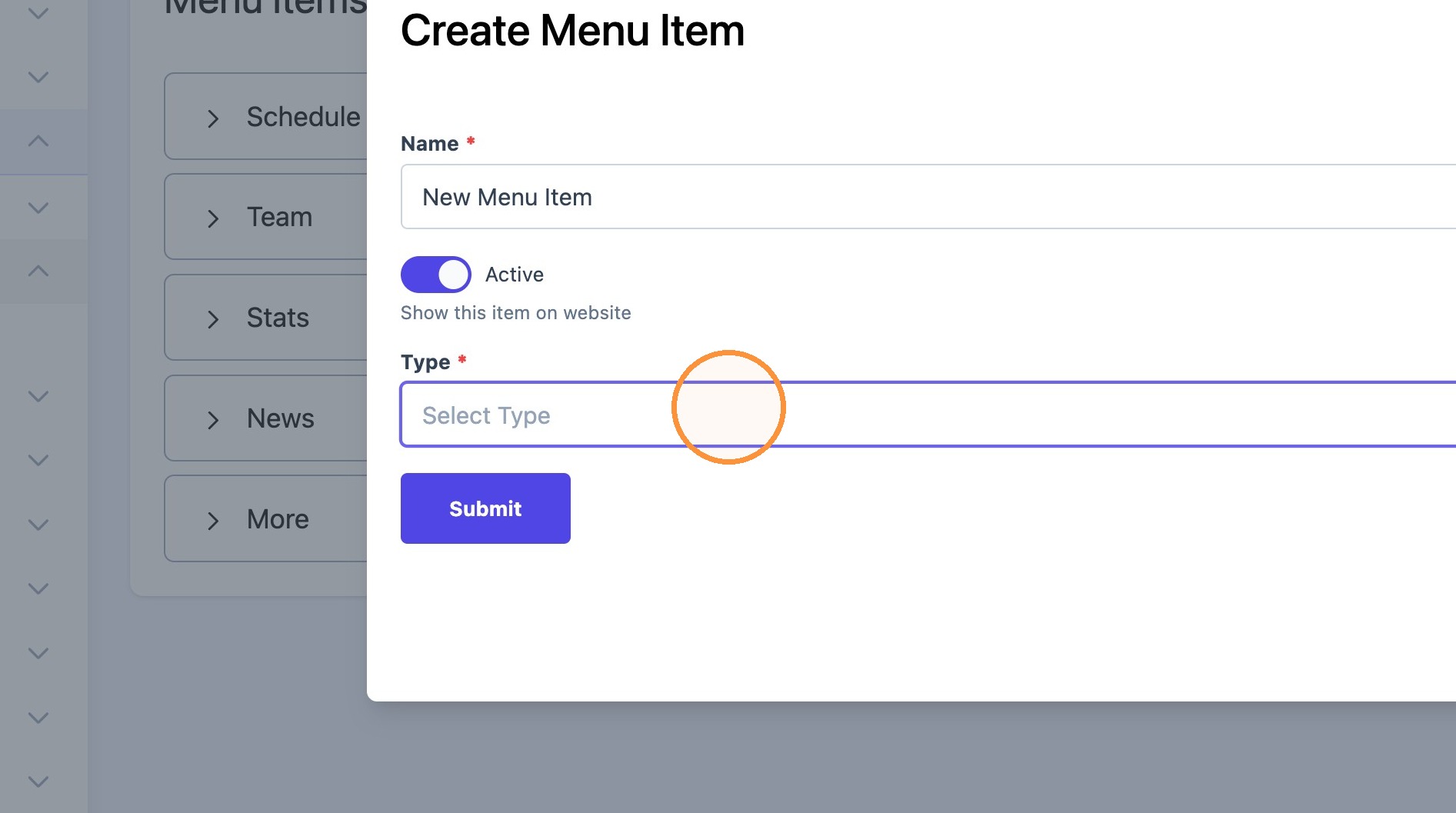
3. Name the menu item and choose the desired link type (ie, text, link, column).
Click this dropdown.
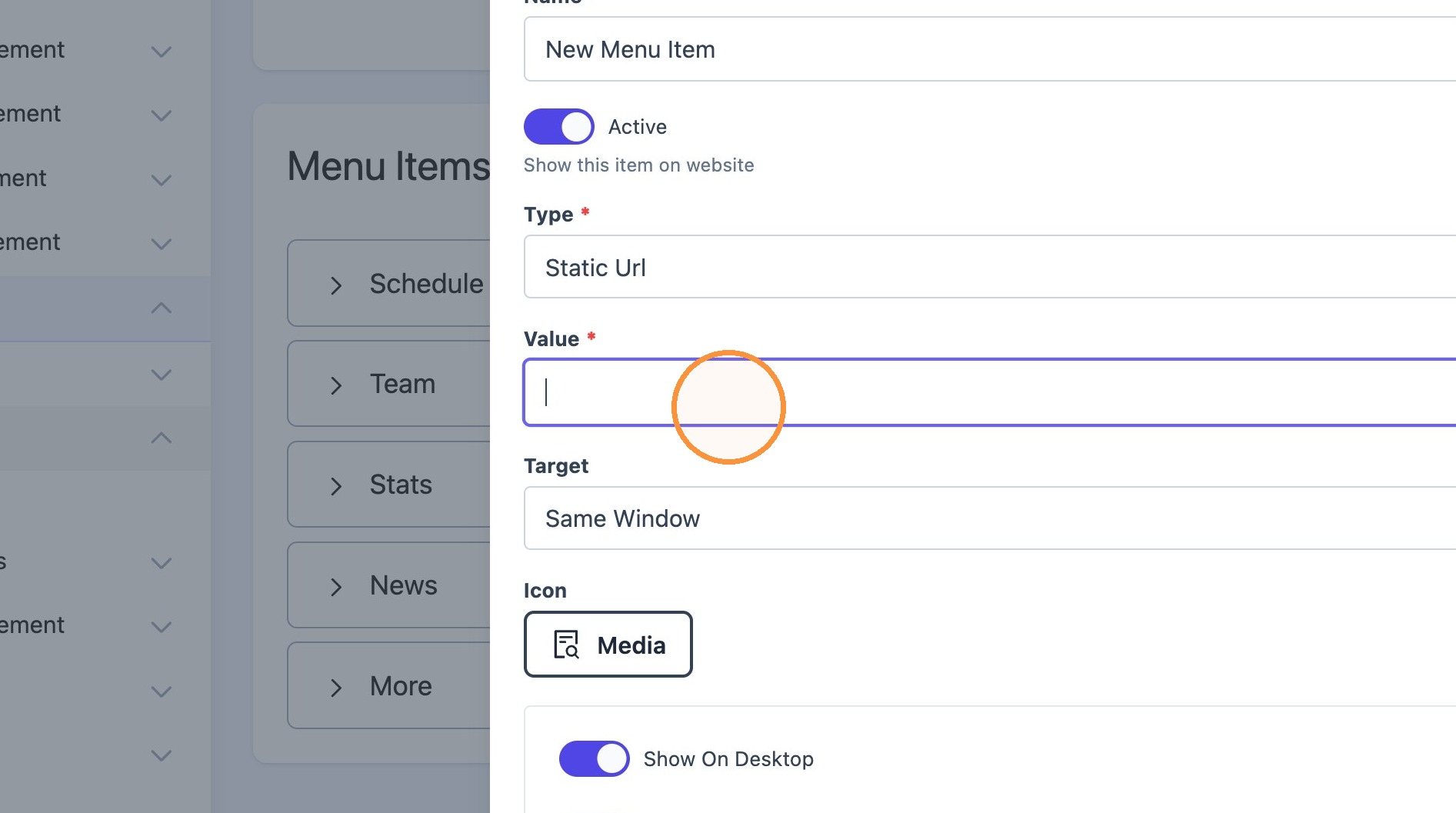
4. If the "Static Url" type was selected, paste the desired link in the "value" text field.
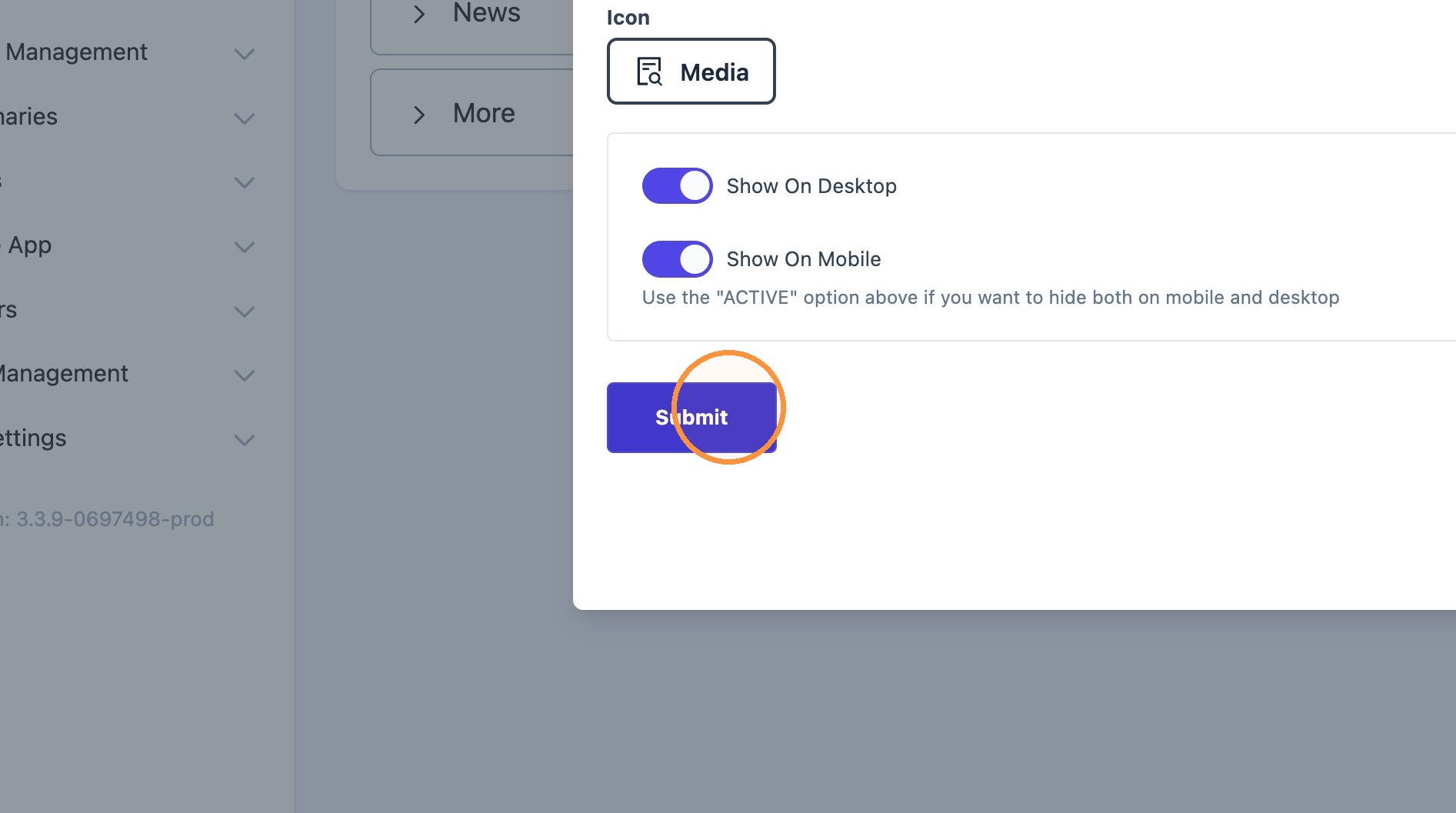
Click "Submit".
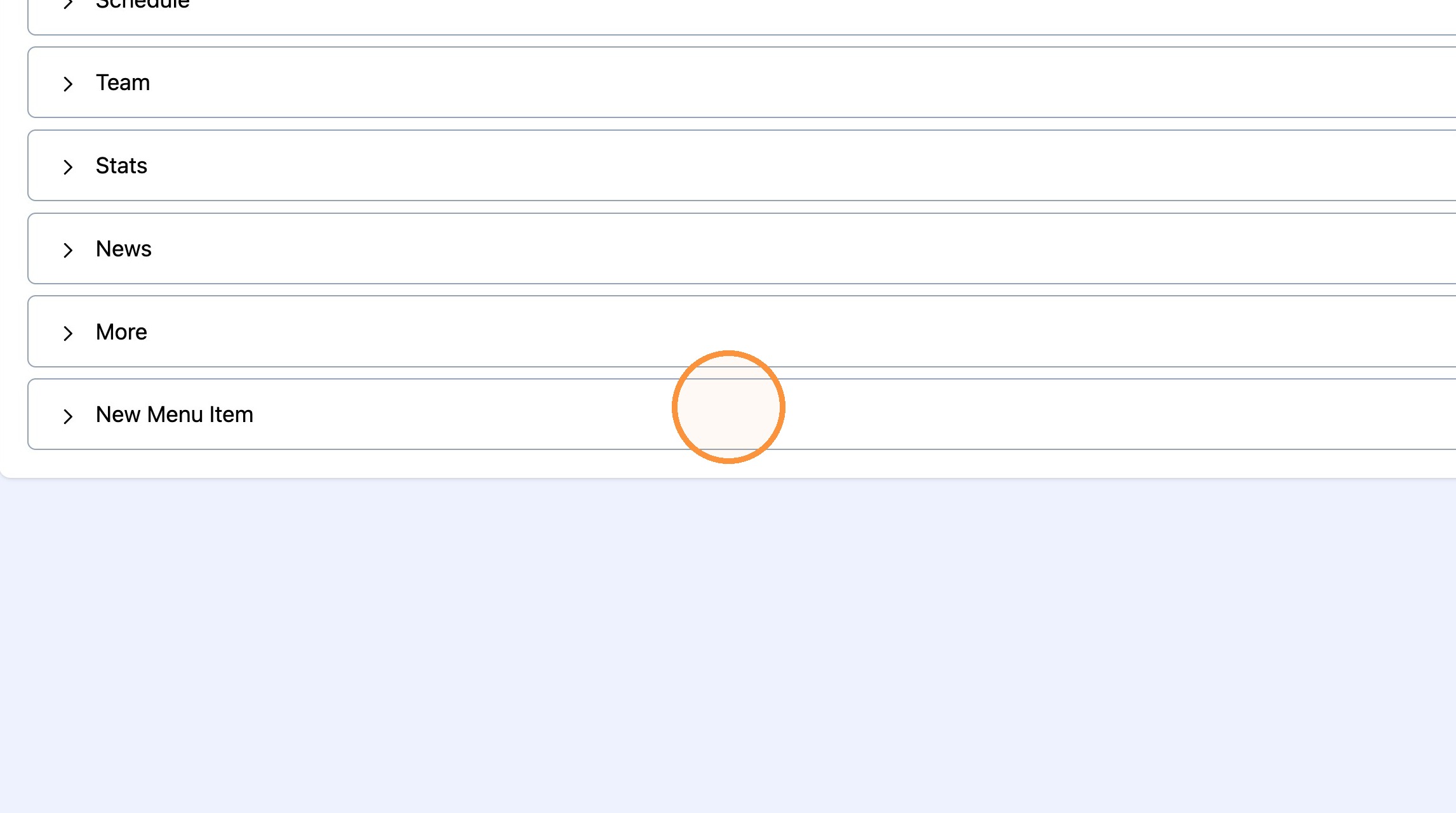
5. The new menu item will appear at the bottom of the list. Drag and drop menu items to rearrange their order.
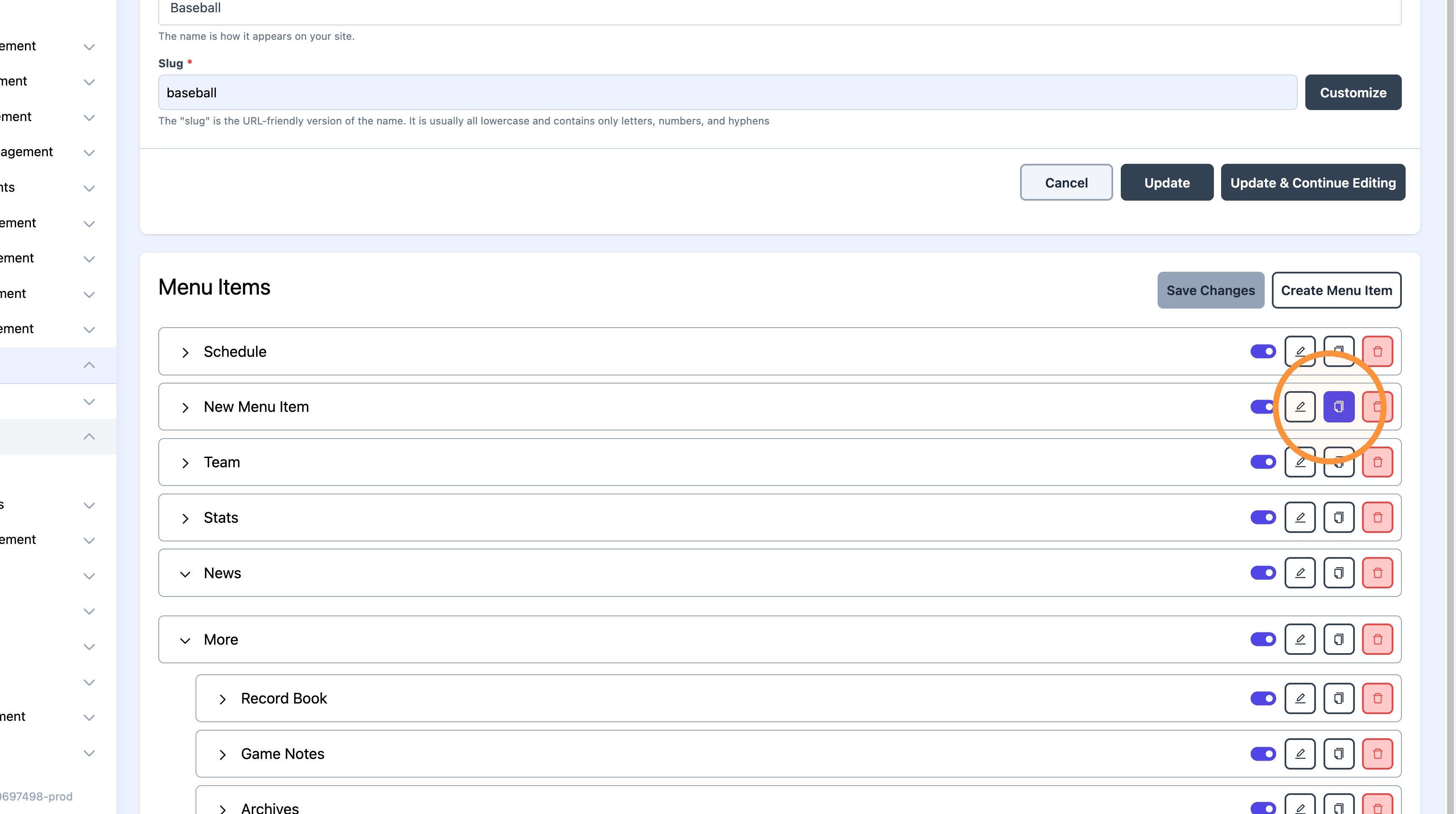
6. *Existing menu items can be duplicated if necessary.
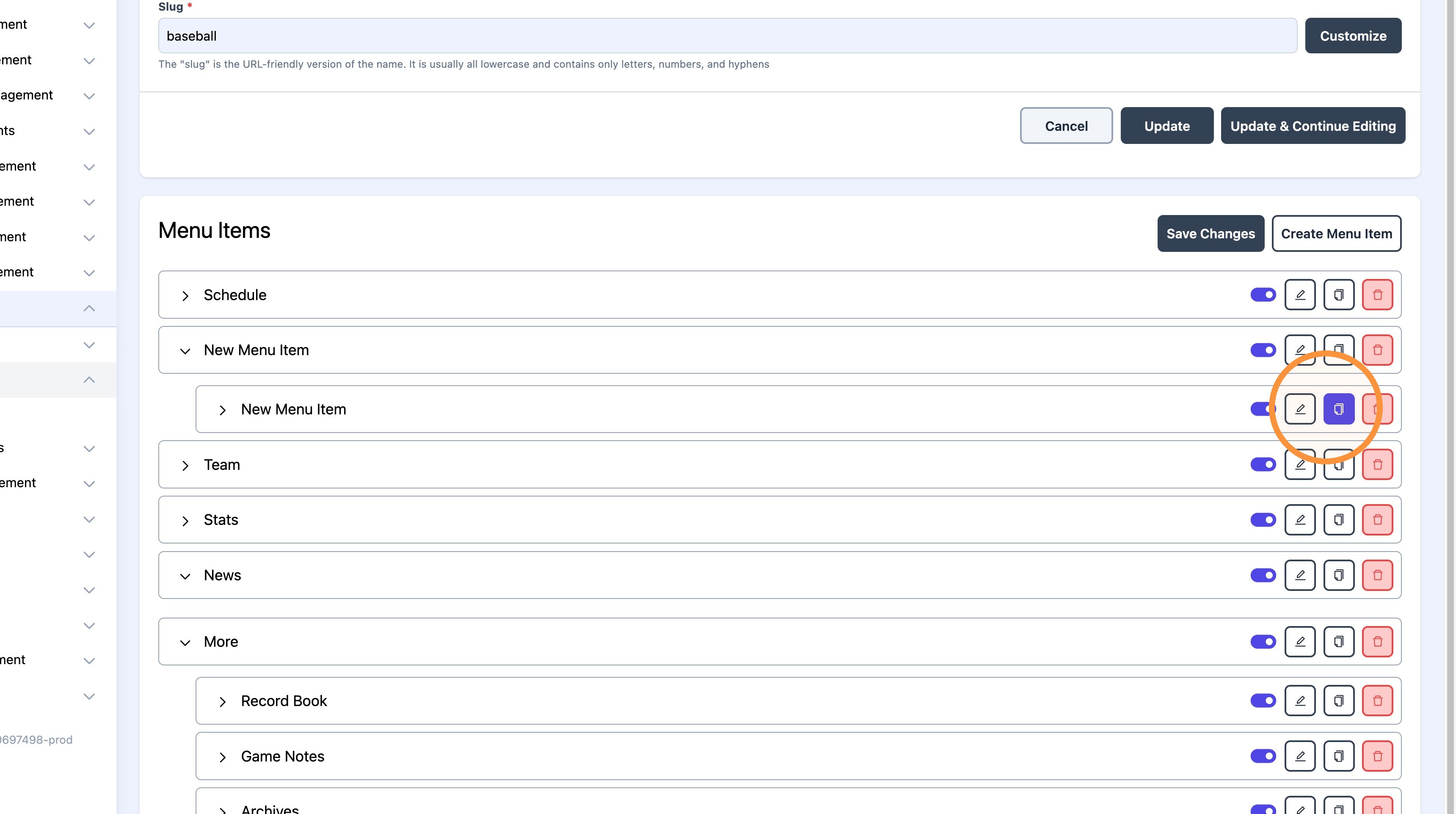
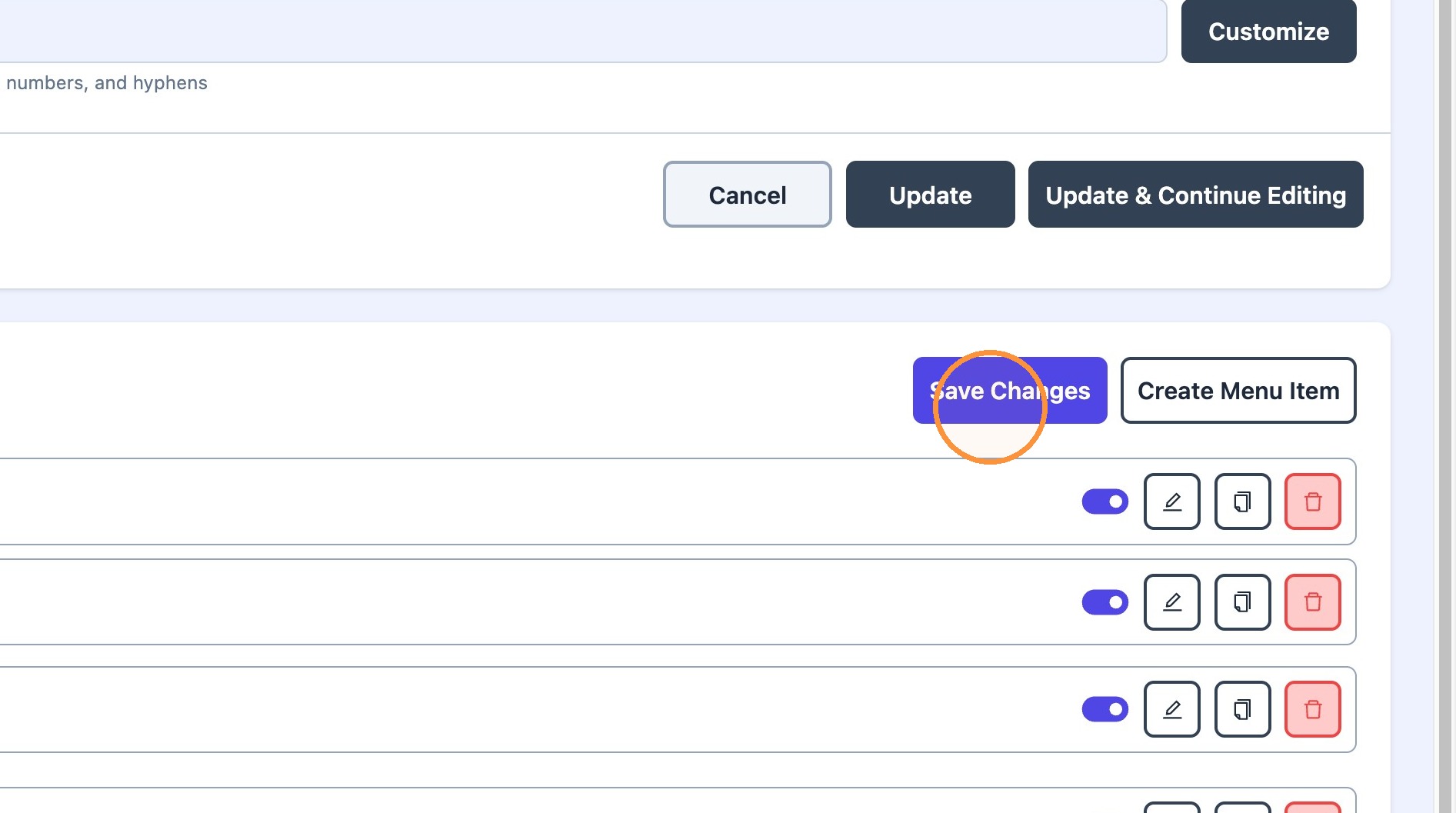
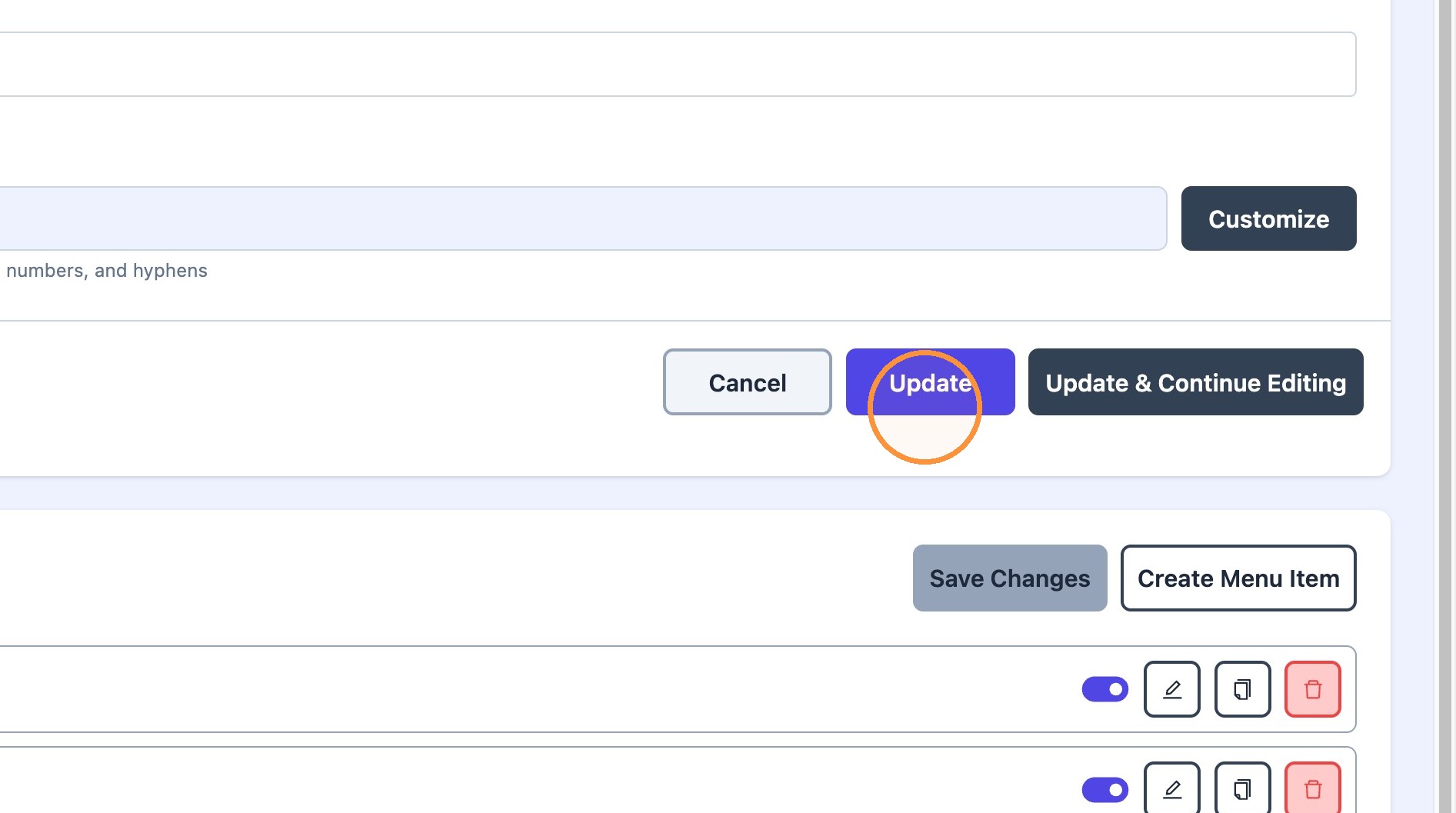
7. Click "Save Changes" and "Update" to save progress.