Navigation - How to create a redirect
Last updated: September 18, 2026
Made by Rafael Venceslau with Scribe
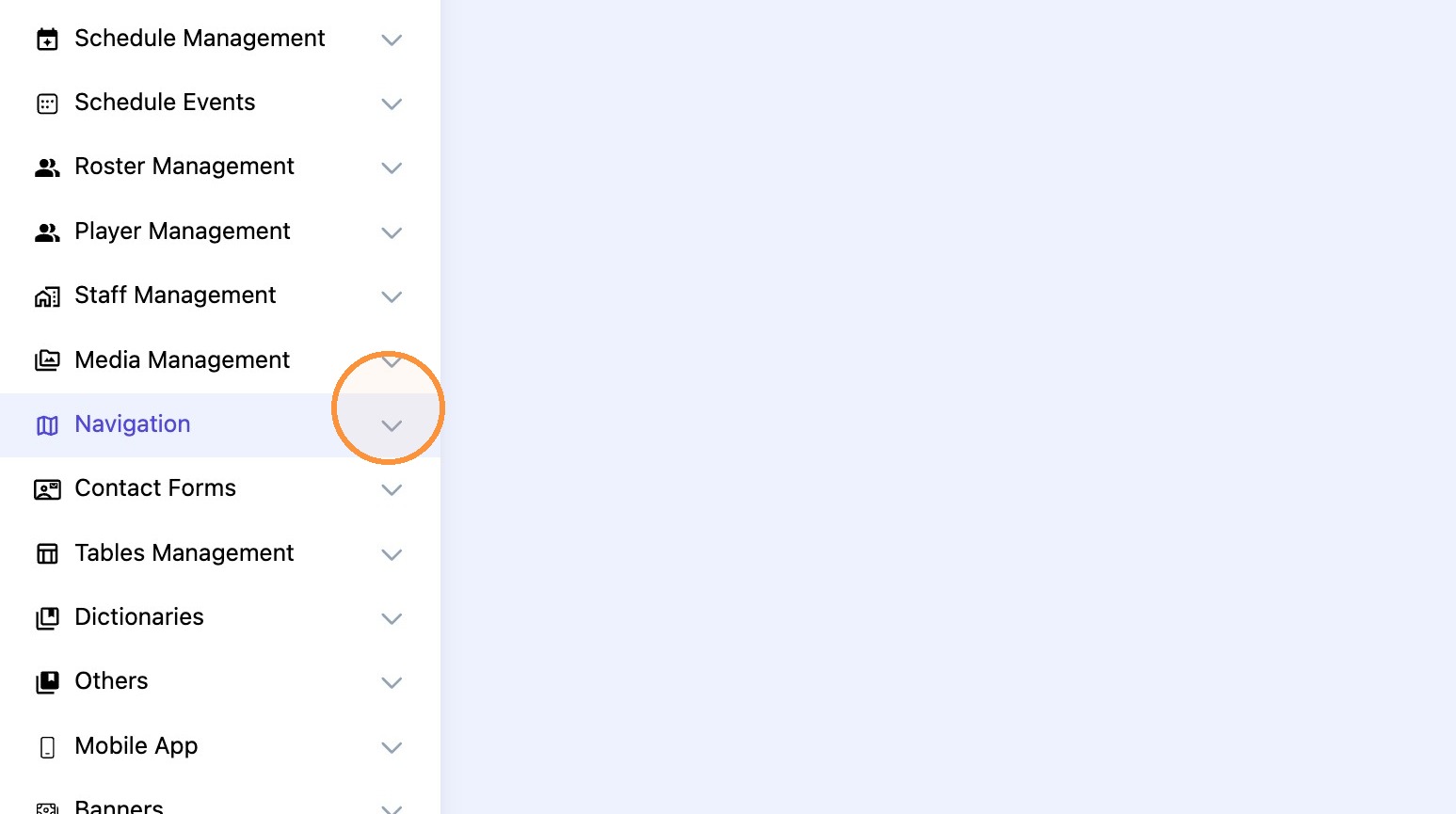
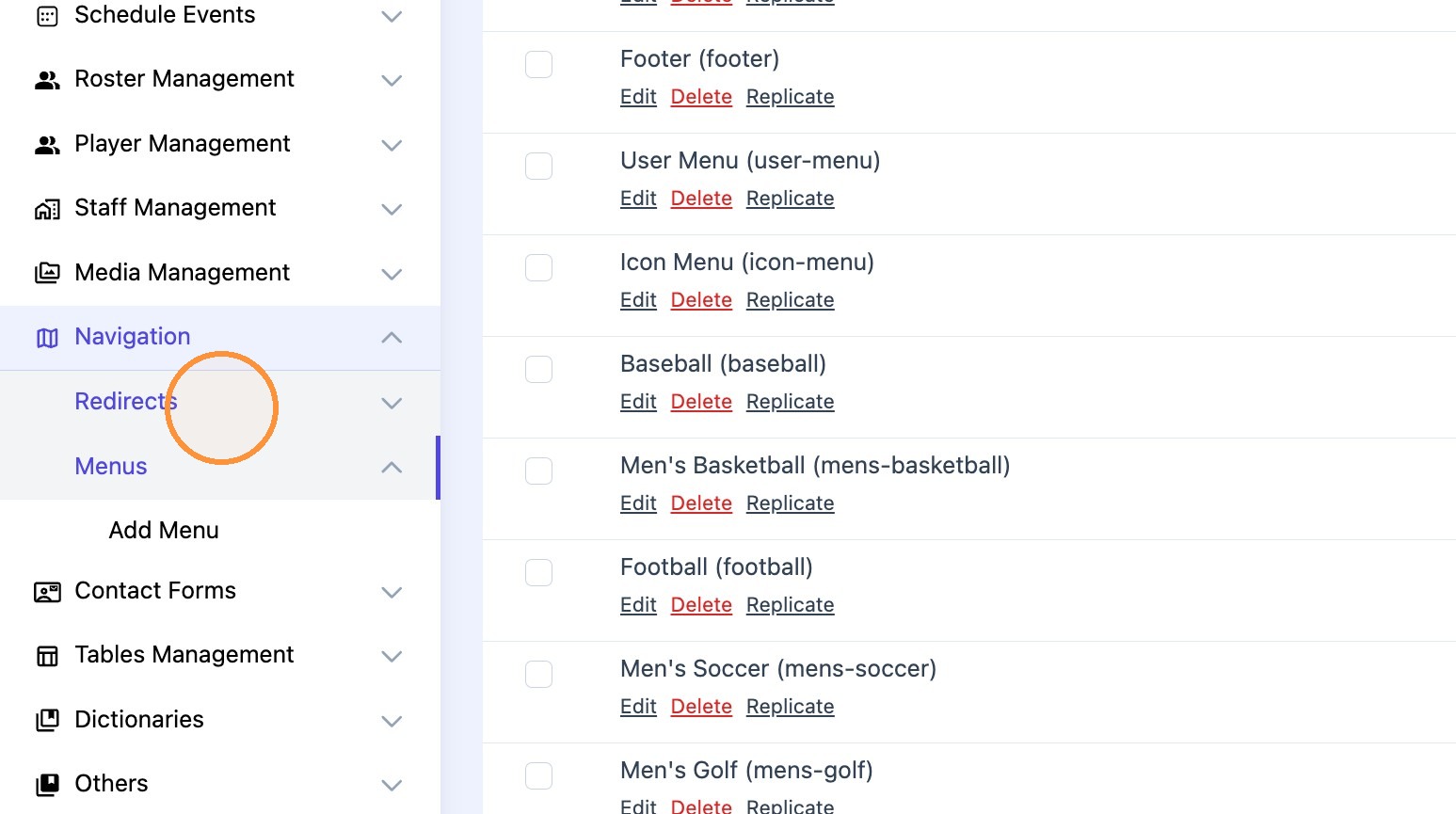
1. Go to "navigation" menu and click "Redirects"
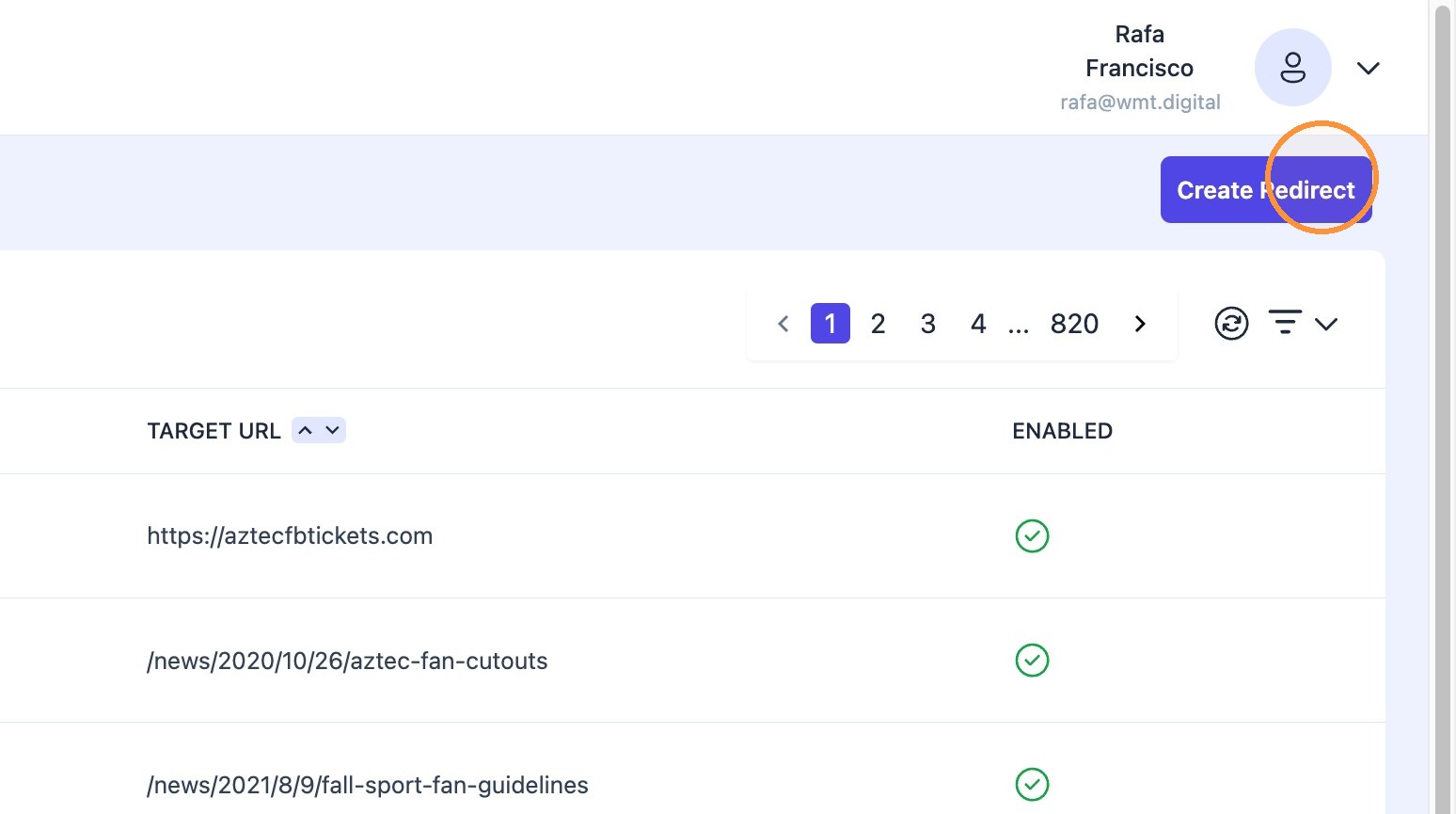
2. Click "Create Redirect"
3. Paste the source URL in the "Source URL*" field.
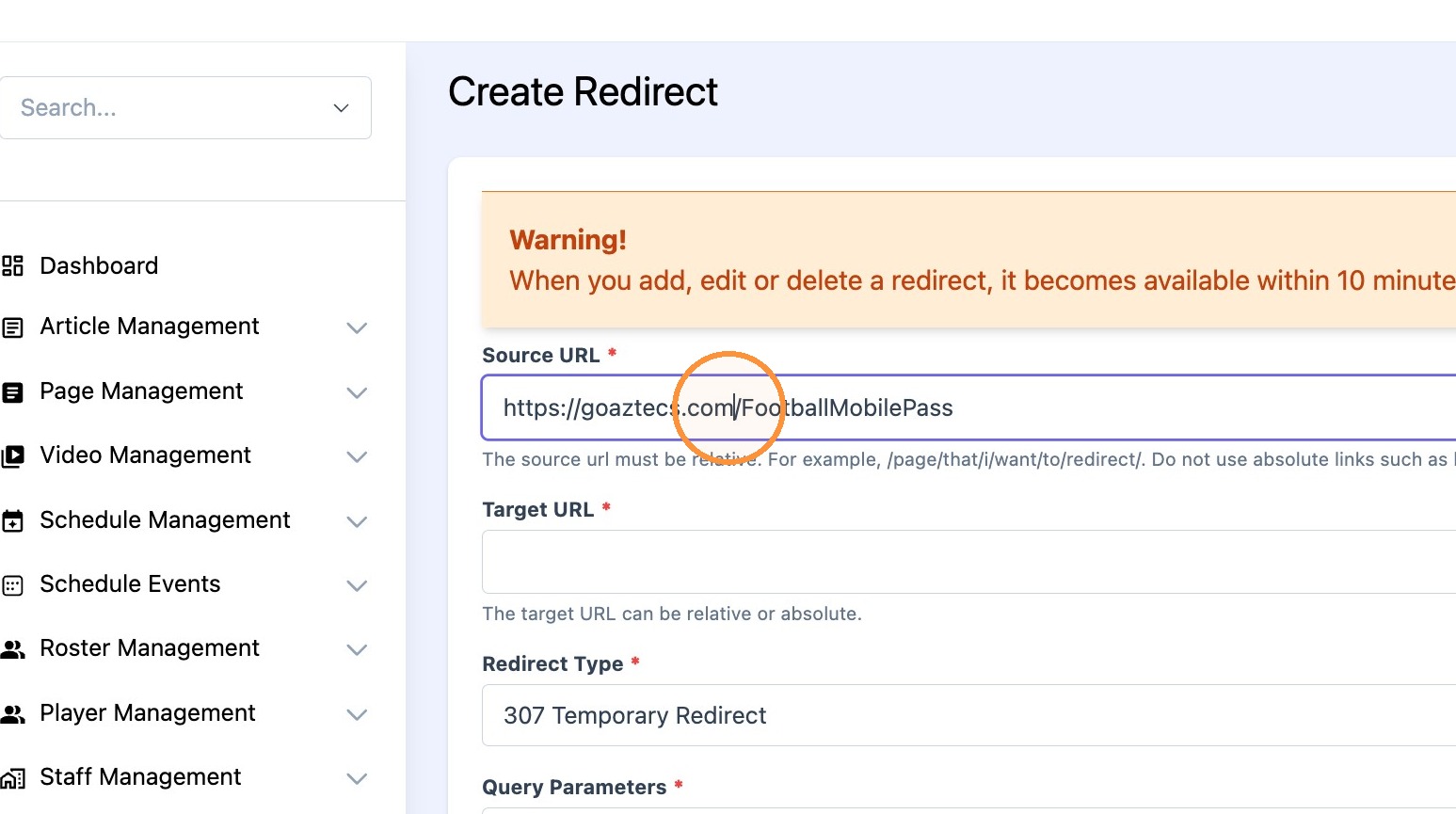
Tip: Tip! Source URL is the page you want to be replaced by Target URL
4. Paste the target URL in the "target URL*" field.
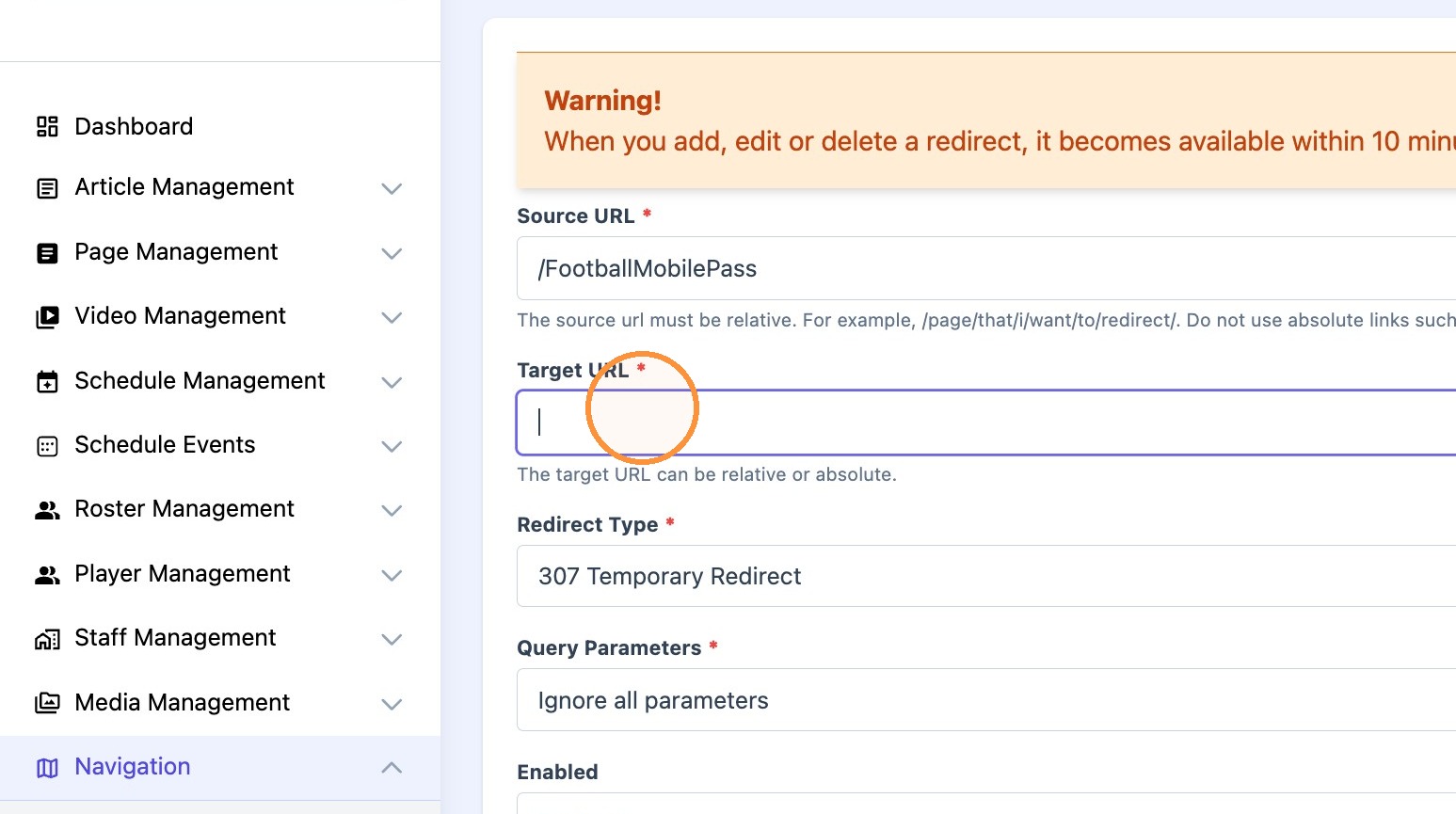
Tip: Tip! Target URL is the new page where users will be redirected to.
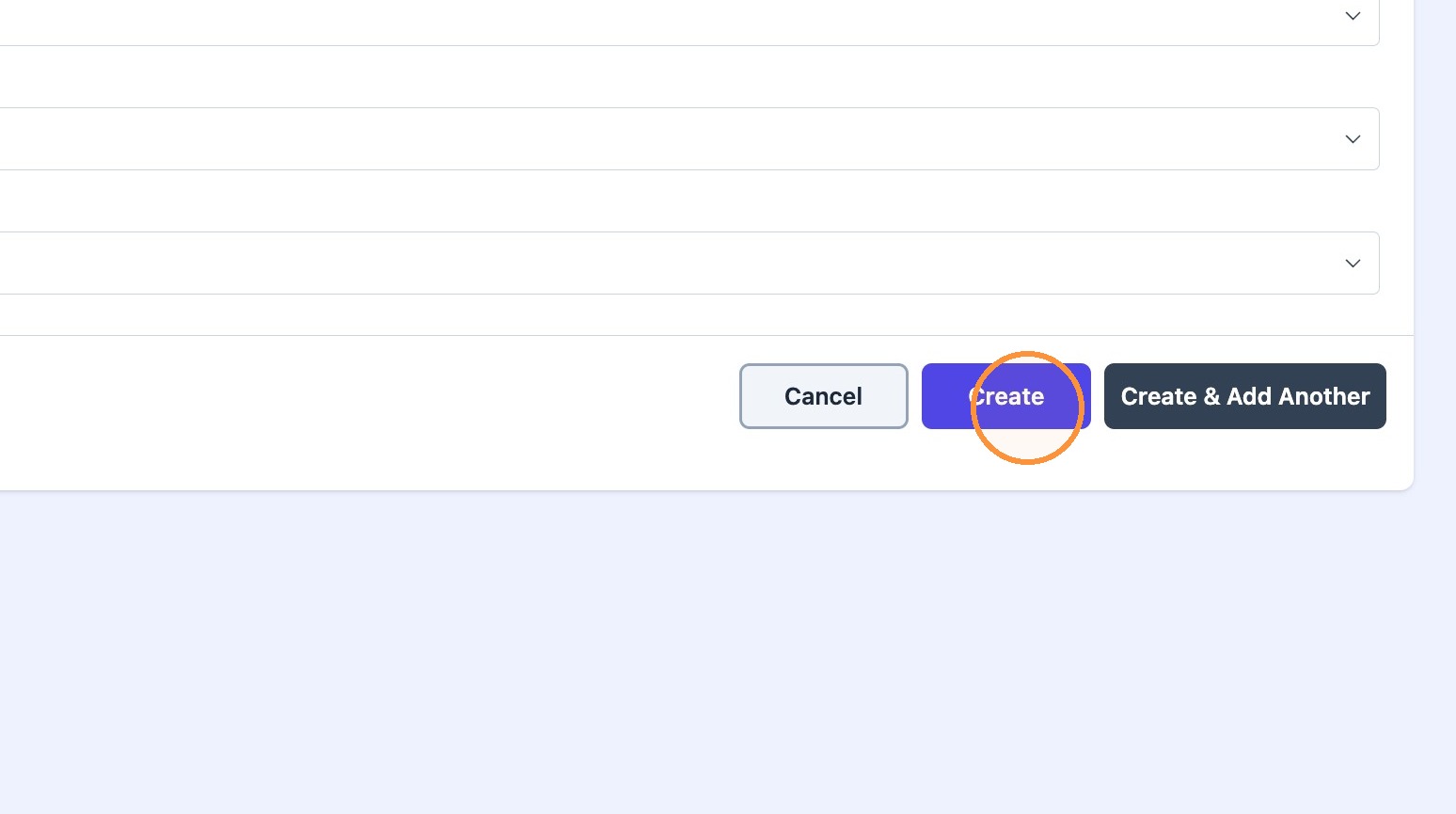
5. Click "Create"