How to Add Anchor links to a page
Last updated: September 18, 2026
Made by Rafael Venceslau with Scribe
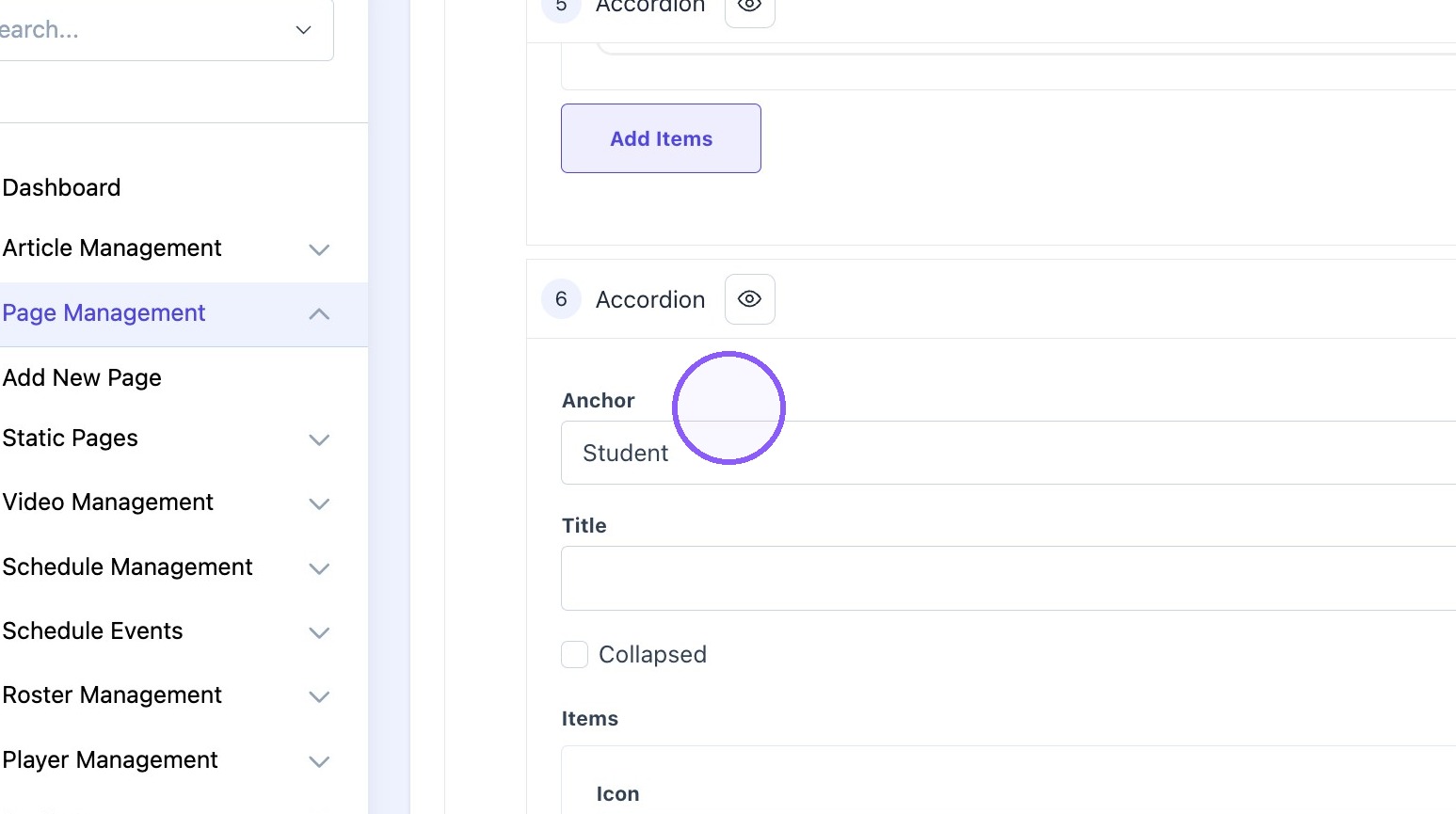
1. Copy anchor "text" on the desired content block
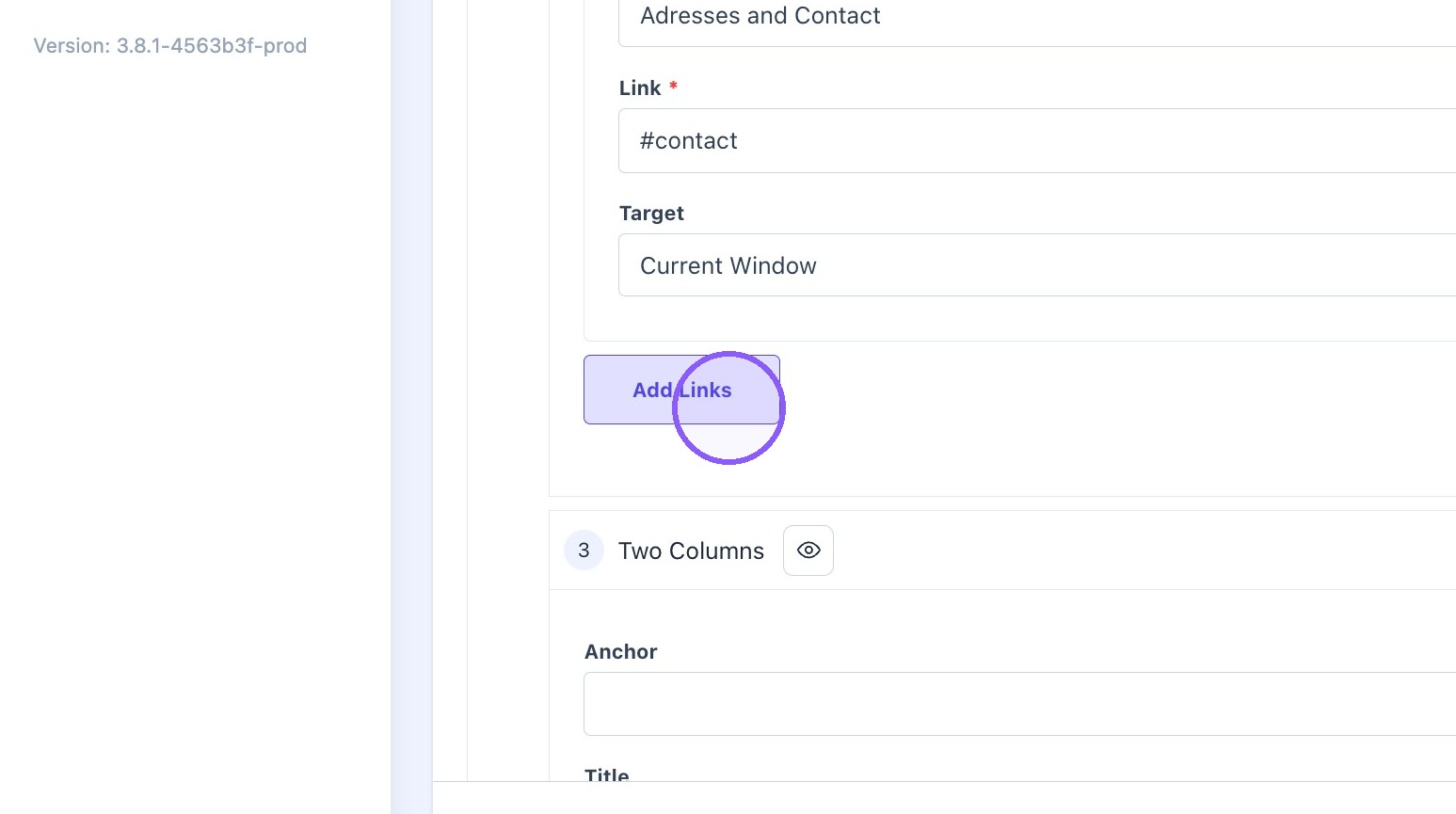
2. Scroll up to the links block and click "Add Links"
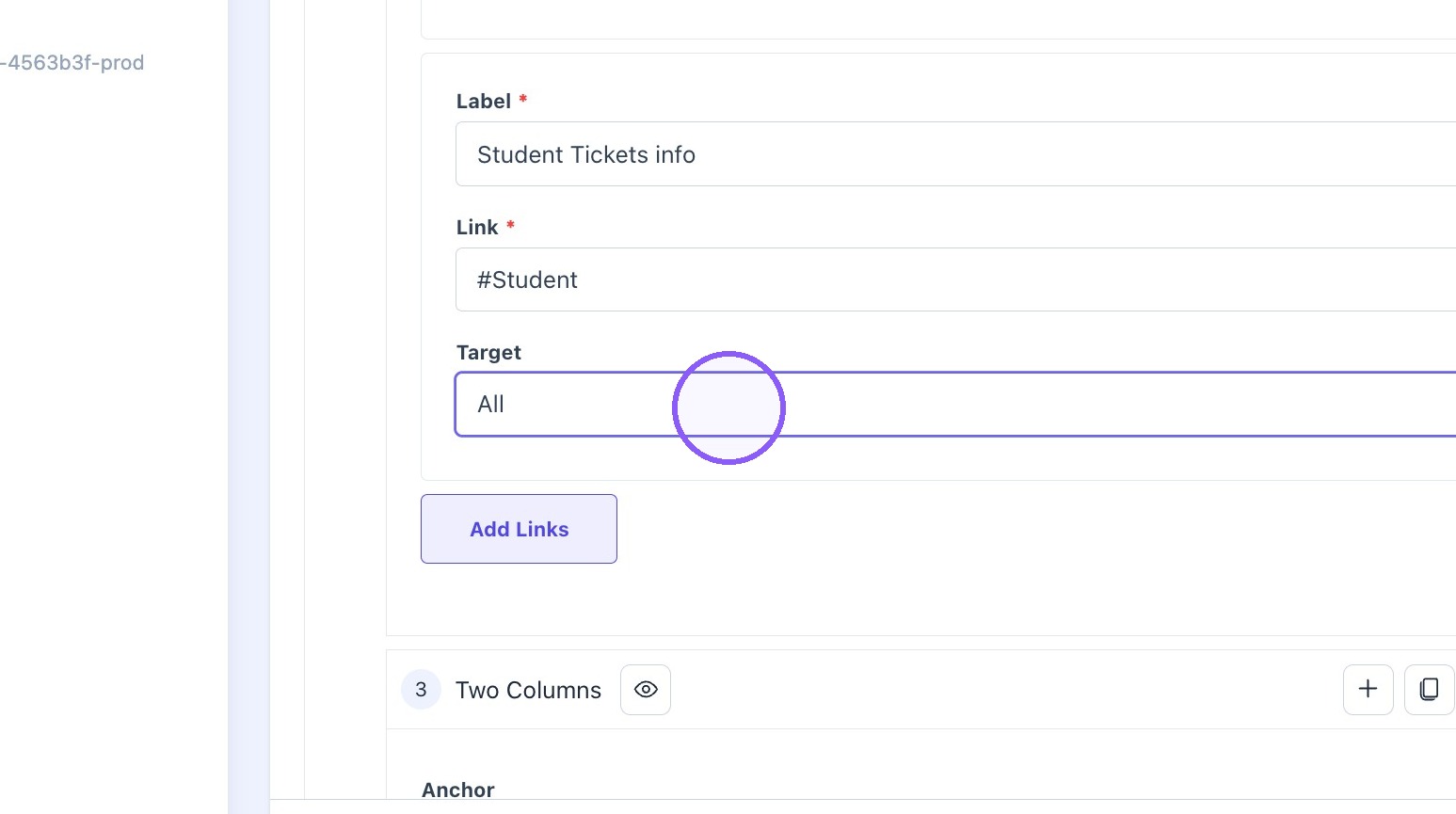
3. Type "#anchortext" in the "Label" field.
Example: #Student

4. Choose "current window" as a target.
5. Click "Update"