Navigation: Edit Sport Menu Links
Last updated: September 18, 2026
Made by Rafael Venceslau with Scribe
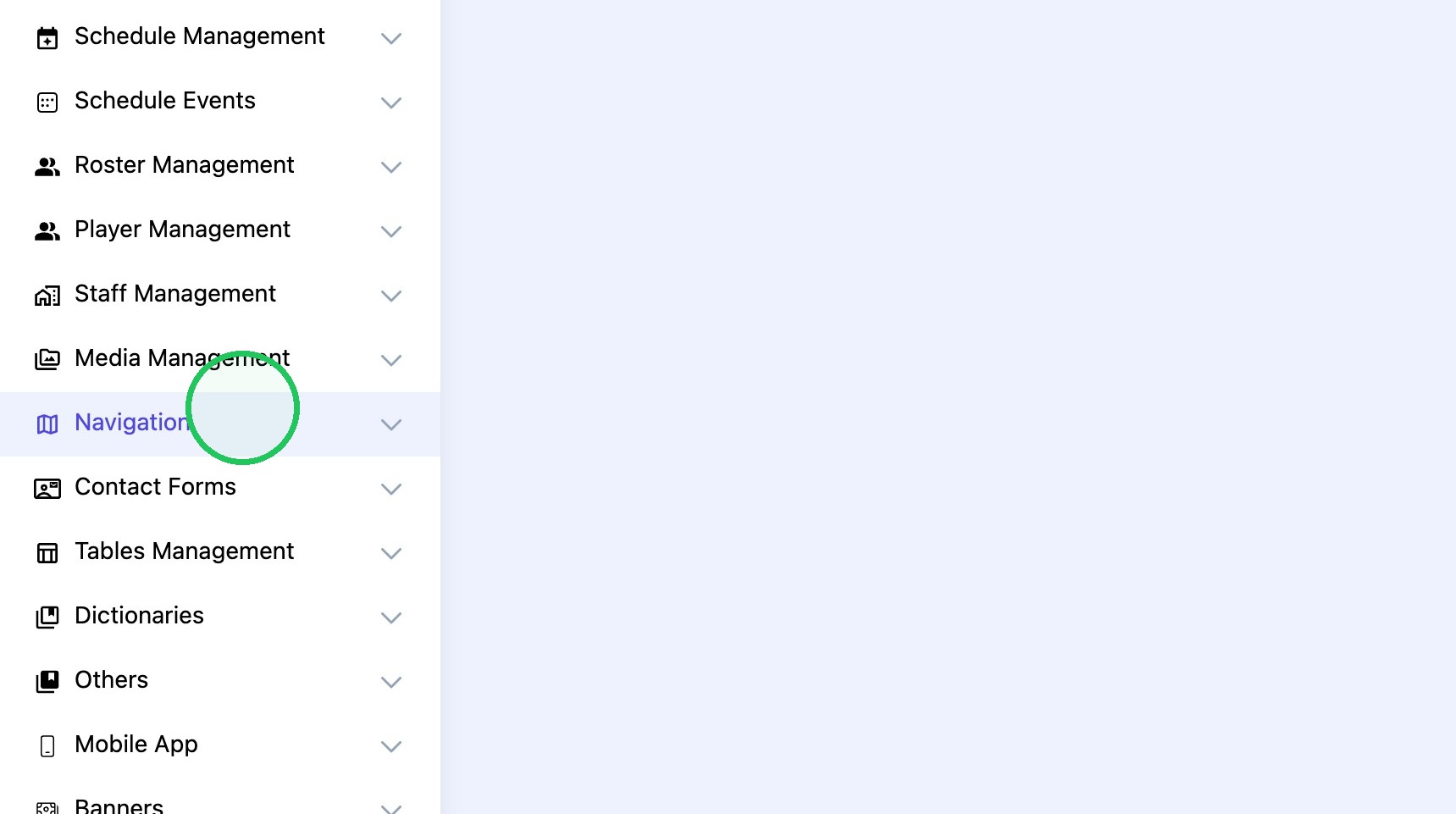
1. Click "Navigation"
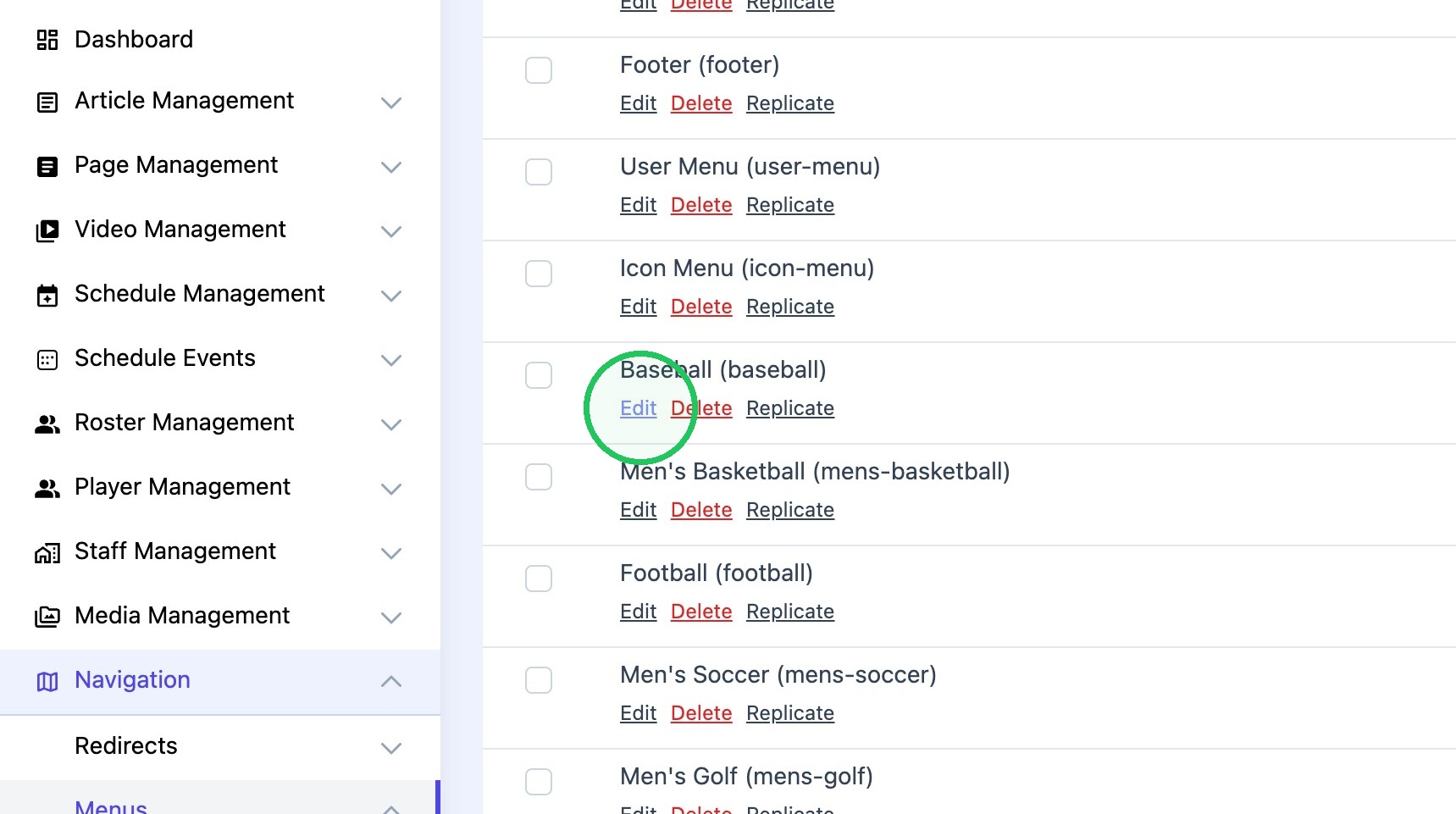
2. Click "Edit" on desired sport.
Tip: Tip! Please note the menu items are collaspable and may have submenu items (dropdown) links associated with them. Simply click the ">" next to the Menu Item to reveal submenu items
3. Tip! Please note you can drag and drop menu items and sub-items to rearrange where they appear on the frontend
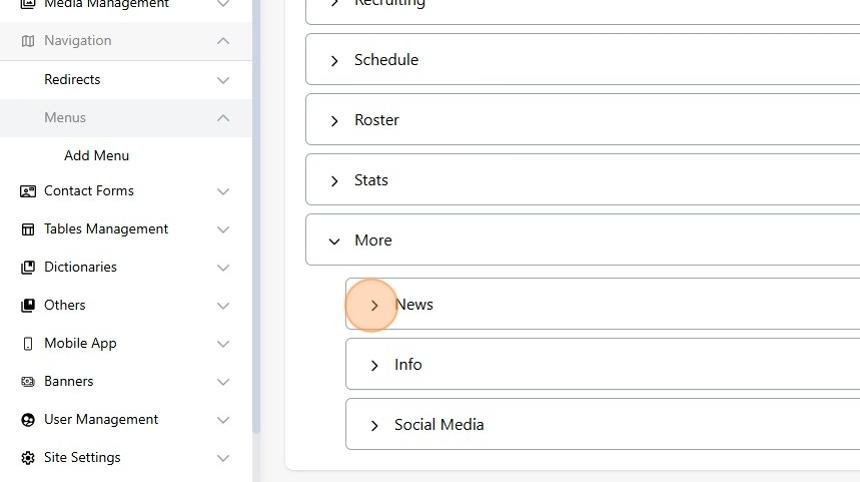
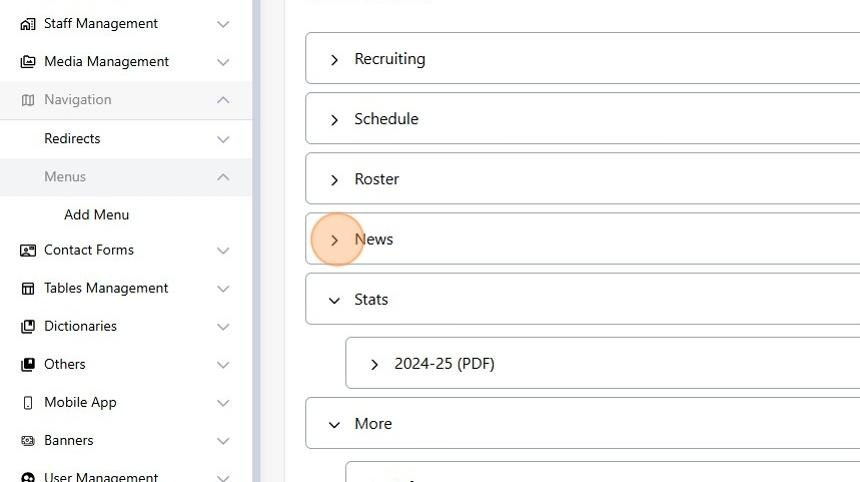
4. Select the desired link to edit.
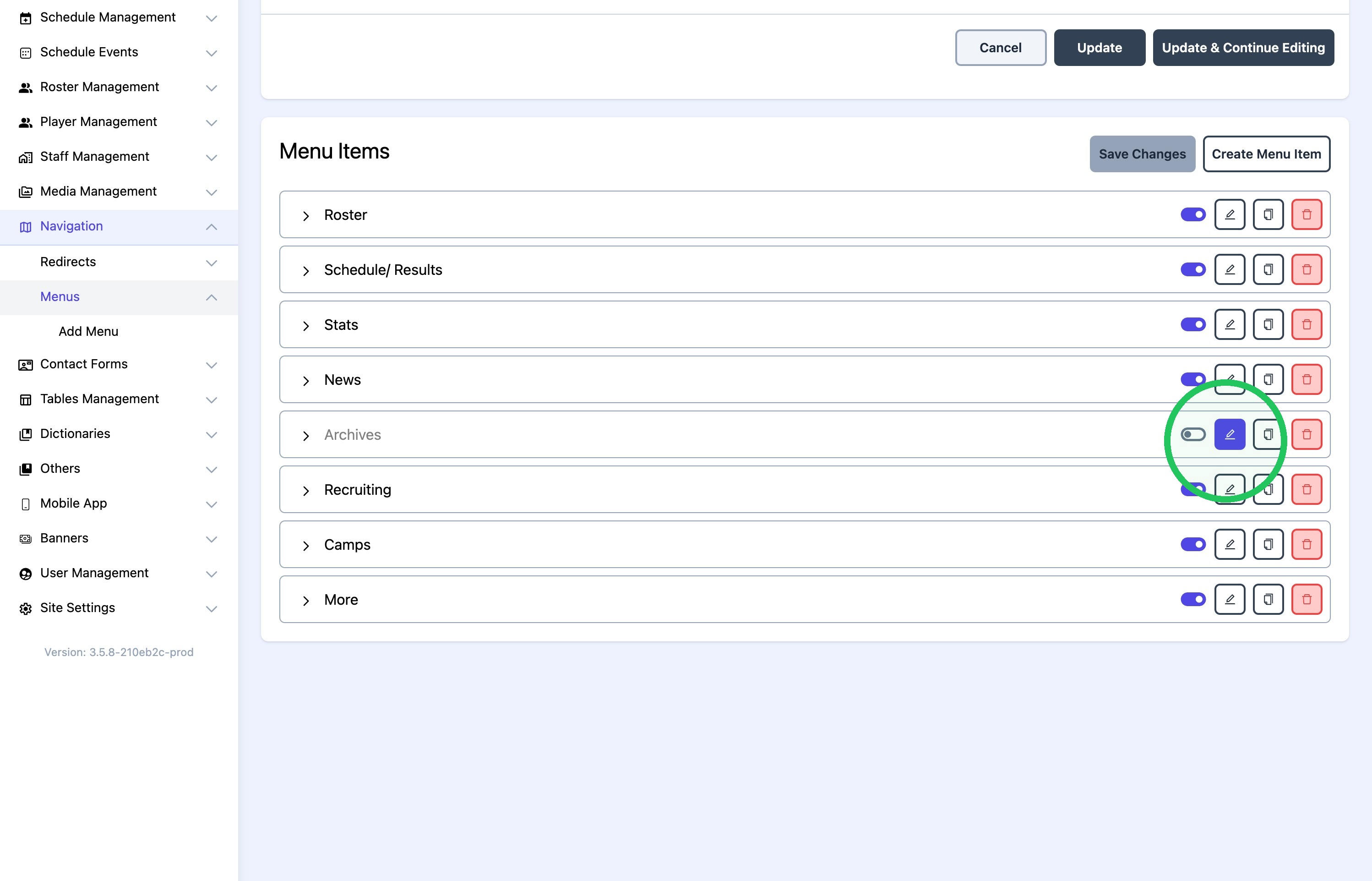
5. Make sure the correct page is in the "value" field, and click here to toggle on.

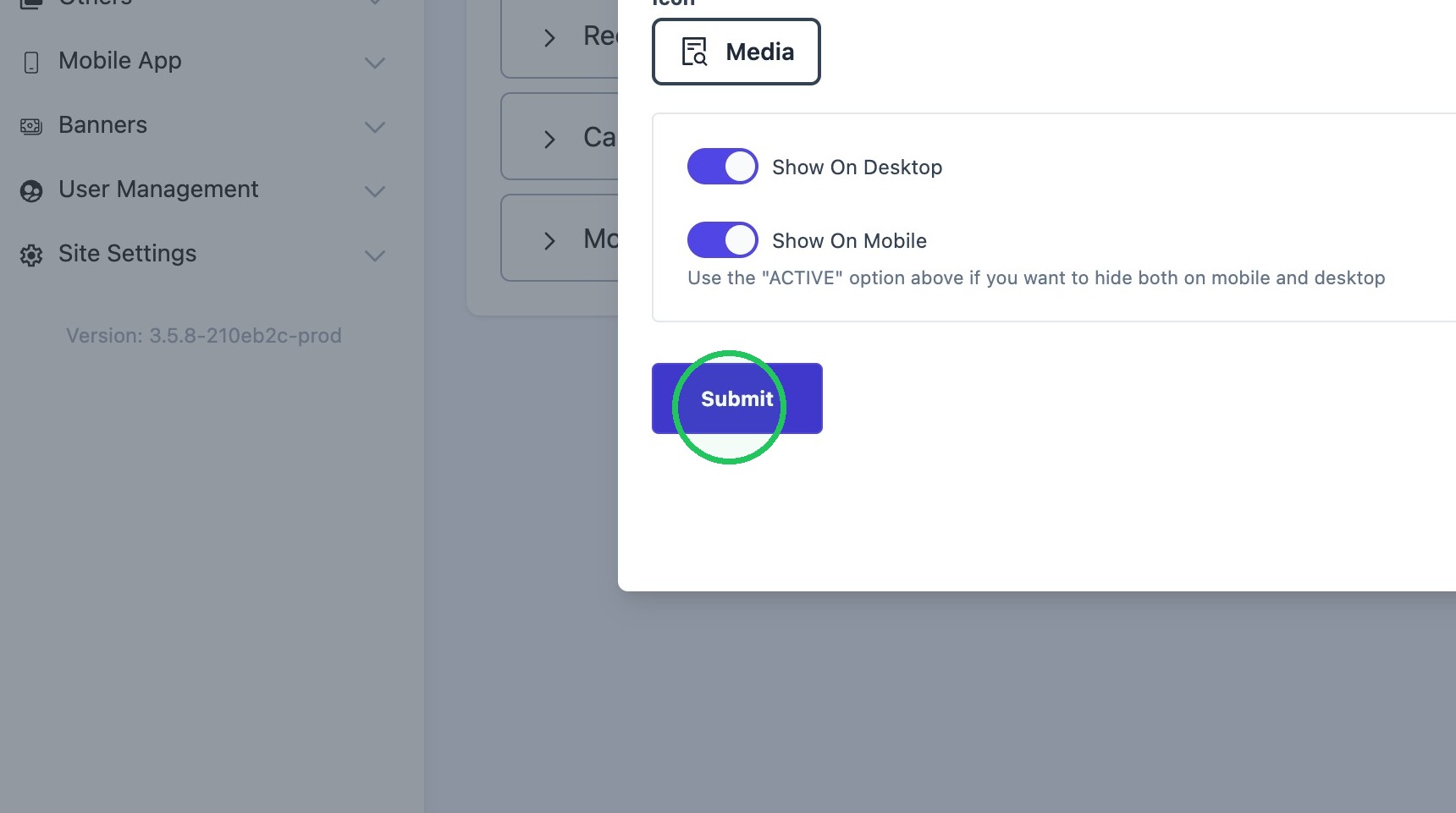
6. Click "Submit"
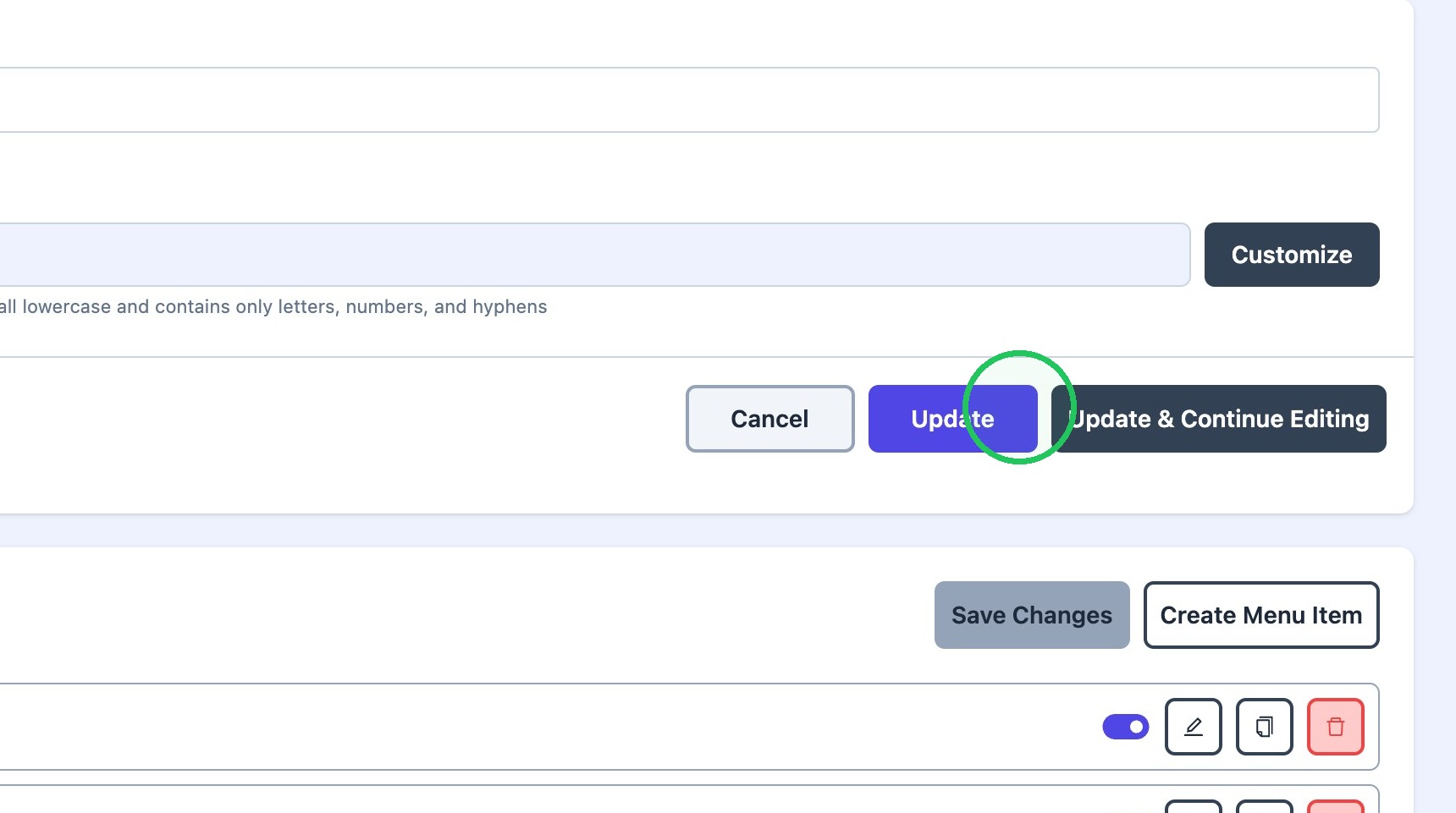
7. Click "Update"