Updating Player Position Abbreviation in Dashboard
Last updated: September 18, 2026
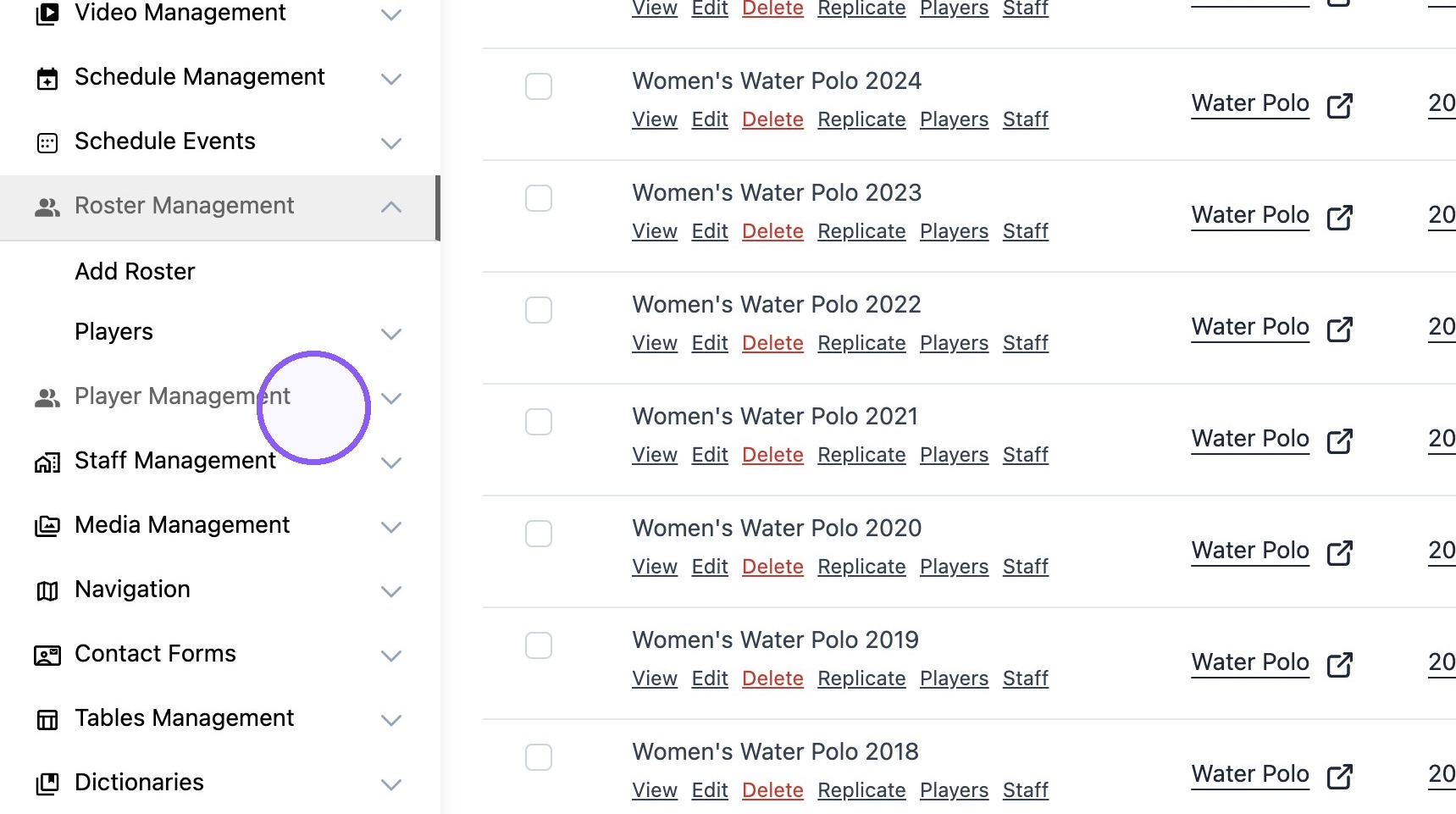
1. Click "Player Management"
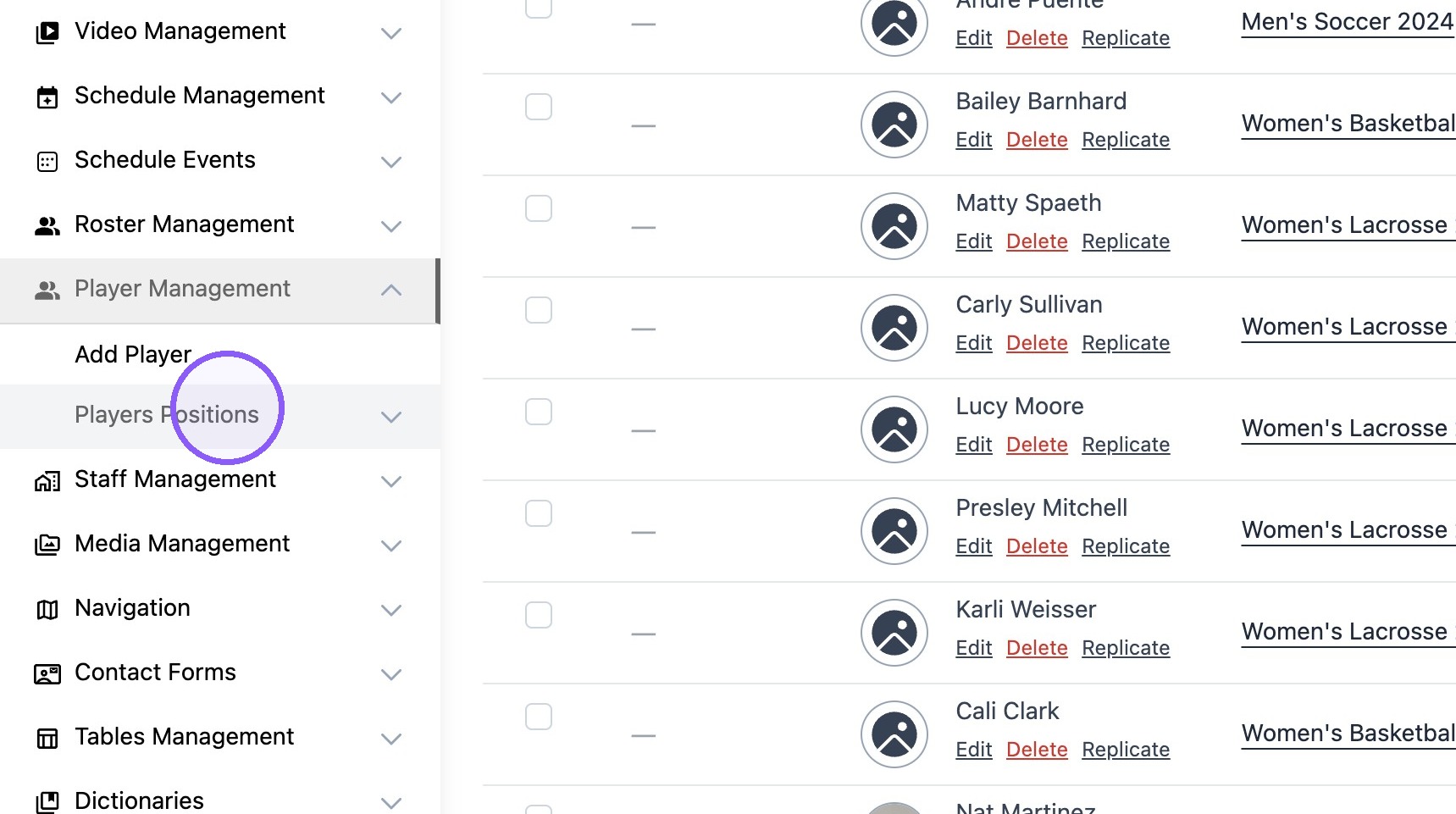
2. Click "Players Positions"
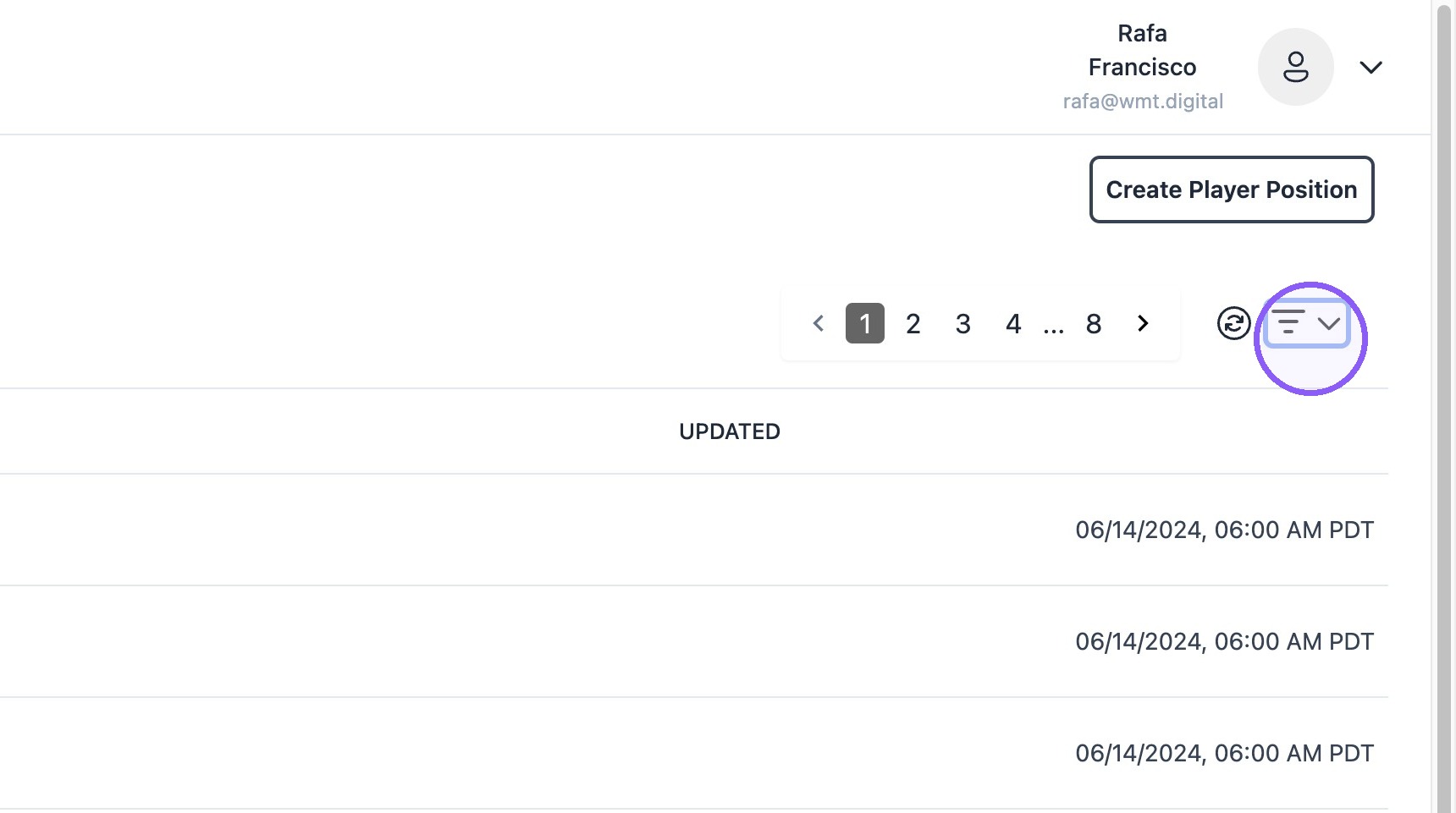
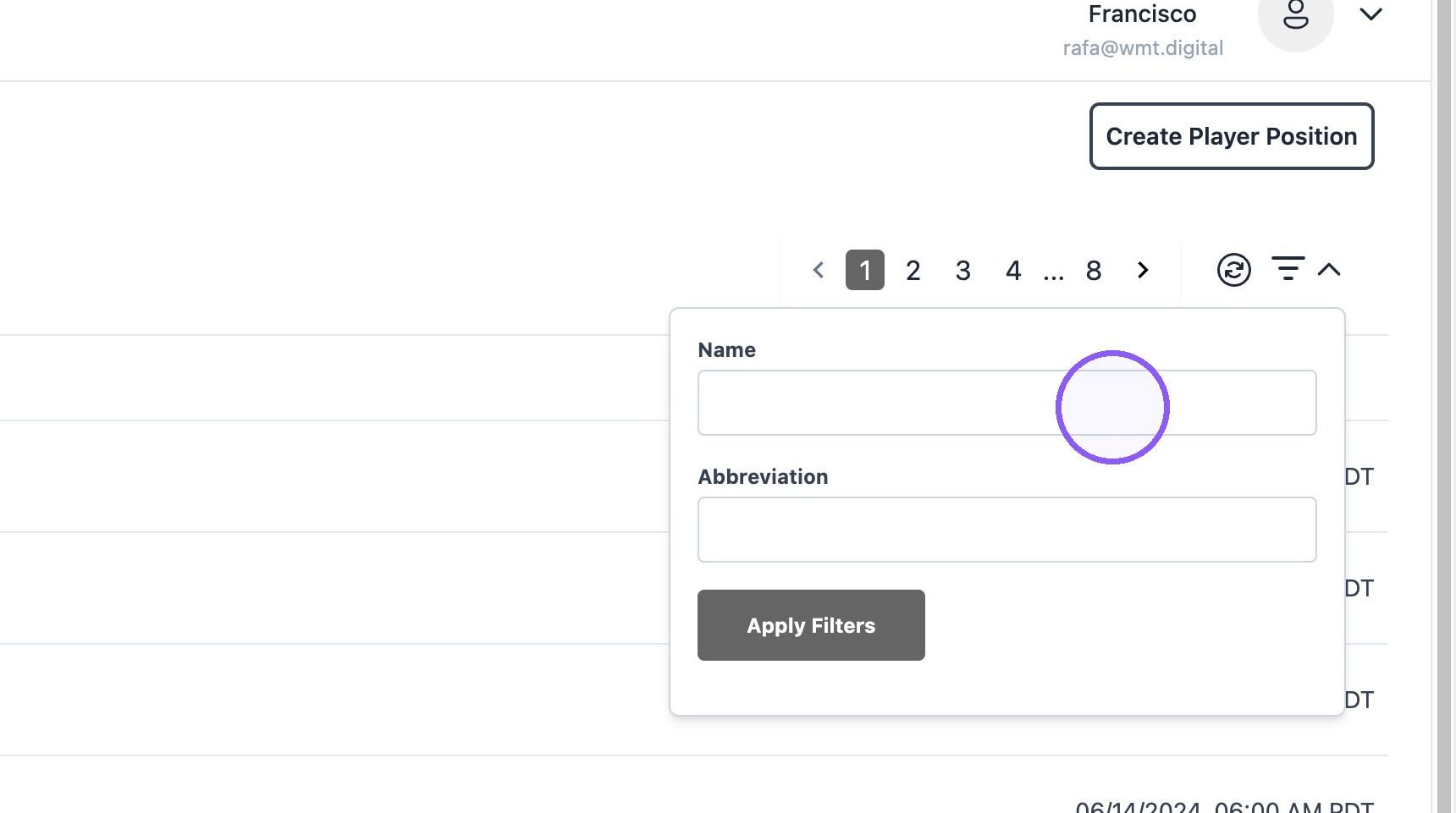
3. Click "Filters Dropdown"
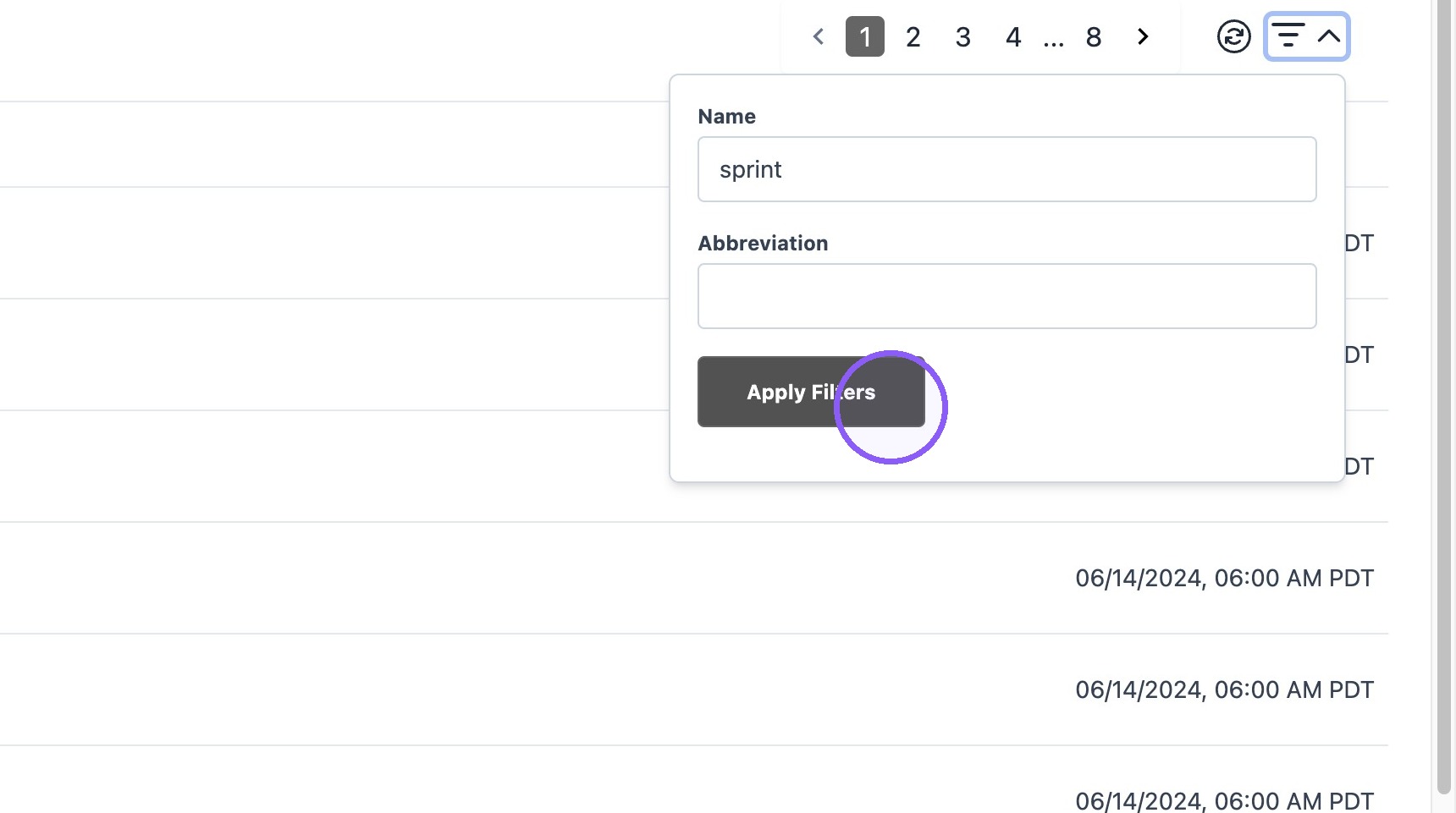
4. Find the desired position.
Click "Apply Filters"
5. Click "Edit"

6. Double-click the "Abbreviation*" field and type the desired abbreviation.
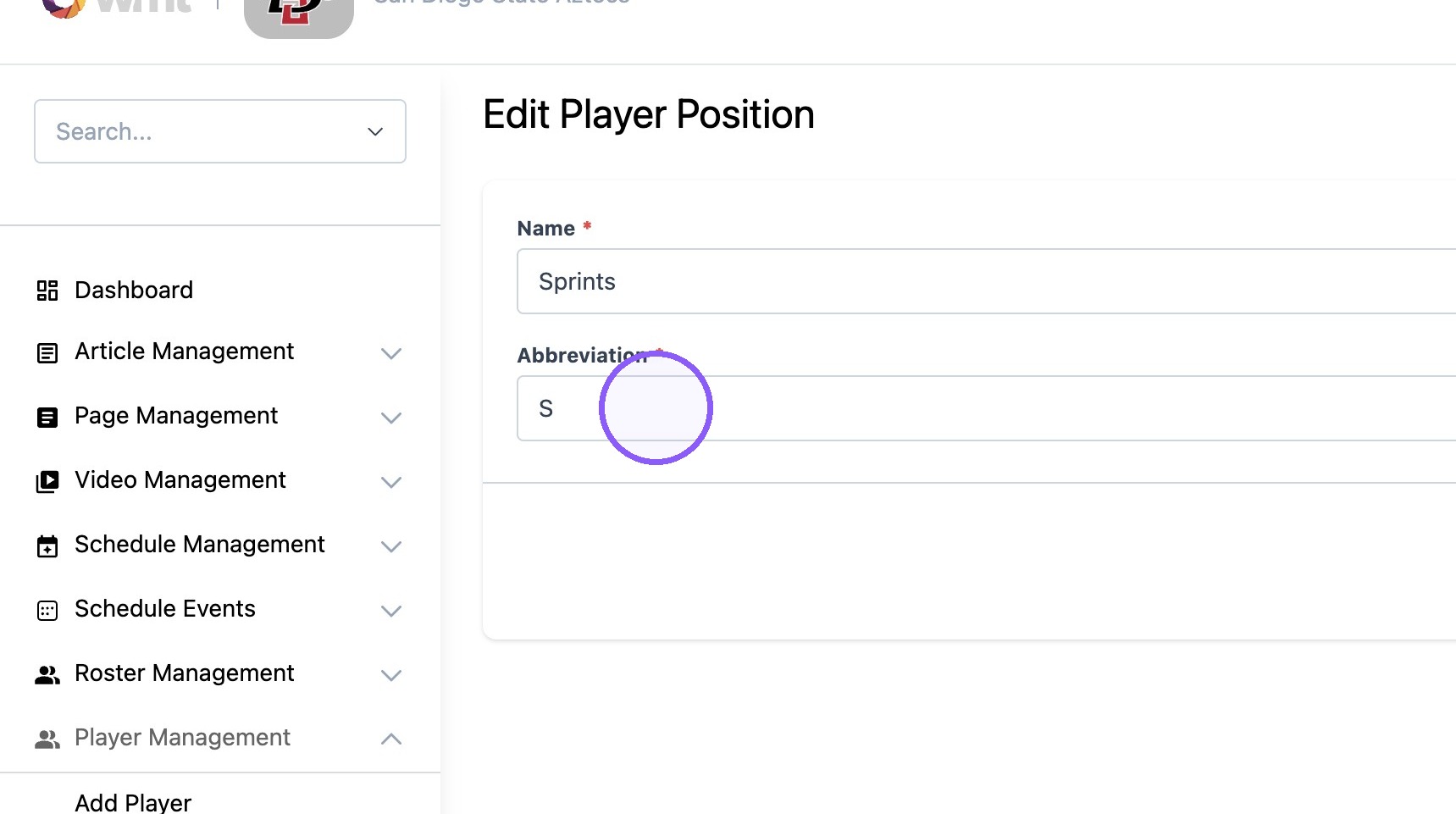
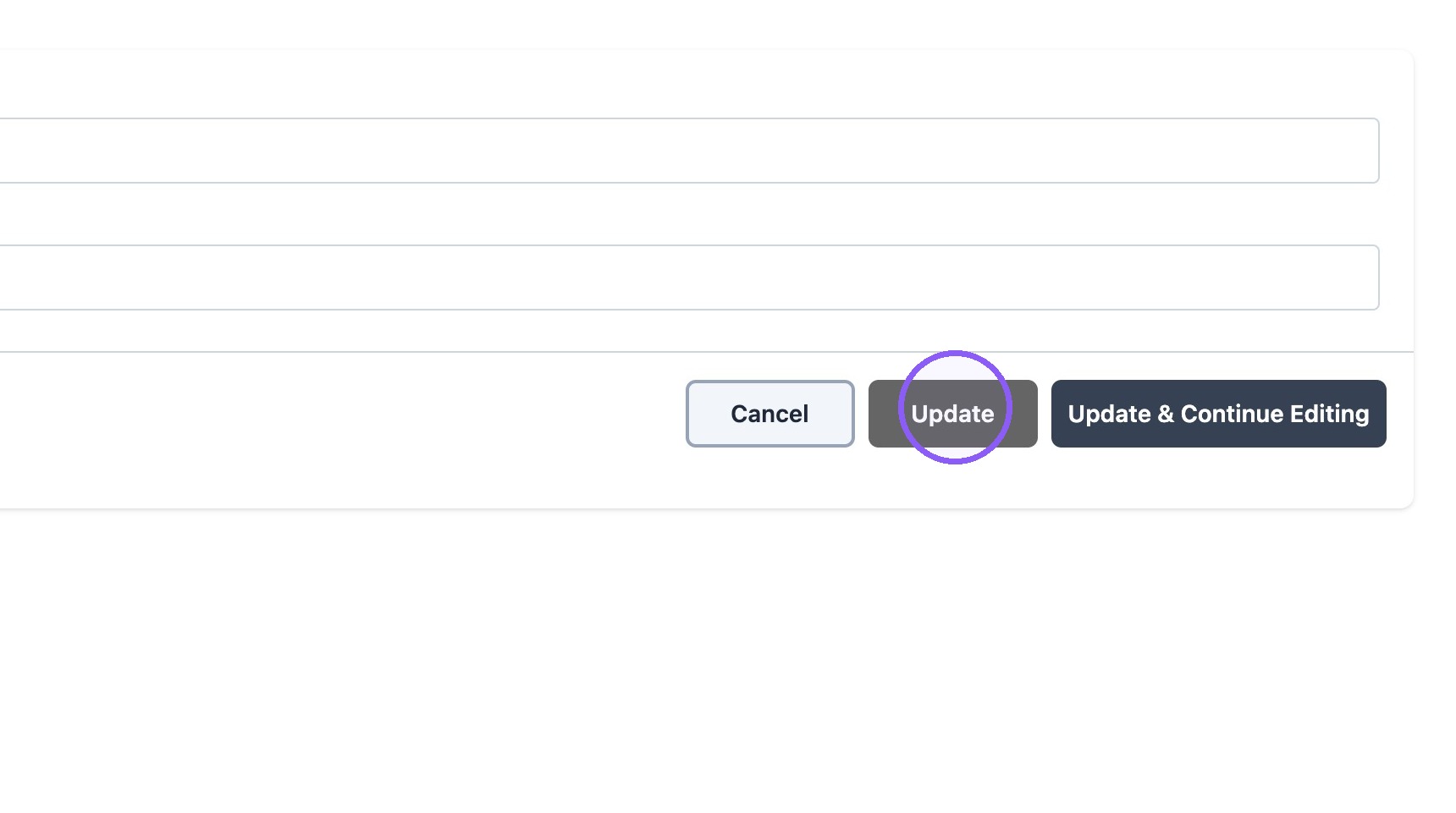
7. Click "Update"