Dictionaries: Review and update Sports Settings
Last updated: September 18, 2026
General Sports Settings
1. Click "Dictionaries"
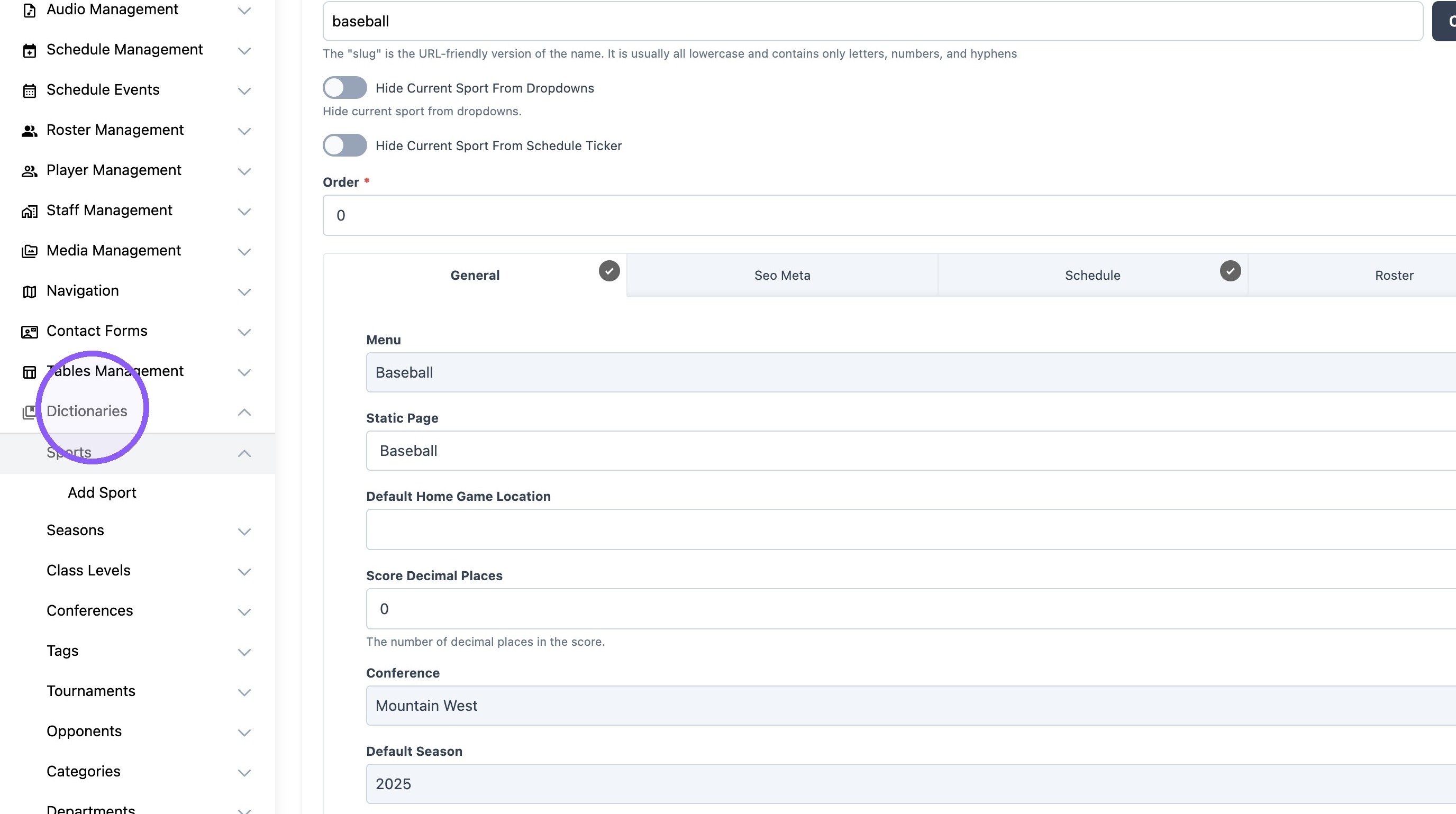
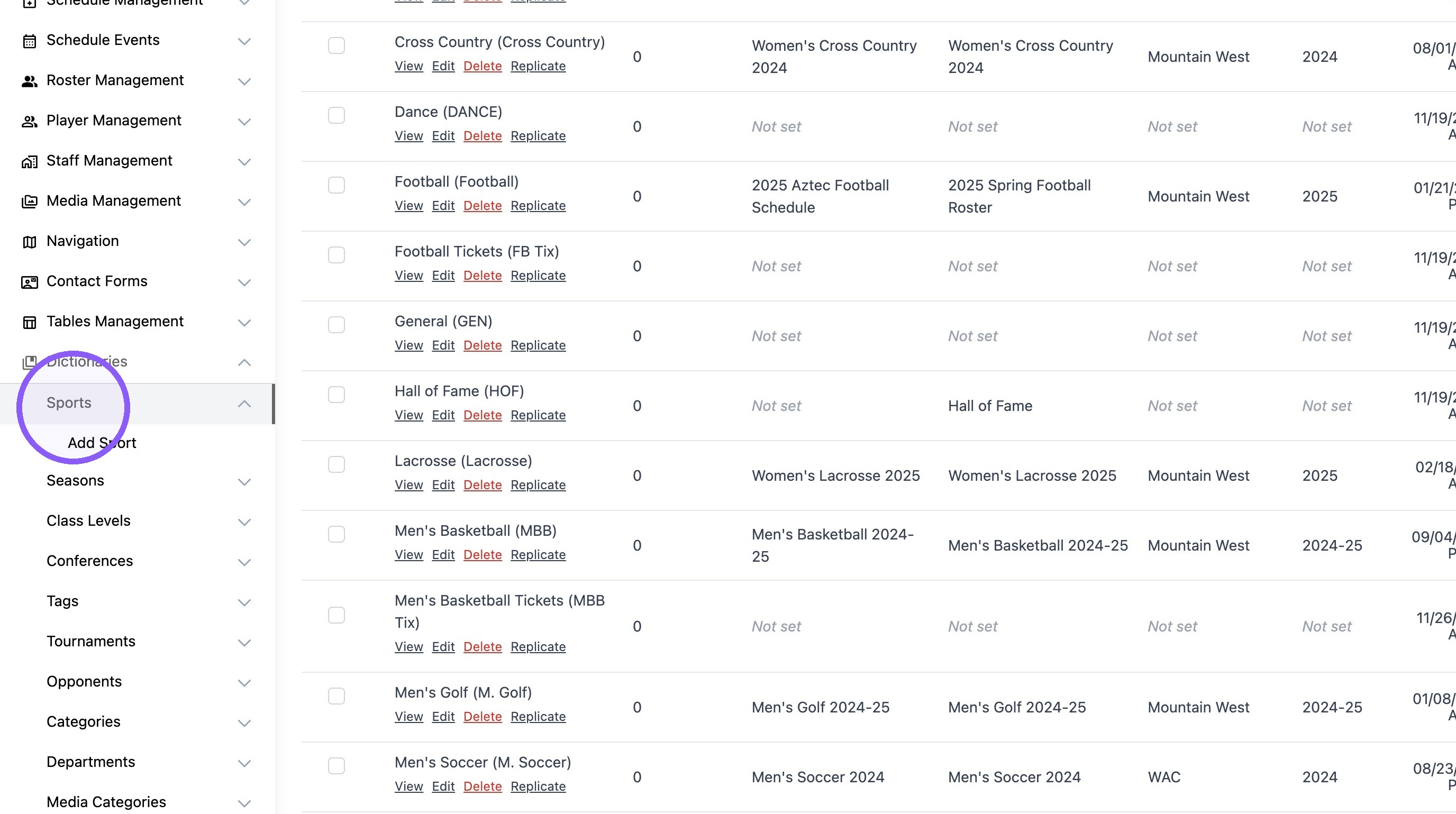
2. Click "Sports"
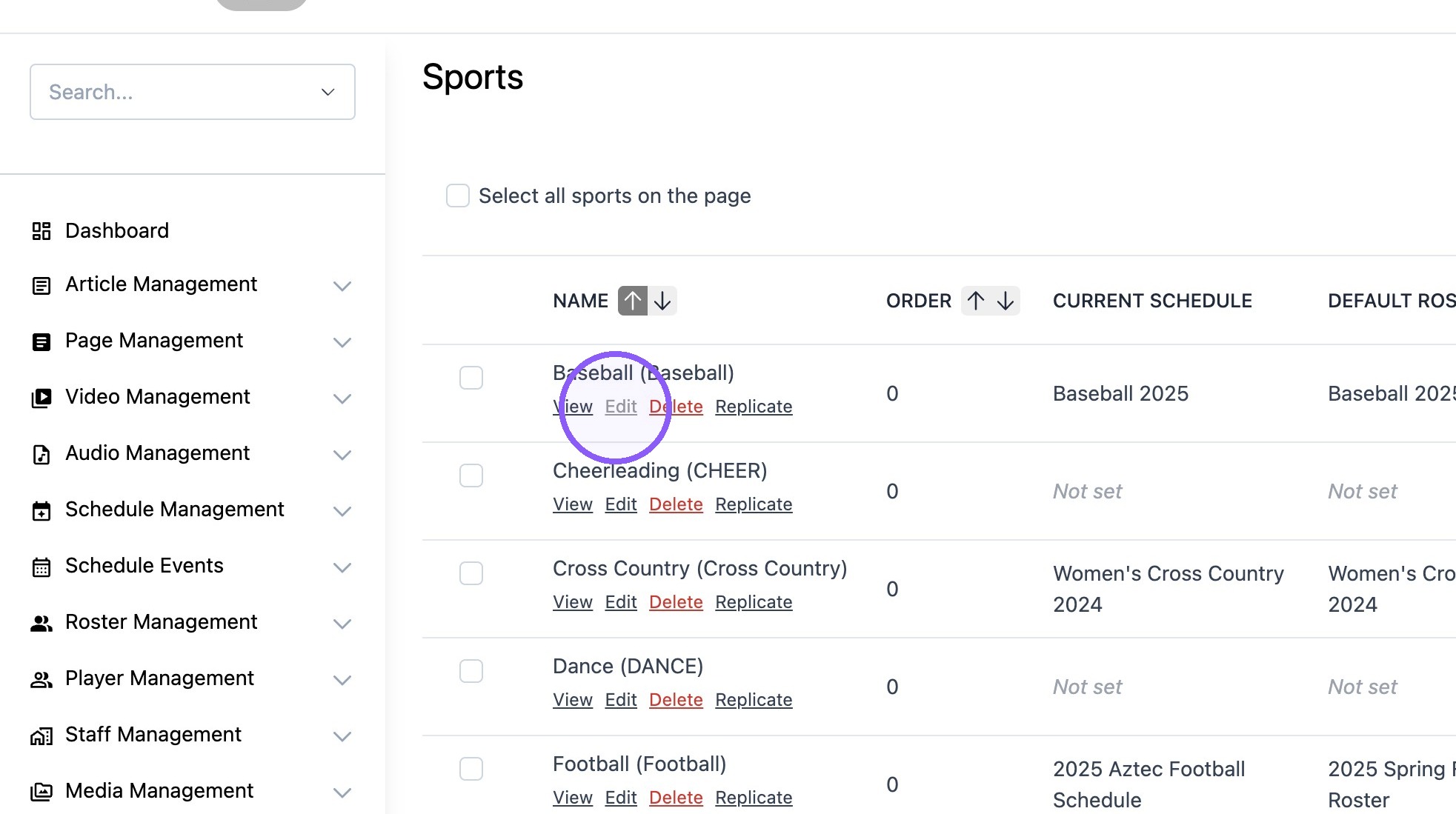
3. Click "Edit" on the desired sport.
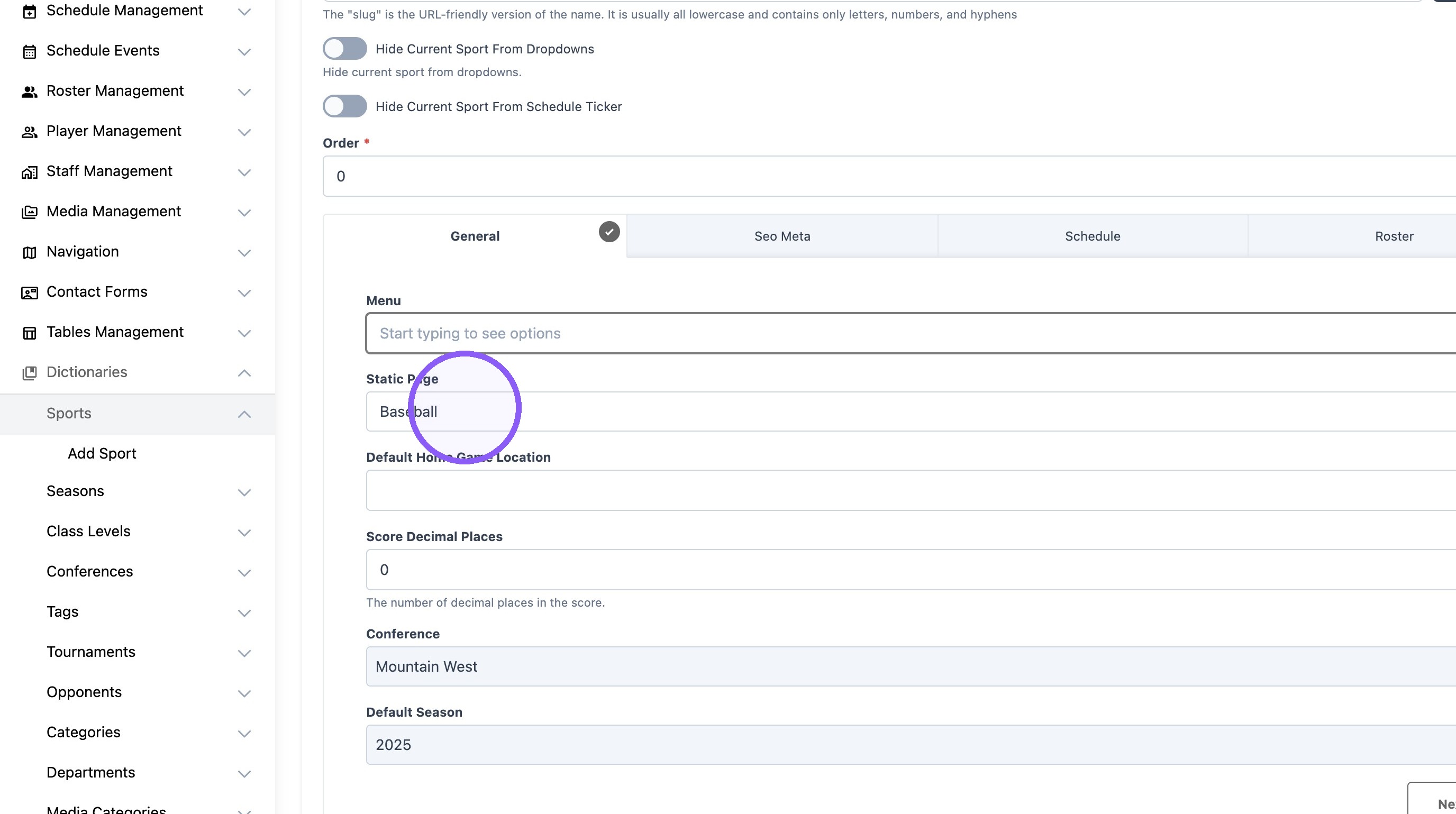
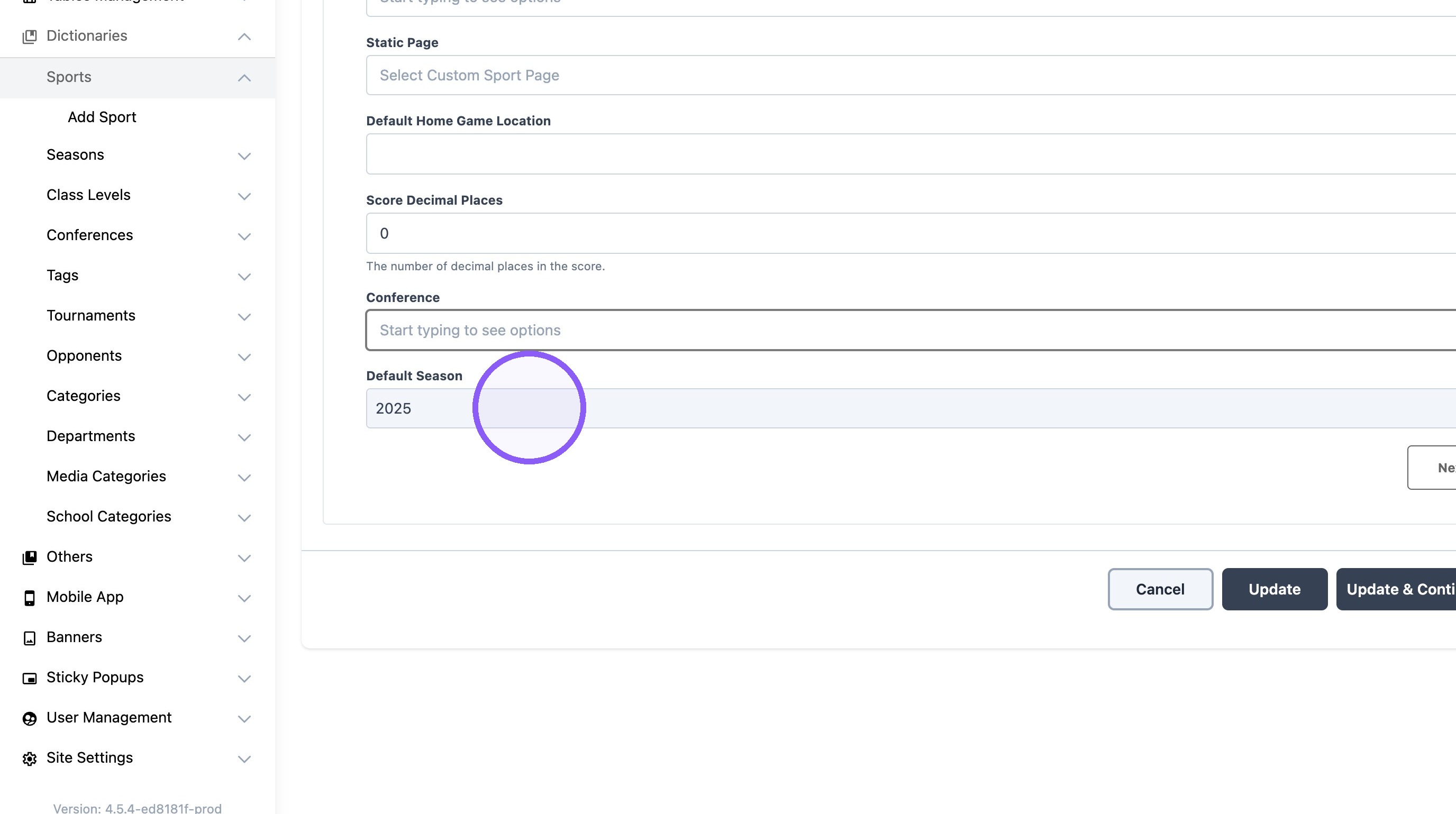
4. Select the desired sport menu.
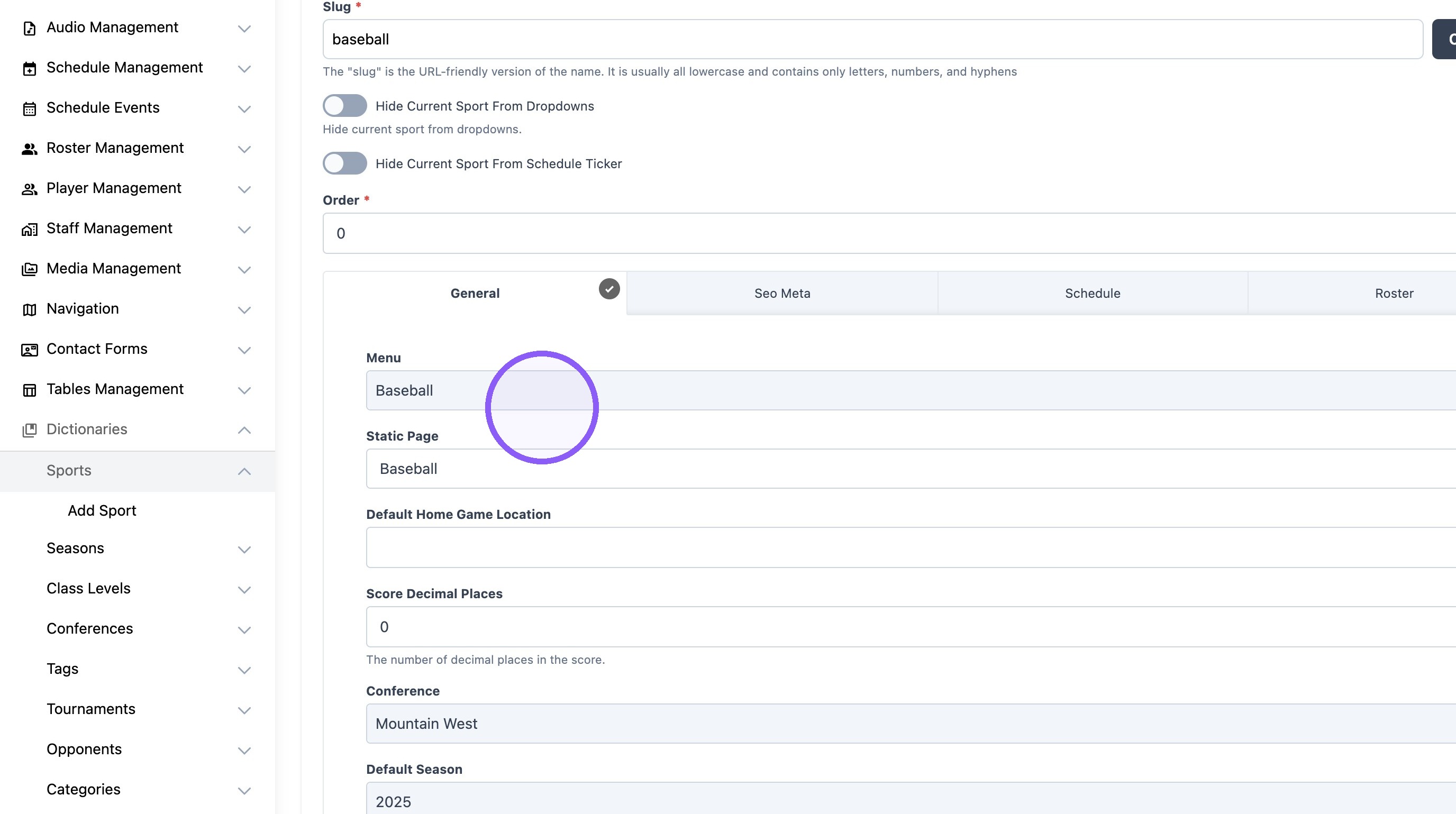
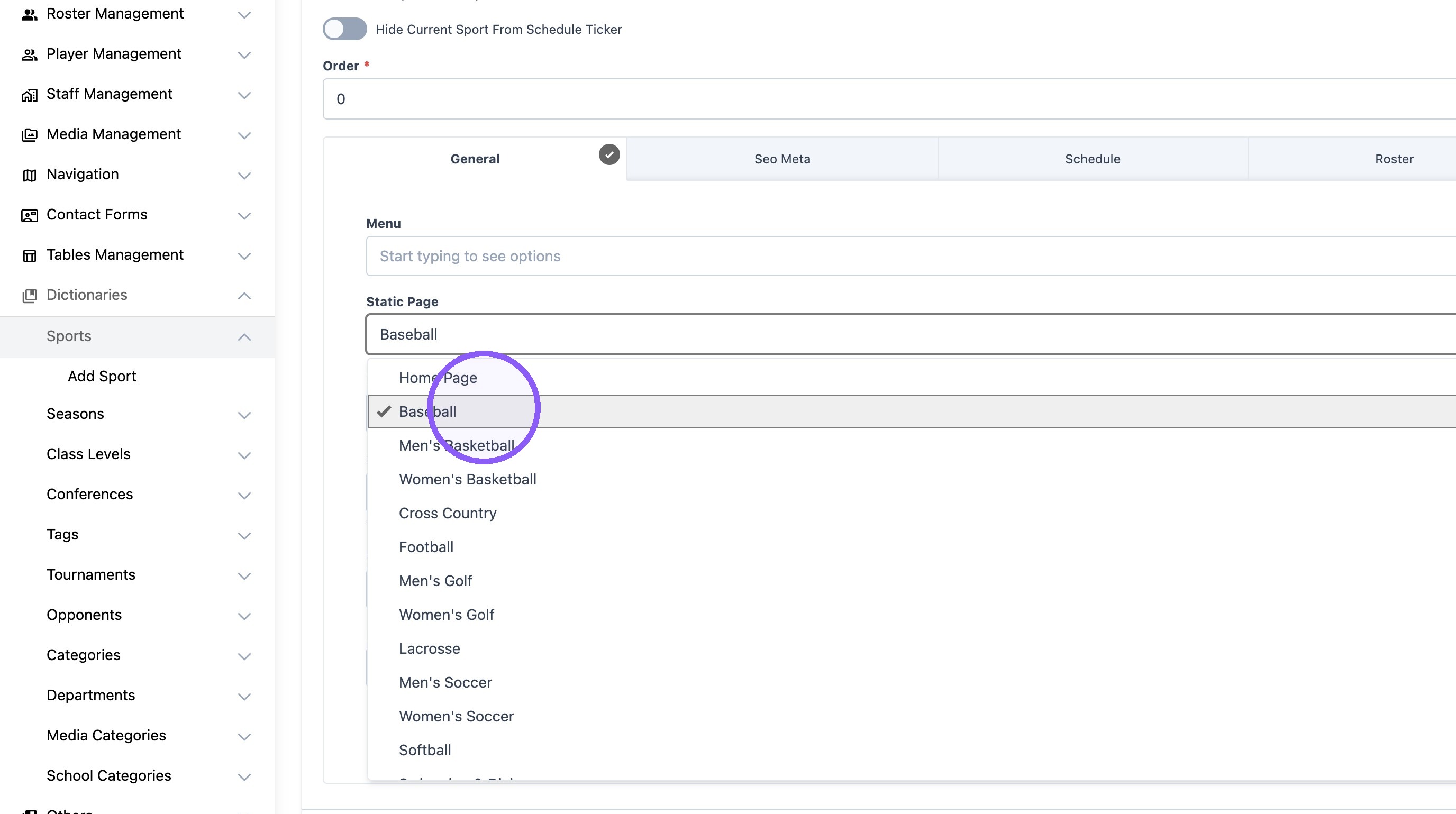
5. Select the desired static page.
6. Select the desired conference for the sport.
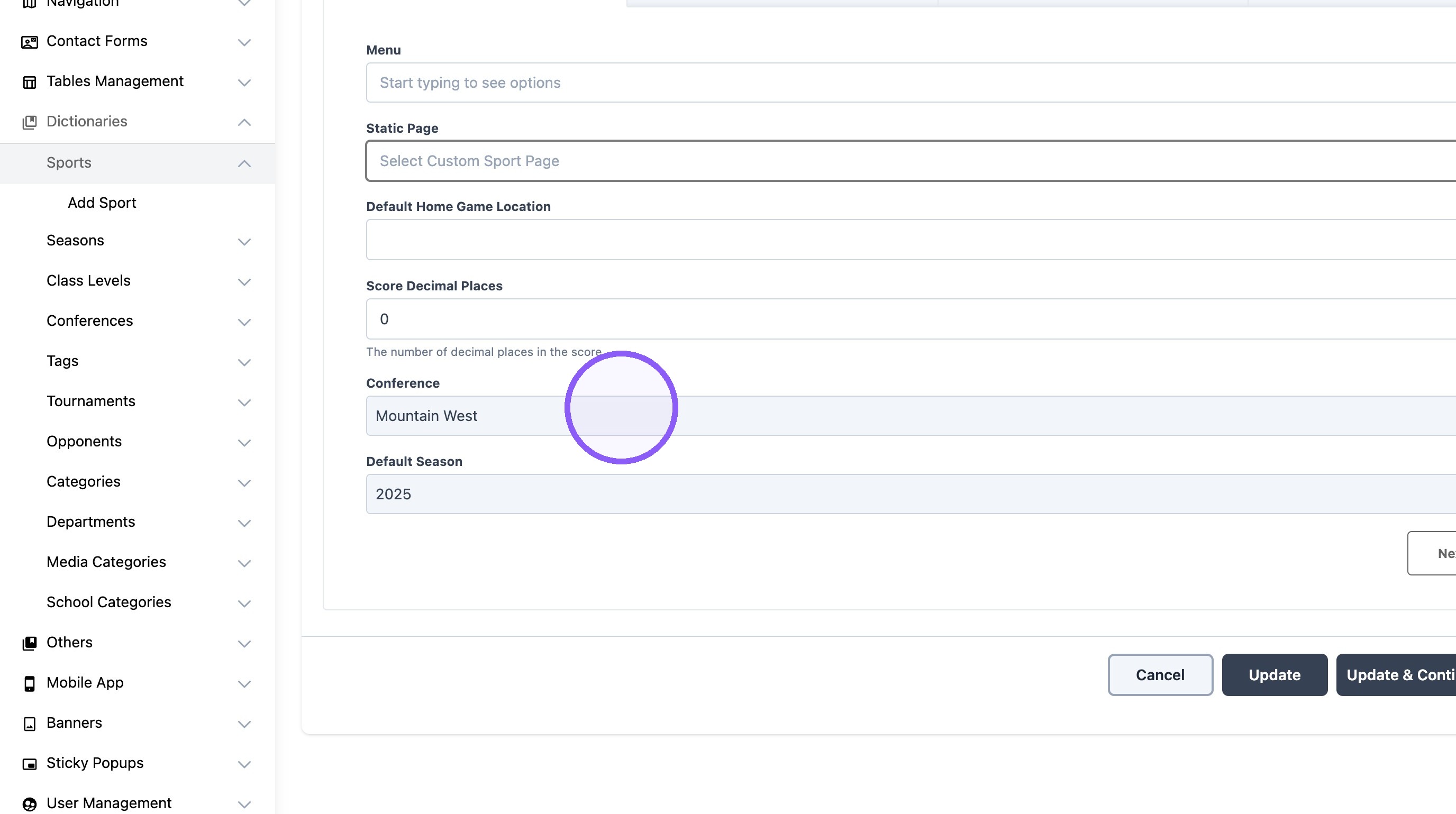
7. Select the current default season for the sport. (Example: 2024-25 or 2025)
Schedule Settings
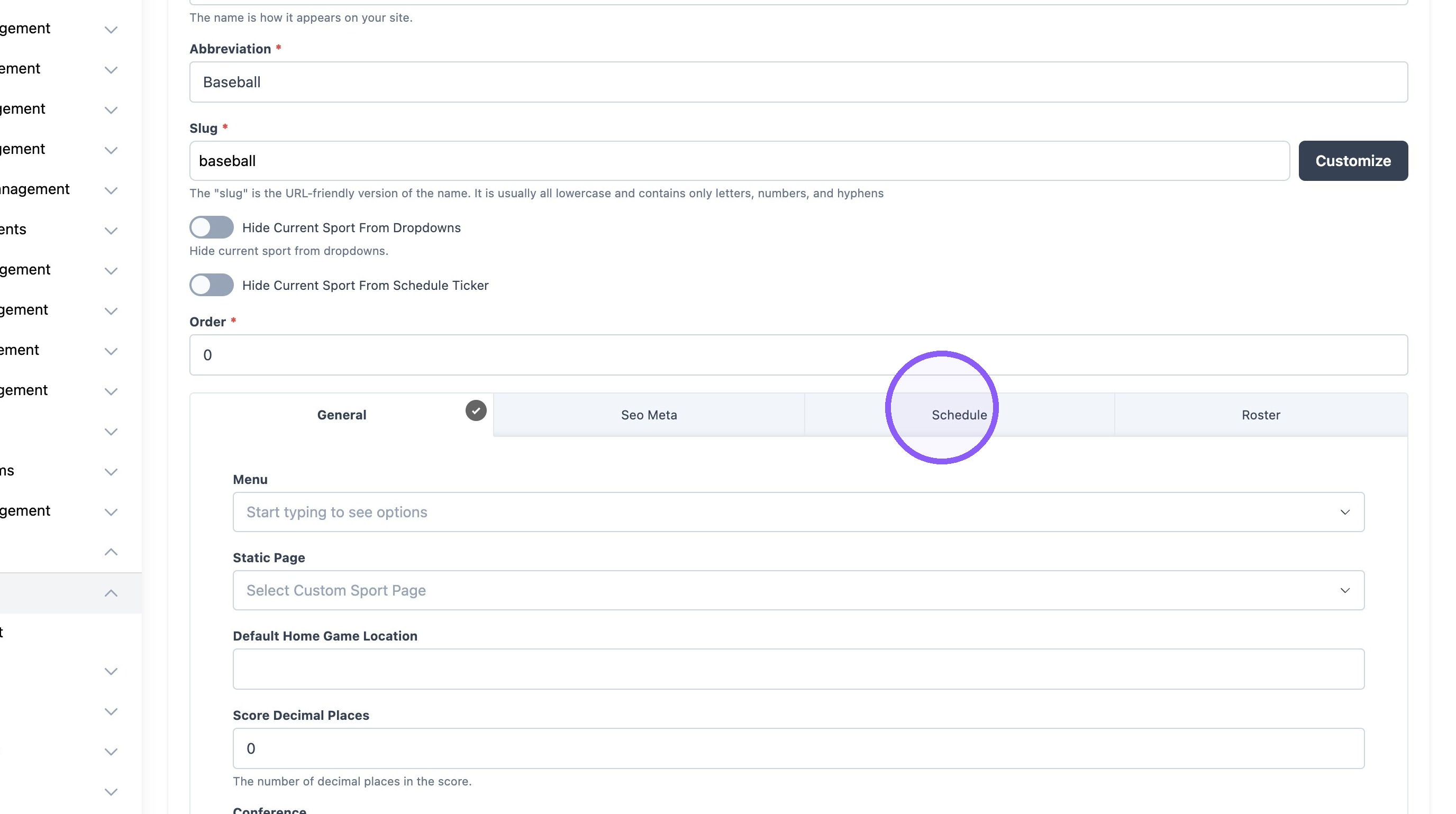
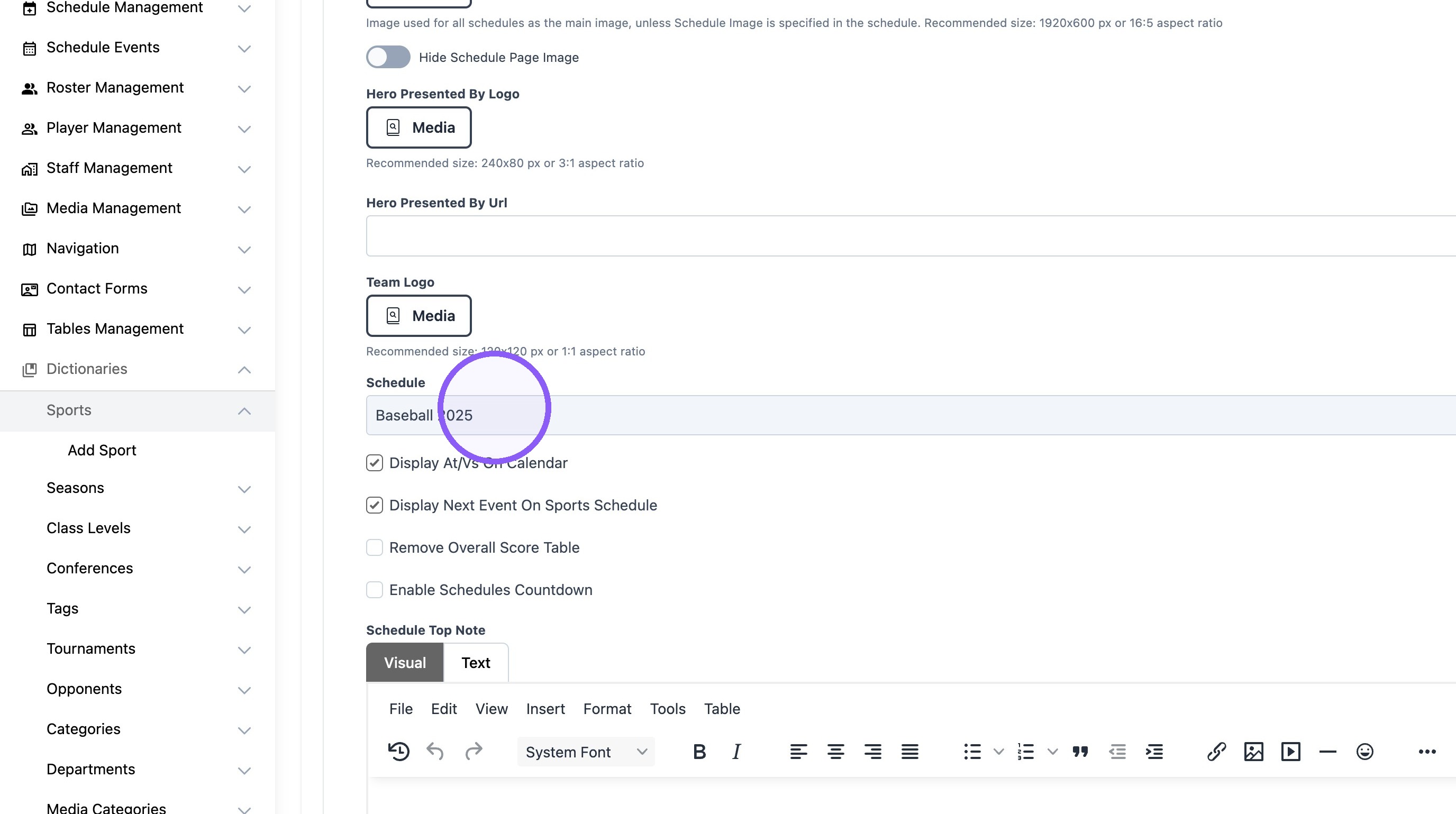
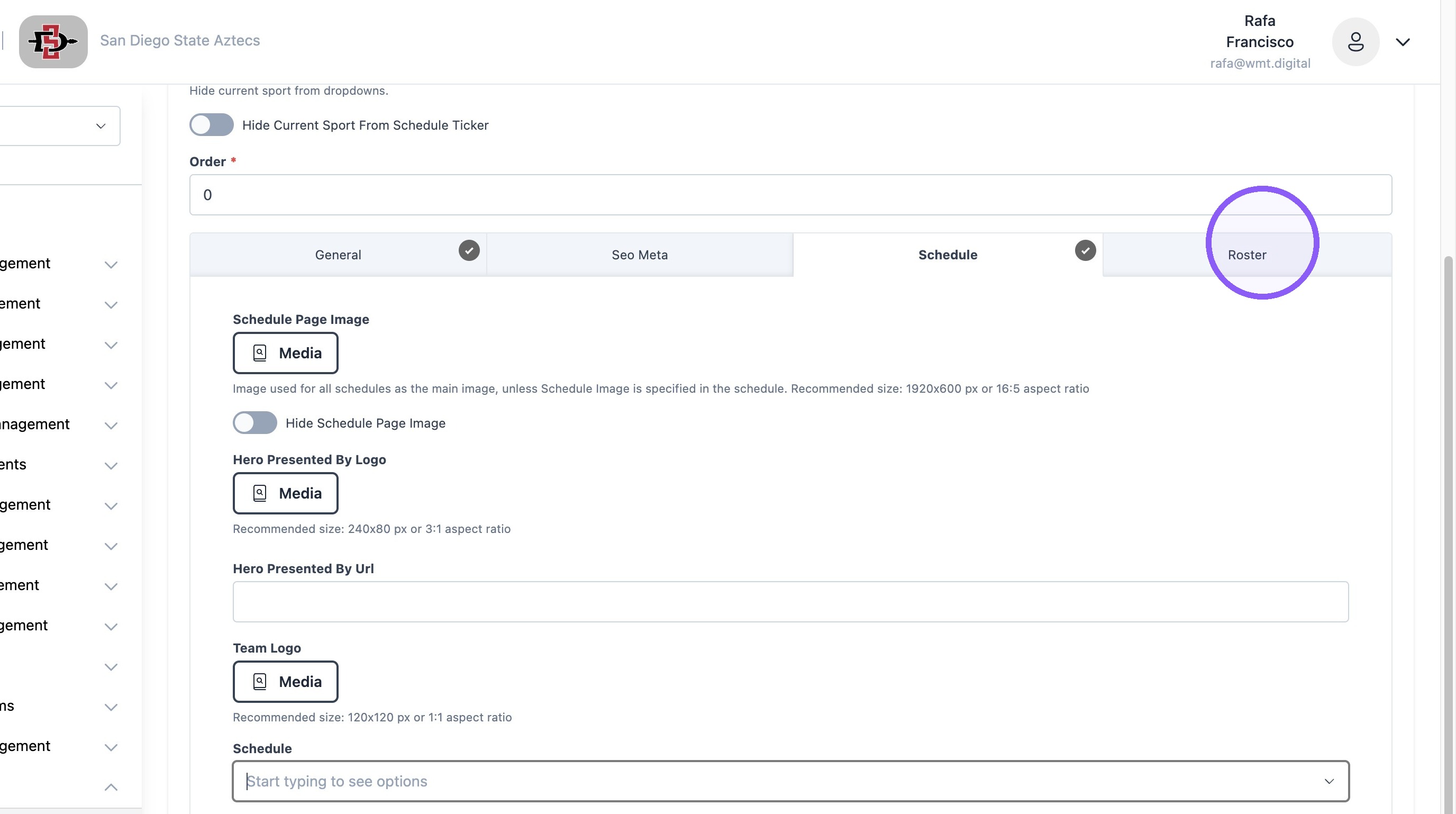
8. Click "Schedule" Tab next.
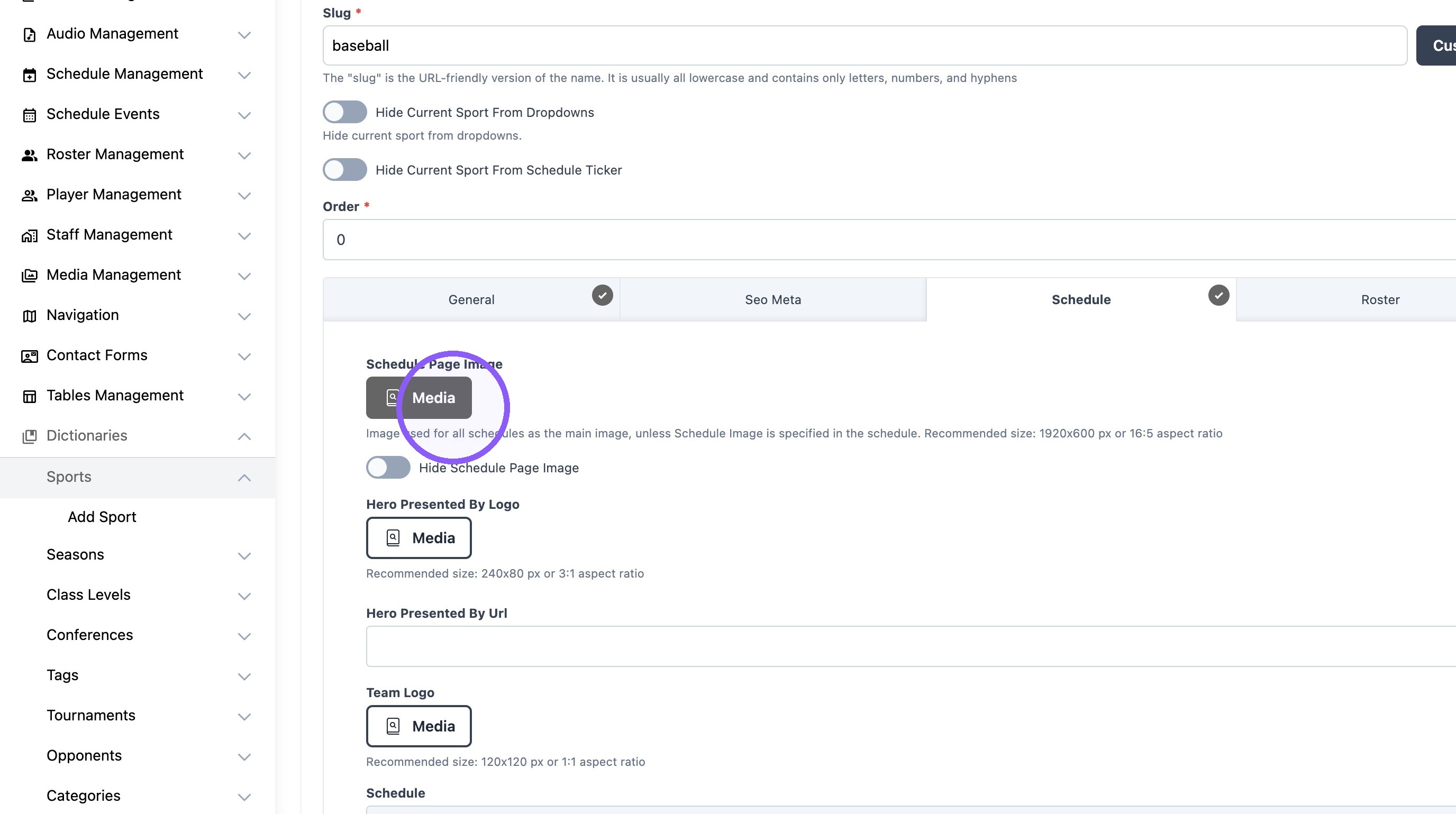
9. Click "Media" to add a schedule image if desired. Example Below.
10.
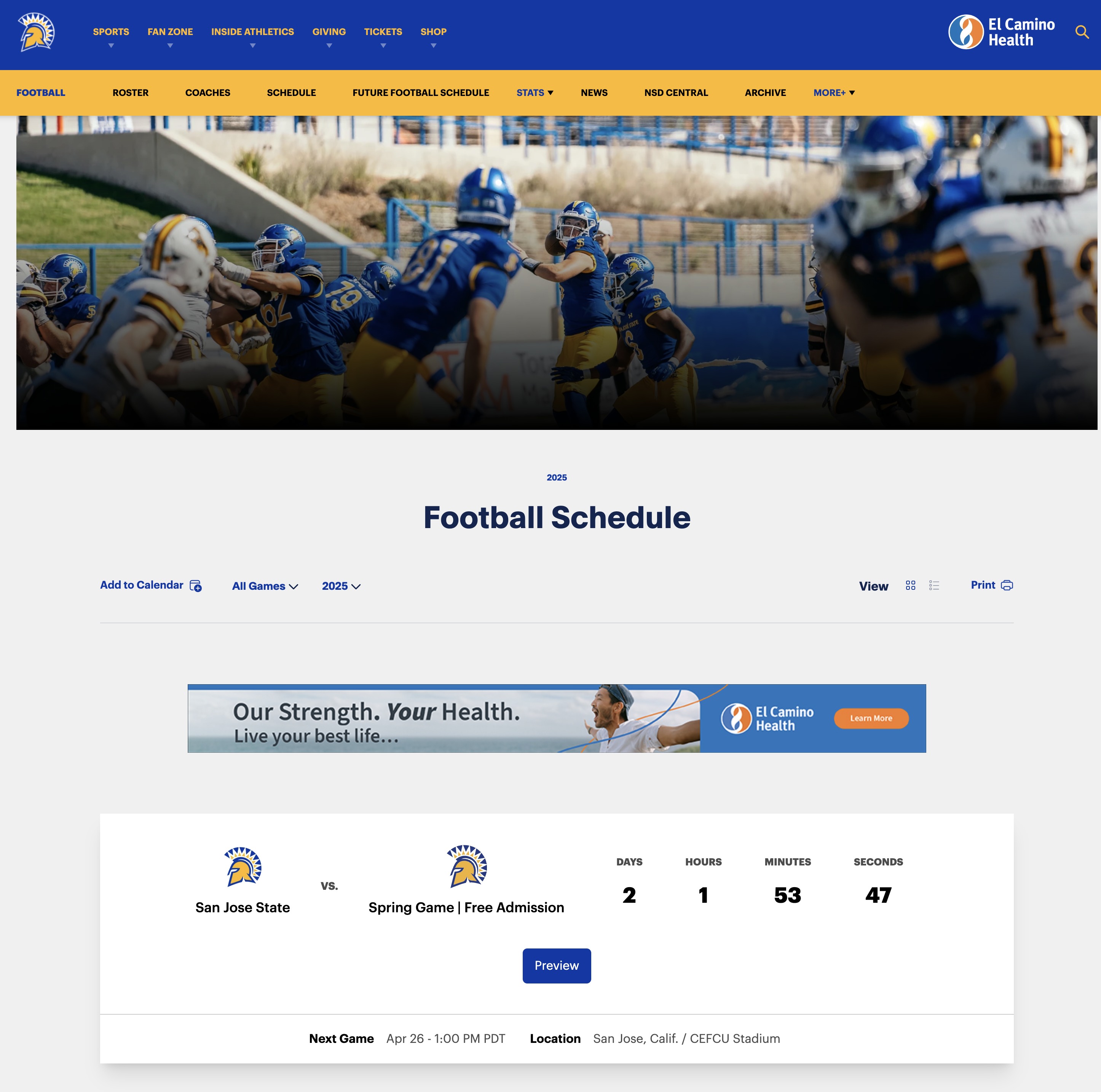
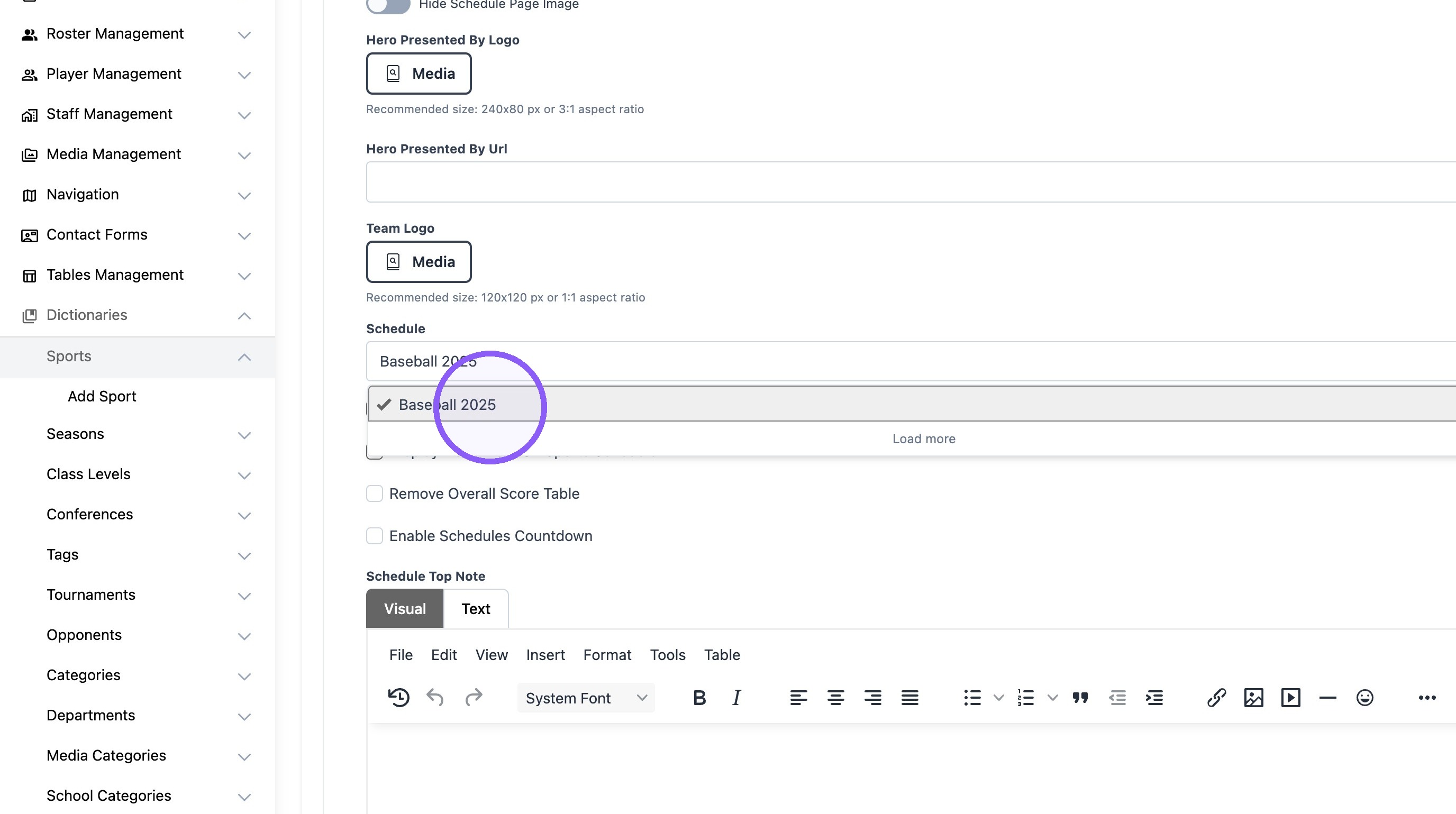
11. Select the current schedule year.
Roster Settings
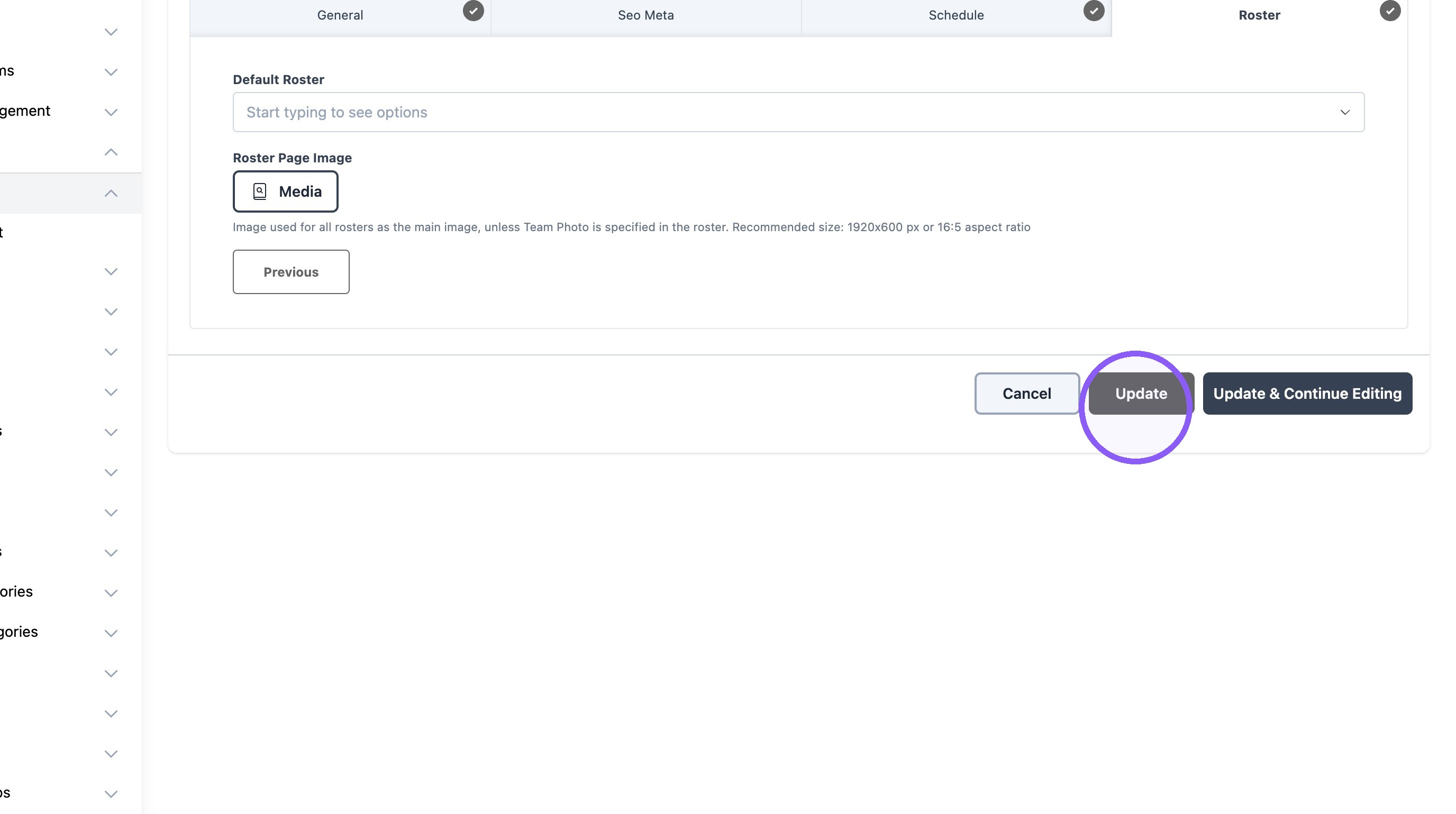
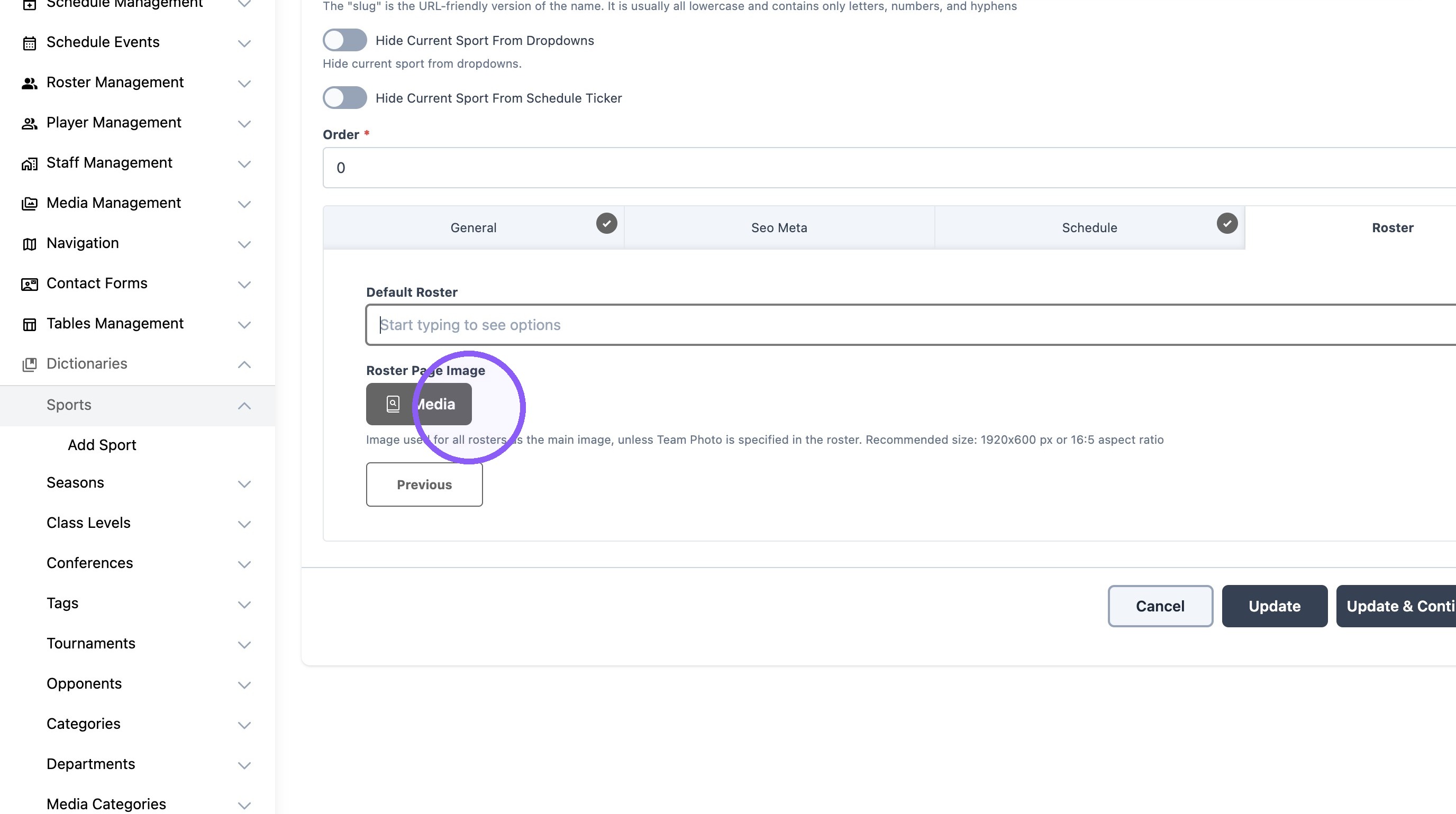
12. Click "Roster" tab next.
13. Select the current sport roster.
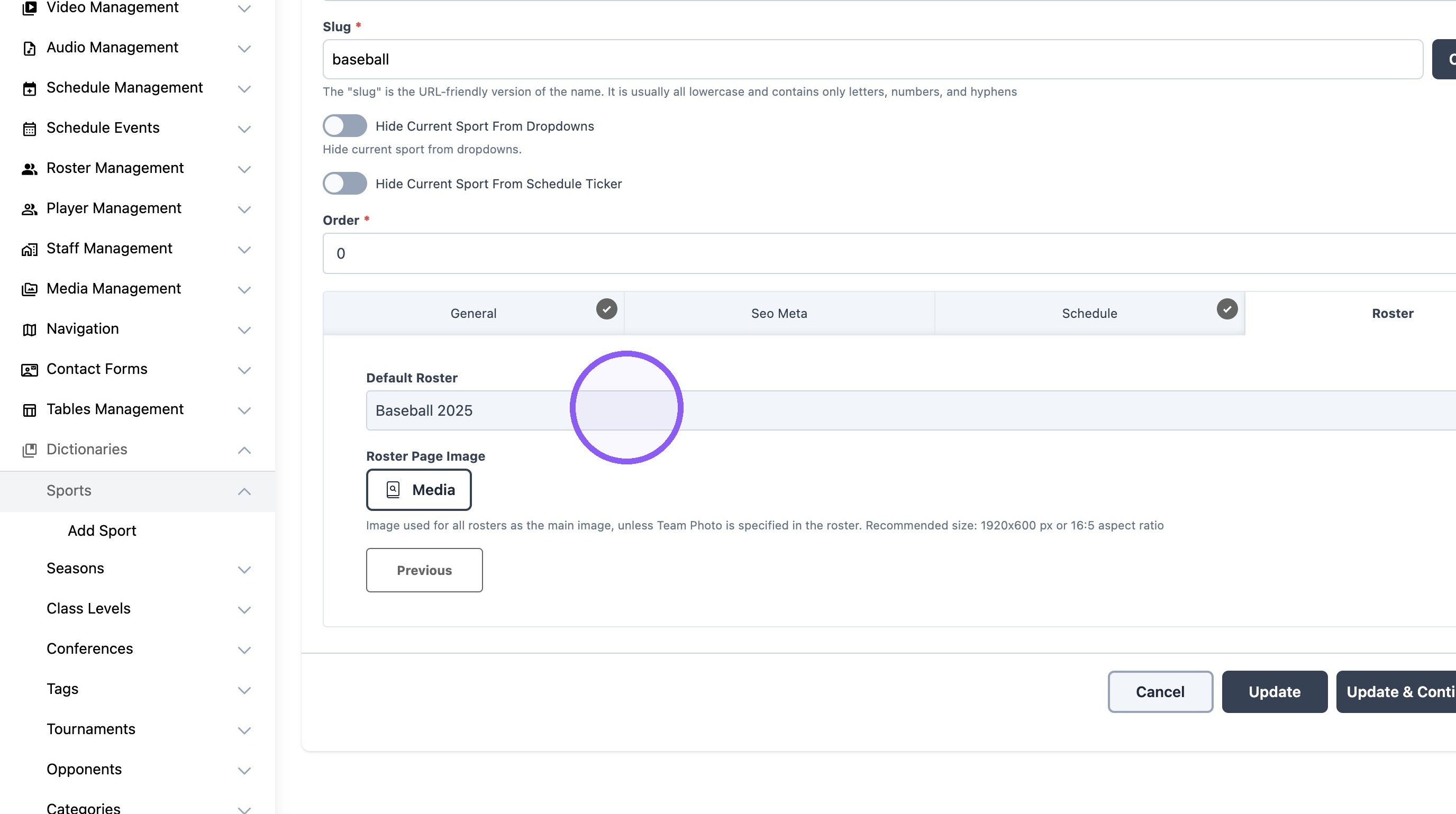
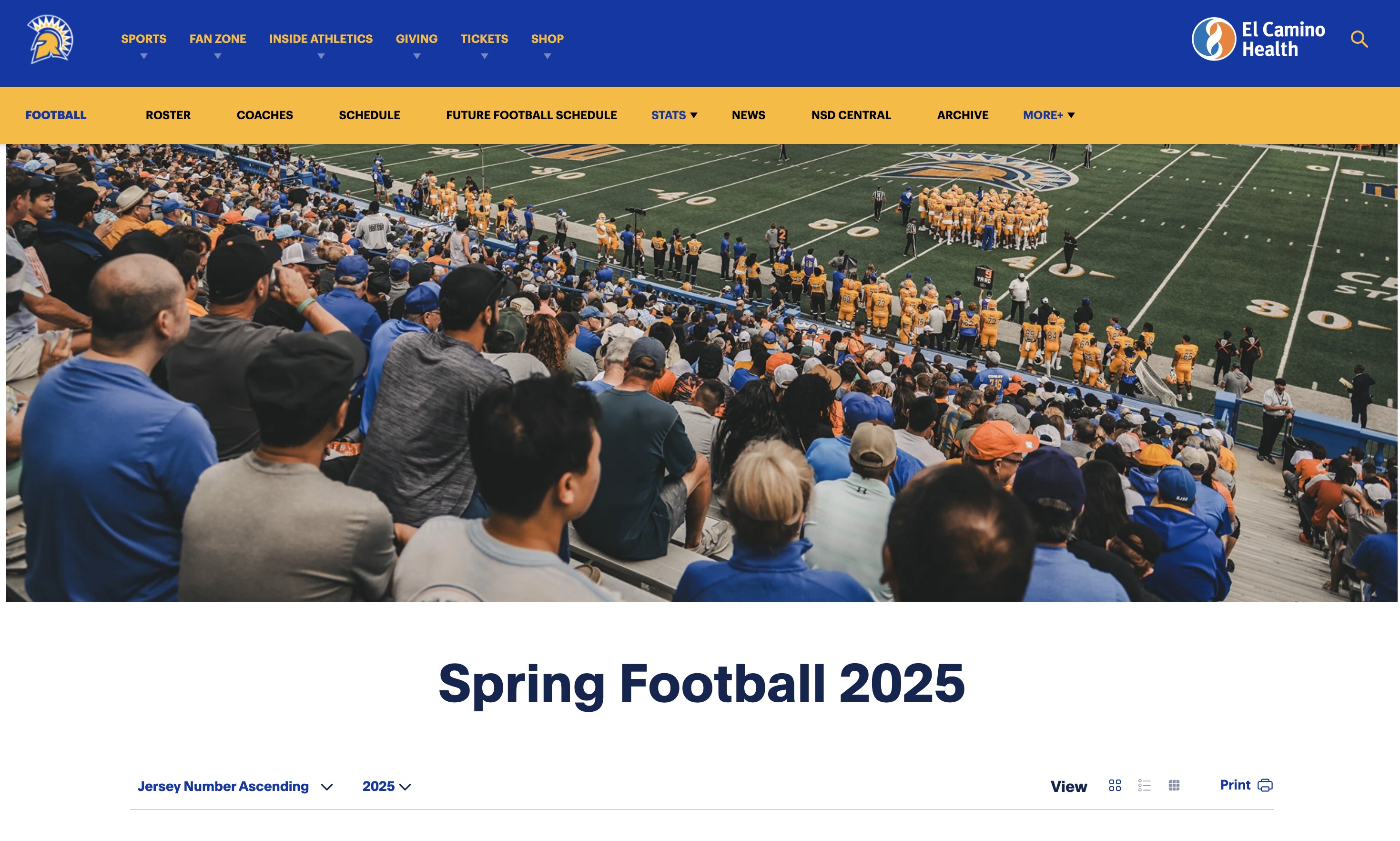
14. Click "Media" to add a roster image if desired. Example Below.
15.
16. Click "Update" and repeat the process for the next sport.