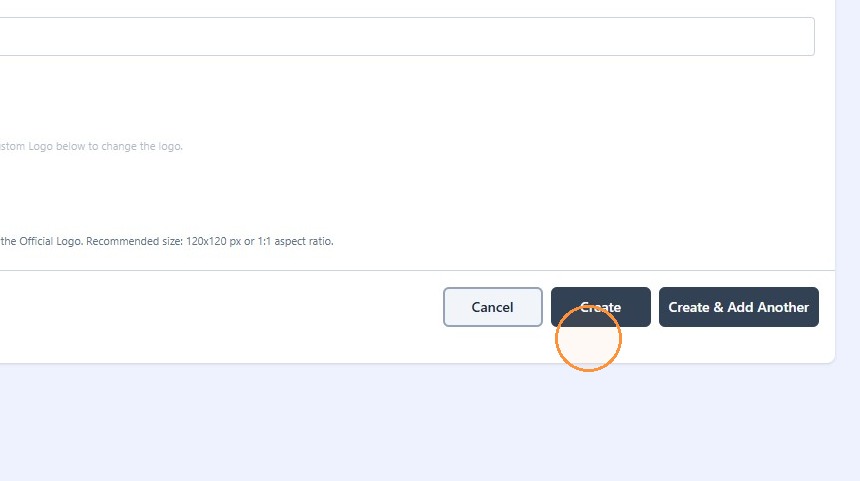
How to Add an Opponent in Astra Opponents Dictionary
Last updated: September 18, 2026
1. Click "Dictionaries"
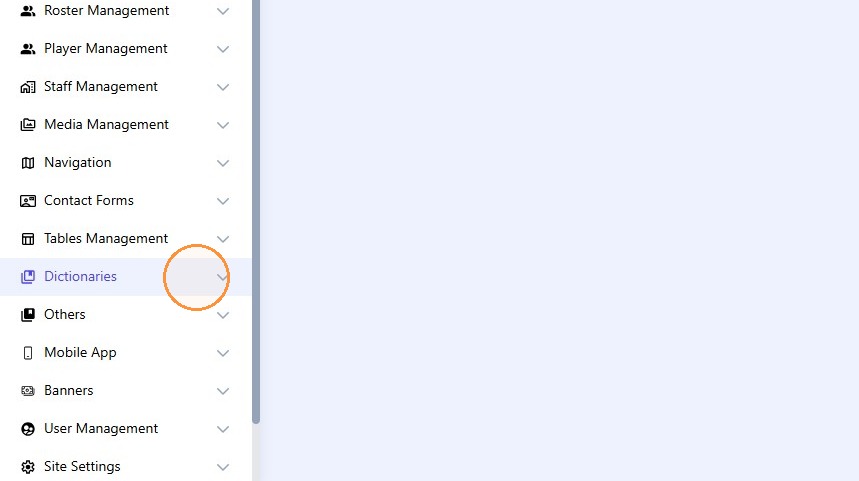
2. Click "Opponents"
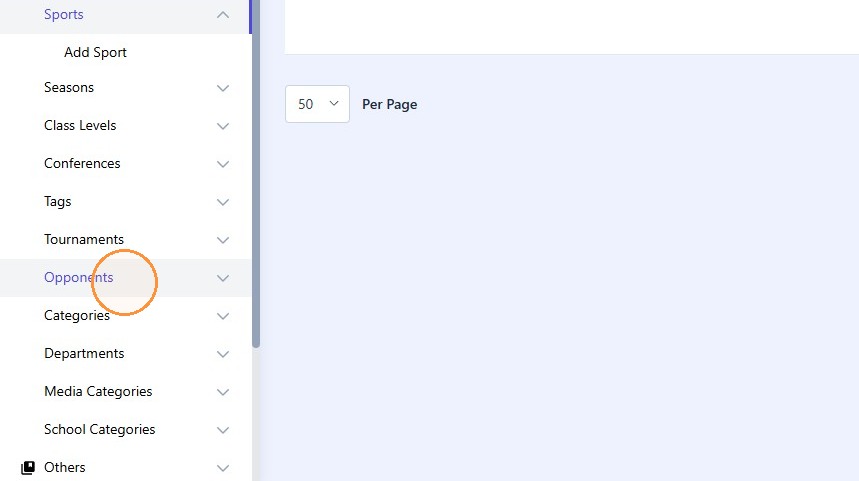
3. Click "Add Opponent"
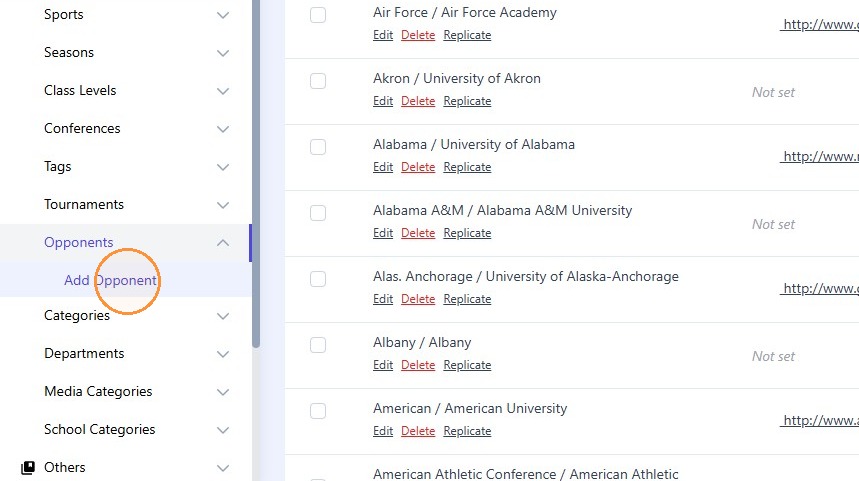
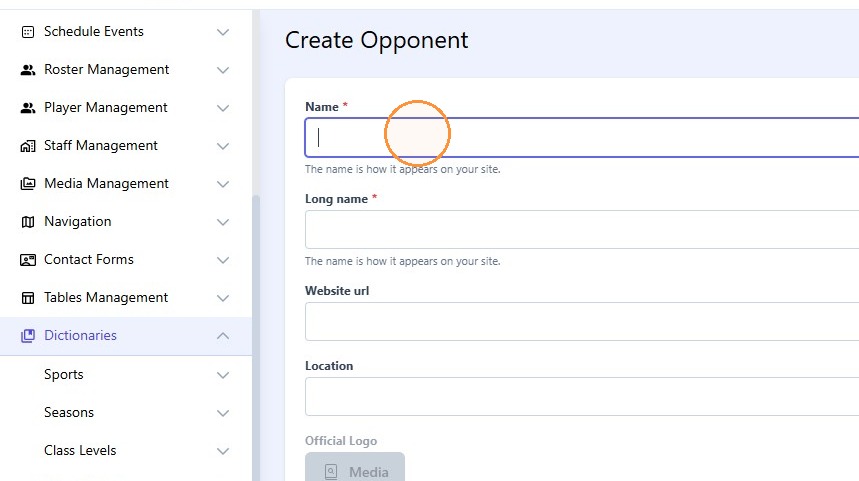
4. Click the "Name*" field.
5. Type "Abilene Christian"
6. Click the "Long name*" field.
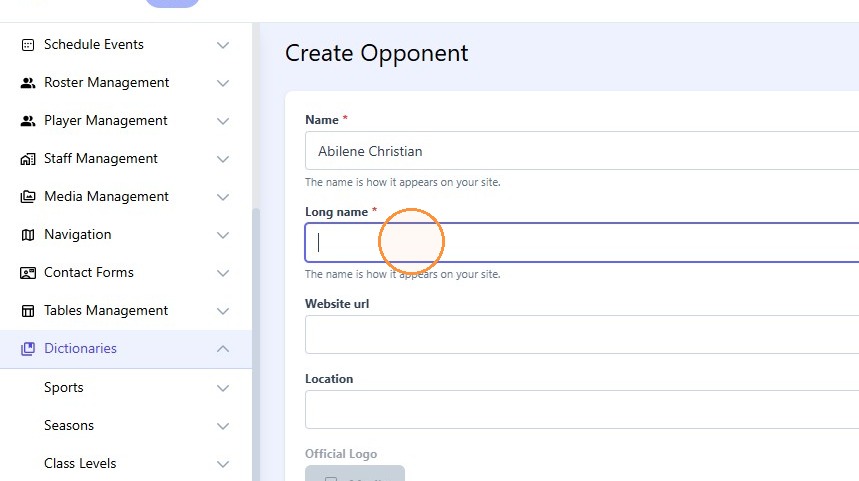
7. Type "Abilene Christian University"
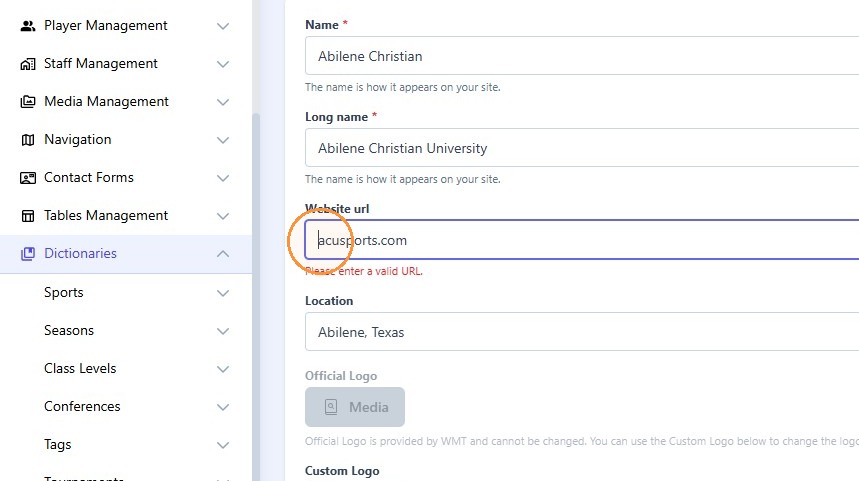
8. Click the "Website url" field.
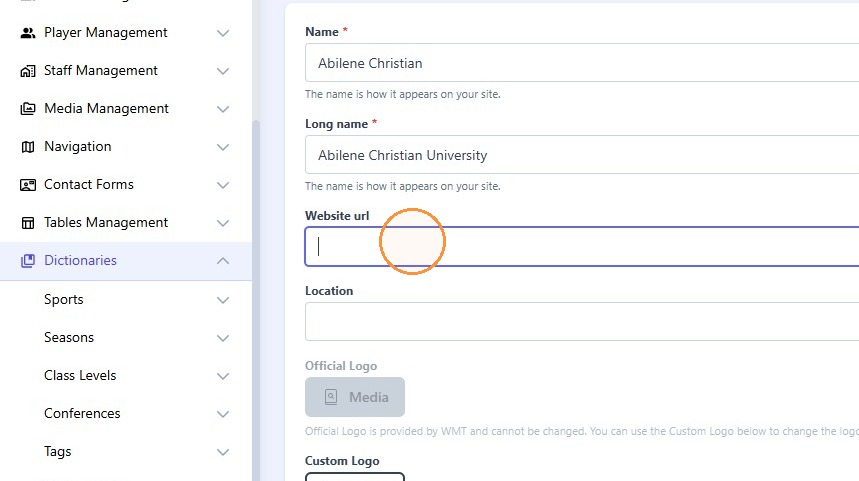
9. Type "acusports.com [[tab]] Abilene, Texas"
10. Click here.
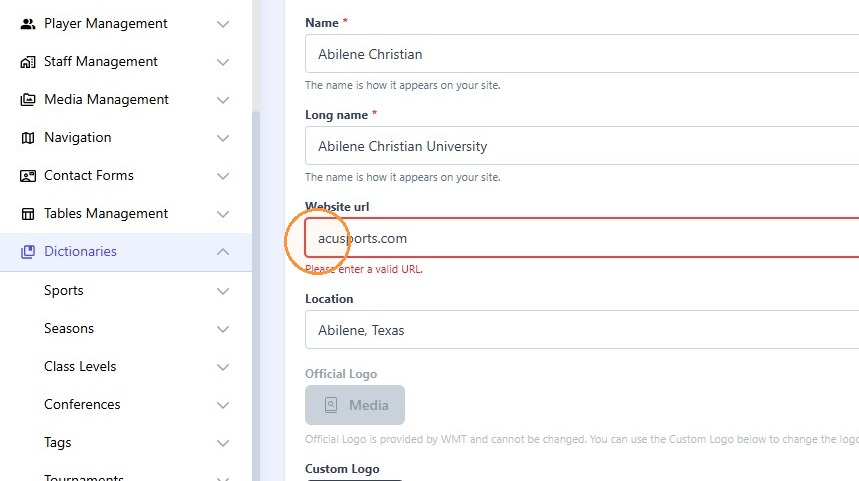
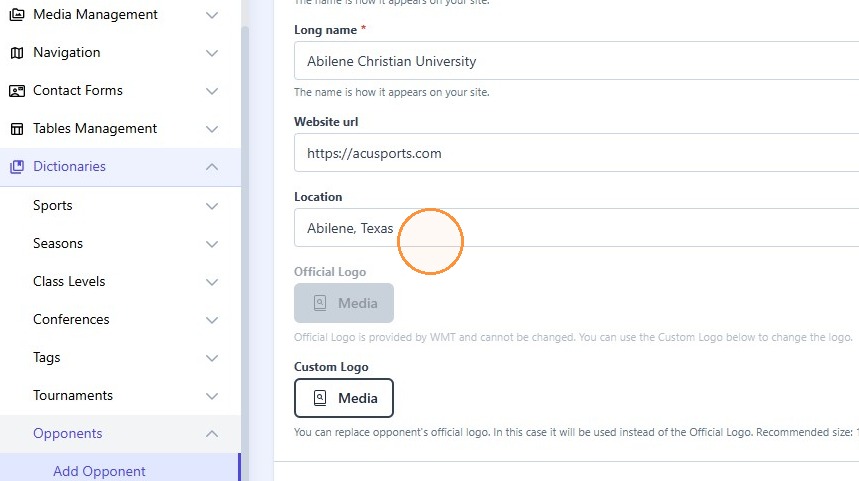
11. Click the "Website url" field.
12. Type "https://"
13. Click here.
14. You can add an alternative logo here if you don't want to use the one provided by WMT
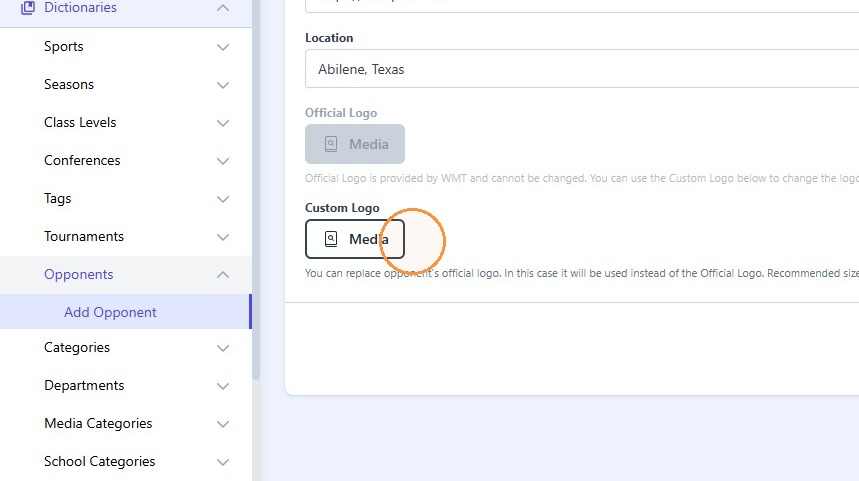
15. Click here.