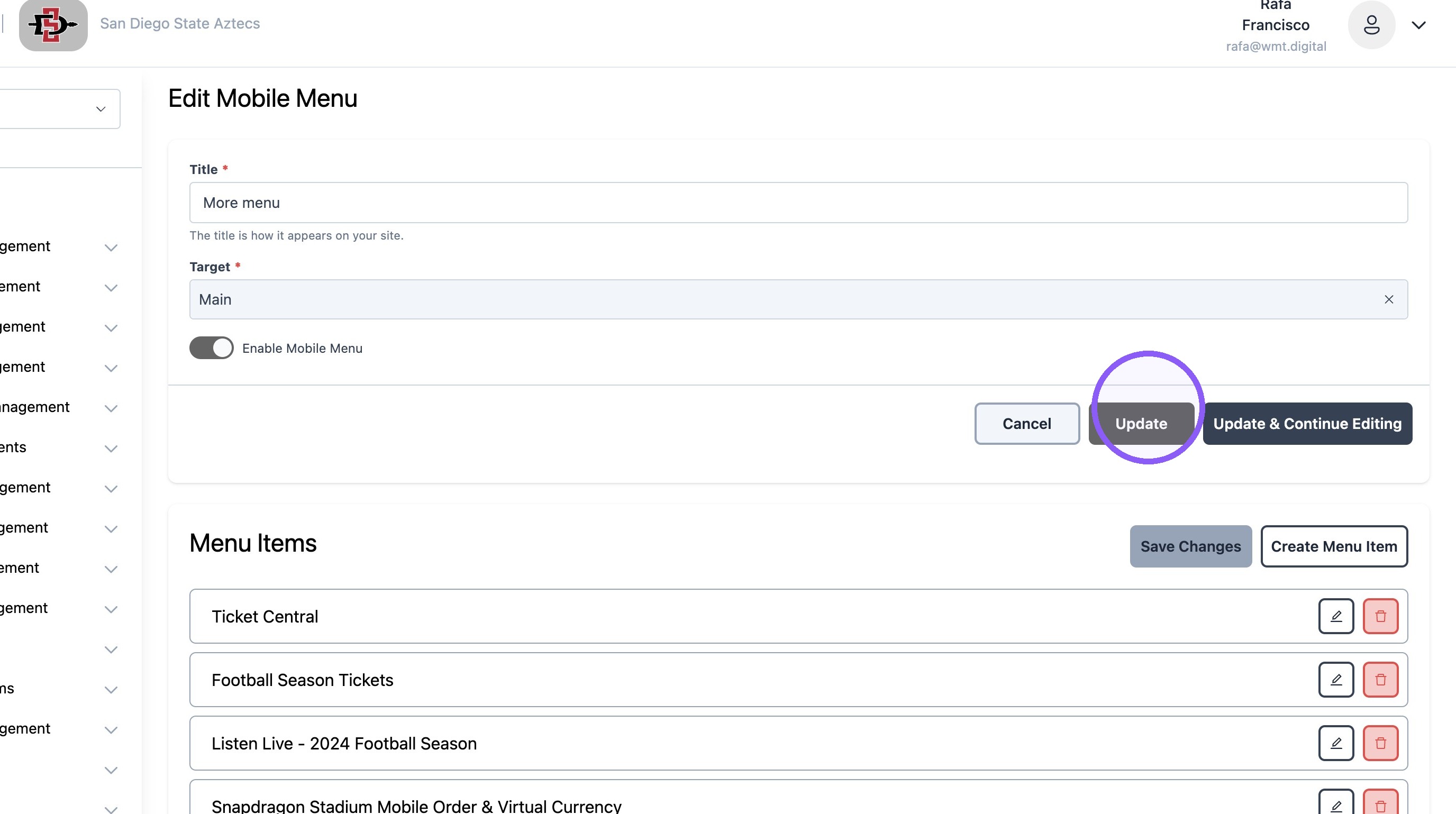
Mobile app: Creating Mobile App Menus
Last updated: September 18, 2026
Made by Rafael Venceslau with Scribe
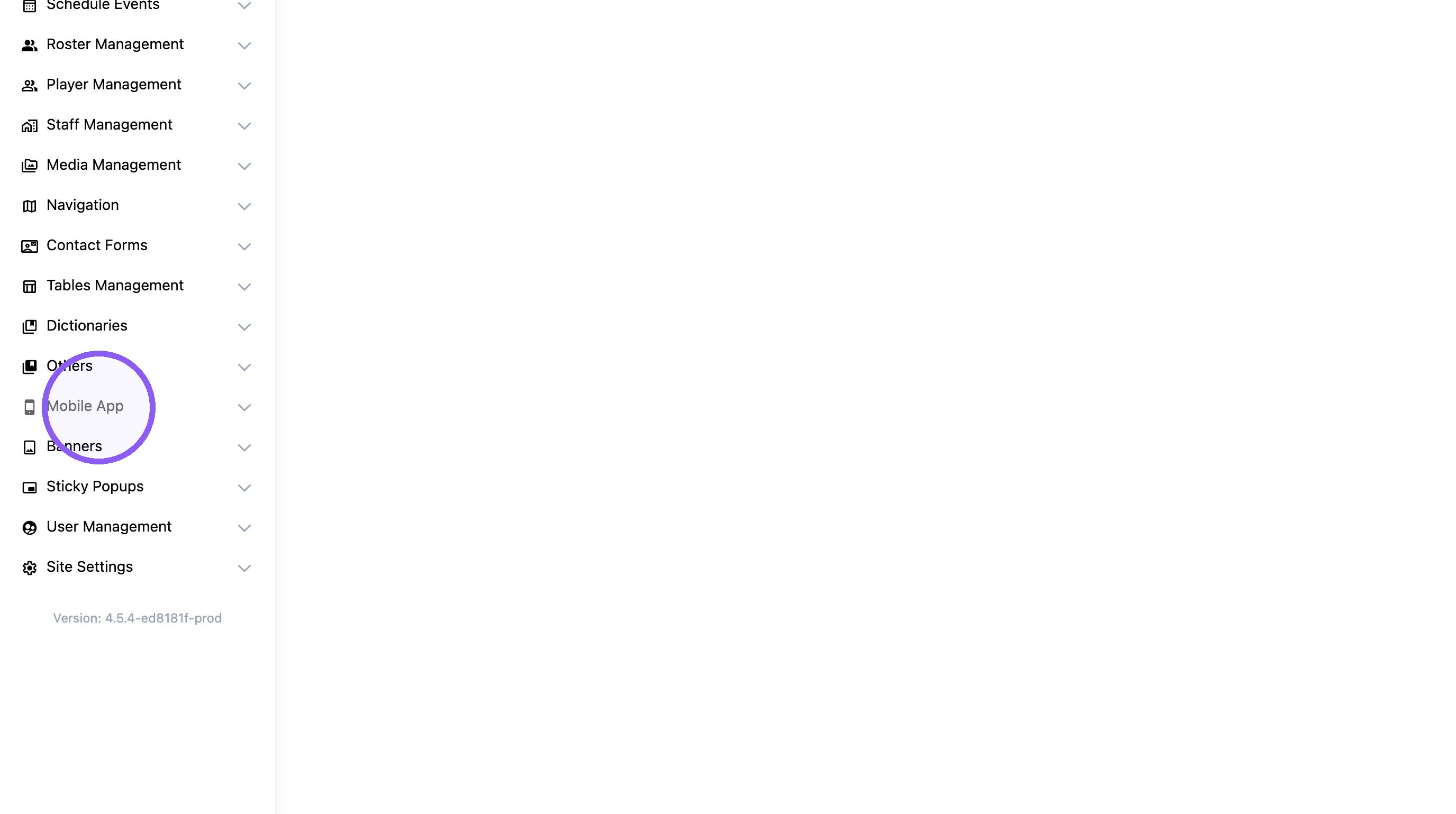
1. Click "Mobile App"
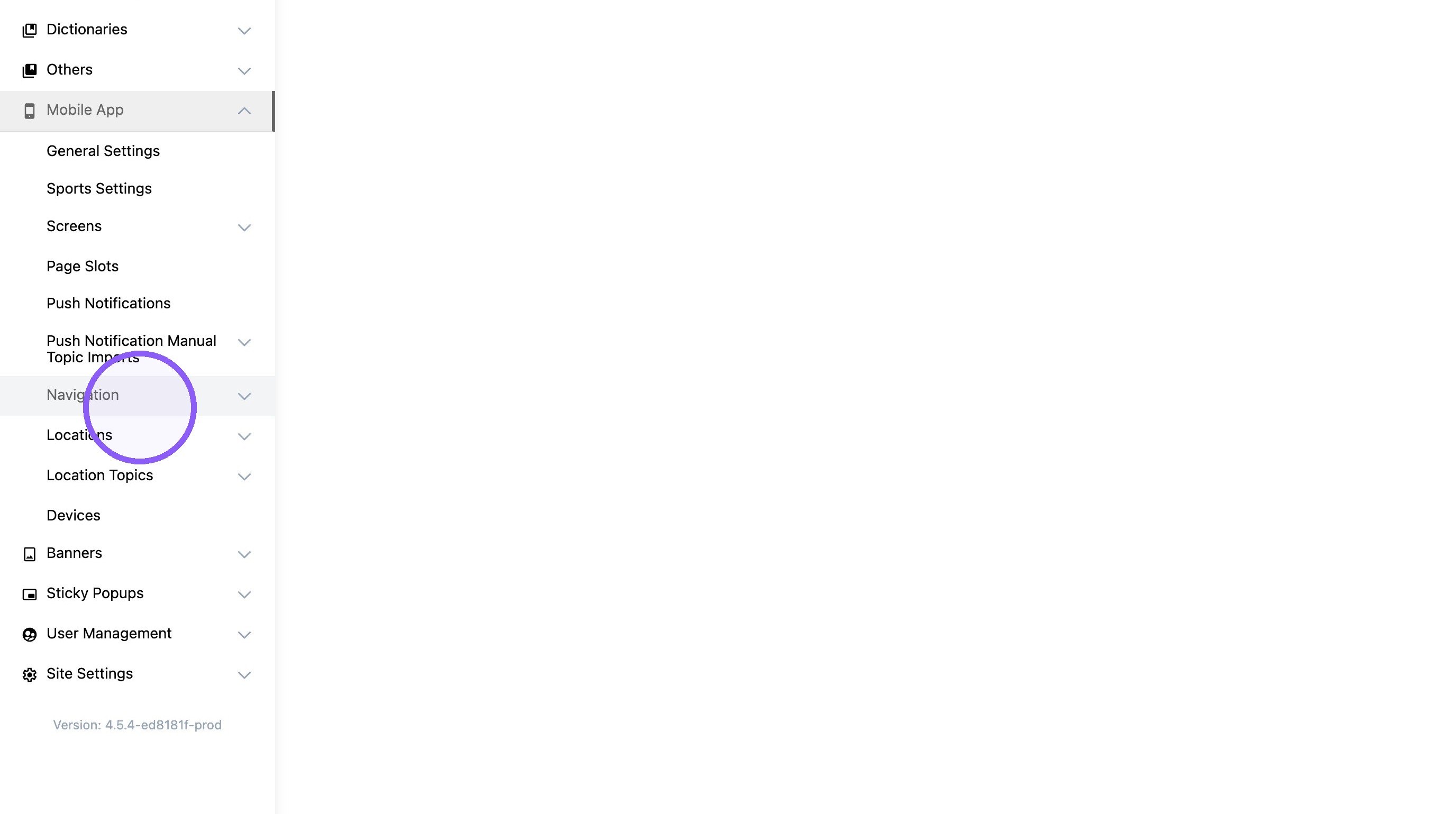
2. Click "Navigation"
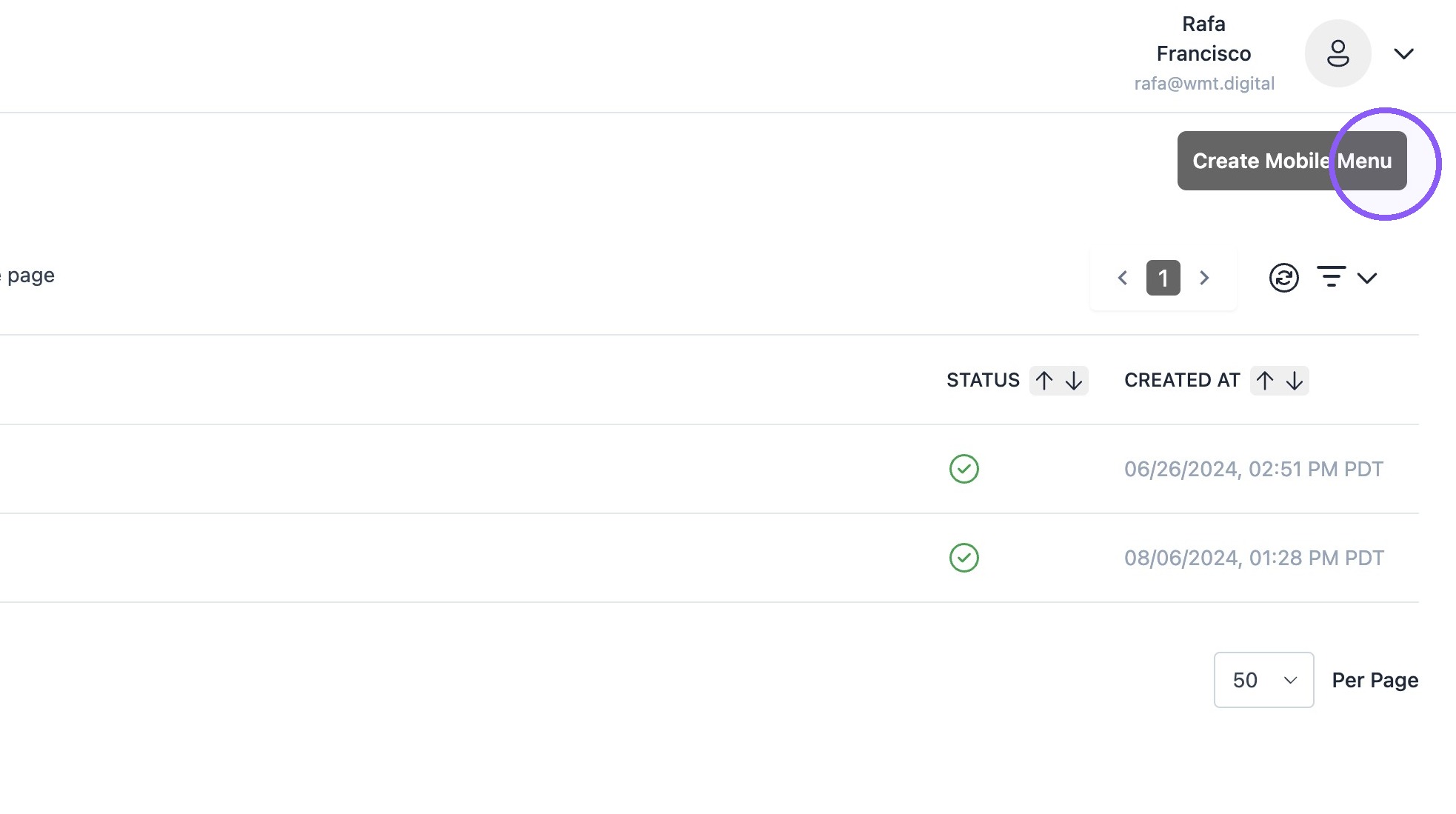
3. Click "Create Mobile Menu"
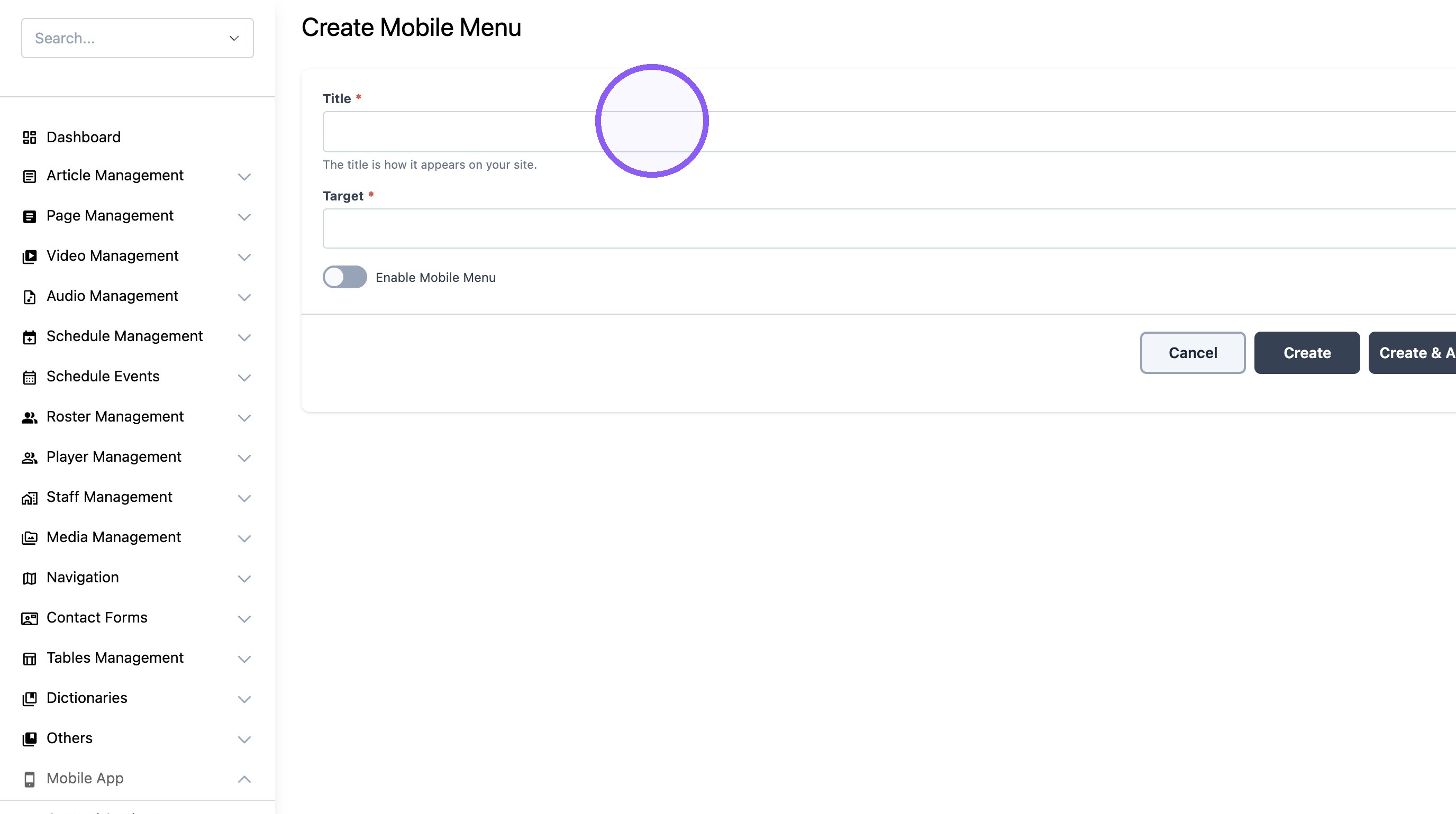
4. Name new menu.
Note: Menu name will not show on the app.
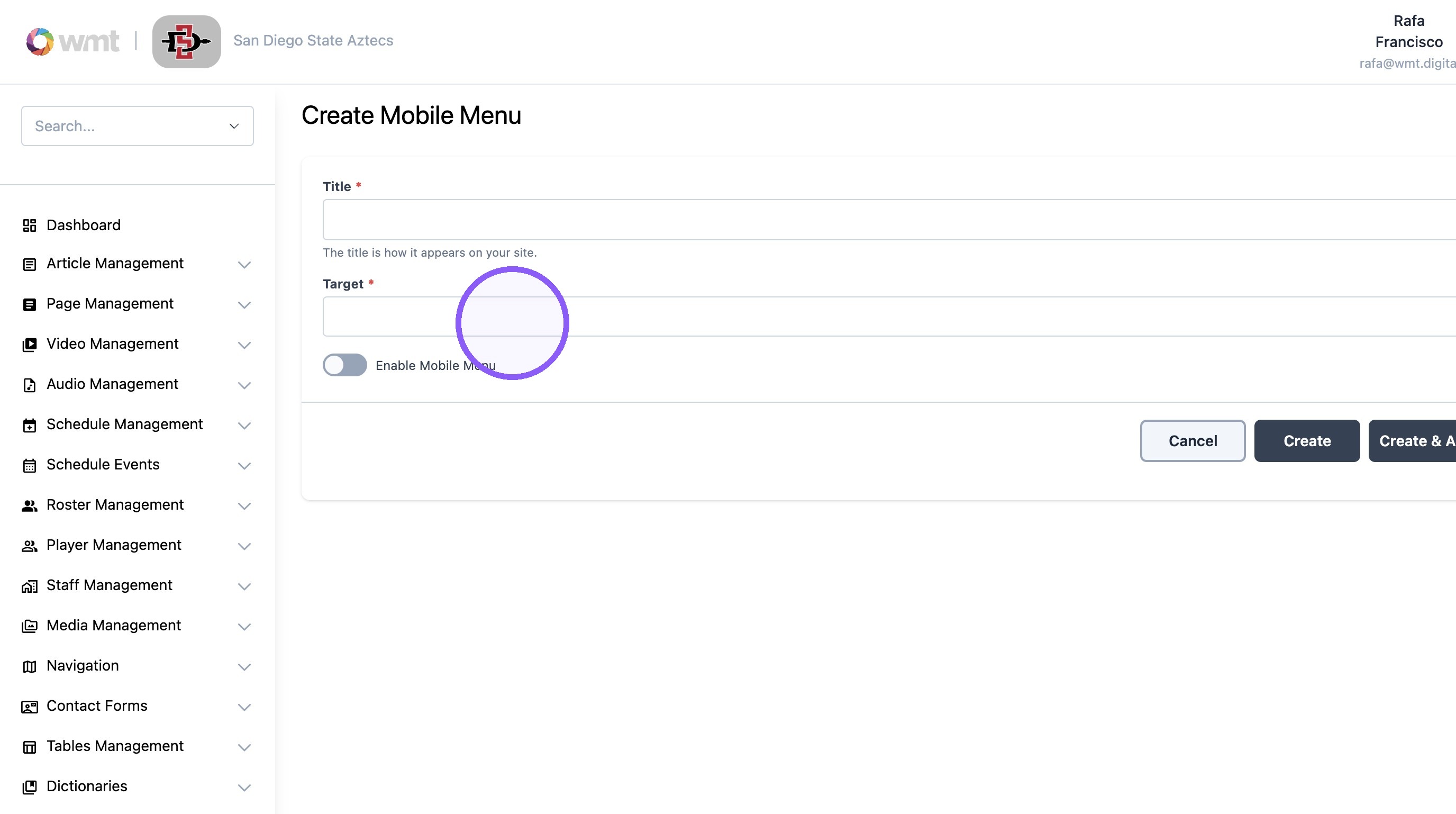
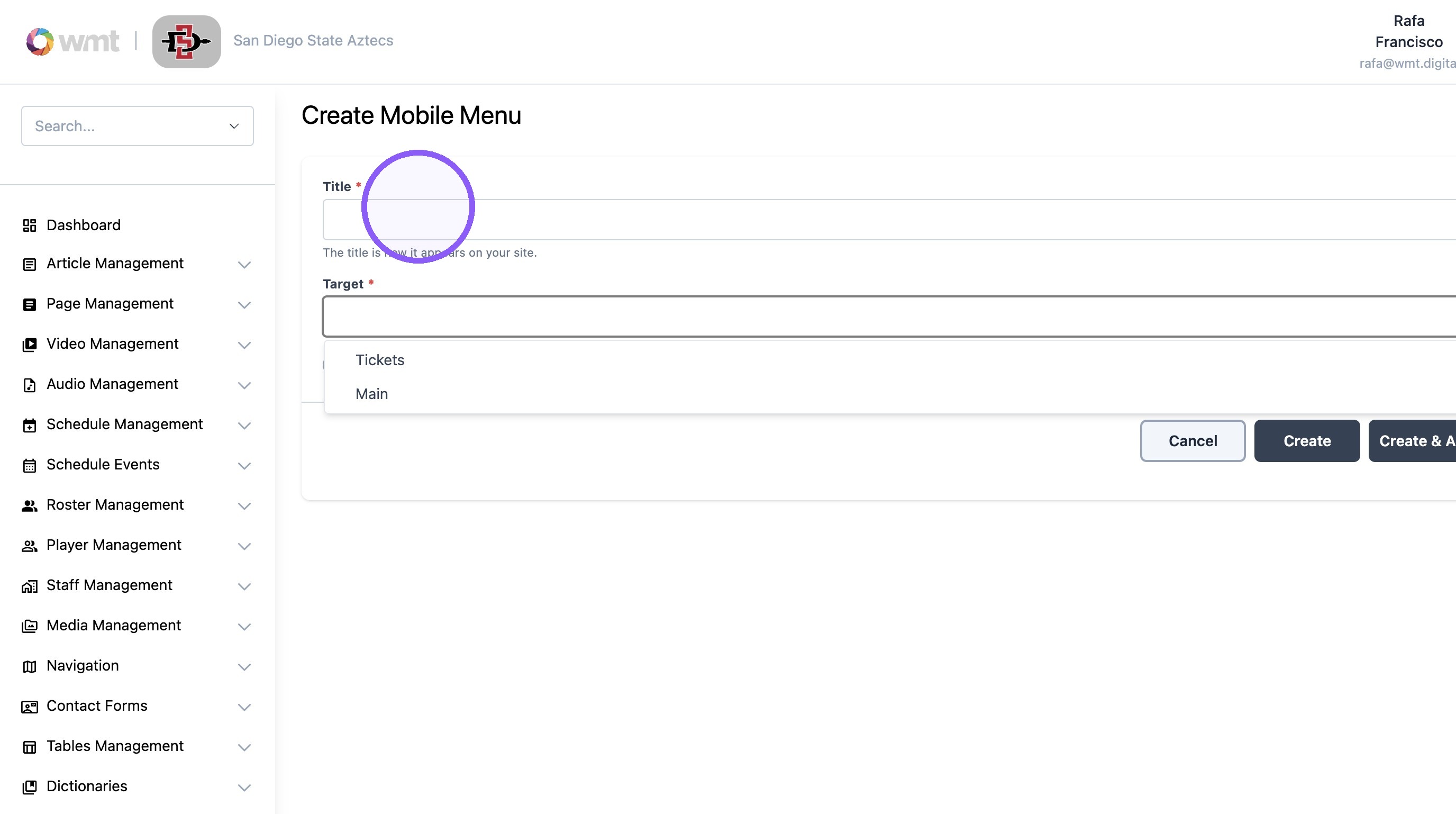
5. Click the "Target*" field to assign Menu to location. (More menu, tickets)
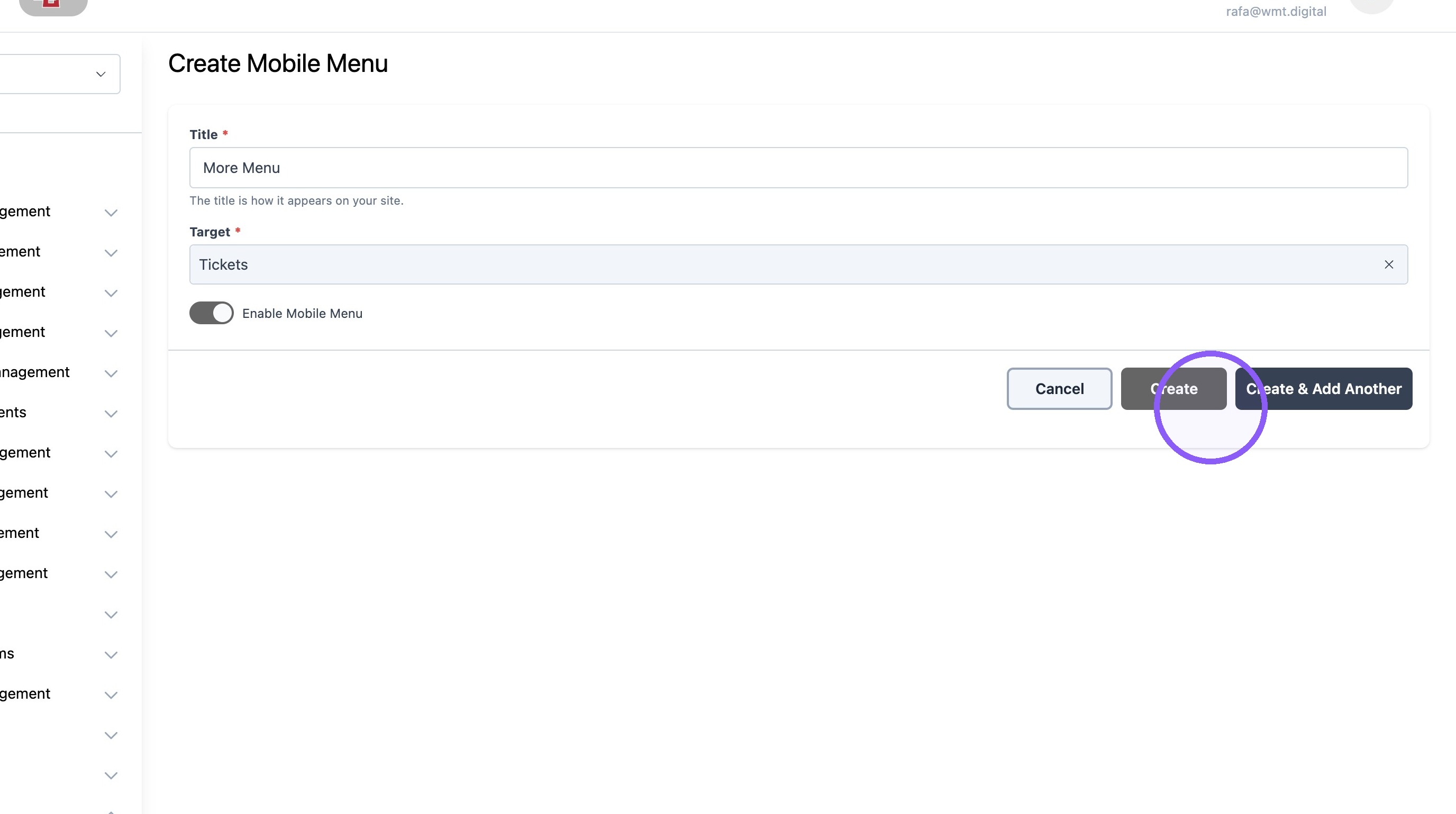
6. Click "Create"
7. Click "Create Menu Item"
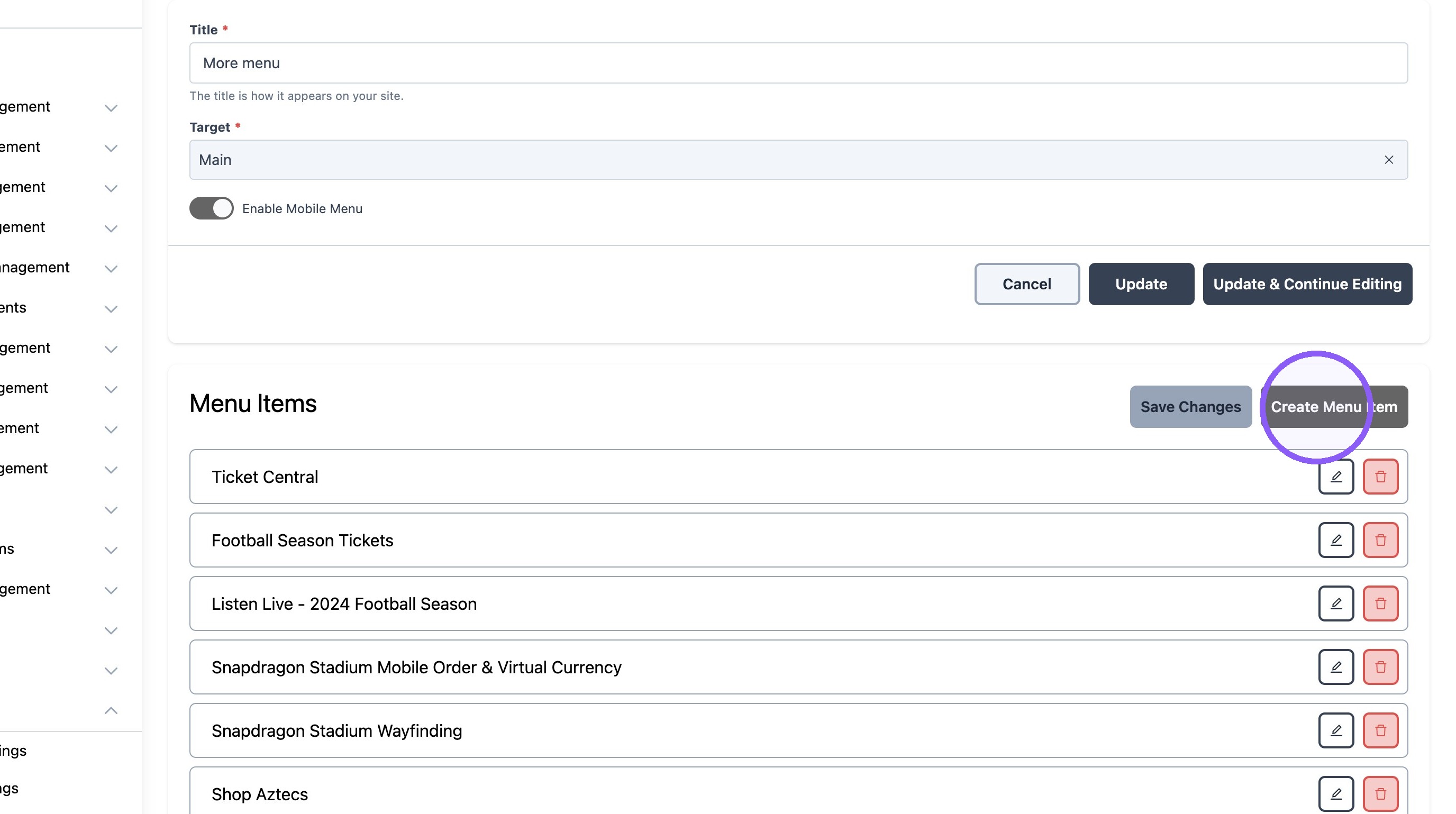
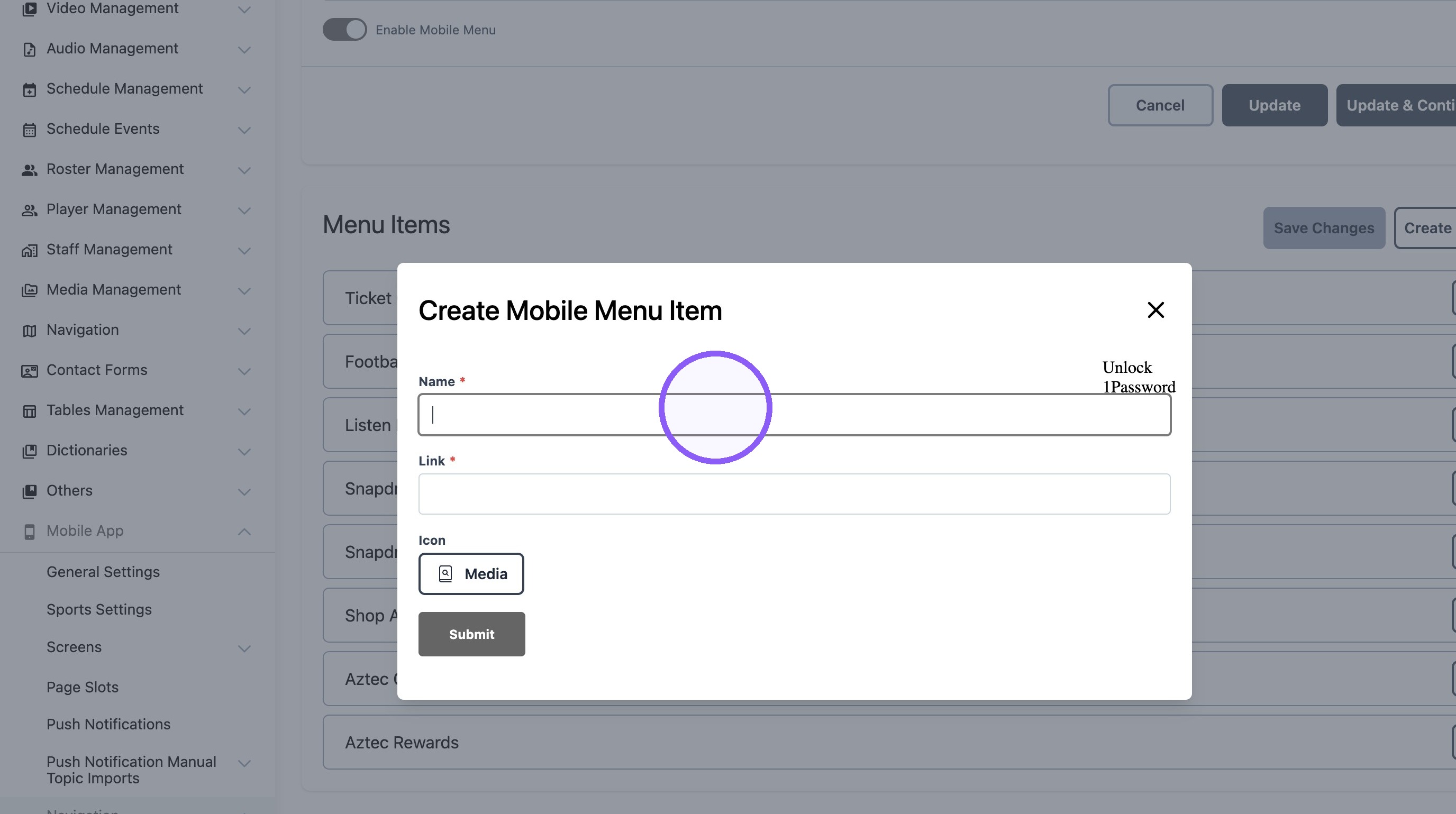
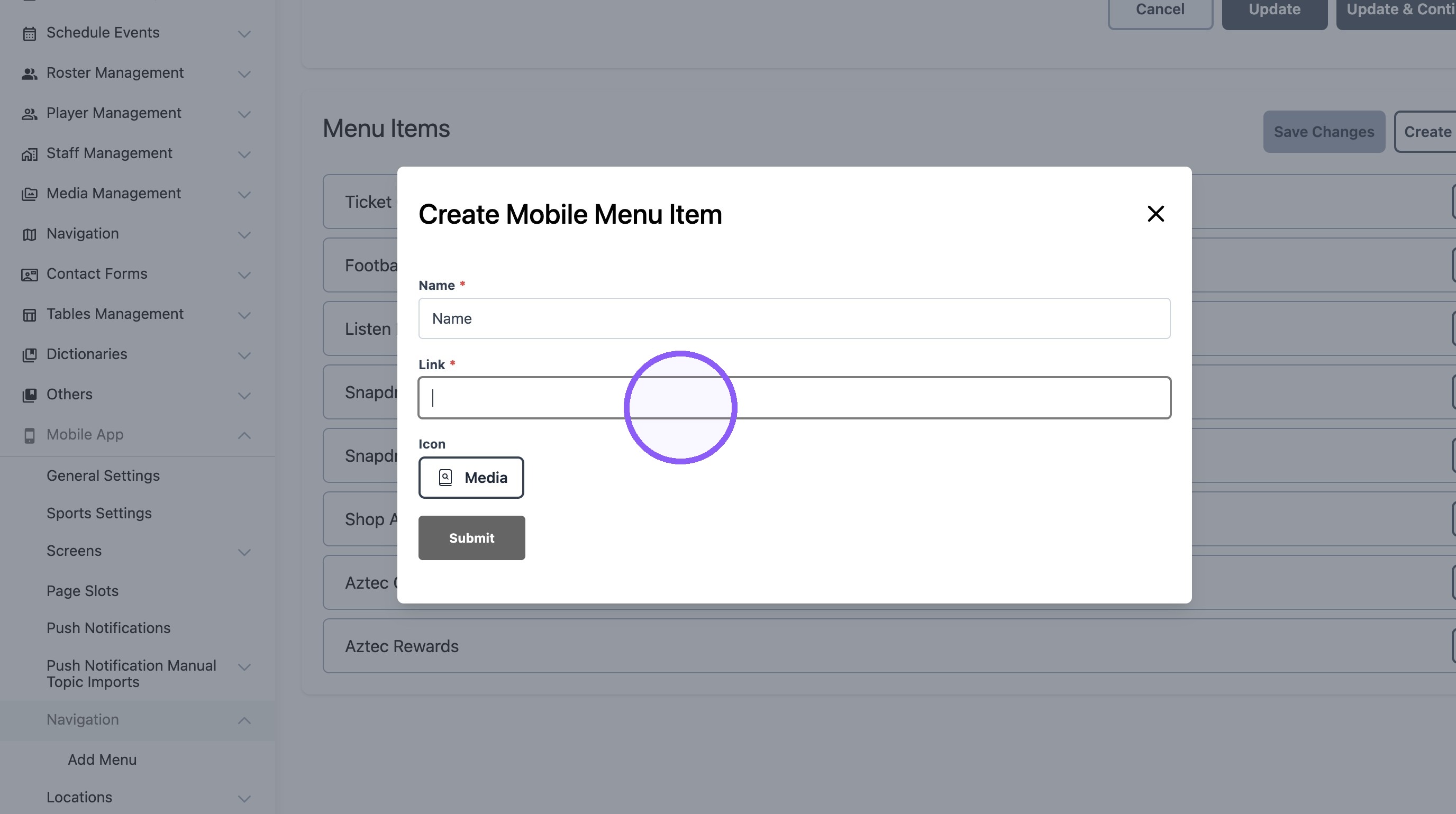
8. Add link name, URL and Icon if desired.

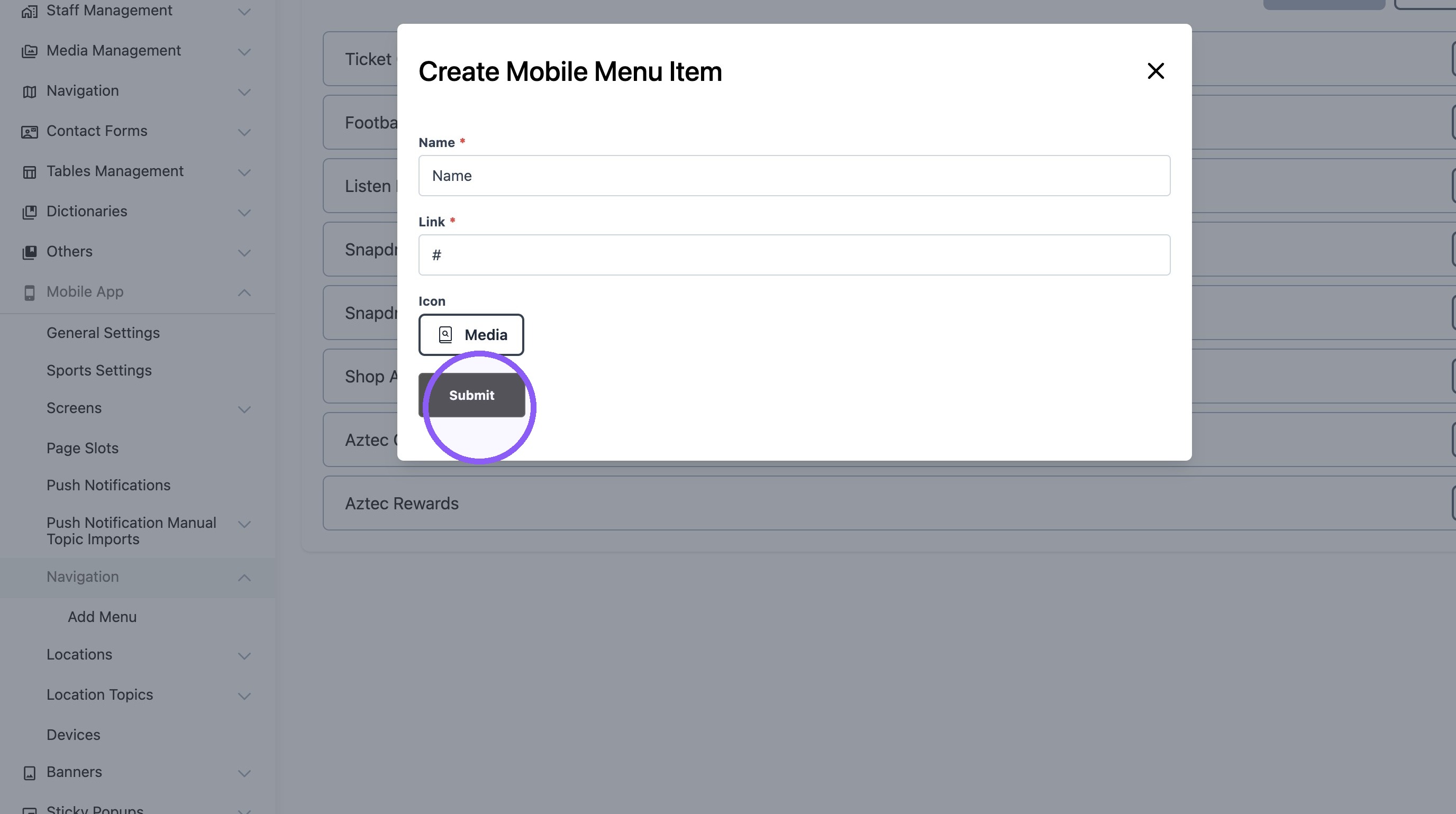
9. Click "Submit"
10. Click "Update"