Setting up Gameday Mode
Last updated: September 18, 2026
Made by Rafael Venceslau with Scribe
How to Add Live Stats Block
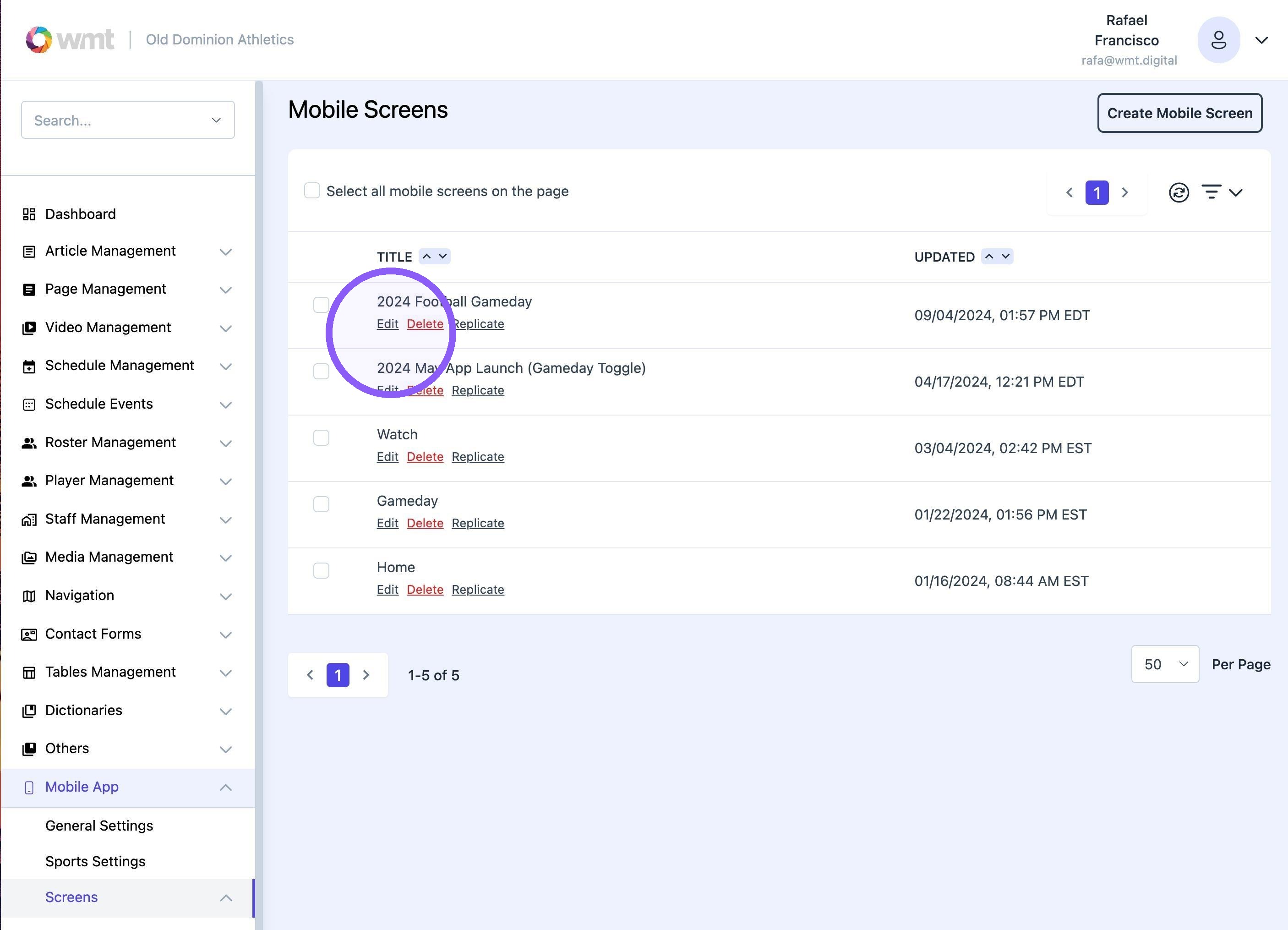
1. Navigate to Mobile App-> Screens and edit "2024 Football Gameday" page.
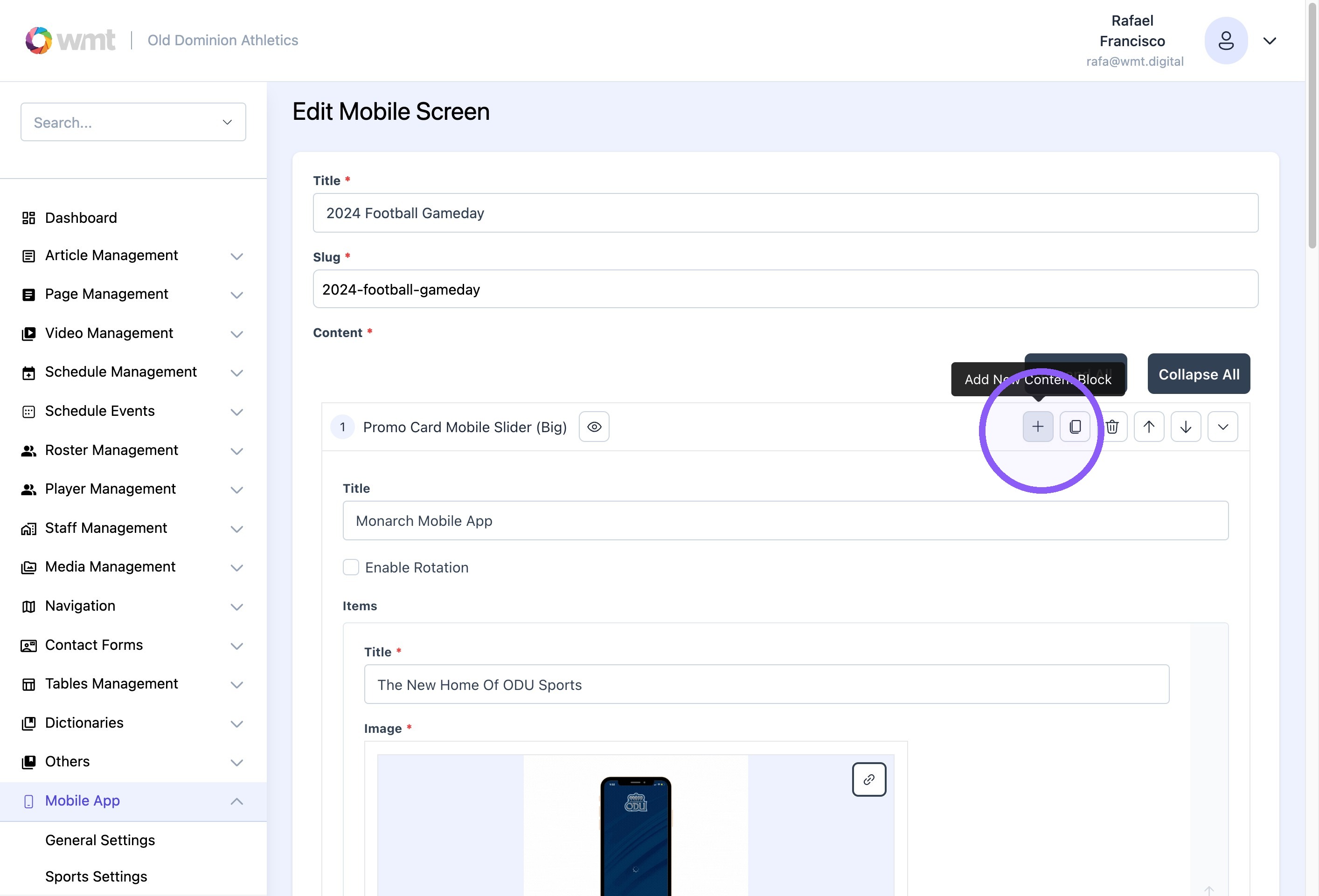
2. Click this icon to add a new content block.
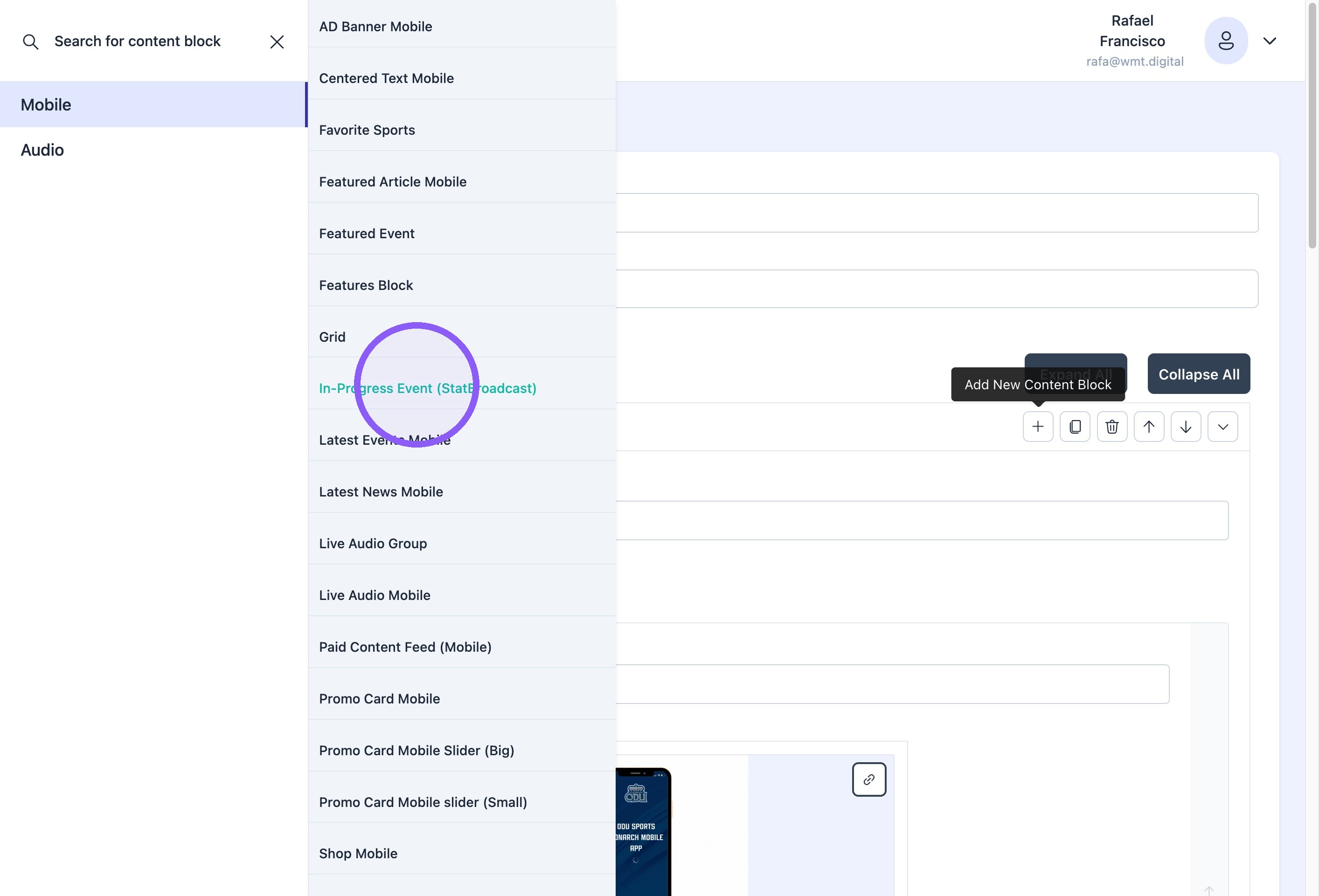
3. Click "In-Progress Event (StatBroadcast)"
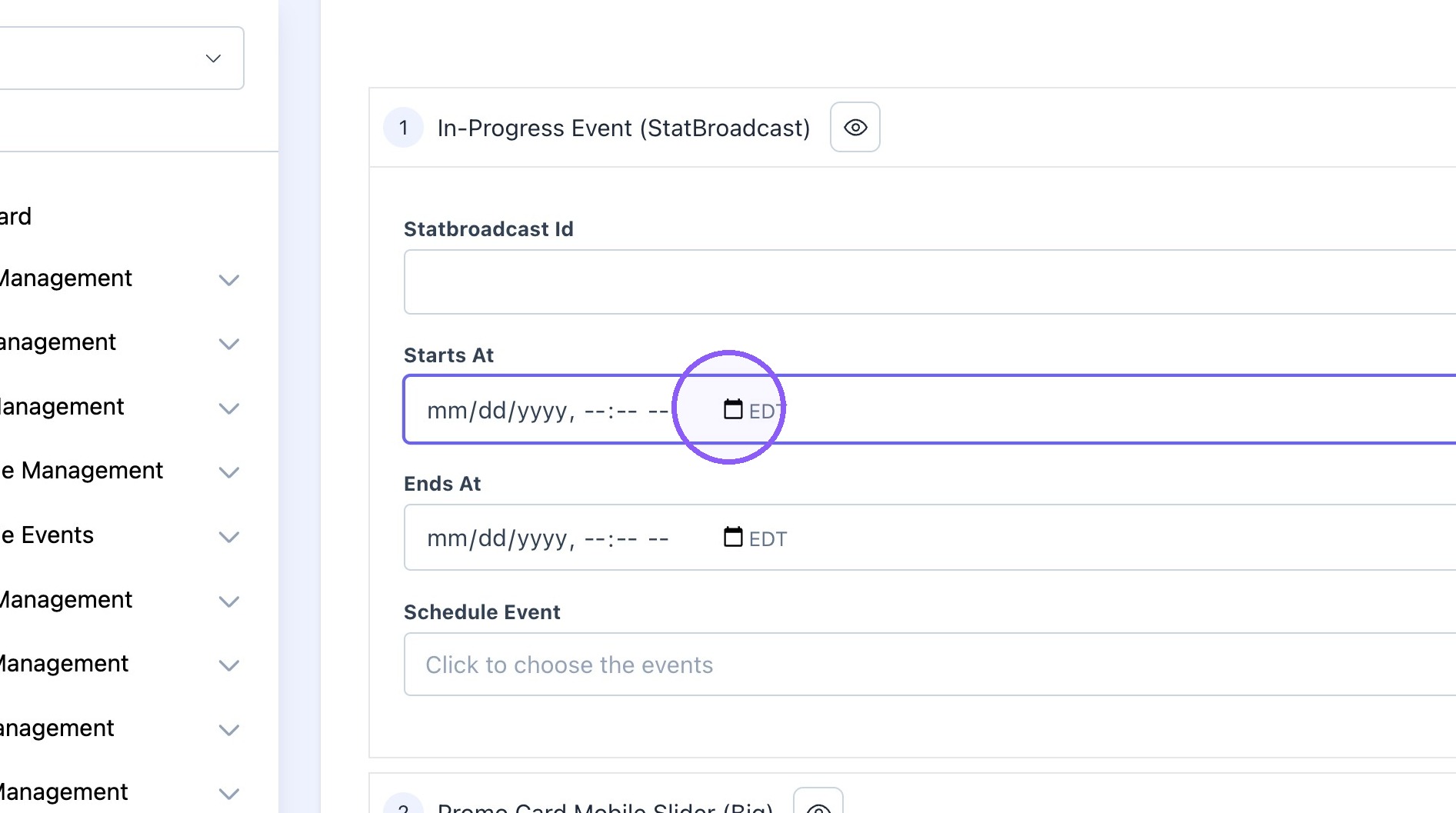
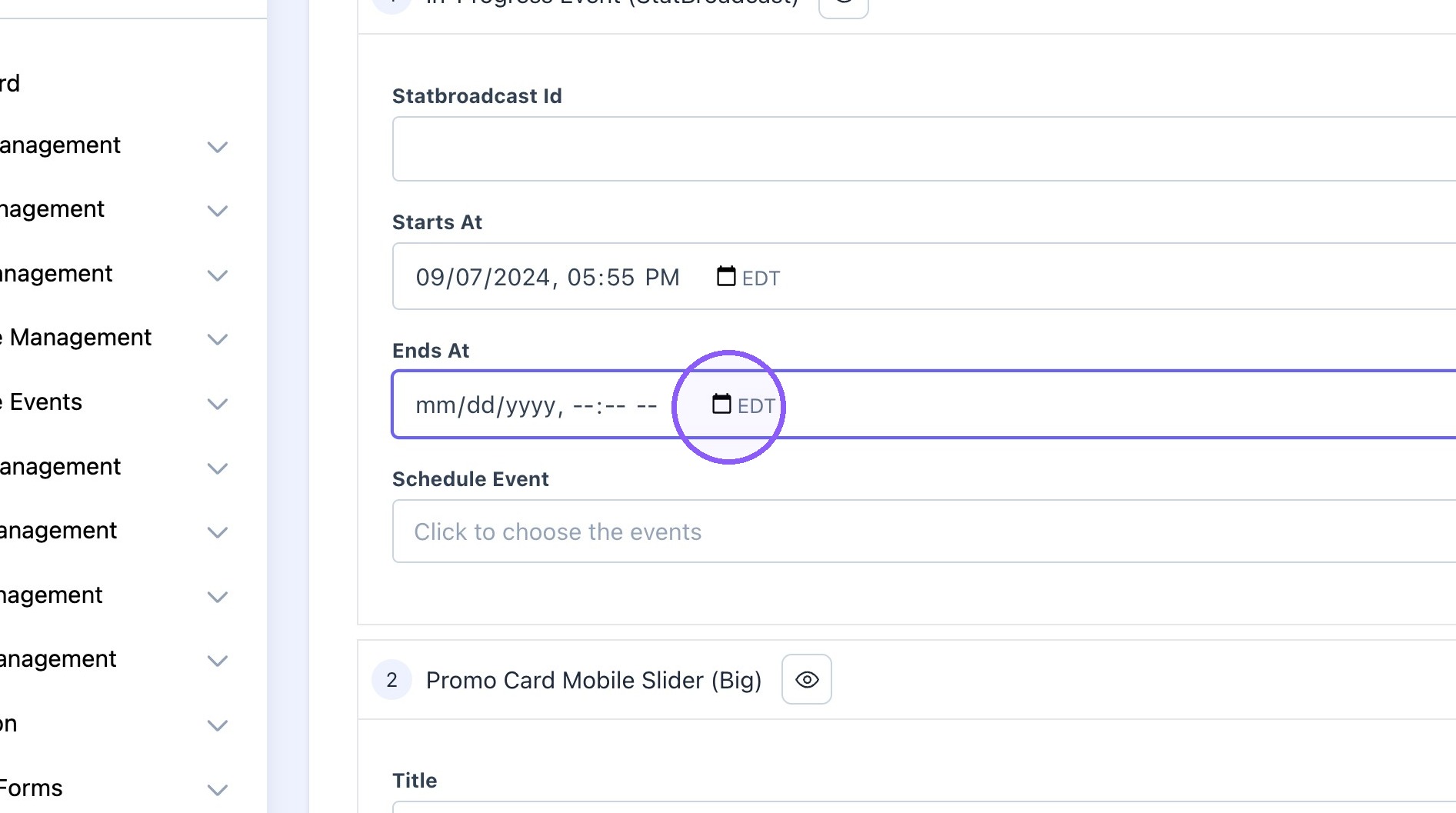
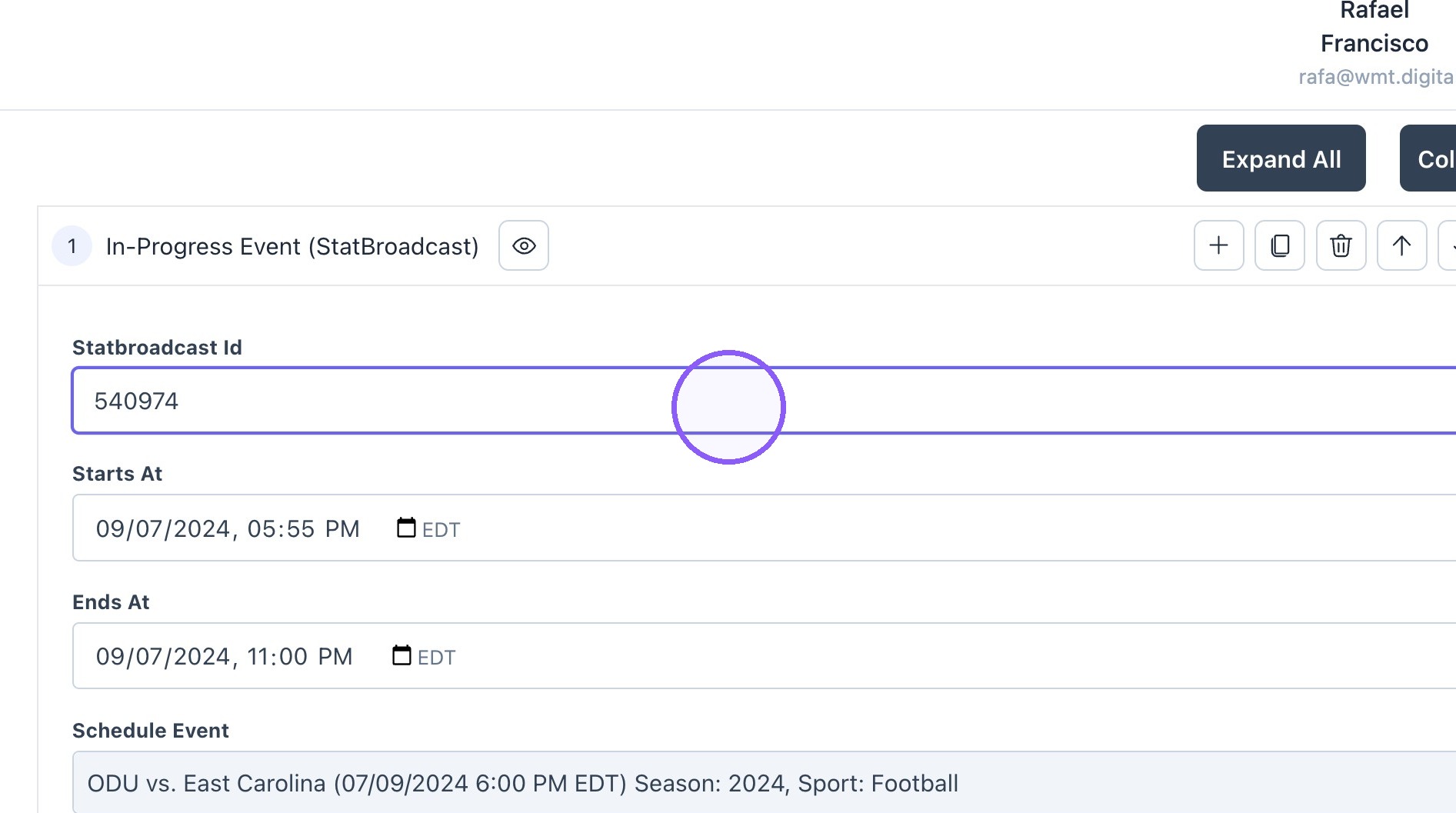
4. Select the time and date for the block to show on the app.
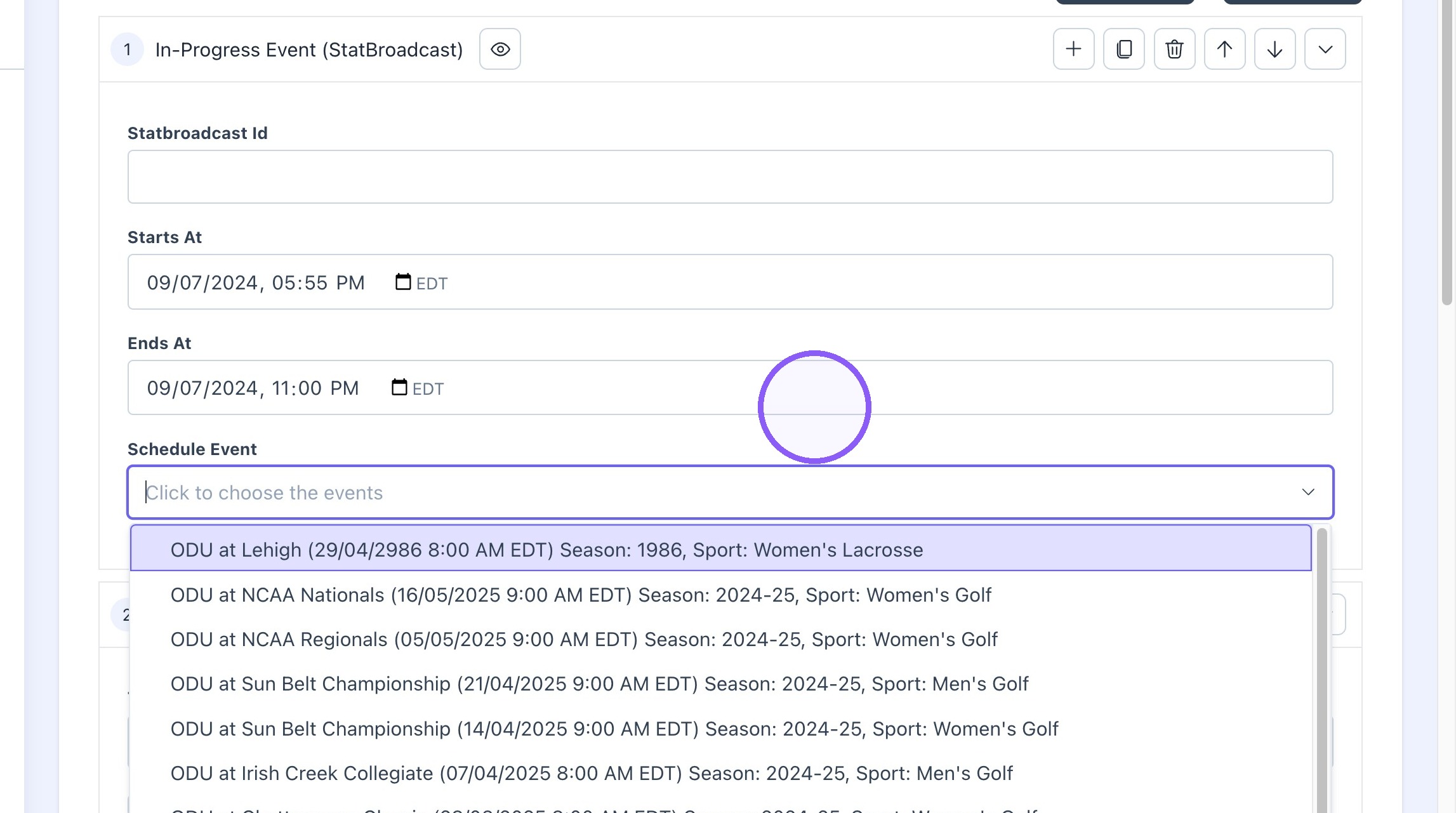
5. Find the related event by searching for the opponent.
6. Find the related event on statbroadcast or schedule page.
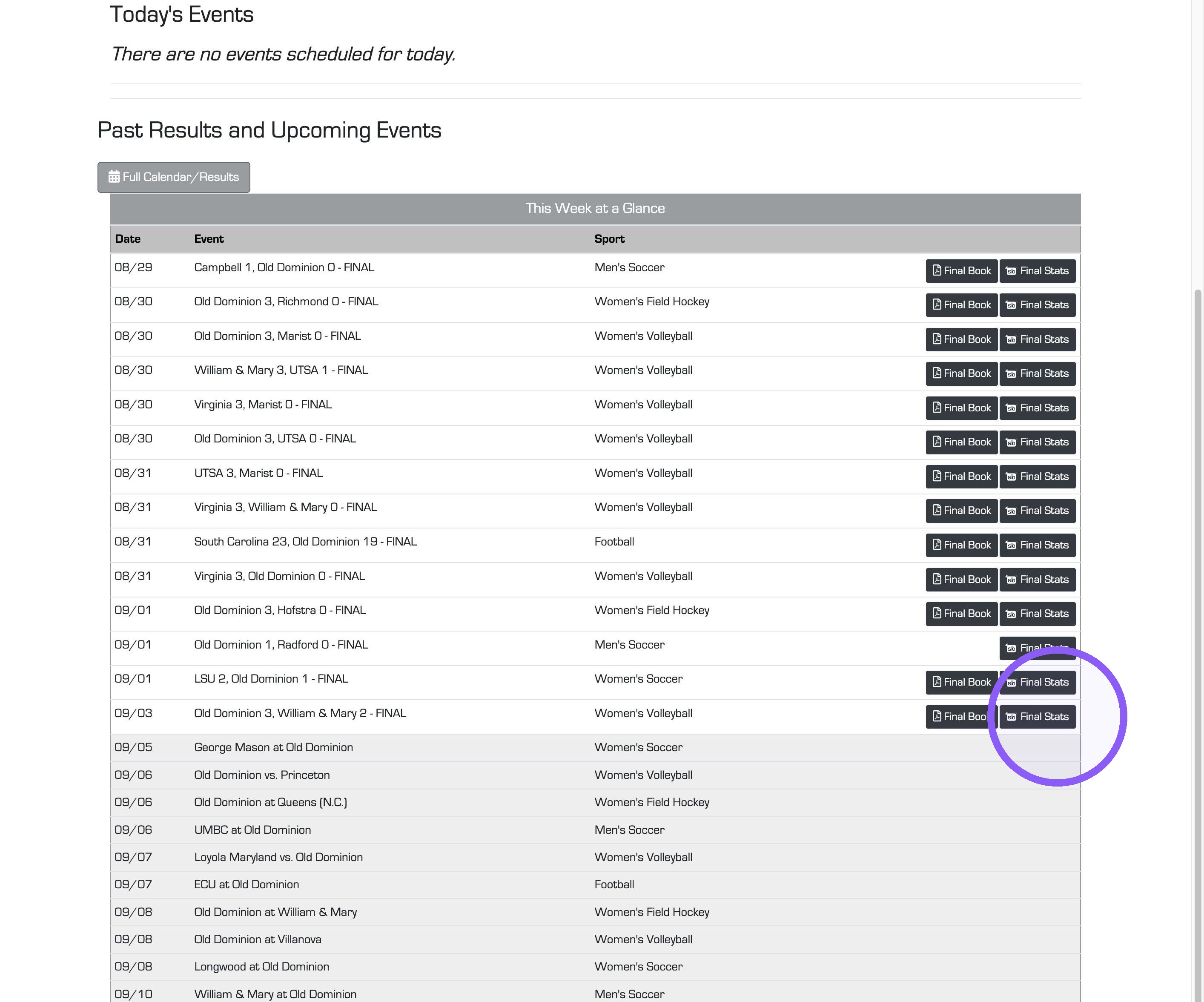
7. Paste 6 digit code ID.
8. Click "Update."

How to turn Gameday Mode on
9. Click "General Settings"
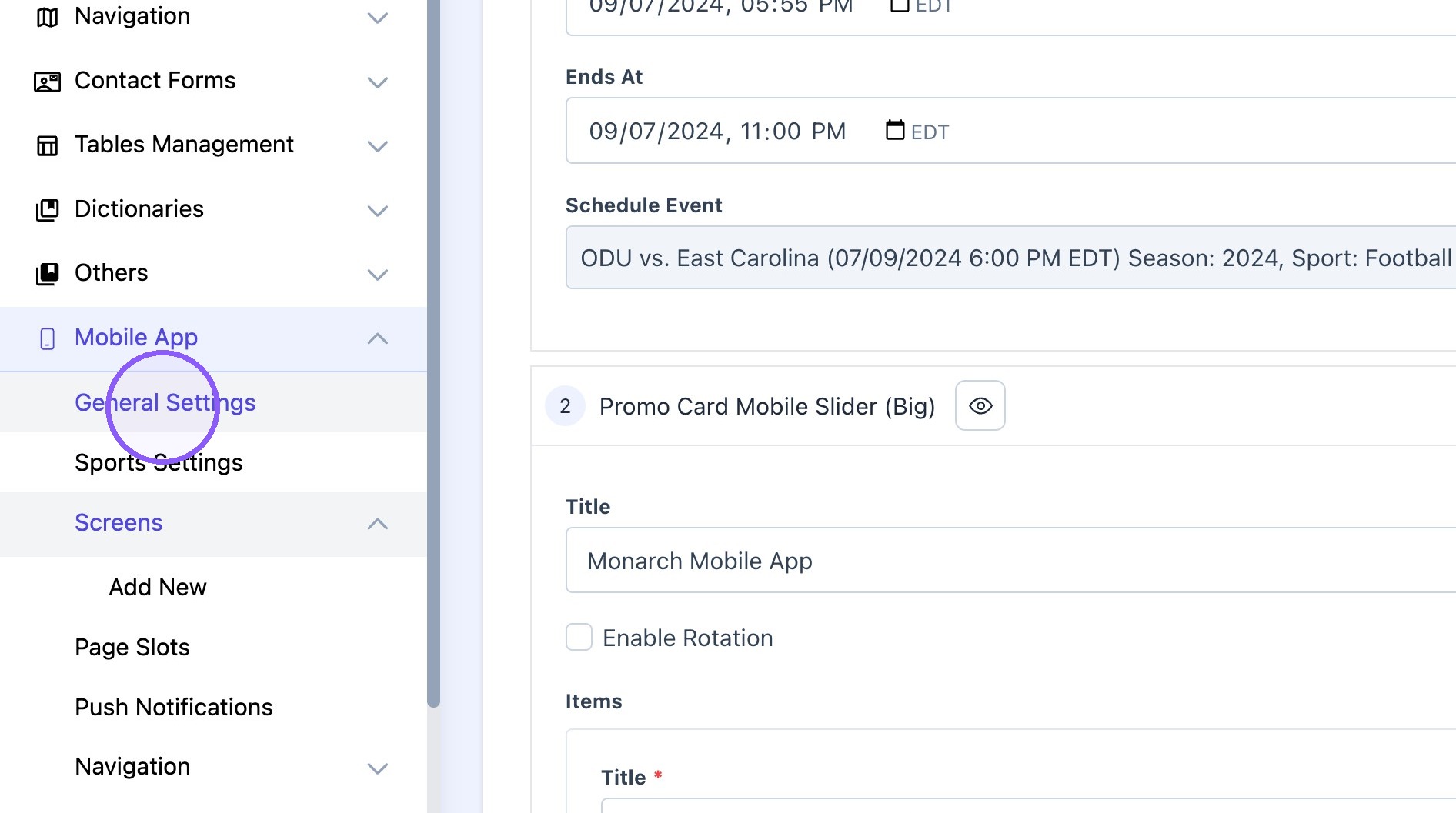
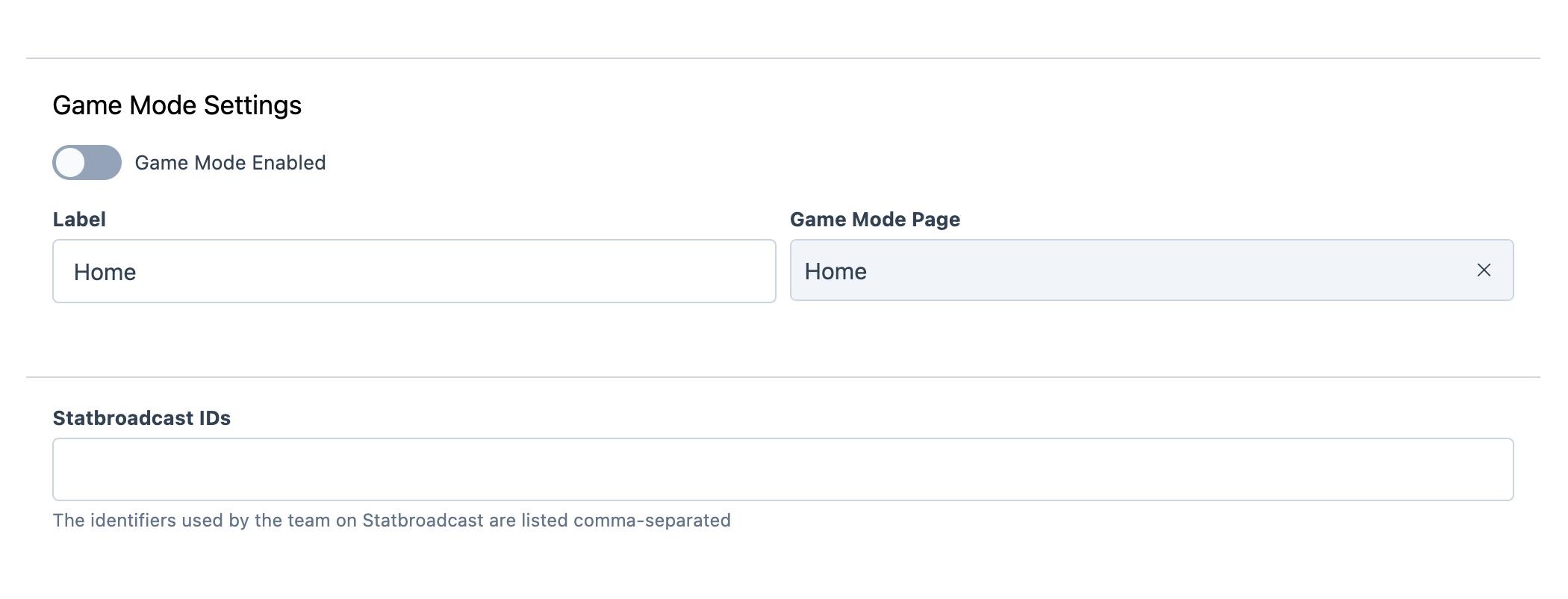
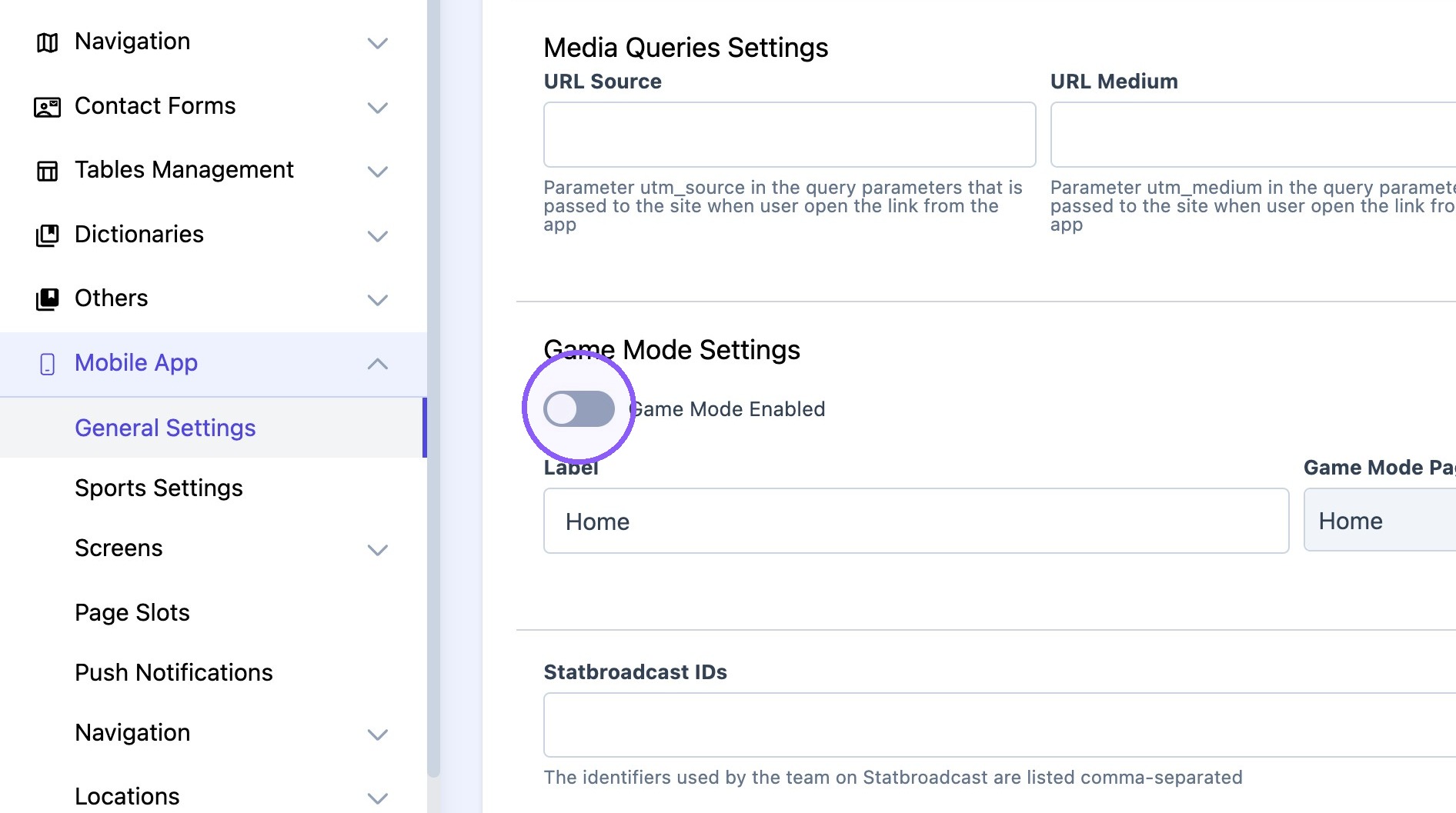
10. Scroll down to "Game Mode Settings."
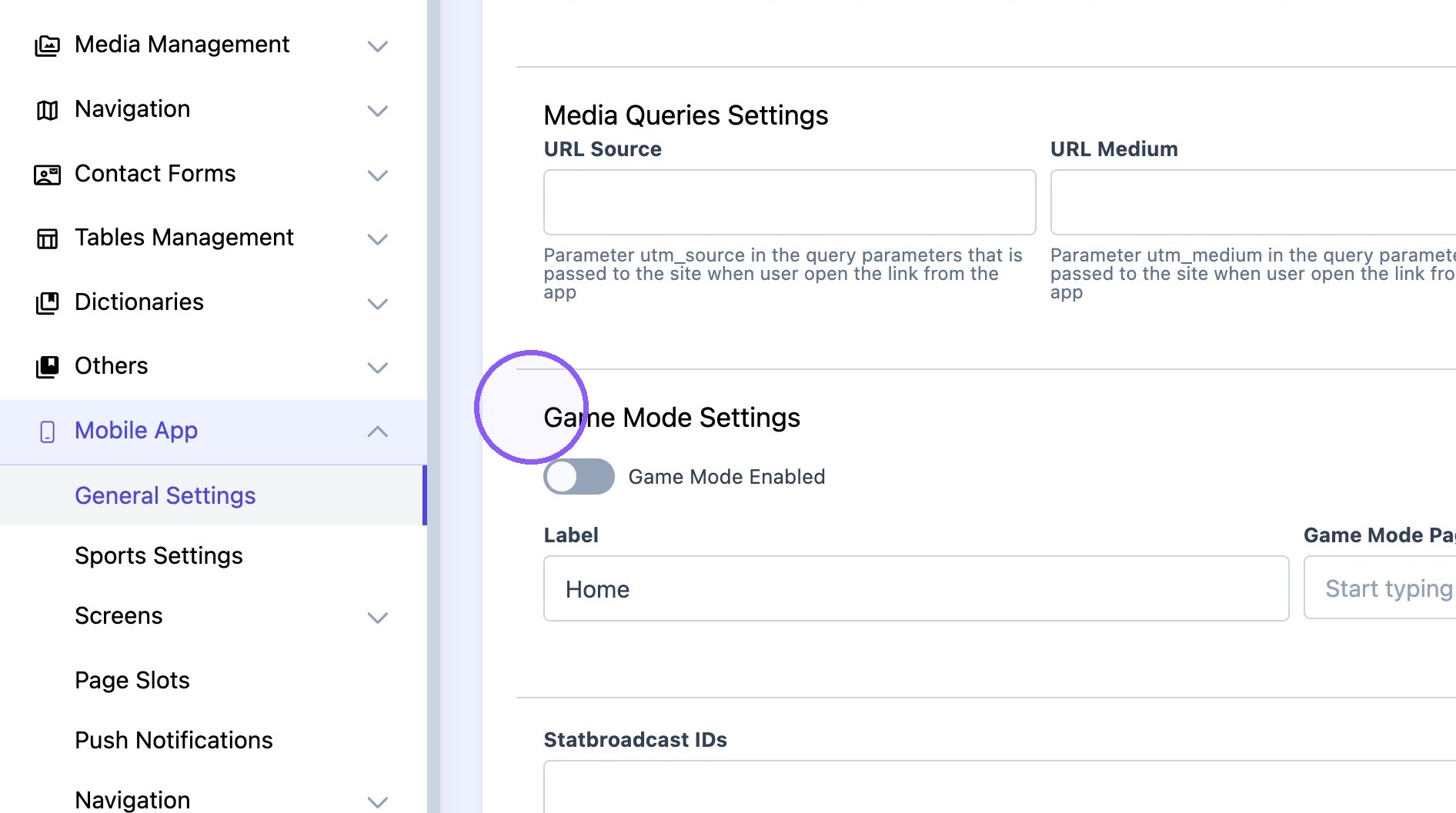
11. Make sure "home" is selected for the "Gameday mode" page and turn toggle on.

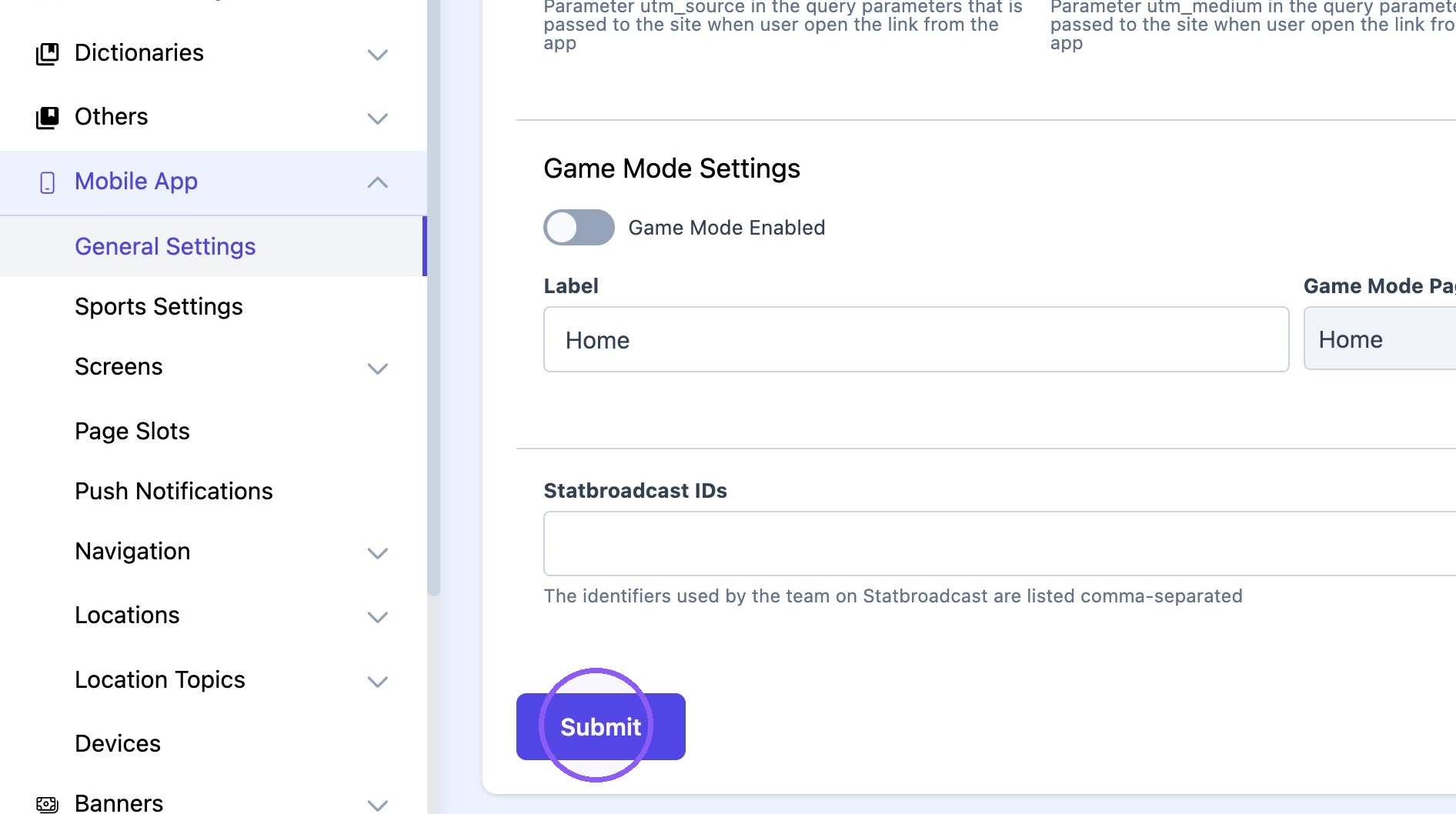
12. Click "Submit"
How to switch page slots on the app
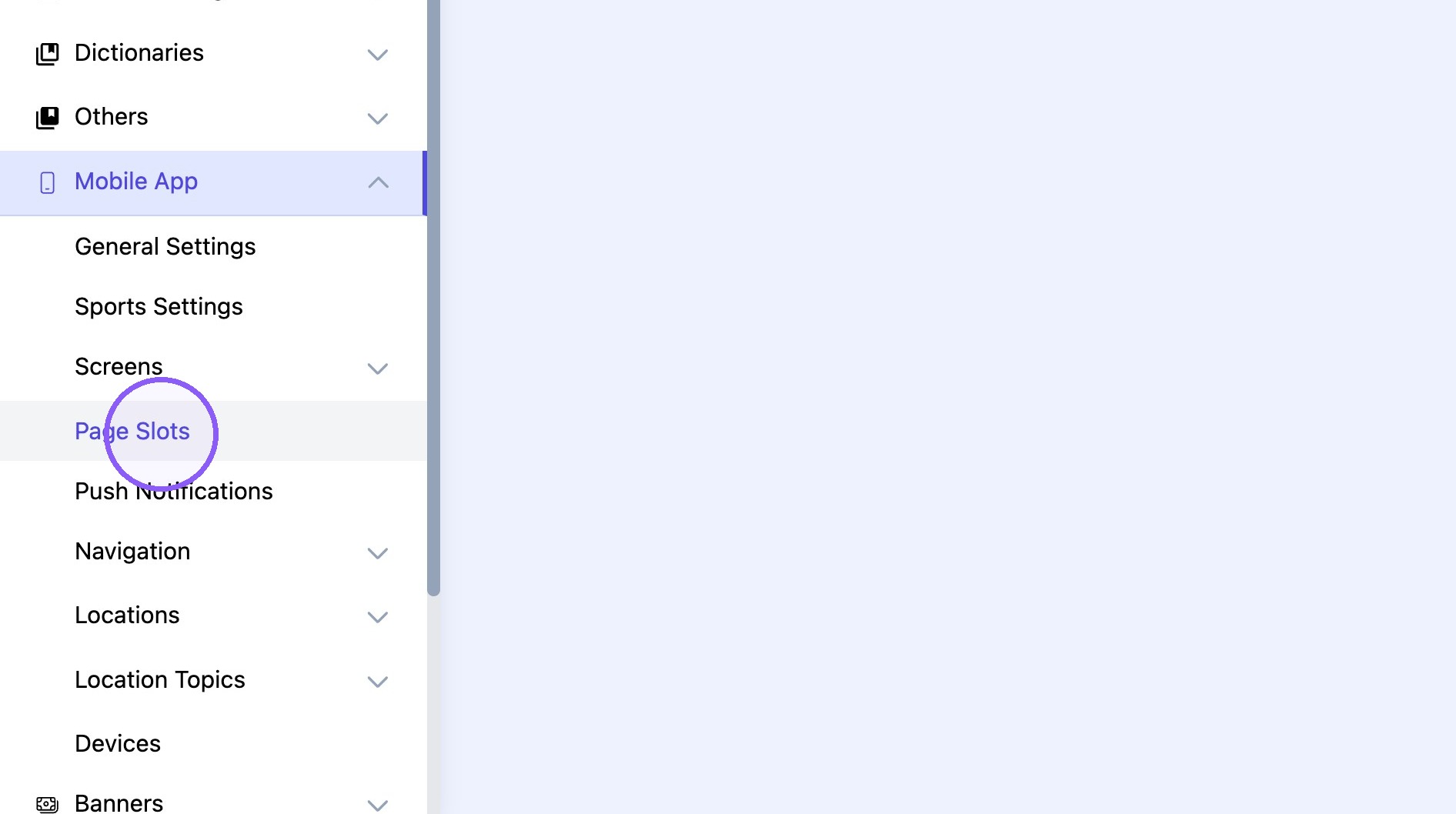
13. Click "Page Slots"
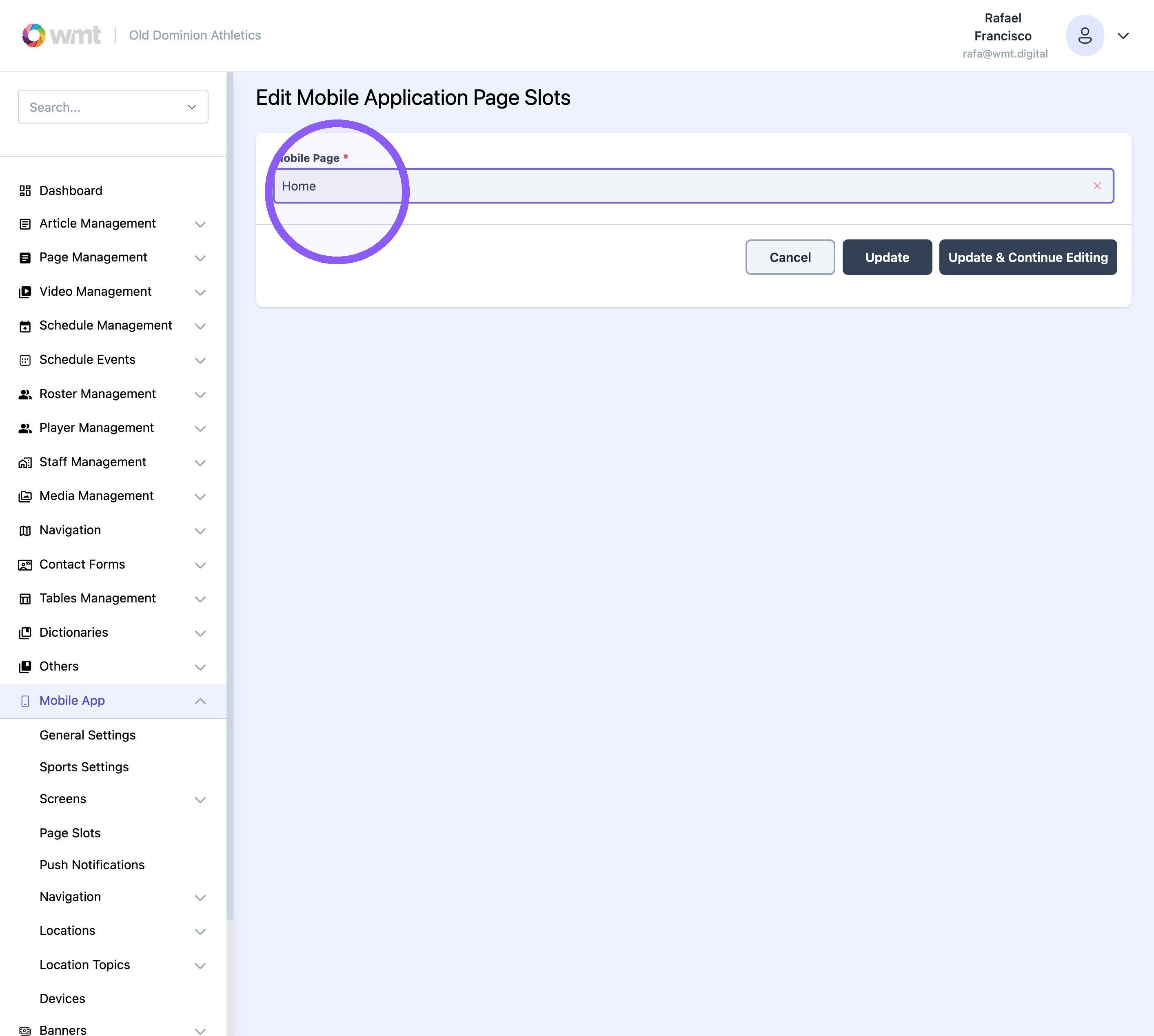
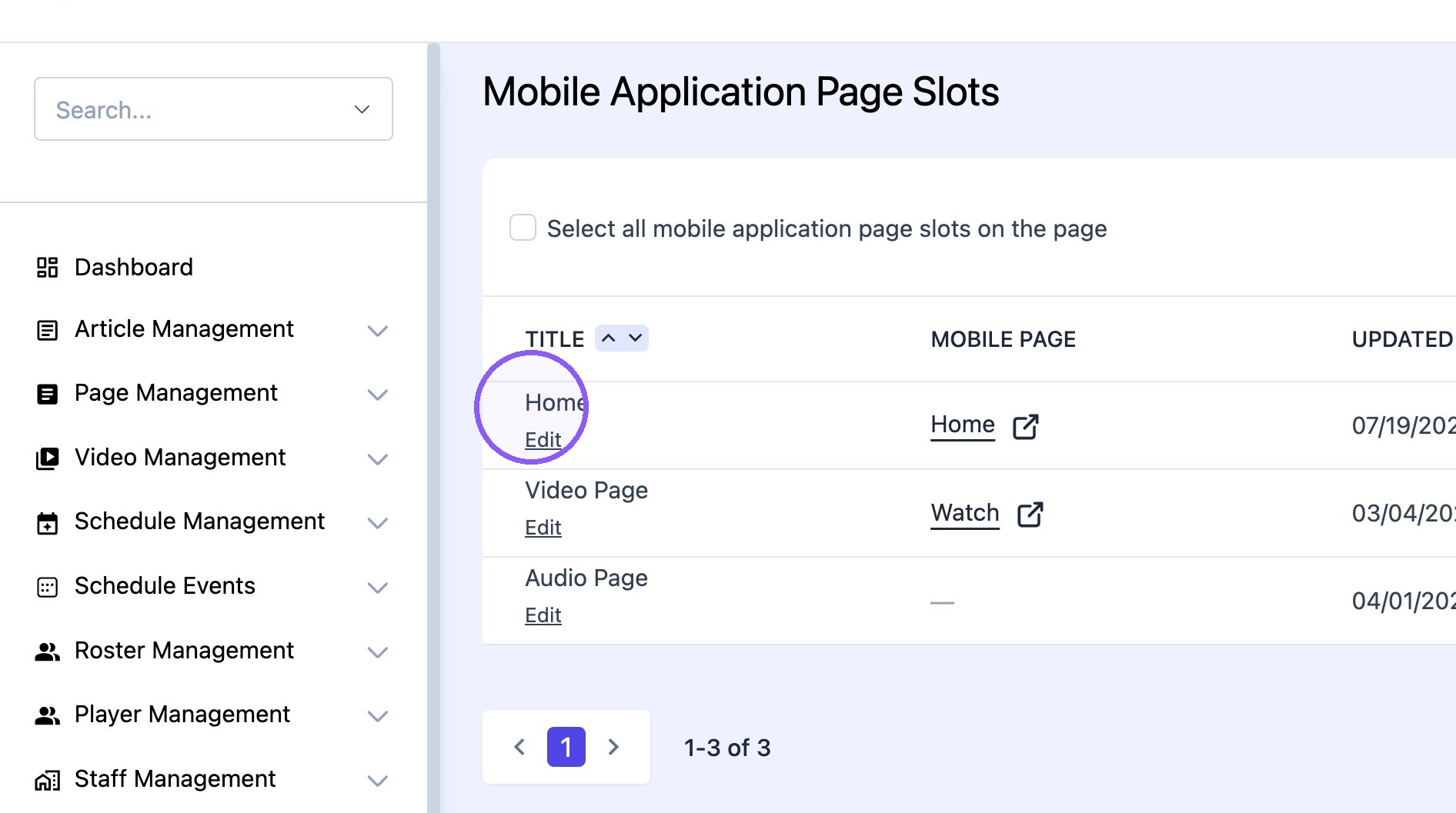
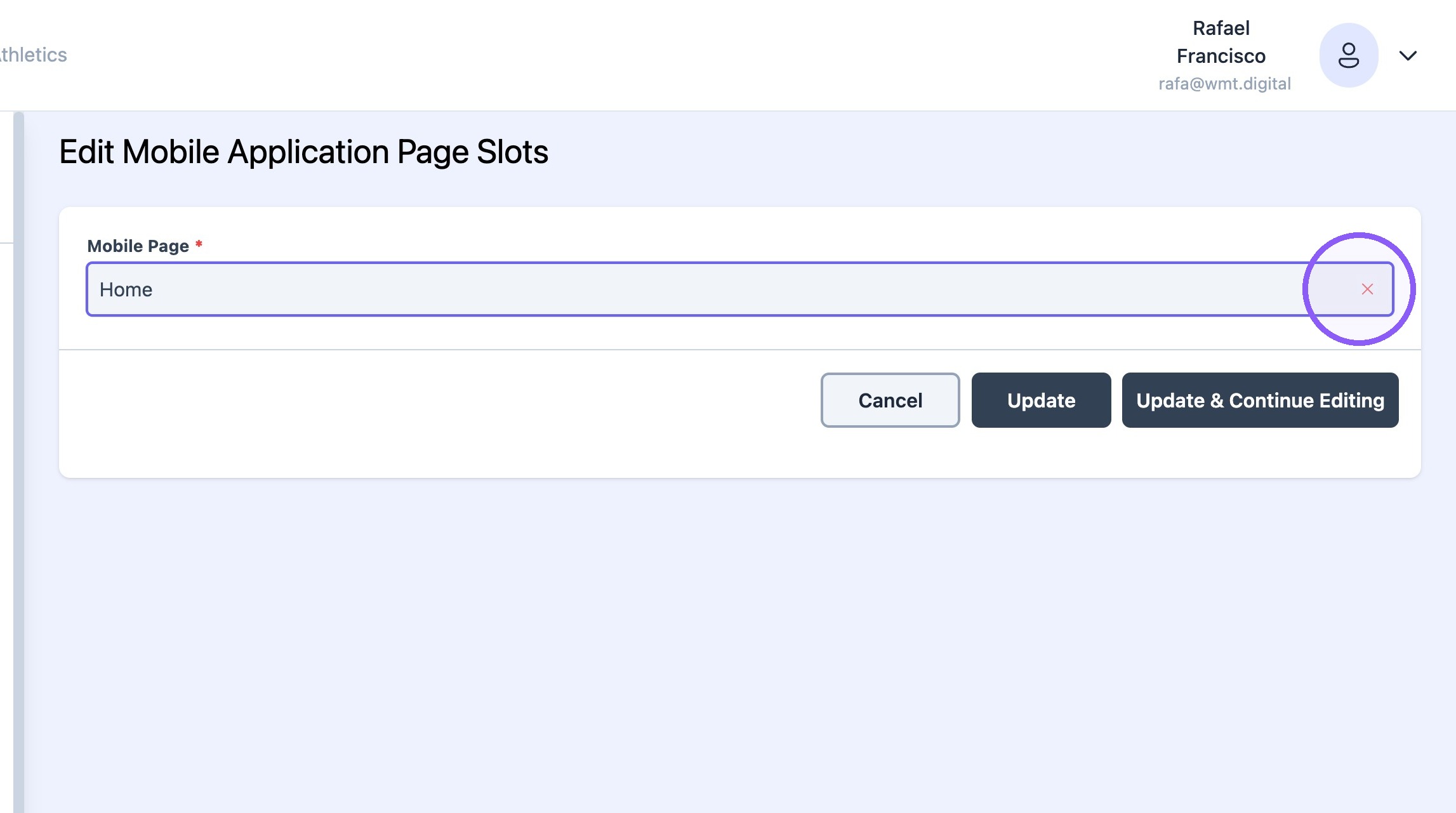
14. Click edit "home"
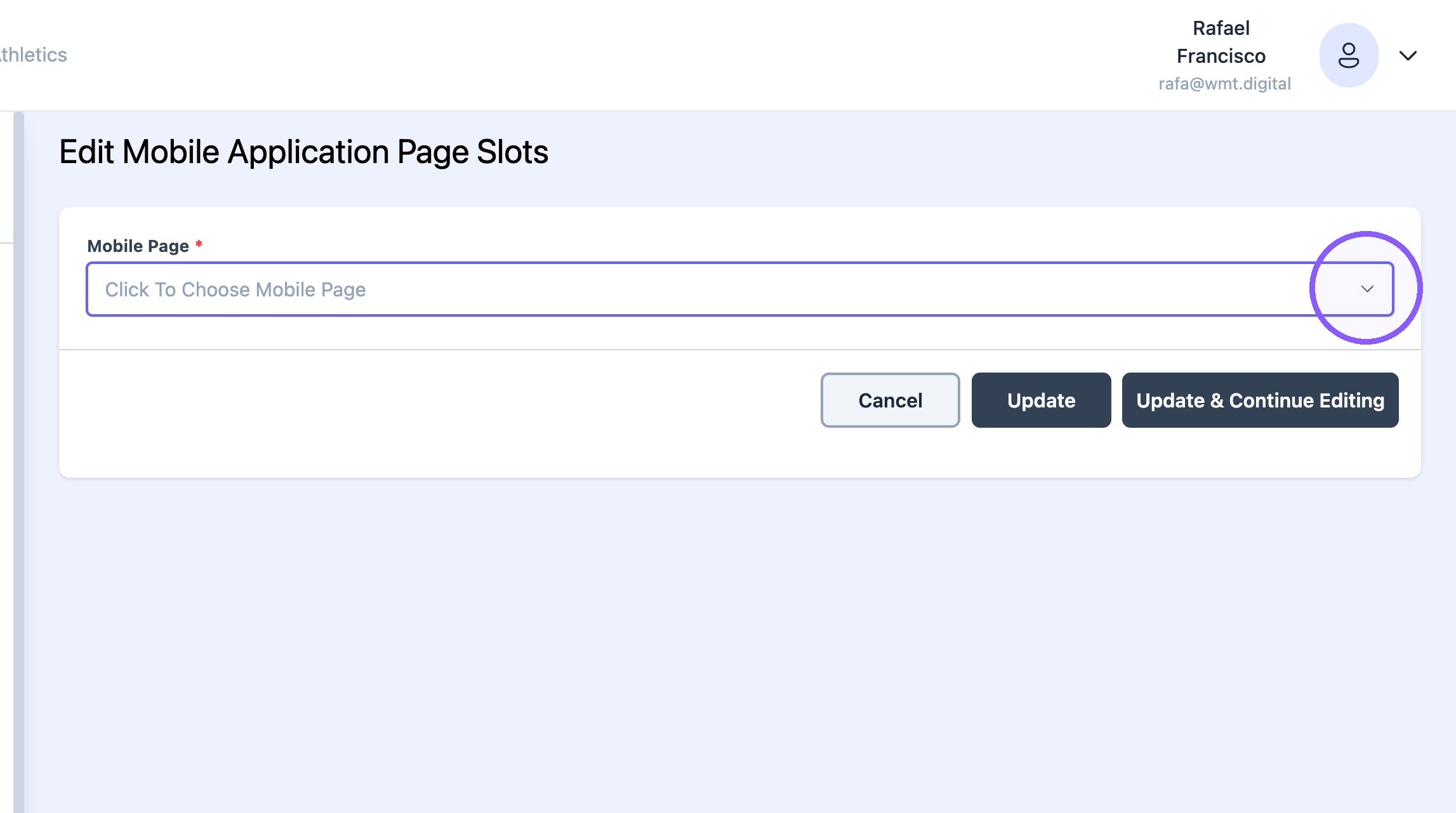
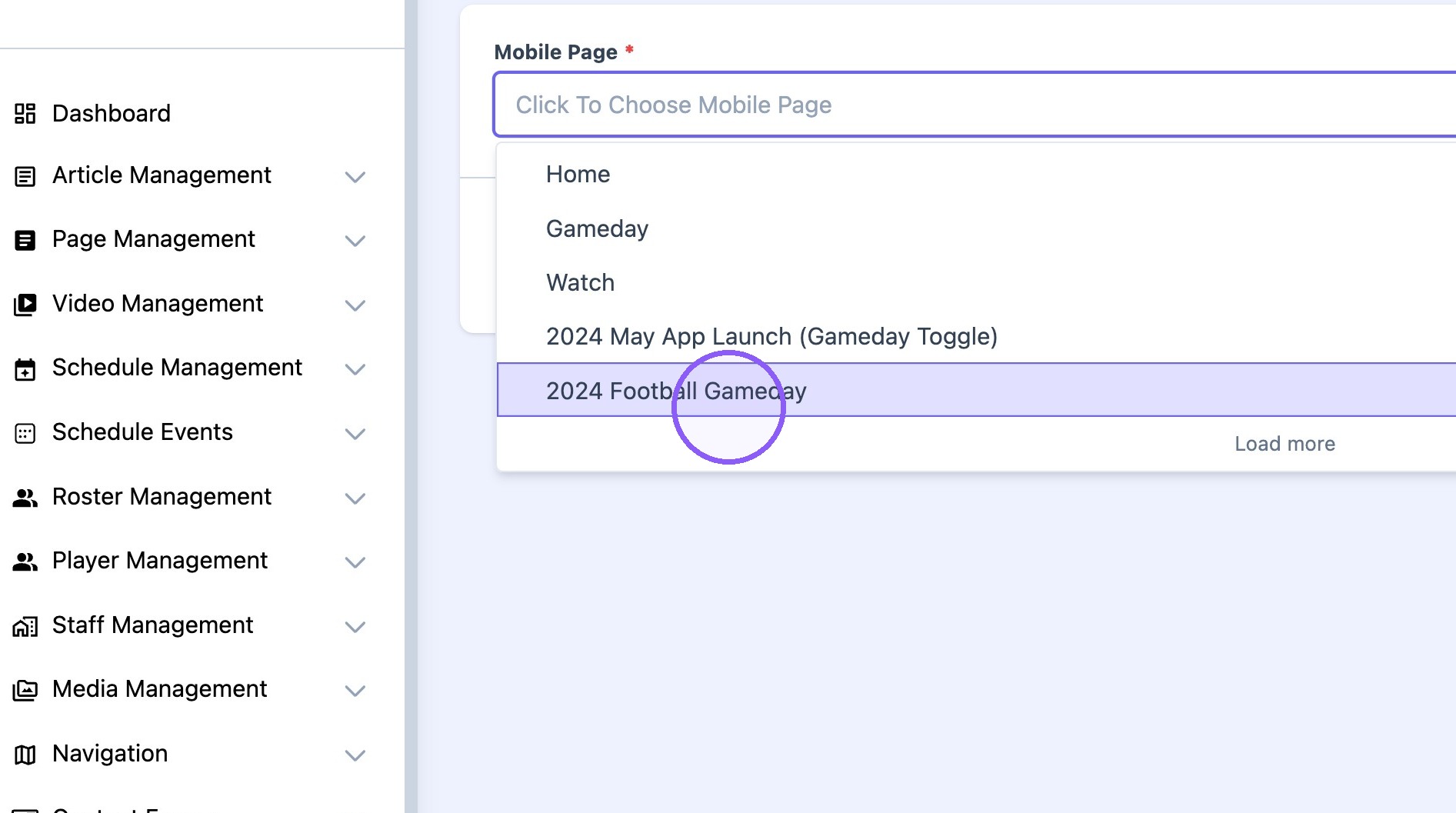
15. Select "2024 Football Gameday"
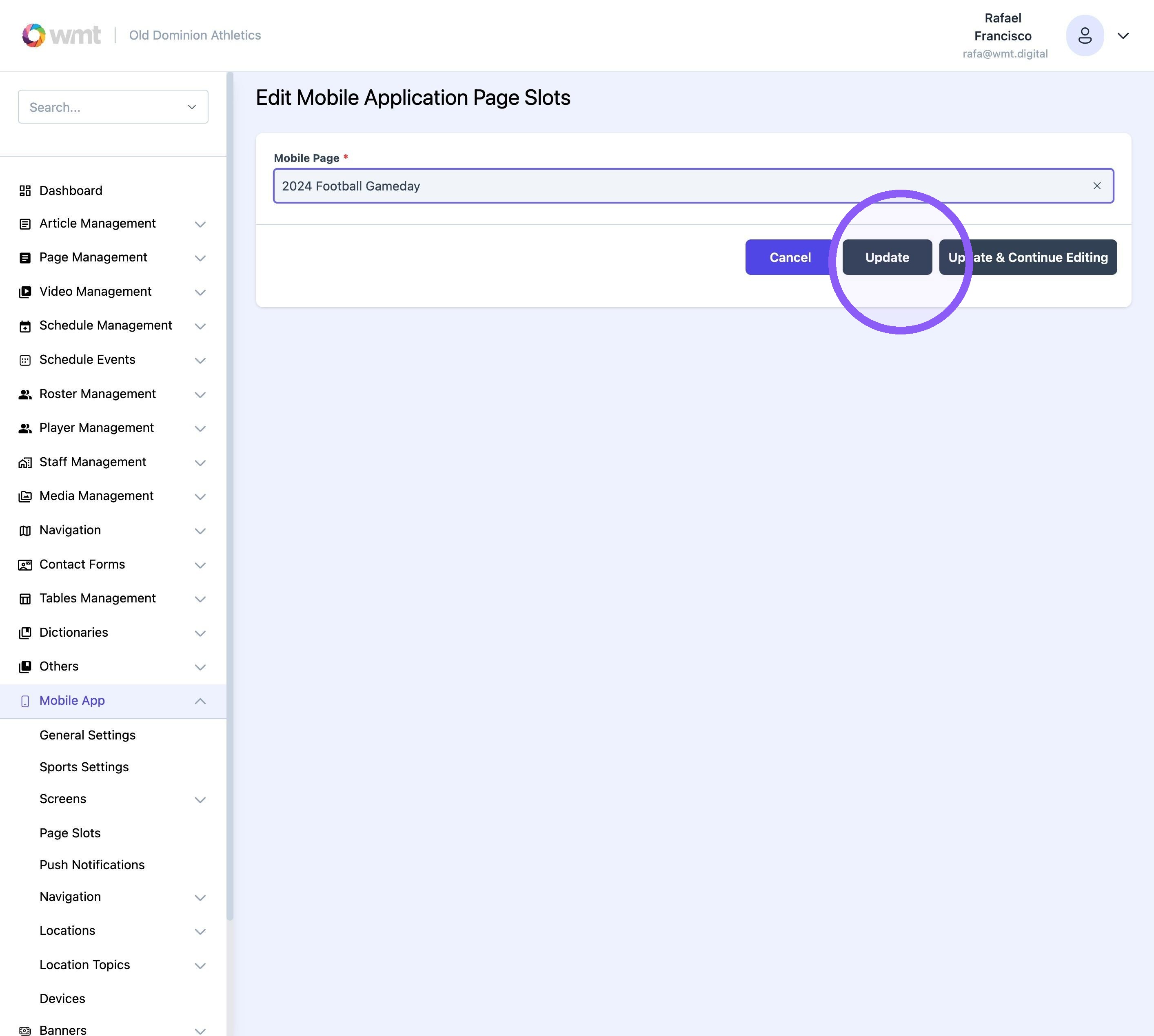
16. Click "update."
After the game
17. Select home for the "home" page slot and turn gameday mode "OFF".