How to Configure Multiple Game Mode Pages
Last updated: September 18, 2026
Made by Pimploy Koondel with Scribe
Learn how to add multiple game mode pages to your mobile app within your CMS.
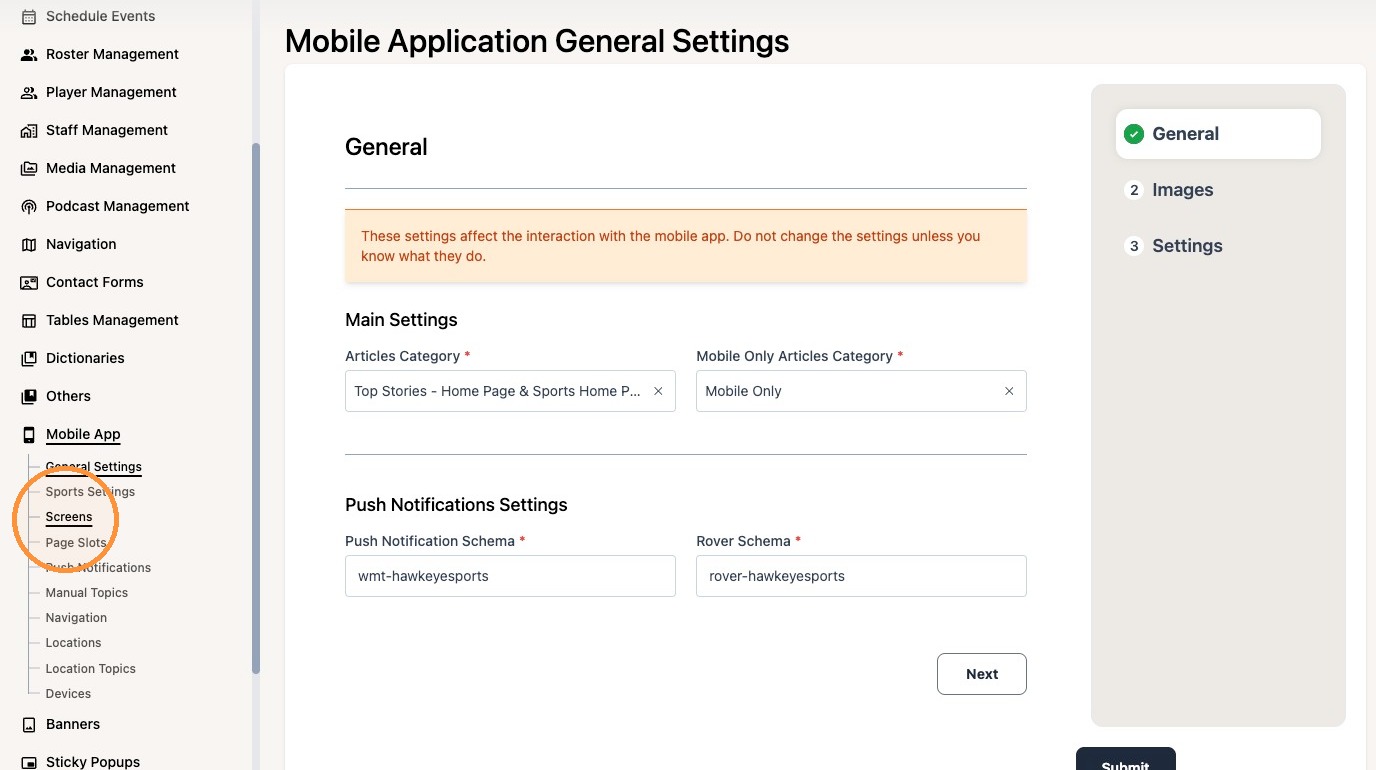
1. Navigate to the Screens tab under "Mobile App" and create the screens you'd like to use.
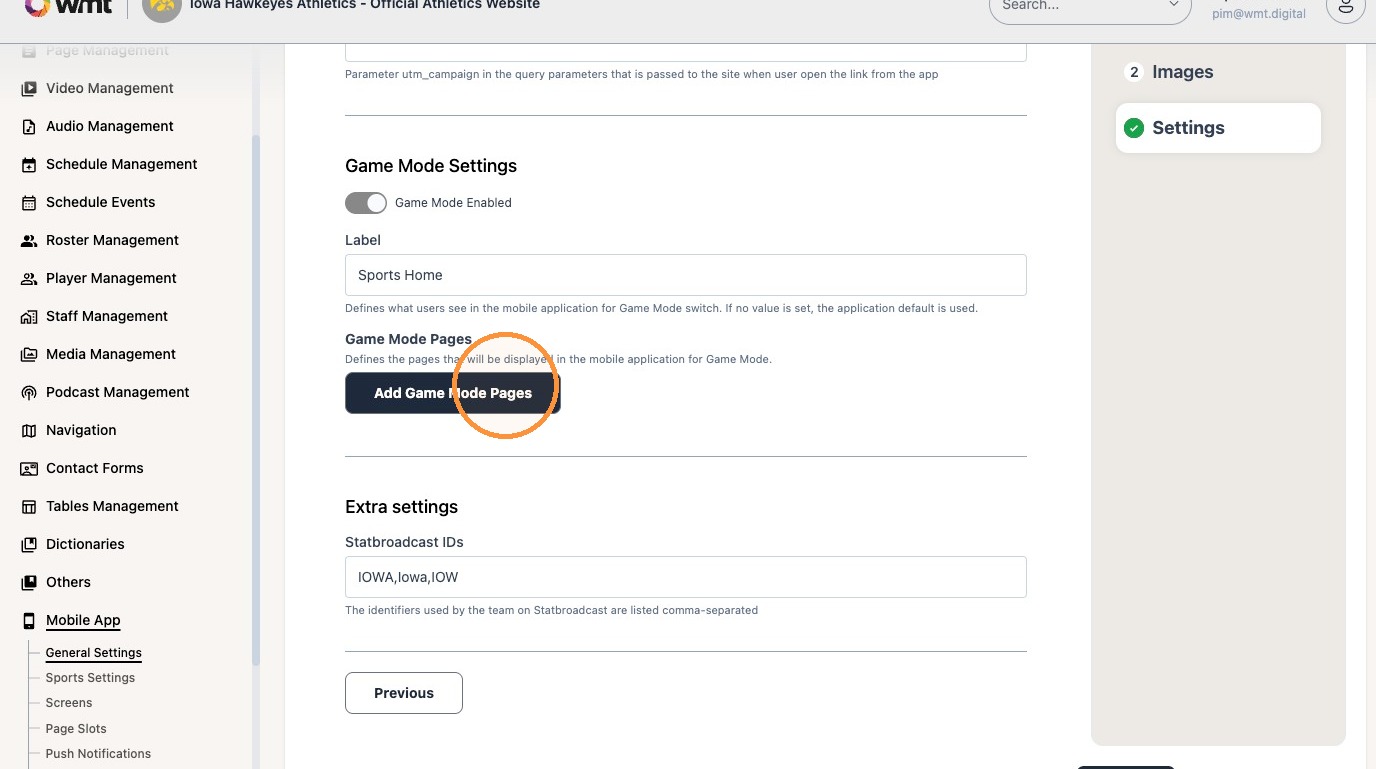
2. Then navigate to the General Settings tab and click Settings

3. Enable Gameday Mode and Click "Add Game Mode Pages"
4. Select the screens you'd like to use
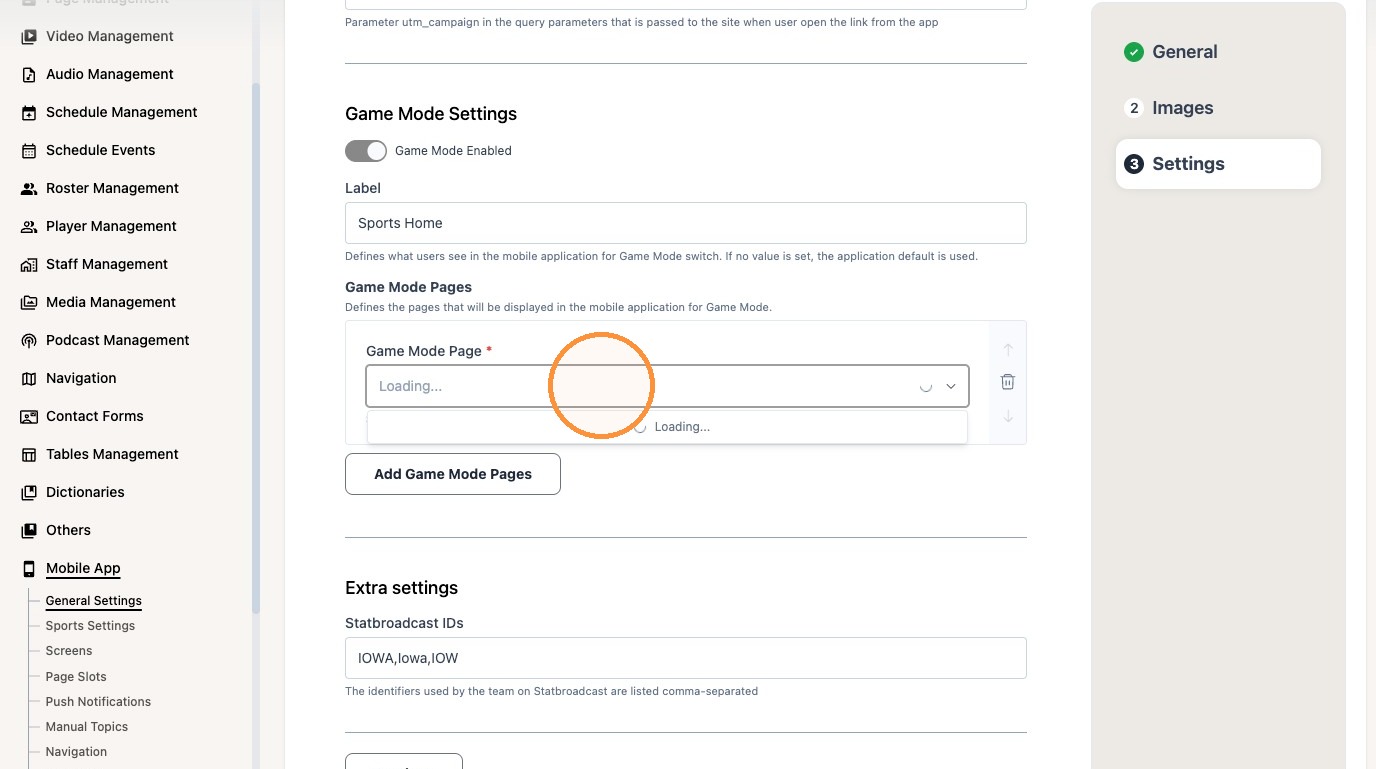
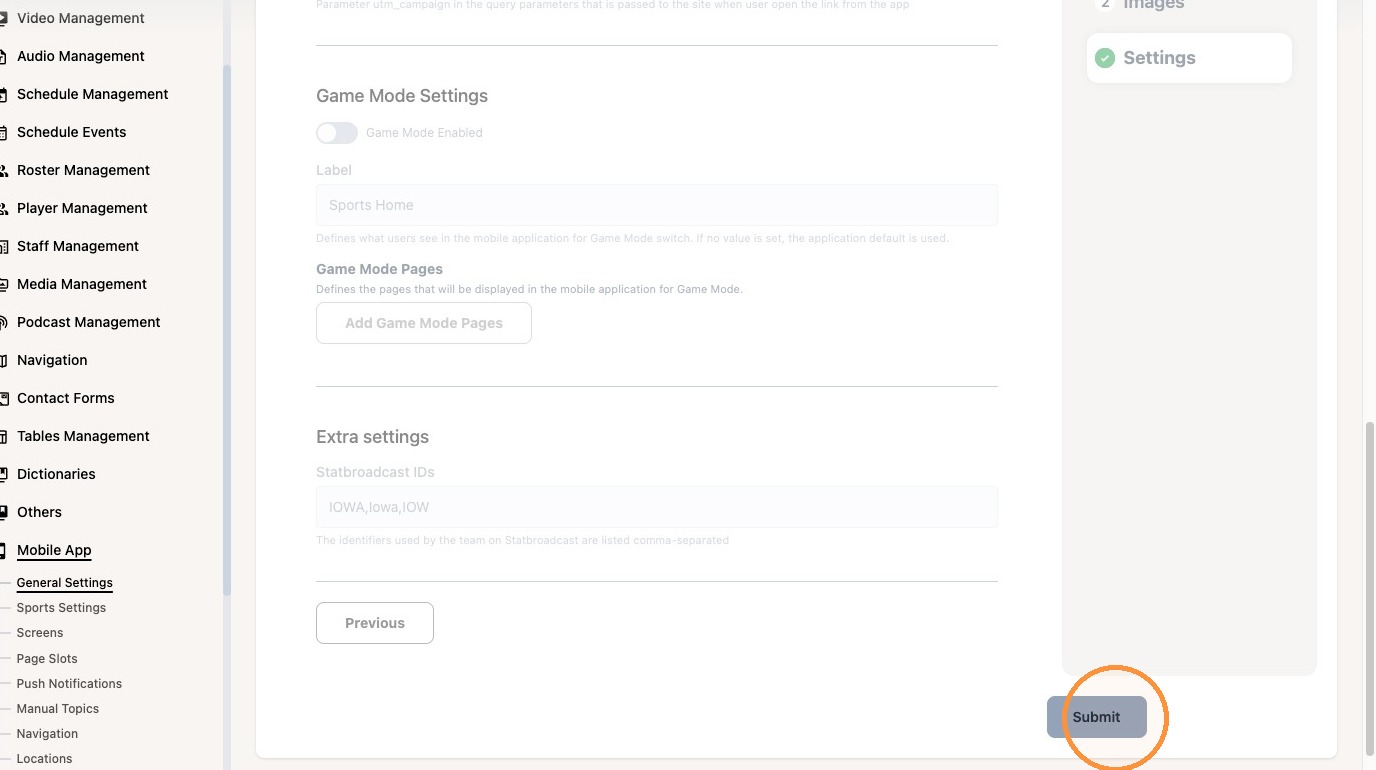
5. Click "Add Game Mode Pages"
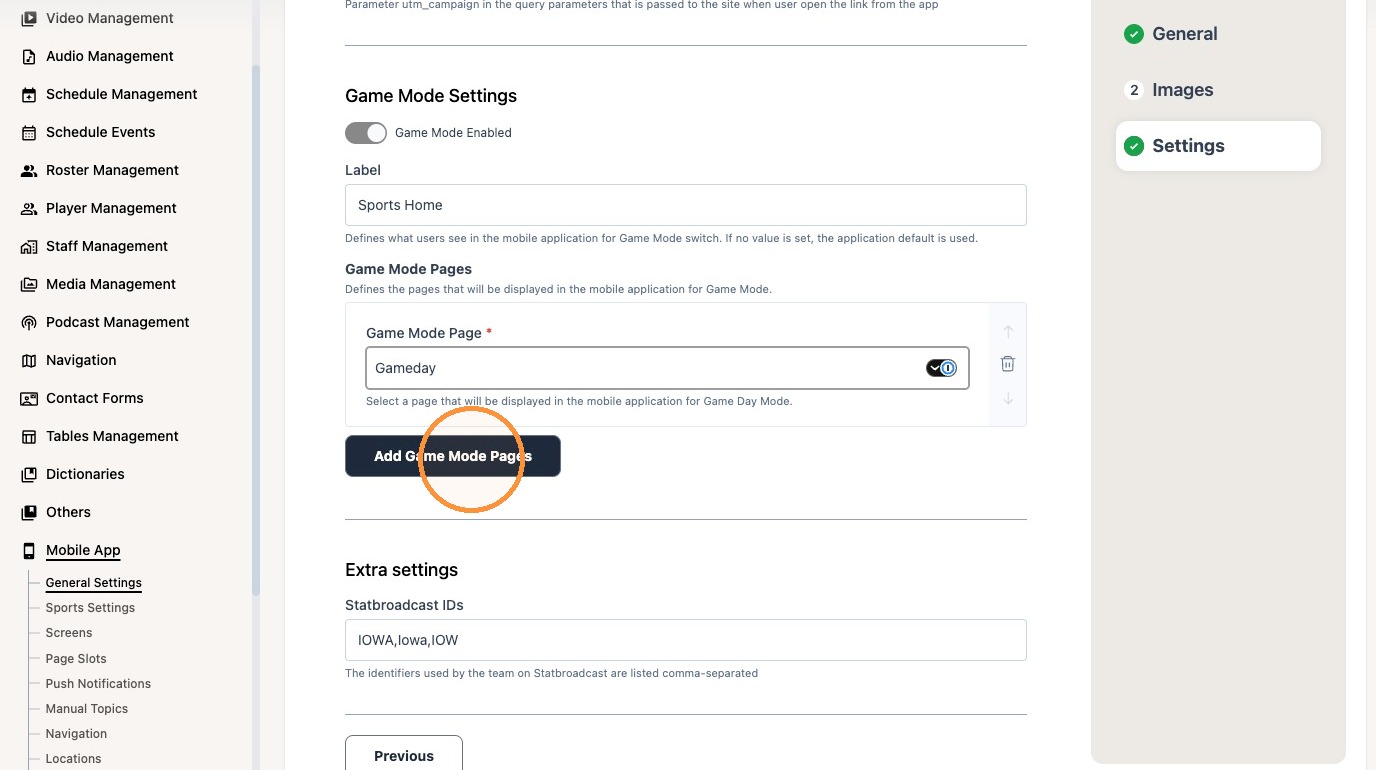
6. Click "Add Game Mode Pages" to add another screen
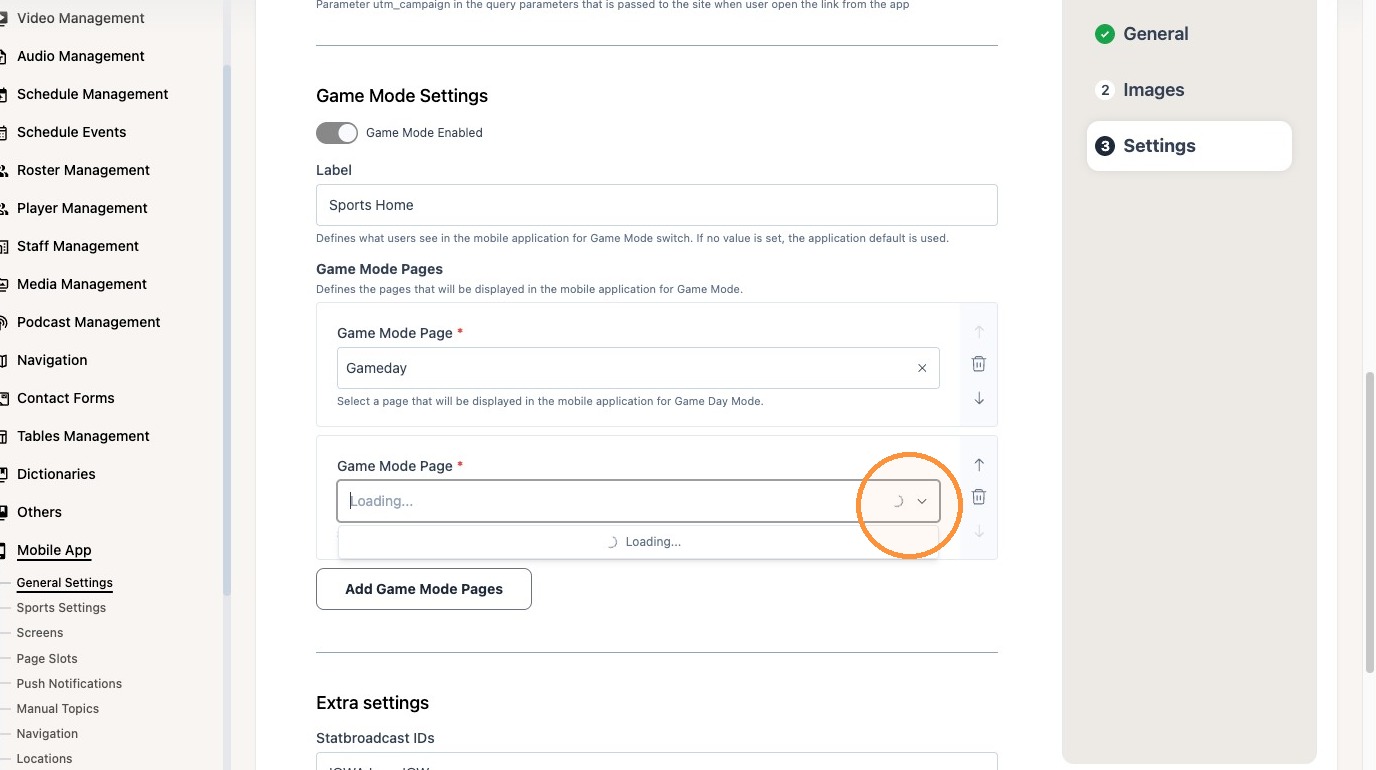
7. Use the arrows to reorder the screens
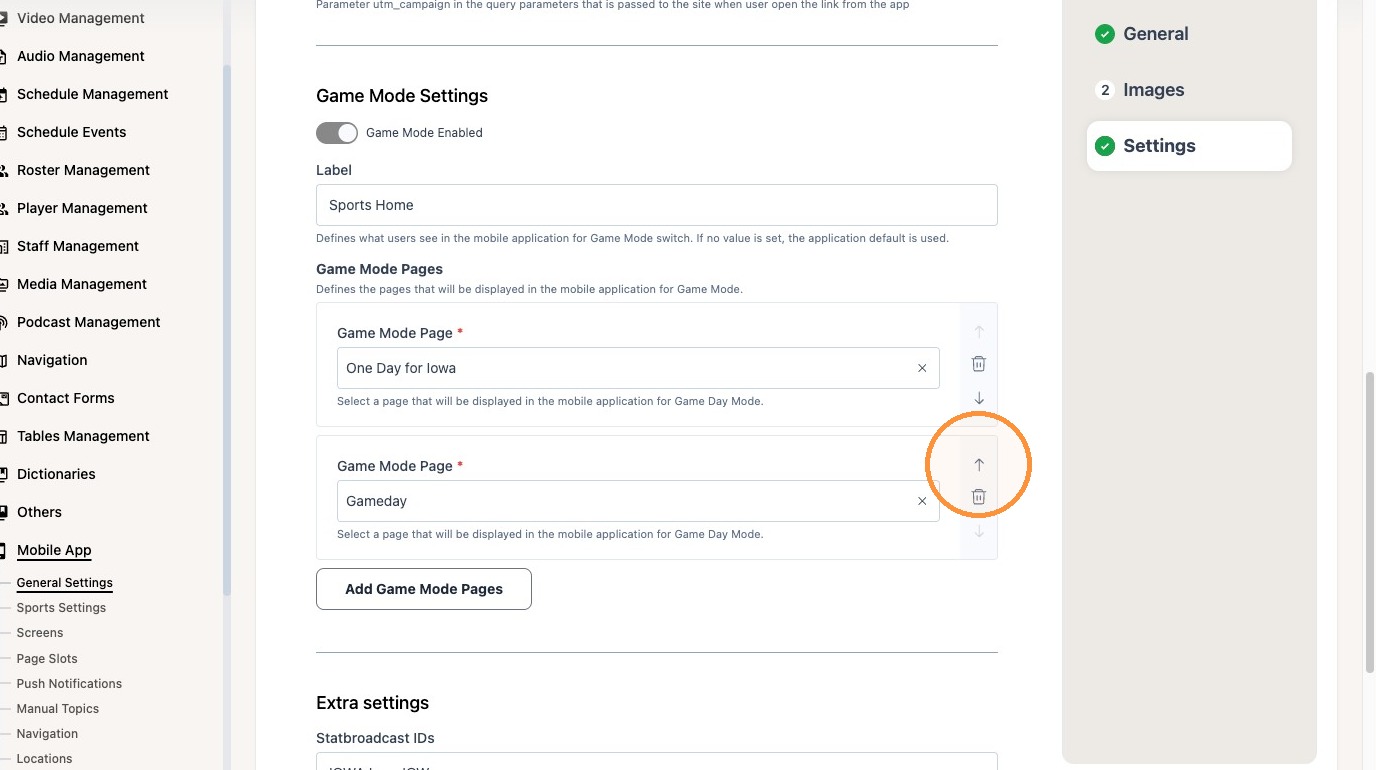
8. Click "Submit". The app will now display a dropdown for multiple Gameday screens. This update does not require an app store submission.