How to Update Mobile App Navigation Links
Last updated: September 18, 2026
Made by Rafael Venceslau with Scribe
1. Navigate to https://dashboard.goutsa.com/dashboard
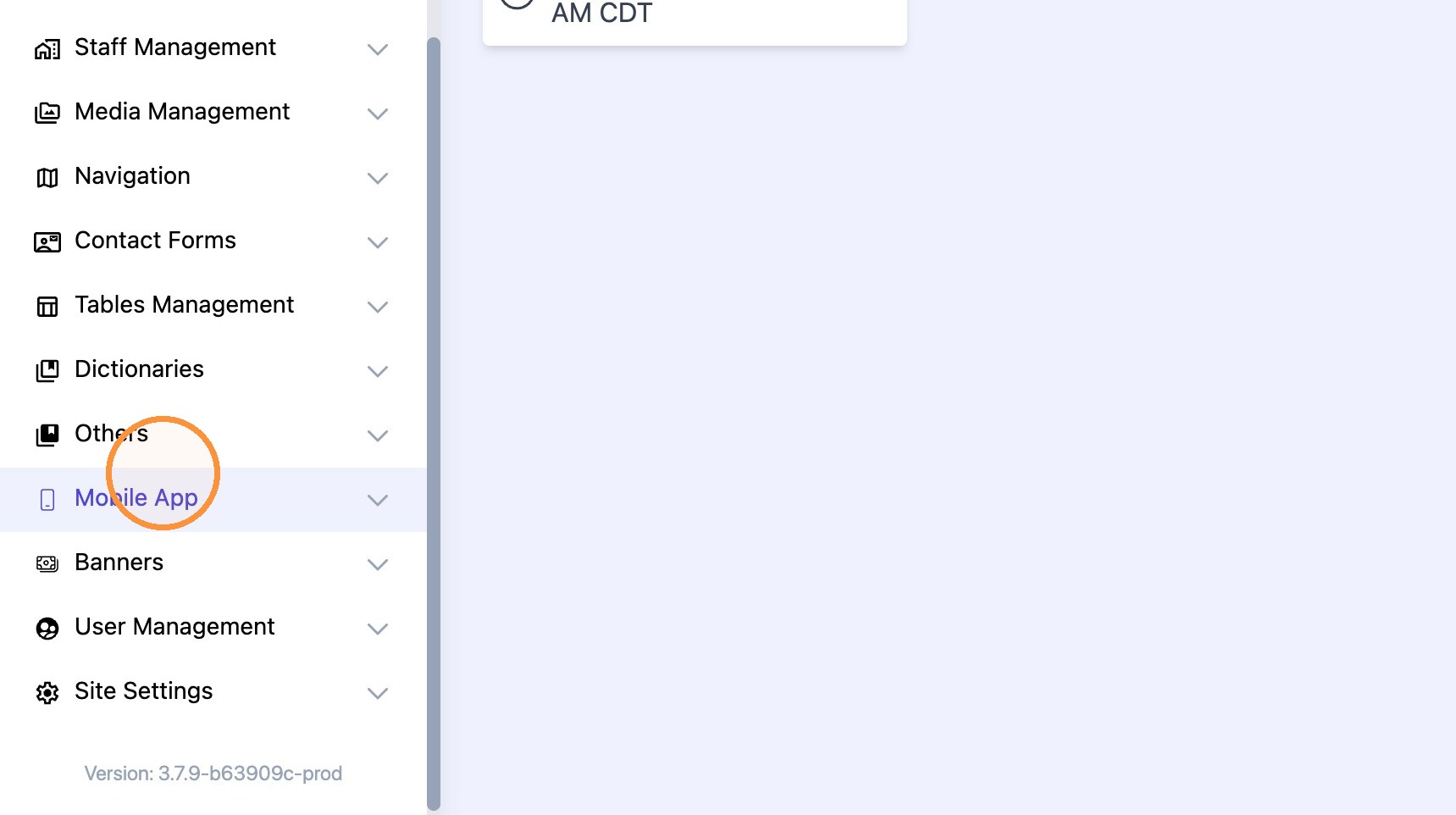
2. Click "Mobile App"
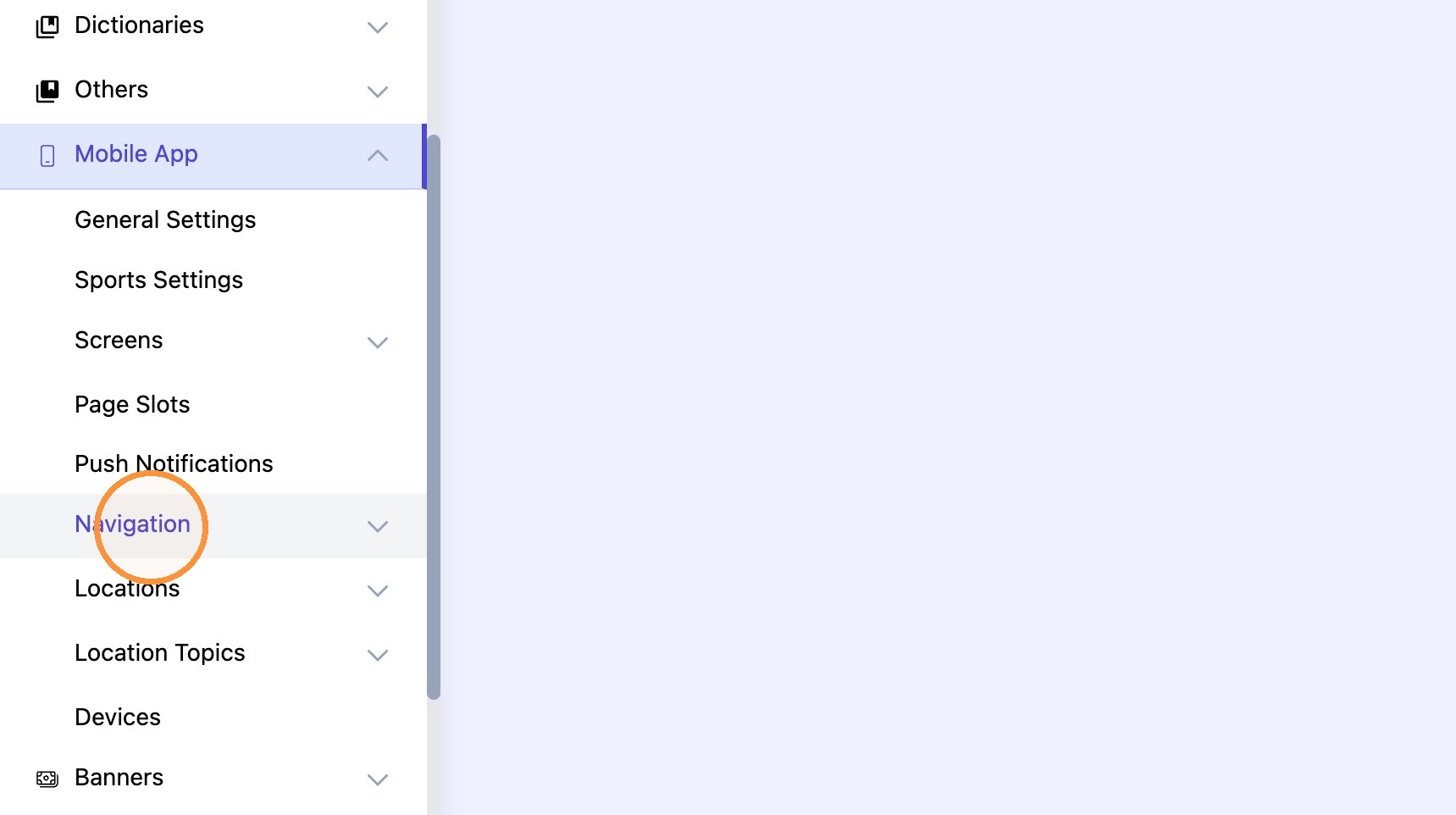
3. Click "Navigation"
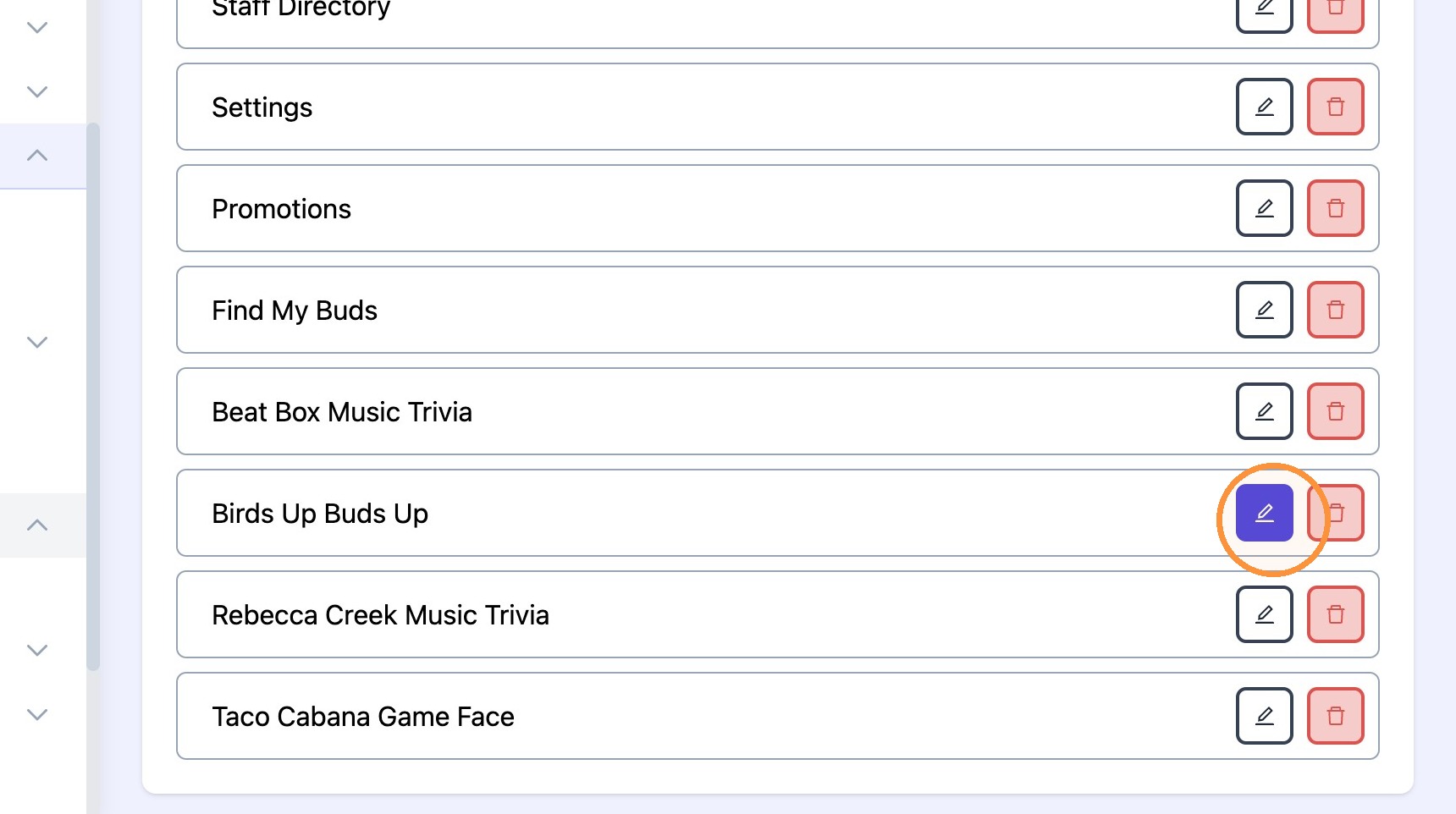
4. Click "Edit"

5. Click the edit icon.
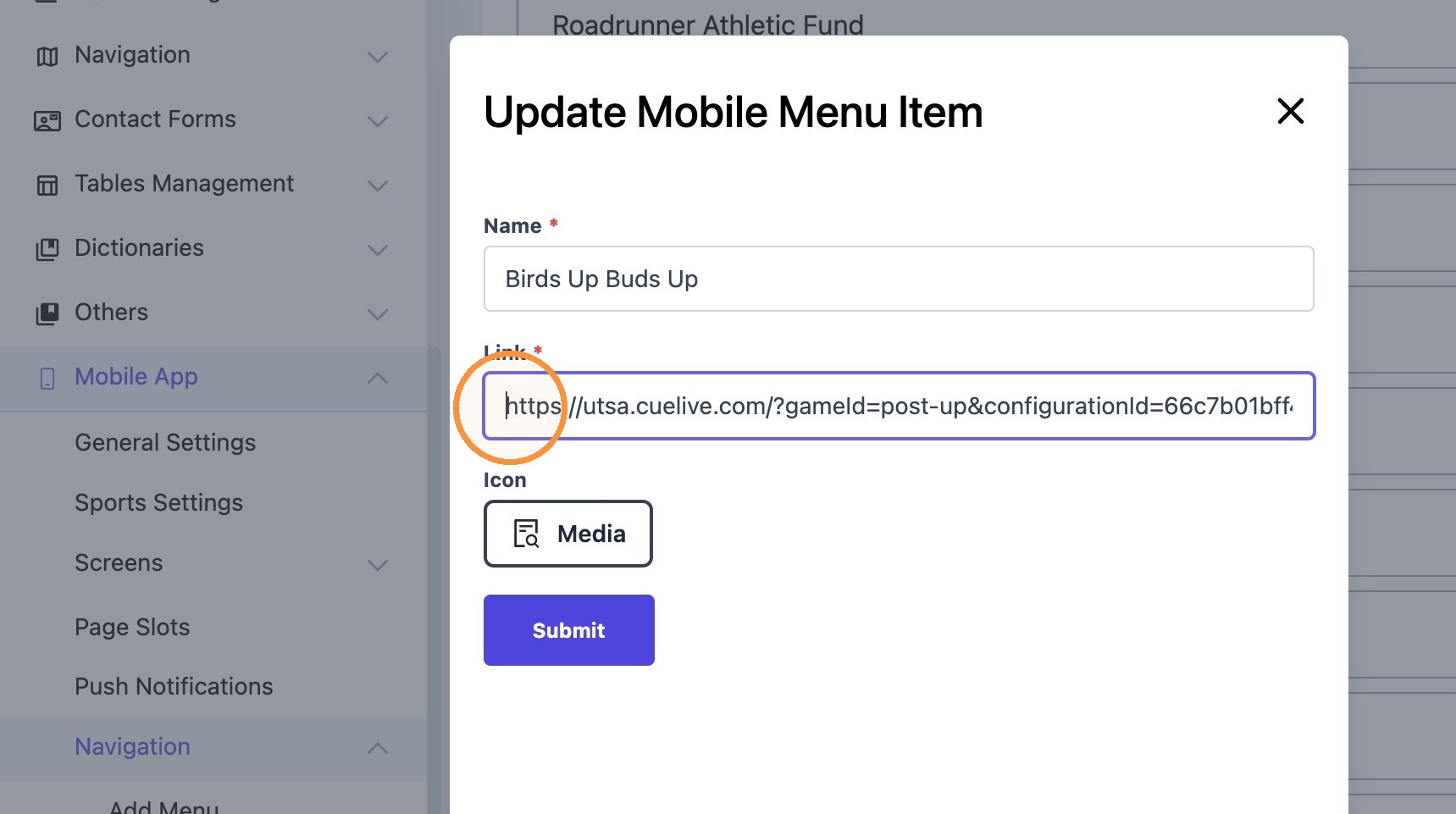
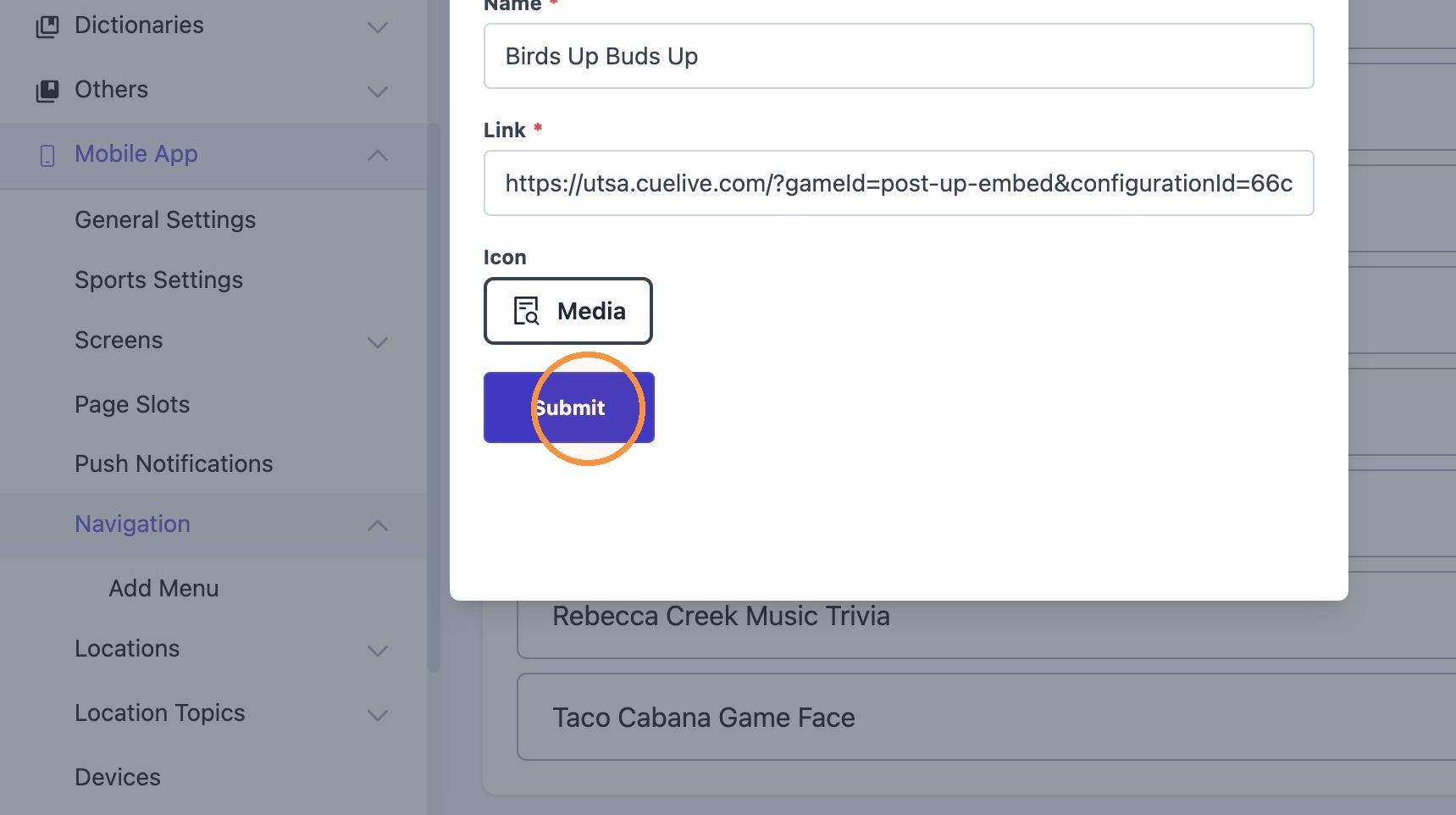
6. Delete the current link and replace with the updated link.
7. Click "Submit"
8. Click "Update & Continue Editing"
