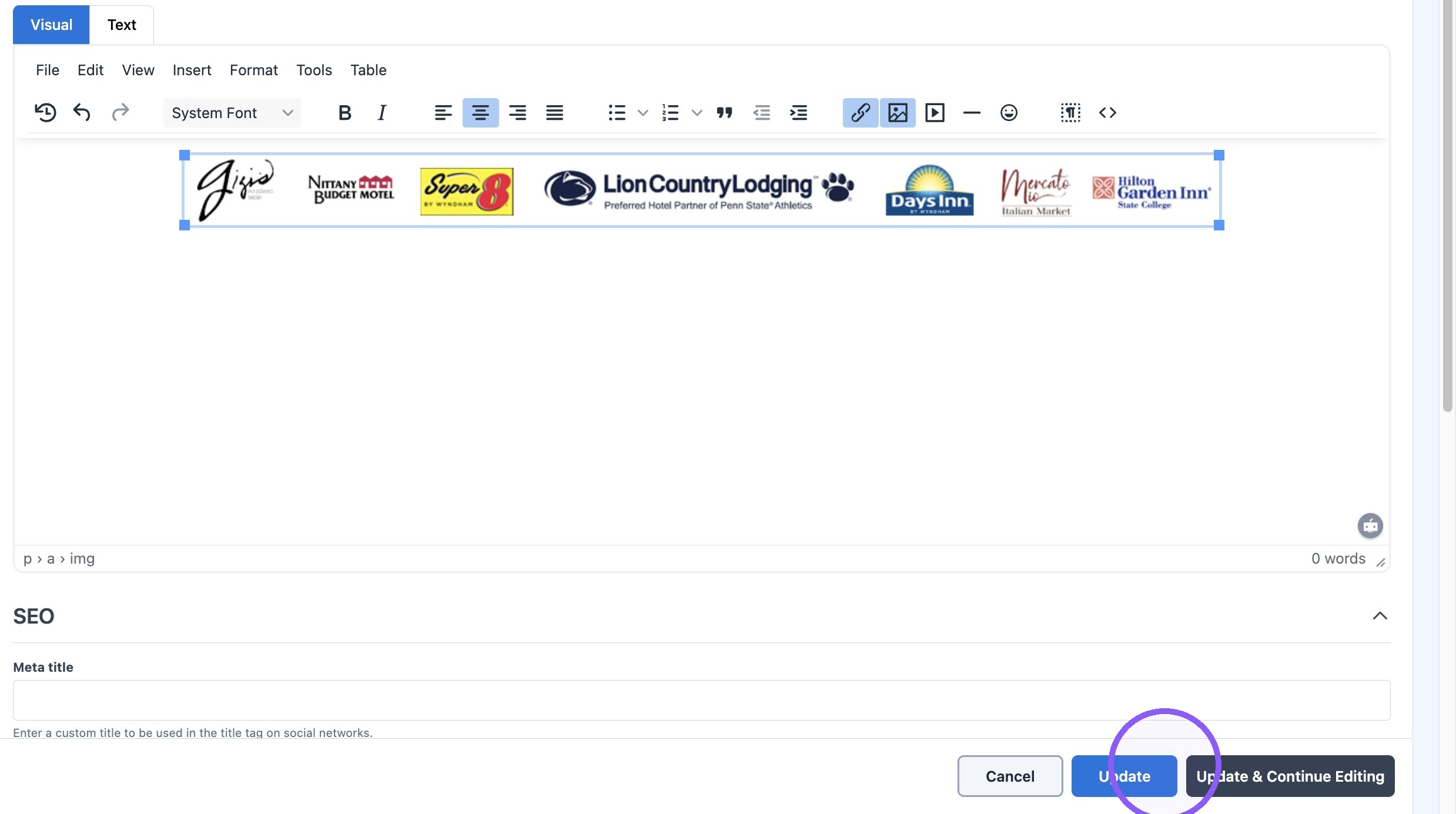
How to add banner to schedule pages
Last updated: September 20, 2026
Made by Rafael Venceslau with Scribe
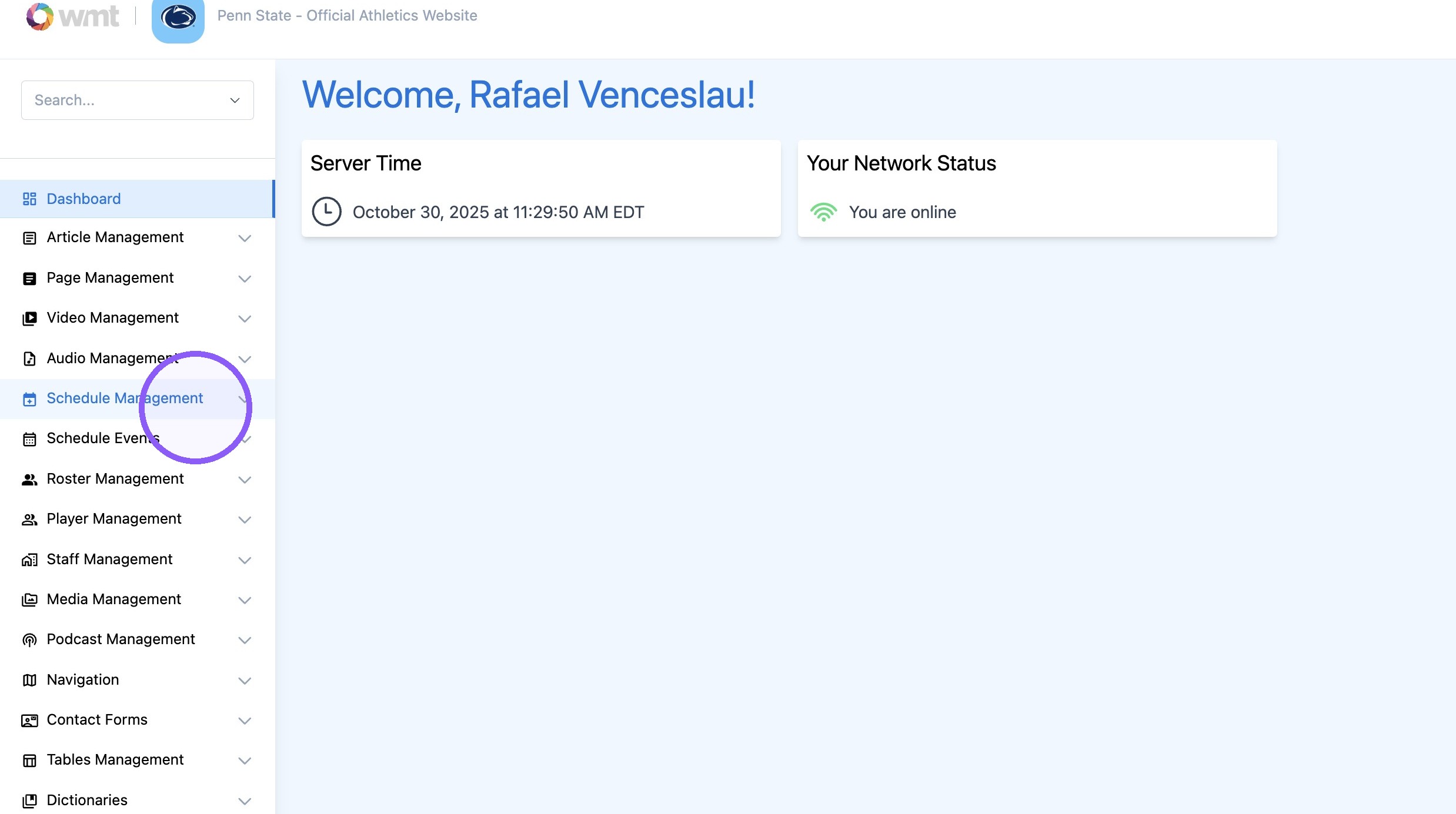
1. Click "Schedule Management"
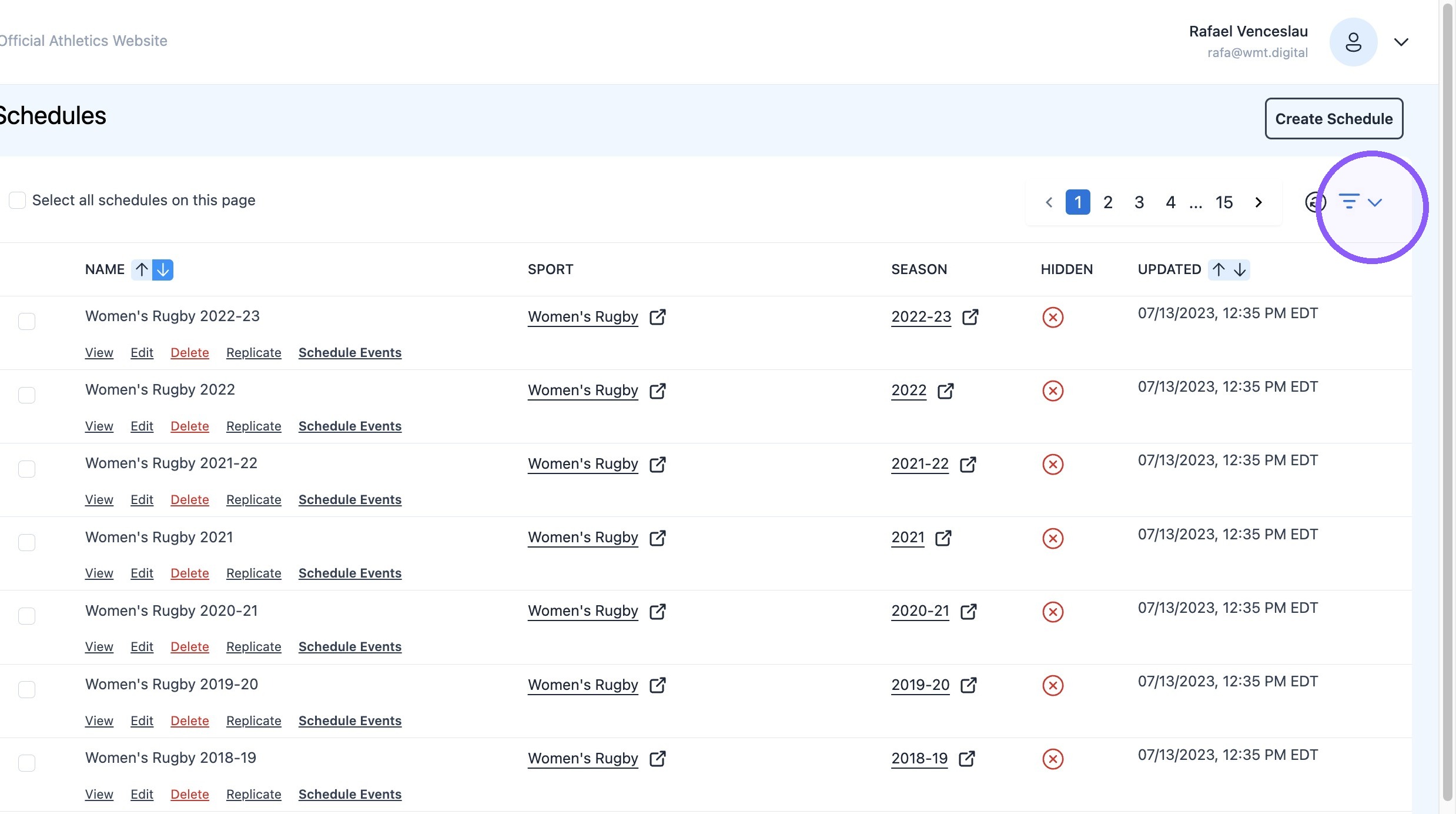
2. Click this icon.
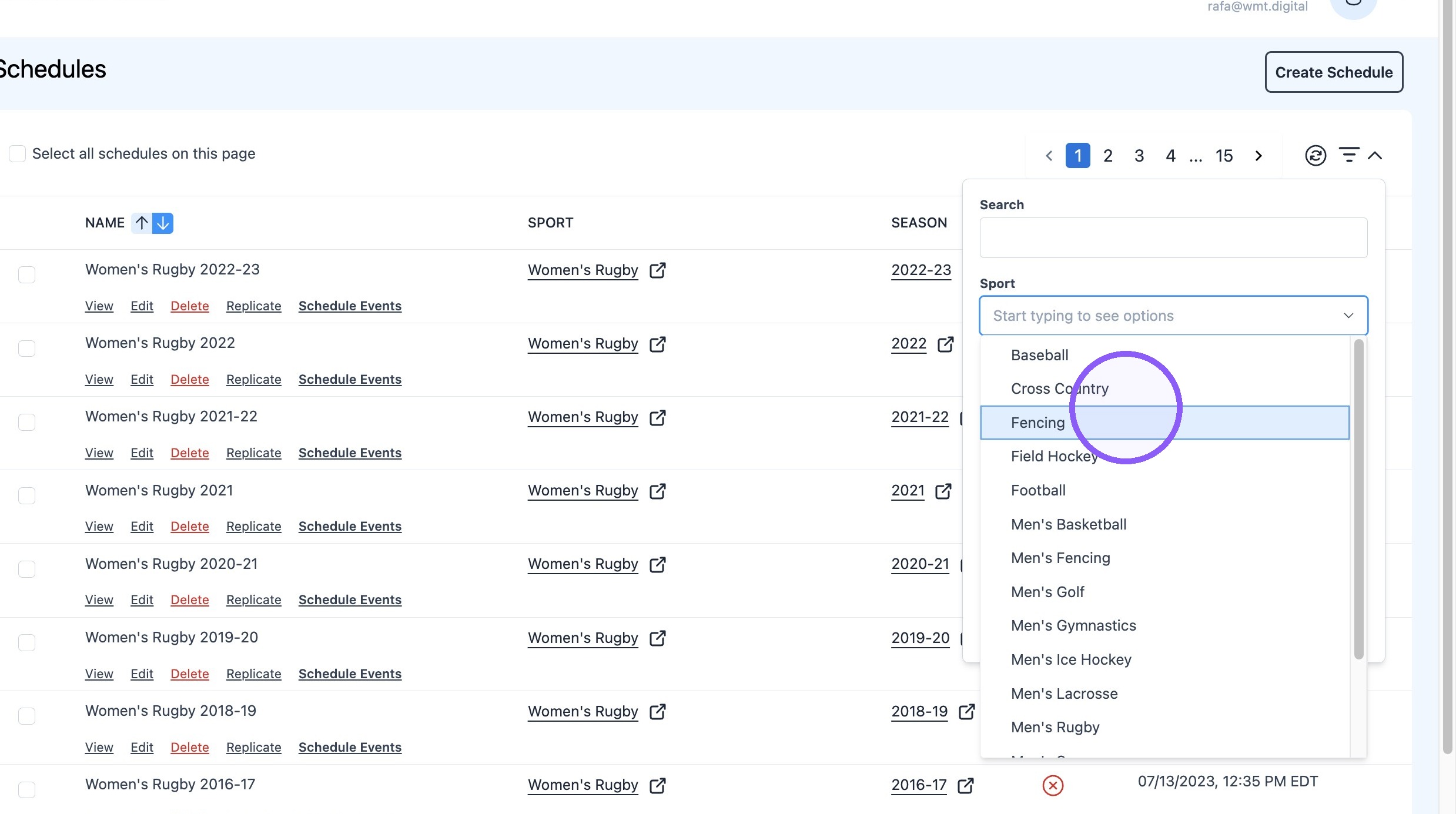
3. Click the "Sport" field.
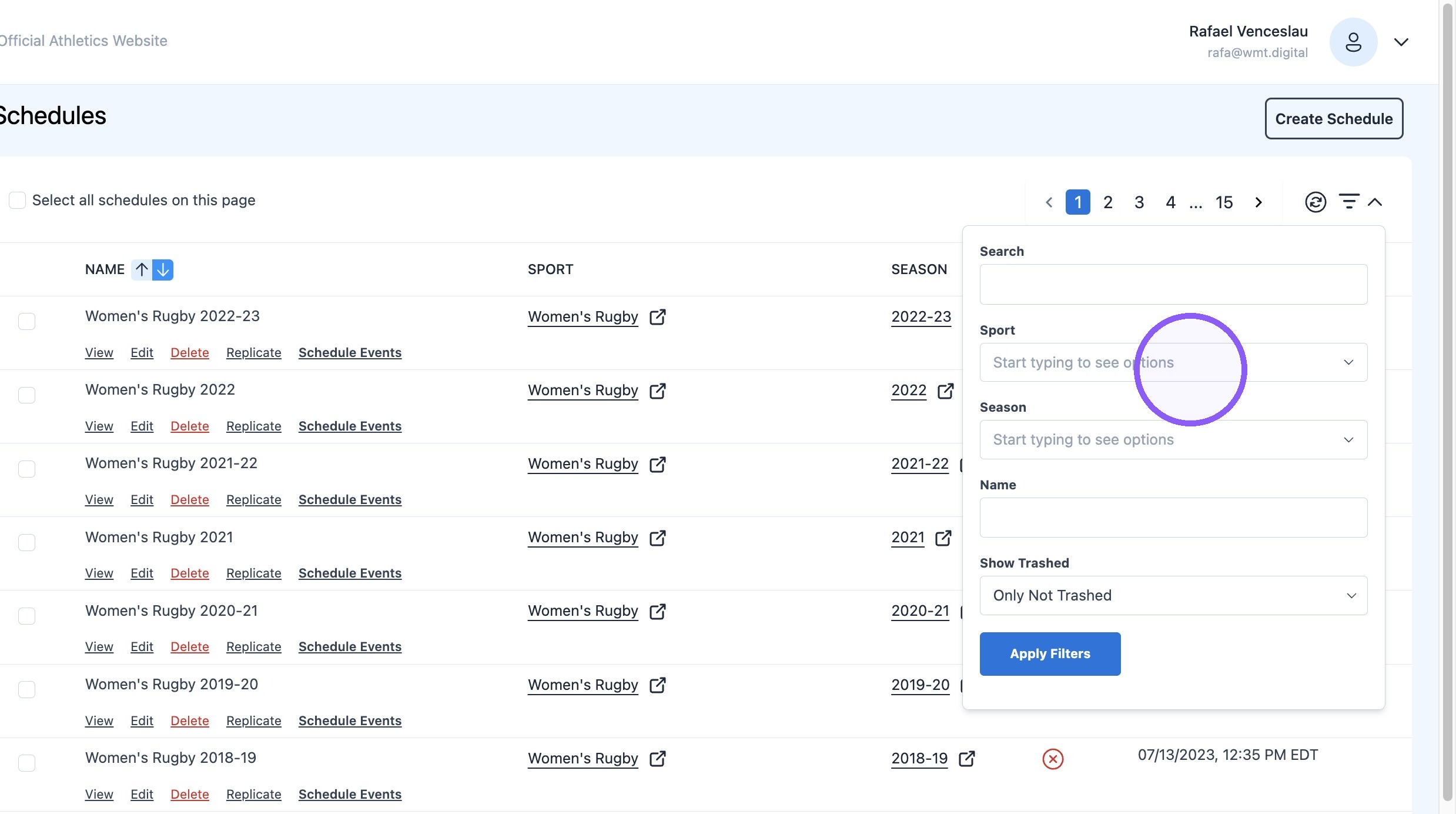
4. Select the desired sport
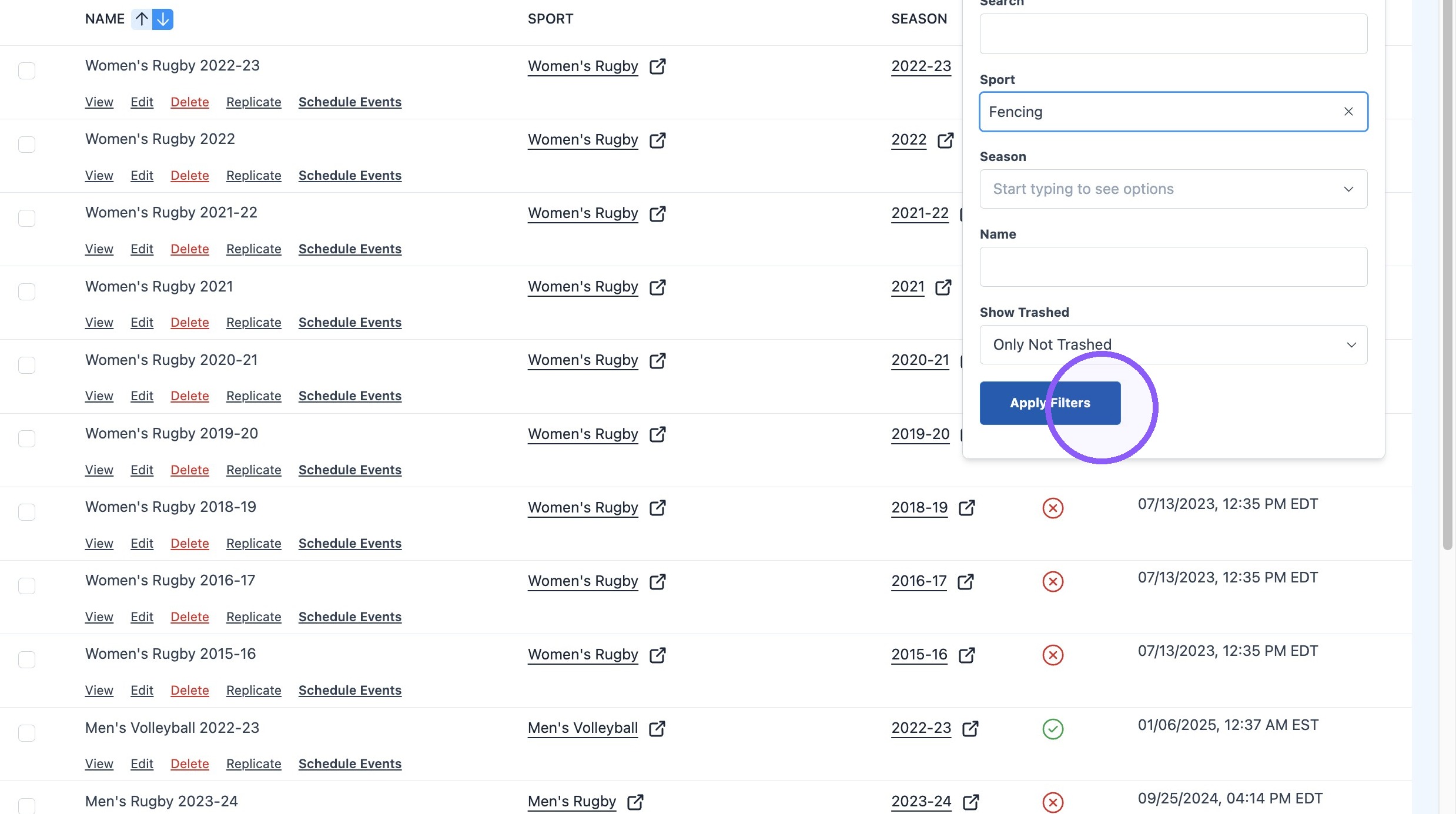
5. Click "Apply Filters"
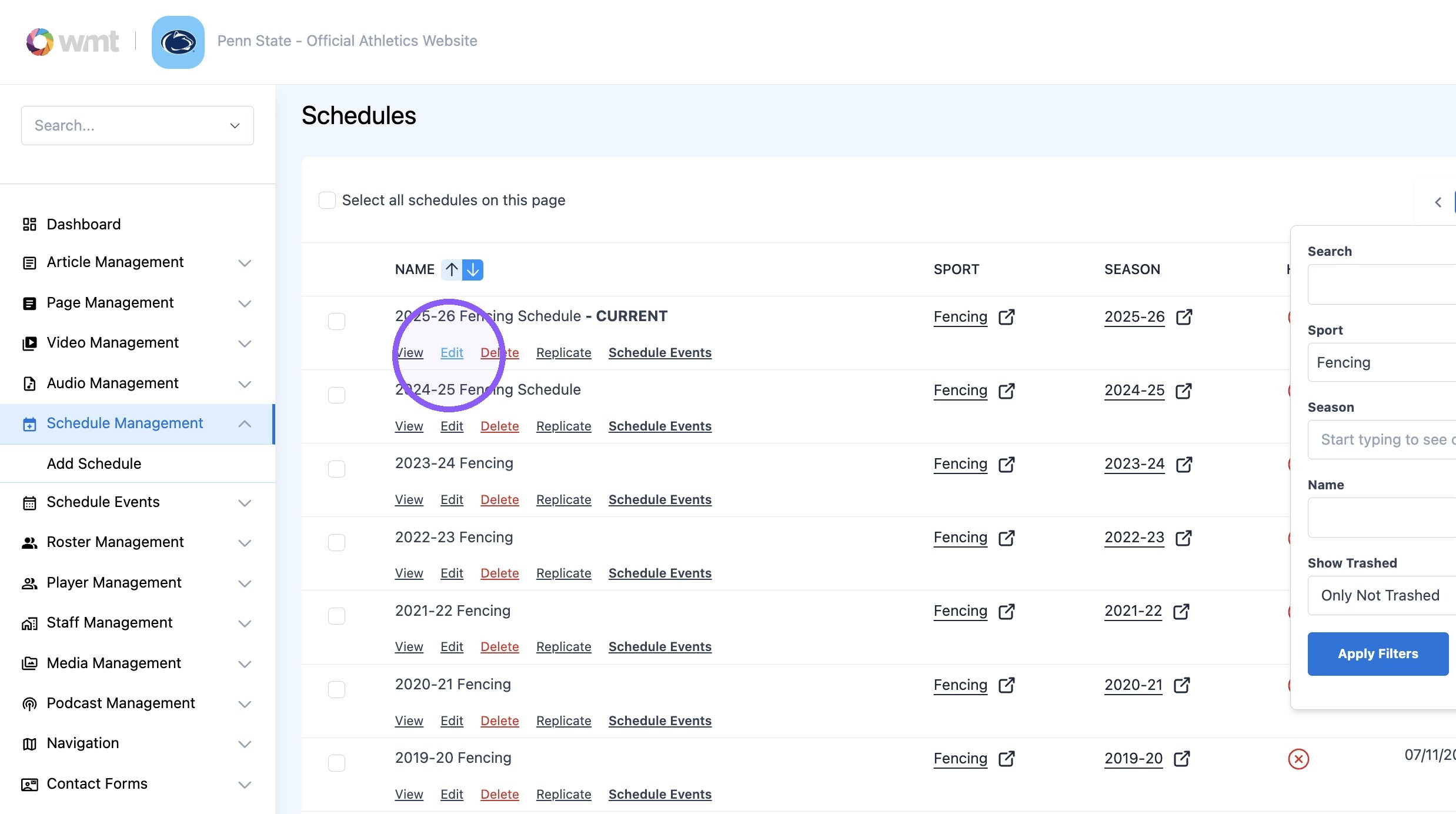
6. Click "Edit"
7. Click here.
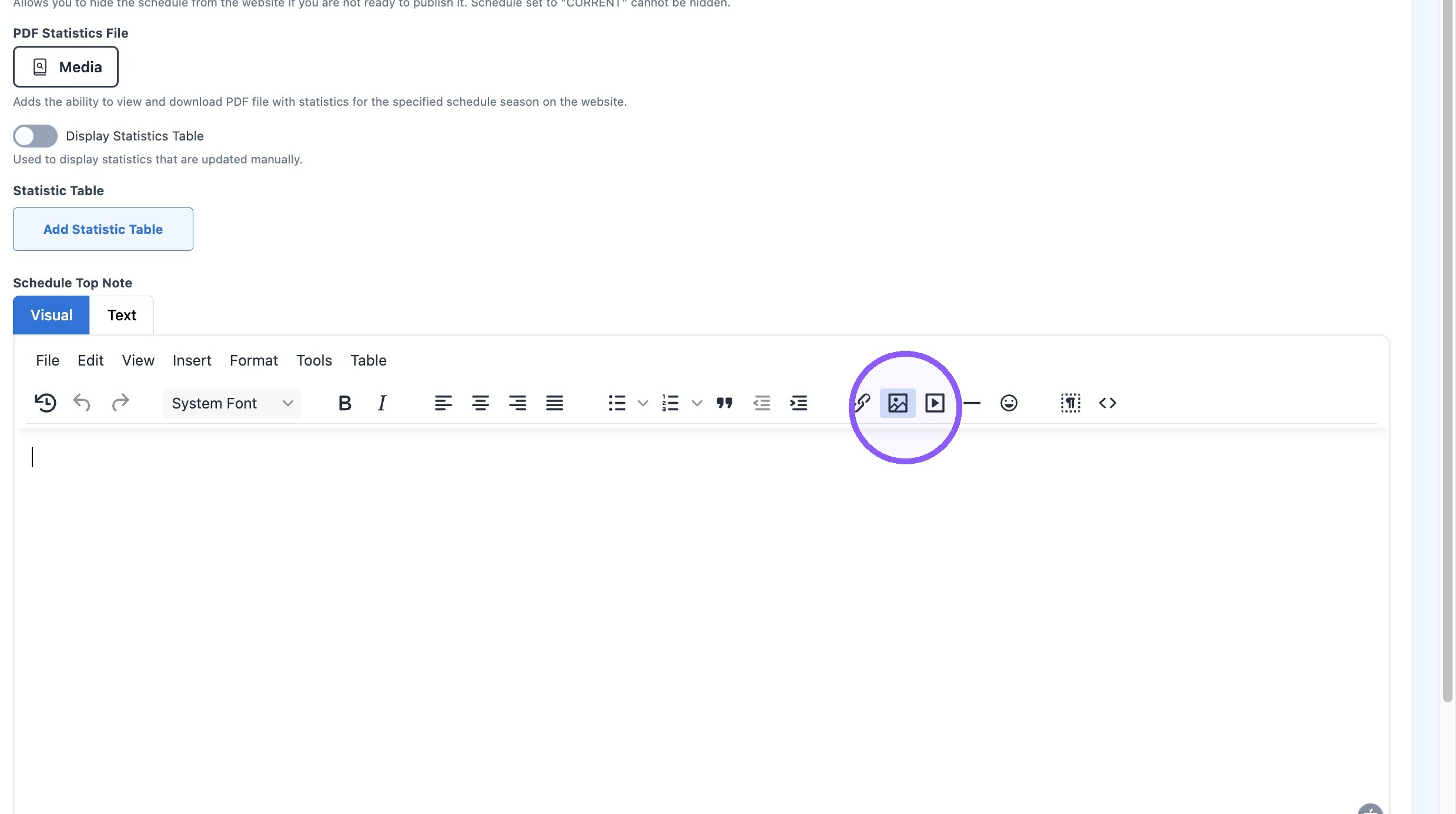
8. Click this icon.
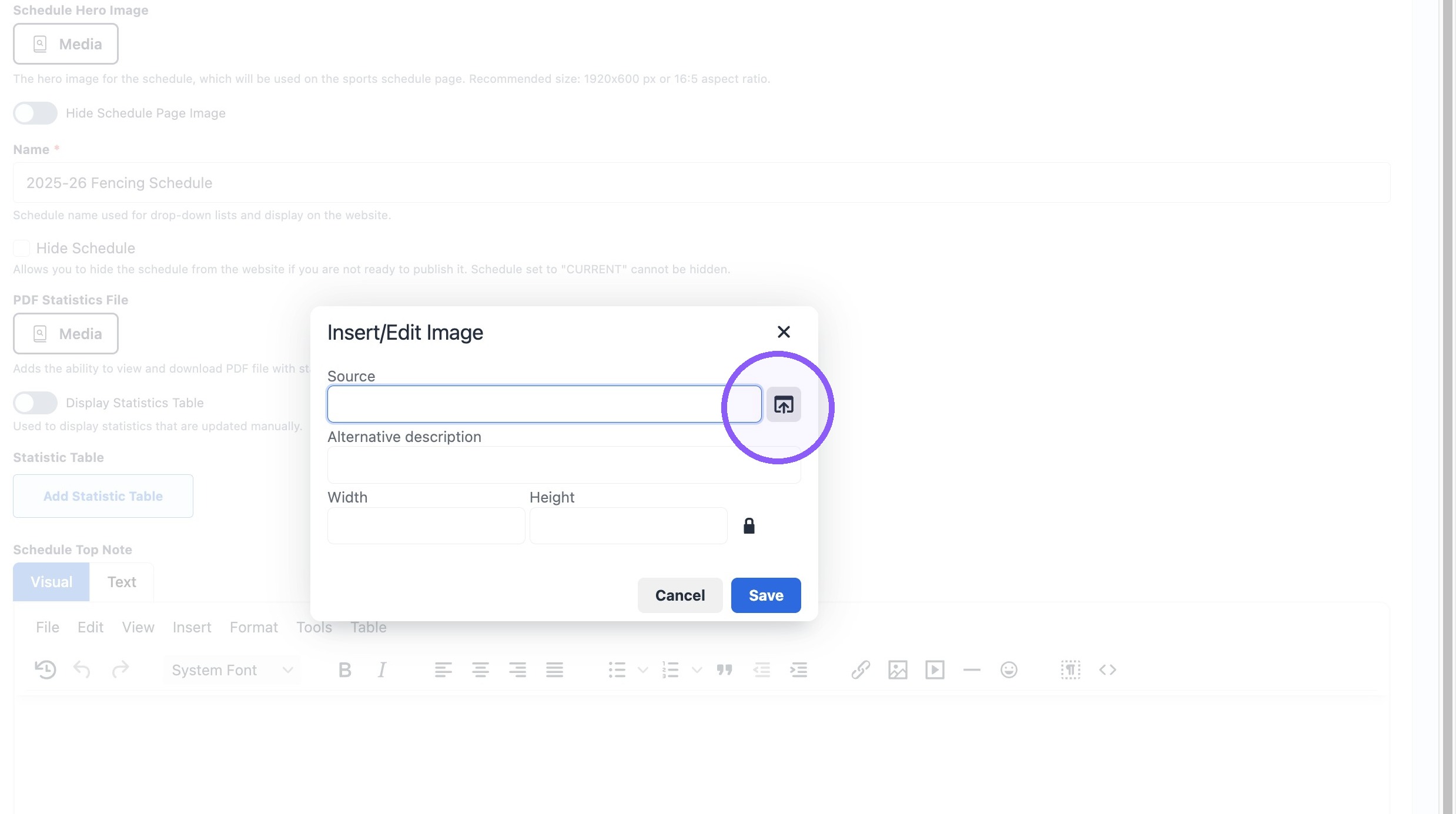
9. Click the "Search" field.
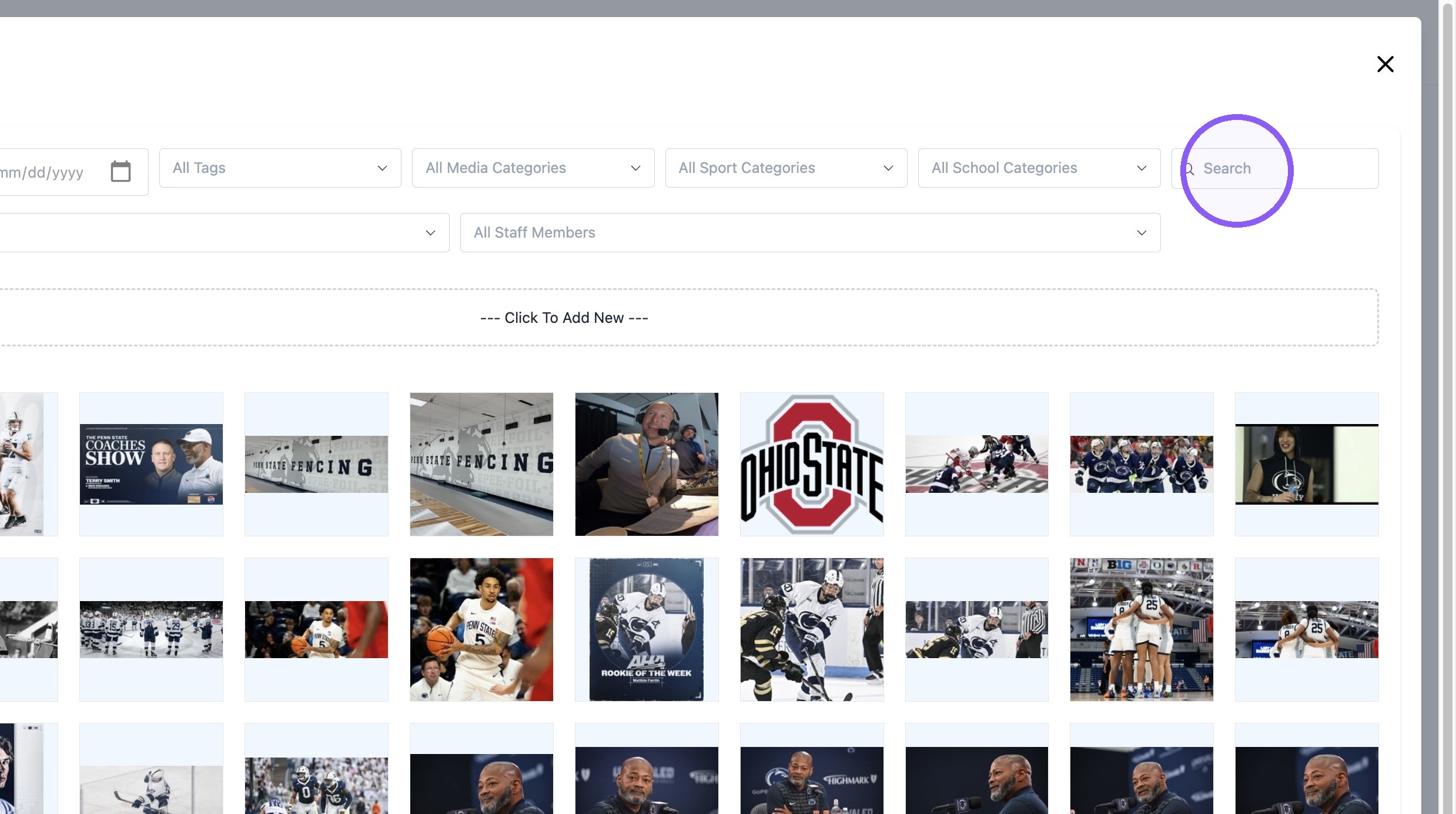
10. Search for : "HAMCO Schedule Banner.jpg"
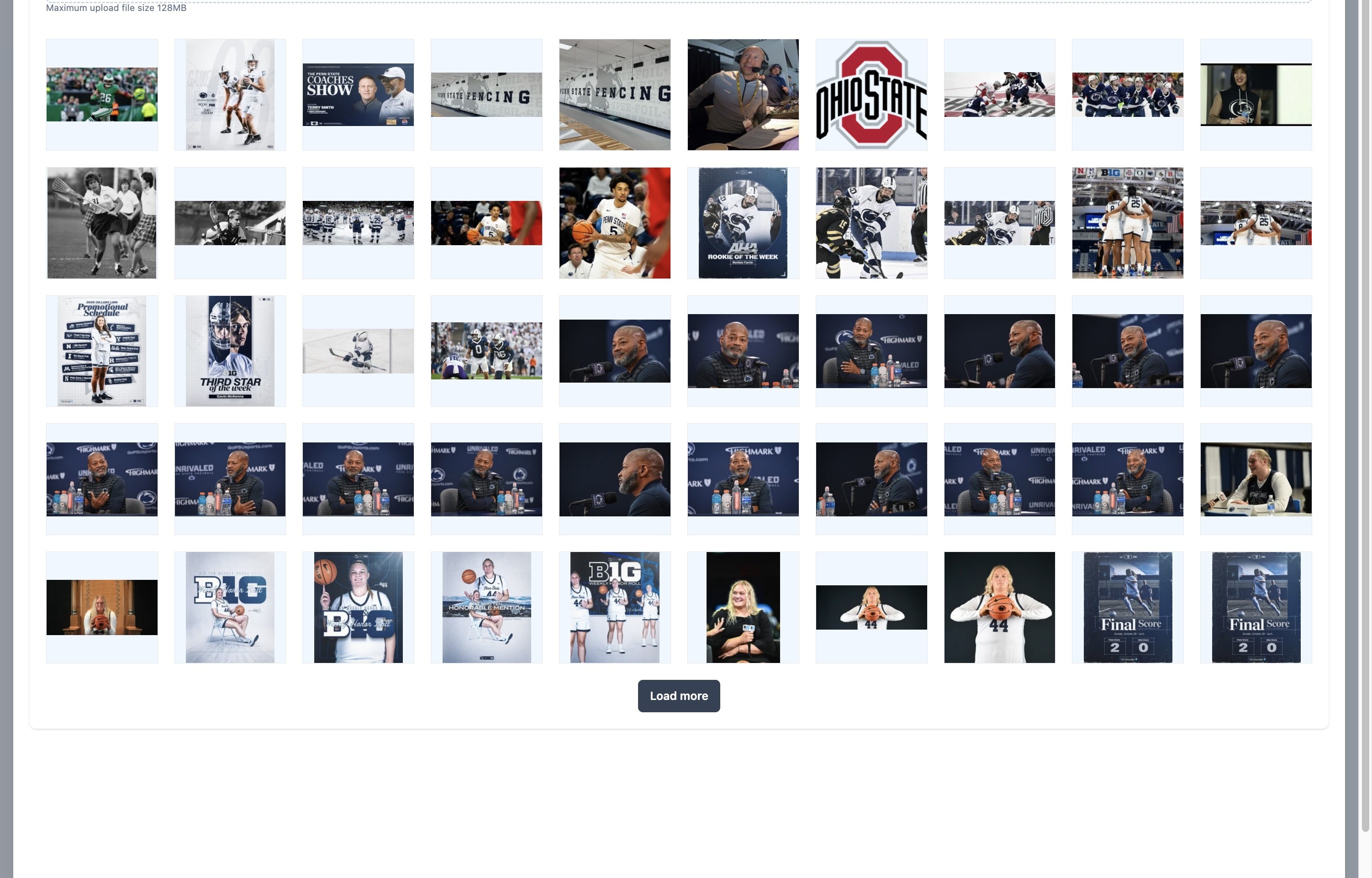
11. Click this image.
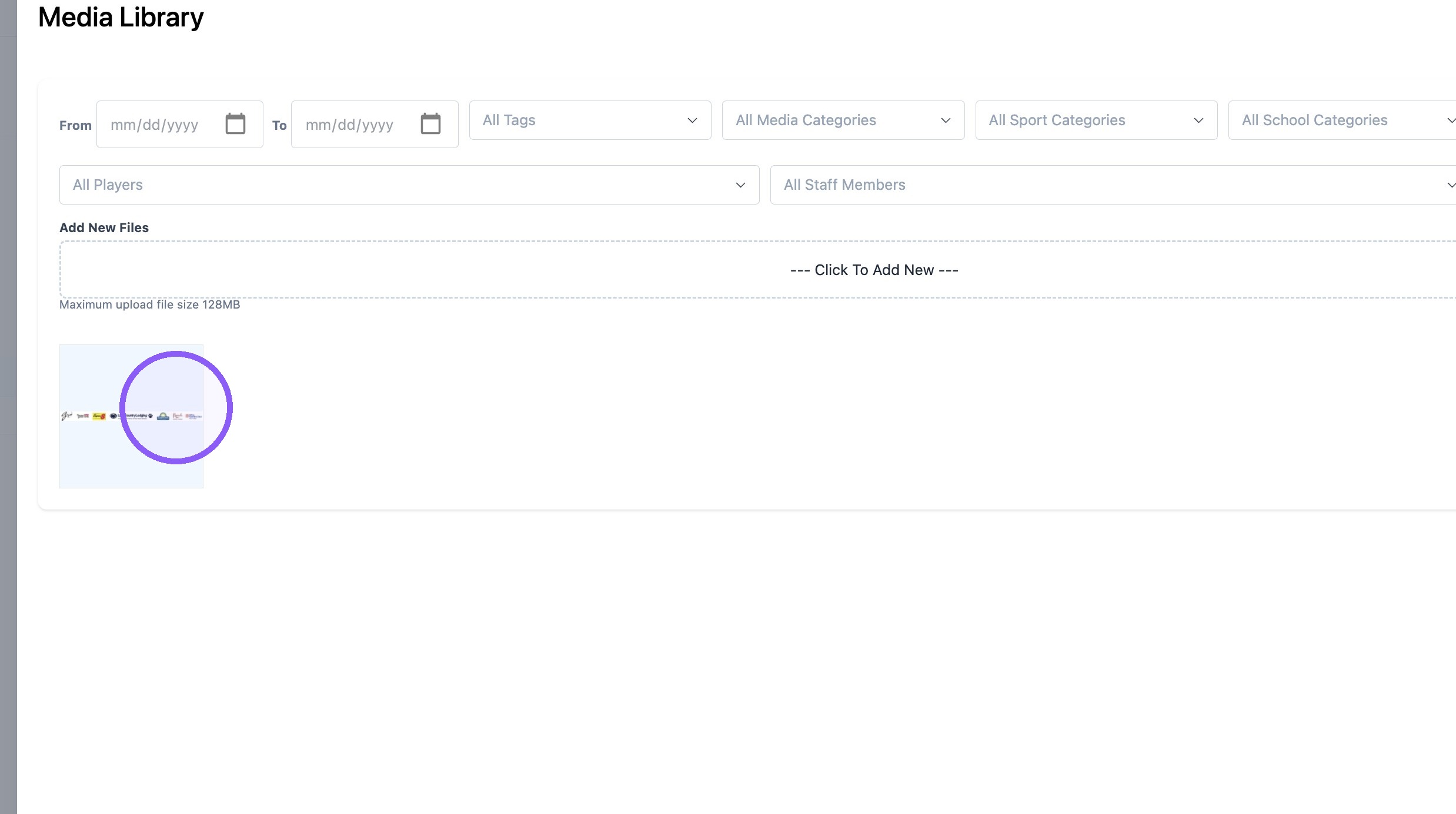
12. Click "Select"
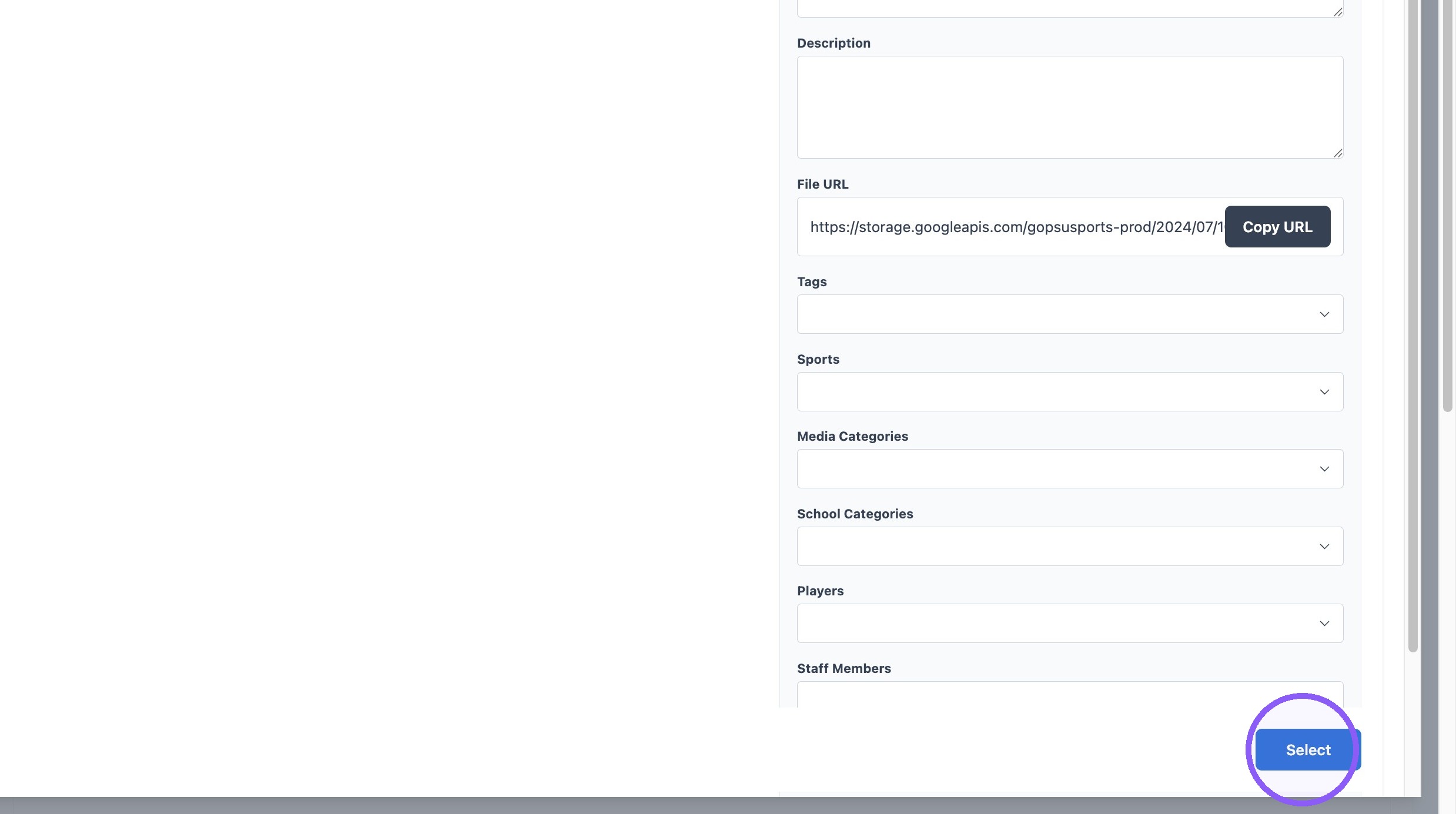
13. Click "Save"

14. Click this icon.
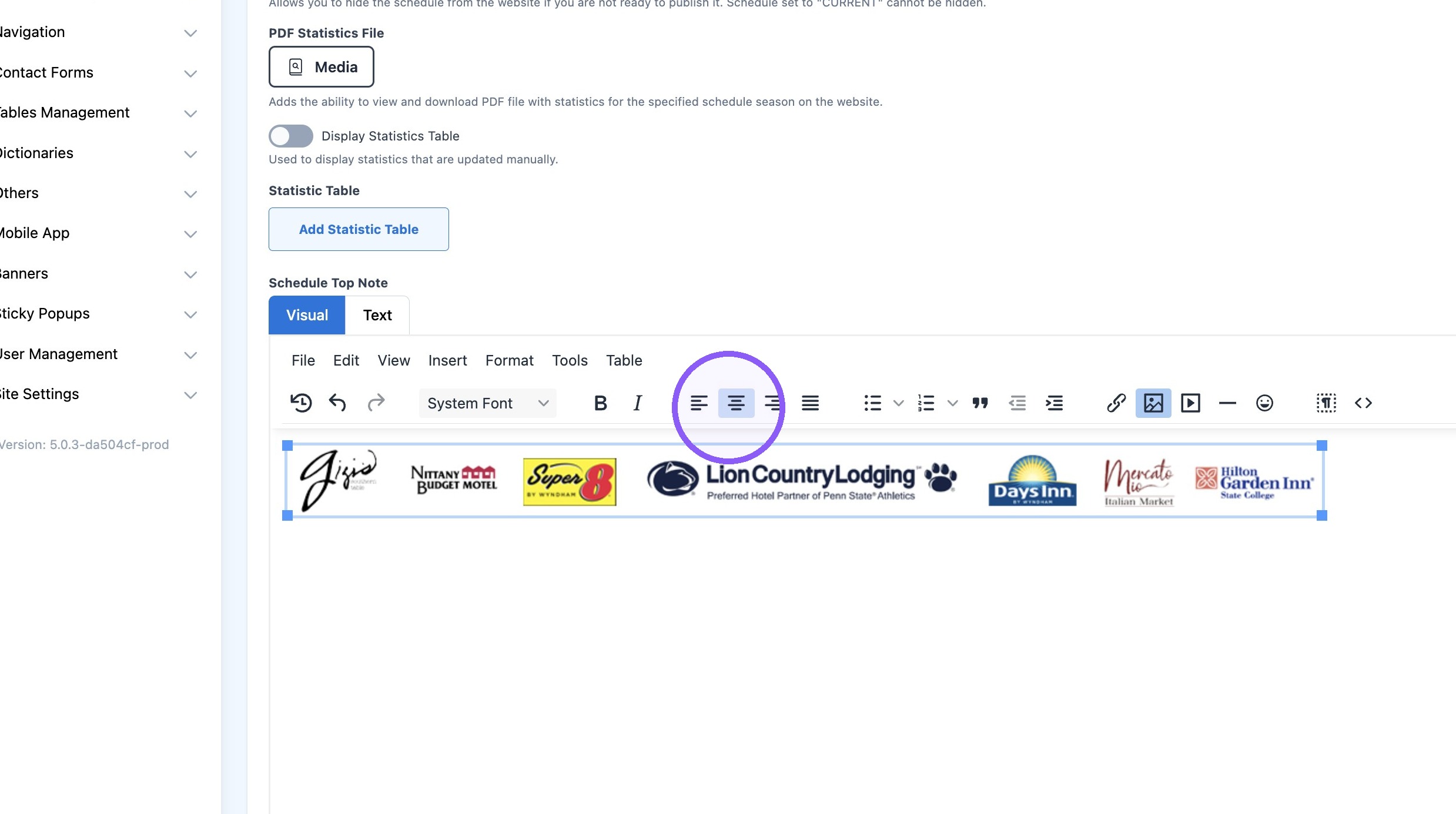
15. Right-click this image.
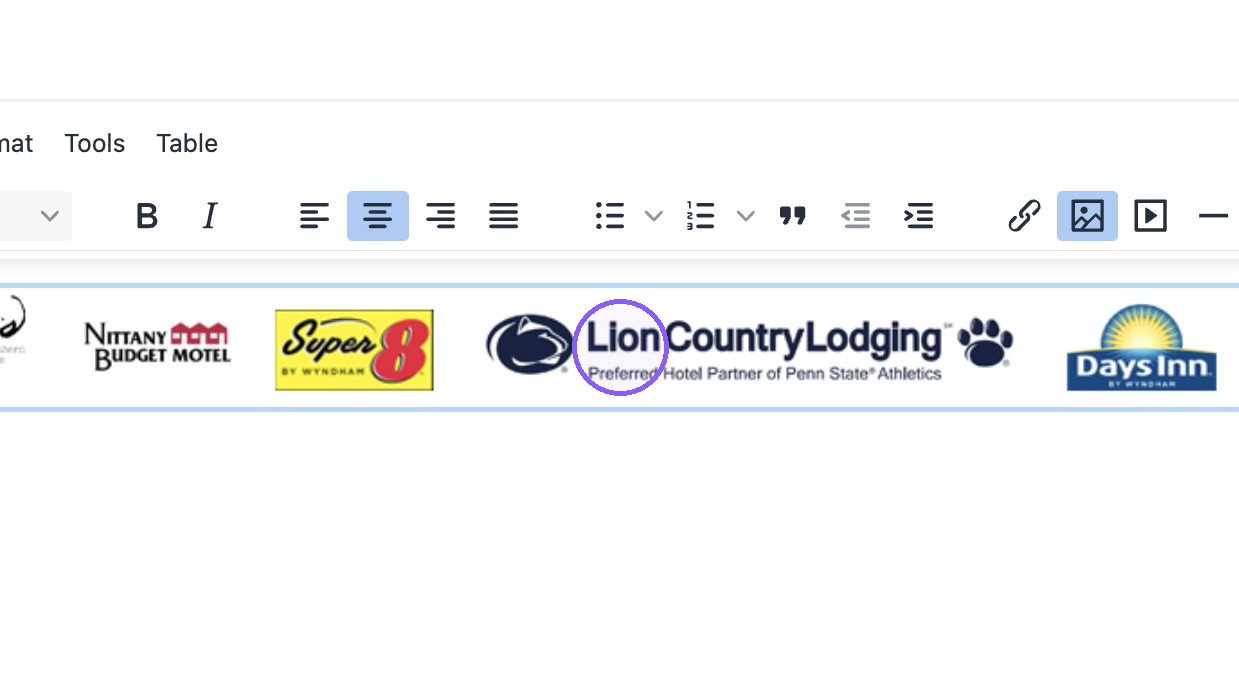
16. Click this icon.
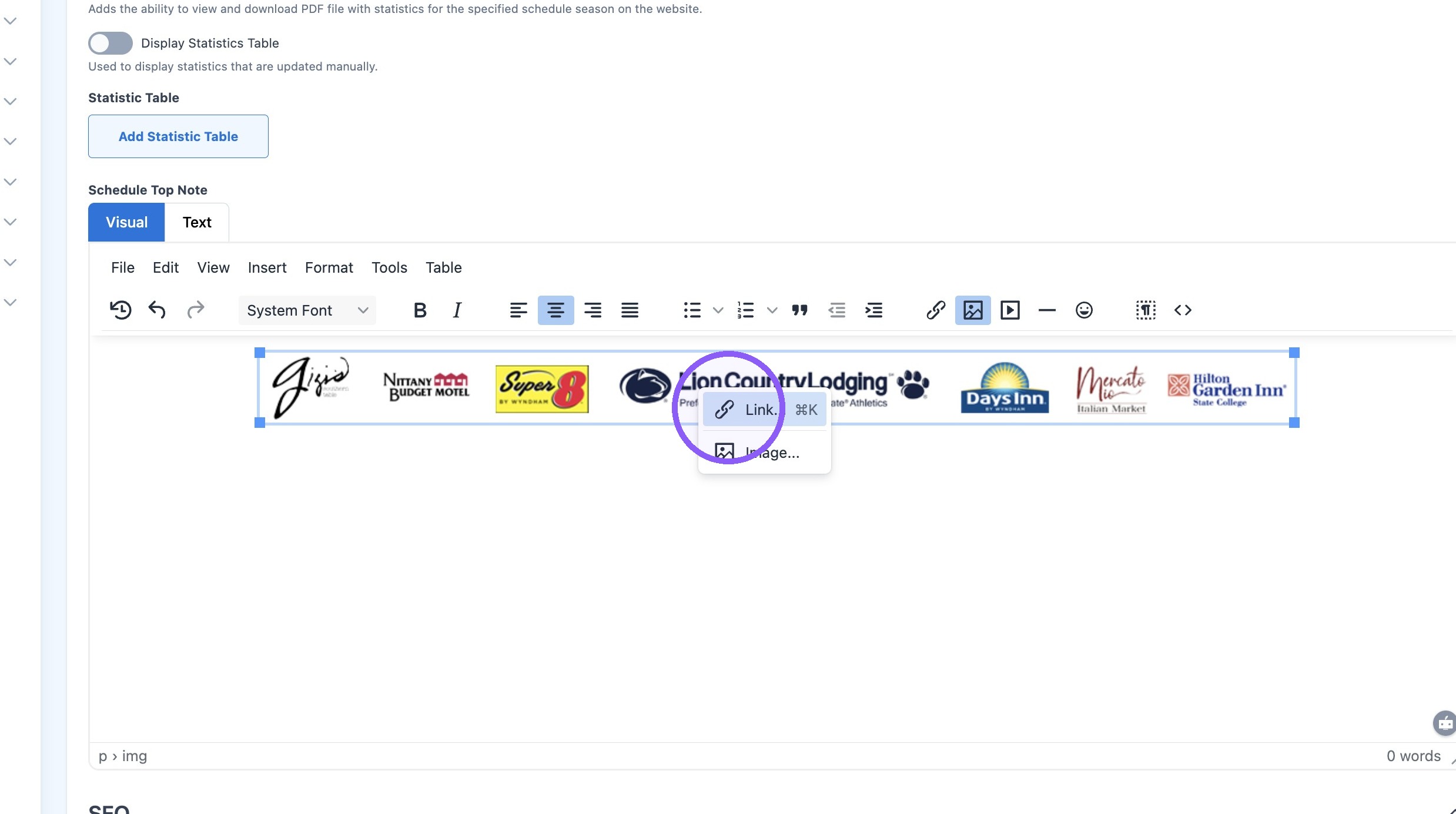
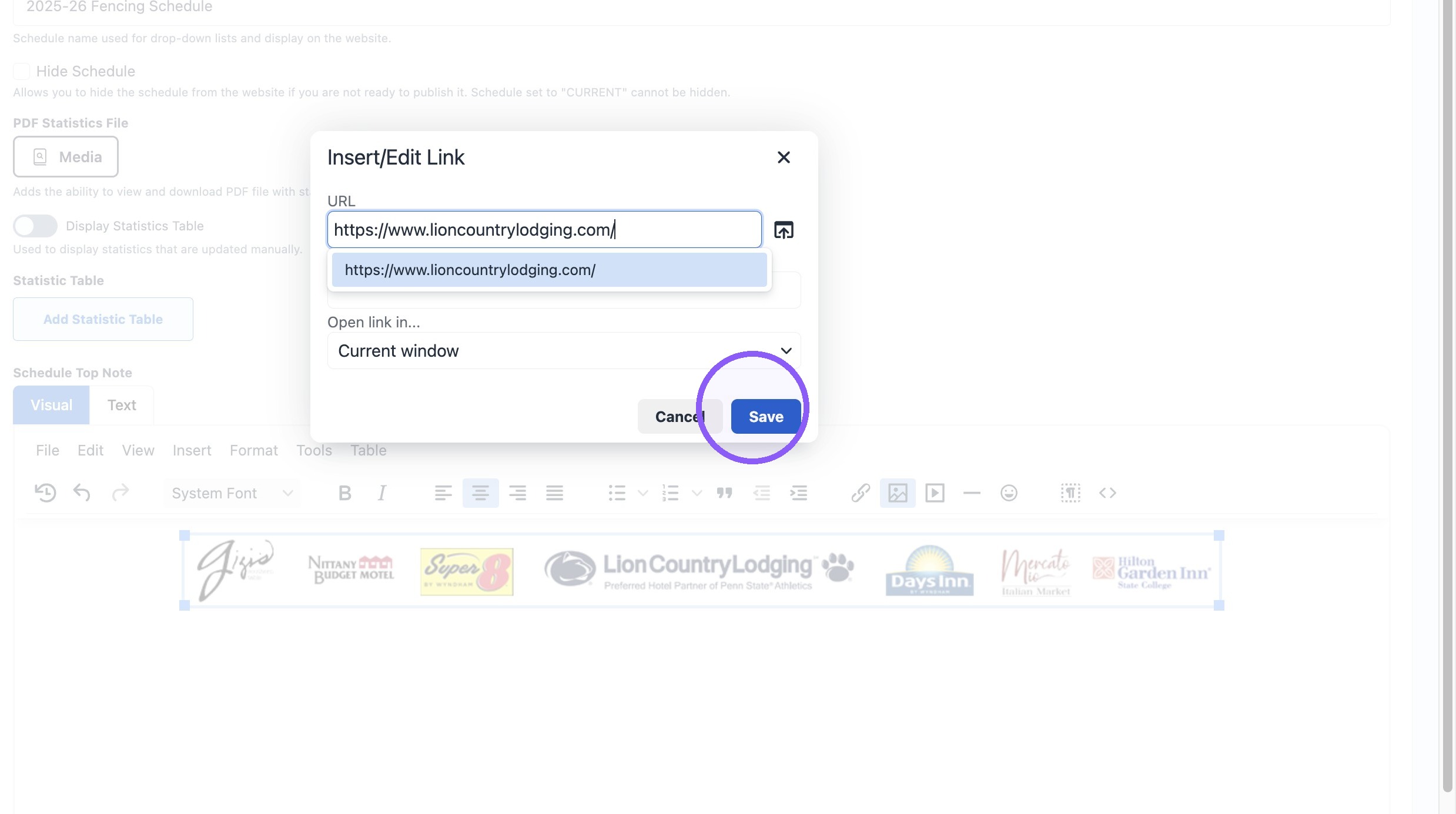
17. Paster Banner link: https://www.lioncountrylodging.com/
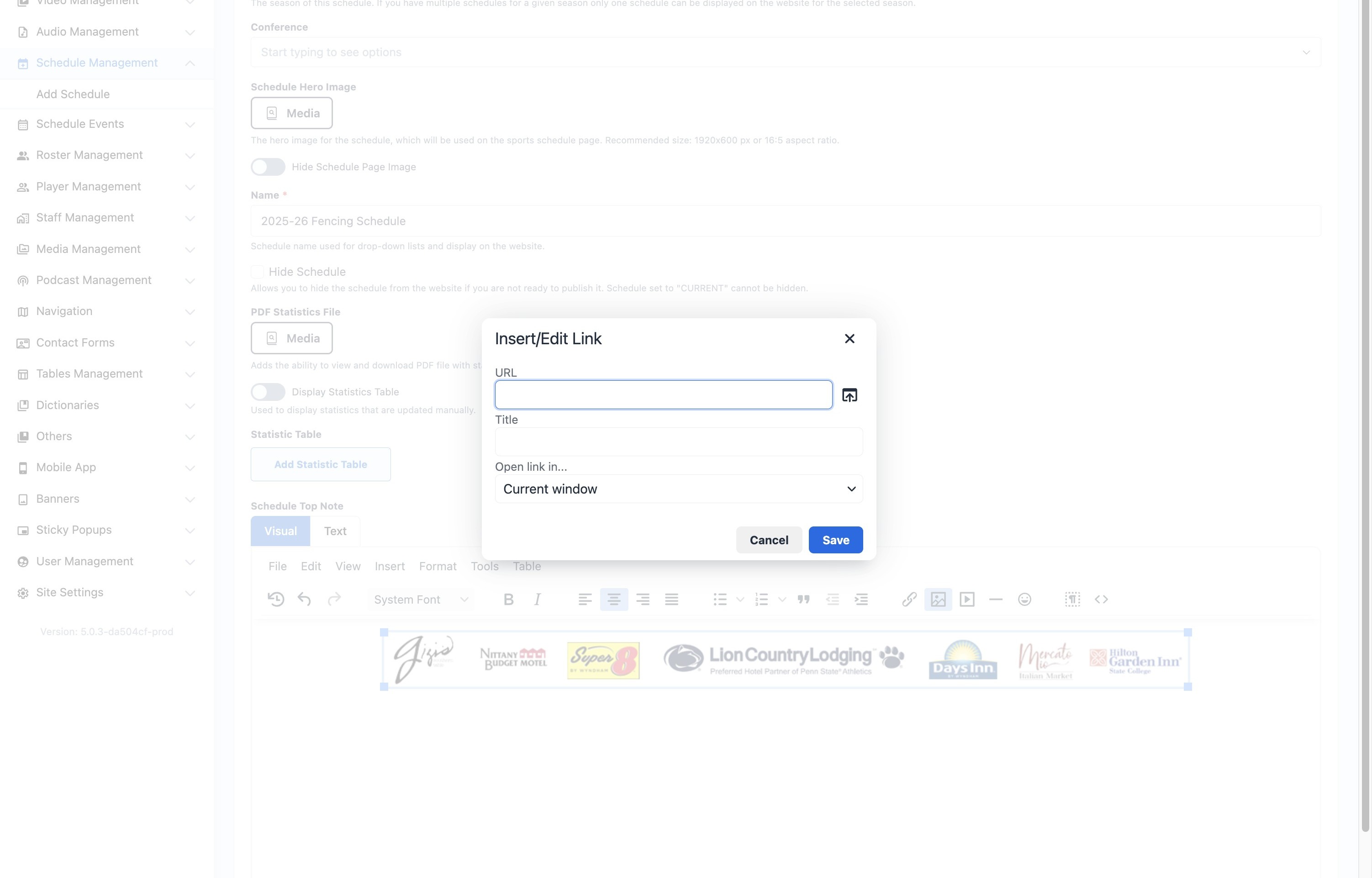
18. Click "Save"
19. Click "Update"