Schedule Events: Attaching Box Scores to Events
Last updated: September 20, 2026
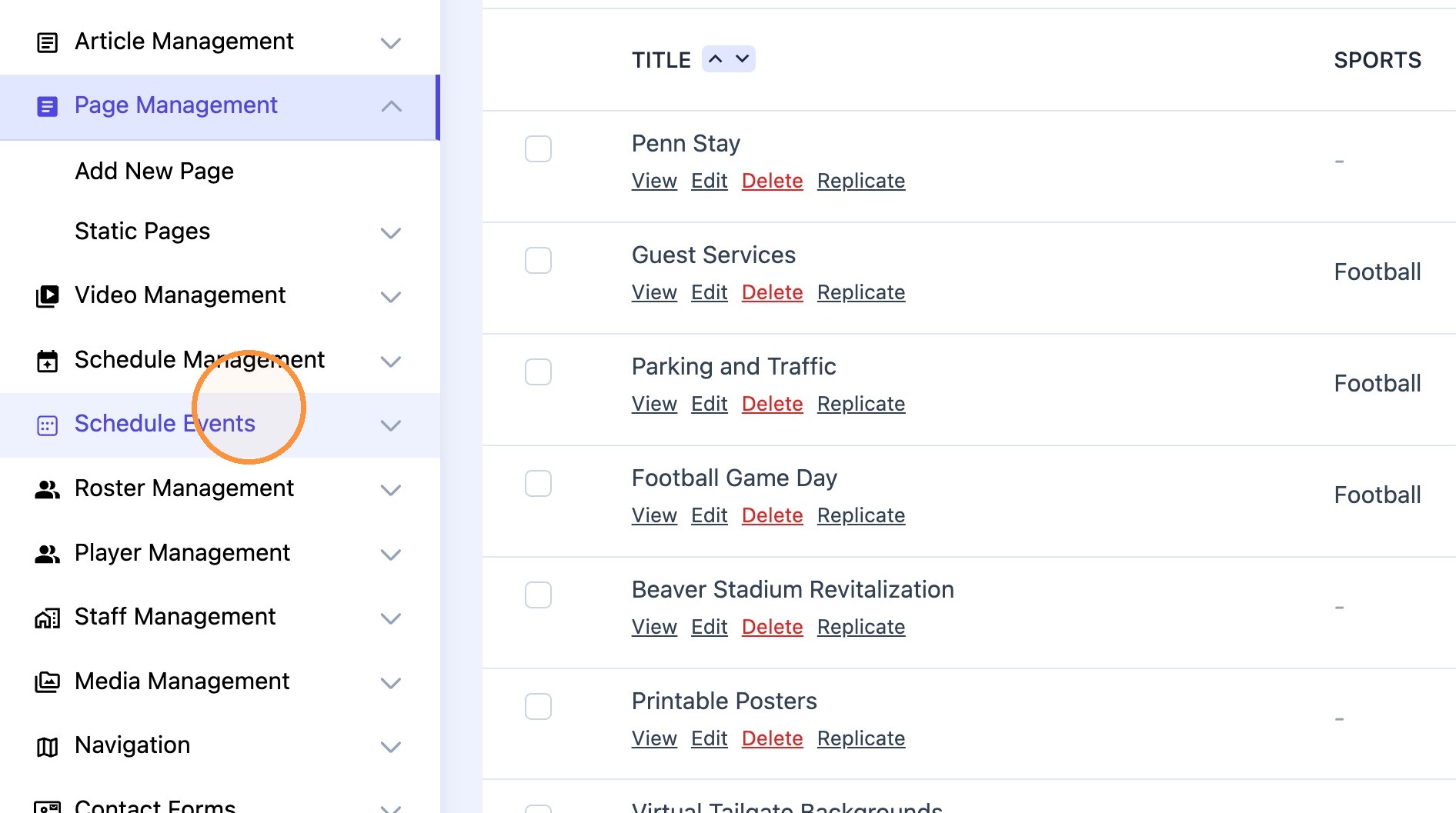
1. Navigate to "Schedule Events" menu.
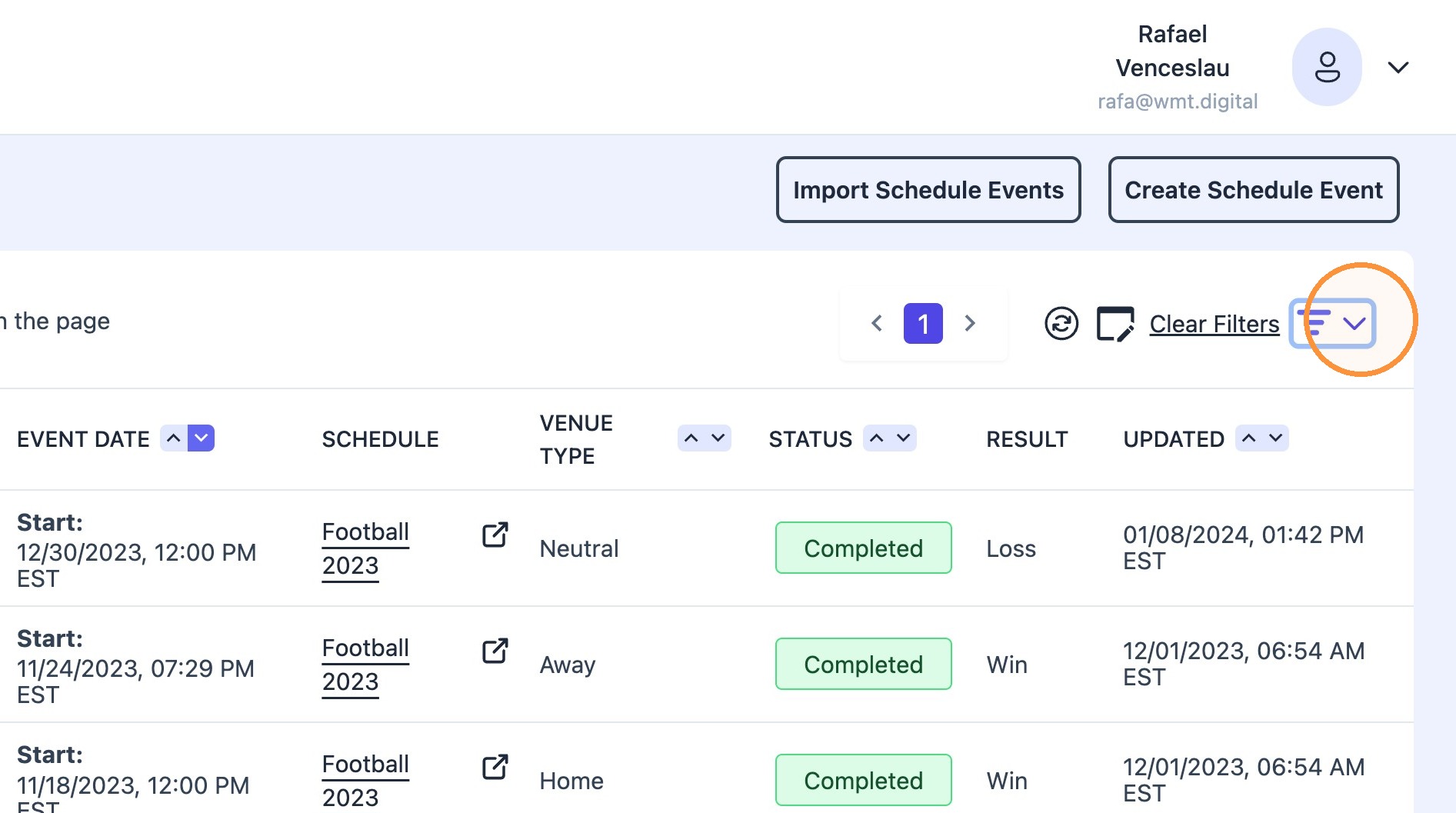
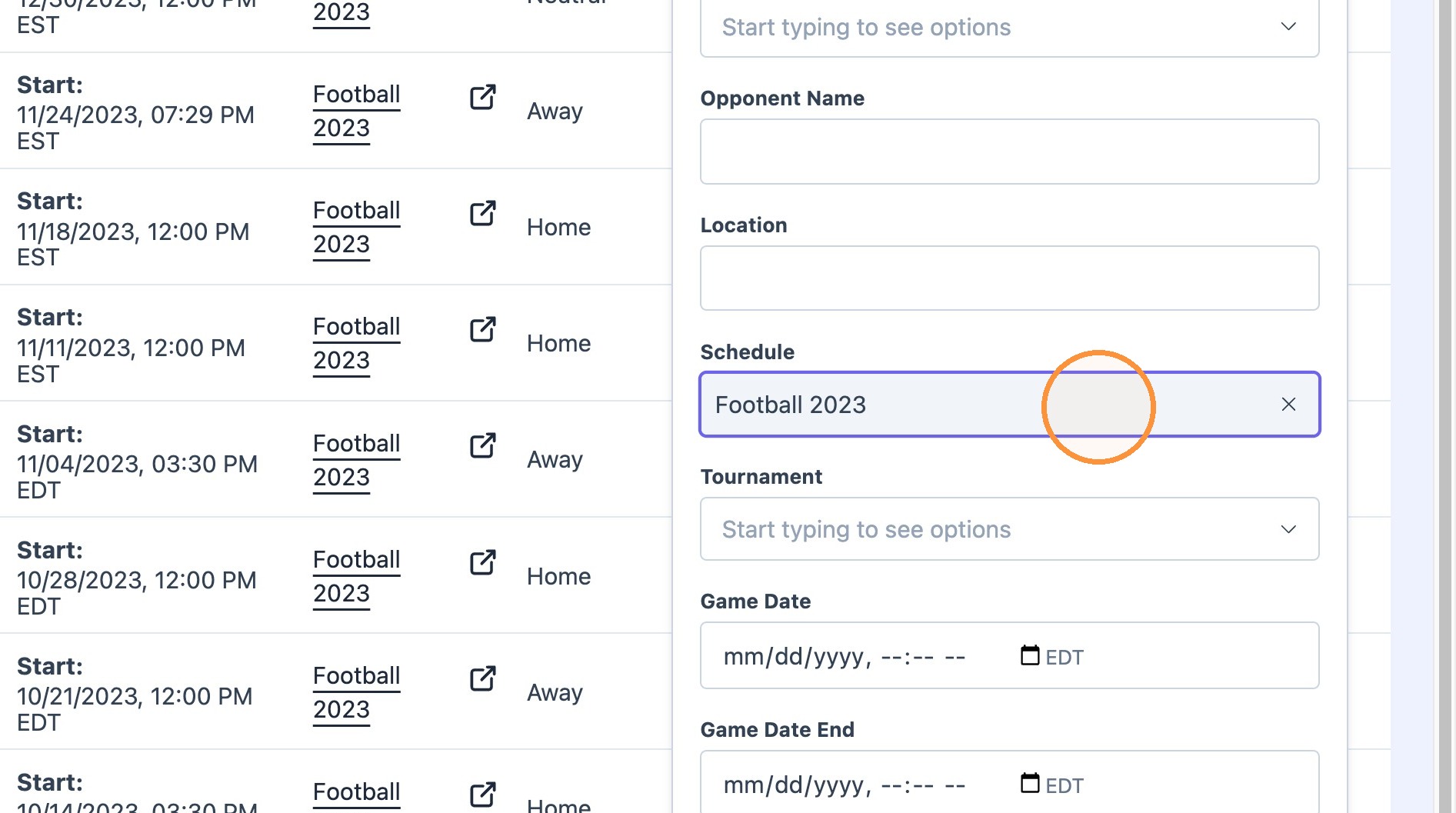
2. Use filter dropdown to select desired sport + season
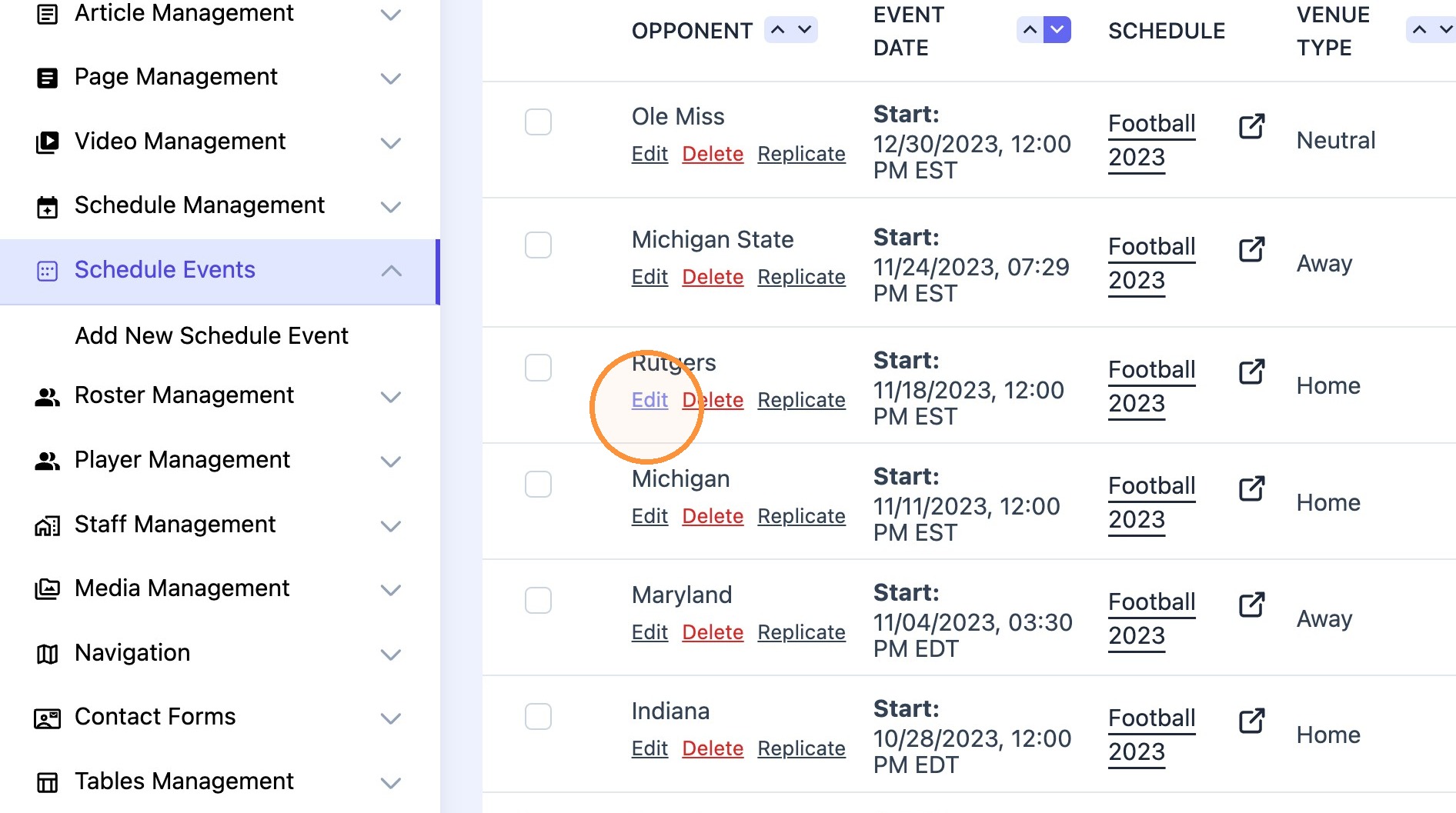
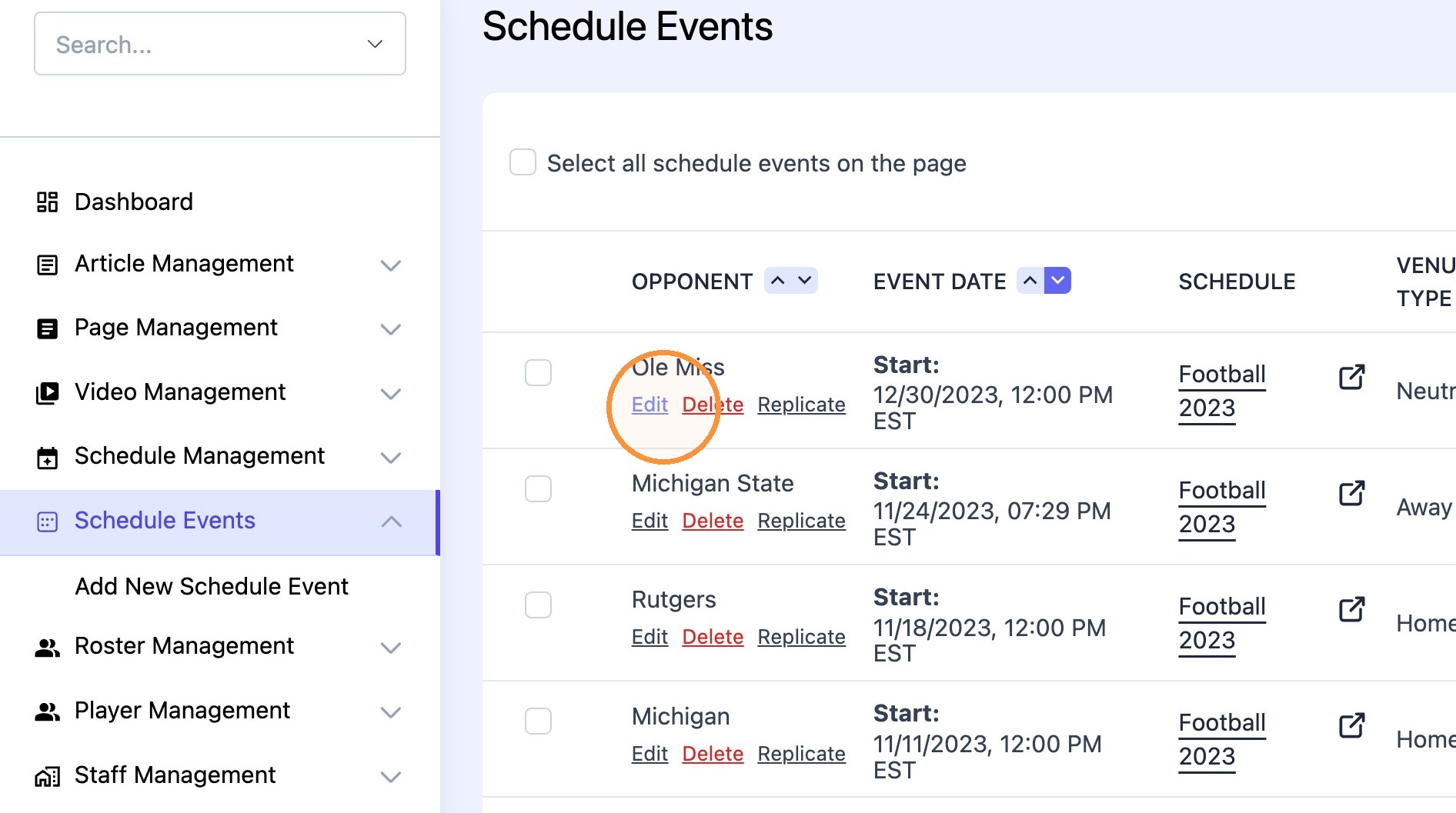
3. Find desired event and click "Edit"
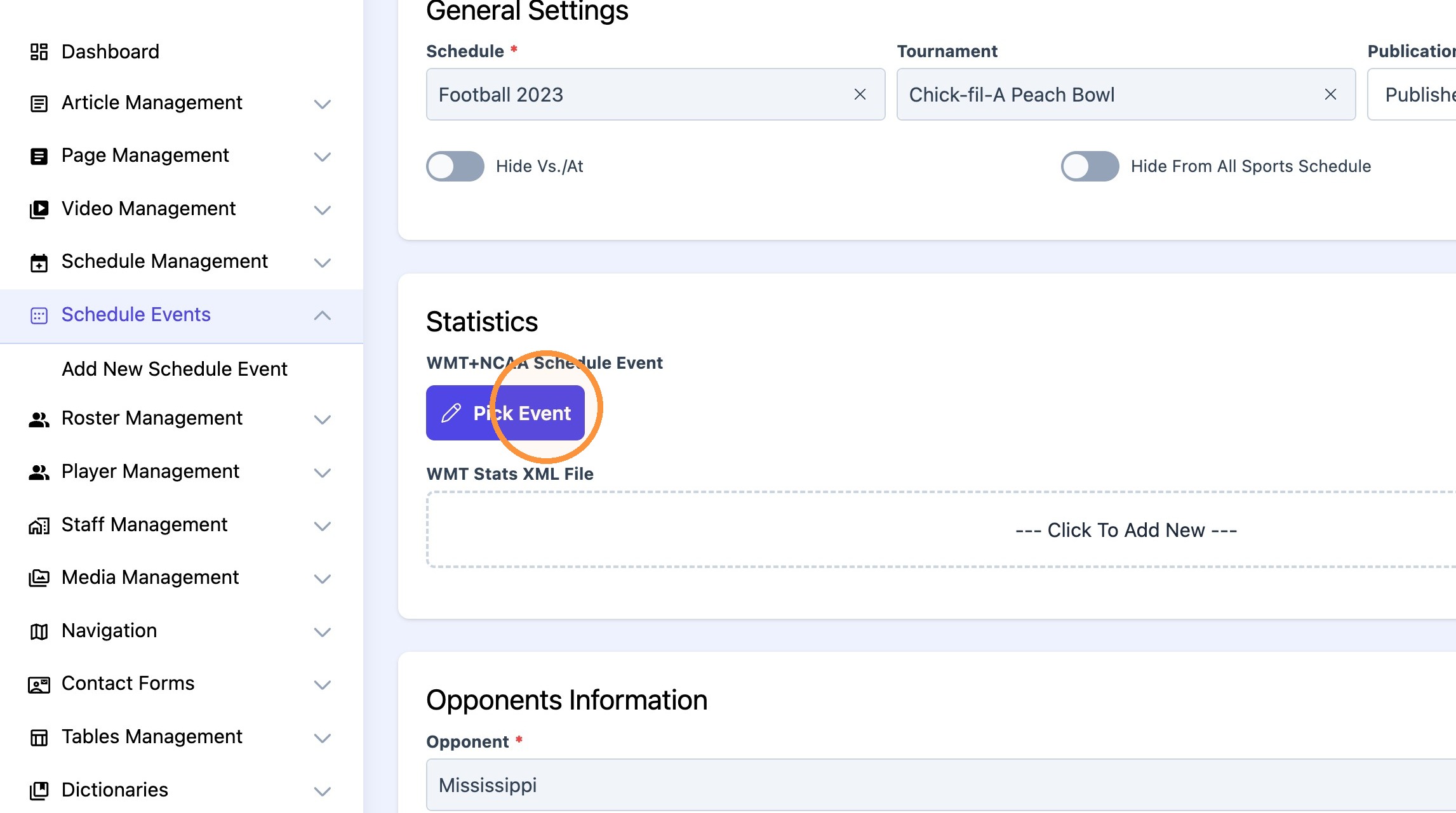
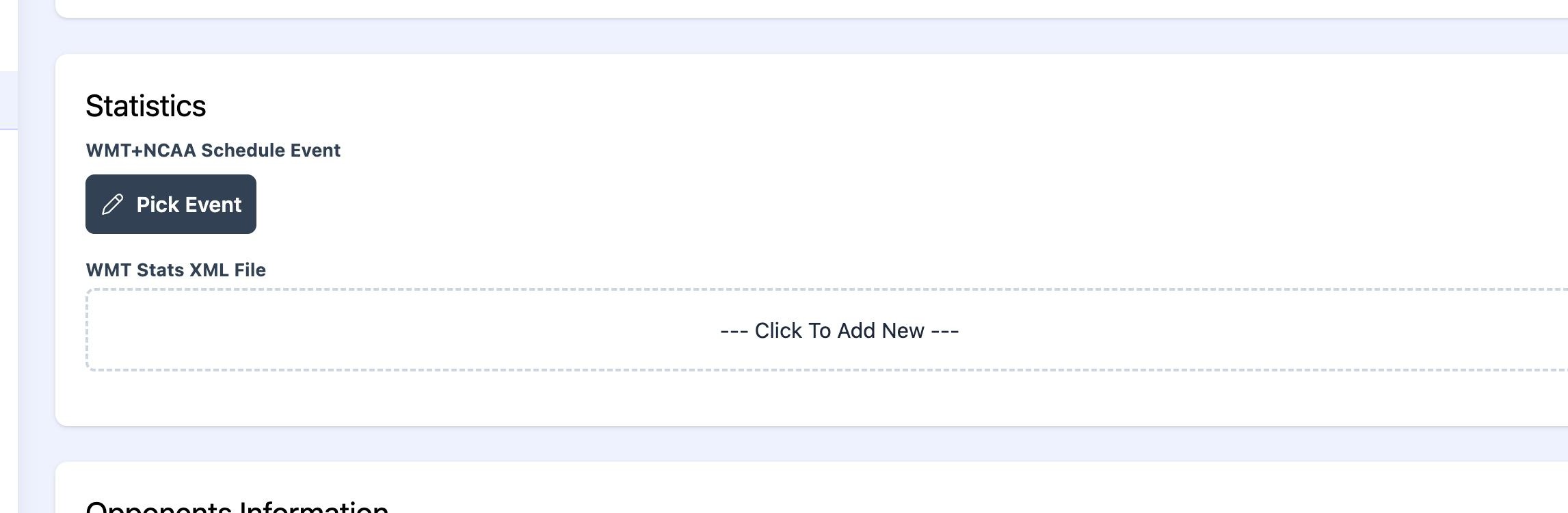
4. Click "Pick Event" under statistics box
5. Select the desired sport from the drop-down menu.
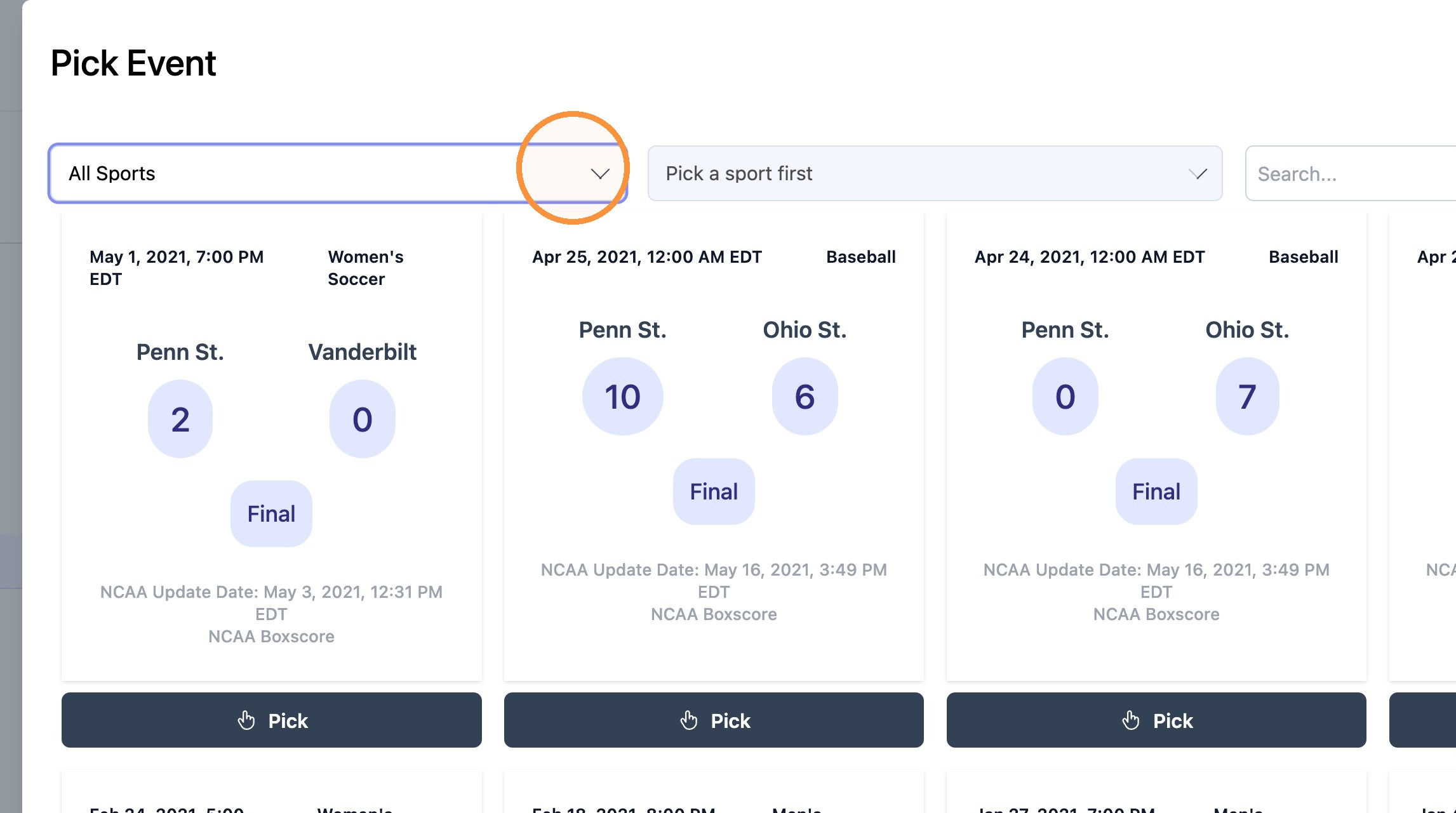
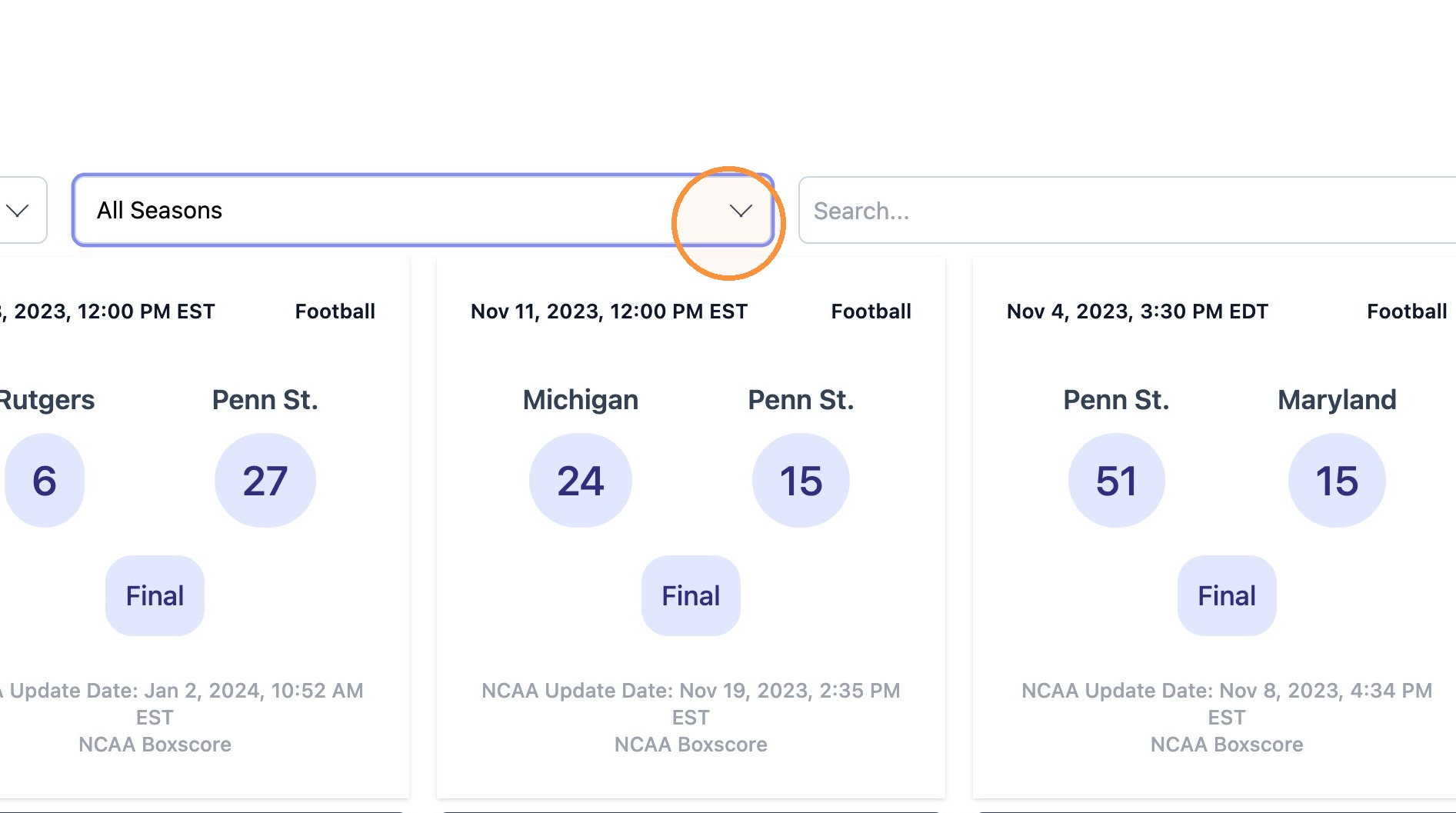
6. Select the desired season from the drop-down menu.
Note: The NCAA uses the ending year of the academic year format for spring sports. To map a 2024 fall sports team or 2024-25 winter sports team, 2025 needs to be selected.
Optional: Use "Search..." field to find specific event fast.
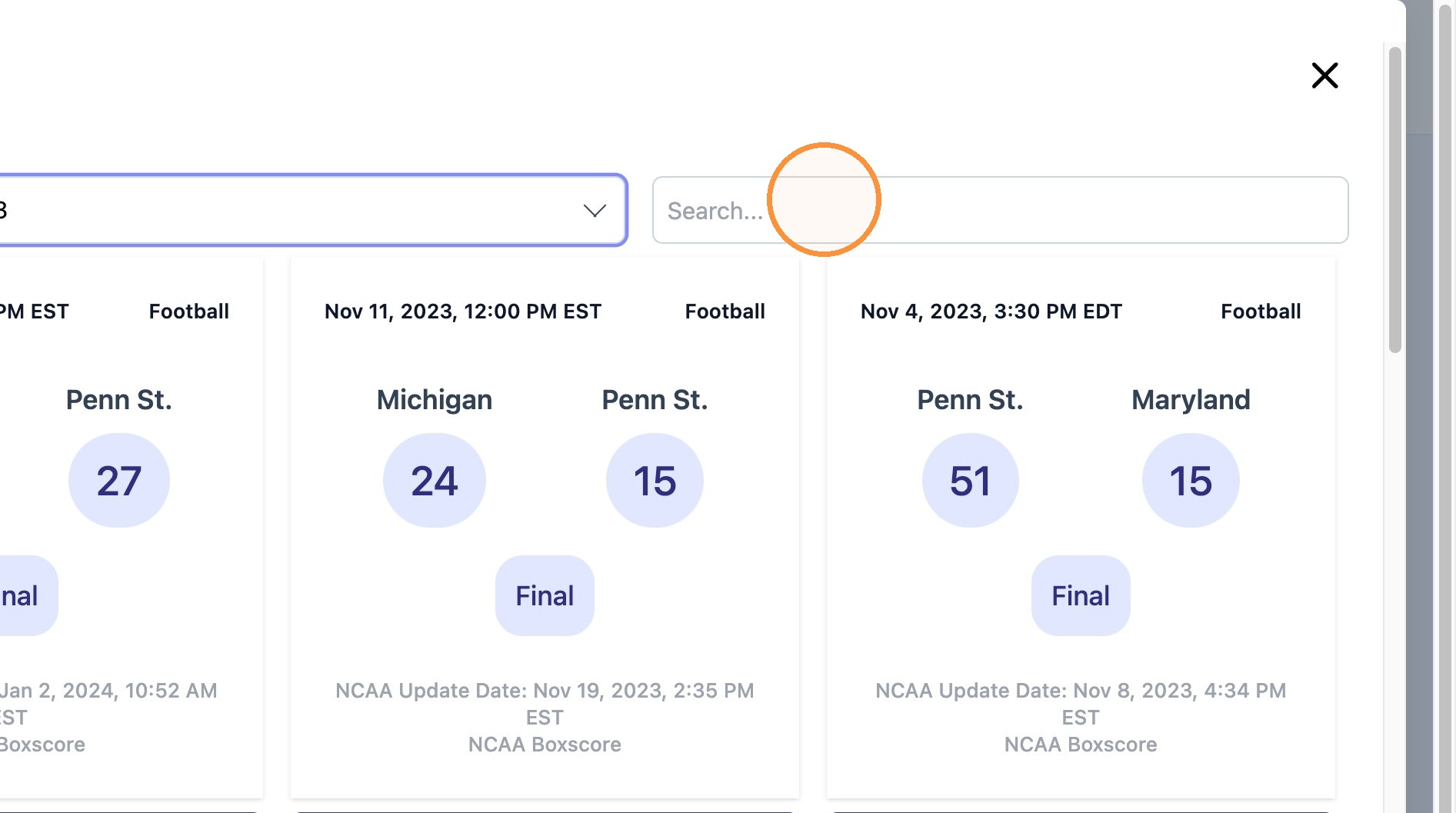
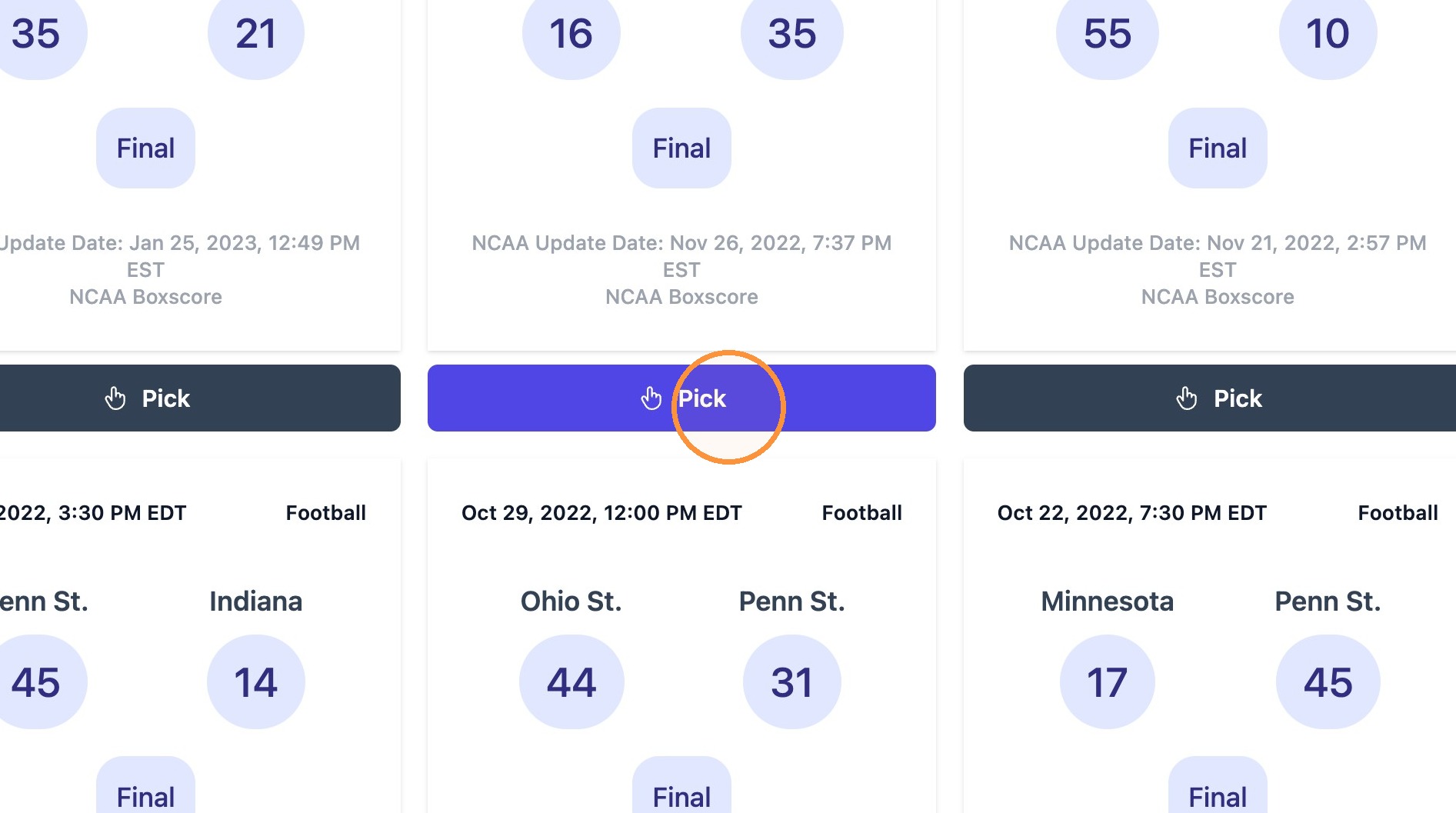
7. Click "Pick" on the desired event.
Tip: Note! For sports where Stats are not supported by NCAA, use "click to add New" link to upload XML files.
8. Click "Update" to finish the process and move on to the next event.