Creating a Hidden Sports Schedule
Last updated: September 20, 2026
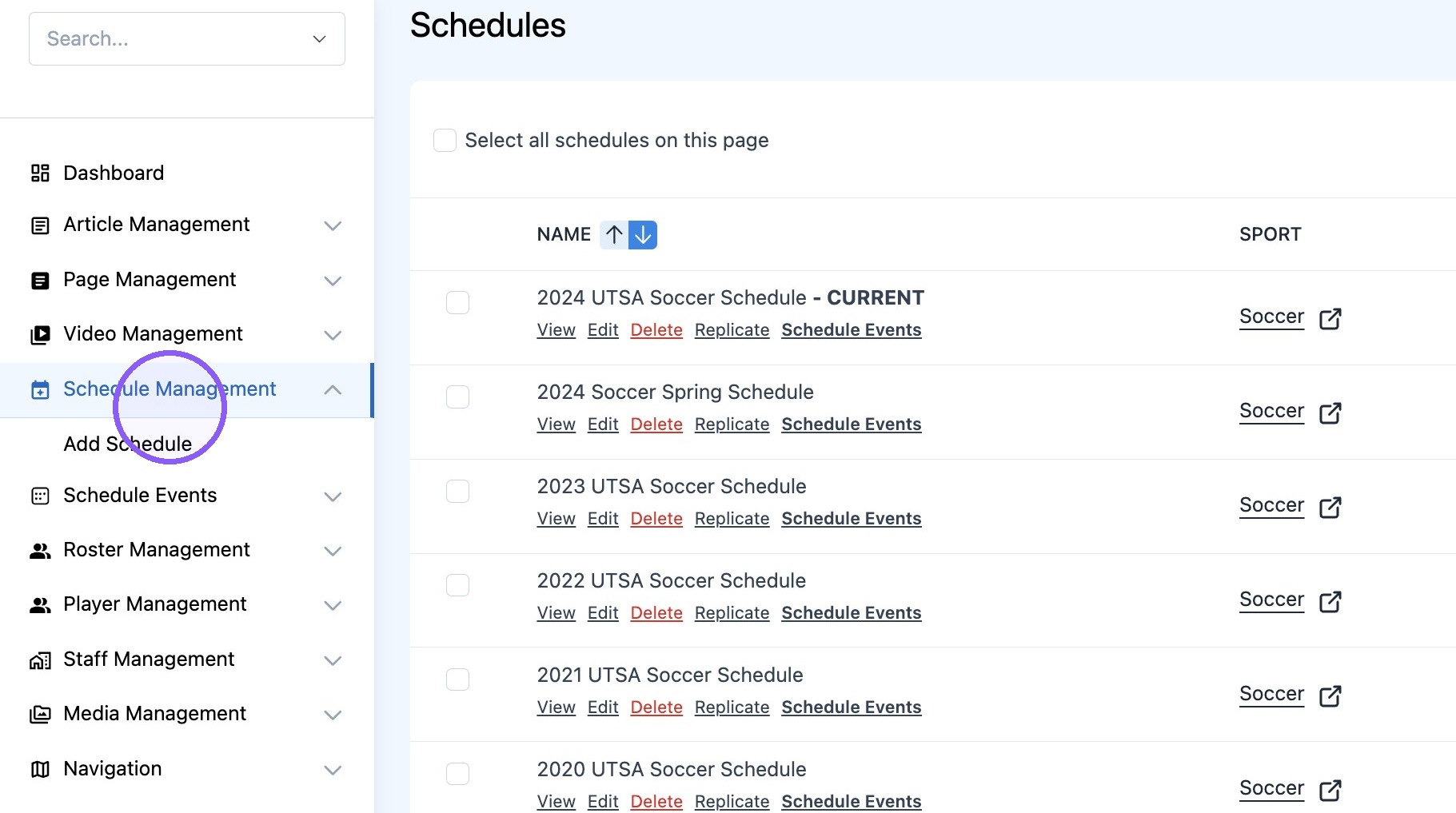
1. Click "Schedule Management"
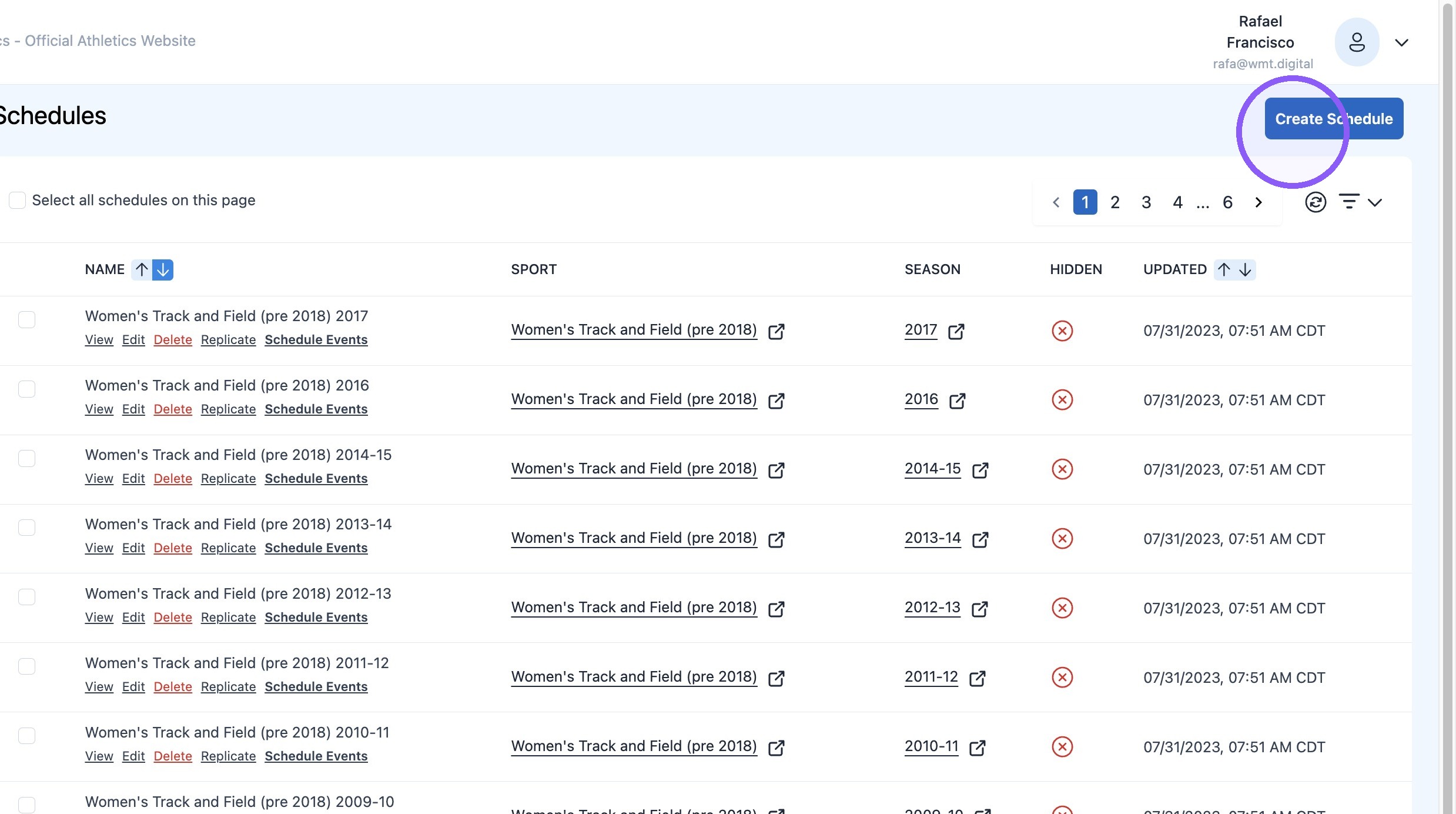
2. Click "Create Schedule"
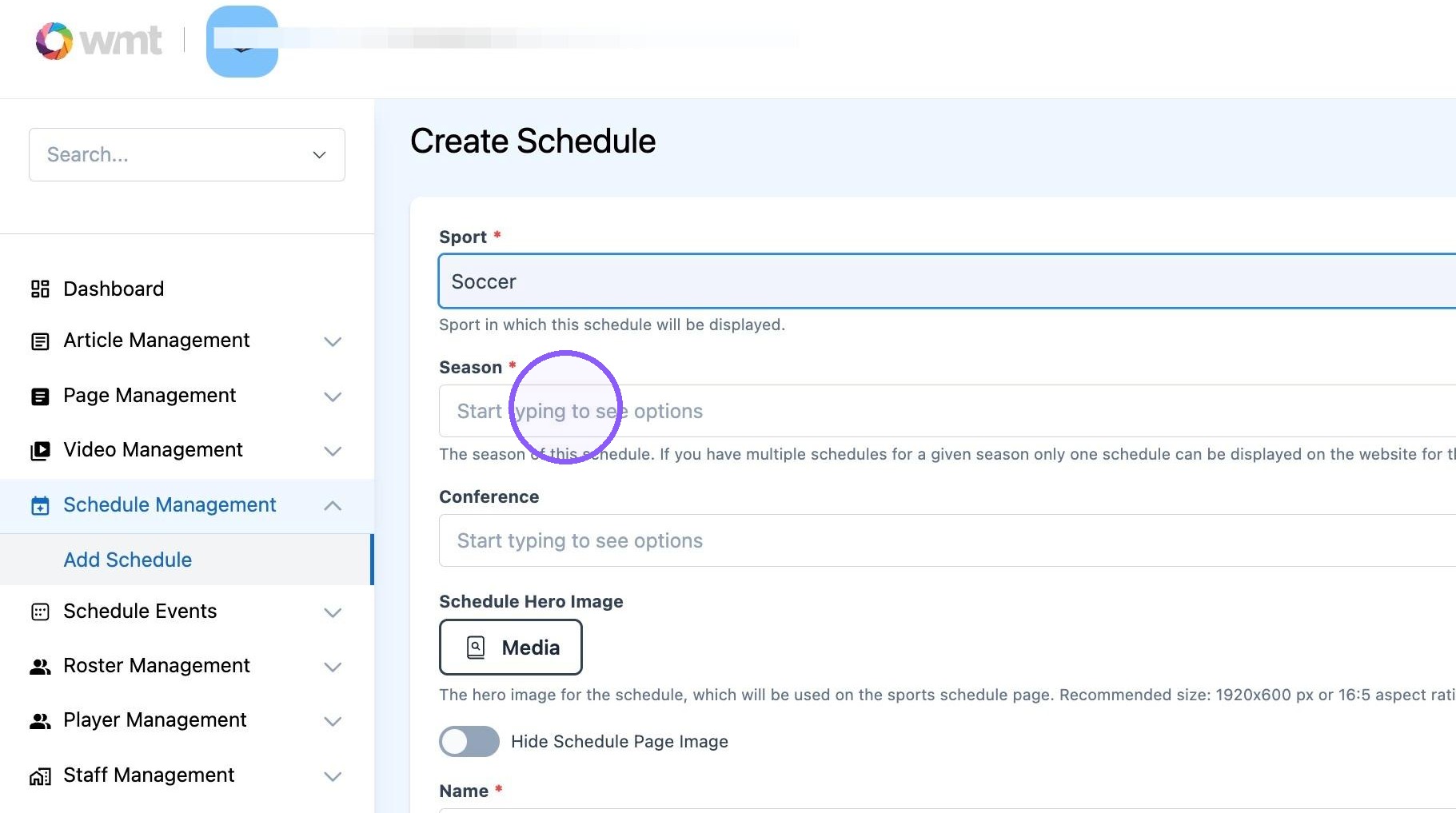
3. Select the desired Sport
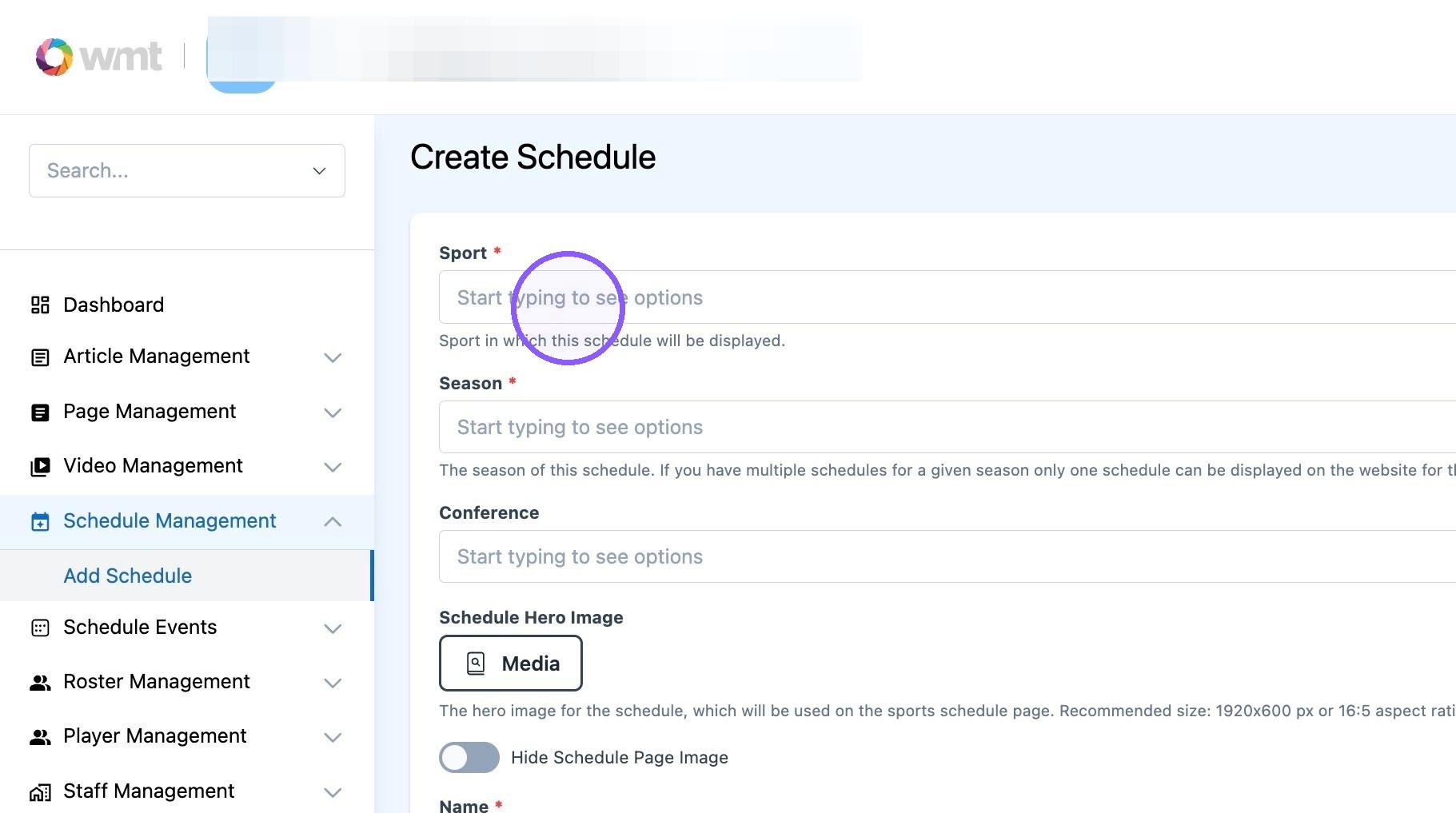
4. Select the desired season
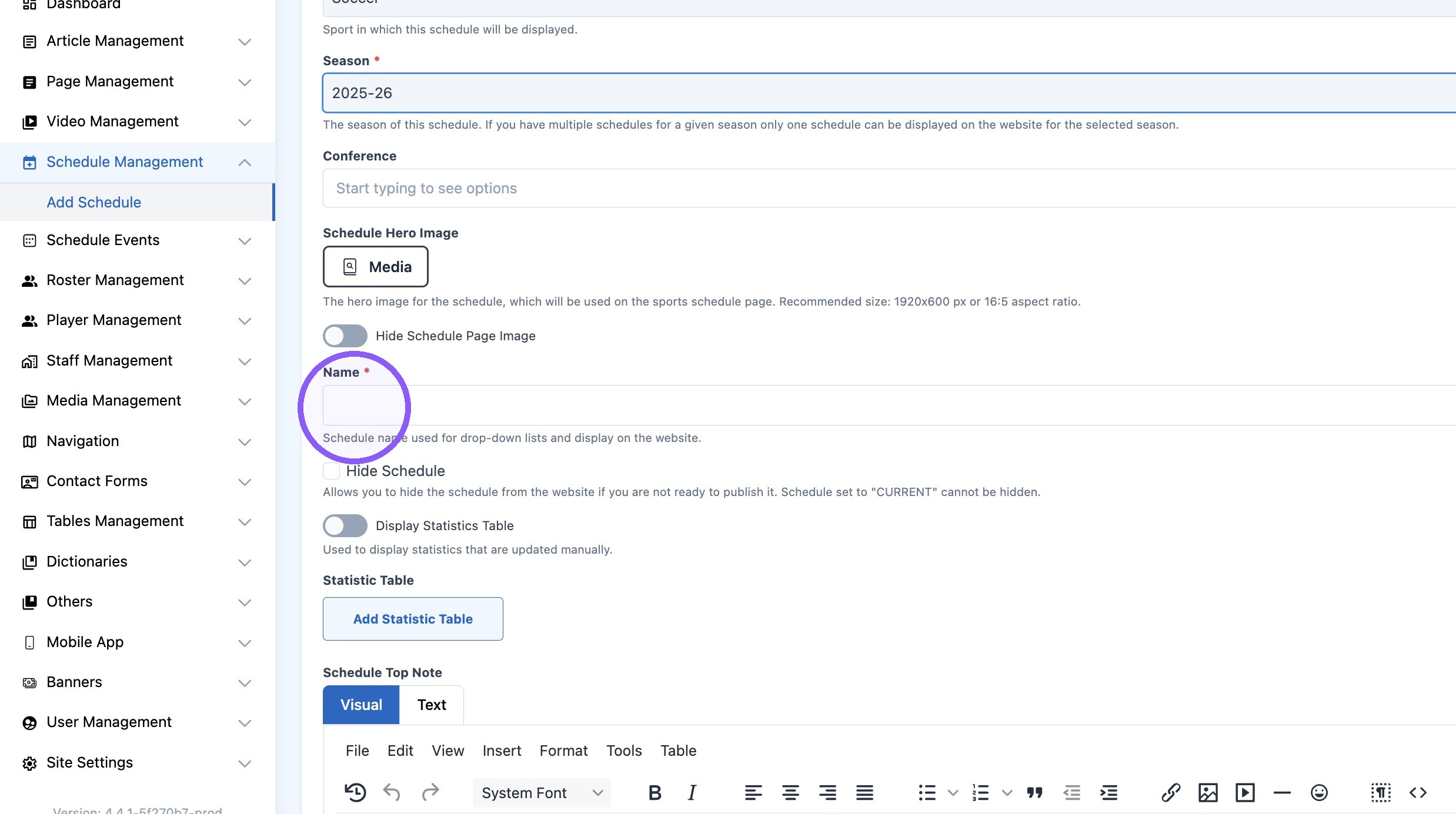
5. Title new Schedule
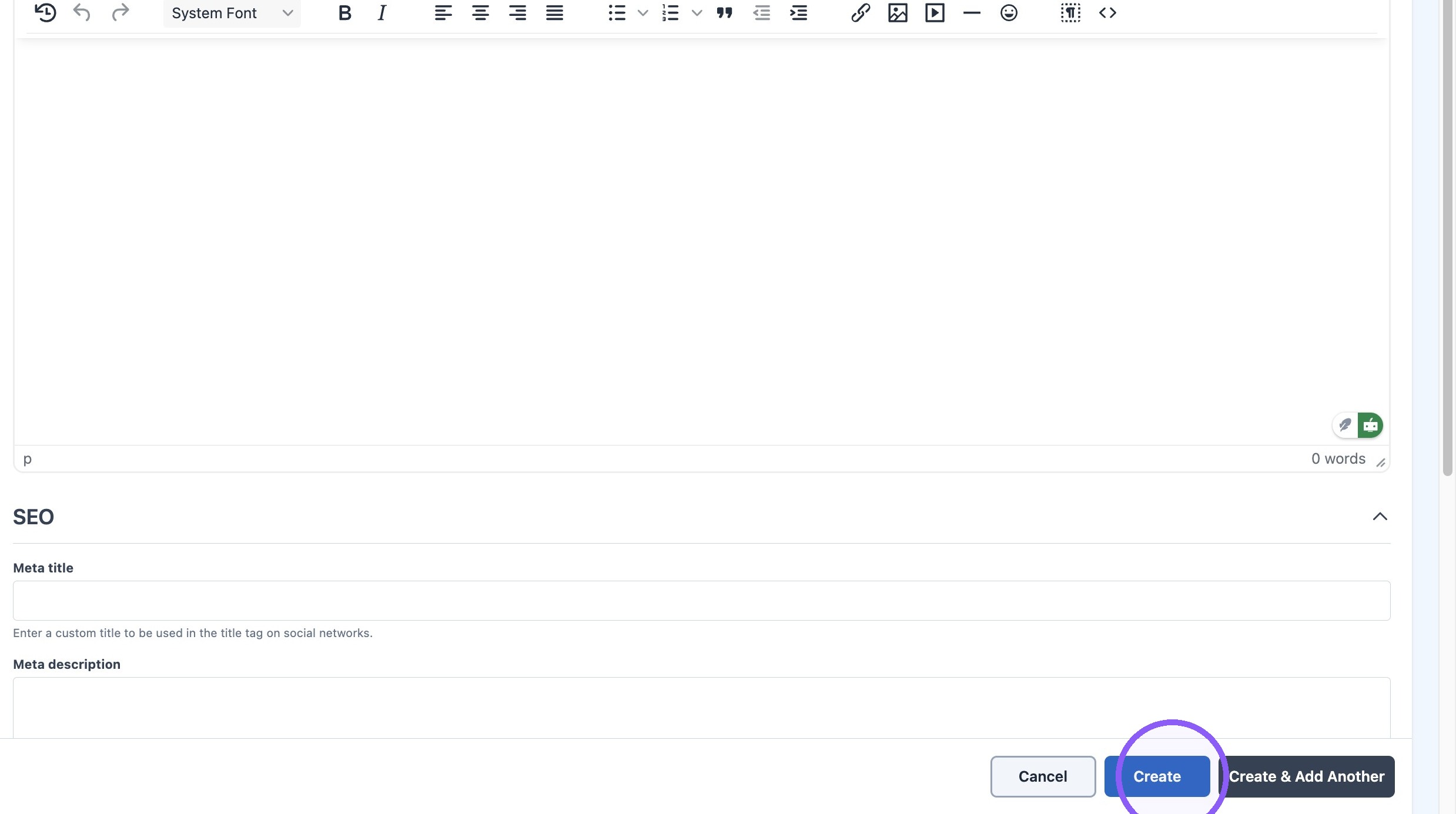
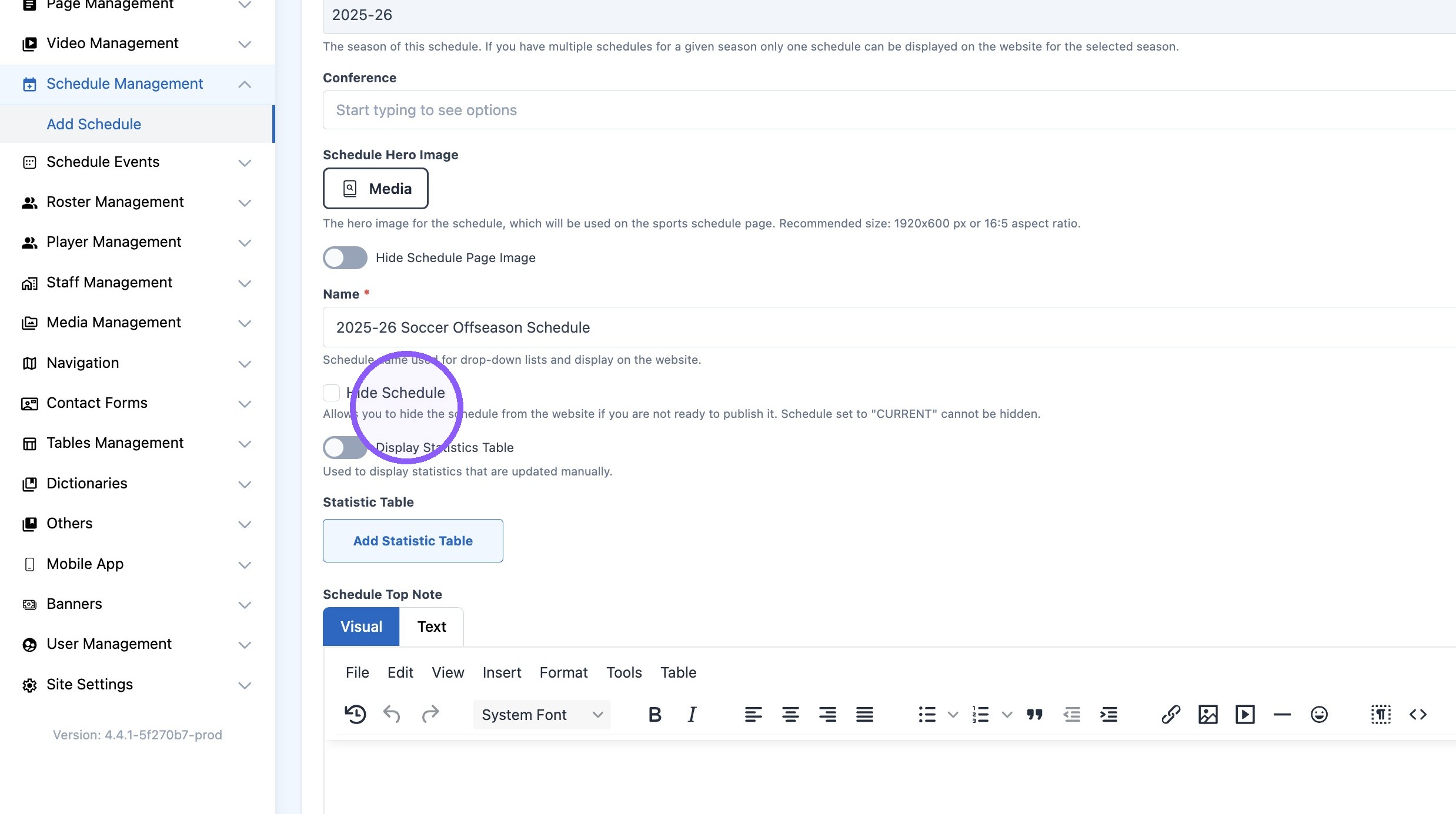
6. Optional: Use this options to hide schedule from the website until is ready to be published.
7. Click "Create"