How To Update Schedule Notes
Last updated: September 20, 2026
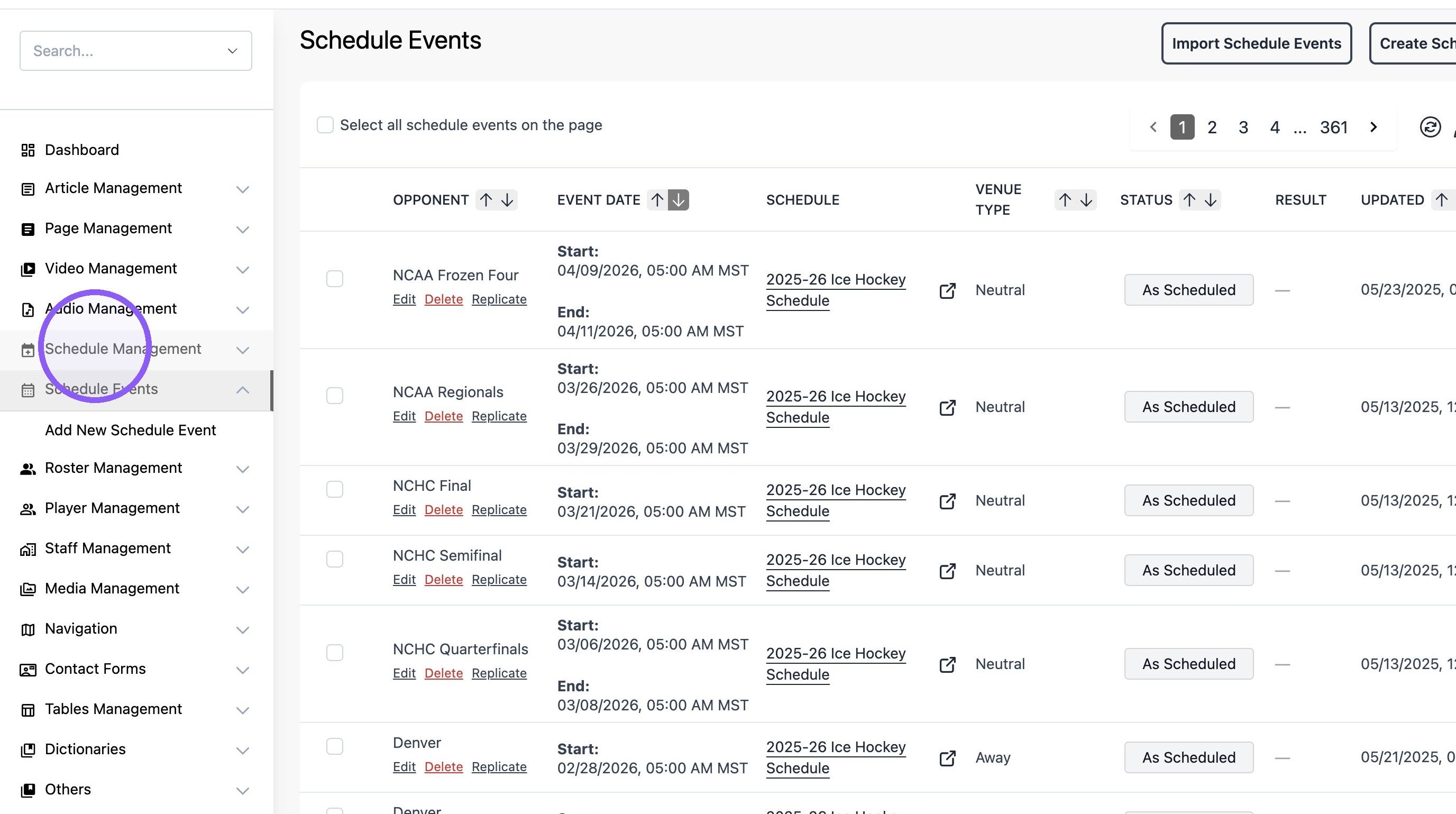
1. Click "Schedule Management"
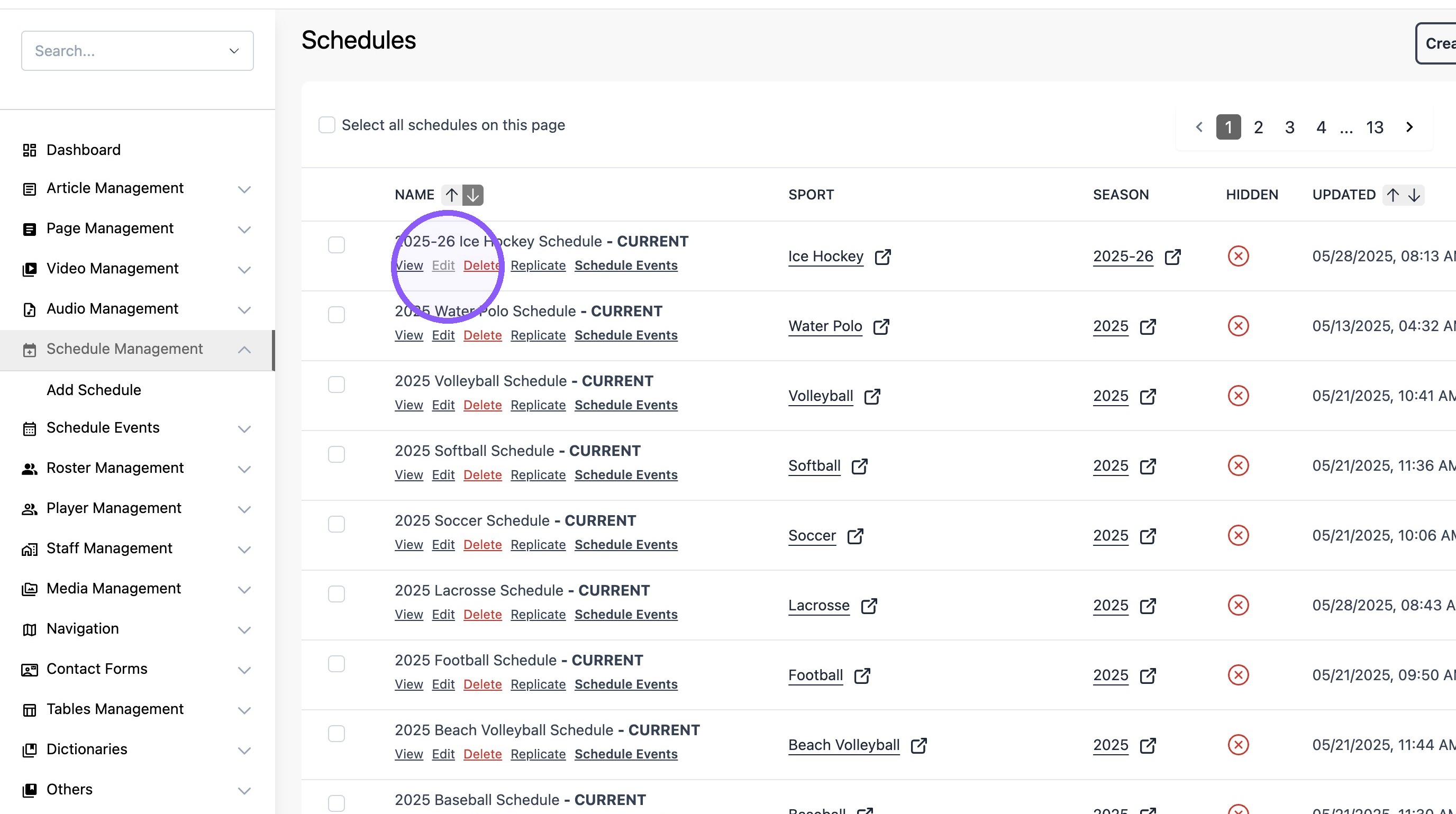
2. Find the desired schedule and click "Edit"
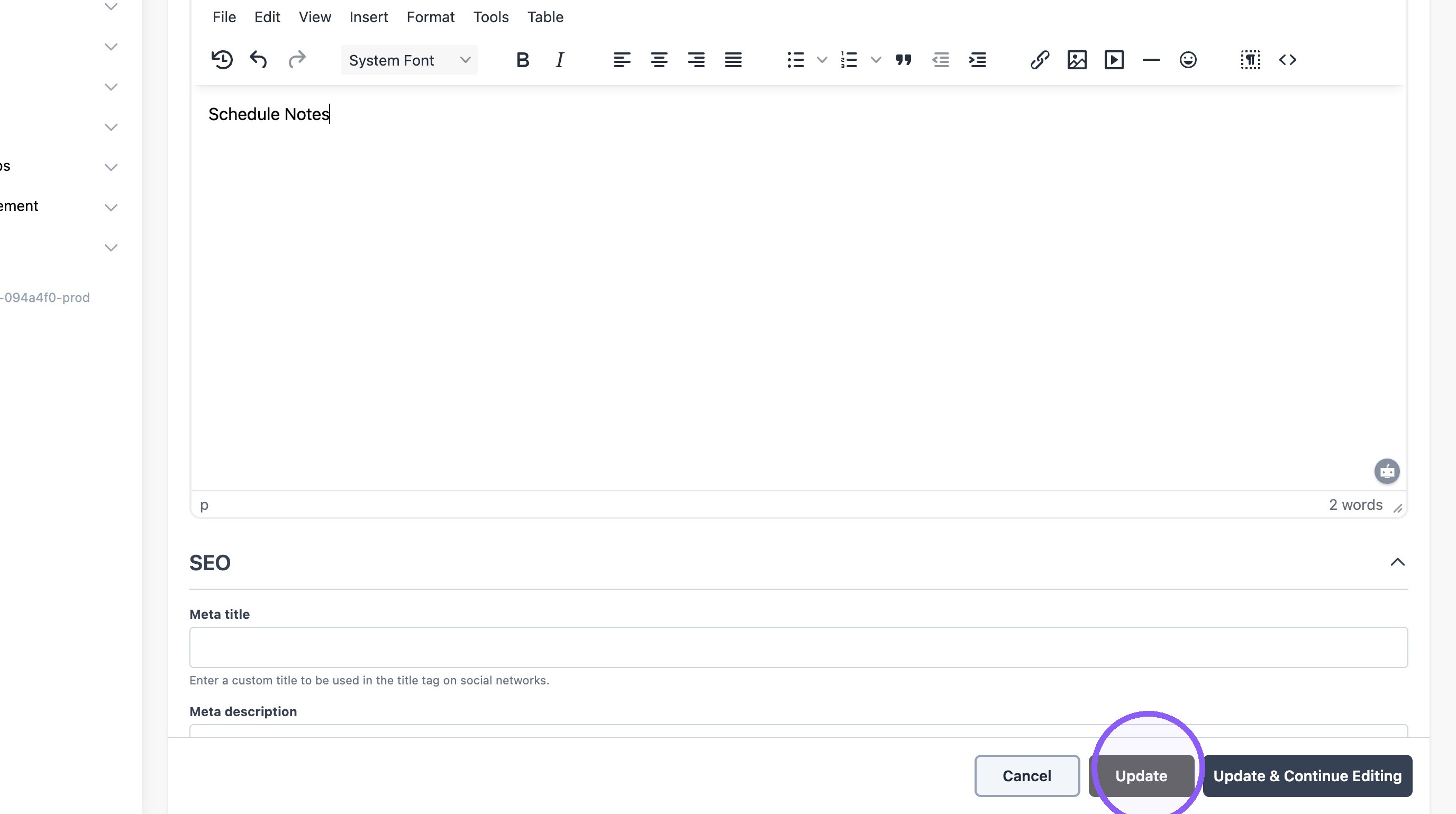
3. Scroll down and add "note" in the "schedule top note" text field.

4. Click "Update"
5. Example:

Last updated: September 20, 2026
1. Click "Schedule Management"
2. Find the desired schedule and click "Edit"
3. Scroll down and add "note" in the "schedule top note" text field.
4. Click "Update"
5. Example: