Schedule Events - Set Up Conference Events
Last updated: September 20, 2026
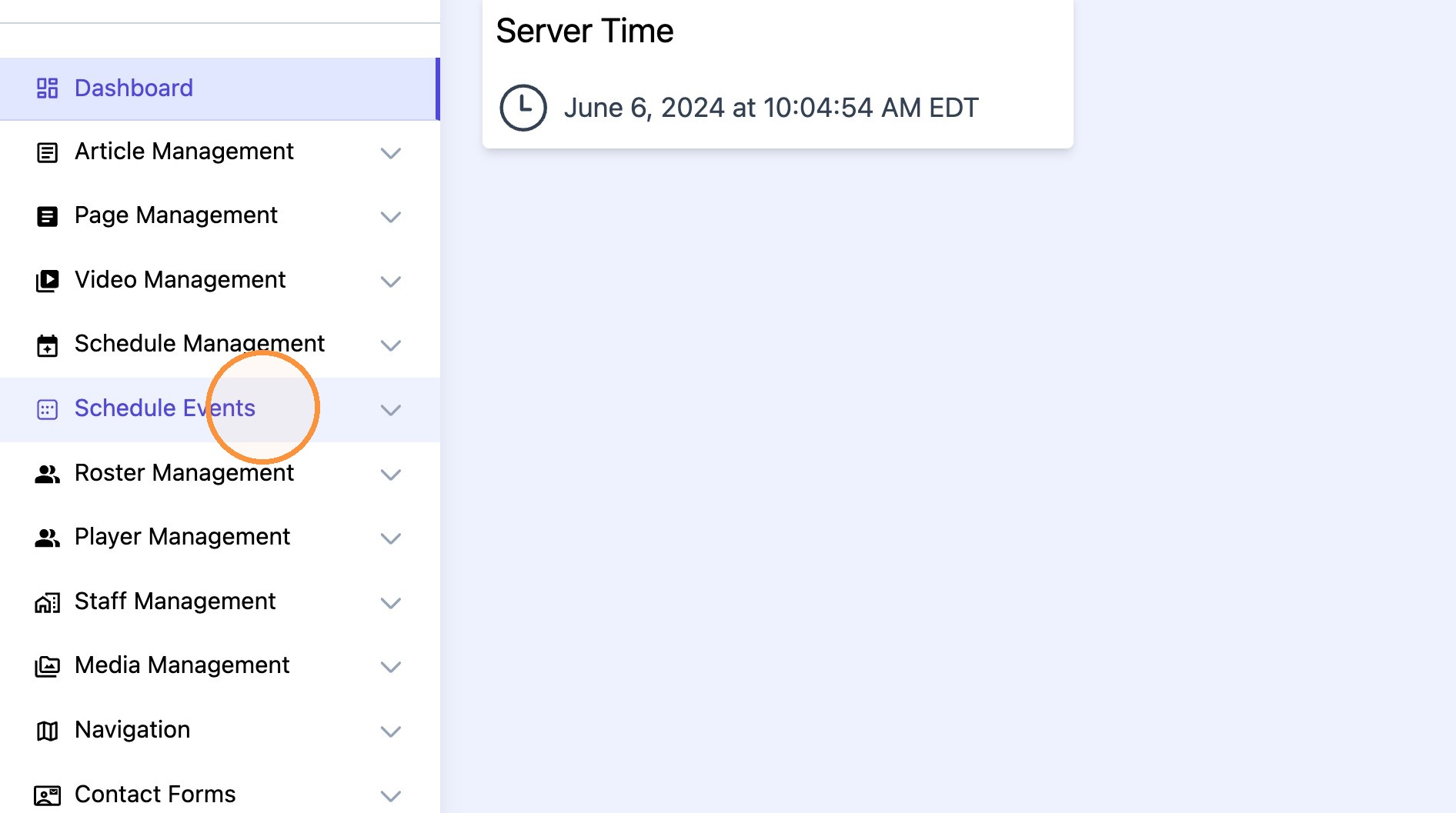
1. Click "Schedule Events"
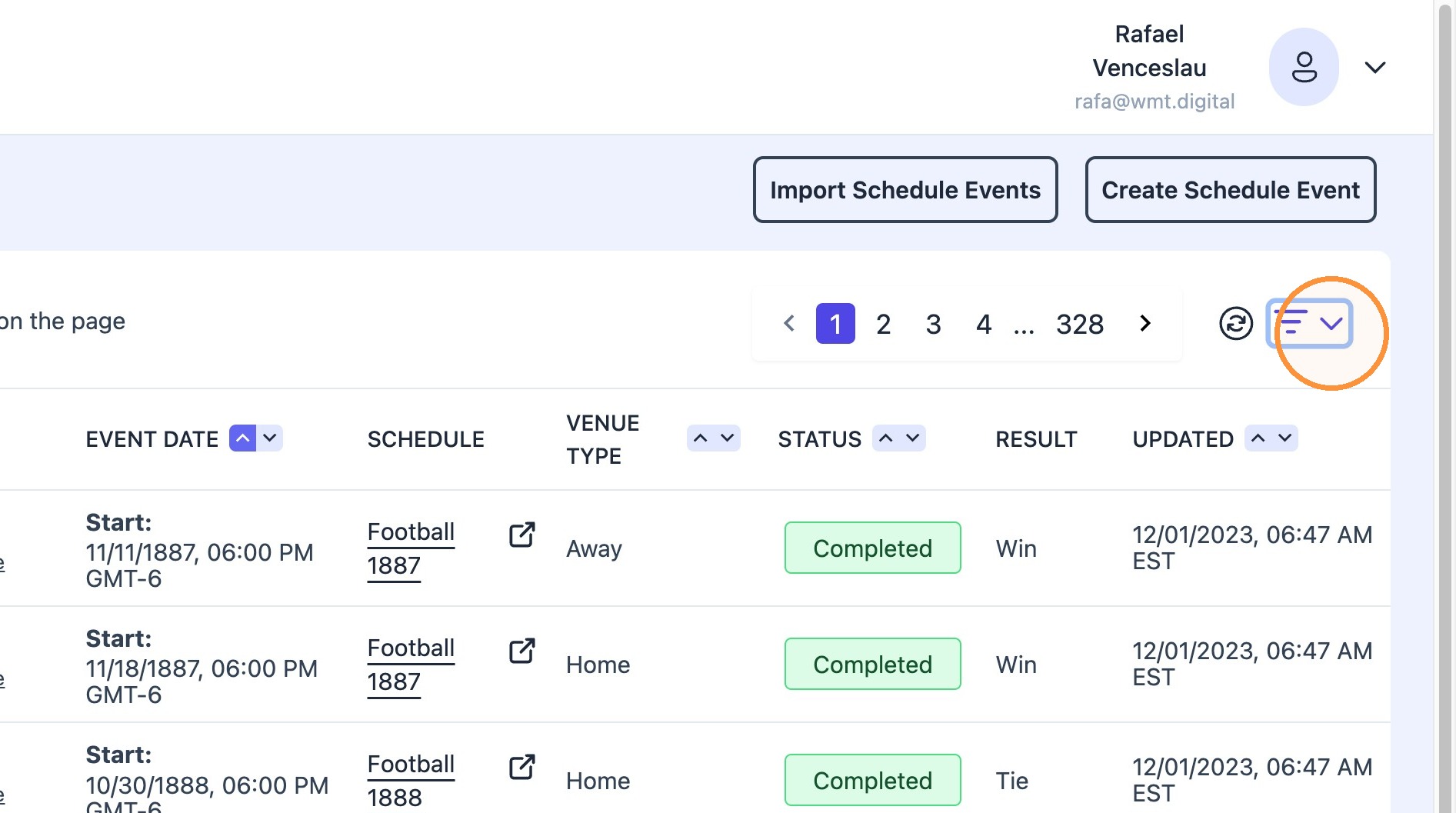
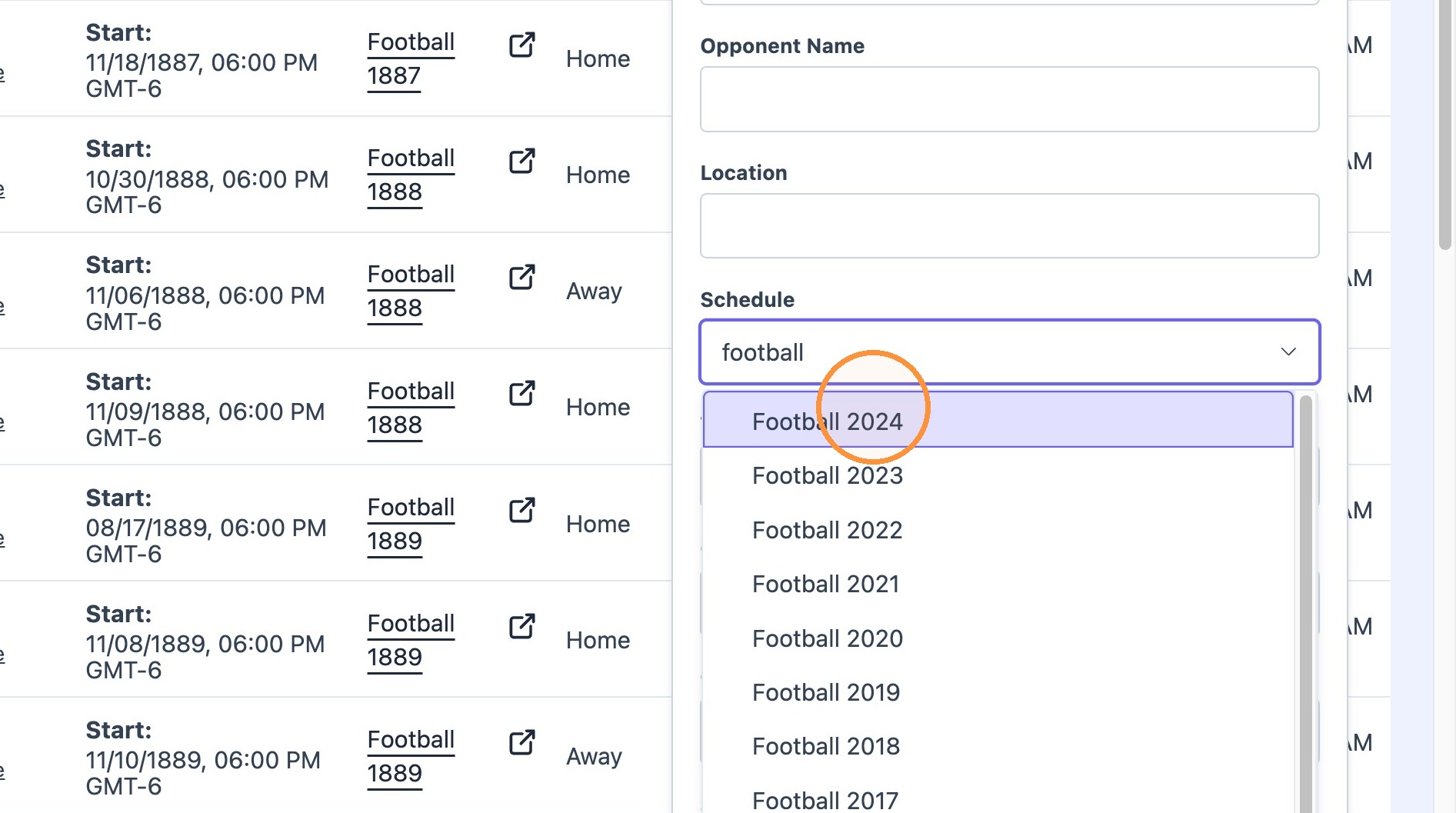
2. Click sorting dropdown.
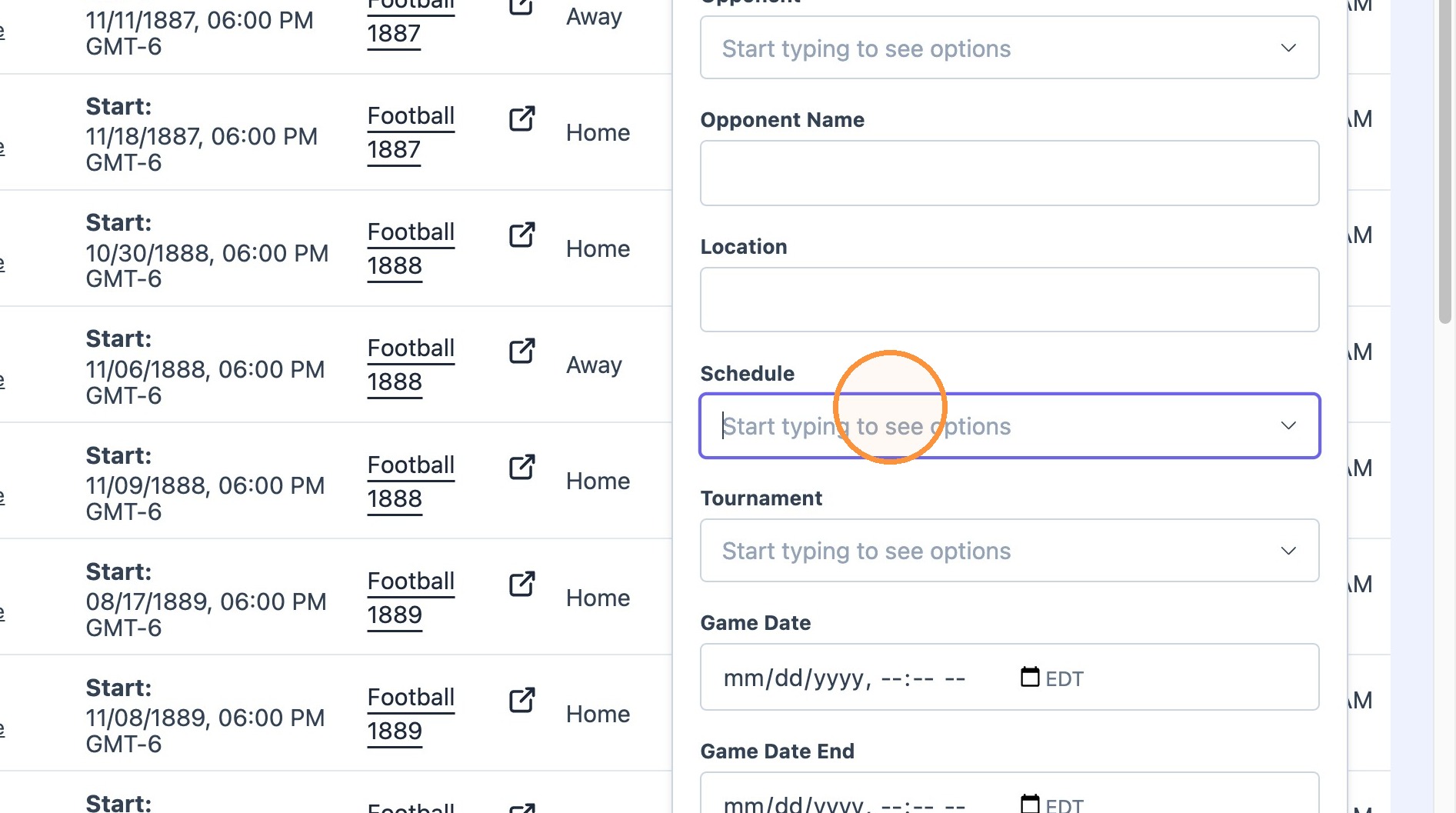
Type and select desired Sport Schedule (Sport+Year) into "Schedule" field.
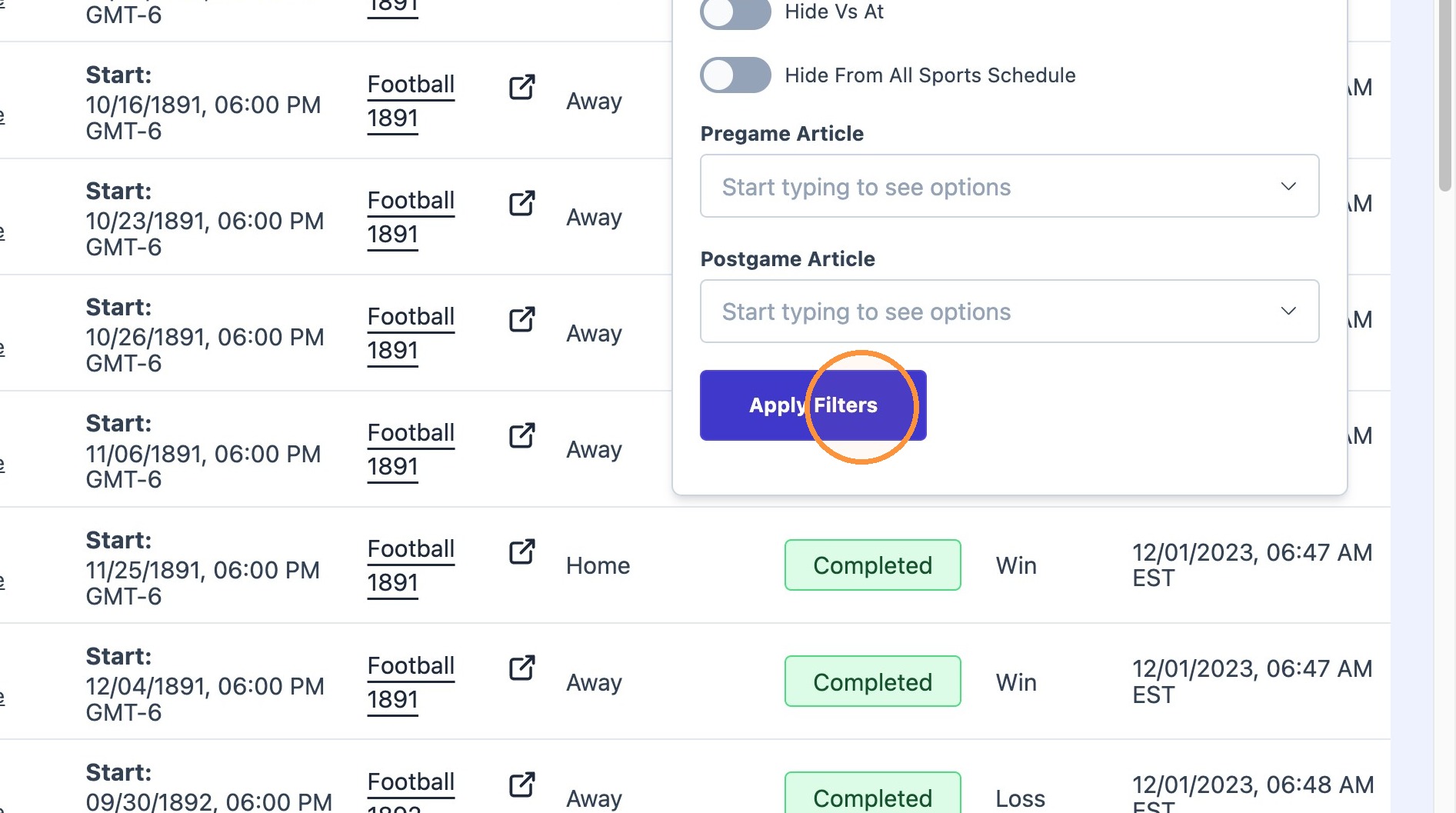
Click "Apply Filters"
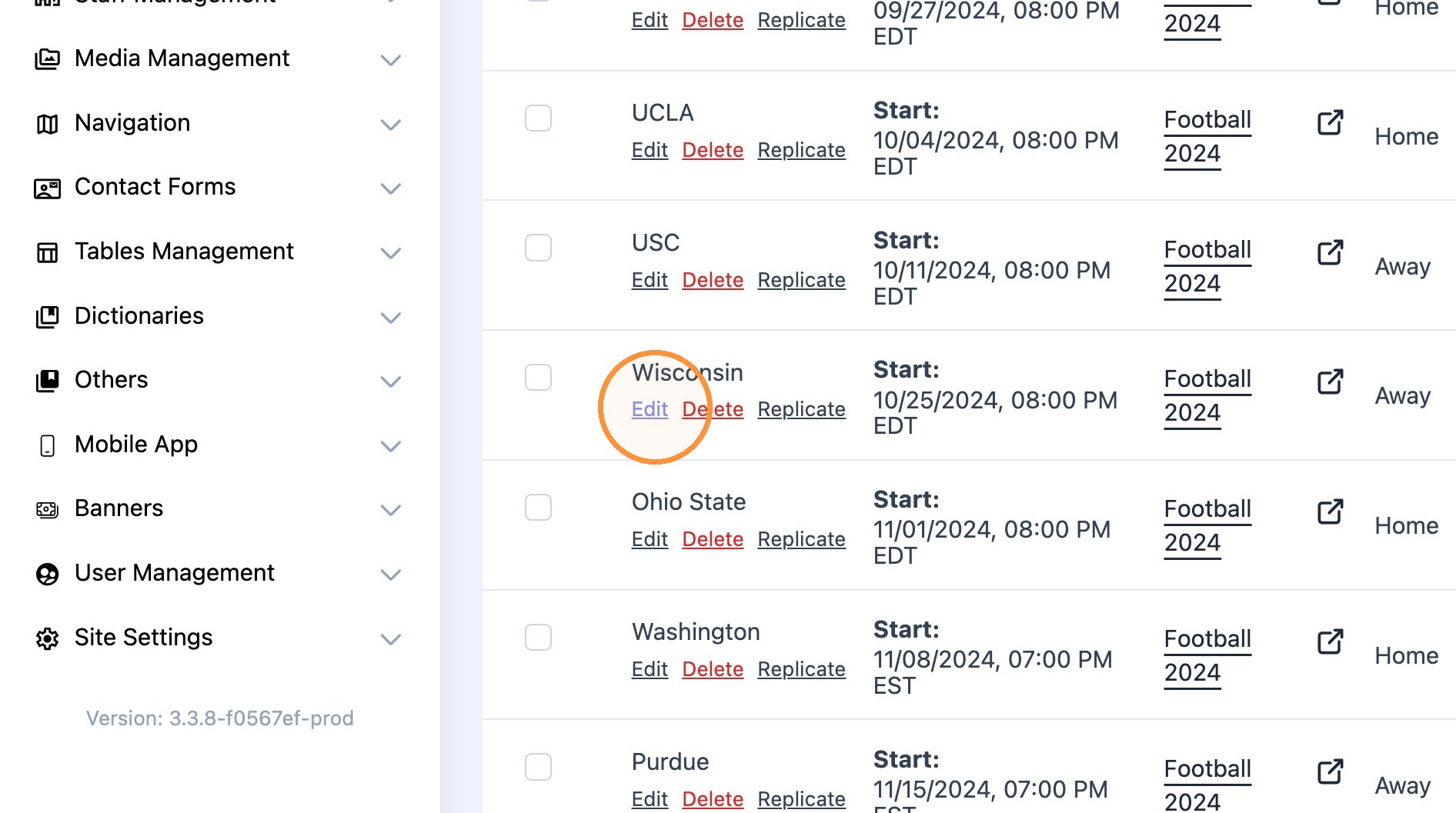
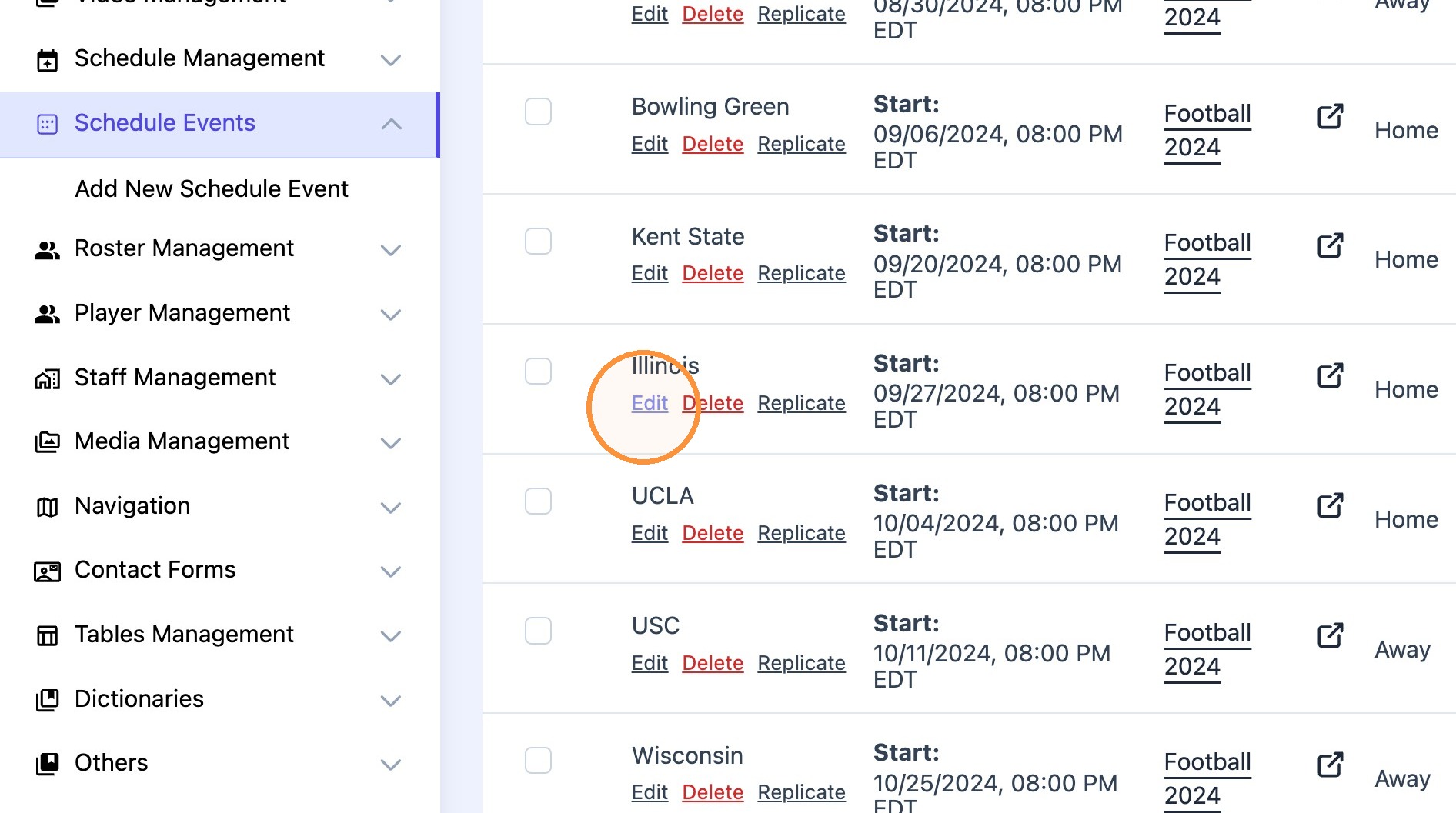
3. Find conference event and click "Edit"
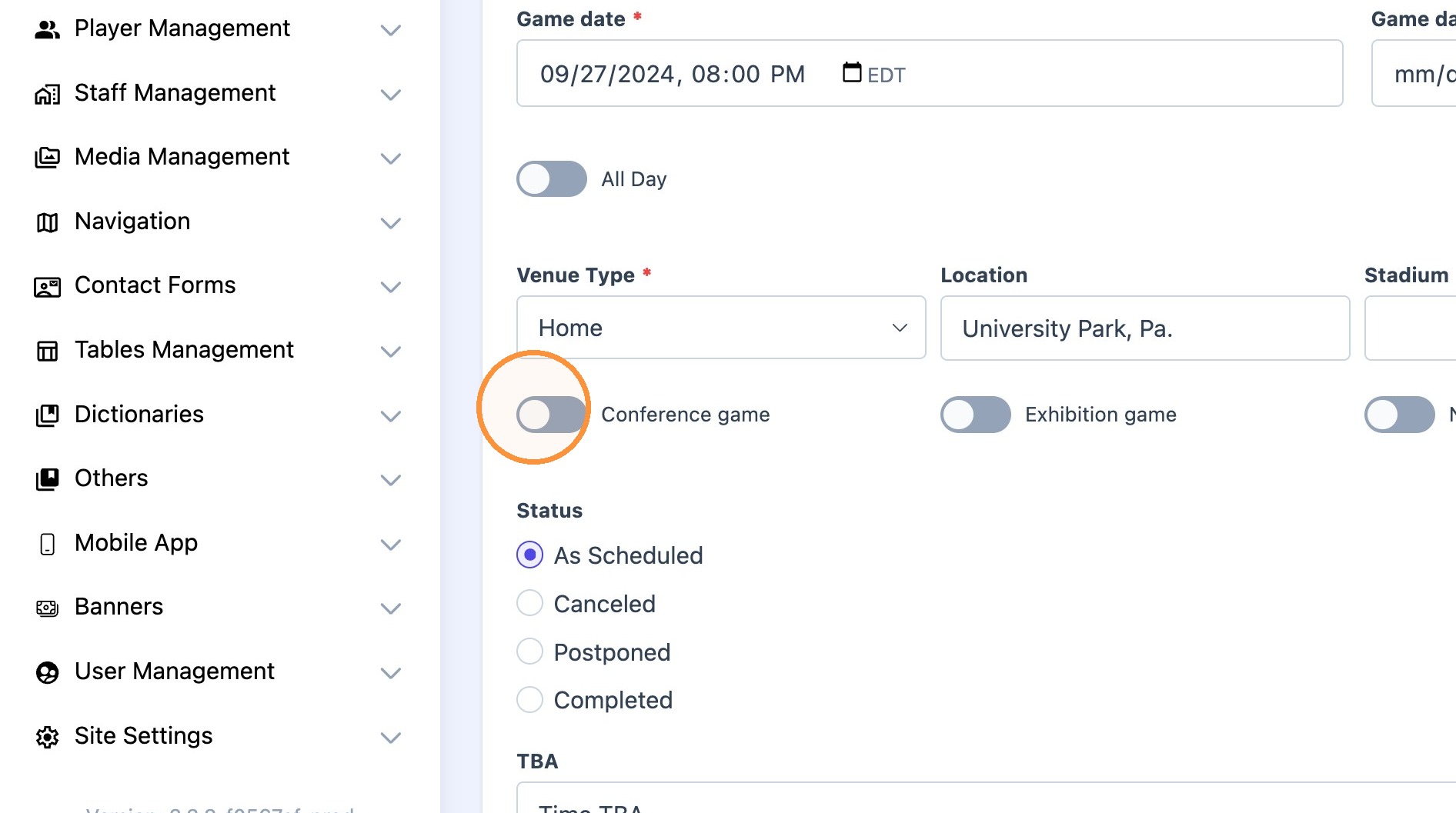
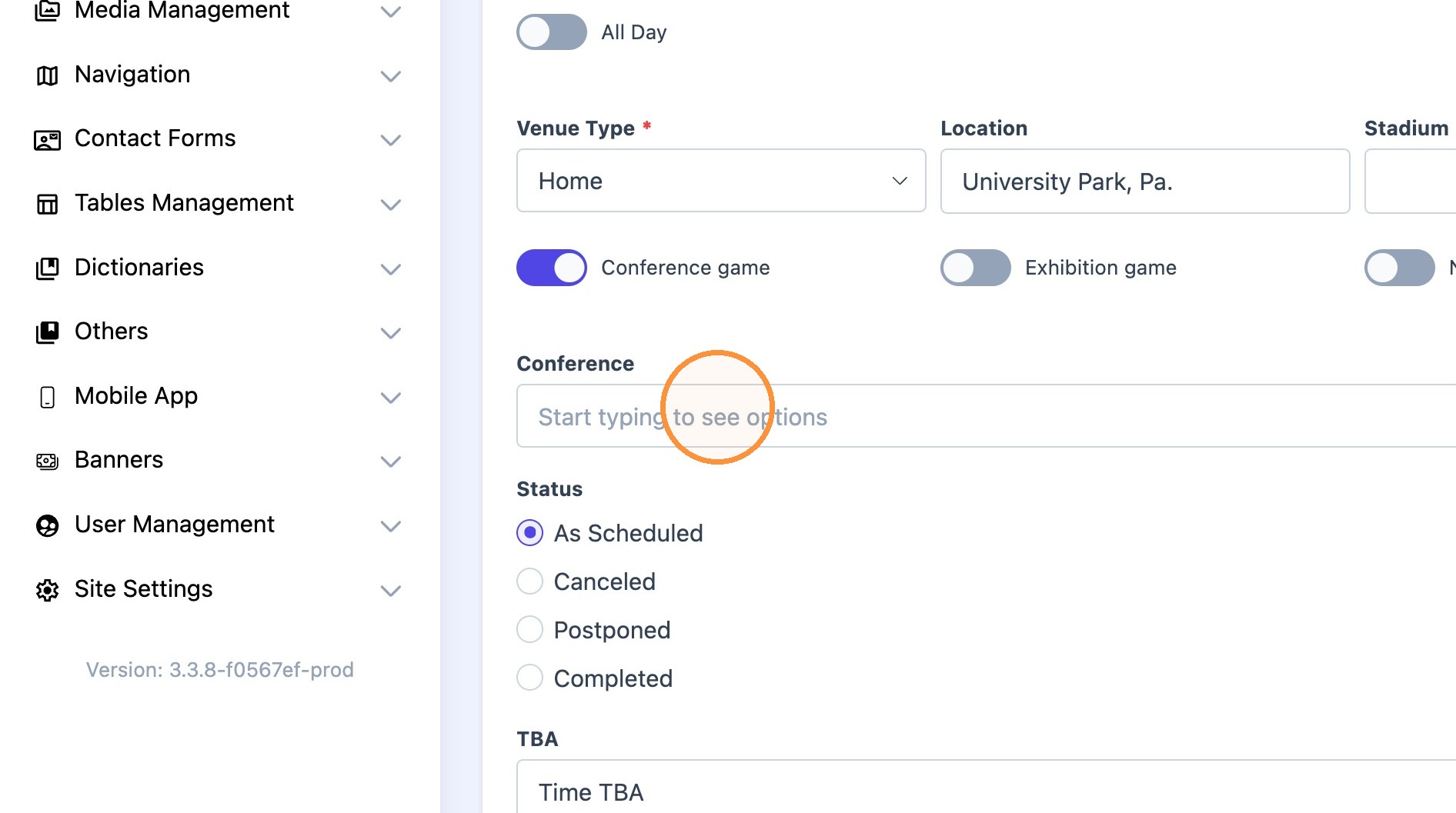
4. Scroll down and toggle "conference game" on.
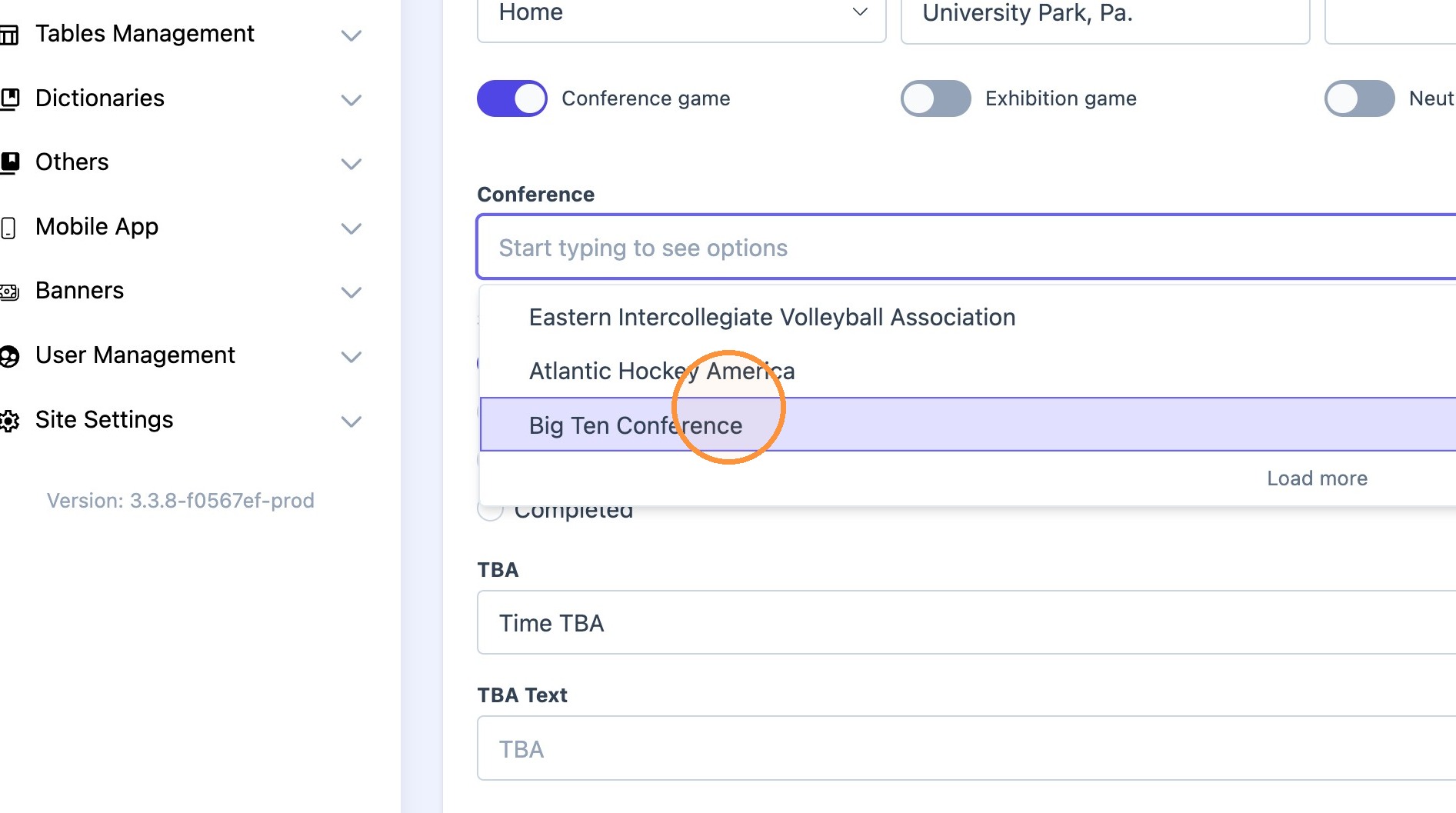
5. Click the "Conference" dropdown.
Select desired Conference.
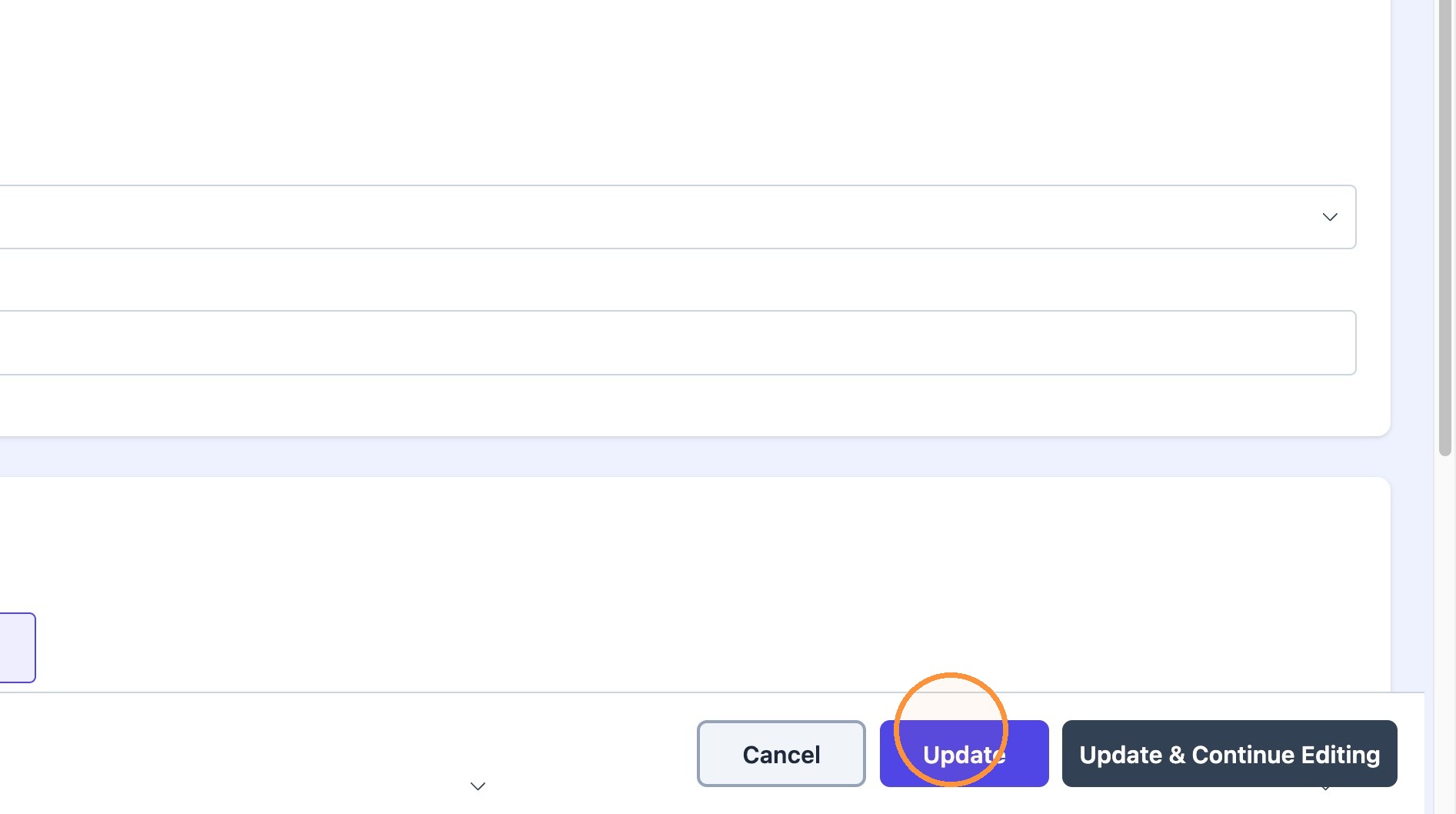
6. Scroll down and click "Update"
7. Page will automatically go back to "schedule year" events. Pick the next event and repeat steps above.