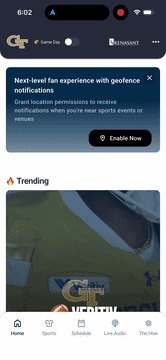
Mobile App: Game Day Mode Setup
Last updated: September 18, 2026
Made by Rafael Venceslau with Scribe
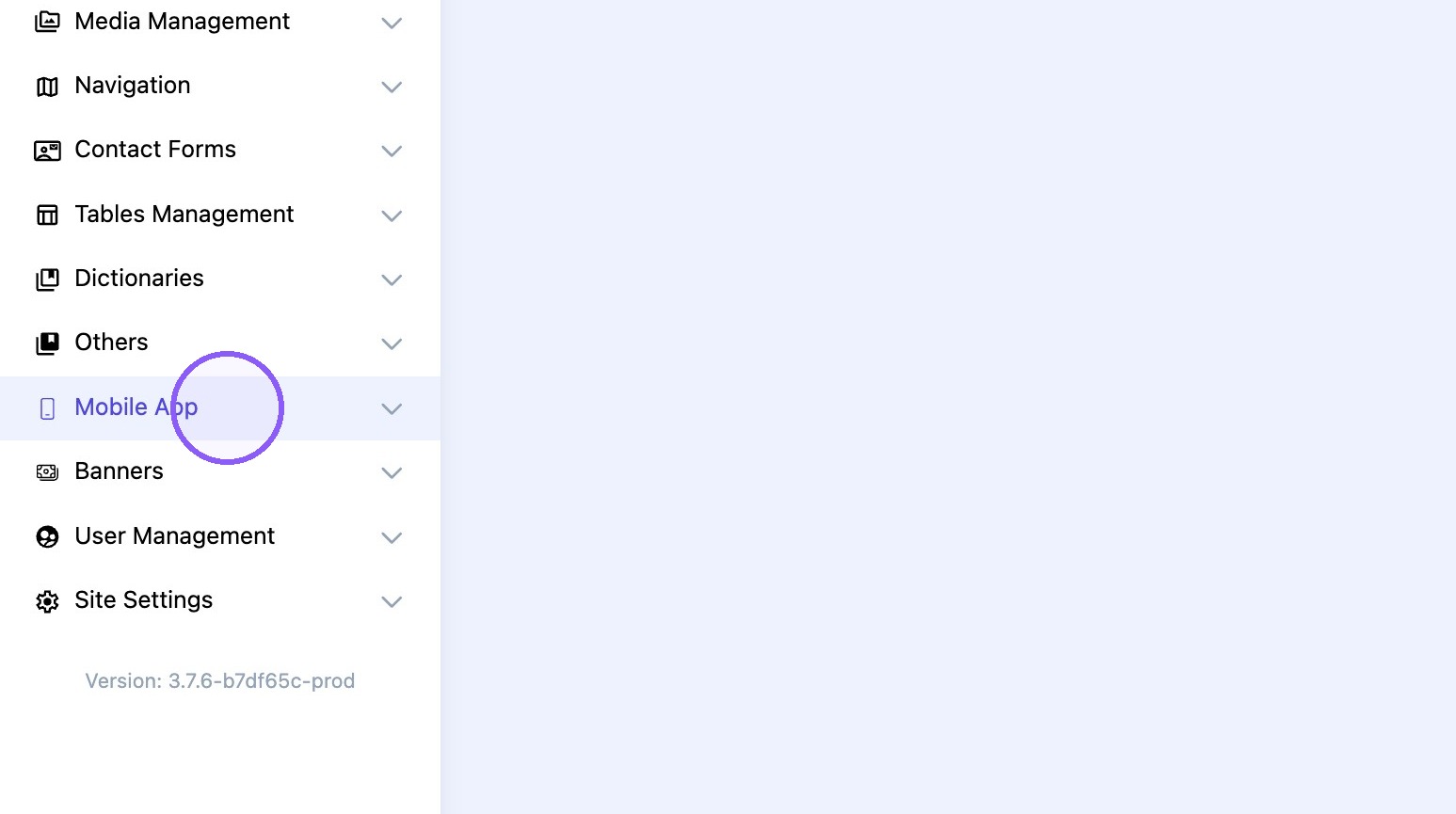
1. Click "Mobile App"
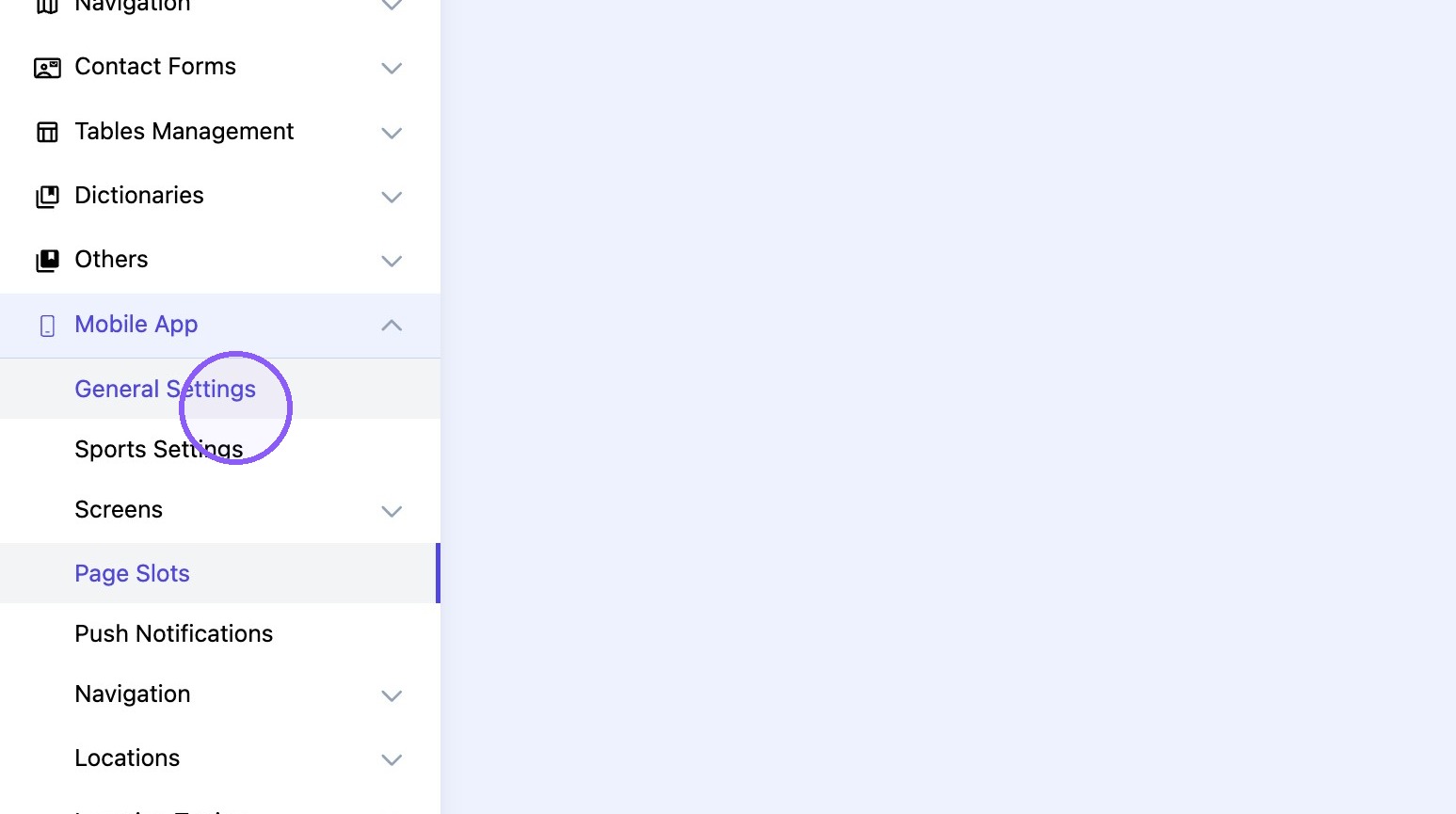
2. Click "General Settings"
3. Turn "game mode" toggle ON.
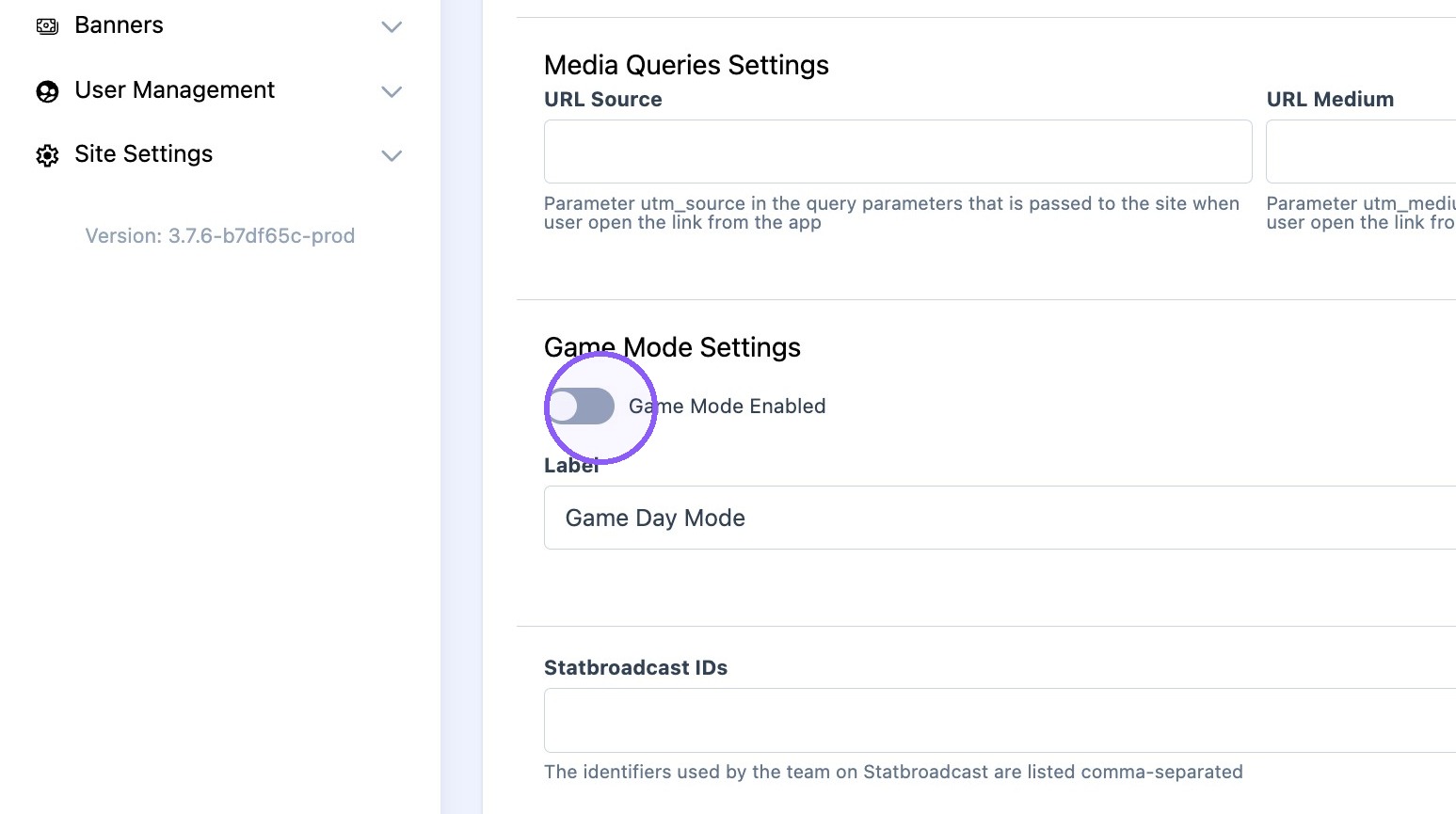
4. Type desired "game mode" title.
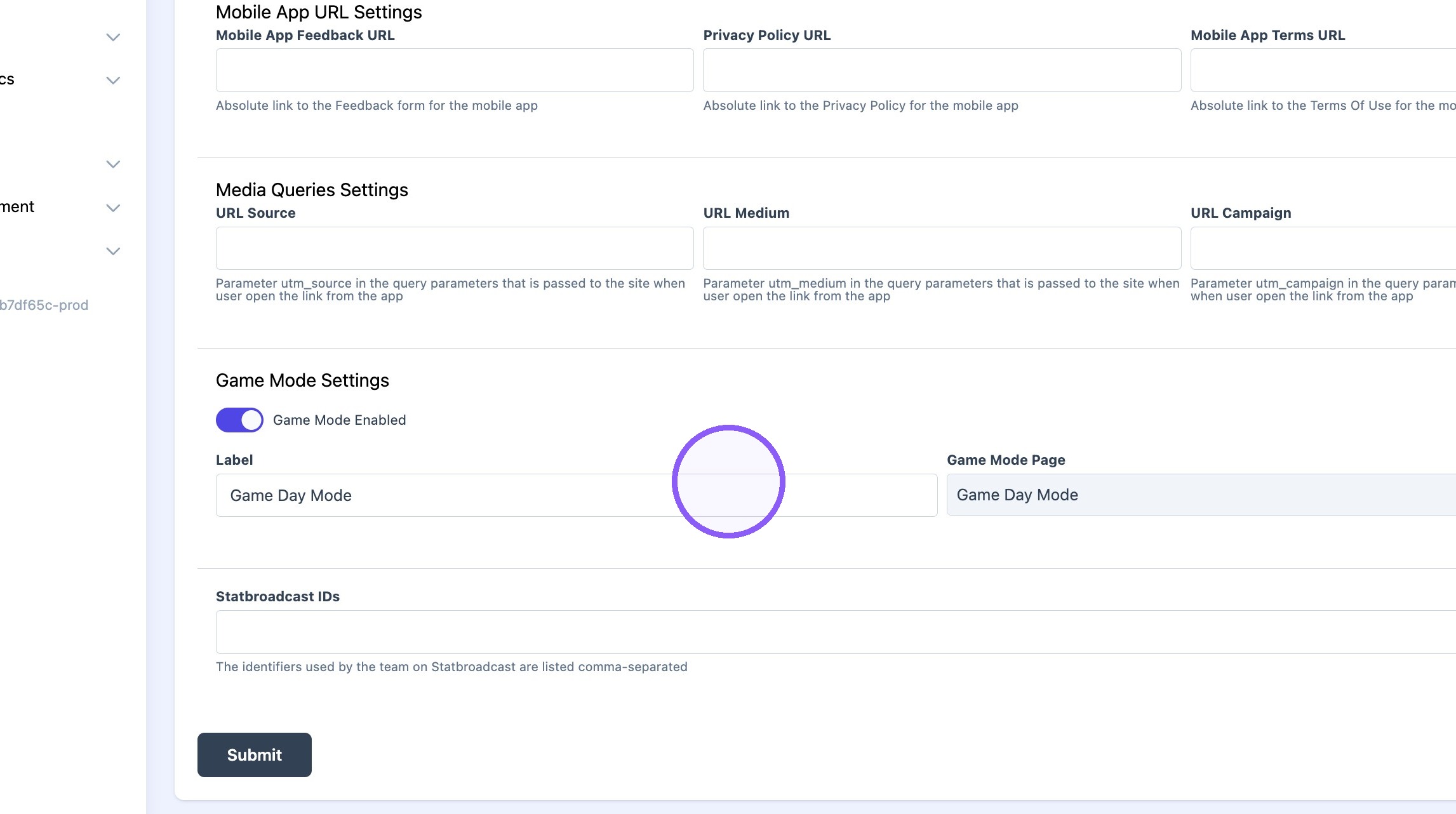
5. Click here.
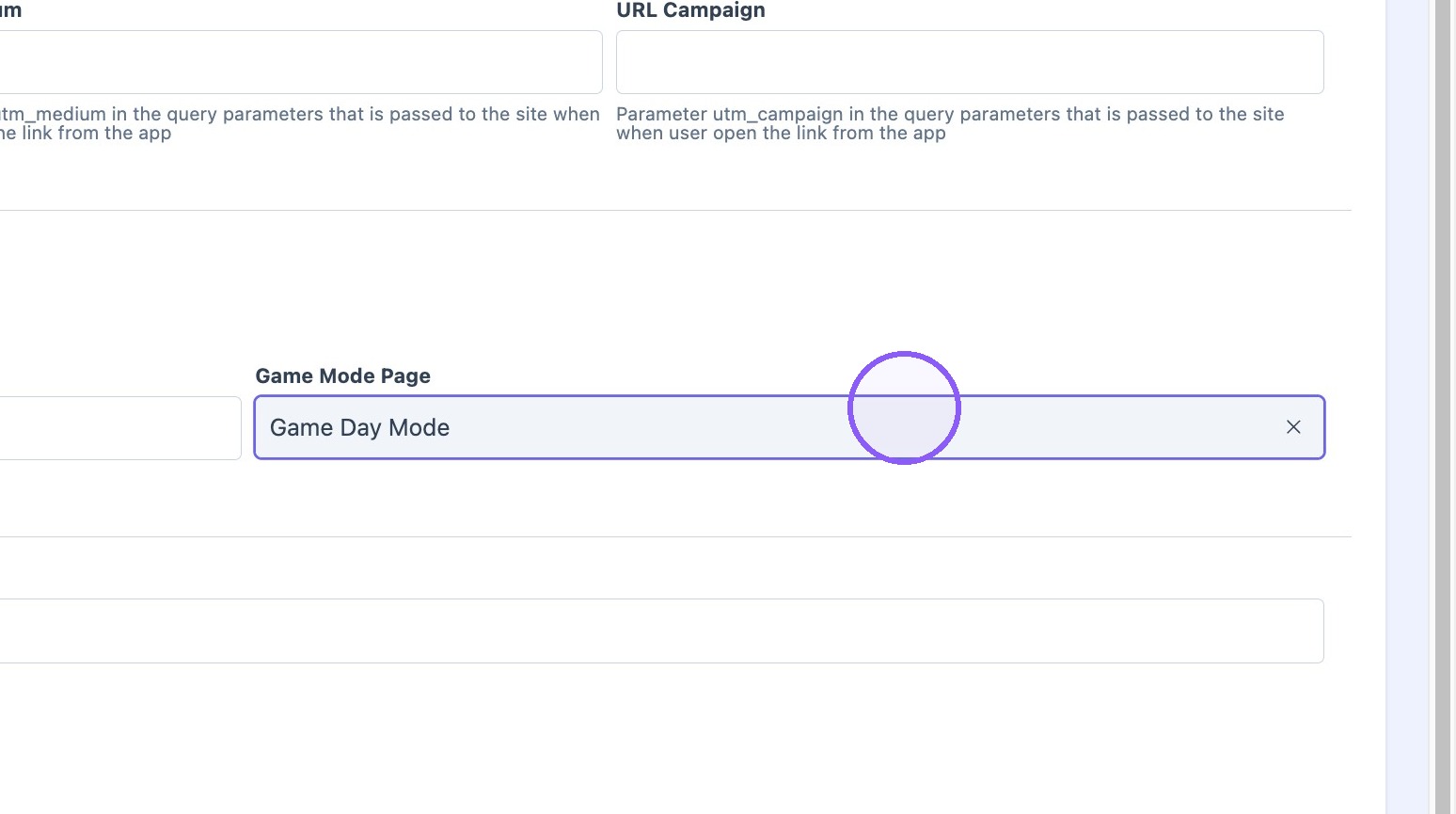
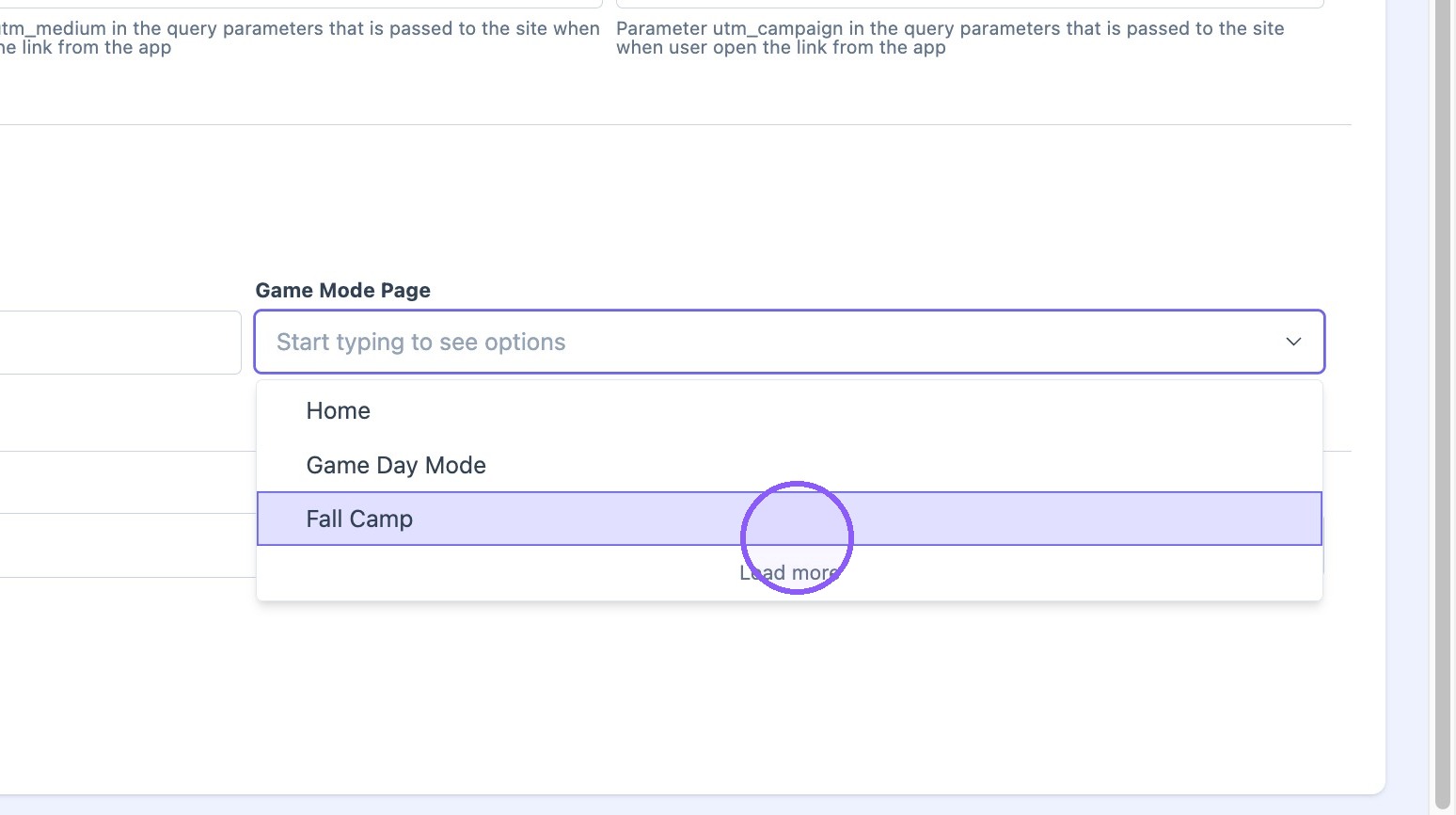
6. Selected the desired mobile screen to be displayed when "game one" is turned on.
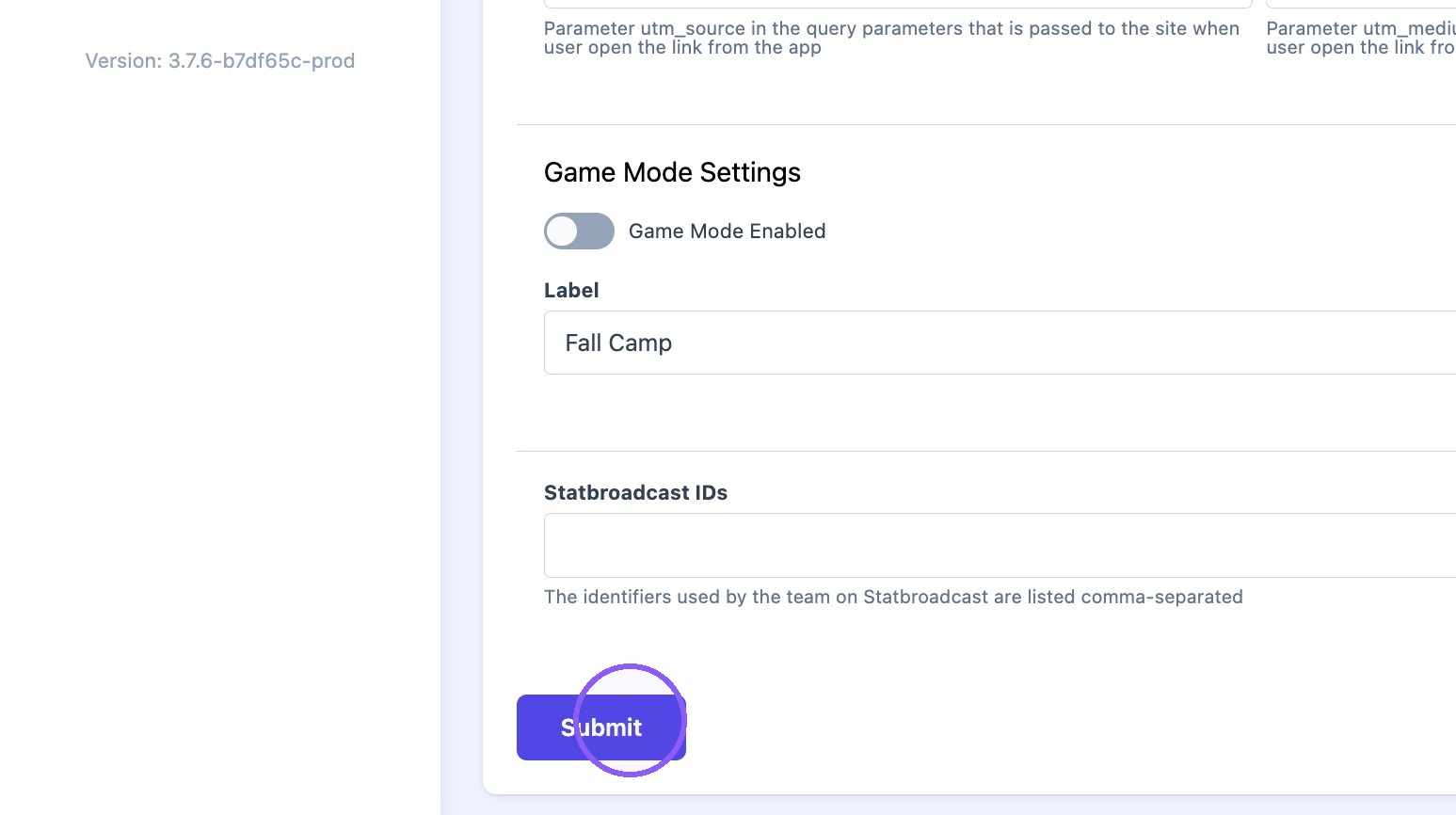
7. Click "Submit"
Tip: Best Practices: UVA Gameday Mode

Tip: Best Practices: Georgia Tech Gameday Mode