How to Adjust Sports Order Settings in Dashboard
Last updated: September 18, 2026
Change Sport Order - Alphabetically
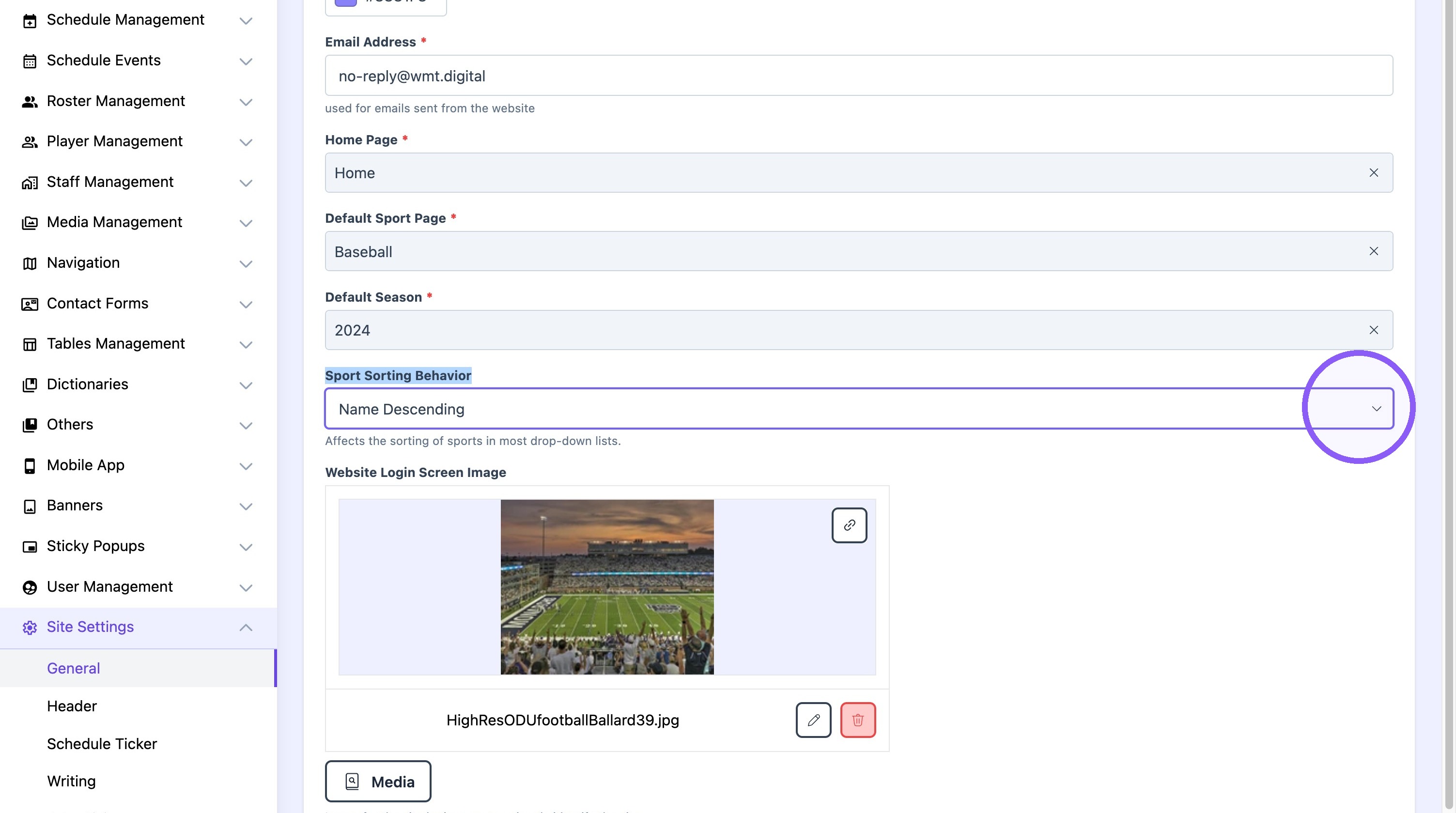
1. Click "Site Settings"

2. Click "General"

3. Click on the "sports sorting behavior" dropdown and select the desired option.
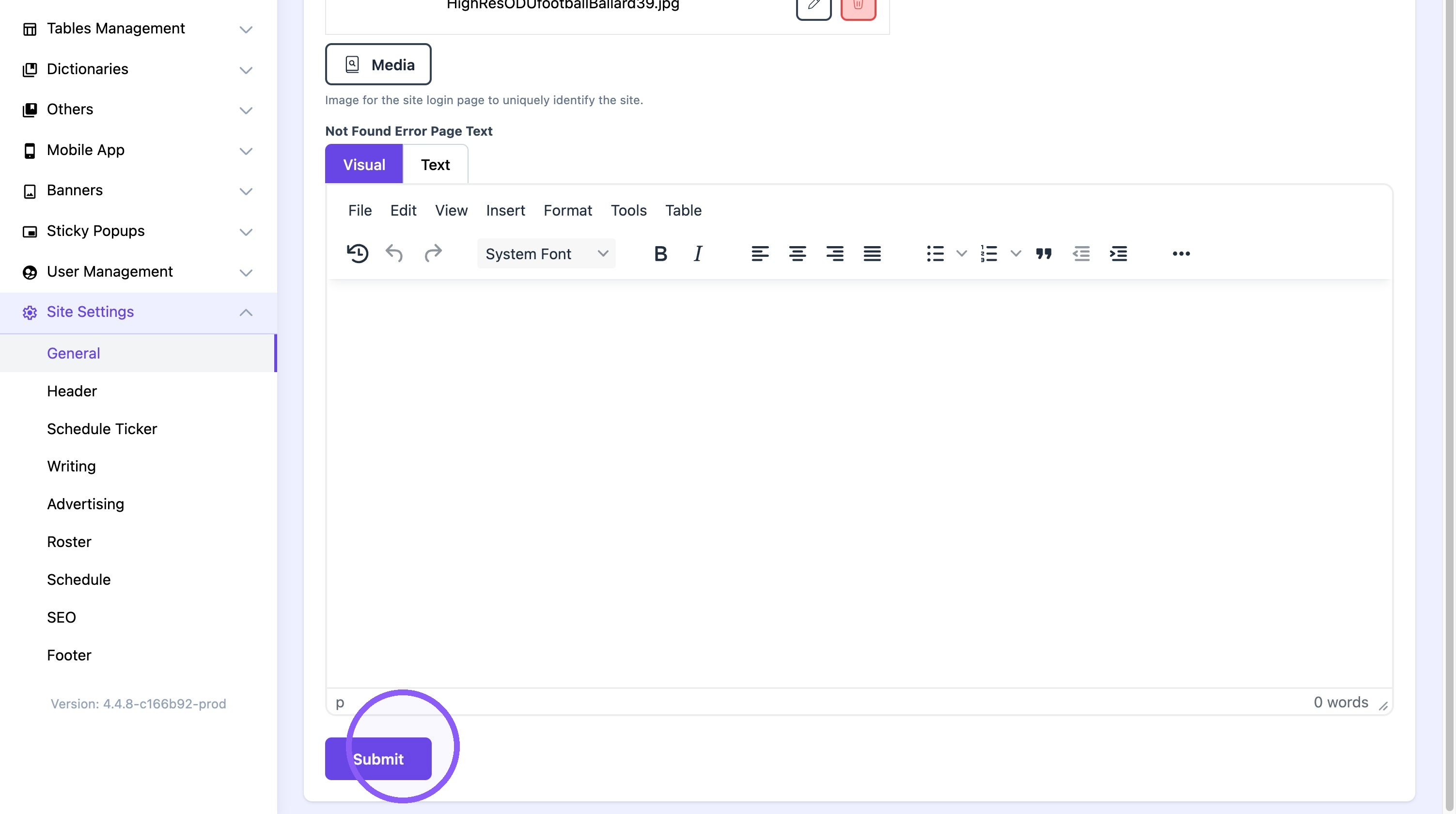
4. Click "Submit"
Change Sport Order - Custom Order
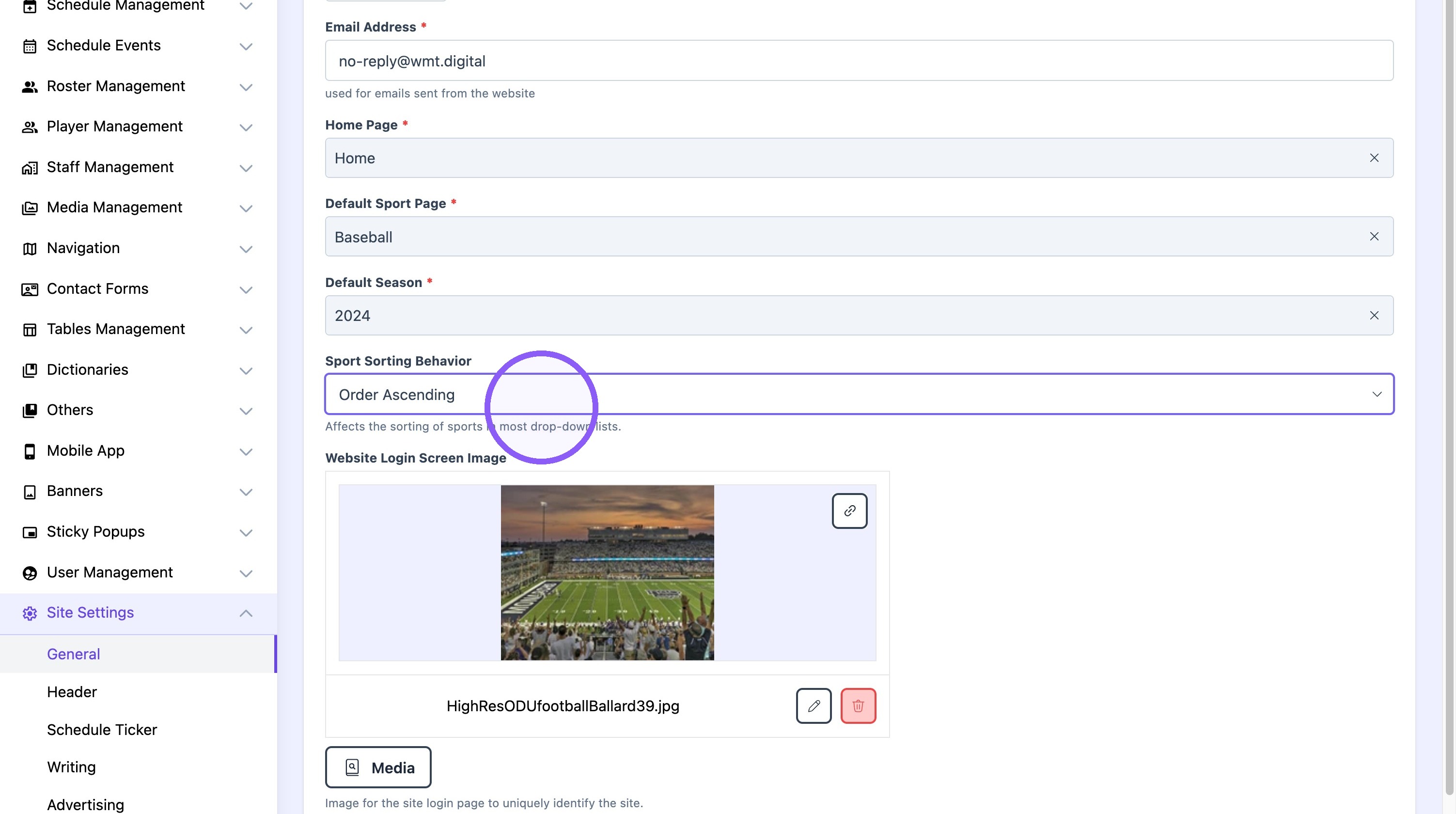
5. Click "General"

6. On the "sport sorting behavior, select either the "Order Ascending" or "Order Decending" option.
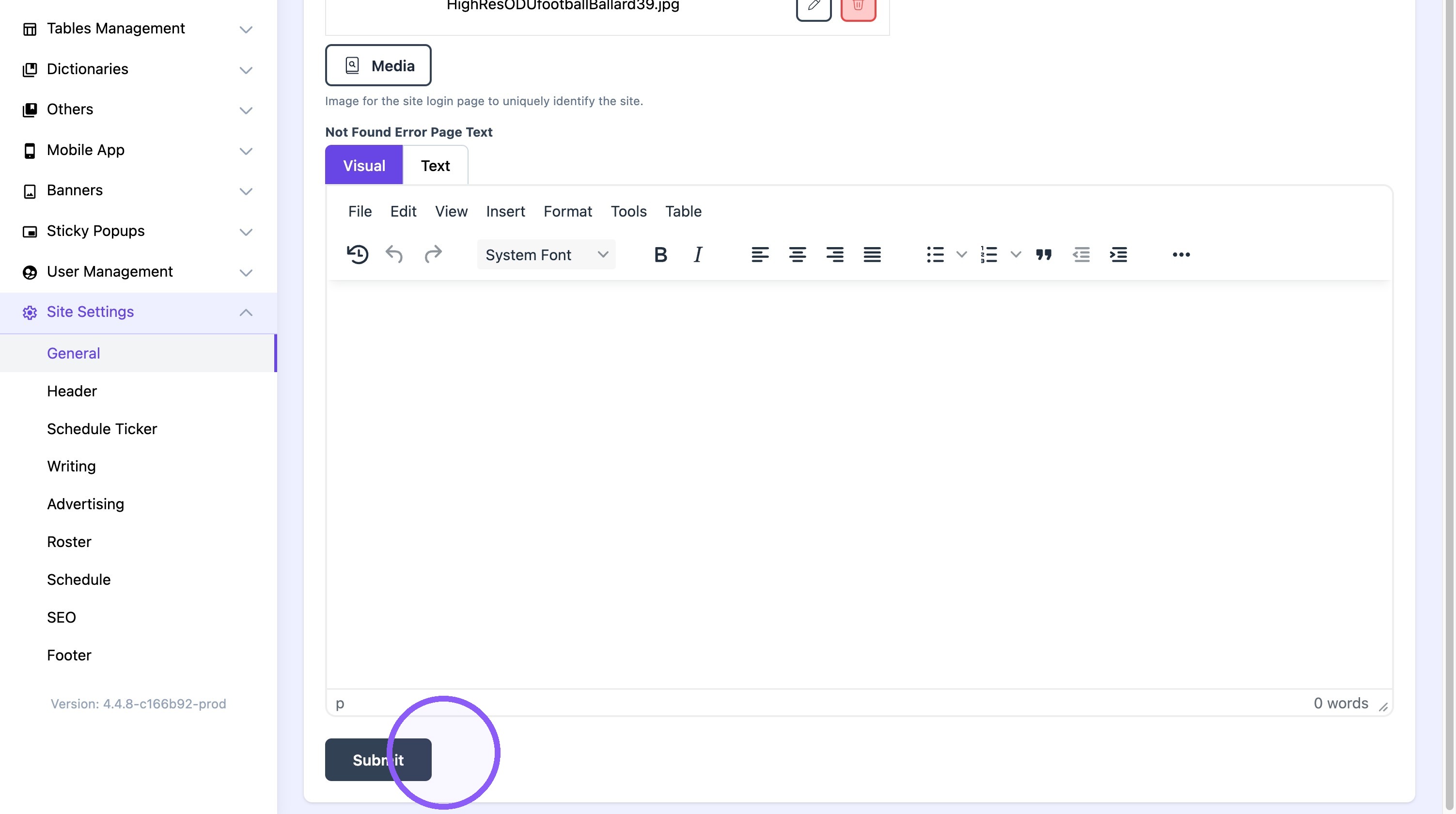
7. Click Submit.
8. Click "Dictionaries"

9. Click "Edit" on the desired sport.
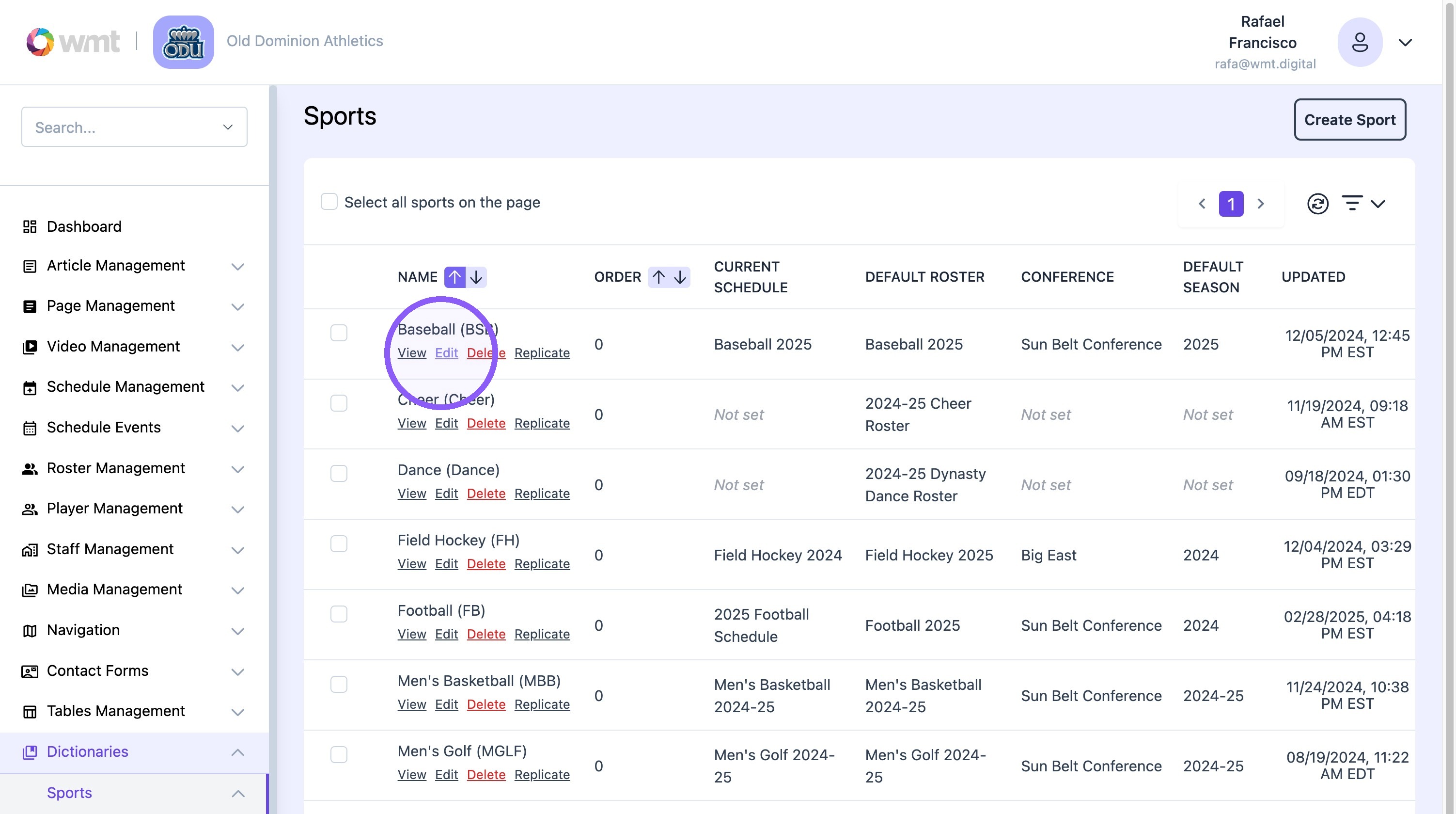
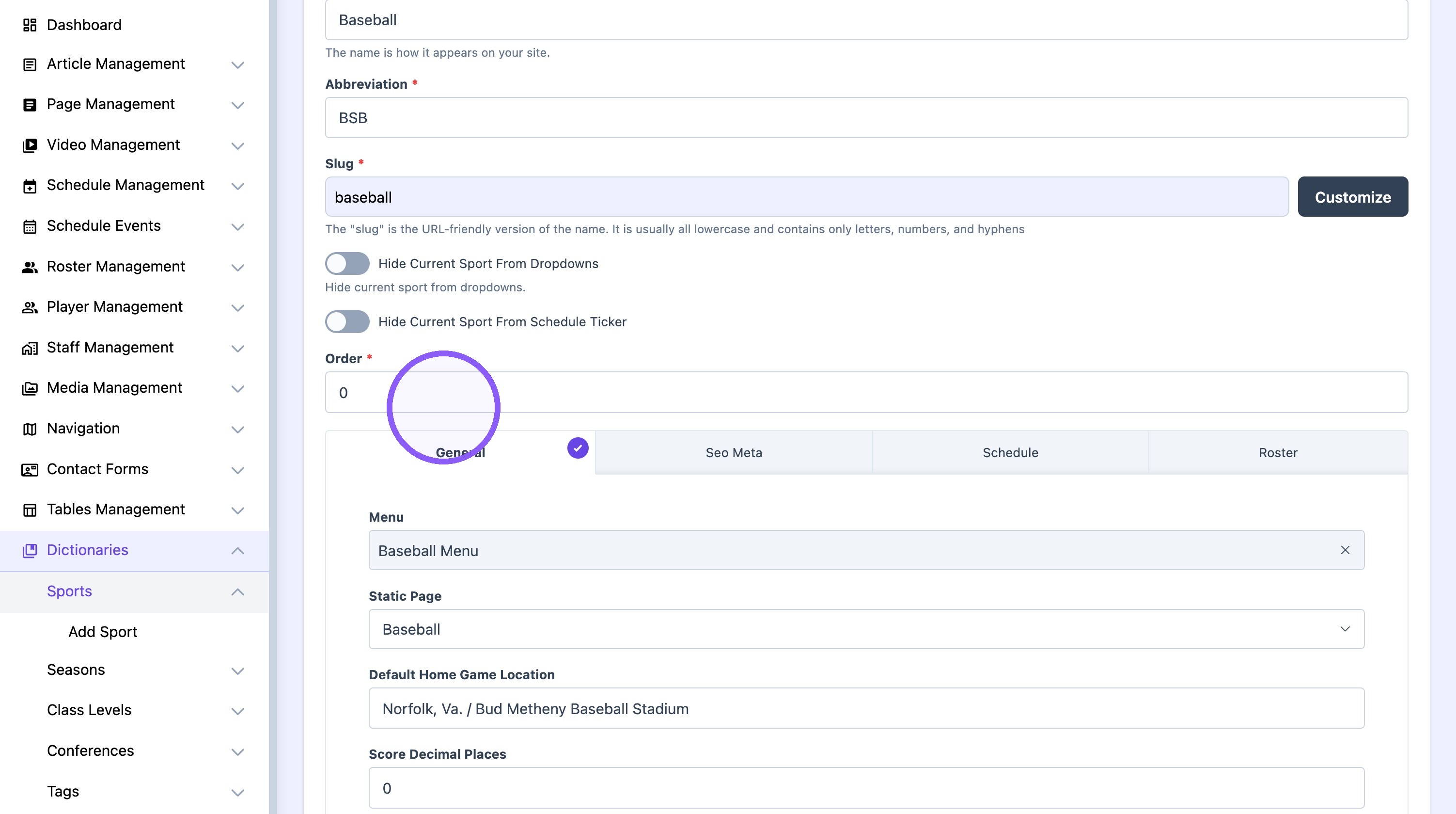
10. Assign a number order to the sport.
11. Click "Update"
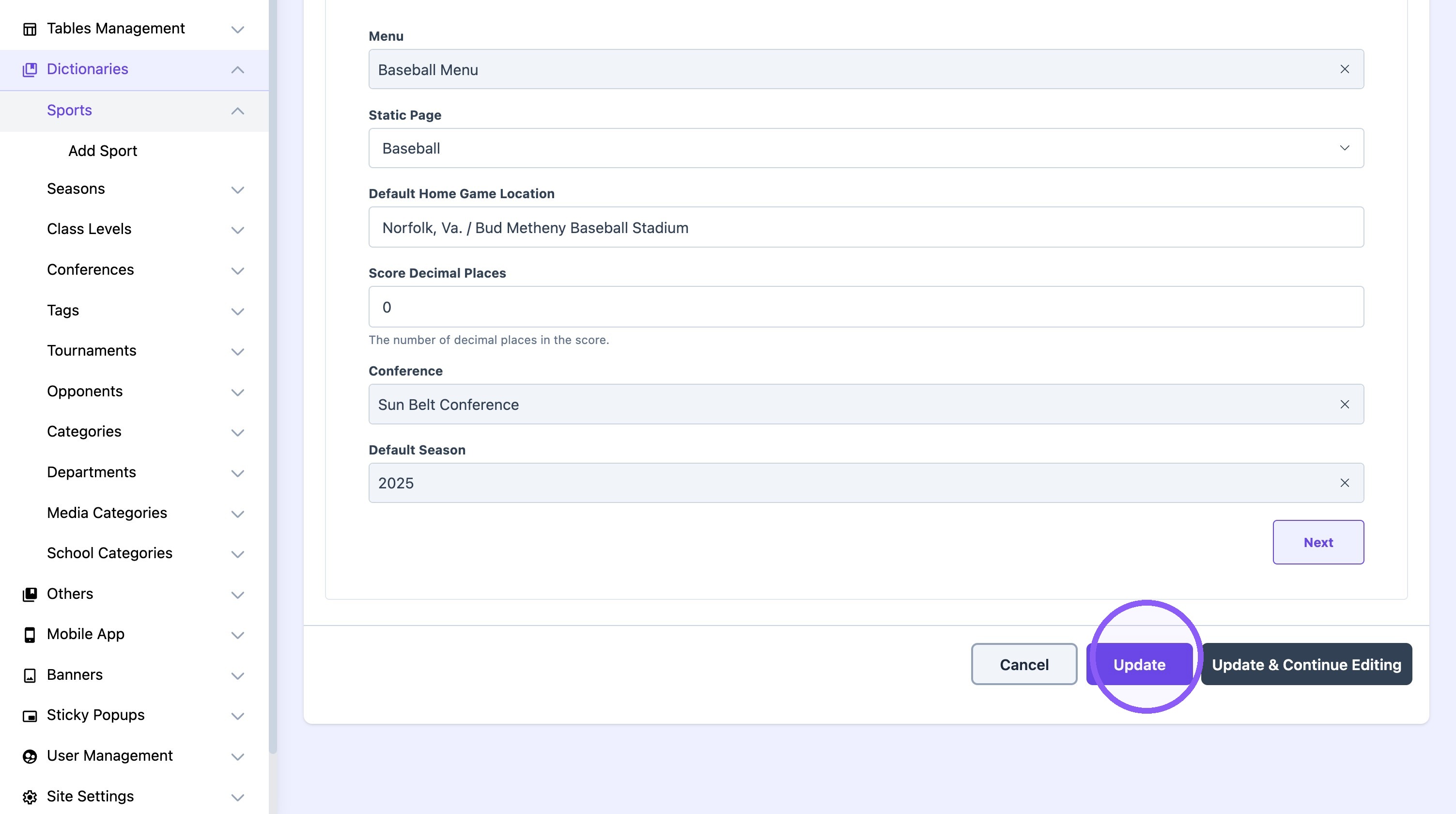
Tip: Replicate the process for each sport to create the desired custom order.