Add Article Author without CMS access
Last updated: September 17, 2026
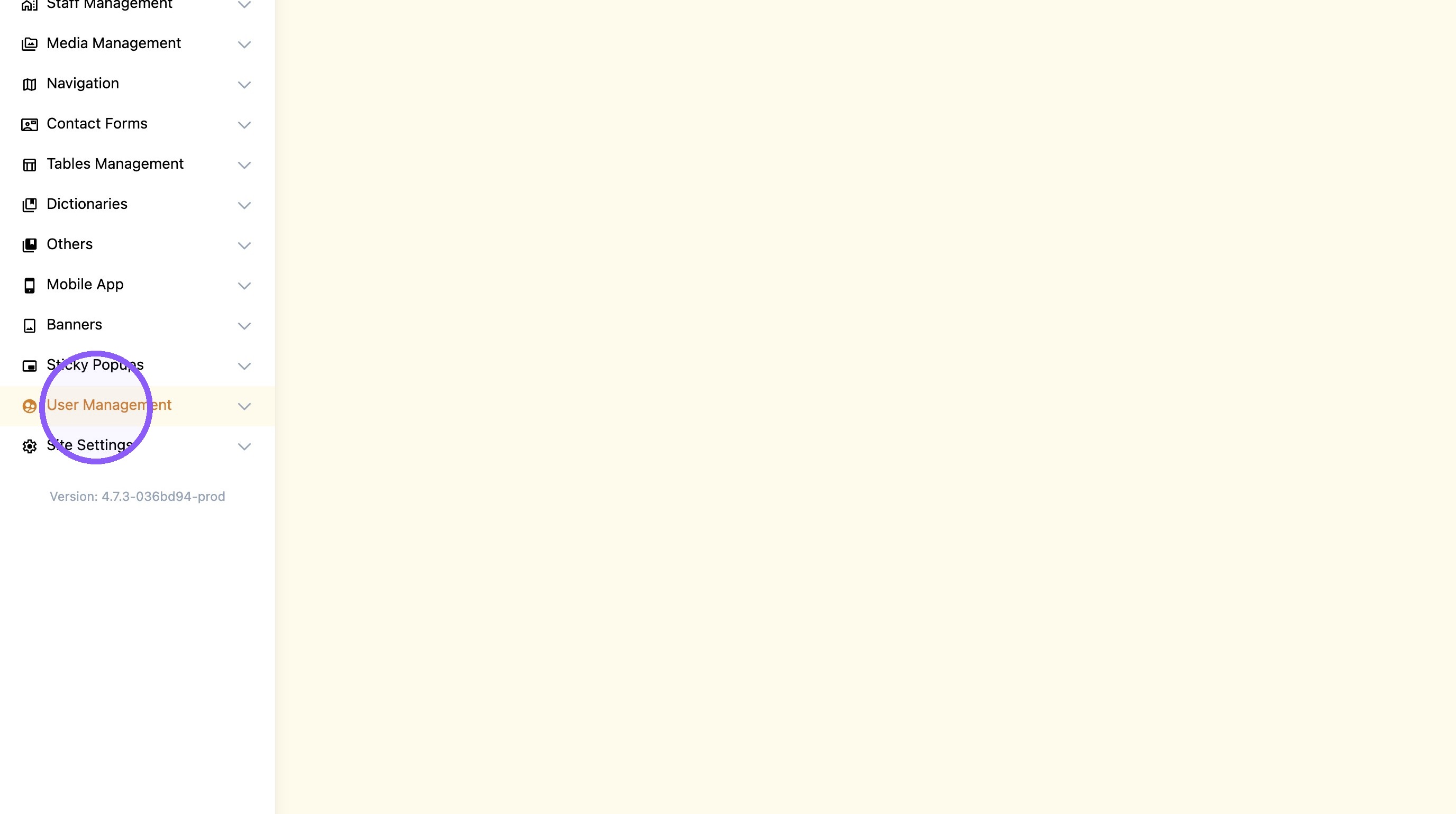
1. Click "User Management"
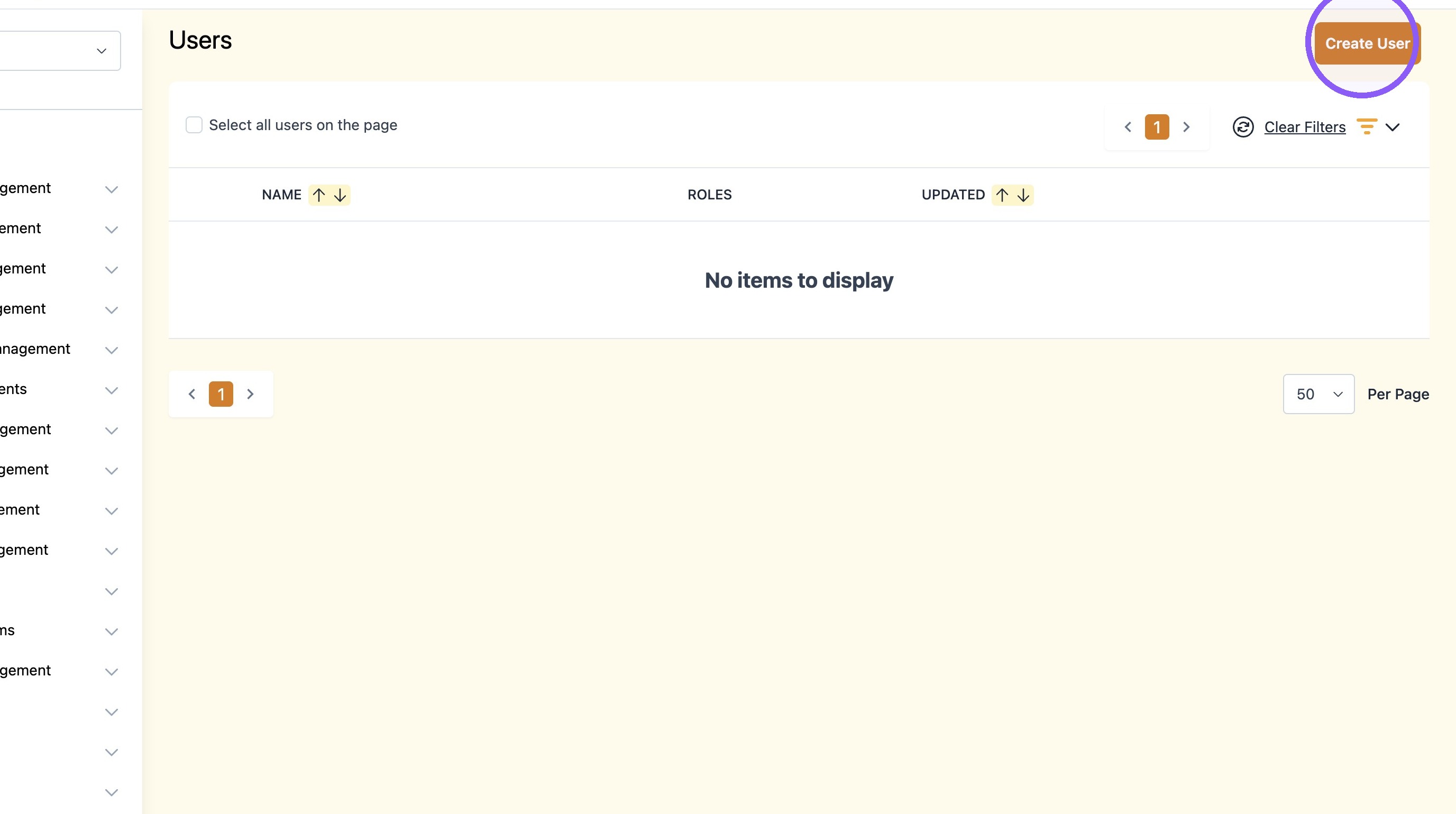
2. Click "Create User"
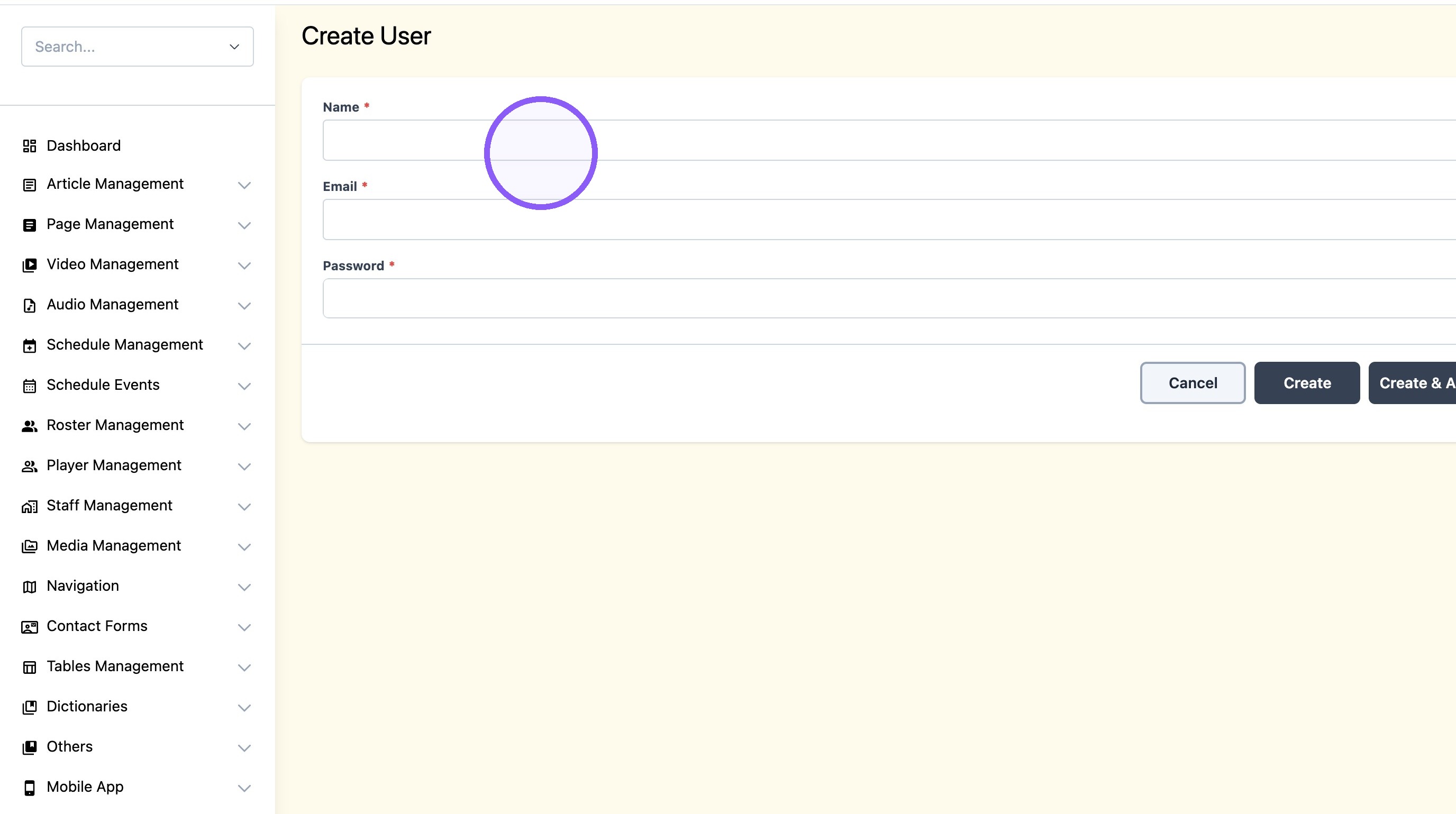
3. Set up a new user account using the Author's name. Fill in all required fields—placeholder data is acceptable.
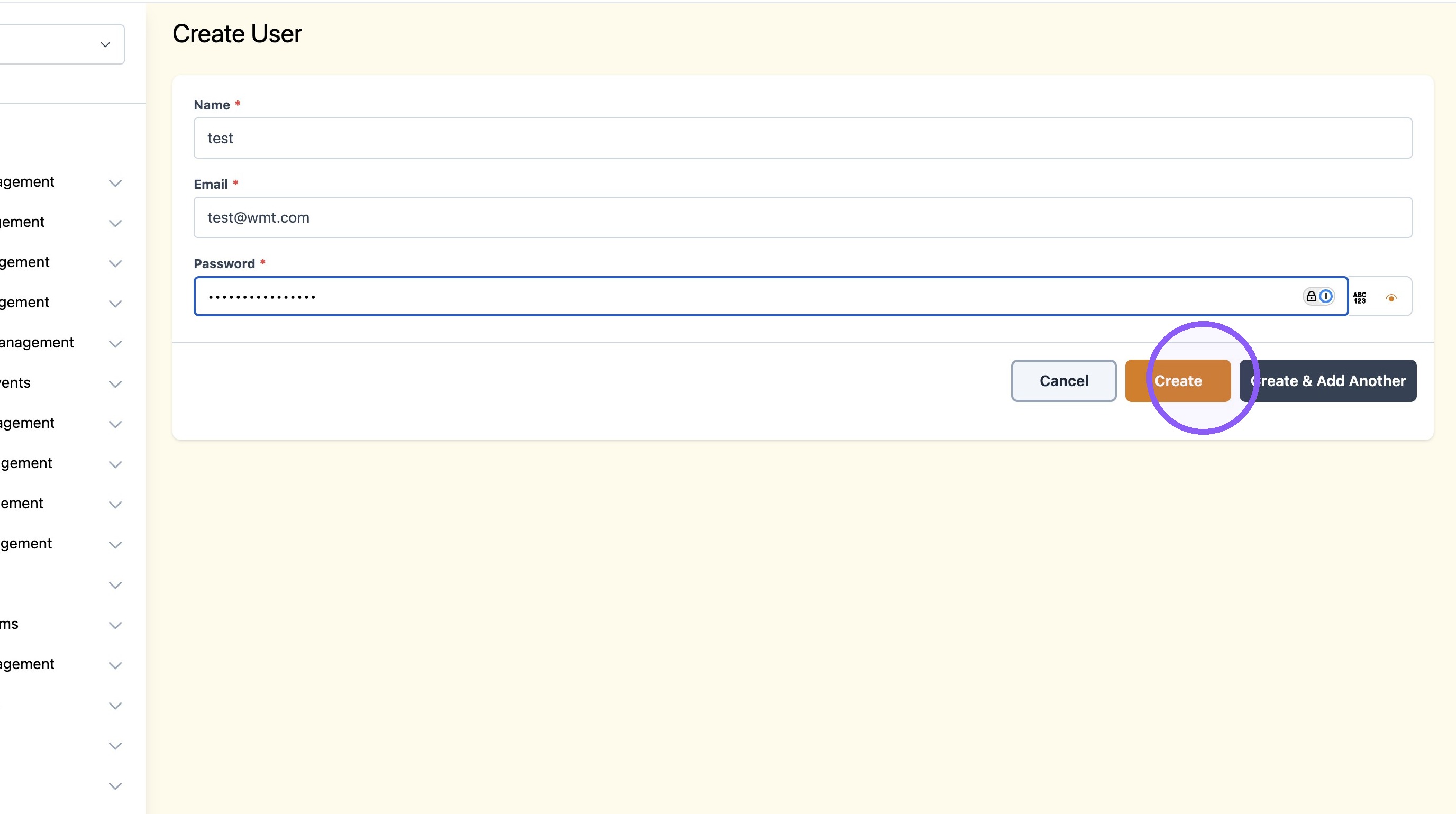
4. Click "Create"
5. Click "Article Management"

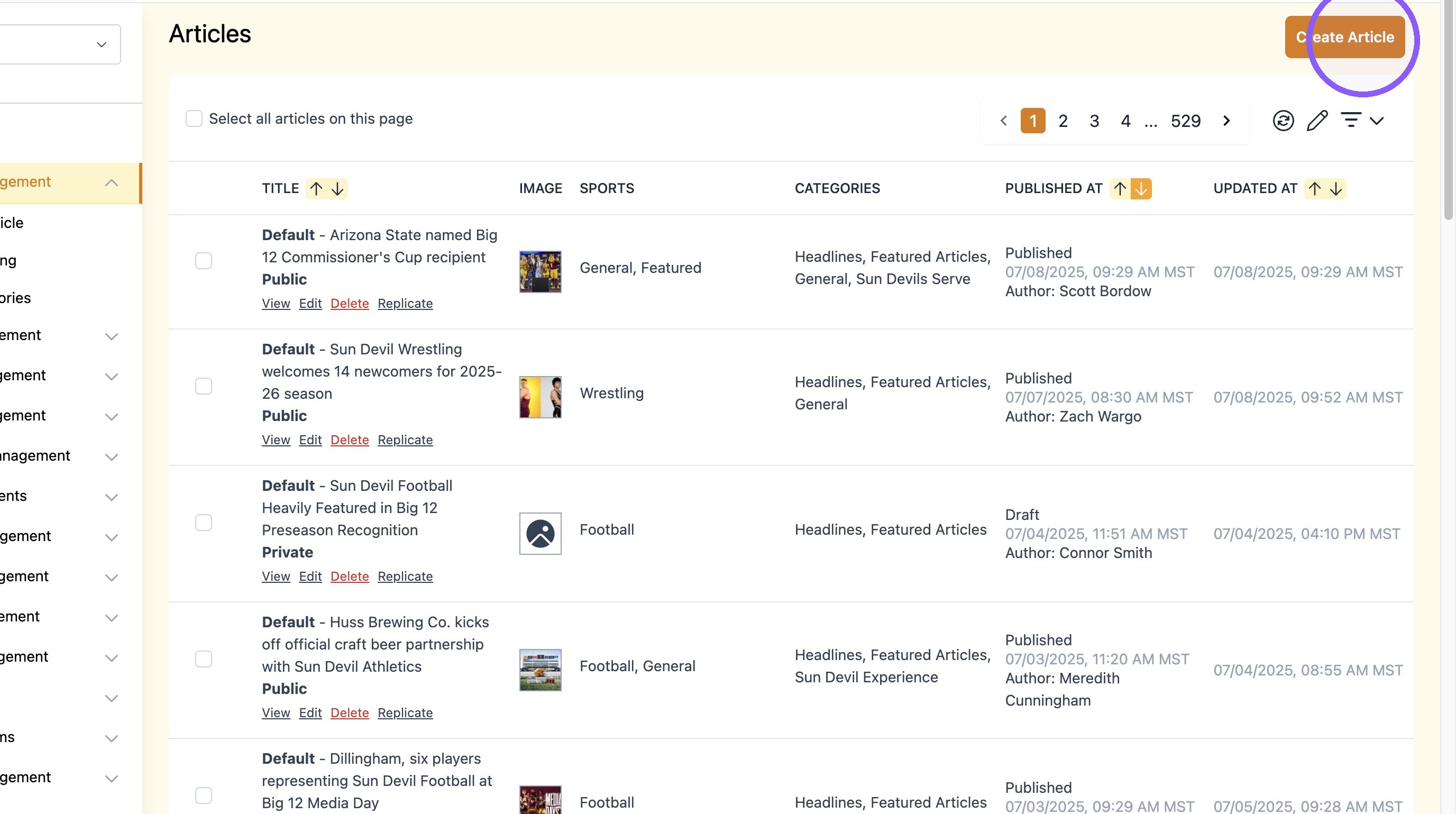
6. Click "Create Article"
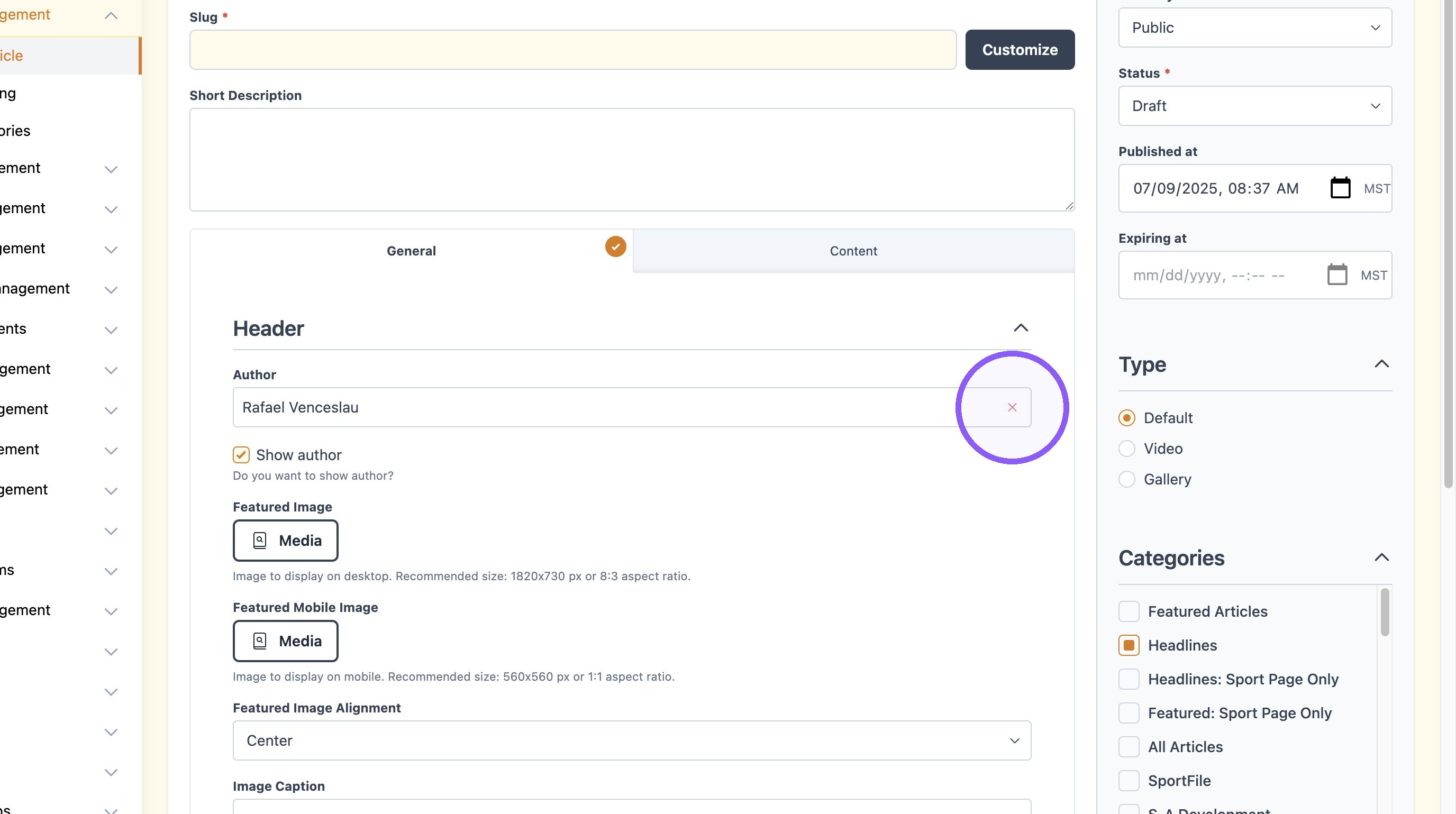
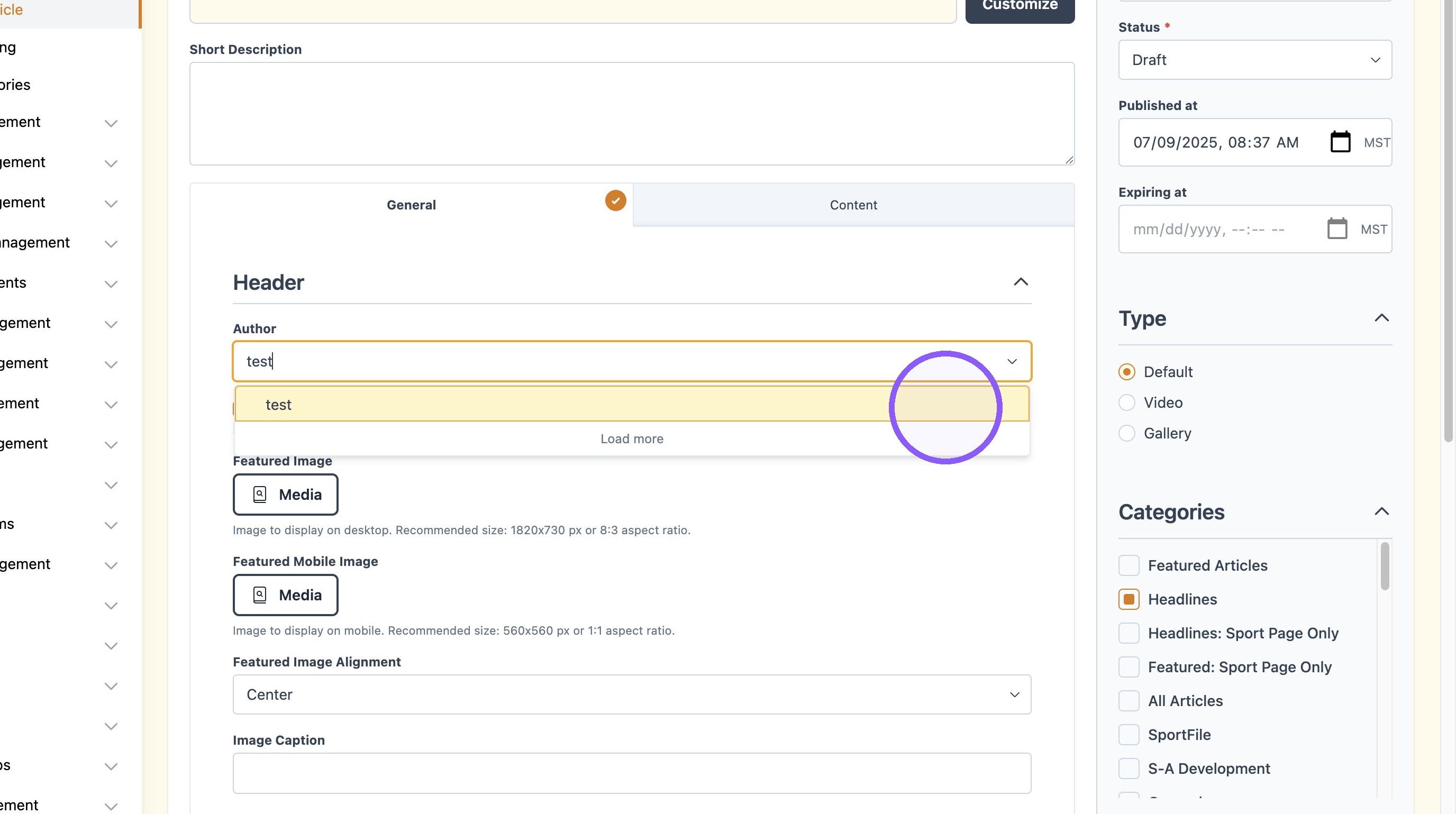
7. Find the desired Author in the dropdown.
8. Click create when the article is completed.
