How to Embed a Twitter Post into an Astra Paragraph Block
Last updated: September 17, 2026
Made by Rafael Venceslau with Scribe
1. Located desired twitter/X post
2. Click here.

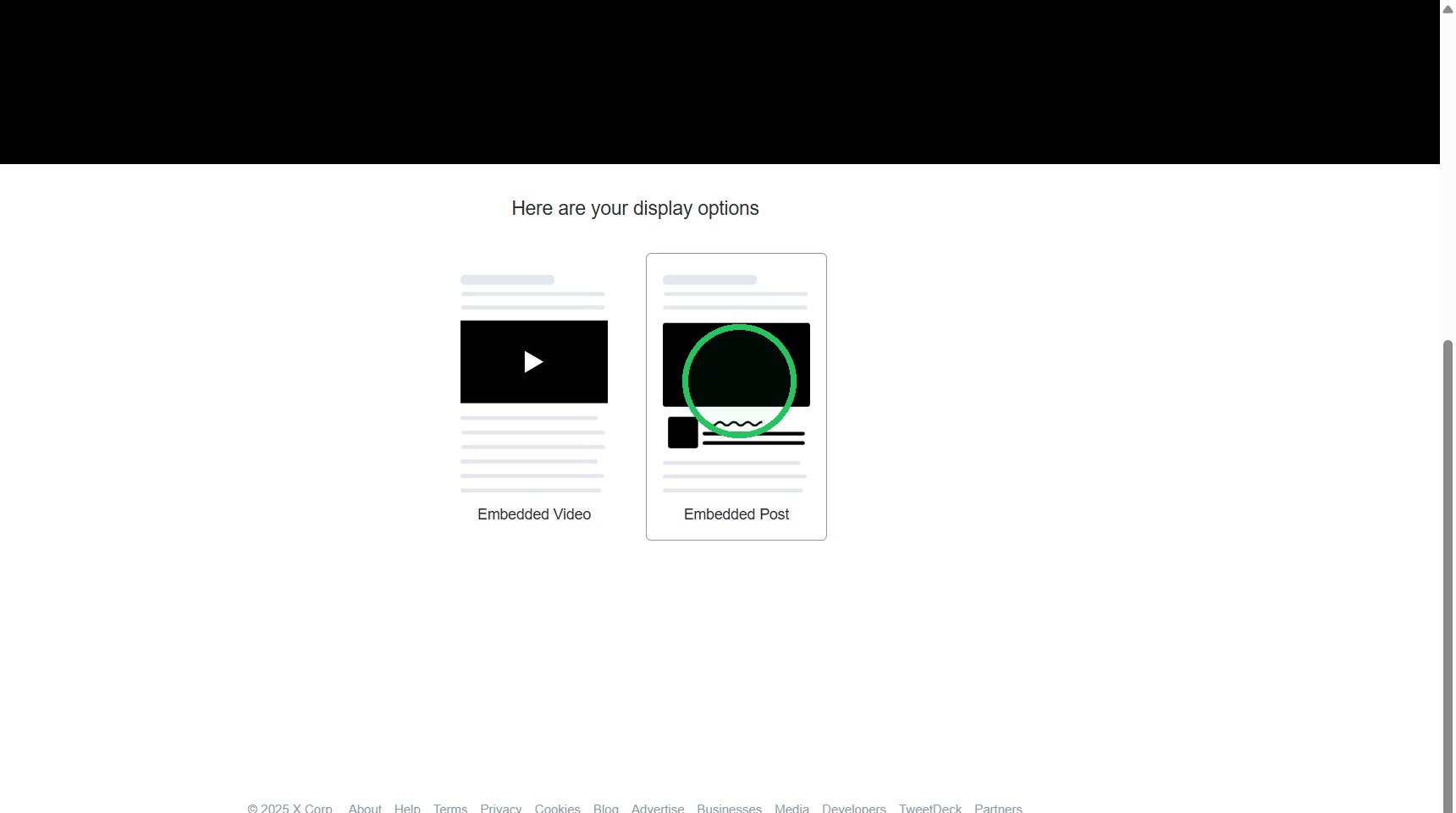
3. Click "Embed post"

4. Click here.
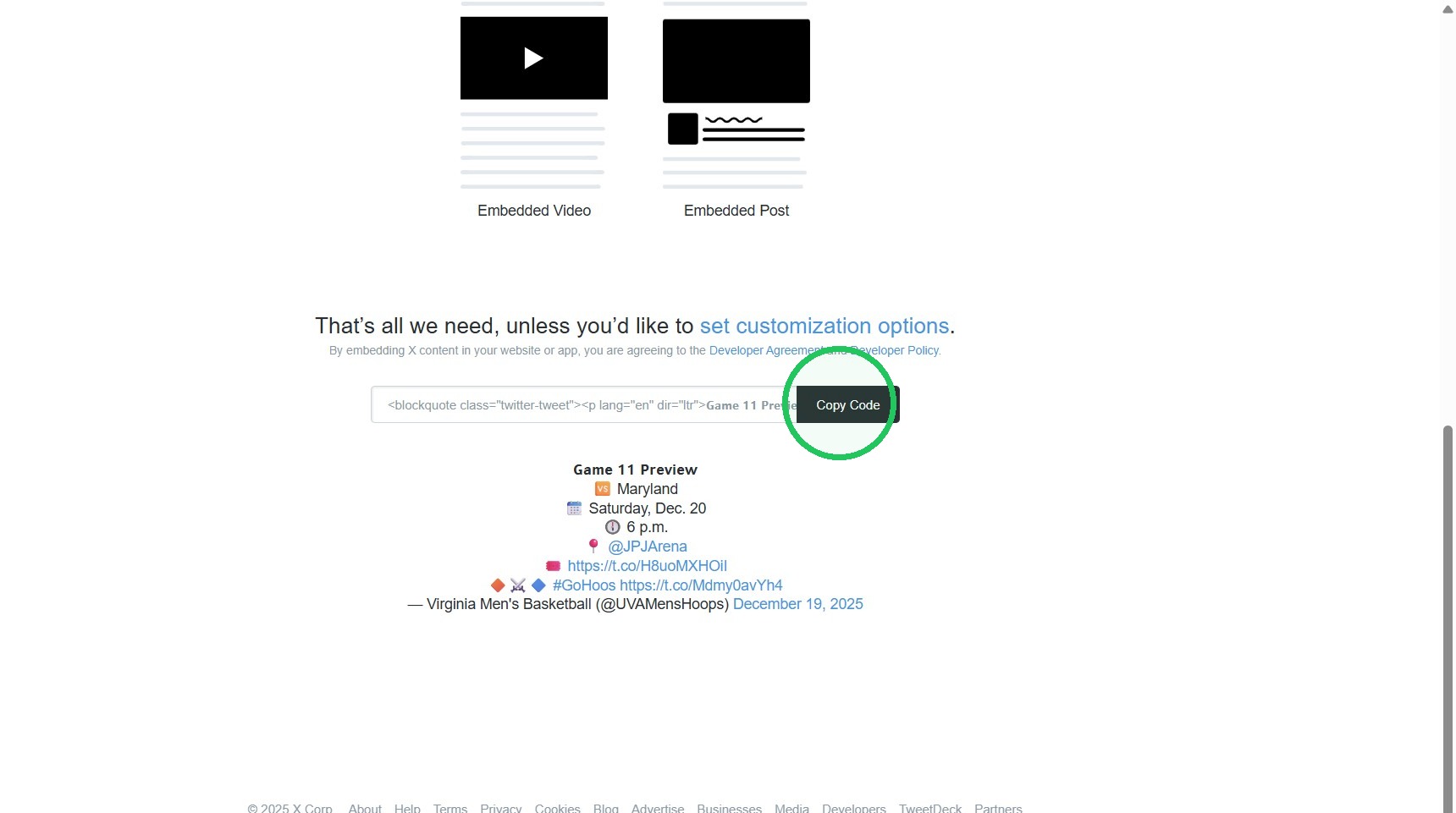
5. Click "Copy Code"
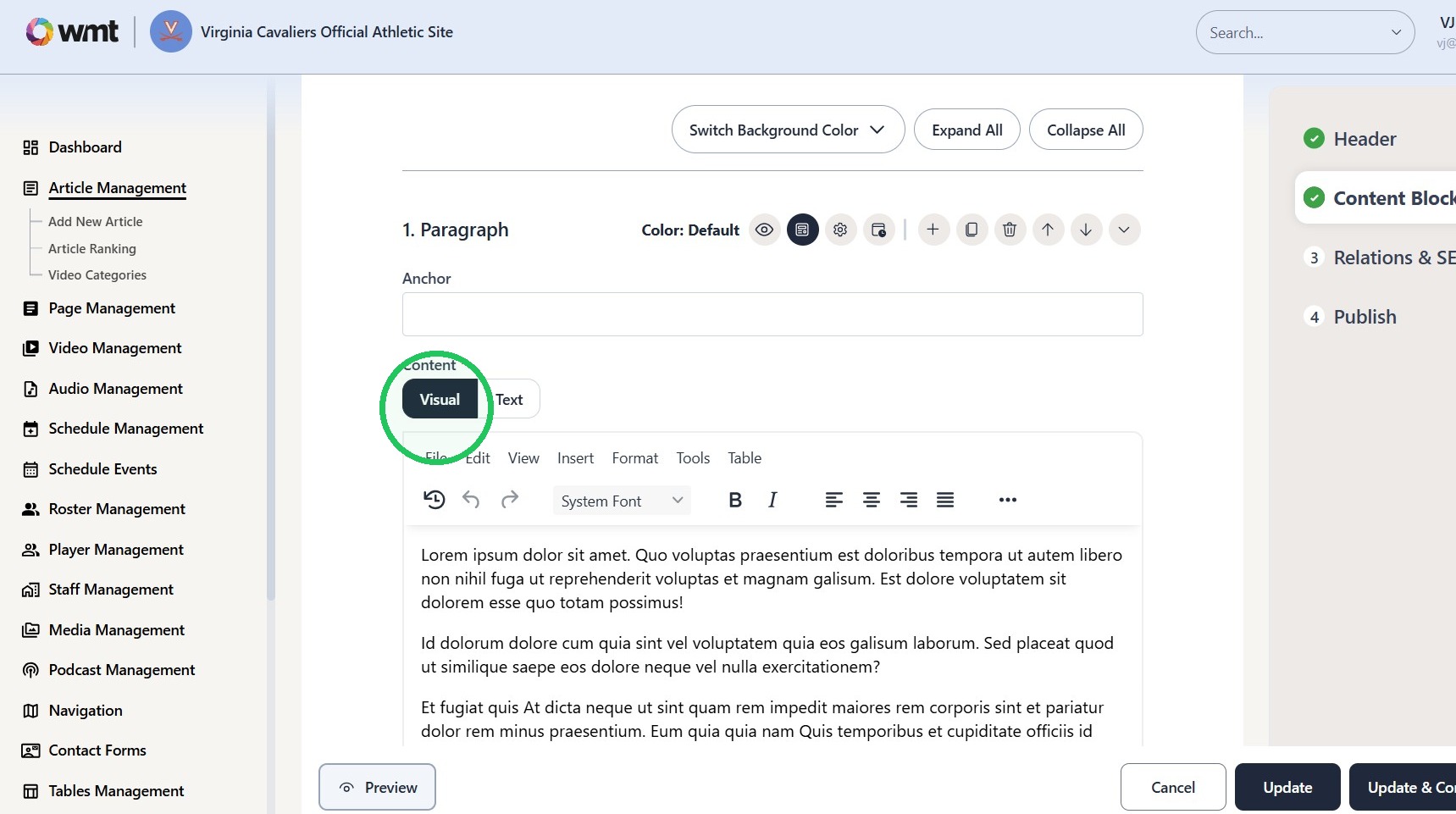
6. Click "Visual"
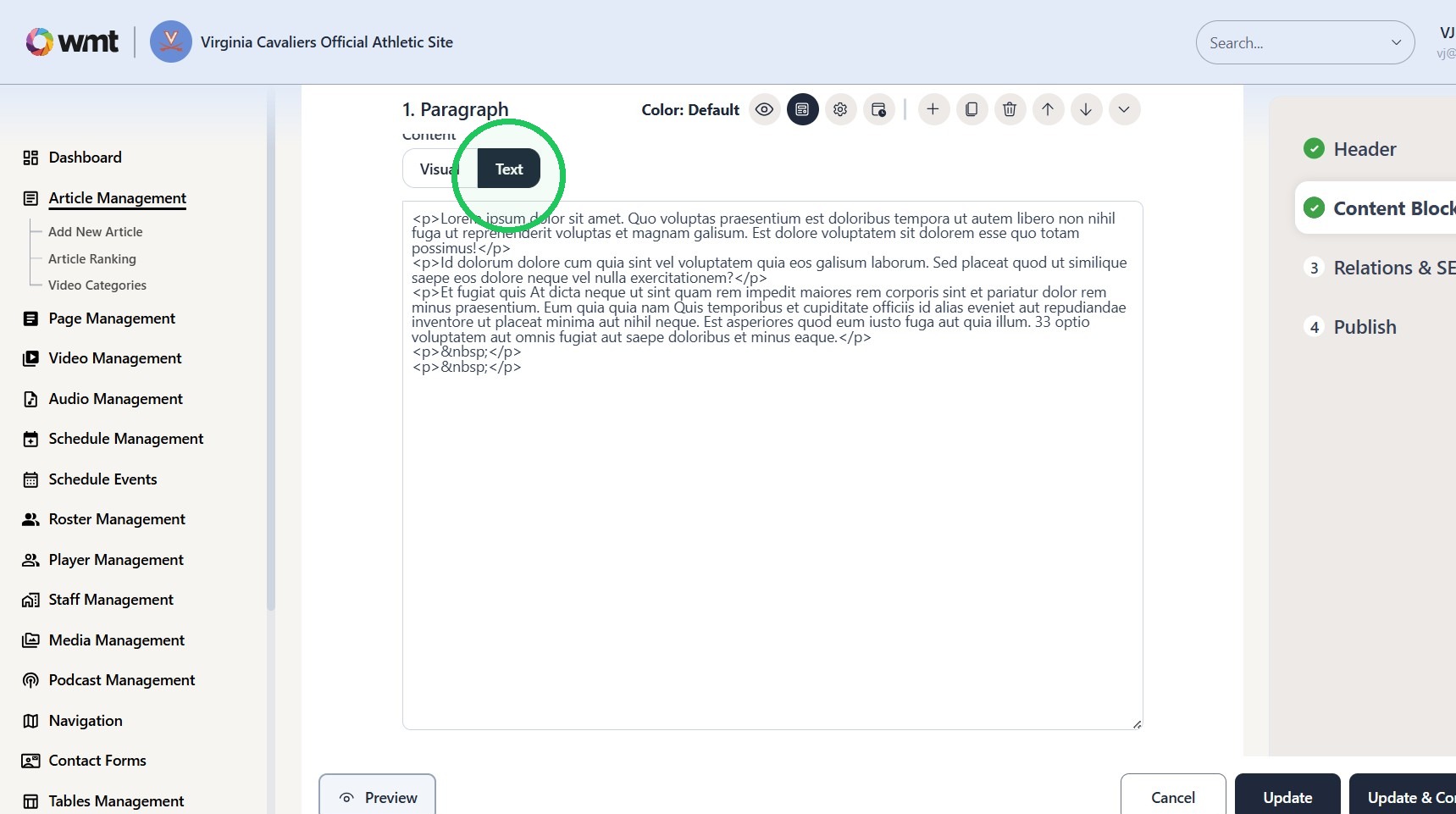
7. Click "Text"
8. Switch to tab Edit Article - WMT CMS"
9. Paste Blockquote script where desired within "Text" tab of the Paragraph content block.
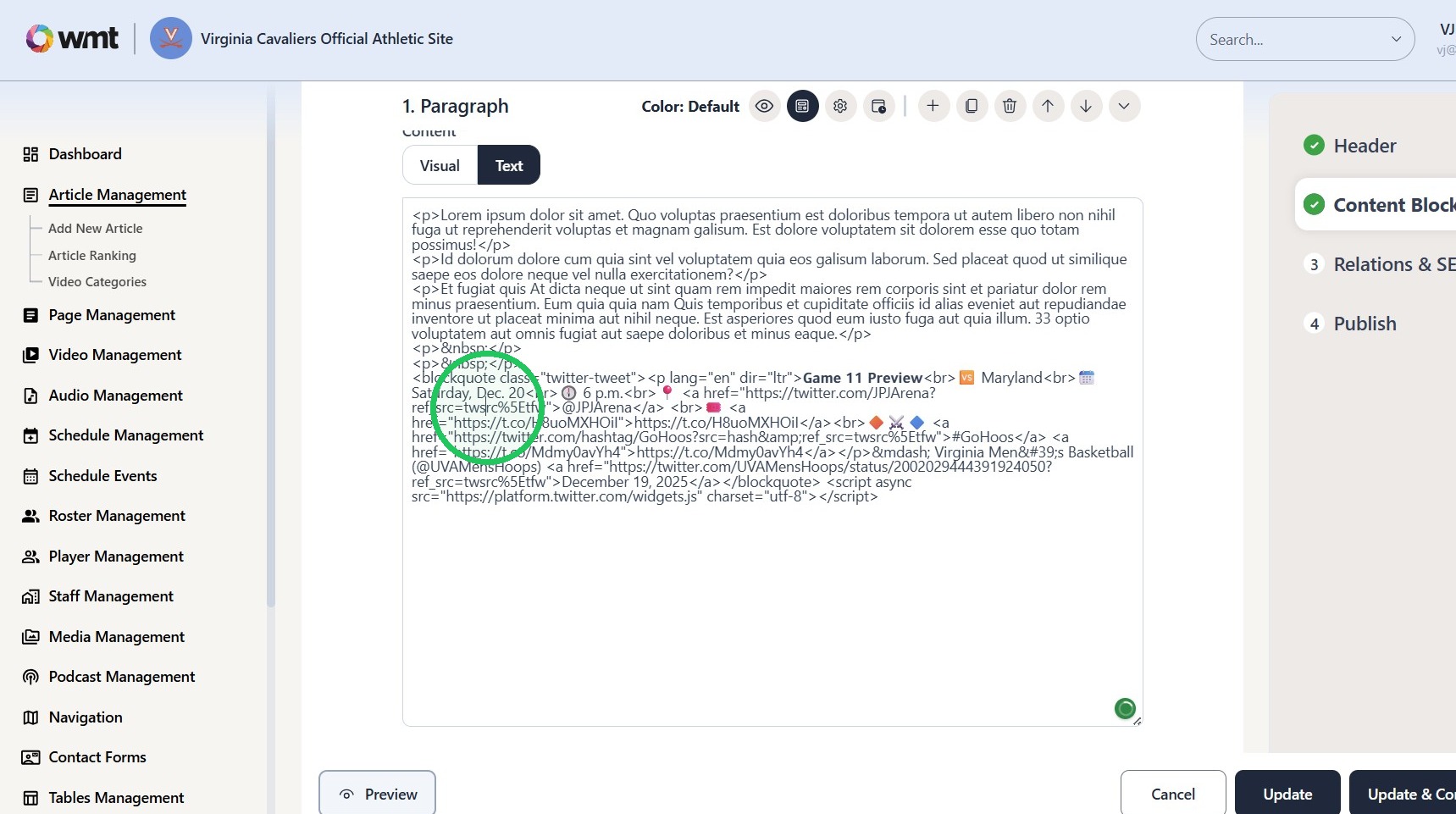
10. Click "Update"
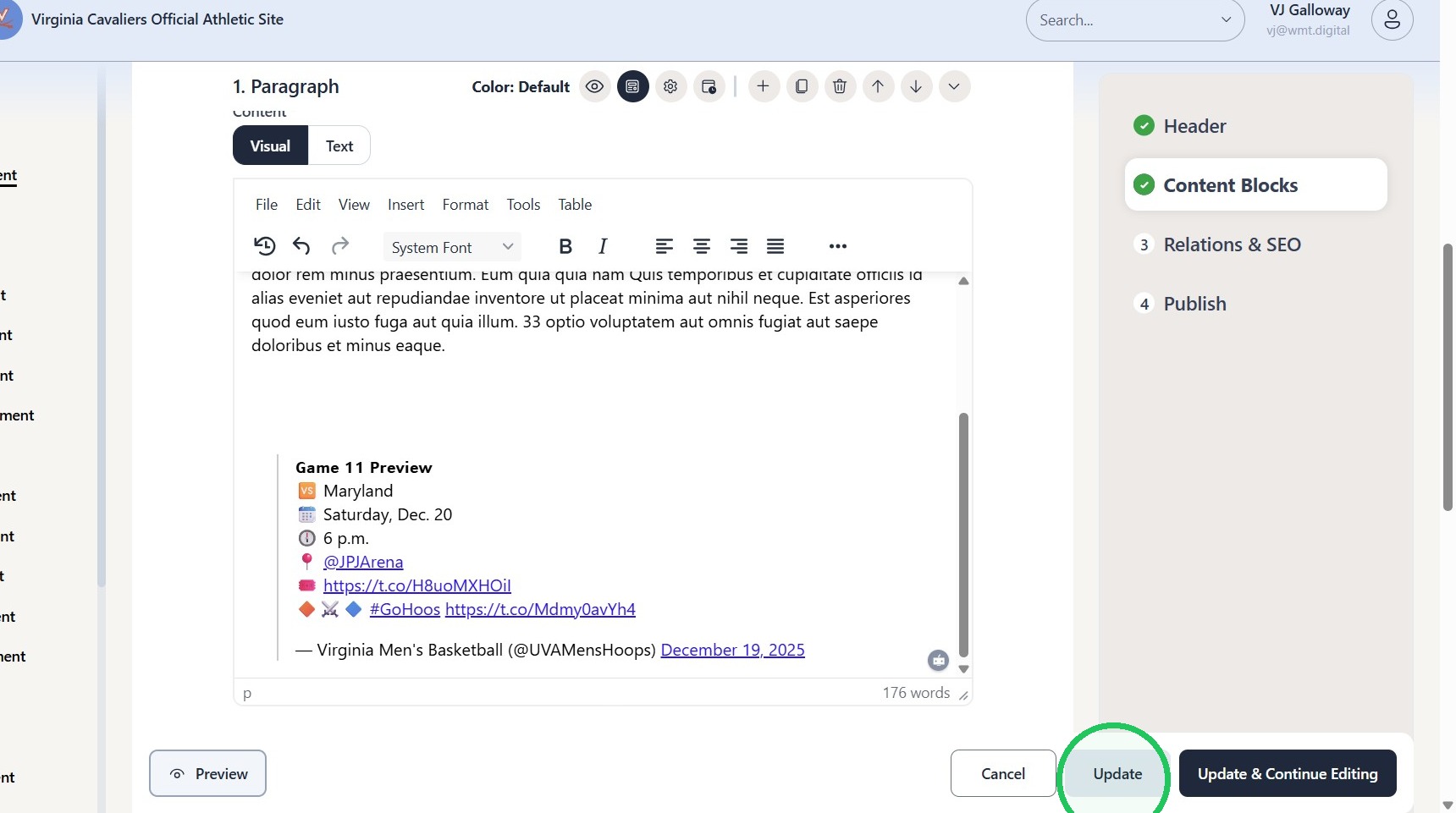
11. Twitter post will appear completely on the frontend of the site.