Mobile App: Set up geo-targeted locations
Last updated: September 18, 2026
Made by Rafael Venceslau with Scribe
Add New Location
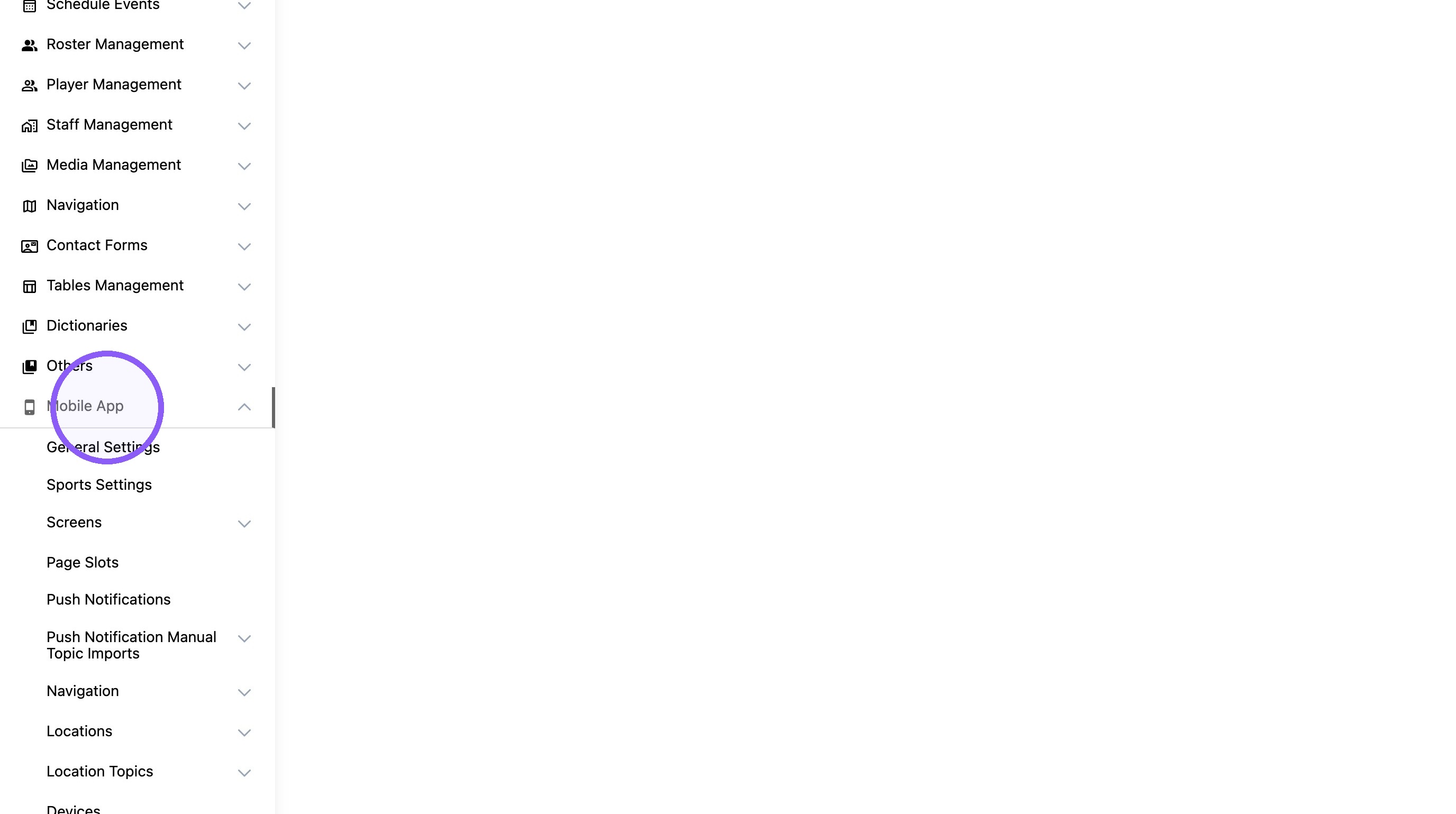
1. Click "Mobile App"
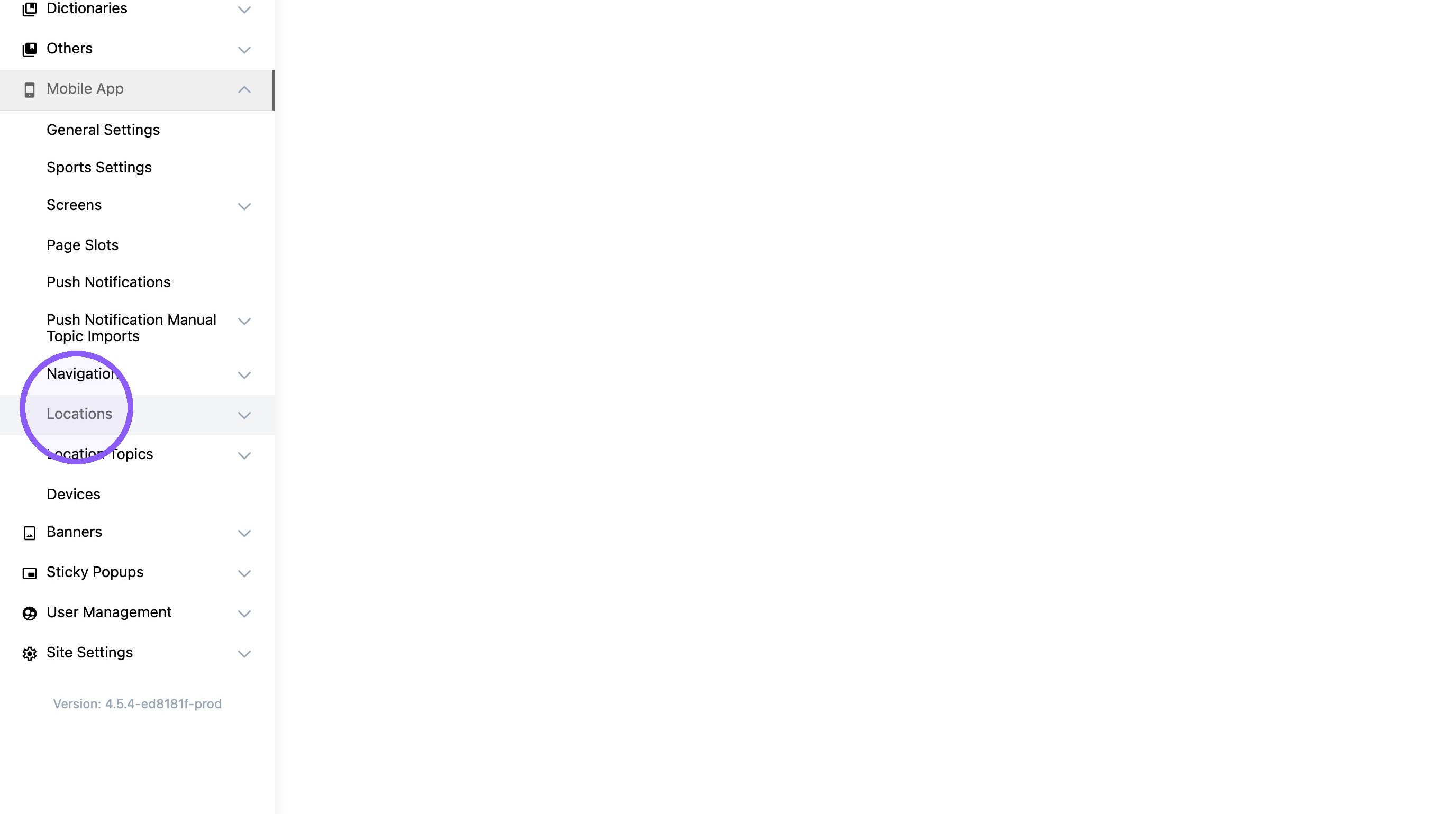
2. Click "Locations"
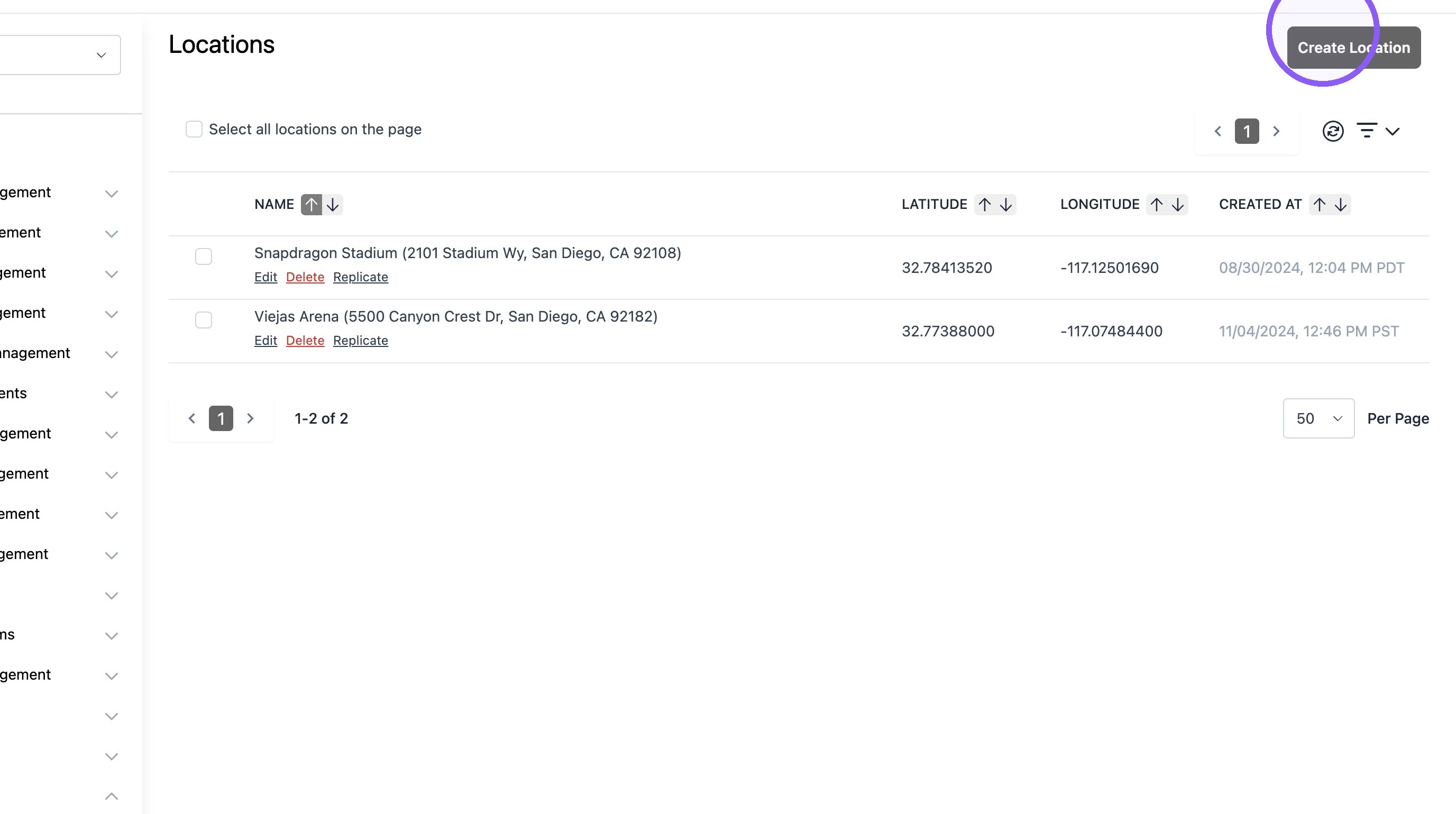
3. Click "Create Location"
4. Type the desired name.

5. Add "Latitude*" value.
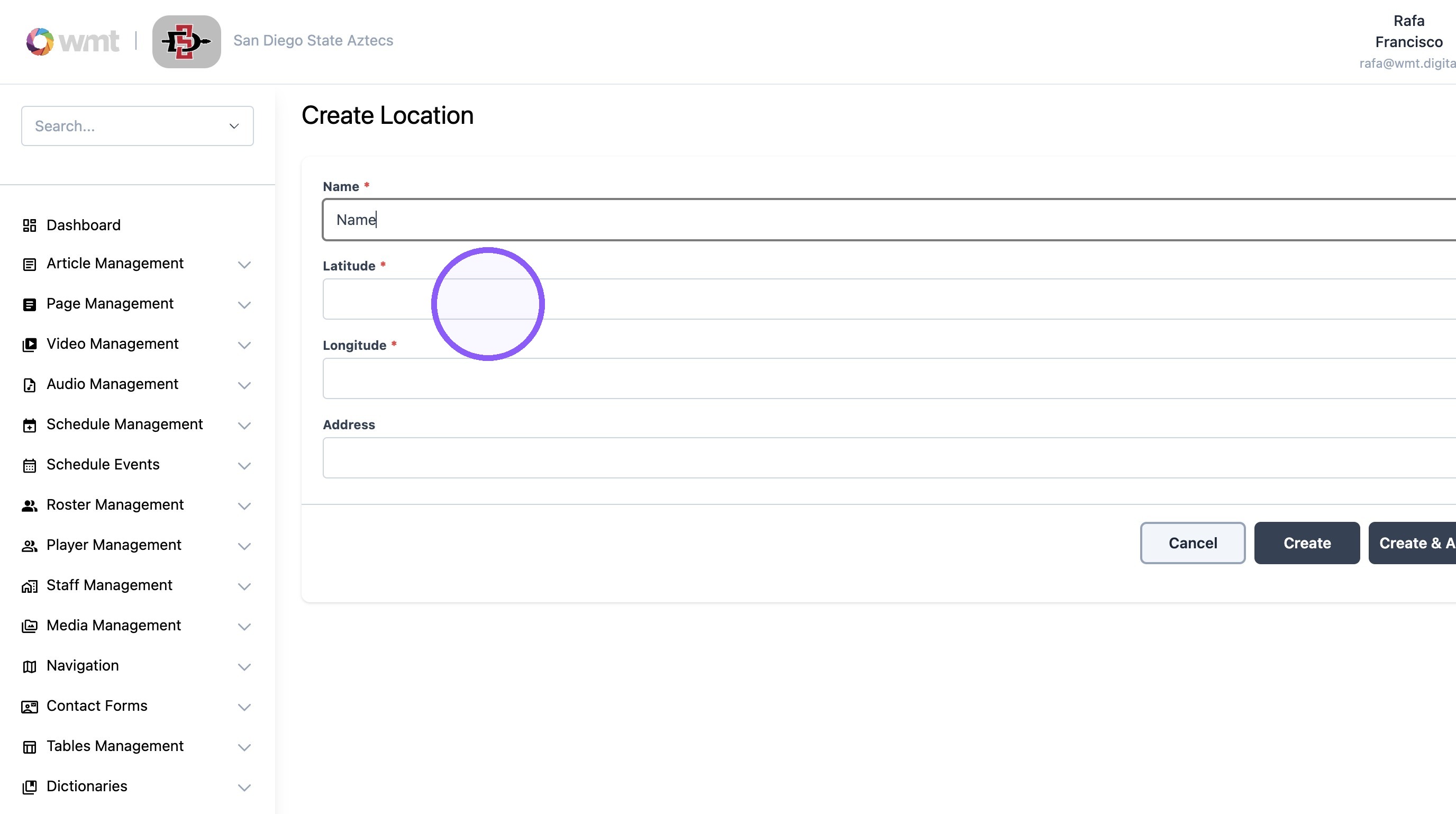
6. Add the "Longitude*" value. (Always negative value)
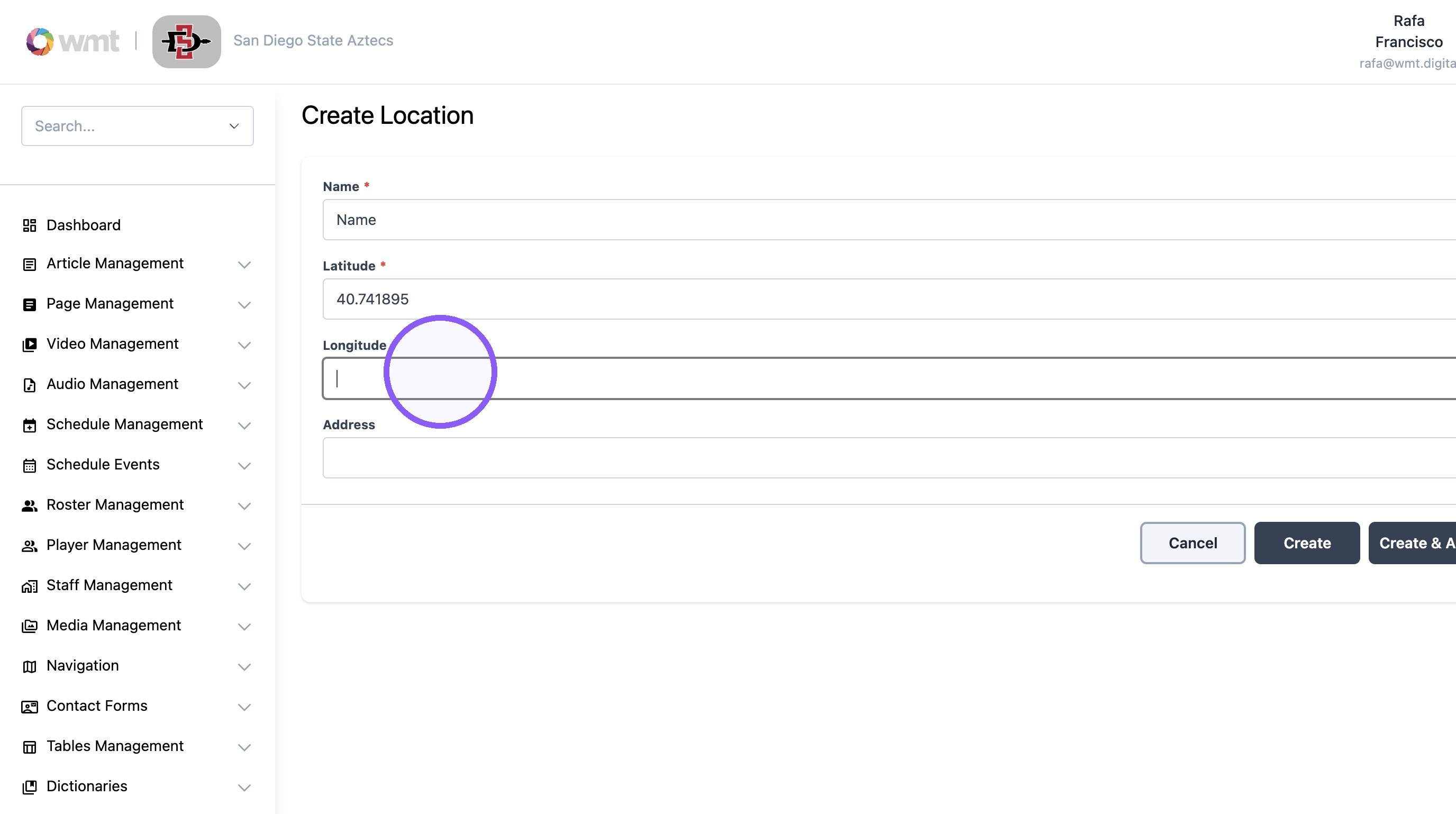
7. Add the desired address to the address field.
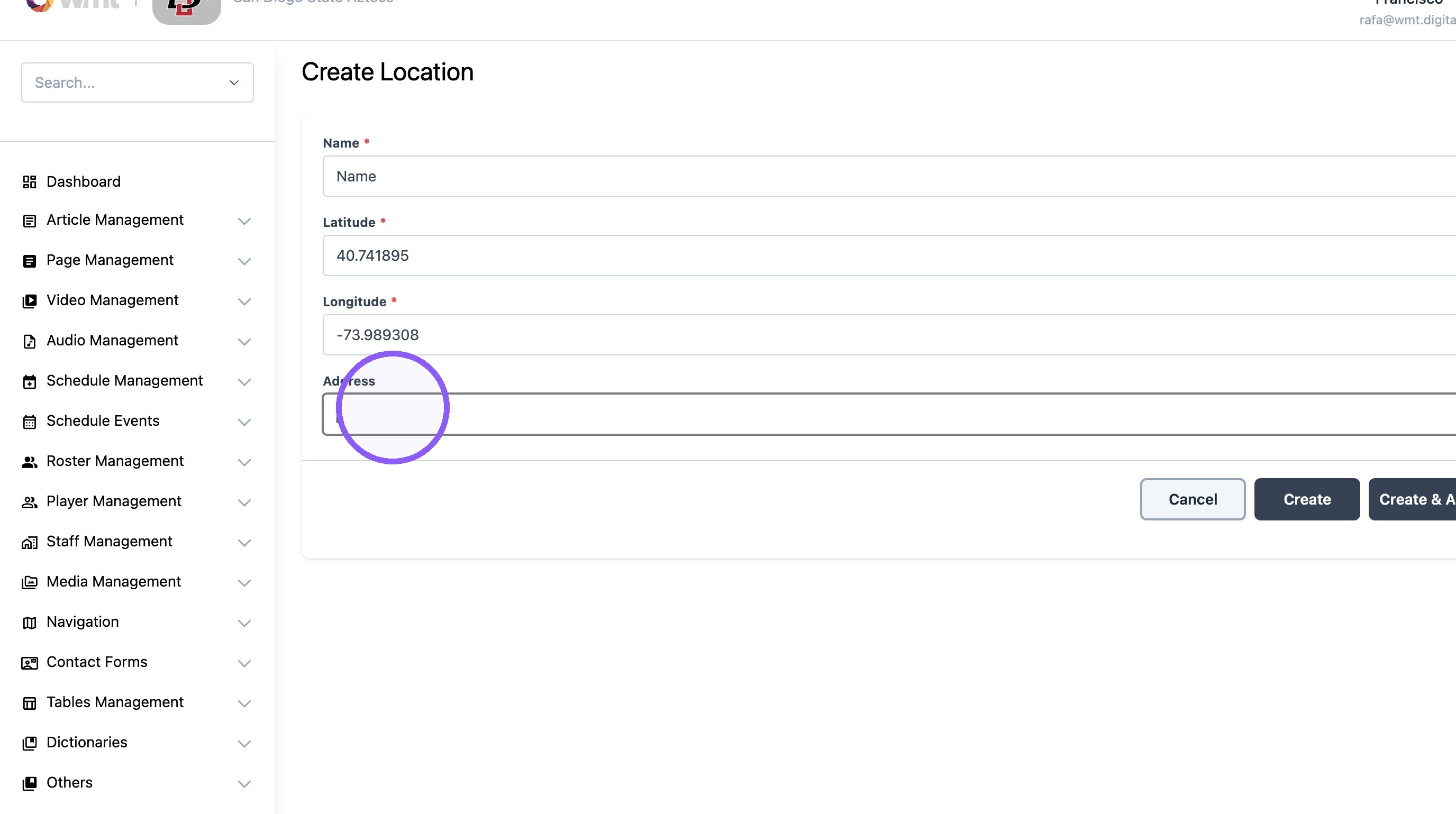
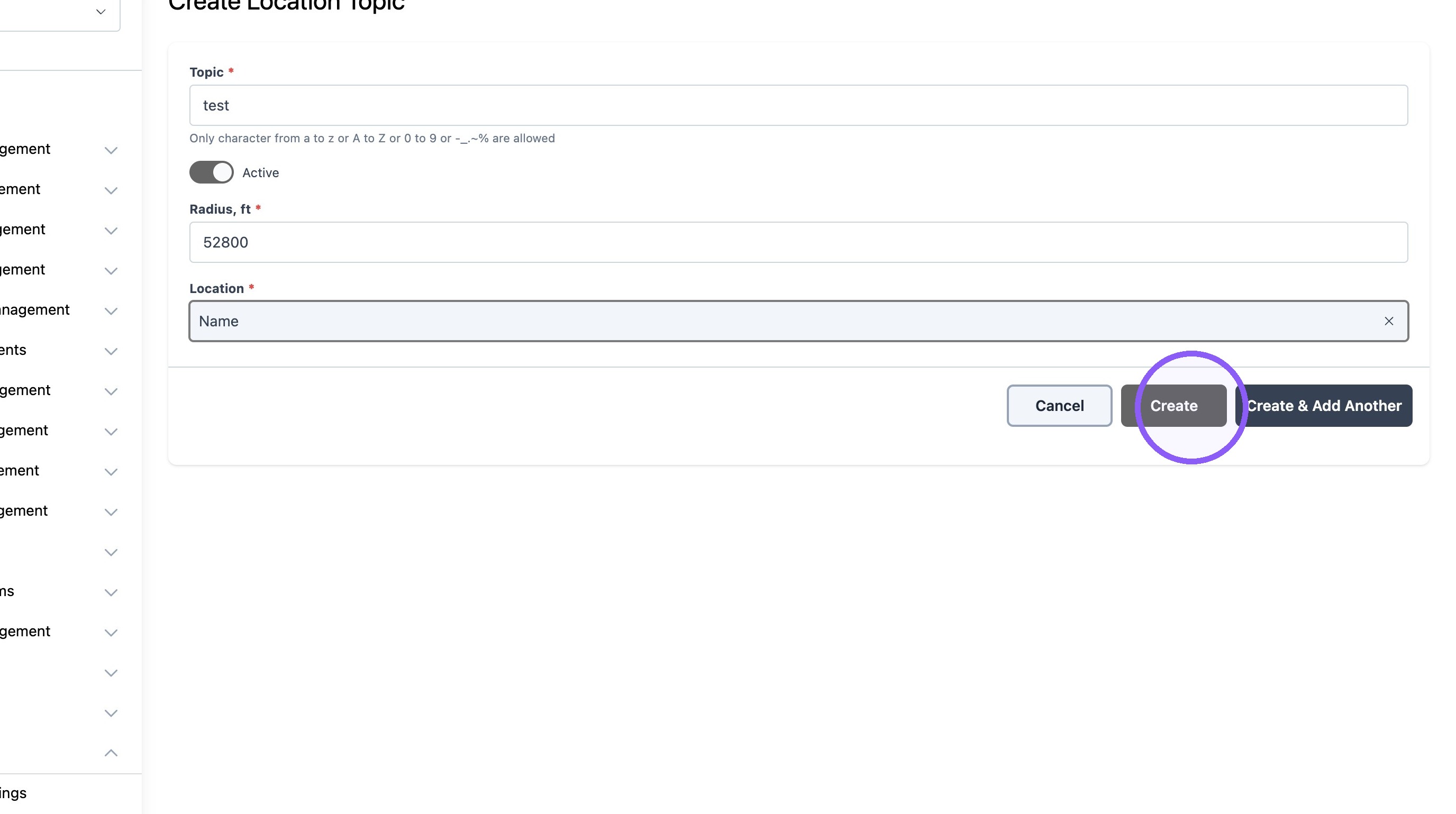
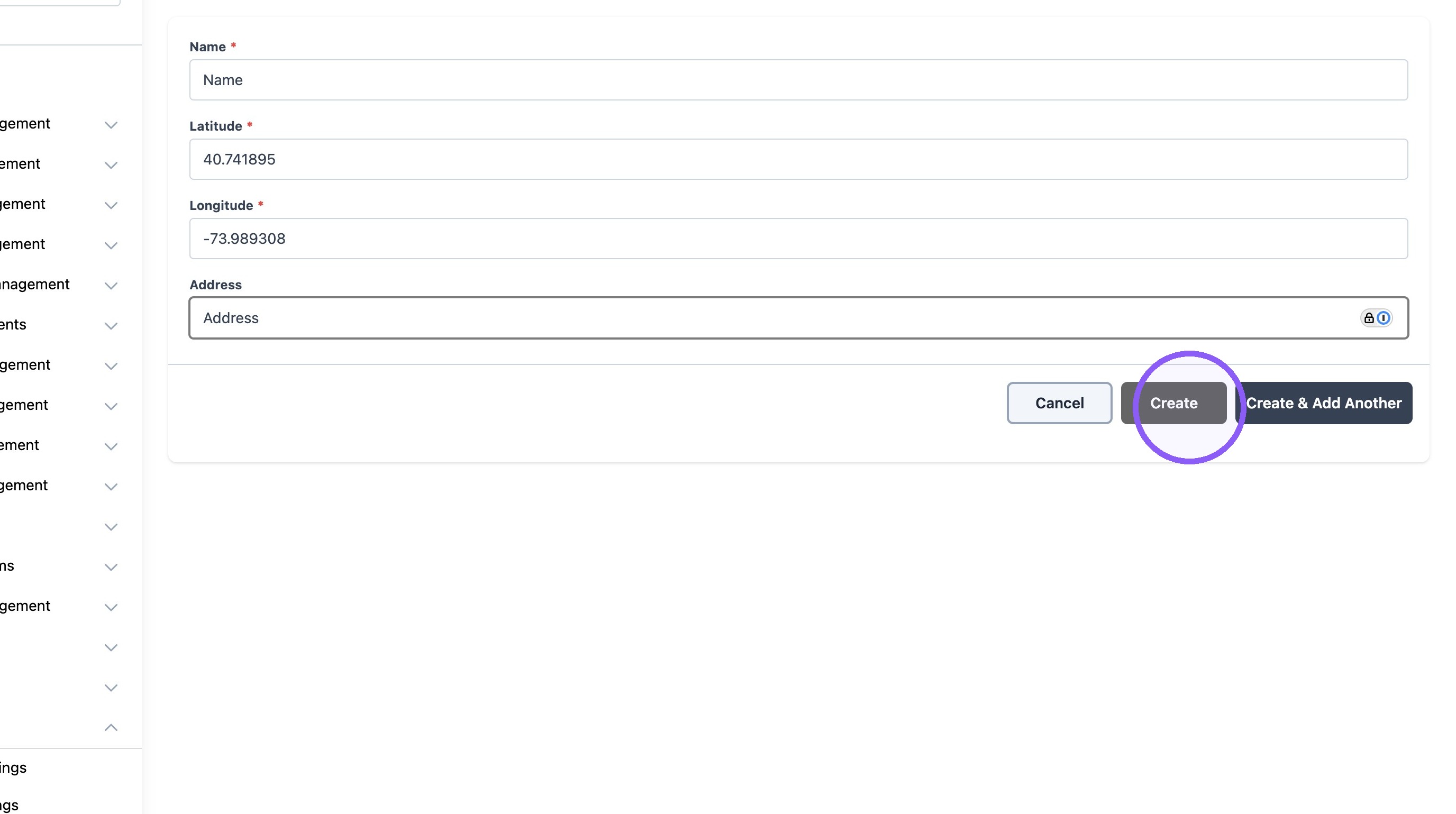
8. Click "Create"
Add New Location Topic
9. Click "Location Topics"
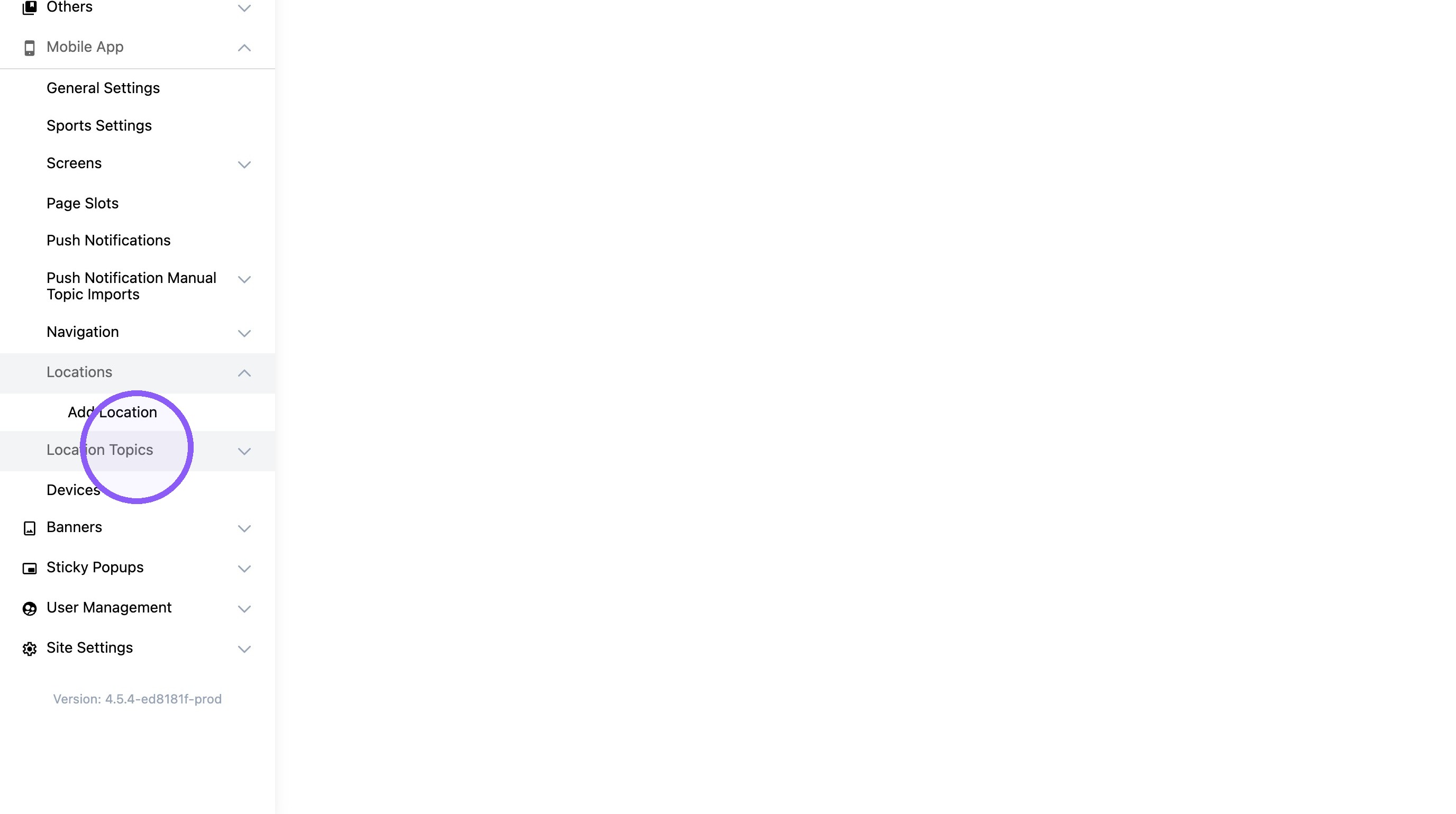
10. Click "Create Location Topic"
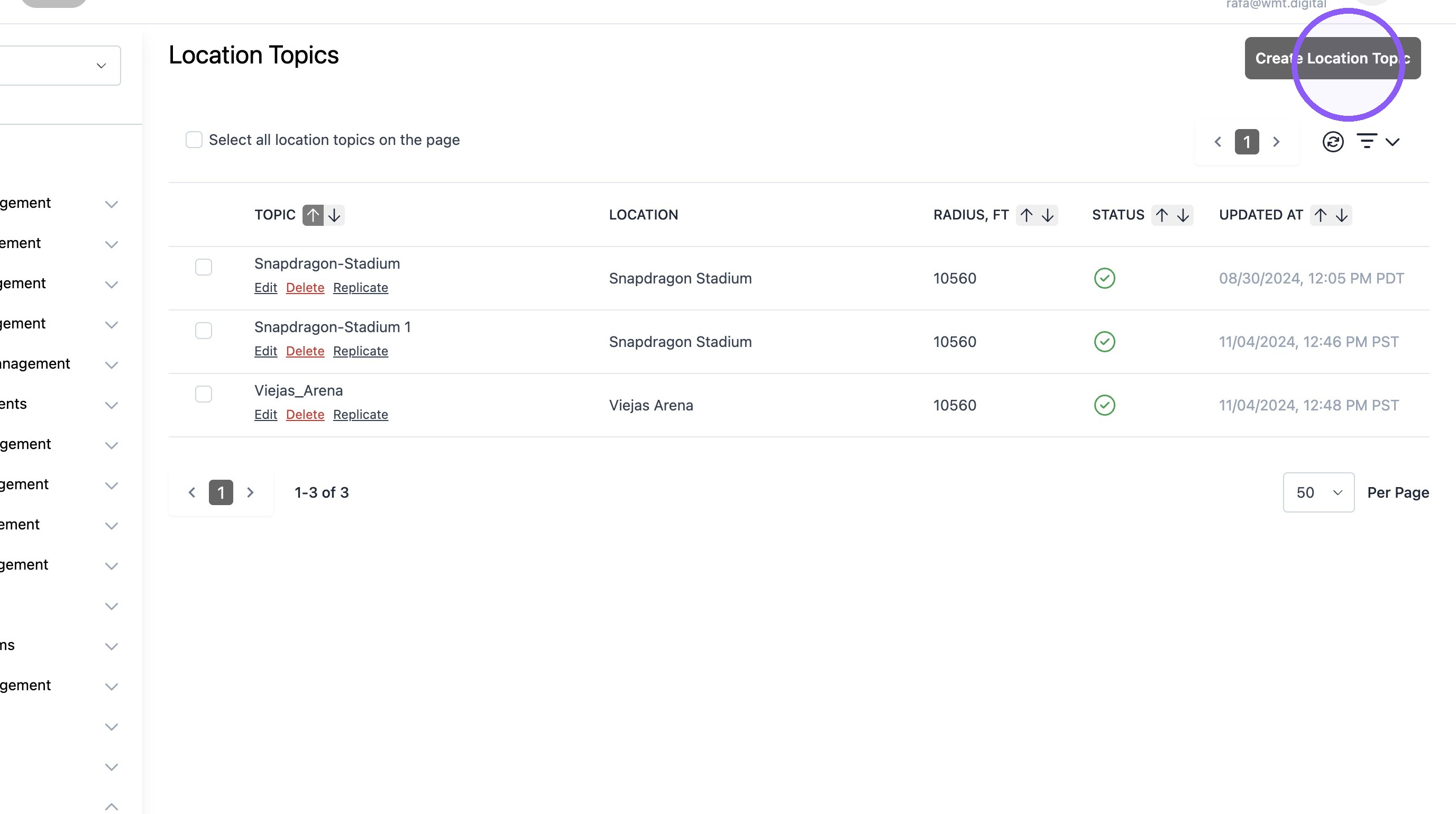
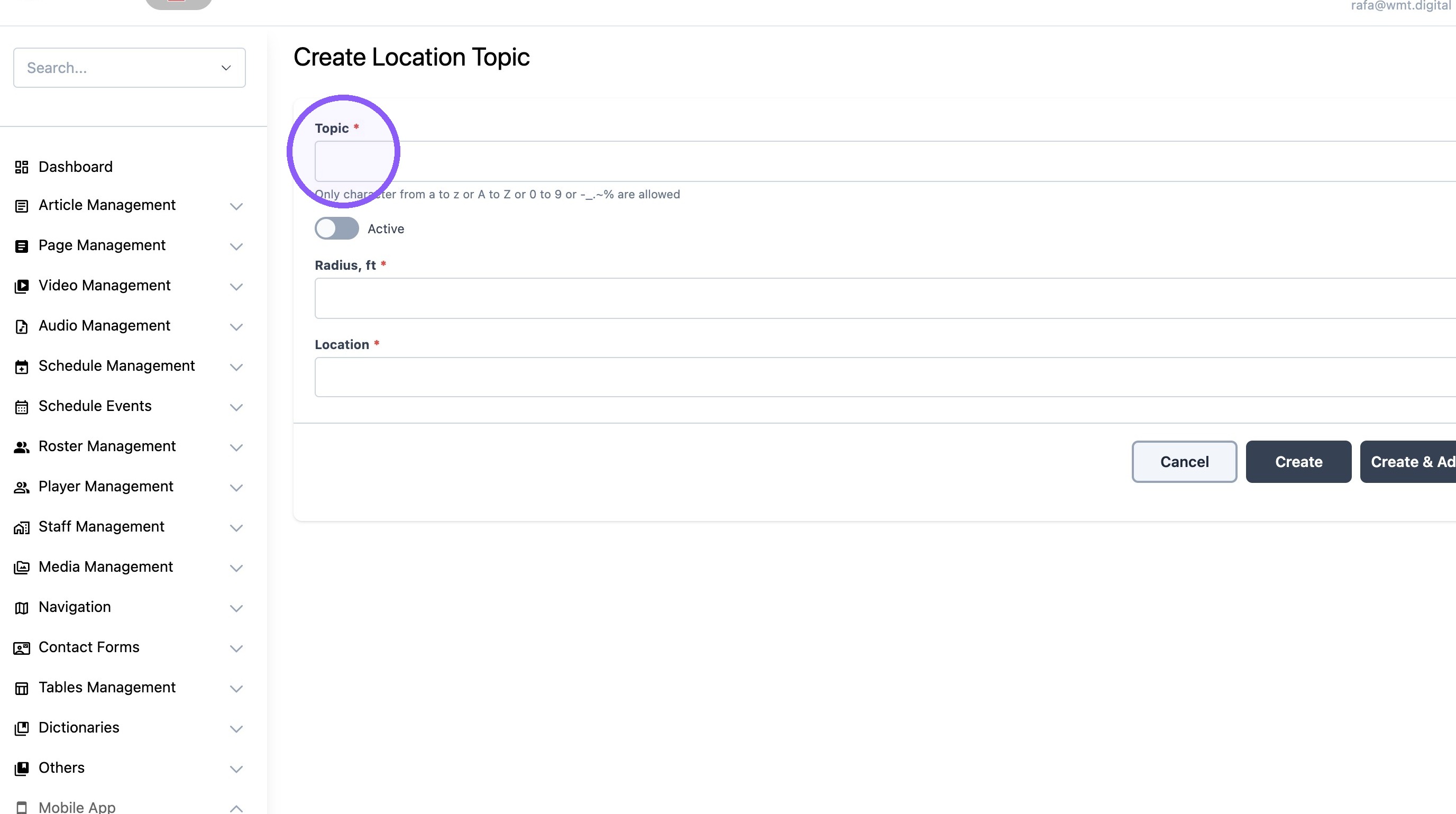
11. Type the "topic" name. Name will be used to setup push notifications.
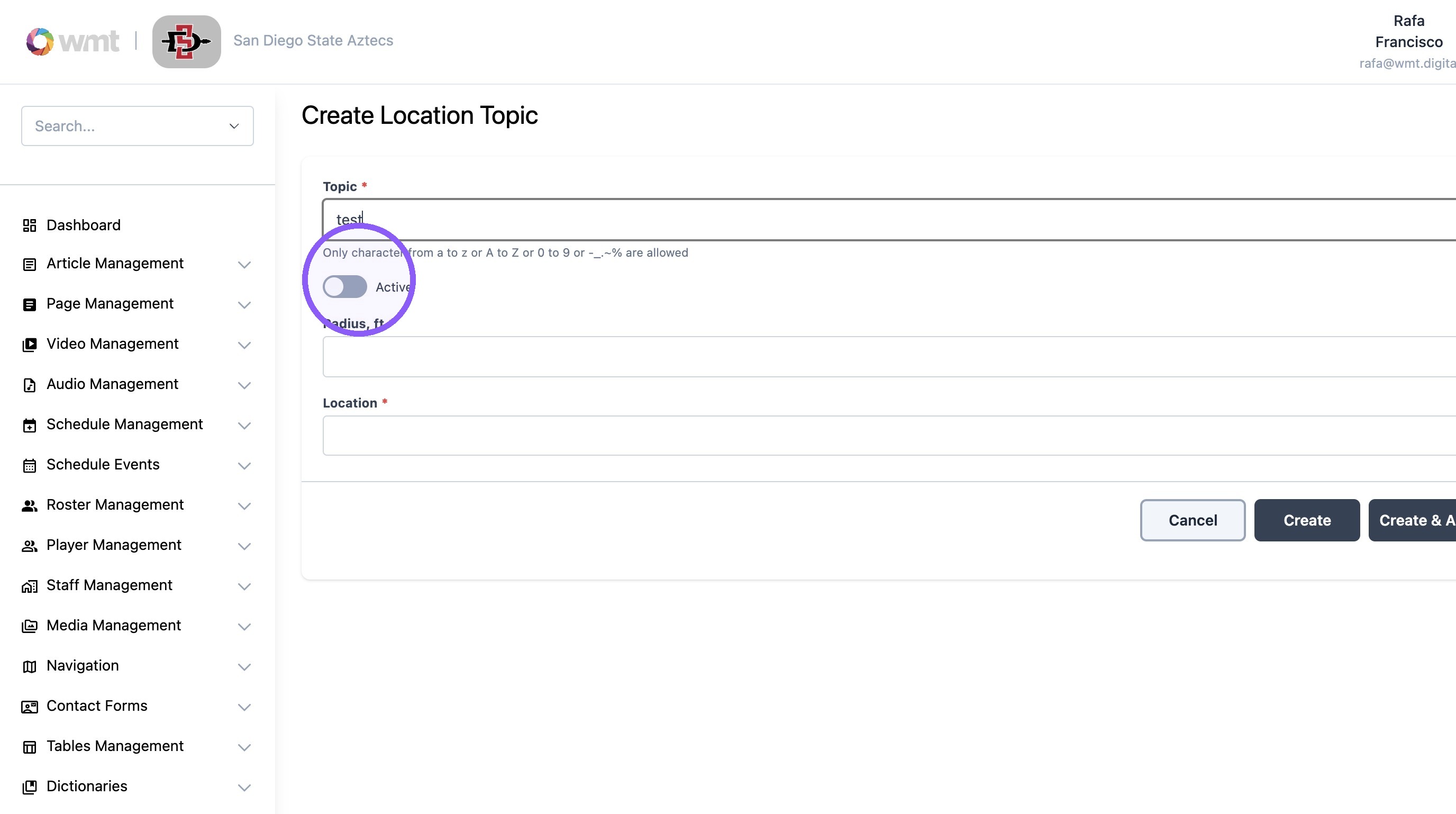
12. Turn toggle on.
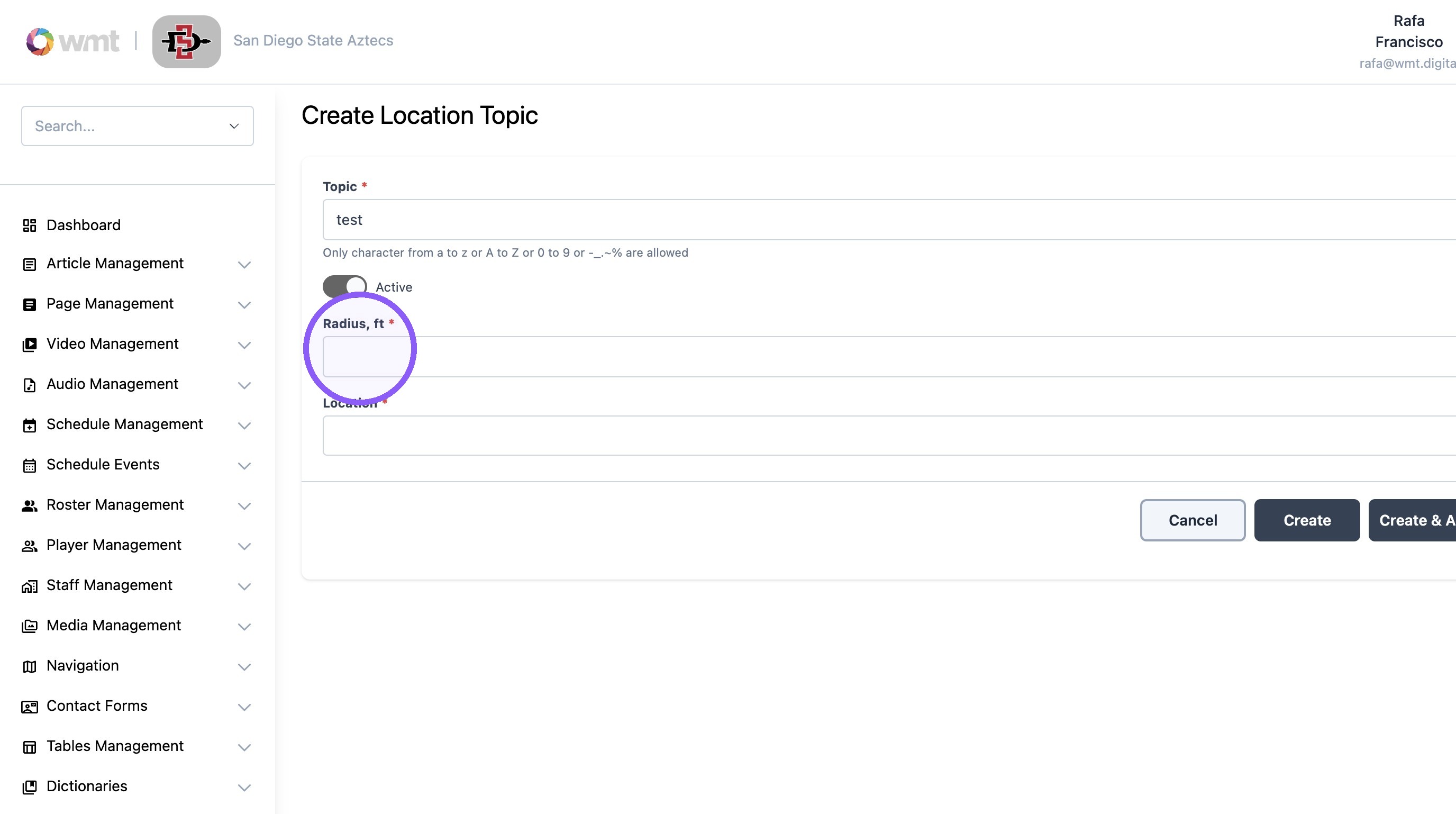
13. Set the "Radius, ft*" field.
We recommend a minimum of a 5 mile radius.
Example: 5 miles = 26400 feet
14. Select the newly create location.

15. Click "Create"