Roster Management - Link NCAA Team Stats for supported sports
Last updated: September 20, 2026
Set up 'Season Stats' to display for a particular sport via the Roster Management area in the CMS. From this view select edit on the specific sport and season you wish to edit. Navigate to the 'WMT Team NCAA ID' field and select the sport/season from the NCAA system. Start typing sport in the field to see previous seasons. Link Roster to the final year
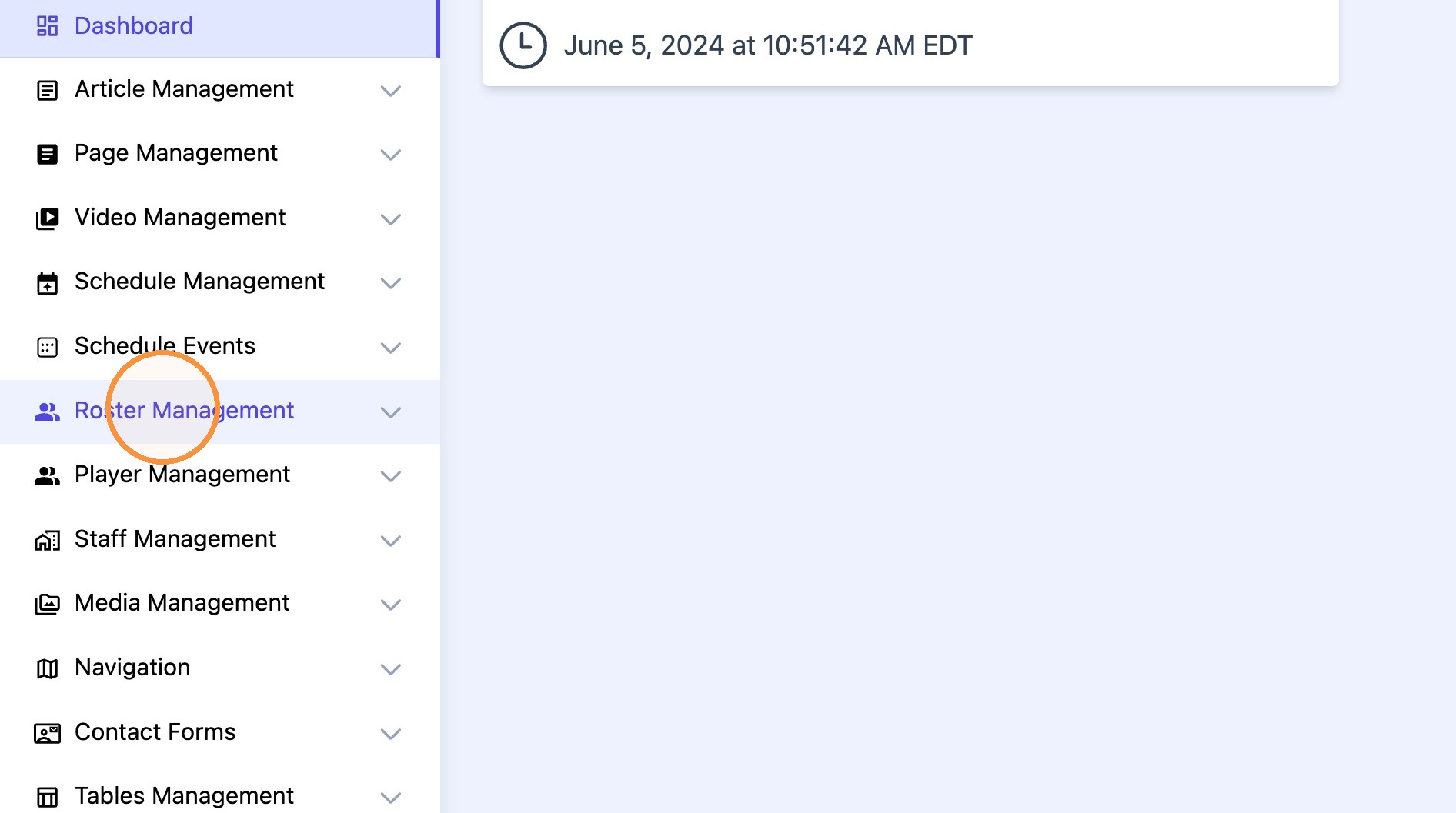
1. Click "Roster Management"
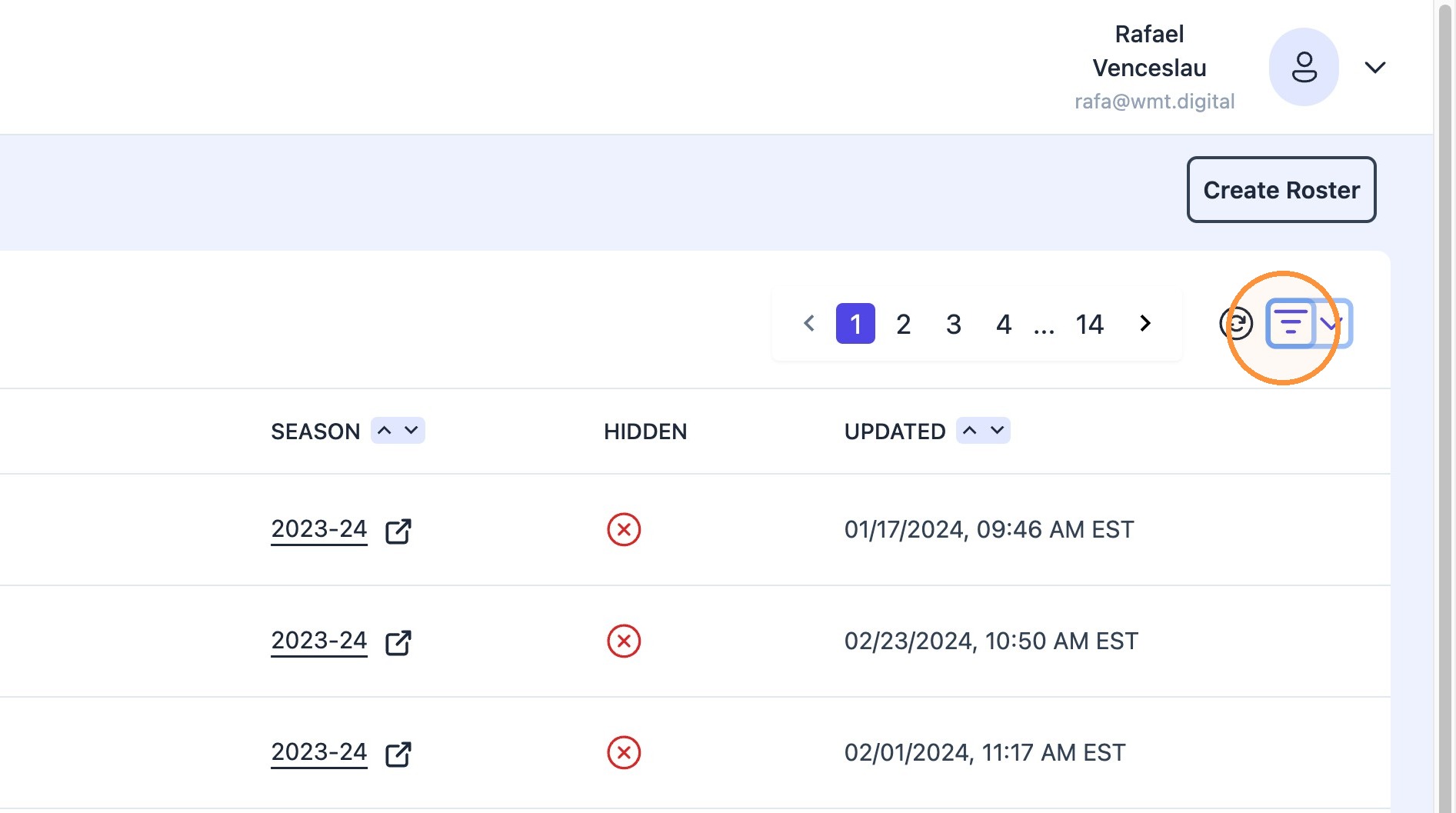
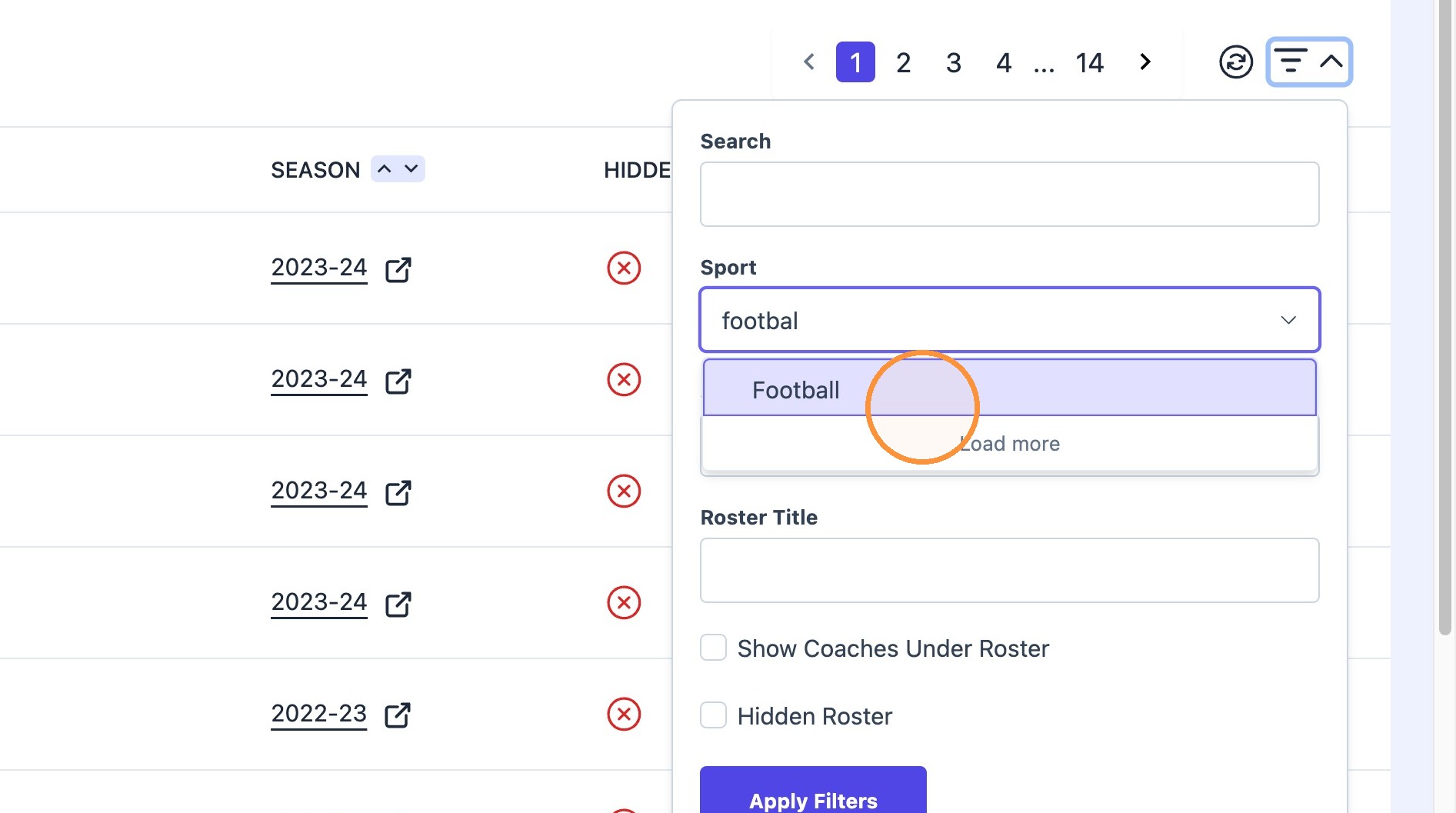
2. Click roster filter dropdown icon.
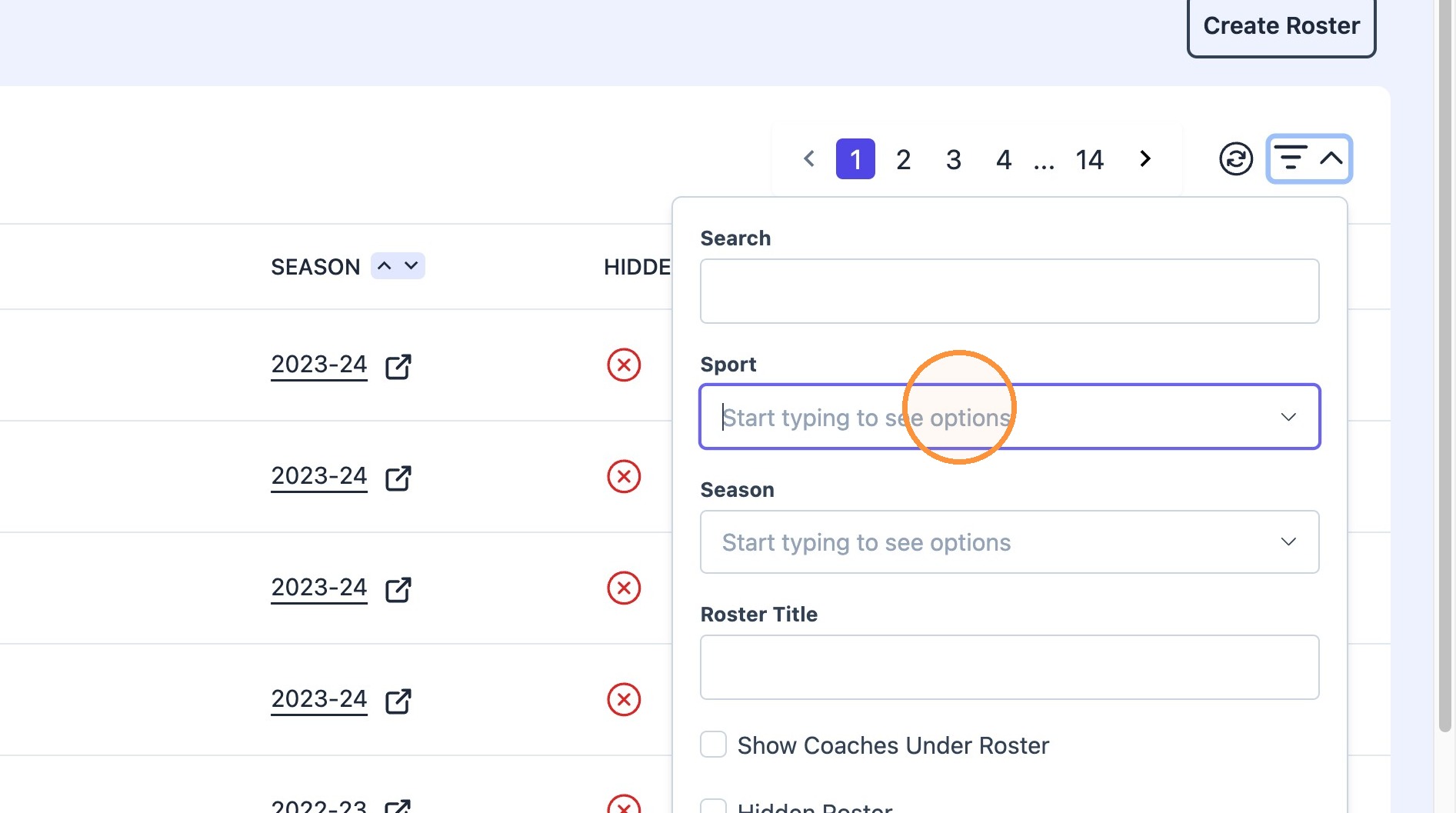
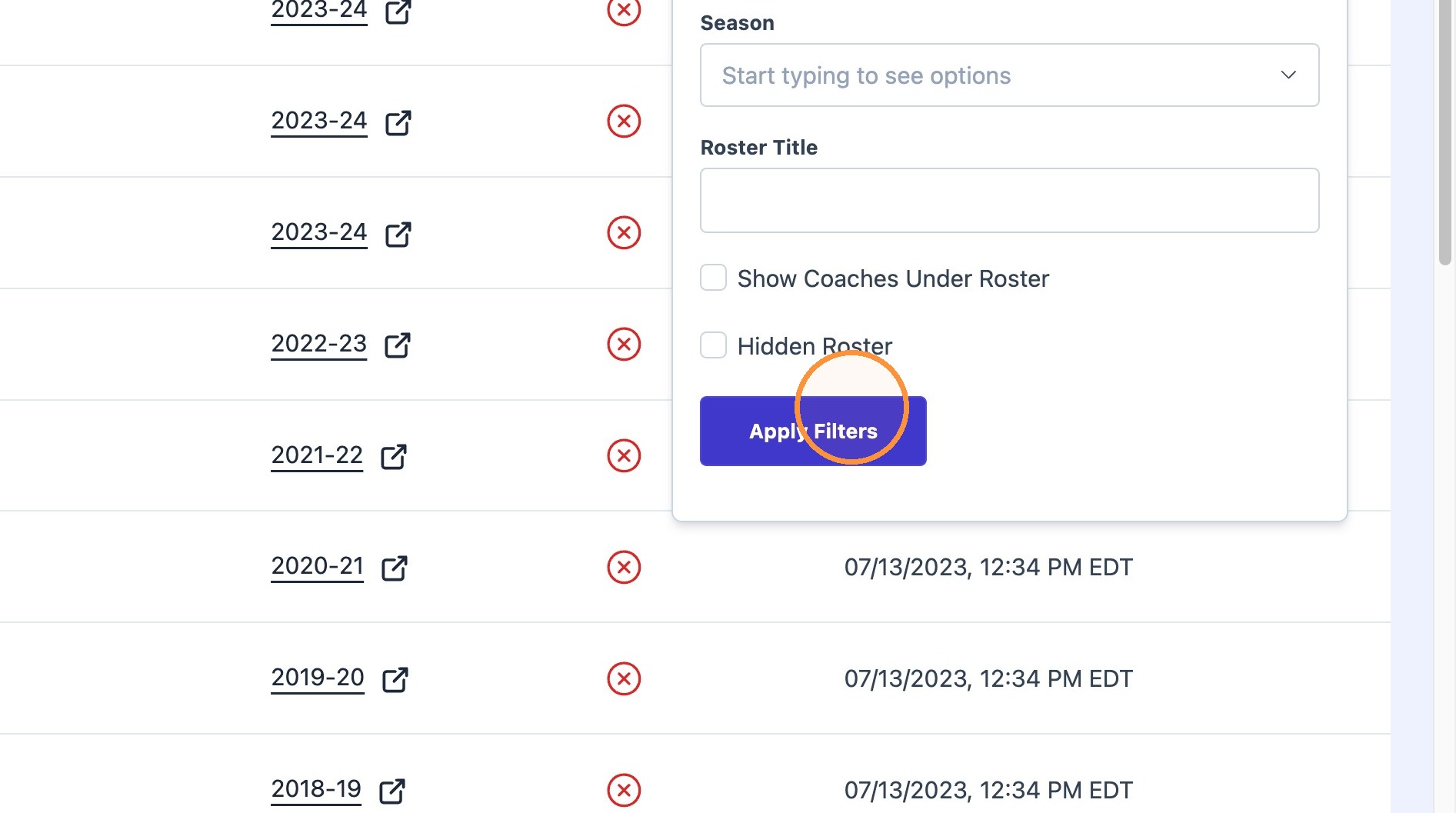
Type desired sport name into "Sport" field and click "Apply Filters"
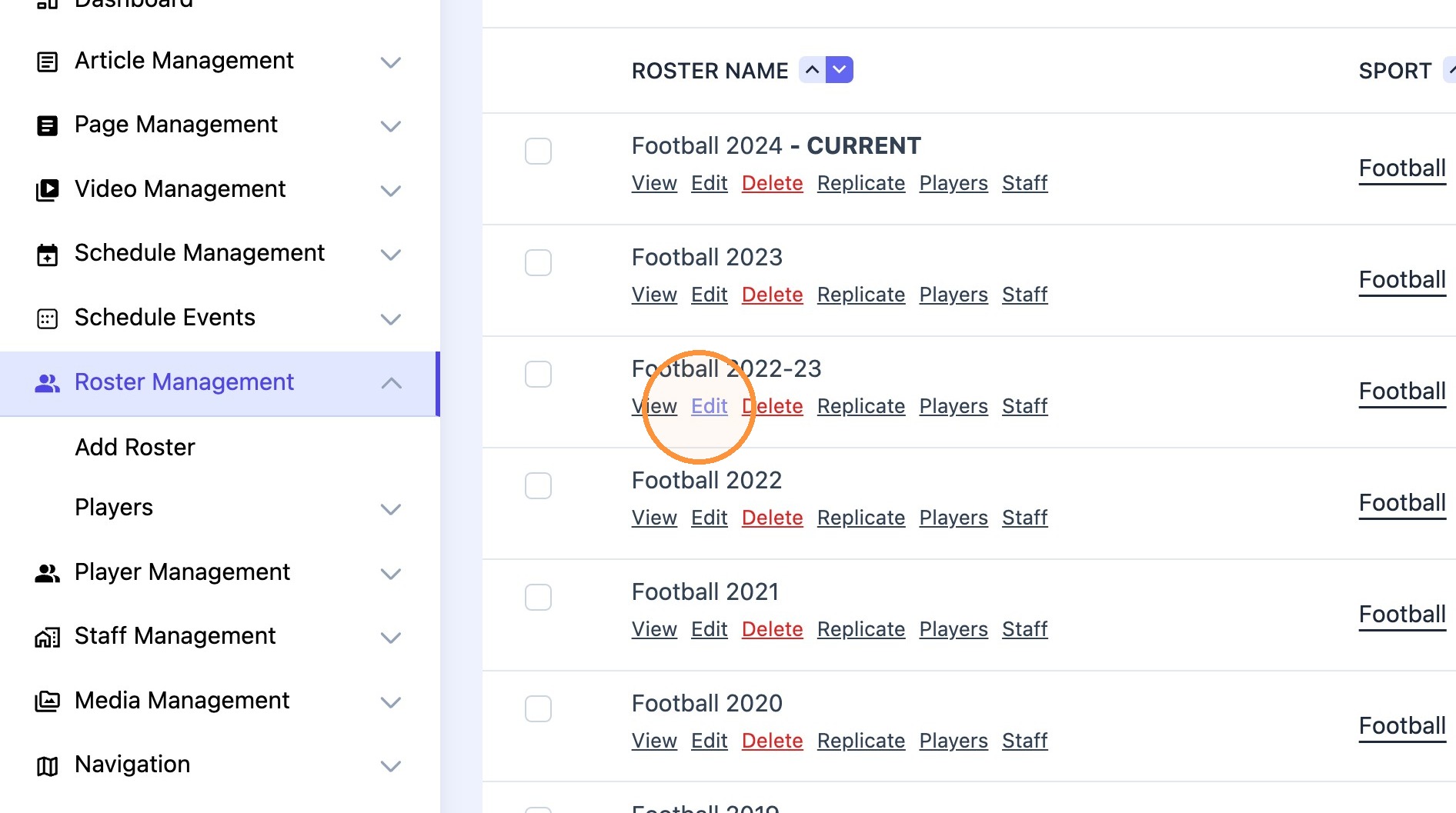
3. Click "Edit"
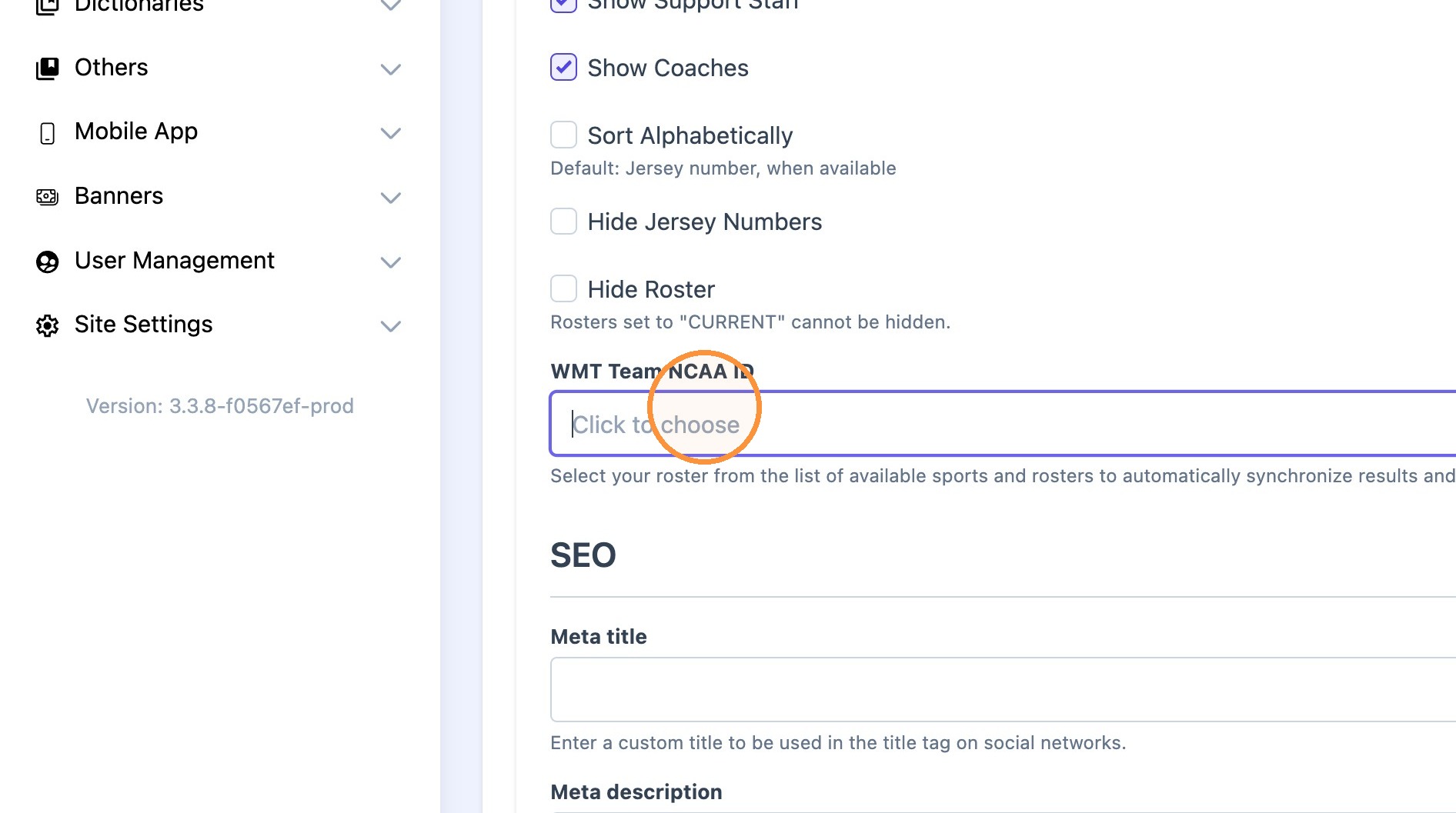
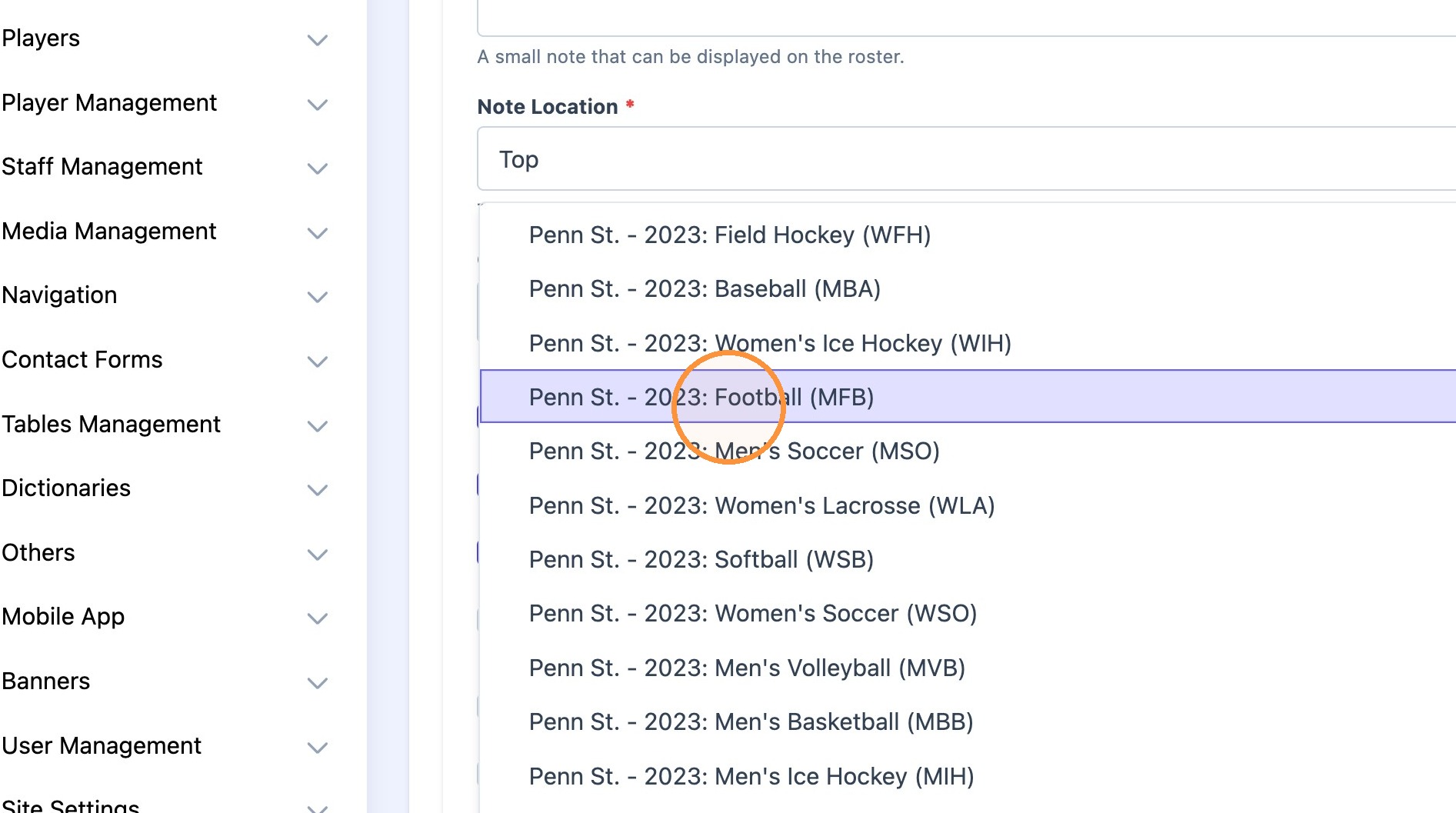
4. Scroll down and click the "WMT Team NCAA ID" field and type the season (2024) or sport (Baseball)
Note: The NCAA uses the ending year of the academic year format for spring sports. To map a 2024 fall sports team or 2024-25 winter sports team, 2025 needs to be selected.
5. Type desired year and select desired Team.
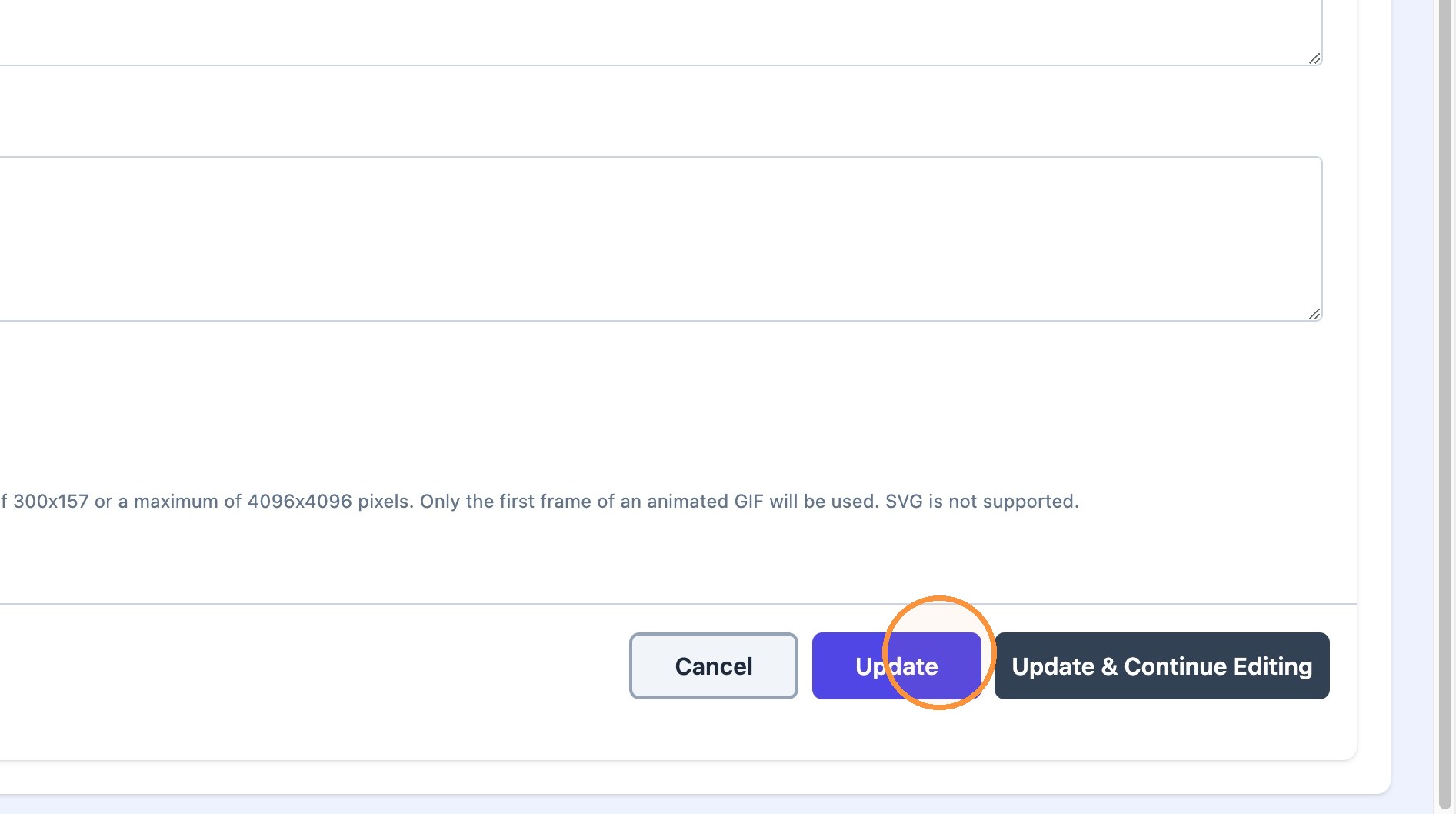
6. Click "Update"