Season Cumulative Stats - Tag and Sync
Last updated: September 20, 2026
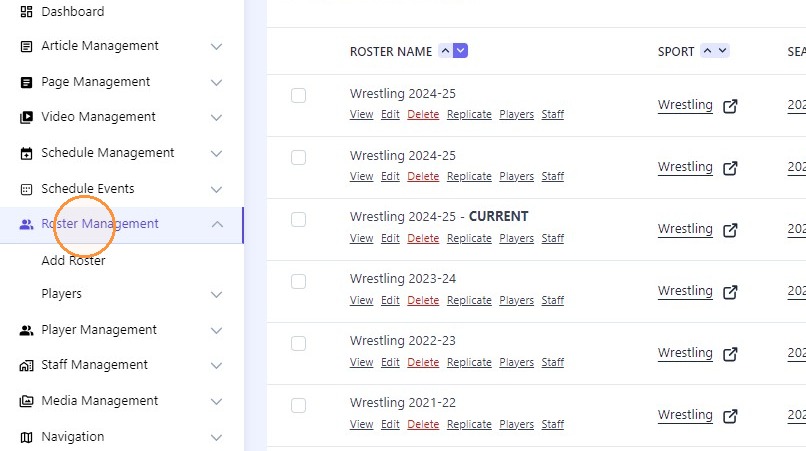
1. Click "Roster Management"
2. Click this icon.
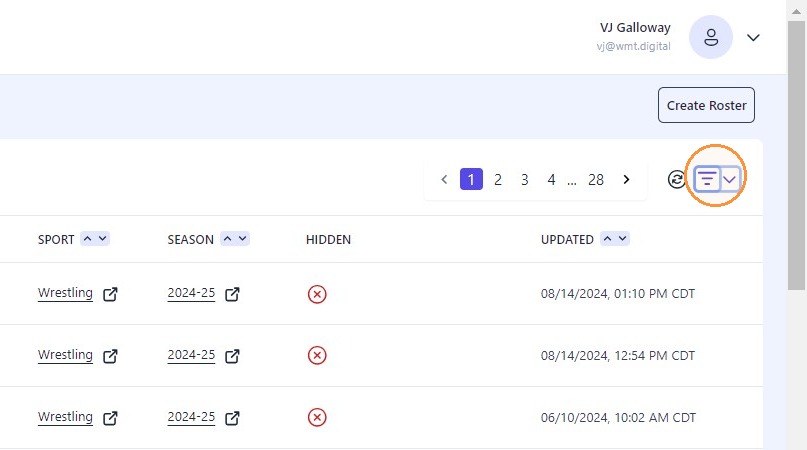
3. Click filer dropdown icon.
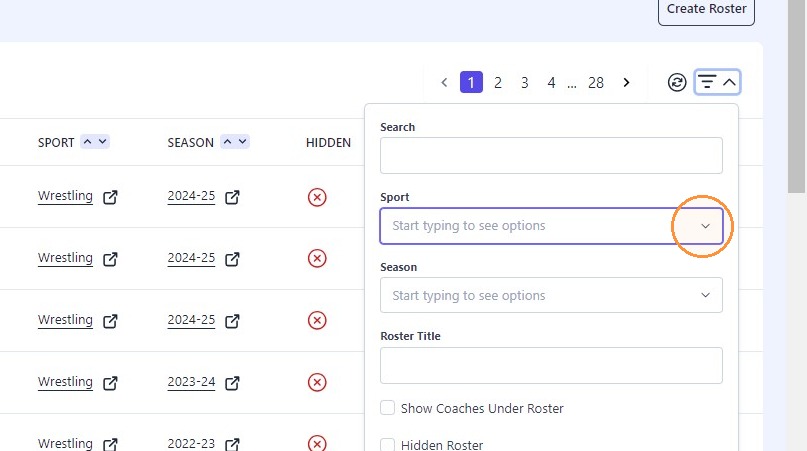
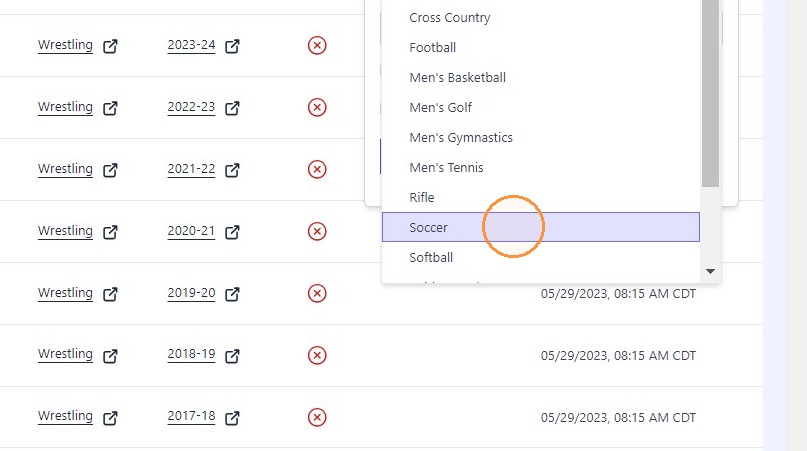
4. Select desired sport from dropdown
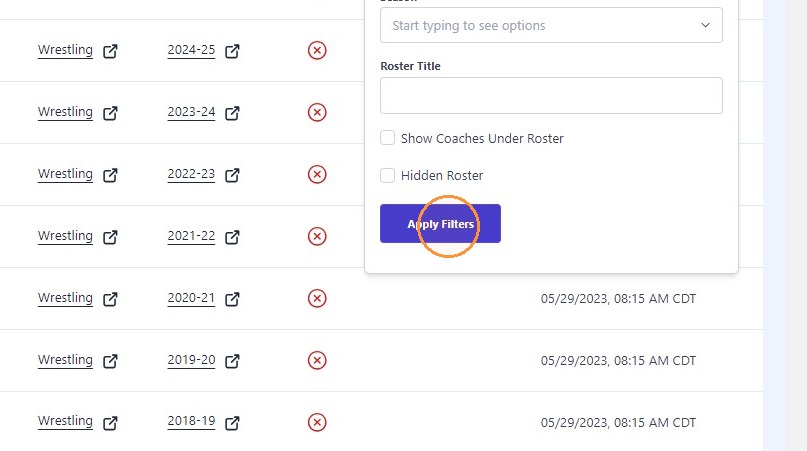
5. Click "Apply Filters"
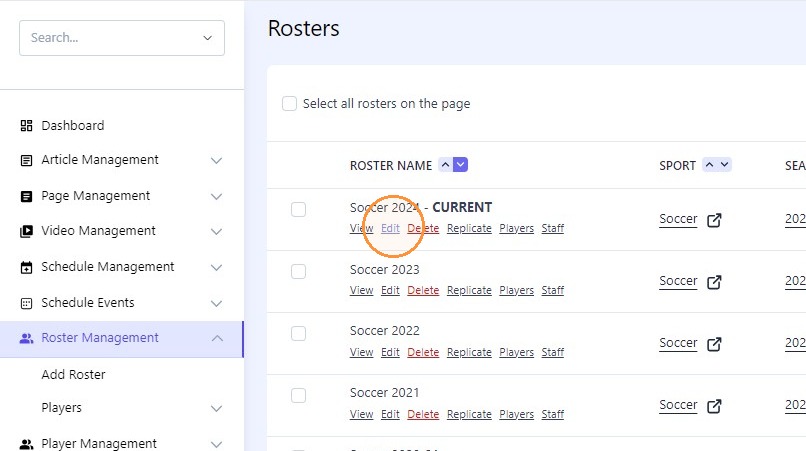
6. "Edit" the desired season
7. Click "Nebraska - 2025: Women's Soccer (WSO)"
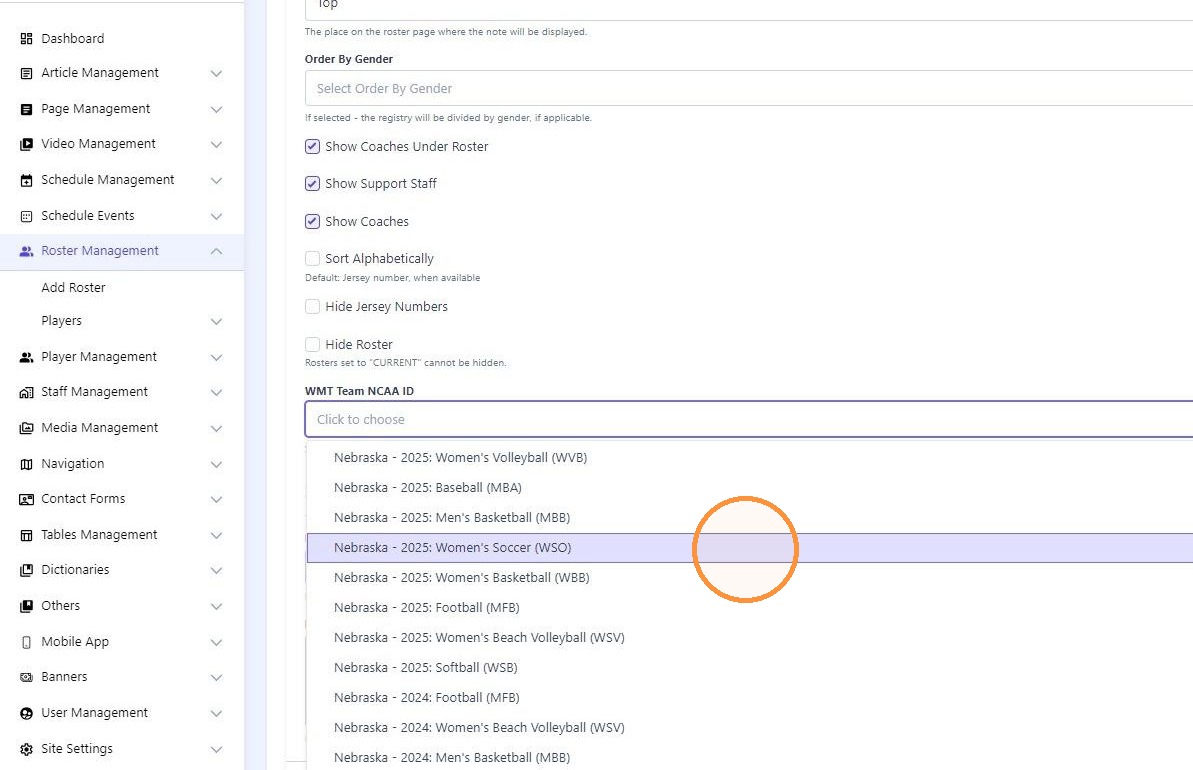
Tip: Tip! The NCAA classifies stat years by the last number of the academic year. For example: Any sport that occurs during the 2024-25 season will be classified as 2025 stats sports
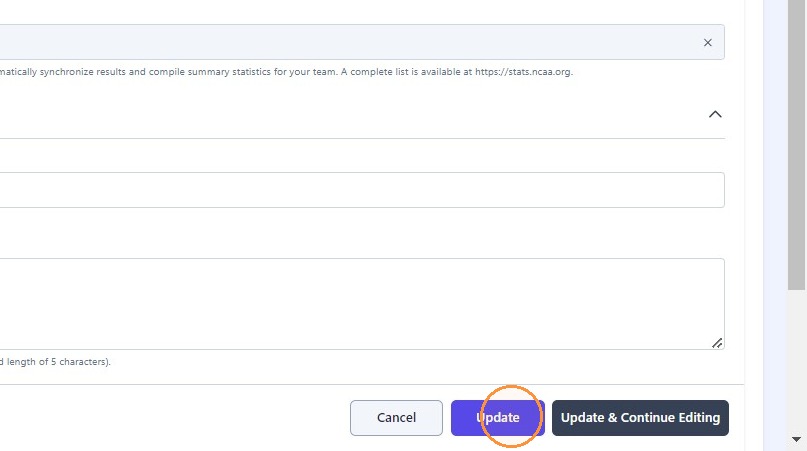
8. Click "Update"
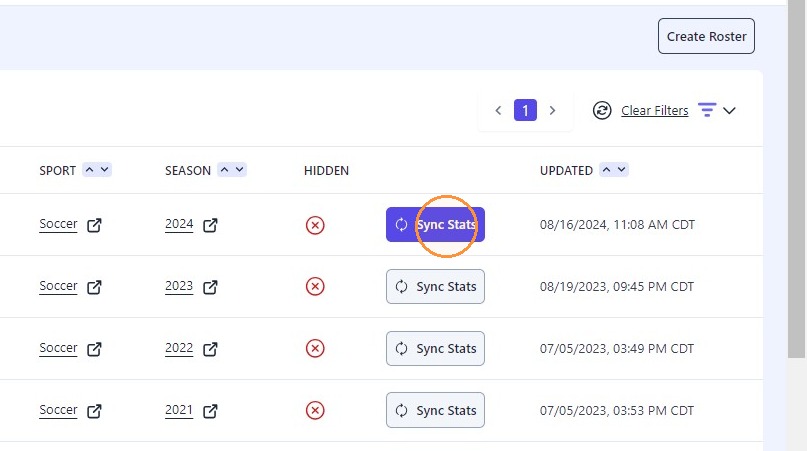
9. Click "Sync Stats" on Roster Management page
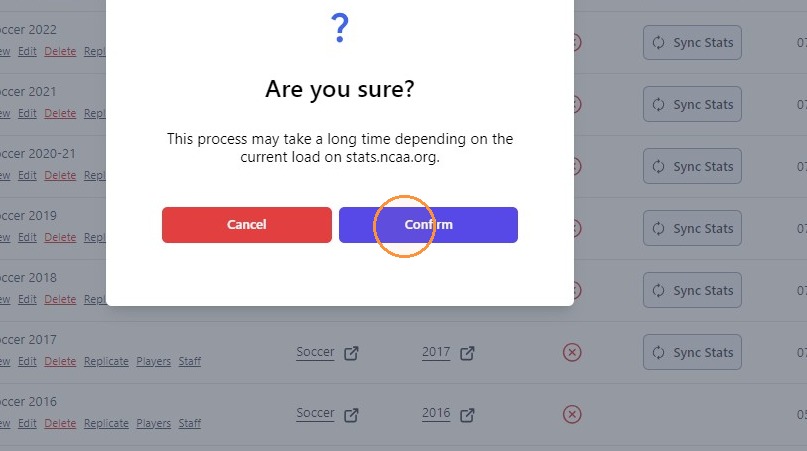
10. Click "Confirm"