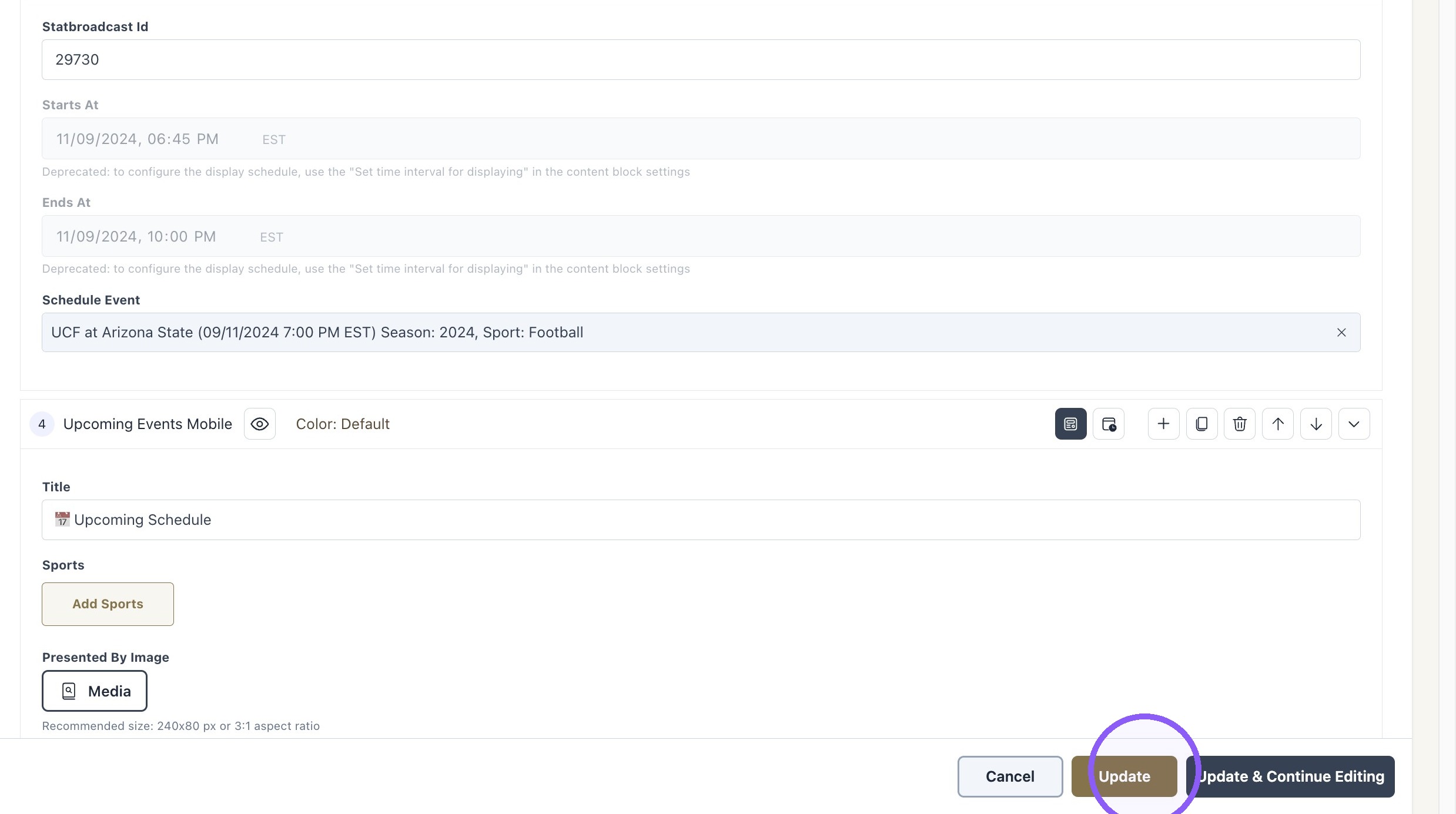
How to add "In-Progress Event" block to the app
Last updated: September 18, 2026
Made by Rafael Venceslau with Scribe
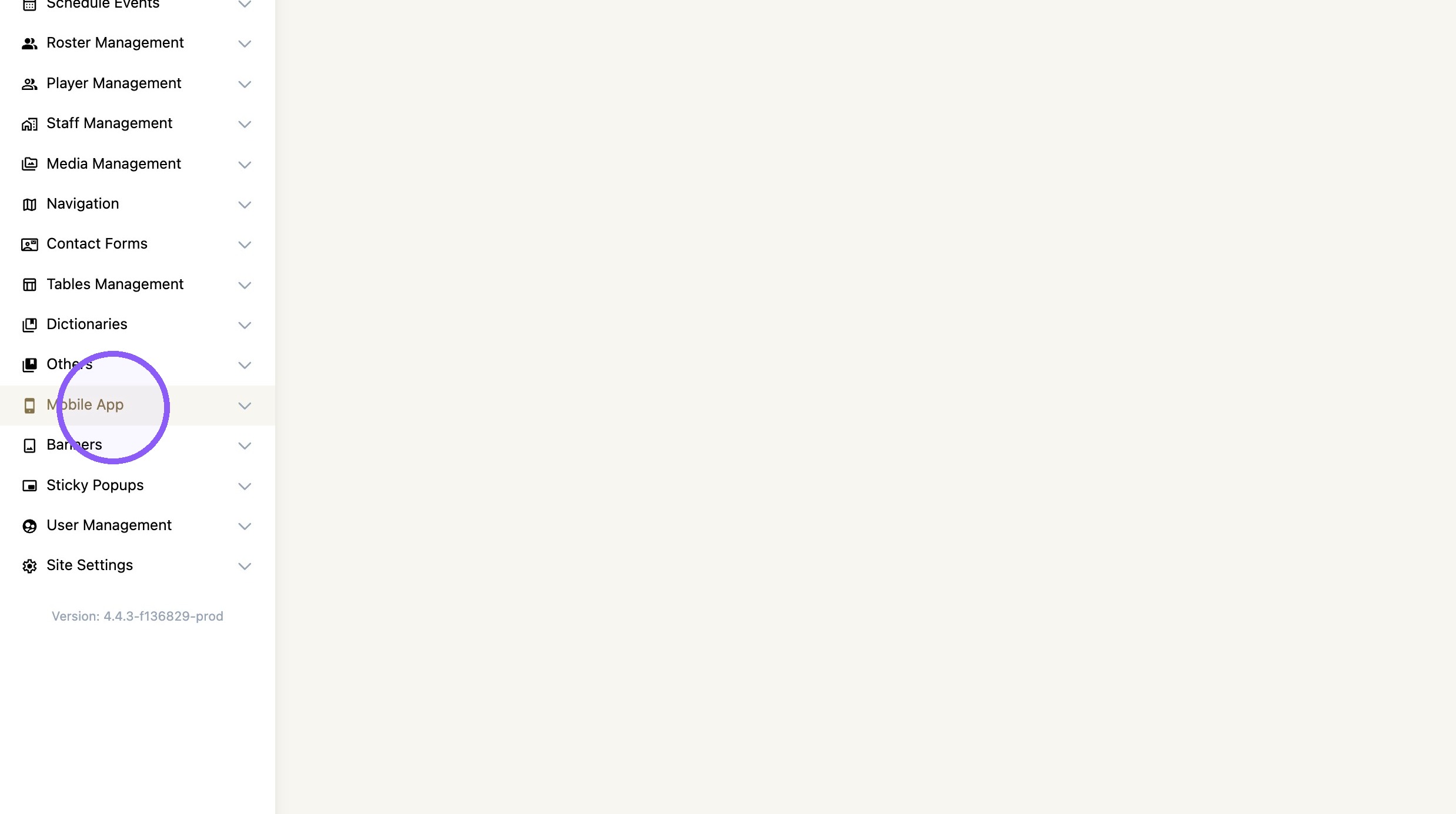
1. Click "Mobile App"
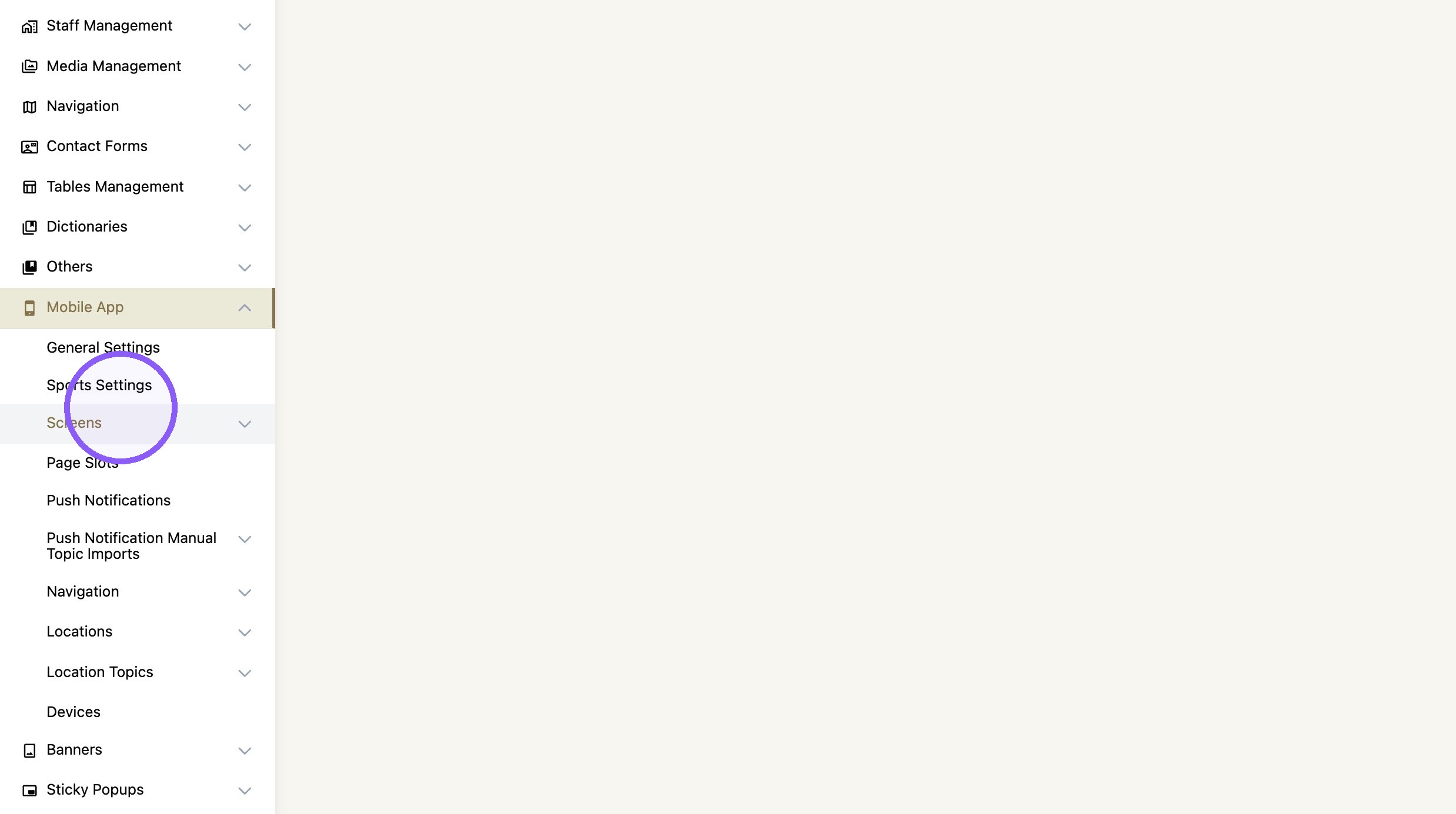
2. Click "Screens"
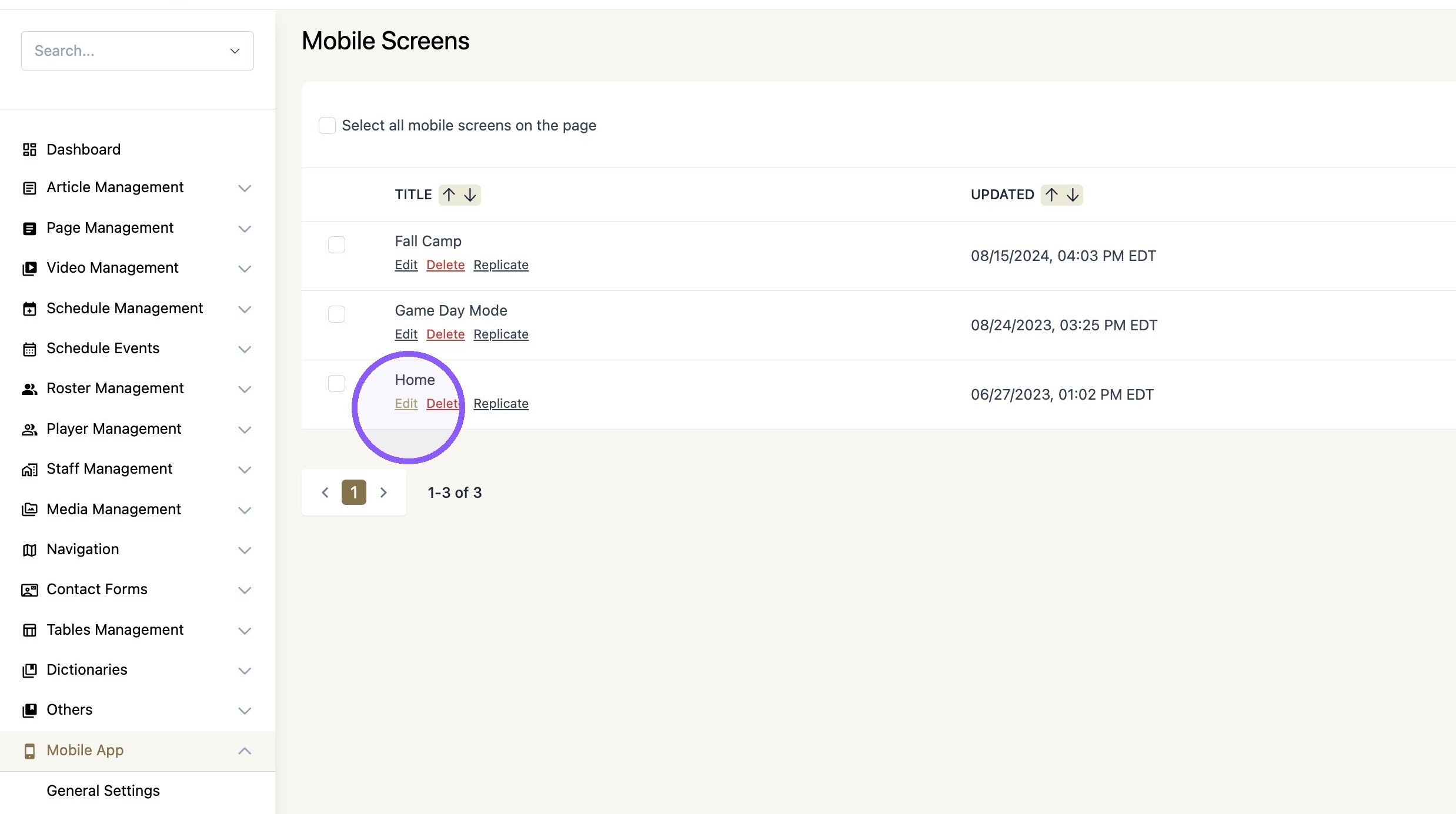
3. Click "Edit" on the desired screen.
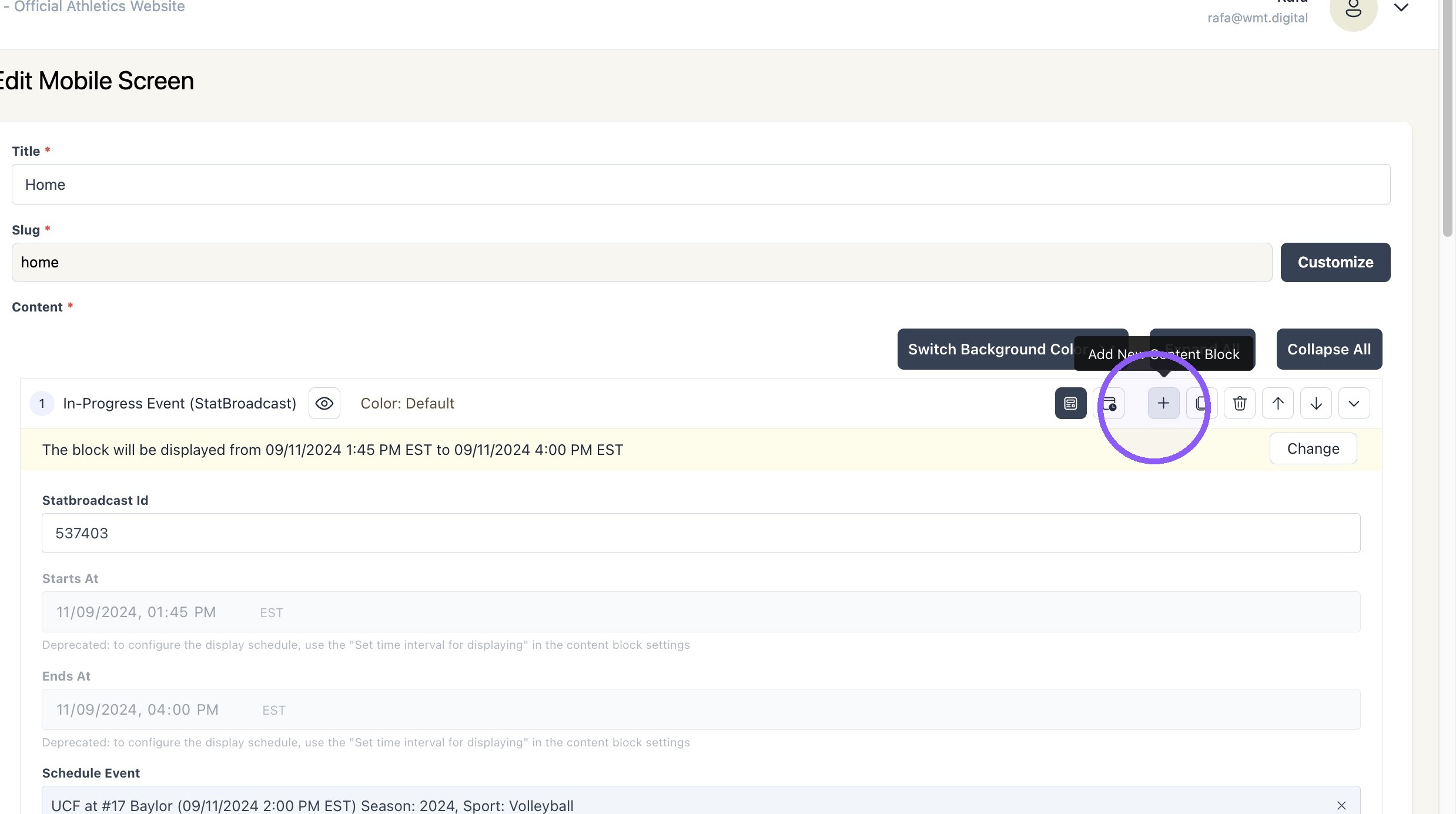
4. Click "+" icon to add a new content block
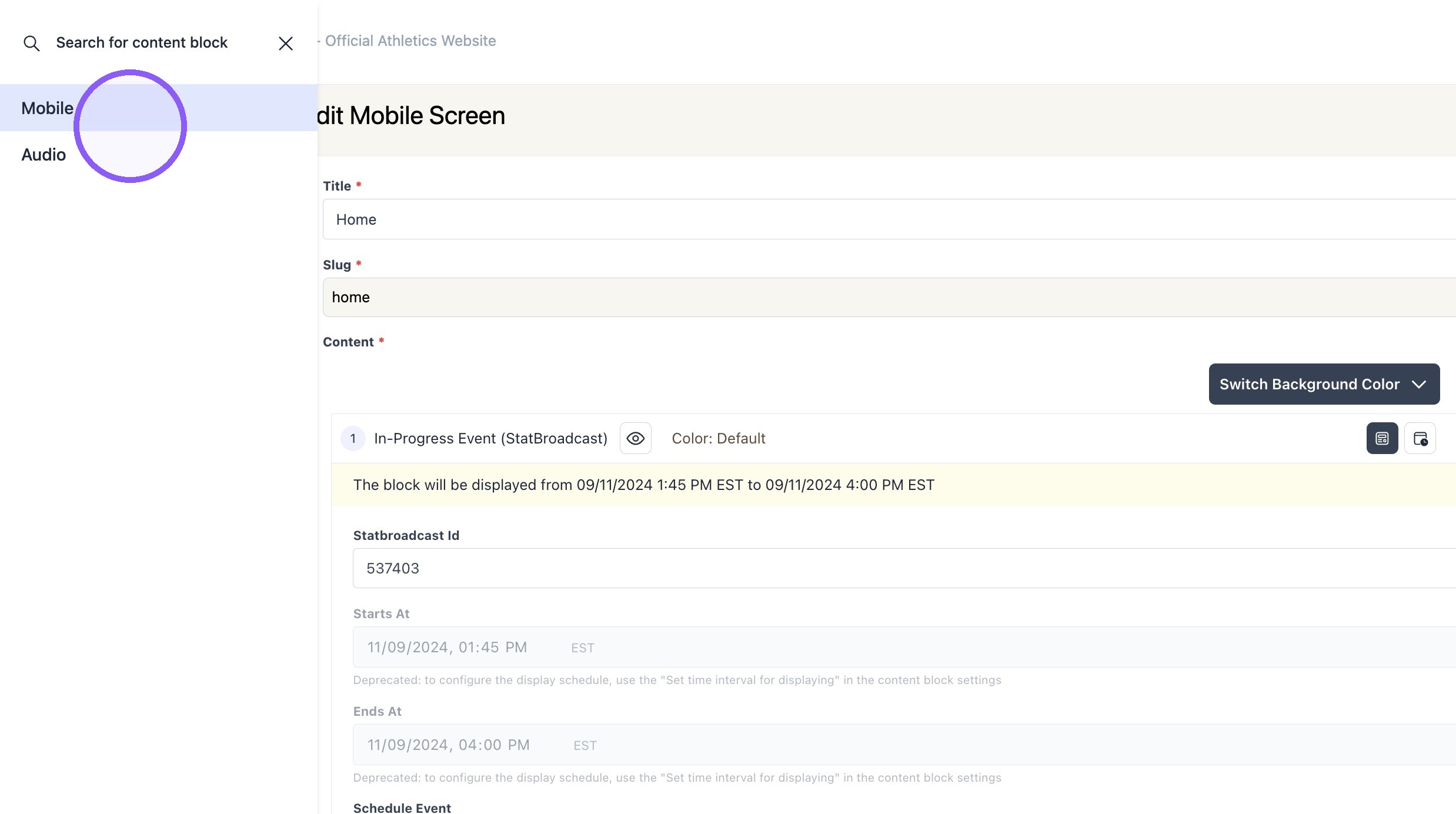
5. Click "Mobile"
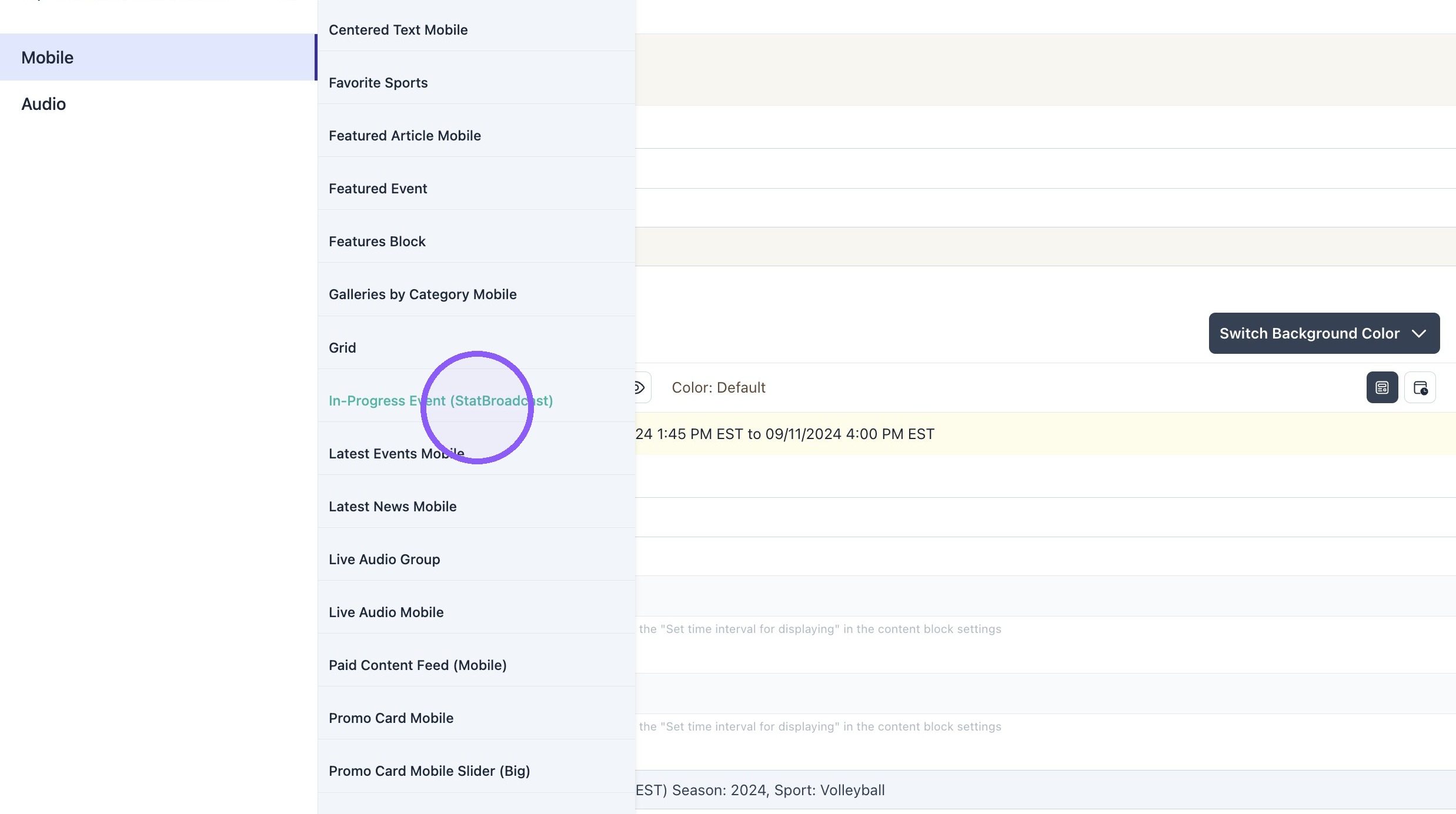
6. Click "In-Progress Event (StatBroadcast)"
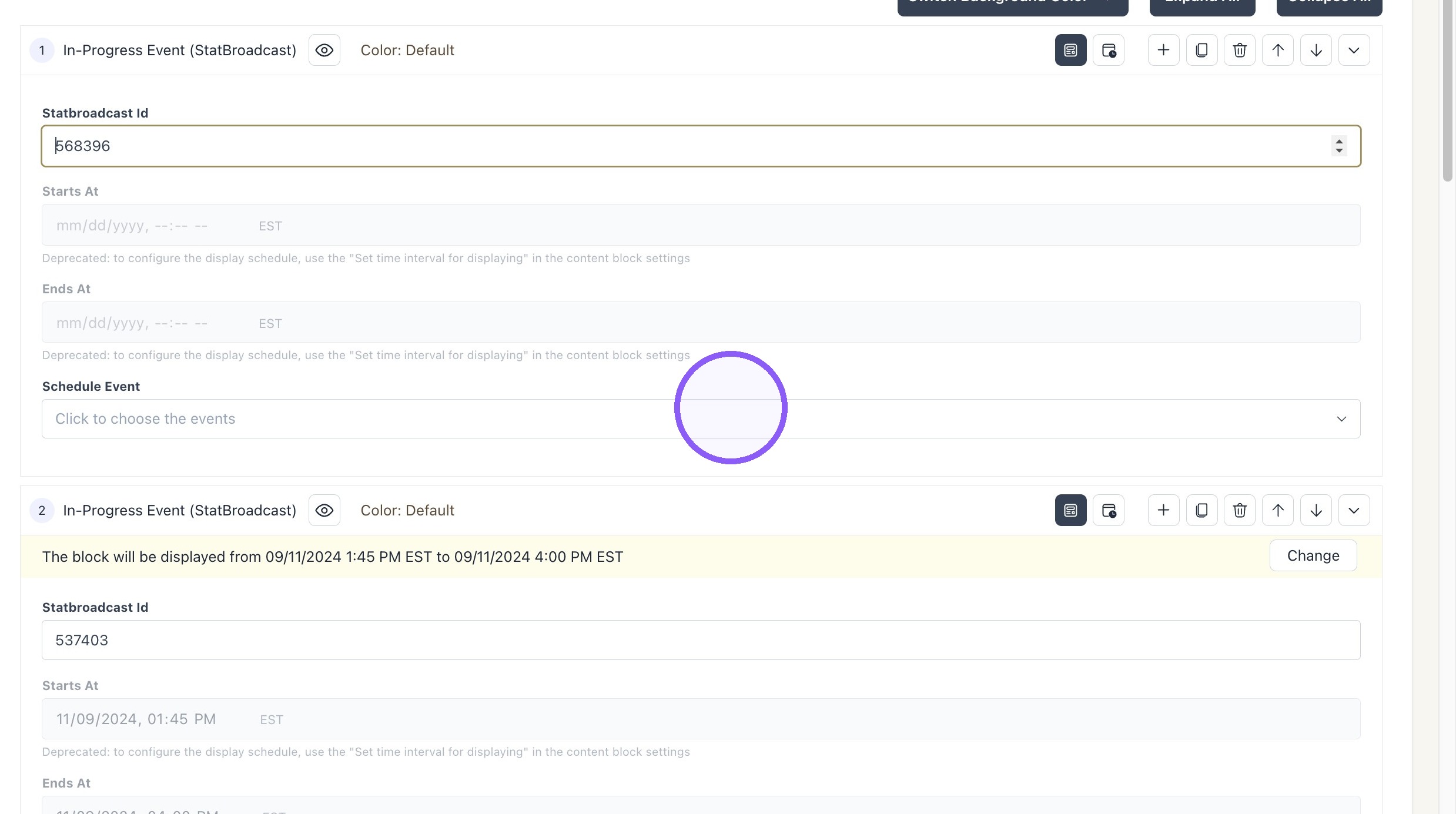
7. Paste the Statbroadcast Id
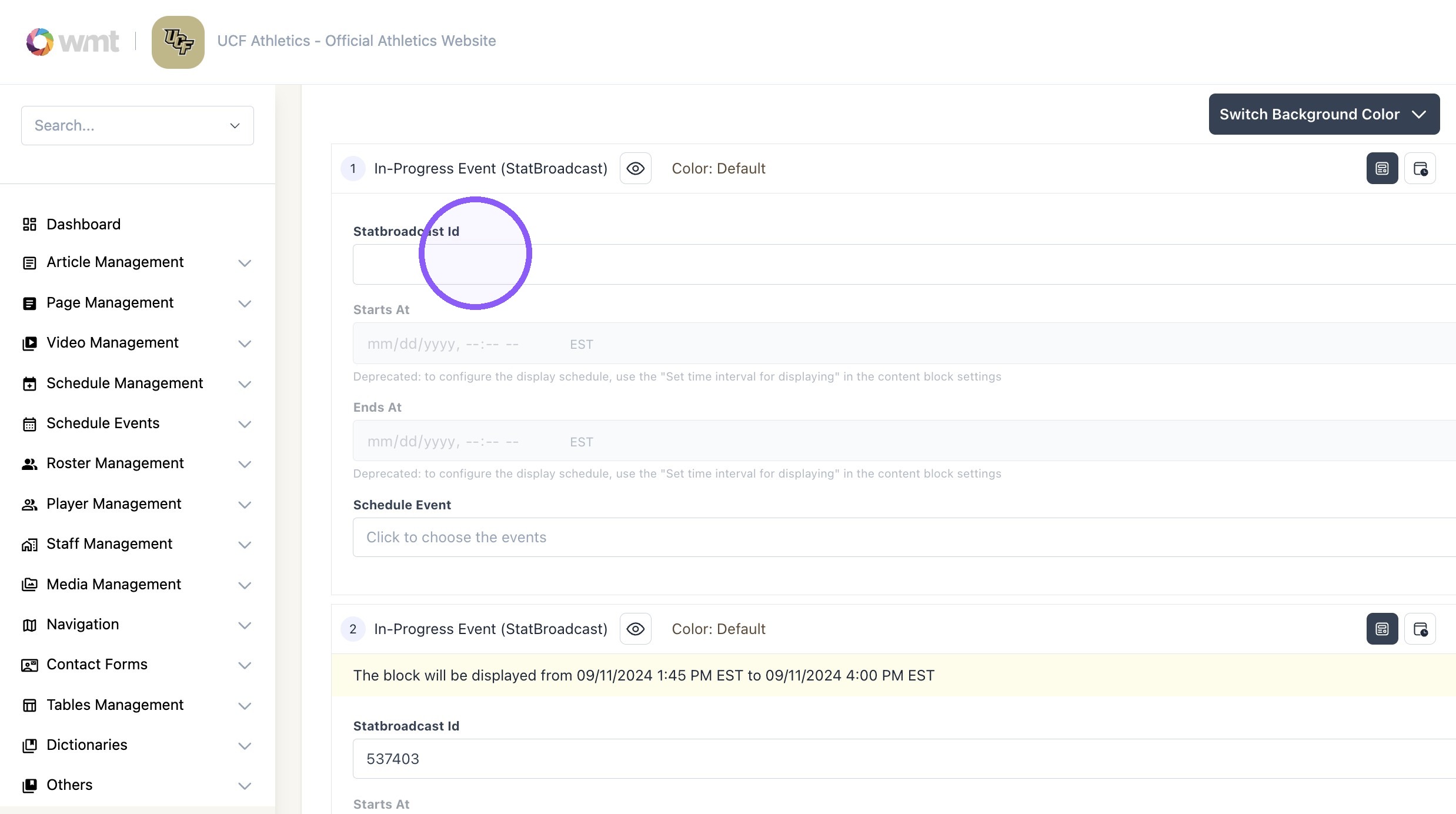
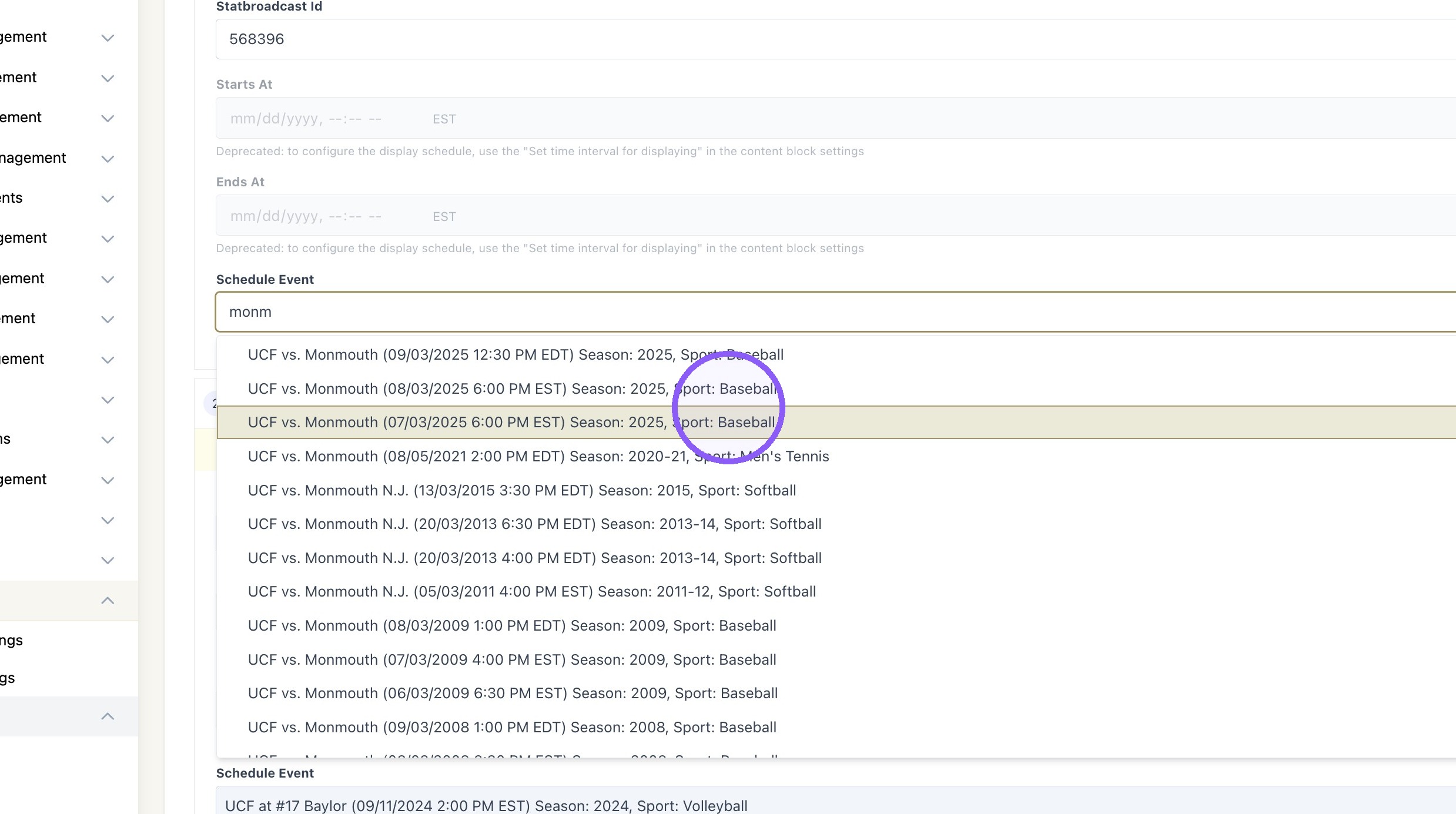
8. Click the "Schedule Event" field to find the desired event.
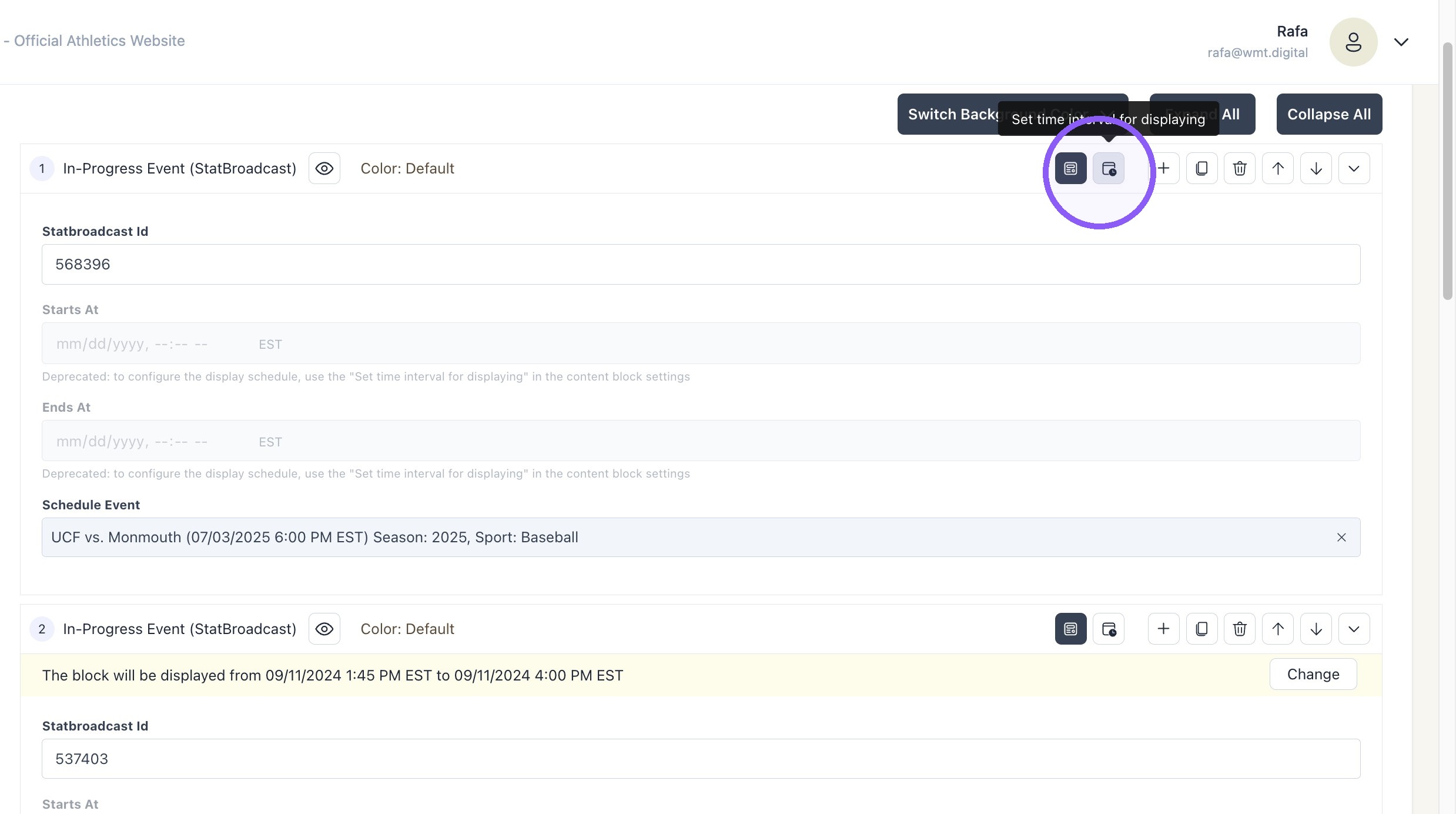
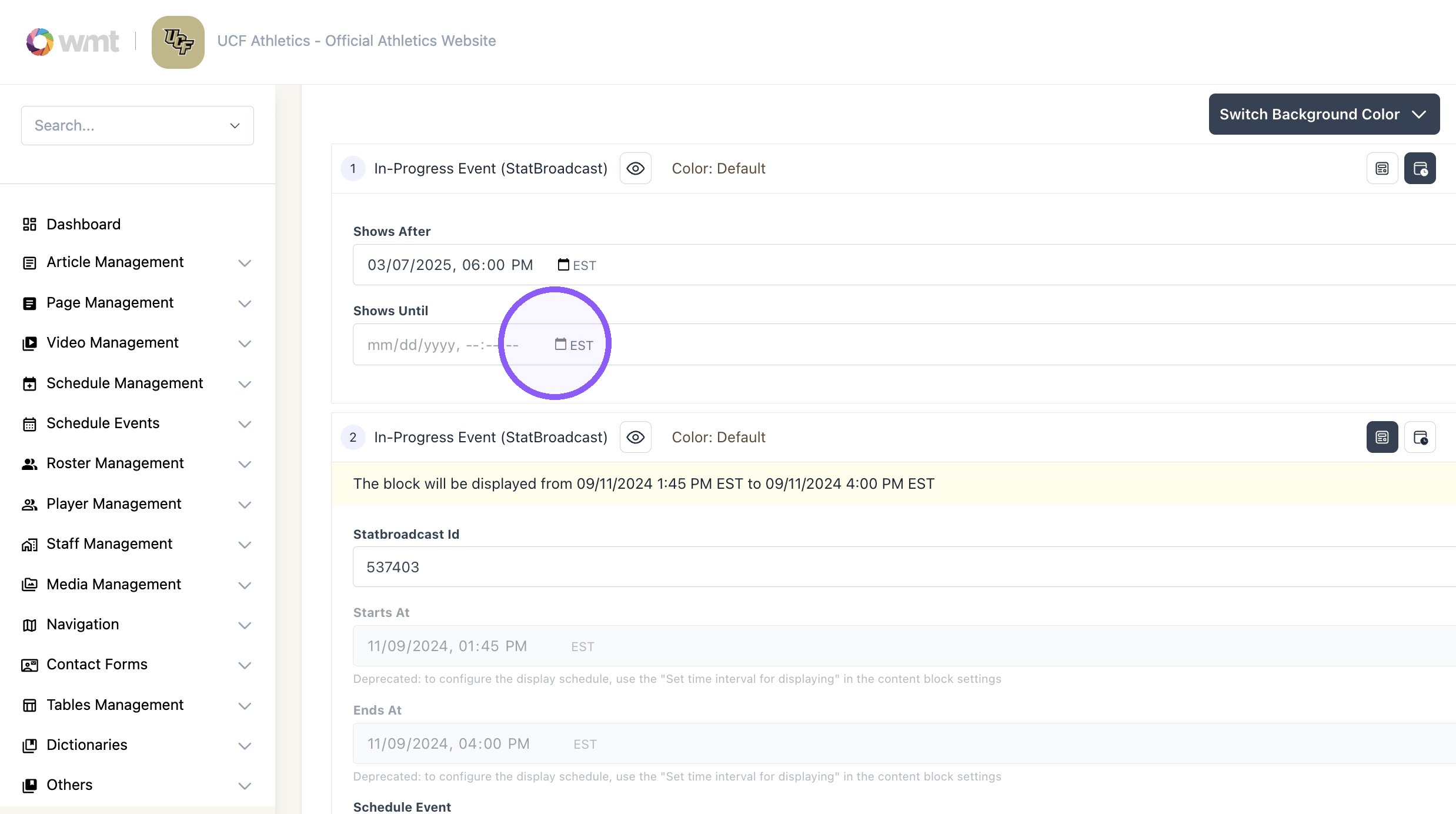
9. Click this "schedule interval" button.
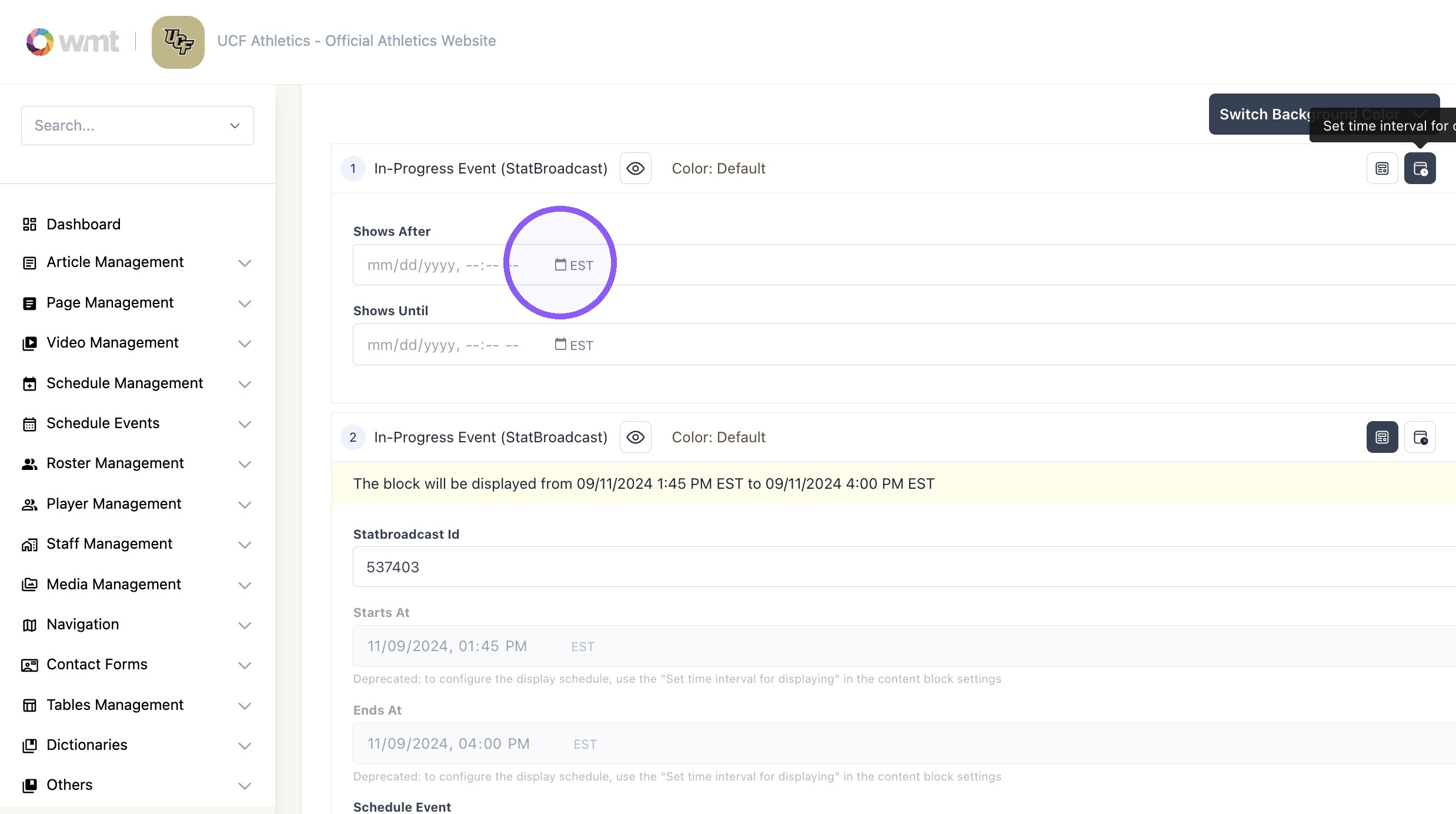
10. Select the date and time interval the block show appear on the app.
11. Click "Update"