How to Create a Menu Item
Last updated: September 18, 2026
Made by Rafael Venceslau with Scribe
1. Navigate to https://dashboard.goutsa.com/dashboard
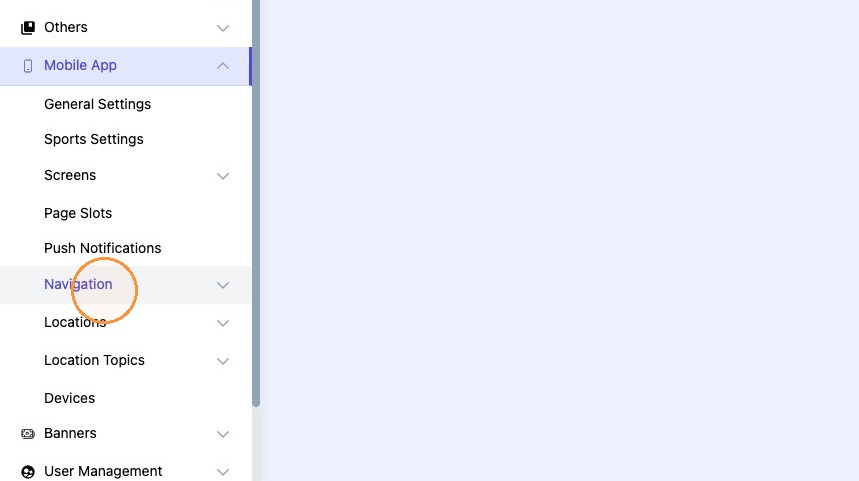
2. Click "Mobile App"

3. Click "Navigation"
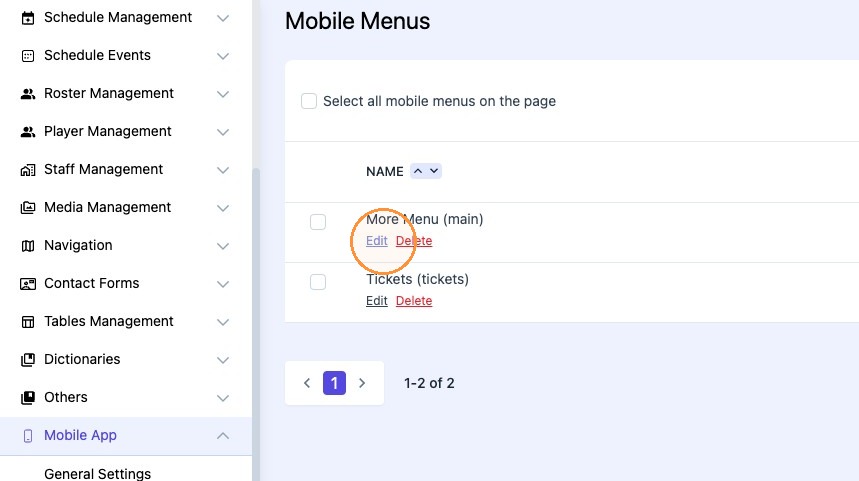
4. Click "Edit"
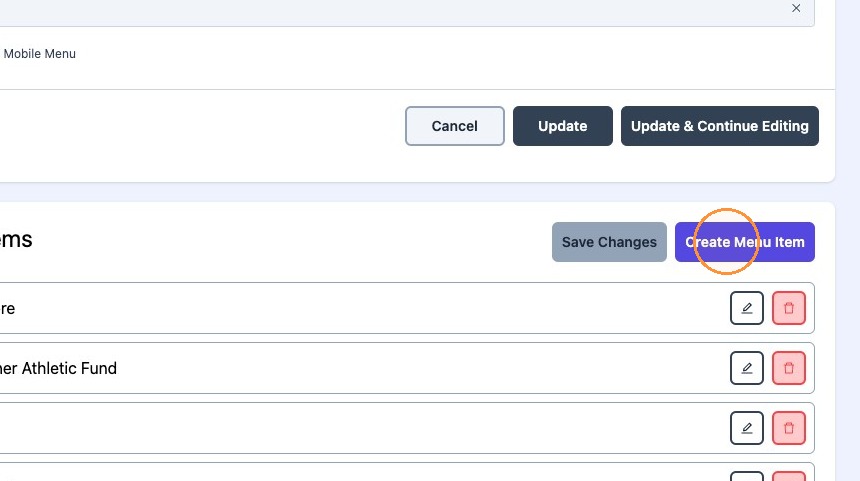
5. Click "Create Menu Item"
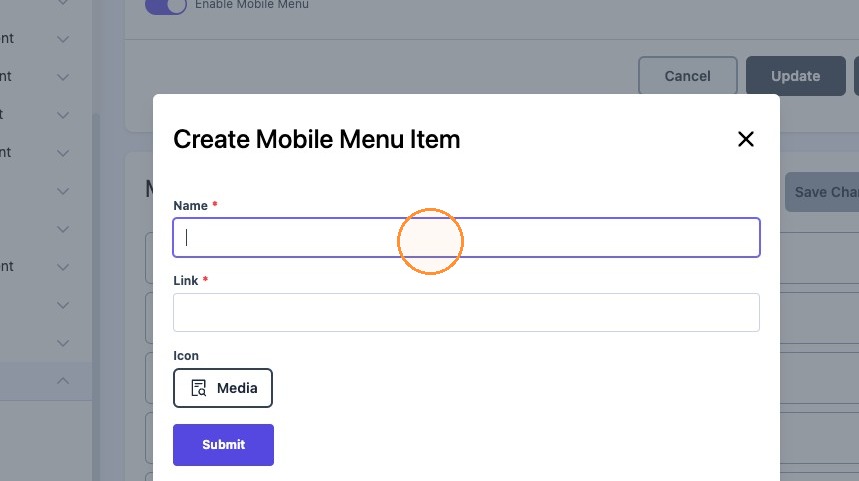
6. Click the "Name*" field and title the field.
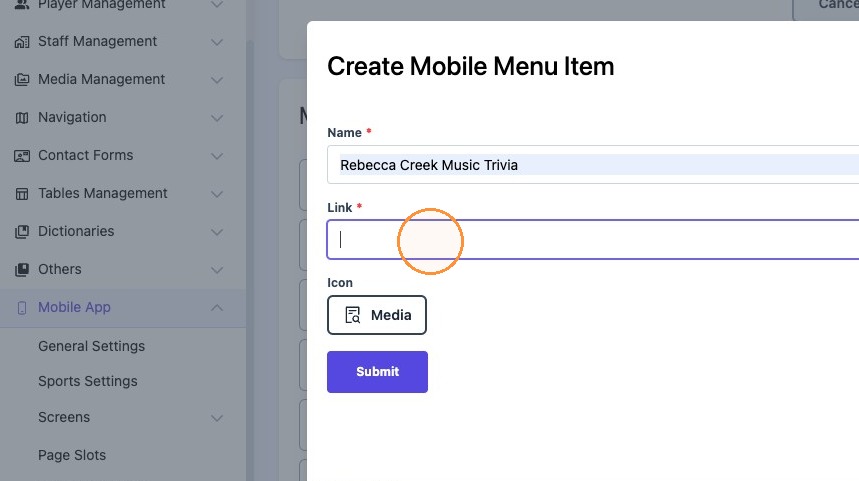
7. Click the "Link*" field and paste your desired link.
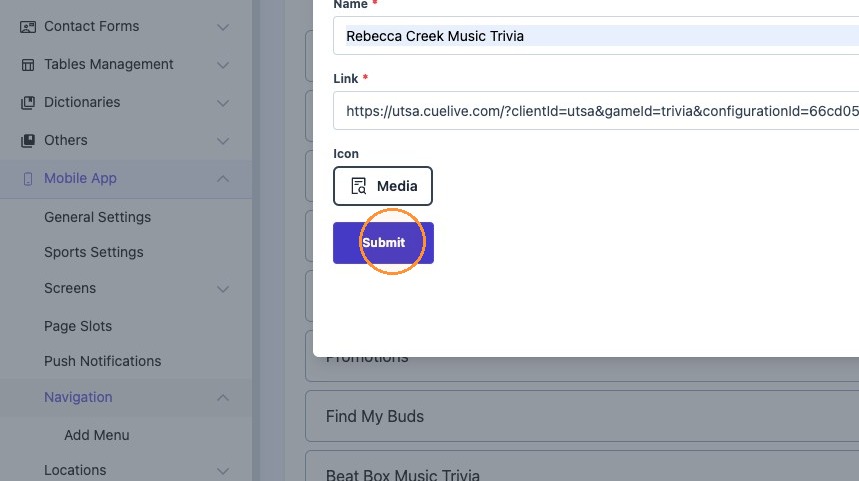
8. Click "Submit"
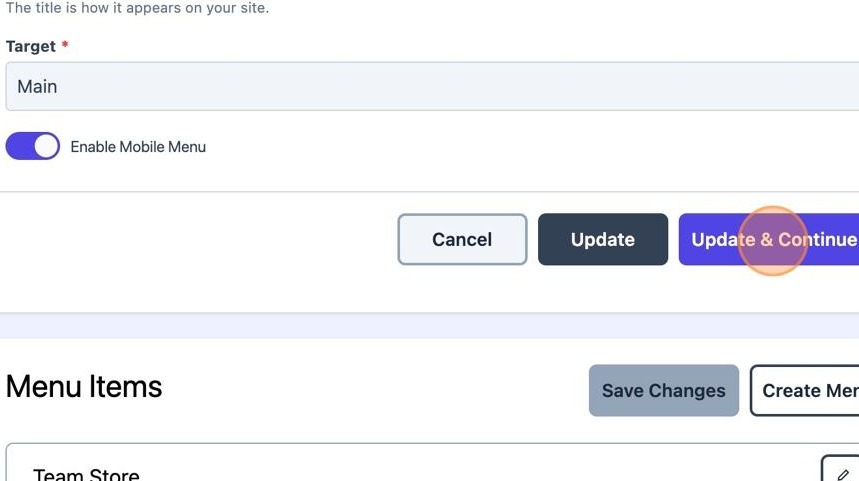
9. Click "Update & Continue Editing"