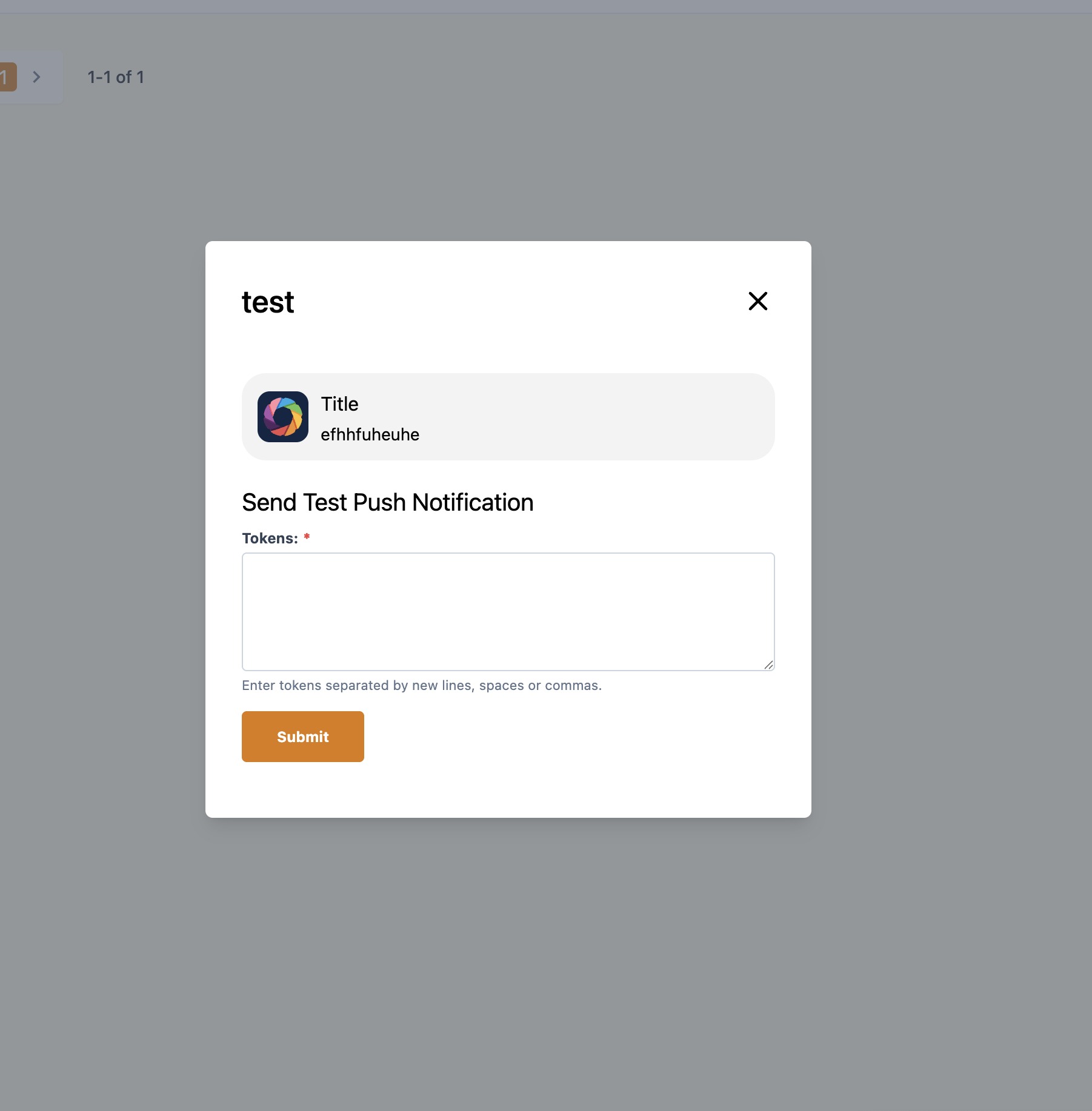
How to Send a Test Push Notification
Last updated: September 18, 2026
This guide shows a quick, step-by-step way to obtain a device token from your mobile app and use it in the CMS to send a test push notification to your own device. It’s useful to verify push delivery without broadcasting to all users.
1. Open the Mobile App, open Profile Screen menu.
Note: the location of your Profile Screen may look different from the below sample mobile app.
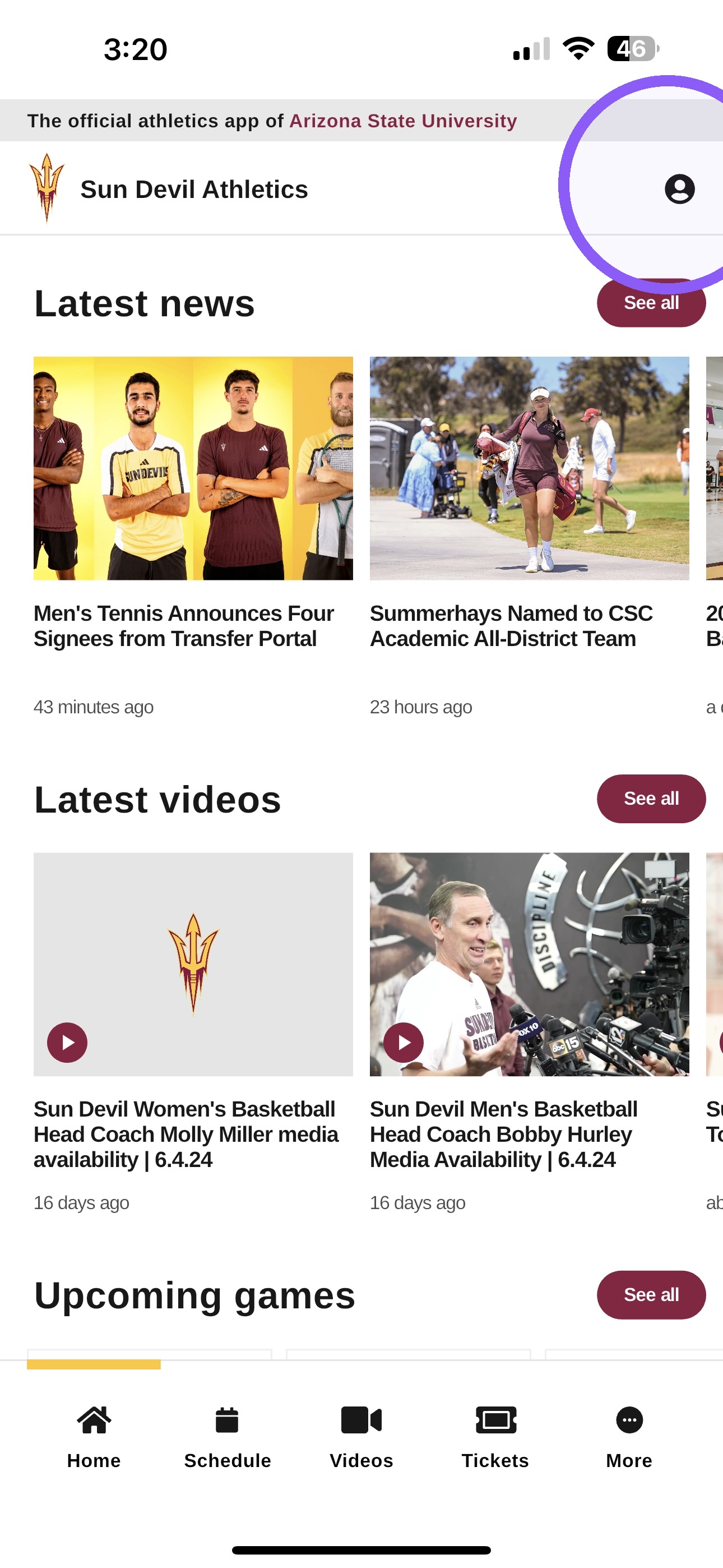
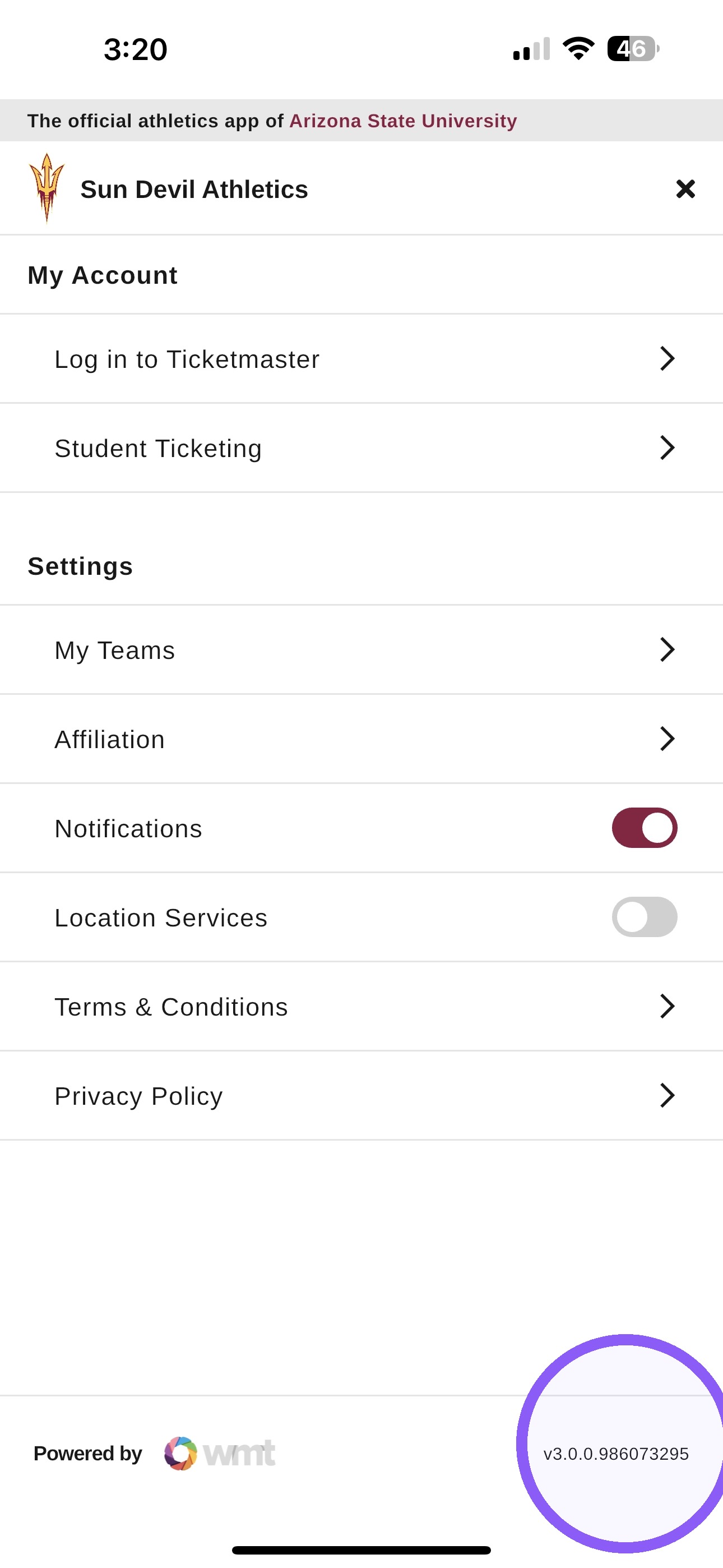
2. Long press the Version number.
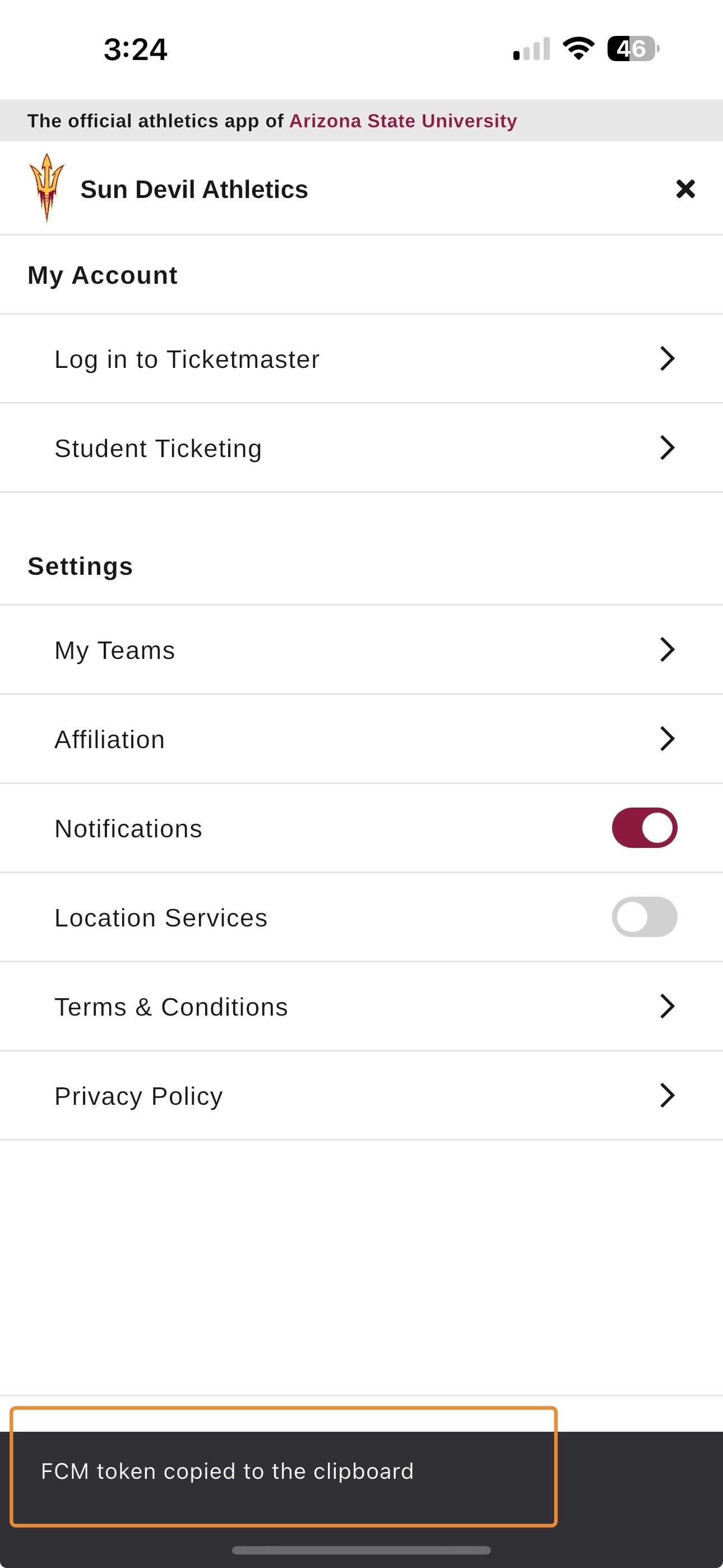
3. Once the token is copied, the message below will appear.
4. Open CMS and click Push Notification
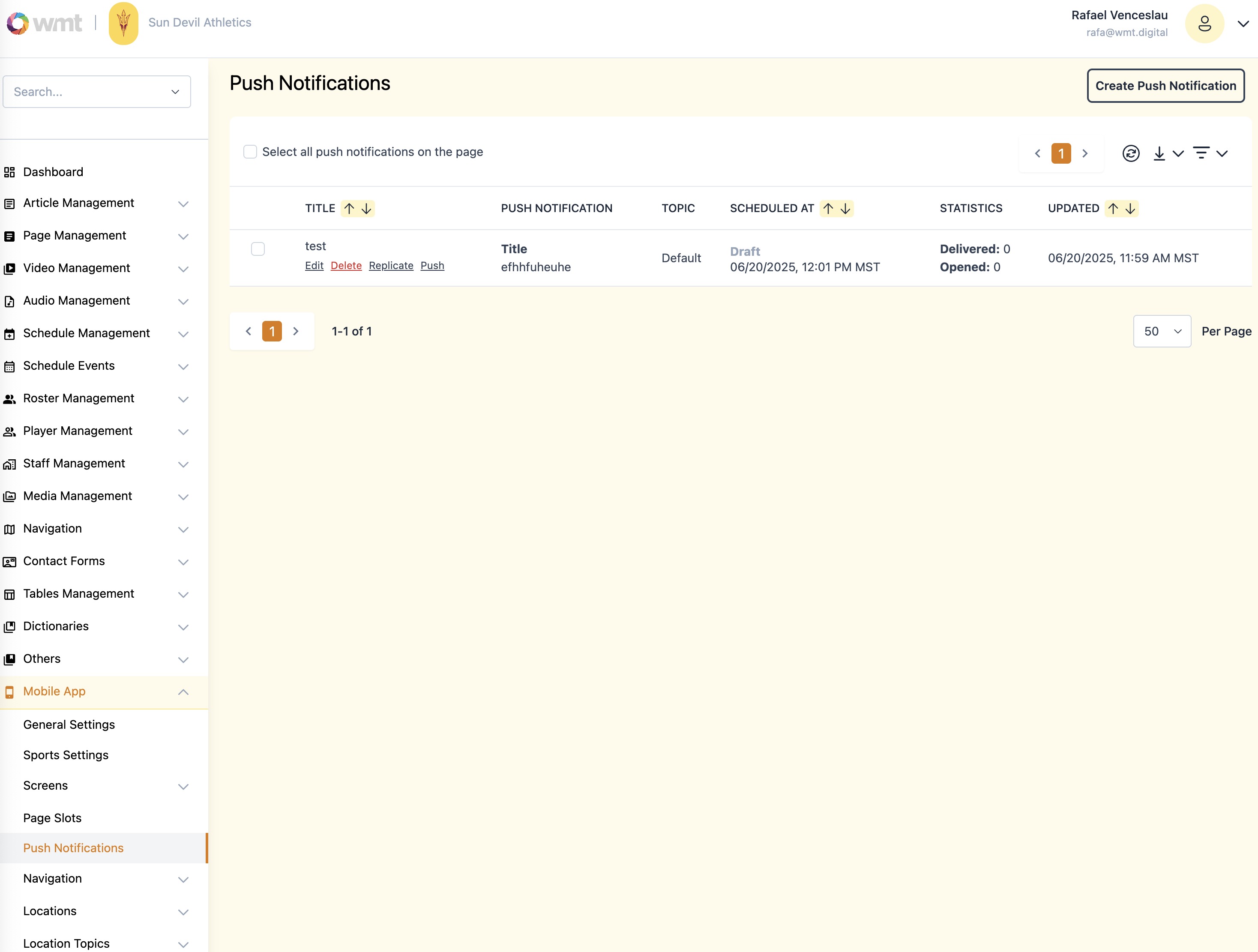
5. Click "push" on the selected push notification
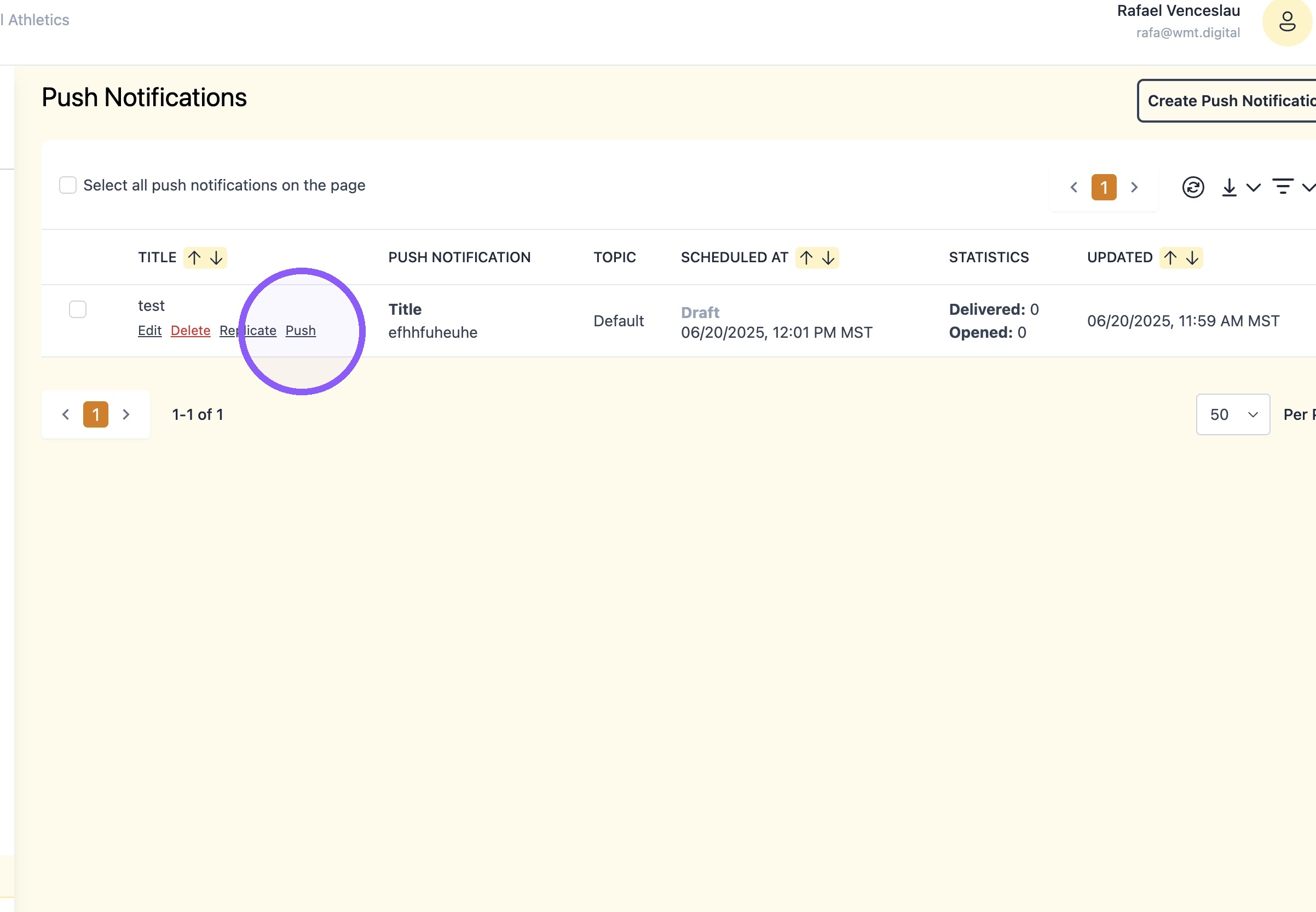
6. Paste Token and click "submit"